Chose Intuit Mailchimp
We did not select this as we are happy with Intuit Mailchimp and this platform did not seem to be an upgrade for us.

| Product | Rating | Most Used By | Product Summary | Starting Price |
|---|---|---|---|---|
 amoCRM | Small Businesses (1-50 employees) | amoCRM is a cloud-based sales management solution designed for small to medium sized businesses. Some key features include: Webform Integration, Pipeline Management and Tasks Management. | $15 /user/month | |
 Intuit Mailchimp | N/A | Mailchimp is an email marketing and marketing automation platform. Beyond just tracking how campaigns perform, Mailchimp takes it a step further by analyzing data from over half a billion emails to show why campaigns perform, driving informed decisions. | $0 per month | |
 Pipedrive | N/A | Pipedrive is a customer relationship management (CRM) software built to help small teams to drive sales. | $24 per month per seat |
| amoCRM | Intuit Mailchimp | Pipedrive | ||||||||||||||||||||||
|---|---|---|---|---|---|---|---|---|---|---|---|---|---|---|---|---|---|---|---|---|---|---|---|---|
| Editions & Modules |
|
|
| |||||||||||||||||||||
| Offerings |
| |||||||||||||||||||||||
| Entry-level Setup Fee | No setup fee | No setup fee | No setup fee | |||||||||||||||||||||
| Additional Details | No minimum amount of users. Free set-up assistance with your own personal amoCRM expert. | — | Monthly plans are available. The Essentials monthly plan at $24 per month. | |||||||||||||||||||||
| More Pricing Information | ||||||||||||||||||||||||
| amoCRM | Intuit Mailchimp | Pipedrive | |
|---|---|---|---|
| Considered Multiple Products |  amoCRM No answer on this topic |  Intuit Mailchimp  Jason Carlage Director of Sales Chose Intuit Mailchimp We used Constant Contact for about a year and we liked it, but Mailchimp was simply easier for us to use, and we liked the formatting options for email campaigns and the templates available in Mailchimp. We also have found Mailchimp to be a little cheaper for us to use on a …  Charles Naud Operations and Commercial Manager Chose Intuit Mailchimp HubSpot CRM is first and foremost a CRM system whilst MailChimp is a specialised email marketing tool so it's no surprise MailChimp is a clear winner in this category. Had HubSpot been a decent CRM too, we might have stuck with that single solution because it would have … |  Pipedrive Jason Carlage Director of Sales Chose Pipedrive I really like Pipedrive for a small business or a Salesforce with a lot of newer reps. It's so simple to see at a glance what is needed for follow up of all top leads, and all leads in general. Reps won't forget the next steps because of the reminders, and it's very easy to …  Jack Mattheus Human Resources Management Chose Pipedrive The difference between this CMR software and similar ones is that Pipedrive is much more complete in terms of features that can be exercised in different job roles such as consulting, human resources management and marketing.  Lawson Brooks III President/Client Strategy Partner, Business Development/Government Relations Services Chose Pipedrive Pipedrive is superior to Hubspot and Zoho. However, given the size of my organization the OnePageCRM is more suited to my needs and comparing it with Pipedrive is doing so with apples and oranges.  Ross Dunn CEO Chose Pipedrive CapsuleCRM was our go-to system up until now and it did a very decent job. Where it lacked, however, was its visualization of the sales process. It also bothered us that outstanding tasks could not easily be removed if they piled up AND they were taking up a great deal of space … |
| amoCRM | Intuit Mailchimp | Pipedrive | |||||||||||||||||||||||||||||||||||||||
|---|---|---|---|---|---|---|---|---|---|---|---|---|---|---|---|---|---|---|---|---|---|---|---|---|---|---|---|---|---|---|---|---|---|---|---|---|---|---|---|---|---|
| Sales Force Automation |
| ||||||||||||||||||||||||||||||||||||||||
| Customer Service & Support |
| ||||||||||||||||||||||||||||||||||||||||
| Marketing Automation |
| ||||||||||||||||||||||||||||||||||||||||
| CRM Project Management |
| ||||||||||||||||||||||||||||||||||||||||
| CRM Reporting & Analytics |
| ||||||||||||||||||||||||||||||||||||||||
| Customization |
| ||||||||||||||||||||||||||||||||||||||||
| Security |
| ||||||||||||||||||||||||||||||||||||||||
| Social CRM |
| ||||||||||||||||||||||||||||||||||||||||
| Integrations with 3rd-party Software |
| ||||||||||||||||||||||||||||||||||||||||
| Platform |
| ||||||||||||||||||||||||||||||||||||||||
| Email & Online Marketing |
| ||||||||||||||||||||||||||||||||||||||||
| Lead Management |
| ||||||||||||||||||||||||||||||||||||||||
| Campaign Management |
| ||||||||||||||||||||||||||||||||||||||||
| Social Media Marketing |
| ||||||||||||||||||||||||||||||||||||||||
| Reporting & Analytics |
| ||||||||||||||||||||||||||||||||||||||||
| Platform & Infrastructure |
|
| amoCRM | Intuit Mailchimp | Pipedrive | |
|---|---|---|---|
| Small Businesses |  Salesmate Score 10.0 out of 10 |  Vbout Score 9.9 out of 10 | Salesmate Score 10.0 out of 10 |
| Medium-sized Companies |  Creatio Score 9.1 out of 10 |  PFL Direct Mail Platform Score 9.0 out of 10 | Creatio Score 9.1 out of 10 |
| Enterprises | Creatio Score 9.1 out of 10 | PFL Direct Mail Platform Score 9.0 out of 10 | Creatio Score 9.1 out of 10 |
| All Alternatives | View all alternatives | View all alternatives | View all alternatives |
| amoCRM | Intuit Mailchimp | Pipedrive | |
|---|---|---|---|
| Likelihood to Recommend | 8.2 (2 ratings) | 8.6 (565 ratings) | 8.0 (71 ratings) |
| Likelihood to Renew | - (0 ratings) | 10.0 (53 ratings) | 8.0 (3 ratings) |
| Usability | - (0 ratings) | 8.5 (434 ratings) | 9.0 (25 ratings) |
| Availability | - (0 ratings) | 9.5 (6 ratings) | 8.2 (1 ratings) |
| Performance | - (0 ratings) | 8.9 (7 ratings) | - (0 ratings) |
| Support Rating | - (0 ratings) | 8.8 (19 ratings) | 8.5 (15 ratings) |
| Implementation Rating | - (0 ratings) | 7.4 (22 ratings) | 8.2 (1 ratings) |
| Configurability | - (0 ratings) | 10.0 (2 ratings) | - (0 ratings) |
| Ease of integration | - (0 ratings) | 8.0 (4 ratings) | - (0 ratings) |
| Product Scalability | - (0 ratings) | 9.5 (6 ratings) | - (0 ratings) |
| Vendor post-sale | - (0 ratings) | 10.0 (2 ratings) | - (0 ratings) |
| Vendor pre-sale | - (0 ratings) | 10.0 (2 ratings) | - (0 ratings) |
| amoCRM | Intuit Mailchimp | Pipedrive | |
|---|---|---|---|
| Likelihood to Recommend | amoCRM, LLC
 Christopher Power Virtual Enterprise Coordinator/Educator | Intuit
 Irfan Ahmad Software Engineer | Pipedrive Inc.
|
| Pros | amoCRM, LLC
 Roman Yarovyi Product Project Manager | Intuit
 Faisal Darbar Sales & Customer Services Manager | Pipedrive Inc.
|
| Cons | amoCRM, LLC
Christopher Power Virtual Enterprise Coordinator/Educator | Intuit
| Pipedrive Inc.
 Mark Rueckert Sales Director |
| Likelihood to Renew | amoCRM, LLC No answers on this topic | Intuit
 Harrison Pershing Digital Marketing Strategist | Pipedrive Inc.
|
| Usability | amoCRM, LLC No answers on this topic | Intuit
 Maria Sergeeva UX and Content Designer | Pipedrive Inc.
 Adil Khan Robin Front-end Developer| Team Lead |
| Reliability and Availability | amoCRM, LLC No answers on this topic | Intuit
 Ben Caplan Risk Manager, and Insurance Agent | Pipedrive Inc. No answers on this topic |
| Performance | amoCRM, LLC No answers on this topic | Intuit
Ben Caplan Risk Manager, and Insurance Agent | Pipedrive Inc. No answers on this topic |
| Support Rating | amoCRM, LLC No answers on this topic | Intuit
 Valie Robbins Owner | Pipedrive Inc.
|
| Implementation Rating | amoCRM, LLC No answers on this topic | Intuit
 Vicki Lesage Digital Marketing Specialist | Pipedrive Inc.
 Ed Juline Director of Sales |
| Alternatives Considered | amoCRM, LLC
Roman Yarovyi Product Project Manager | Intuit
| Pipedrive Inc.
|
| Scalability | amoCRM, LLC No answers on this topic | Intuit
Ben Caplan Risk Manager, and Insurance Agent | Pipedrive Inc. No answers on this topic |
| Return on Investment | amoCRM, LLC
Christopher Power Virtual Enterprise Coordinator/Educator | Intuit
 John Dykstra Small Business Owner | Pipedrive Inc.
|
| ScreenShots | amoCRM Screenshots  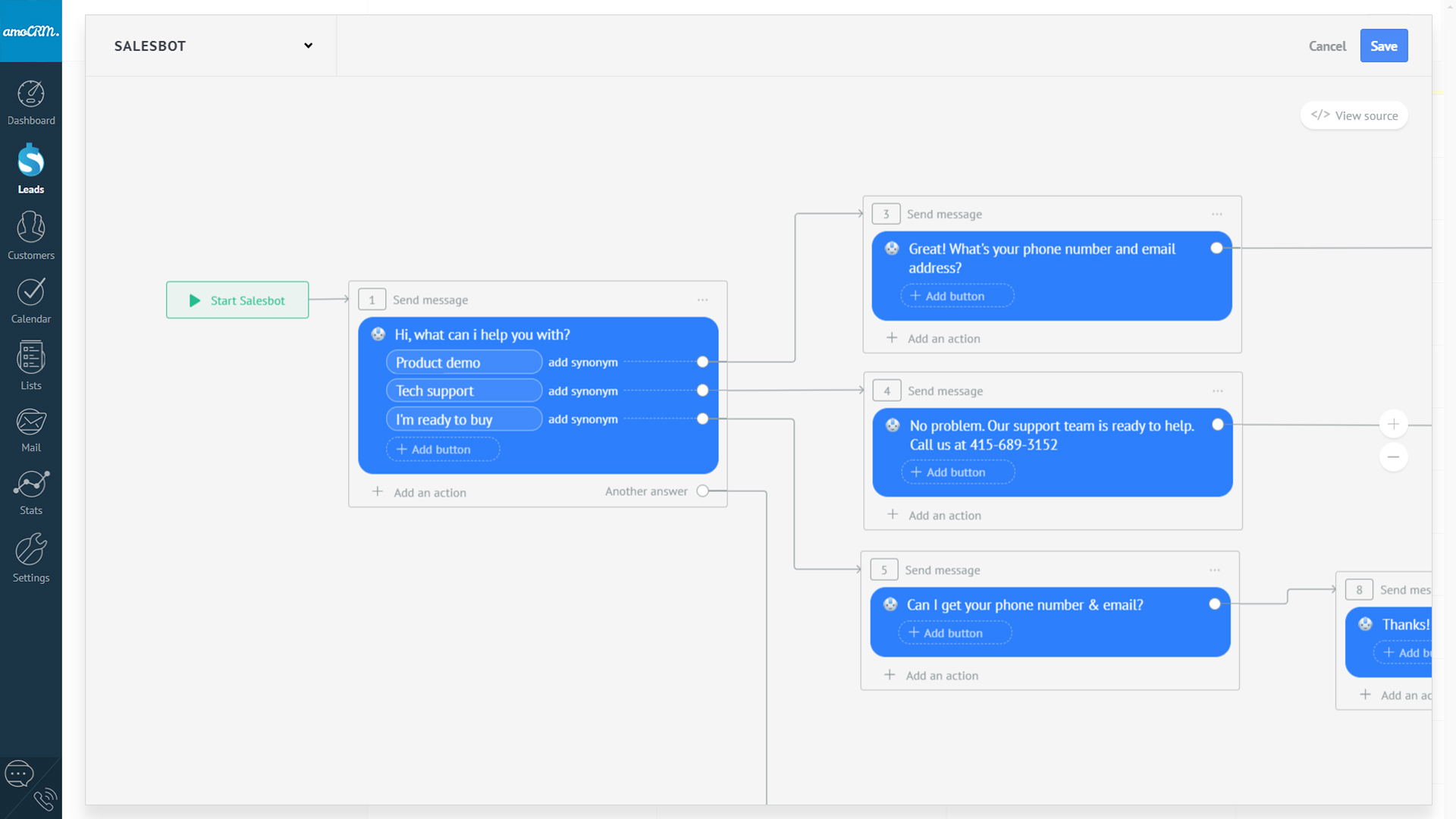 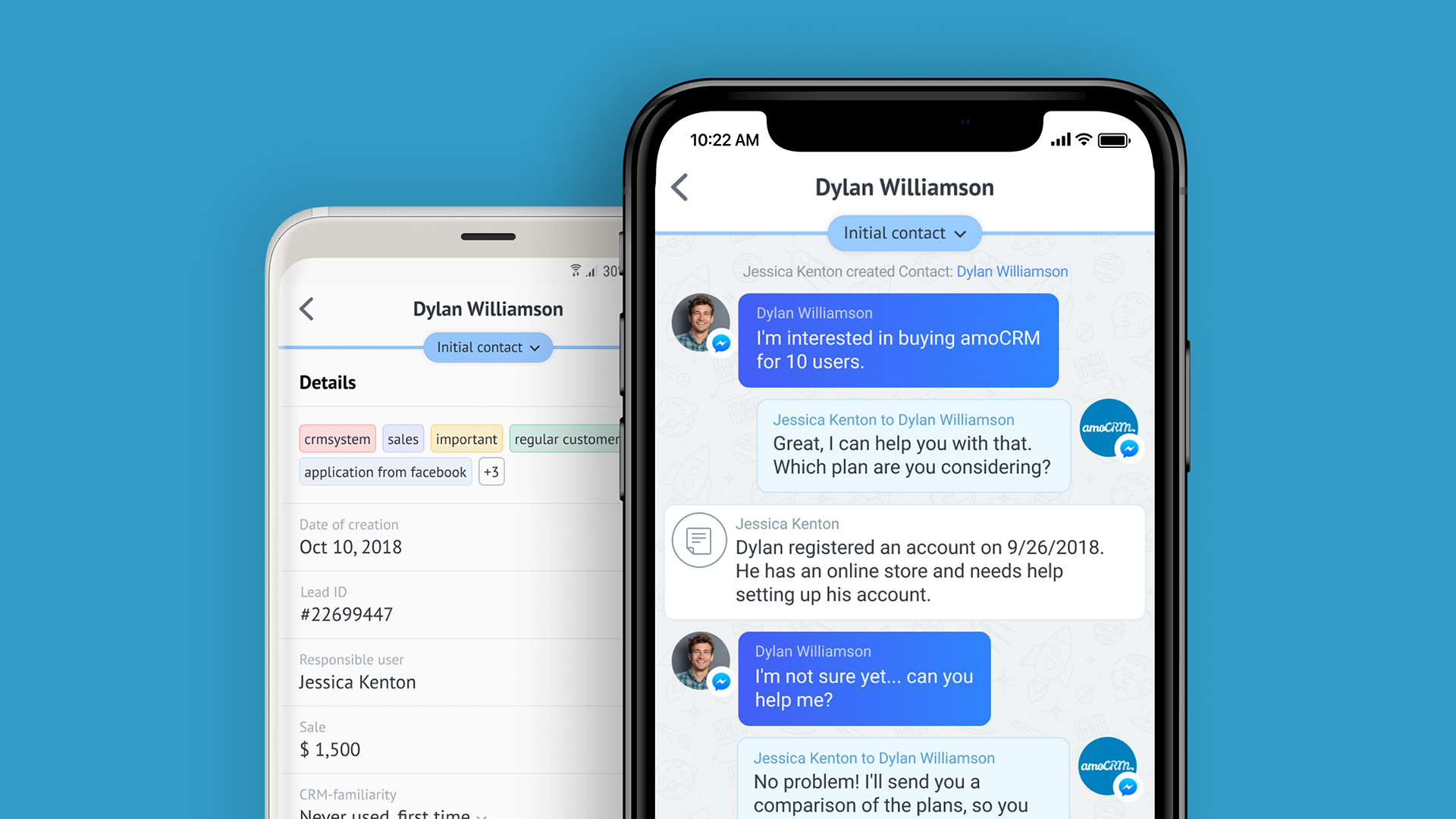   | Intuit Mailchimp Screenshots      | Pipedrive Screenshots      |