Asana is a web and mobile project management app. With tasks, projects, conversations, and dashboards, Asana lets an entire team know who's doing what by when, enabling workload balancing. Users can also add integrations for GANTT charts, time tracking and more.
$13.49
per month per user
Evernote
Score 8.5 out of 10
N/A
Evernote is a suite of software and services designed for notetaking and archiving. A "note" can be a piece of formatted text, a full webpage or webpage excerpt, a photograph, a voice memo, or a handwritten "ink" note. Notes can also have file attachments. Notes can be sorted into folders, then tagged, annotated, edited, given comments, searched and exported as part of a notebook. Evernote supports a number of operating system platforms (including OS X, iOS, Chrome OS, Android, Microsoft…
$7.99
per month
Kintone
Score 9.6 out of 10
N/A
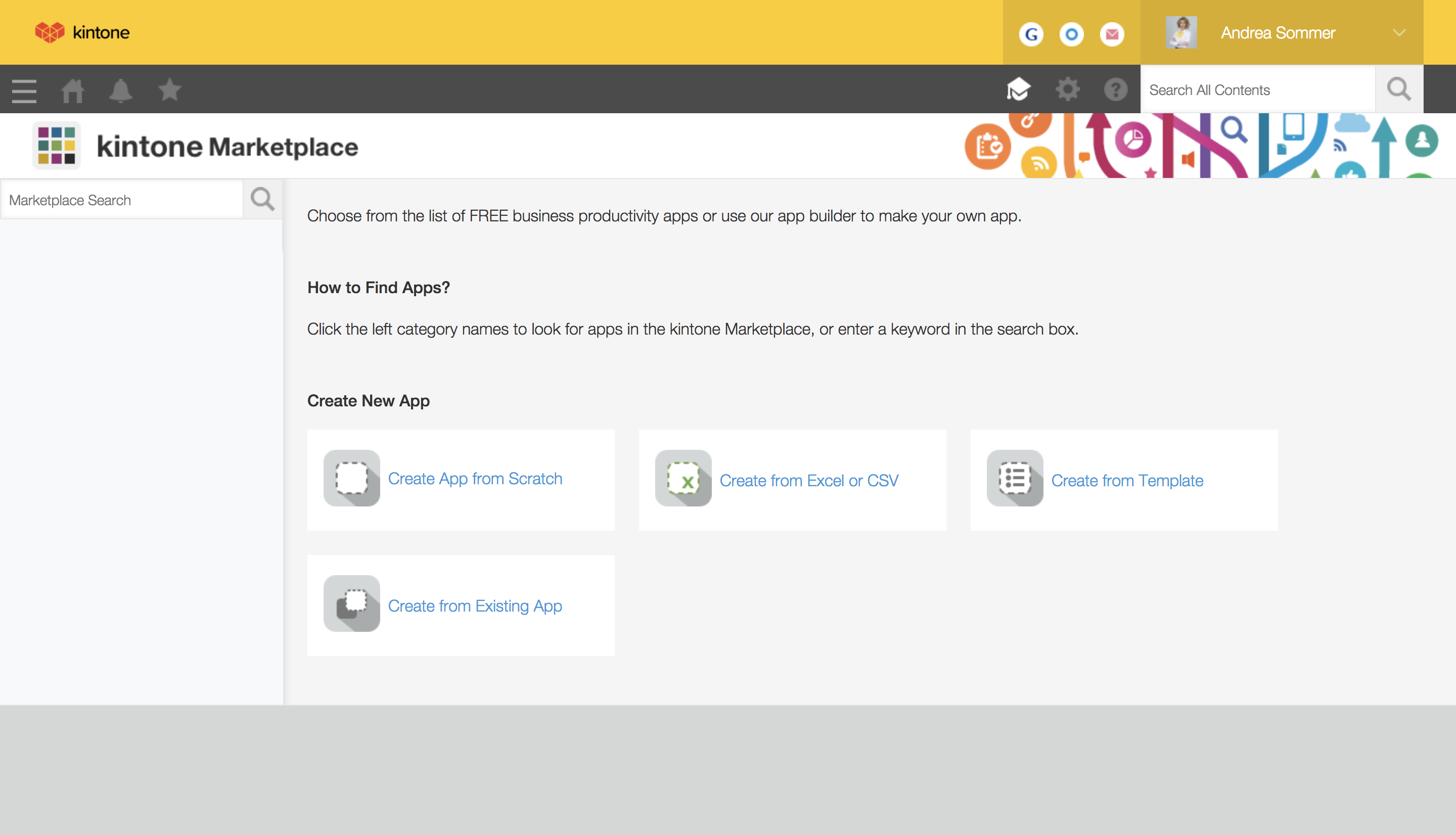
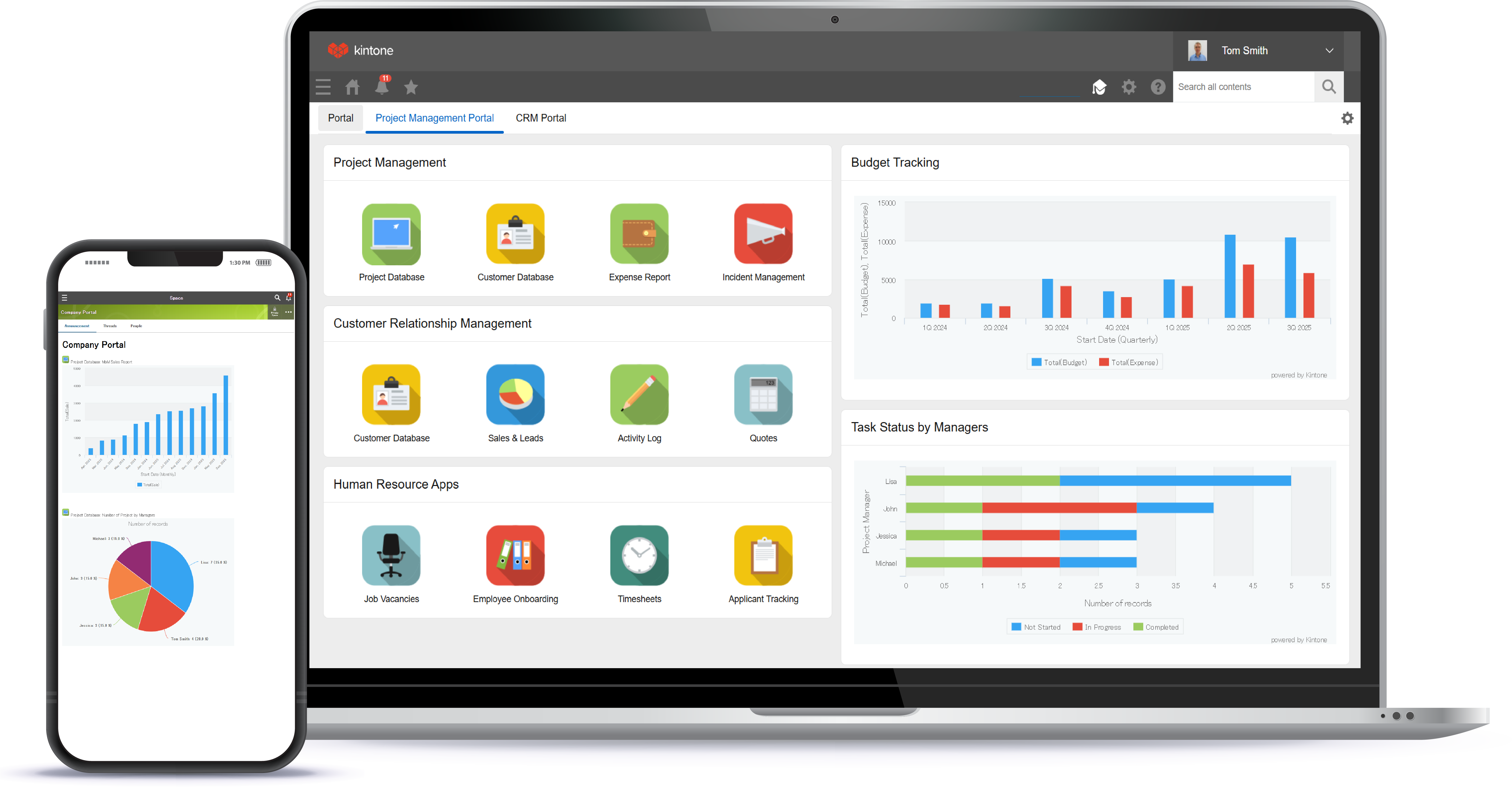
Kintone is a customizable digital workplace platform used to manage data, tasks, and communication. The no-code drag-and-drop interface can be used to create custom applications.
$120
per month for 5 users (minimum)
Pricing
Asana
Evernote
Kintone
Editions & Modules
Starter
$13.49
per month per user
Advanced
$30.49
per month per user
Enterprise
Contact Sales
Personal
Free
Premium
$7.99
per month
Business
$14.99
per month
Professional Subscription
$24
per month per user
Offerings
Pricing Offerings
Asana
Evernote
Kintone
Free Trial
Yes
No
Yes
Free/Freemium Version
Yes
Yes
No
Premium Consulting/Integration Services
Yes
No
Yes
Entry-level Setup Fee
Optional
No setup fee
Optional
Additional Details
A discount is offered for annual billing.
—
Minimum requirement of 5 users. Kintone offers a free prototype to build with using existing process.
I think Evernote has been helpful for my individual task-tracking. For example, my day-to-day to dos but also a place to keep my notes! I take a lot of notes, organize them, etc., for future reference. For Asana, it allows the added capability of bringing on the entire team to …
Asana has a lot of great free tools and makes it easy to create projects and add team members to the project. I think it's a good value compared to others and is the most straight forward to use. I find it to be the most helpful for both personal and team projects.
I have used Producteev very briefly for personal projects. I'd like to use it more but the team doesn't seem to want to stray from Asana. We do use Evernote, but mostly as a way to share articles with others on the team (instead of a mass email)... we don't use Evernote for …
Evernote is not a great cloud drive or to-do list tool. However, Evernote allows one to organize resources in a way none of the other tools do. I can search in Evernote based on tags which is something I cannot do in a cloud drive (at least not that I know). This is important …
OneNote is the best alternative to Evernote. OneNote is structured just like a standard notebook. Google Keep is good for taking notes but it's in basic stages.
We selected Kintone because it was the best combination of price and function. We needed something that could grow and scale with the organization, and that included looking at future prices. We didn't want to invest in something if we would be priced out five new users later. …
We were previously using a custom system that a designer was working on specifically for our organization and it just wasn't meeting our needs. Having the full staff power and experience of kintone Application Builder has been a huge upgrade in that sense and we are also saving …
The usability of Asana is broad since it's available in a variety of platforms that are widely used nowadays. I think that it would be great for people who are constantly on the move and switching devices, since it has allowed me to work from my phone, too. I also think that Asana has proven itself to handle a large quantity of work
Evernote is an excellent tool for keeping track of client relationships and taking notes. The indexing is excellent, with text in images and text. However, a Wiki might be better for large-scale collaboration. It is a perfect use case for it, and it is hard to beat. To-do lists that need to be tracked or have due dates assigned do not work well in Evernote. It's almost like a library that anyone can add to, edit, tag, and reference. Evernote has a limited checklist function in terms of tasks meant to be kept in one place rather than reviewed and organized over time.
Kintone is great if you want a software that will help you in managing your data, and keep track of which tasks are assigned to whom. It also helps to streamline communication and information in one central place. However, it is not for you if you are looking for something complex that has to manage a lot of data.
Through it, we were able to communicate and cooperate with the rest of the team to complete the work in the required manner and at the appropriate time.
I feel that Kintone is not well enough known yet. This means that other apps/APIs are not necessarily easy to connect with Kintone. Yes, you can use Zapier though for interfacing with other apps.
It would be great if it could give more customized options to change the look and format of certain things. You can make price quote apps, for example, but have to rely on 3rd party apps or programming skills to customize the look and fields.
If you make a table as an input field, it cannot connect to other internal Kintone apps for lookups and such.
I think there is more potential to make more customized data graphs.
I can't really imagine how much they'd have to charge me to make me quit Evernote. I can't really think of any technology that has changed my life as much without going back to email in the 90s, or the introduction of the iPhone. I know I sound ridiculous, but it would be really tough for me to live without it. If I were forced to choose between my smart phone (and keep in mind that I get lost in my driveway) and my Evernote, I'd probably choose my Evernote.
I still think that there's a room for Kintone's future, and high expectations for them in additional features and innovative tools and supports. Truly hope that they will support email features, and standardized supports for various plug-ins with the 3rd party software and apps. In the meantime, we will have to consider our ways of doing our work in all aspects
It is very user-friendly. Takes a new employee an hour to start figuring out how the system works. That's an important factor. You don't want to encounter the issue where employees need a week to understand how the system works. For example, JIRA, I tried using it for a week and I still don't understand the complicated layout. Asana has a simple interface. Once you see it, you get it type of program.
Basic visual organization - ability to create a notebook and store user notes inside of it.
Basic easy navigation - You can quickly move in and out of files and notes.
User intuitive addition - whatever you need to add to your document, it's relatively easy to understand and use.
We find overall that we still want some functionality in creating better task lists, boards, and other things that we find in Notion - which is the tool that we use as a team notebook/storage space.
While, we have been quite happy with out choice to use Kintone, there are a couple of things (mentioned previously) that would make the experience better. Overall, it has been the best fit for our organisation. We are still in the process of building out a needed API and integrating that, so we have yet to reach full functionality with one of our apps in Kintone. Once we have that completed, I think we'll have a better idea of how well it truly works for us
Generally issues are by connectivity and not Evernote availability but I have had issues in the past with cross-client consistency of data which Evernote Support has ID'd as bugs that are still unresolved as far as I know
I haven't had to use their support so I can't rate it. The fact that I haven't needed them reflects the ease of use of the product. I would recommend that any new users schedule a complete demo of the product to ensure that they are using it to it's fullest (there's a lot of useful features).
I bet you won’t even need to call their support. Their product has never failed me. Simply put. But if you were to email them to gather some details or help, I bet they won’t disappoint you. Don’t worry about the support, it’s the last thing you should worry about this product.
I have had very specific questions about different aspects of the software, and I have always been able to get a hold of someone who could help. If my sales rep didn’t know the answer, he would get me in touch with someone who did know the answer. The whole team is very ready to help. It definitely feels like they view my success as their success, which is so important with this type of software.
Make sure you think about your tags. If you end up with multiple similar tags then things aren't grouped together as you might prefer. For instance if you have a tag called Disney and Walt Disney, this will split up your articles. Evernote makes it simple to correct, but I suggest you make sure your users look closely at the existing tags before creating new ones.
Everyone has their own tastes of things and way they want to work. Asking them to adapt to the changes with the new tools or apps is always difficult. We would want to start with a very small but best example within the organization, which in our case was that the employees will not be bothered by the bosses by being asked to find the documents, status of the progresses, or major things/requests/projects.
Asana is a top-tier project management software that helps us organize and track projects from start to finish. It allows us to apply tasks/to-dos to multiple projects without duplication, divide complex projects into smaller tasks, and track project progress. It also helps us organize work on Kanban boards or linear lists. It stands out from the crowd in a big way compared to the competition.
The most similar program I have used is OneNote by Microsoft, and other note taking programs exist like Notepad and Microsoft Word but those programs do not offer syncing like Evernote does. There are newer programs in the space like Dropbox Paper and Google Docs which would be on a list of ones to consider.
Kintone is the easiest product to create from and the cost is the lowest I believe. In addition, reconfigurability and extendability are great. If you look for a low code tool, you can try Kintone. But as same as another low code tool, don't expect too much.
Evernote has allowed our school's over 3000 students and staff members to work more efficiently instead of spending time on making physical notes, clicking pictures, and uploading them to the cloud in order to share them
The investment in Evernote Premium has also allowed for heavier files to be attached in each note such as student work that allows teachers to be certain that students have followed deadlines and finished assigned tasks
Evernote has allowed our school to smoothly transition in and out of online learning as the local COVID-19 protocols change and student work requires one platform to be based on throughout