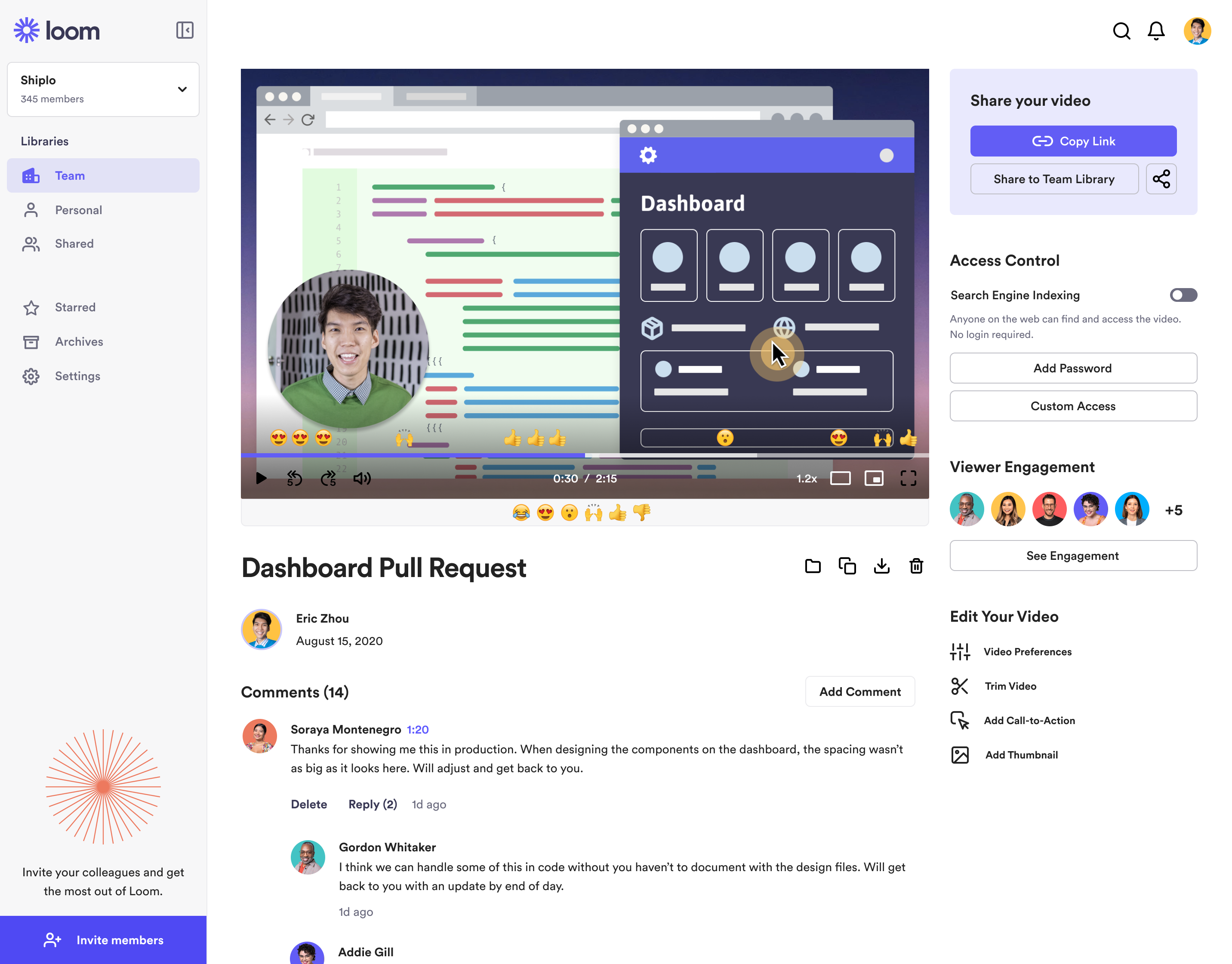
Loom is a screen recorder for Chrome, Mac, Windows, and iOS from Atlassian, presented as quick to install, easy to use, and boasting a functional free edition.
$8
per month
ScreenFlow
Score 9.1 out of 10
N/A
Telestream in Nevada City offers ScreenFlow, a video editing and screen recording application for Mac boasting a range of editing tools, graphics and effects, and easy video sharing.
N/A
Zoom Workplace
Score 8.4 out of 10
N/A
Zoom Workplace, Zoom’s open collaboration platform with an AI Companion, empowers teams to be more productive, and strengthen customer relationships throughout the customer lifecycle with Zoom’s Business Services for sales, marketing, and customer experience teams, including Zoom Contact Center.
I tried lots of different screen recording software but ultimately chose Loom because it had the simplest and most user-friendly UI. There are certainly more advanced apps, like screenflow, but my use case is fairly simple—I just want to be able to record video/screen-shares as …
Simplified version of screenflow, not as comprehensive as screenflow in terms of features, but it does the trick for making short training videos. If you just want to capture something on-screen and not do a lot of editing, then Loom is perfect for that. Great for generating …
Zoom's recording feature has been helpful before Loom, but I appreciate that with Loom I can go back and re-record something if I made a mistake. It's much easier.
Loom is the best video screen sharer that we have come across. Its ease of use and relative value in its free product make it an easy stand out when we went looking for a platform to use. Though there are different video recording platforms out there that can do similar things …
While Final Cut Pro X is definitely more full-featured, the learning curve is also considerably steeper. Also, as far as I can tell, Final Cut does not have the built-in capability to record my computer screen. If you are a hardcore video editor, Final Cut is the way to go. …
Founder | Digital Marketing Strategist & Facebook Lead Gen Expert
Chose ScreenFlow
screenflow is much easier, and less expensive as well. Anyone can make a screen record using quicktime, but the tools that are included help you polish off your content end to end.
While Loom is the fastest, it lacks editing power. Loom is best suited for quick communication. Camtasia is the only direct competitor I'm aware of, but it's much more expensive and not as easy to use. The only benefit of Camtasia is that it has superior text on screen …
Zoom Workplace is superior in my opinion. It is the best for training clients and allows for annotation. Teams does not allow you to annotate and that makes it VERY hard to direct someone where to go on a screen.
With Five9, there may be a disadvantage in terms of prices, which is why we're switching to them for the phone service, but Zoom Phone is actually much better. The integration it offers with other tools allows for data collection and call recording. In the Admin service, you …
Zoom is equal in parity to all of the tools mentioned above at a bare minimum, and for some of them it goes above and beyond - for video conferencing, Zoom is well past Meet and Teams. It's less obtrusive than Teams on a PC, and it doesn't strain older hardware like Meet does.
Zoom is much more reliable, and the call quality on Google Meet has been less than great for any meeting more than 1-on-1. I chose Zoom because I could try that it would work and that I could hear the other person. It's easier and simpler to use. Zoom wins.
Loom is a must, I am not sure how many other tools like this one there are but Loom really becomes a key player in a team collaboration, specially if that team collaborates remotely or internationally. You can use the video links to embedded these in other places or downloadthem for editing
When training others to use a software application, I find this is amazingly helpful to accomplish using screenflow. The application allows me to video what I am doing in the application while explaining it in details. There are other uses of course, one that I found was to capture myself talking through students' research papers/thesis and explain where changes need to be made. Of course, MS Word has the tracking changes option and a professor can go through sentence by sentence - the downfall of this is that students #1 - do not always understand what is being suggested as we all cut back on words when typed out versus spoken. #2 - students do not always read the added comments thoroughly. Viewers watch the video and listen to a voice quicker than reading remarks. The viewing and voice, in my opinion, are the greatest part of the end product provided to viewers. This tool can assist anyone's work that trains others...be it industry or educational fields.
Zoom Workplace is ideal for many businesses, more so because it saves money by uniting different functionalities into one app - meetings, messaging, phone, and scheduling. The tool keeps teams connected thanks to the amazing collaboration and communication features. In addition, Zoom Workplace is helpful for businesses with a hybrid team, thanks to its effortless connections.
Loom is valuable for creating video tutorials and onboarding materials.
It allows trainers to record step-by-step instructions, share best practices, and provide visual demonstrations, facilitating the learning process for new employees or team members.
Sales teams can create personalized video pitches or product demonstrations to engage prospects effectively.
Collaborating between timezones and replacing meetings/ emails with quick videos.
Screenflow easily records your desktop video and/or audio, with functionality that works even across multi-monitor setups.
The program has really incredible features for basic cutting and editing of the capture within screenflow once it is done.
The program has an impressive amount of options for expecting different formats of video and audio. I'm most impressed by the lossless audio and uncompressed video formats that give the best possible quality for importing into video projects.
It offers amazing unified collaboration features, including Zoom whiteboard, Zoom team chat, and integrated mail and calendar.
Zoom is a great meeting solution, with features like smart recording, breakout rooms, and personalized video and audio, making it a functional business meeting tool.
It is equipped with amazing AI features that help summarize meetings, generate content, and provide quick catch-up, allowing one to ask AI questions without interrupting meetings.
The still screenshot feature should let us edit/mark up the images.
I work on 3 X monitors and the desktop version of Loom still can't seem to know that I always want to record on the screen from which I open the app. Short of that, it should ask us what screen we want to record on instead of making us catch the fact that it's set to record on some other screen. This causes me to have to stop the recording and restart because it was recording the wrong screen.
You can't yet transfer a video seamlessly between workspaces. This causes you to have to download and then re-upload to the other workspace if you happen to work for numerous companies using Loom.
Be able to open working projects in other editing software like Premiere. In cases that editors want that flexibility or someone doesn't have access to ScreenFlow but needs to work on projects that use it
Only available for Macs. Some of our teachers have PC and prefer to work on that or used to it. Only reason we switched to another screen recording application
I don't think there is any malfunction in their solution; it's extremely convenient to use, be it creating a meeting invite, adding people, sending any extra stuff to them. It's quick, and this is the only tool that works seamlessly even on Androids.
We're sticking with Zoom for the foreseeable future--given its compelling feature set, ease of use, and advanced technology, there's just no other competition to be excited about. Plus it's a Gartner-recognized industry leader, so it's a rather easy choice.
It's dirt easy for the one thing it does exceptionally well. If you think, "hmmm, I should make a quick screen capture of this thing on screen, you can start recording in seconds with almost no additional effort." Once you're done, the recording is automatically uploaded to your account site, and automatically creates a URL you can copy and share with your target audience. From IDEA to EXECUTION to DISTRIBUTION is literally seconds.
It's simple to set up and use. The editing features are laid out in an easy to understand way making it the perfect go-to tool for a novice video editor and an advanced one. I will use ScreenFlow at times over other bigger tools like Adobe Premiere because it's quicker to make changes to videos.
Zoom is made for the non tech office. It has features that can be made to do what you need to run things on a day to day basis. Immediately we we able to get meetings going with remote employees. The ability to be able to add smartphone connected people was a big plus. Zoom met our needs at the time.
There have been less than a handful of outages during our two years with Zoom, and whenever there was one, an email informing us of the outage went out immediately, and they had the issue resolved shortly thereafter.
Loom is one of my favorite solutions and I've been a raving fan since they first launched. The value of quickly sharing videos in seconds is amazing. Our customers love it so much that they have even downloaded the Loom Chrome extension for their own use with their clients! It's so simple, and nothing else compares or competes.
Zoom has among the best performance of any video conference platform, as I've mentioned several times. Besides that, their Chat platform works great, and their back end always runs smooth. It's unfortunate that reporting can now only be done by one month at a time, but nonetheless, it only takes a second to run any kind of Zoom report, whether it's an attendee report, Poll results, a user report, a list of meetings from the past month, etc.
I use Loom for simple tasks. Never used customer support really. It's so simple to use. I haven't had any real issue with Loom which would require customer support to help me out. So I just put 5 because I don't know if the customer support is good or bad since I never used, so I'm kind of neutral.
It works well and fits into my workflow. The tools are much easier and straightforward to work with. Other video editing tools like Adobe Premier or Final Cut Pro are simply too complicated for this type of task.
Because I got a response right away, and was assigned one specific individual to work with me from the beginning to the resolution. I had an actual email address and direct contact with this person without having to start over and over every time I contacted Zoom - this singular individual remained attentive and was well informed on the subject matter and quite able to resolve my needs.
If you receive any pushback from higher ups, point to any of the various positive reviews like this one. Or show Zoom's excellent Gartner report, or articles describing Zoom's partnership with Sequoia capital. It's not difficult to show how Zoom is a trustworthy industry leader with best-in-class technology.
When we evaluated the alternatives, Loom was by far the most advanced tool, with multiple types of integrations. Additionally, Loom also provided a Free plan, which made it easy to consider as an alternative. Vidyard and similar tools integrated better with certain other tools (Vidyard + HubSpot), but Loom had better overall integrations with most tools we use.
We looked at things like Loom and all those other screen recorders, but Screenflow is just so much more powerful. It can do everything we want it to and more, even things like Chroma Key (green screen), text on video, transitions, all that. It's a pretty great software for making videos.
Teams do not stack up to Zoom at all. My clients use Teamas because it is a corporate policy, and they use it most of the time between employees of the same company. It makes sense for this, NOT for me. Every time a Teams meeting is launched, since I am not part of this company, the meeting is laborious, the interface is not as nice as Zoom's, sharing documents is more difficult, etc., etc. Zoom is superior to Teams in every way!!!
The billing and price model is really fair for so many functions that they offer, our remote work requires each of the features that Zoom offers, so accepting payment for a tool like this is the least we can do. I like that billing arrives on time and that they offer opportunities and payment times.
Because the Basic licenses are completely free, and because it's very easy to configure and install Zoom, and because anyone can join Zoom from a link without needing an account, scaling is a Breeze. There are absolutely no roadblocks. My company keeps adding more Zoom Pro license every week since it's so in demand. We were able to convert users from several different platforms onto Zoom with no trouble at all.
Zoom is perfect for our business. We use it to video chat with prospective clients. The name recognition alone gives us credibility and it is very easy to screen share and send content out.
Loom has increased my efficiency and value to clients so much. I save a ton of time by being able to send them video recordings walking through their website rough drafts and final tutorials.
Loom is incredibly affordable. I am satisfied with their subscription cost.
Loom has helped me communicate clearly to clients, so there's less room for error/misunderstanding (especially when talking about design decisions).
This is a low cost license, so the output is almost entirely to the upside
Years ago, we determined it was essential to have a video representation of our products and services. ScreenFlow has enabled the development of these and many other videos as well as our training programs for employees and clients. All this has been accomplished with a relatively low cost to entry.
We are still early in our adoption of Zoom Workplace for business, so we don't really have any data to show cost savings.
The ability to take a call summary or meeting summary and add it to our practice management system have been remarkable. It's a quick copy/paste and it's in the system. Prior to this, we would have to scan in notes and save them into the system, if it even got that far. Mostly, attorneys would be searching through legal pads for the notes of a previous meeting or phone call.