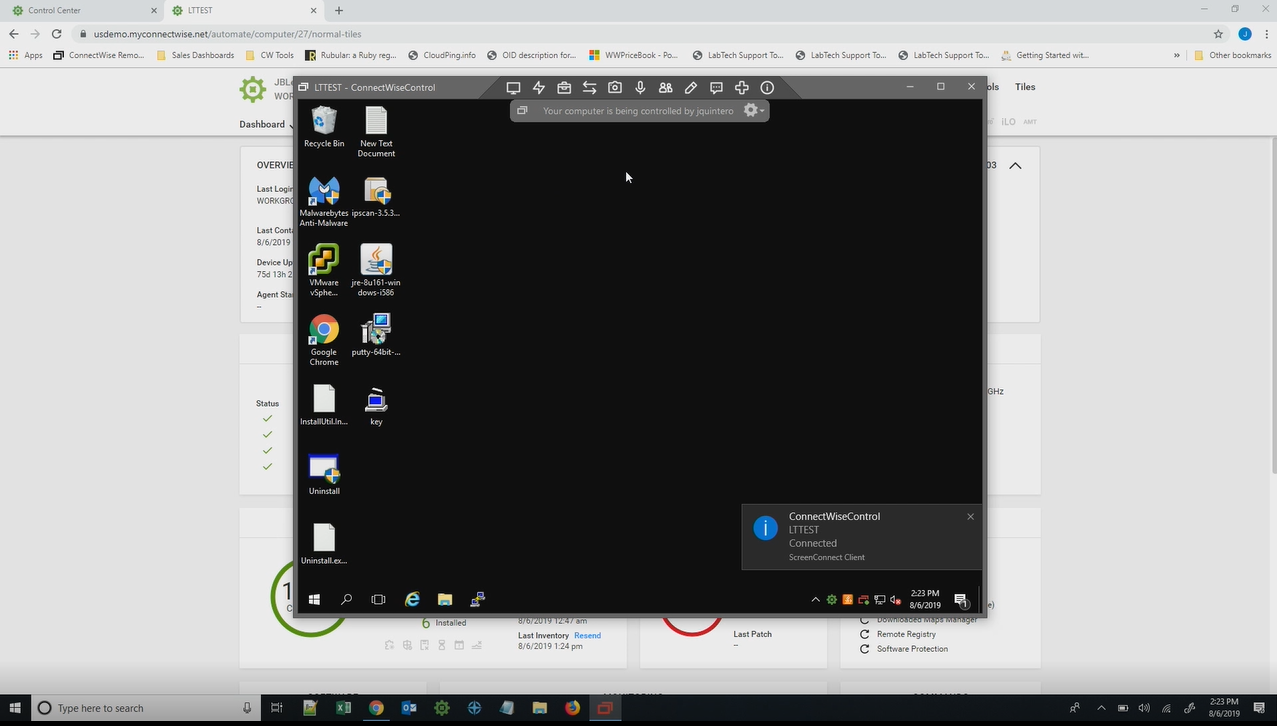
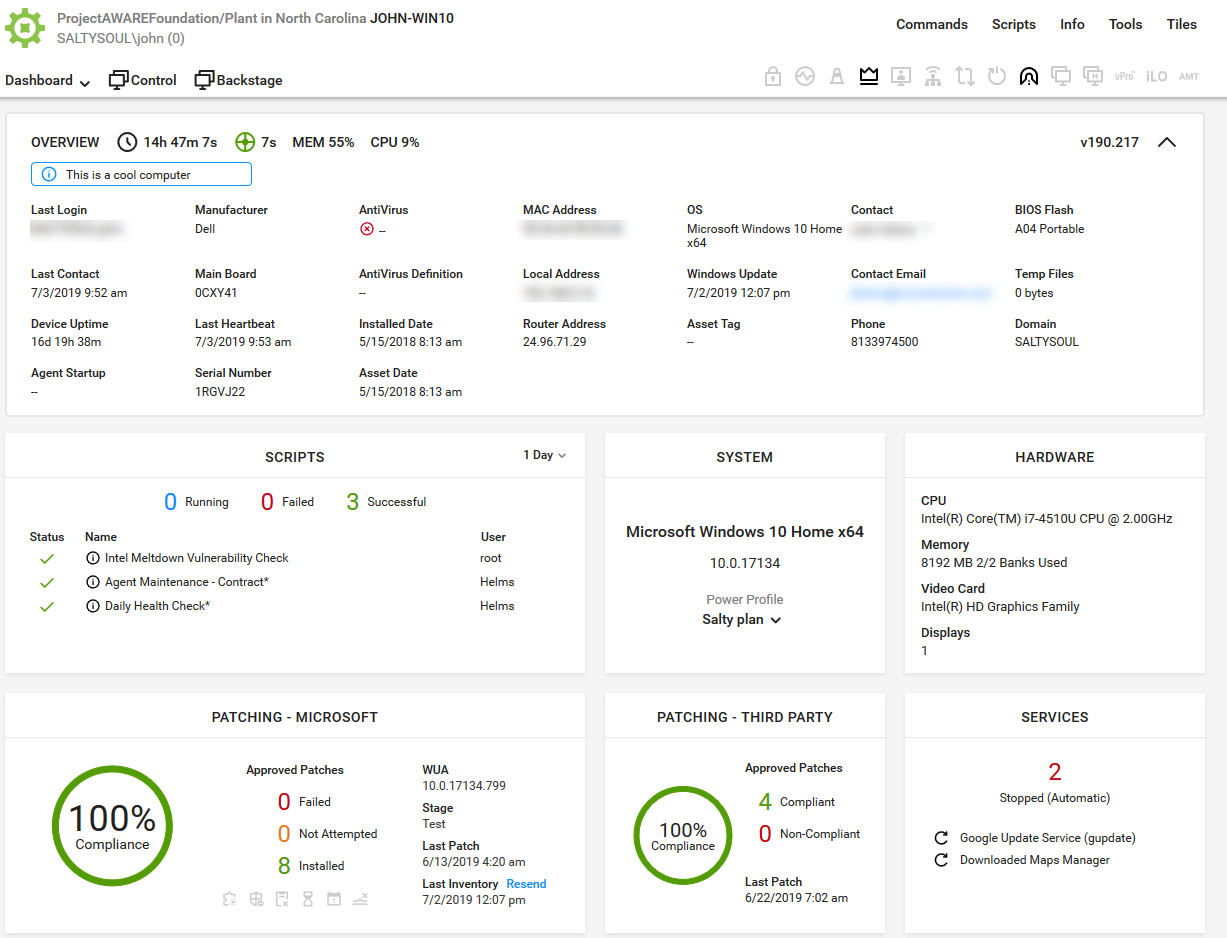
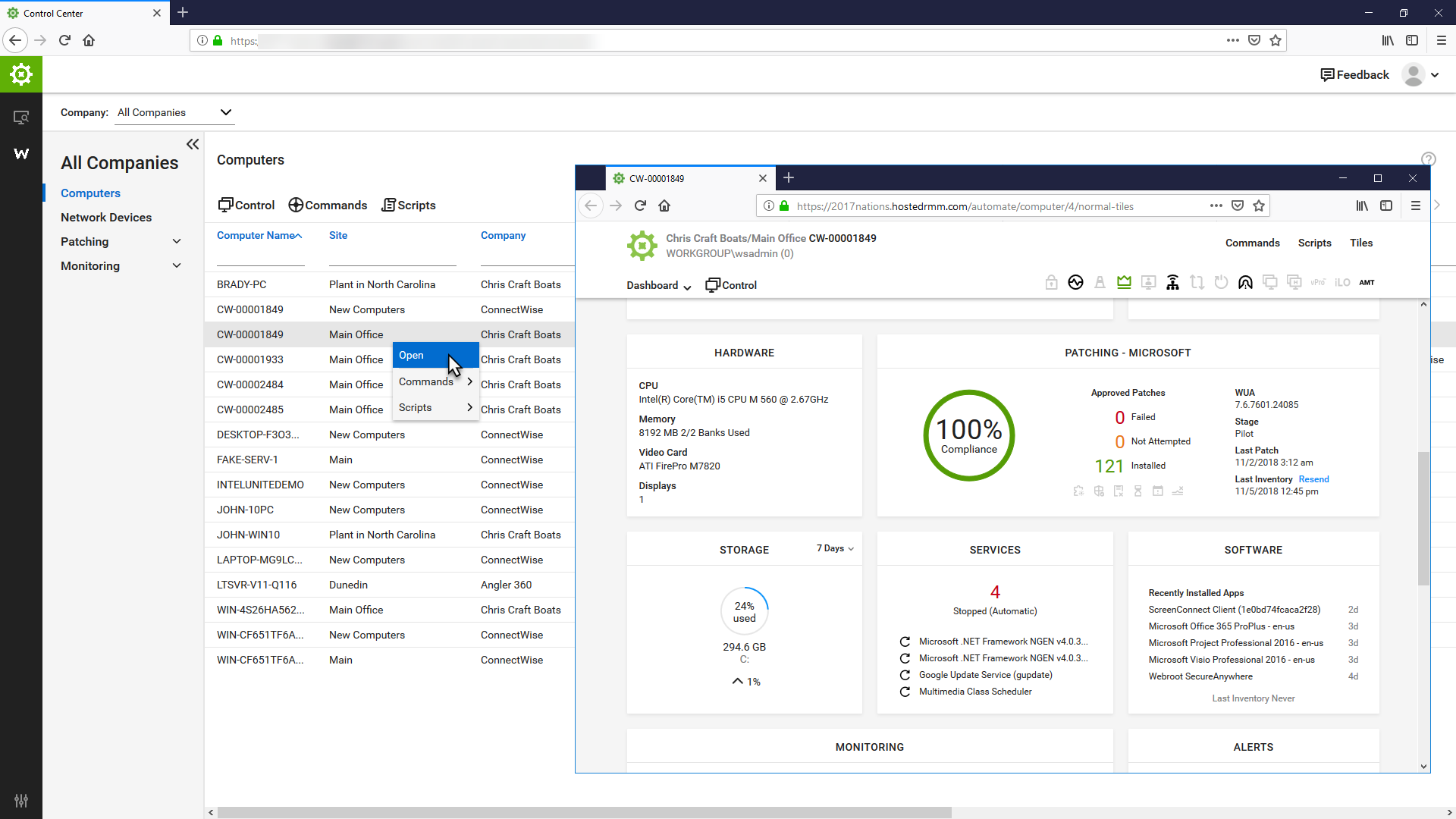
ConnectWise Automate, formerly LabTech, is a remote monitoring and management (RMM) platform. It provides powerful automation to discover and manage devices, monitor for problems, and scripts repetitive action.
$700
Kaseya VSA
Score 7.3 out of 10
N/A
Kaseya Virtual System Administrator (VSA) is a cloud-based Remote Monitoring and Management software. VSA unifies the monitoring of system infrastructure and endpoints and is designed for use by IT teams and MSP’s. It offers a robust crowd-source automation scripts library, as well as antivirus and malware capabilities with real-time threat alerts.
N/A
Netwrix Auditor
Score 8.4 out of 10
N/A
Netwrix Auditor is designed to enable auditing of the broadest variety of IT systems, including Active Directory, Exchange, file servers, SharePoint, SQL Server, VMware and Windows Server. It also supports monitoring of privileged user activity in all other systems. According to the vendor, Netwrix Auditor eliminates these blind spots by delivering complete visibility into all changes to system configurations, content and permissions across the IT infrastructure.…
N/A
Pricing
ConnectWise Automate
Kaseya VSA
Netwrix Auditor
Editions & Modules
Agents
$1.00-$6.00
per month/per agent
Implementation Fee
$700
No answers on this topic
No answers on this topic
Offerings
Pricing Offerings
ConnectWise Automate
Kaseya VSA
Netwrix Auditor
Free Trial
Yes
No
Yes
Free/Freemium Version
No
No
No
Premium Consulting/Integration Services
No
No
No
Entry-level Setup Fee
No setup fee
No setup fee
No setup fee
Additional Details
—
—
—
More Pricing Information
Community Pulse
ConnectWise Automate
Kaseya VSA
Netwrix Auditor
Considered Multiple Products
ConnectWise Automate
Verified User
Engineer
Chose ConnectWise Automate
We selected ConnectWise Automate over Kaseya as it provided many of the same features but less of the headache. Often times, scripts would not work in Kaseya or updates would not push. We have not had this experience with Automate, scripts and such just run when scheduled. …
If we have to do it again, we would not choose to Automate due to the number of efforts and monetary investment (3rd party consultants) to implement it as well on going managing it. But, in comparison to the other RMM products we used in the past, Automate offers more …
Automate is by far the best of all RMM solutions we have tried. The overall ease of use and support is much better than we have experienced with other RMM vendors.
I touched on this in the previous section some. Kaseya's choice of managed antivirus was very poor (KAV, a tweaked version of Kaspersky) when it first started. It took them a long time to fix anything, and the fixes usually produced new and different issues. Kaseya kept …
We switched from Kaseya to Automate 7-8 years ago - it was no contest at the time and Kaseya wasn't cutting it in a number of areas at that time that was really hurting us. I'm sure it's improved since then.
We selected LabTech because we already had a very good ongoing customer support experience with ConnectWise. We had LabTech before ConnectWise acquired it, and had Kaseya, but gave LabTech another try and we are very glad that we did. We did not have a good experience with …
Prior to using LabTech, we used Kaseya. While Kaseya and LabTech have much of the same functionality, LabTech does things better and more consistently. Also, we rely on ConnectWise as our ticketing system and PSA. LabTech has two way ticket synchronization with ConnectWise that …
We used to use Kaseya VSA and liked it a lot. The primary reason we switched was the oppressive licensing costs. They've since changed their licensing but it was too late for us as we'd already made the switch. LabTech compares well with Kaseya VSA and neither are bad products …
We were previously using Kaseya and were frustrated by the difficulties we had in a number of areas. We were unable to use Kaseya's remote control reliably and experienced other problems. When we asked for help, the answer was usually one of two things:
Labtech has been around for a while and they actually listen to their community. The product is robust and is built for IT service providers. I have used a previous product for a long time and can tell you that Labtech is slightly more difficult to implement, but far more …
The way LabTech integrates with ScreenConnect and TeamViewer is just SO much better than Kaseya. I feel like Kaseya is a bit more intuitive though as opposed to LabTech that you should probably get some real training for. Scripting in LabTech is more reliable. I've never had a …
VSA is easily on par with SolarWinds N-central but ConnectWise Automate is the best tool out there for RMM. Automate shares some of the clunky interface that VSA has, but it is extremely fast and reliable. N-Central has the best organization of the three, it is very easy to …
What's Up Gold is more of a monitoring application and very good at that, but doesn't have the management tools that VSA provides. It requires additional applications and you lose the "single pane of glass" concept.
ConnectWise, at the time we looked at the product, did not have …
Automate is by far more customizable and affordable, a lot of our pain points in Kaseya are addressed with Automate. In our case, we have used Kaseya since 2012-2013 and have started migrating our customers to Automate in the past year.
Have not actively compared another product against Netwrix, as Netwrix has performed well for our organization. No further investigation or products were offered to be evaluated alongside Netwrix. It has been used in our organization longer than I have worked for this company. …
I recommend it to all IT colleagues; regardless of the size of the PCs with which you work most of the time, the application allows connection stability between computers that make it possible to continue working or taking care of the infrastructure from afar.
If the software functioned as it was intended, it would be probably a 7 out of 10. It lacks the majority of customization that SolarWinds N-central supplies, but also supports some customization that other solutions we have tried do not. Again, if the software didn't consistently break, the ability to implement automated scripting via PowerShell and the capacity to manage 10+ endpoints at once in different windows is great.
Netwrix [Auditor] is a great tool for any SysAdmin no matter the company size. Licensing is determined by users, not employee count, and that makes it a great product from a small business to an enterprise application. The time savings coupled with the increased productivity is a key factor is determining this tool over other products.
Being able to see systems that are not within the local network allows us to be able to troubleshoot and work with the end users no matter where they are or where we are as it is cloud based.
Several functions can be "automated" so staff do not have to keep going back and scanning for updates, push Windows updates and or push sensor updates.
VSA offers a variety of system information about all of the assets that have the endpoints installed on them so we can easily see the system specs without having to actually connect to them and pull up the SysInfo on each unit.
Netwrix Auditor performs the audit collection process in a method that does not burden the systems it is auditing. It usually just pulls the log and event logs data from the machine it is auditing and then performs the extraction of the information in these files on the Netwrix Auditor server. This reducing the audit processes to only pulling log data from the server but does not keep the server busy processing the data.
Once the log data has been pulled from a server being audited, Netwrix will store the log data in a compressed form in its Long Term Archive. This allows the database to be kept smaller than the all the data being kept in the Log Term Archive and therefore makes creating reports much faster since the database is not as big as it could be.
Since Netwrix Auditor uses standard Microsoft SQL Server and SQL Server Reporting Services (SSRS) to perform reporting, working with the results of the audit is much easier. Anyone who knows SQL Server and SSRS can work with the data and create their own reports.
The predefined reports that come with Netwrix Auditor cover most of the items required to properly report on the status of a system. They have many predefined reports for FedRamp, PCI, HIPPA, and other compliance regulations.
They have conflicting scheduling paradigms. When scheduling patching for clients, the 1st Friday is interpreted as the very first Friday of the month, even if this is the 1st of the month. For scripting, the 1st Friday of the month is interpreted as the 1st Friday of the 1st FULL WEEK of the month. This makes no sense to have two different interpretations, and makes it unreliable to schedule recurring scripts to fall when recurring maintenance does. The scripts need to be done manually because of this.
There is no way to dictate reboot orders for patch policies. This tied directly in with my first point. We have some clients that require reboot orders. This is not possible without having different patch policies for each server and specifying a time this way. But, there aren't small enough increments of time to make this reliable, plus patching duration might vary. Excluding reboots with patching and scheduling reboot scripts fixes this. However, this can't be done once on a recurring schedule due to the different scheduling paradigms already discussed. We have to schedule these manually each month.
Support - Like all other competitors support is OK but the product is robust enough to reduce support requirements.
Customer Service - another team that is a bit poor especially when the issue involves multiple departments. Otherwise, the direct rep is very friendly and professional.
The primary reason for this rating is that ConnectWise Automate is currently so integral to our operations that moving away would involve more man hours than we would realistically have to invest. However, ConnectWise Automate is also completely capable of meeting all of our business needs and customizable to the point where if something is not meeting those needs out of the box, it can be modified to do what we want. From only installing software on machines if a different software package exists, to push a new version of that software is available, to check if credentials for user/machine have been updated to our new standards and then updating them if they have not, ConnectWise Automate is capable of doing everything we ask of it.
We have renewed already the licensing of the product minus SQL Server and Oracle Database because the organisation believes the modules are very expensive and have identified a different product for auditing Databases Other modules are very important like the User Activity monitor, AD queries that we can not get from the native AD itself or you have to run complicated powershell scripts! Easy to use interface Pre-defined Reports Easy way to subscribe to important alerts e.g Privilege account group membership changes
Basic use of the product is fairly easy. Information about the machines you manage can be found in customizable dashboards, which can be unique for each user, and, therefore, properly suited to the users' needs/job function. This is not a 10 because some of the interfaces are very clunky (Patch Management), and some features are not intuitive and not well documented (reporting). Scripting and Patch Management have a fairly steep learning curve (For structure in patch management and syntax in scripting), but once learned, they work well.
I think this is a solid tool for enterprise IT, however it would be higher if Kaseya VSA addresses the areas raised around recent stability, their support team, multiple session & screen support etc. It does do it's main job and allows an easy way for IT to operate and is mostly fine.
Netwrix is easy to use; it has a simple reporting system and modules for each area, e.g., exchange, active directory, and Azure. The user interface is quite basic but easy to navigate and is only seen by administrators anyway. Reports can be generated that are meaningful and in a clear format.
It used to be great, but then they broke reporting, speed and responsiveness with version 11 and the new Patch Manager. It's really bad and their support people are way behind on fixing so many bugs. They have really gone downhill. If they don't get it together soon, we'll start looking around.
ConnectWise Automate lets you manage more endpoints, with enhanced productivity and improved service, all without increasing expenses. It can manage patches and updates across thousands of computers. We also use it for customized monitoring and alerting on workstations and servers. Monitoring is really robust and granular. It does a great job of gathering a TON of data about the network, and that data is searchable. There are a bunch of different reports built in. Integrates with Manage, Control, and other applications. It does a ton of stuff out of the box, and has endless customization options.
It was lots of back and forth email communication whenever I tried to solve my connection issues. I would send them detailed logs of the date, time, computer, and more of when I was experiencing connection issues. All I would get is an email back a few days later saying that they didn't find an issue in the service
Customer support has always been fast and helpful when we run into any issues. The smaller issues are usually resolved within a day or two. It is great support and I feel like I am in good hands anytime an issue comes up. However, we don't run into many issues
The Online training has been re-done and needs a lot more work. When you look at training in different roles, it shows a lot of the same topics but no explanation to what is different about them. Several times that topics are the exact same, but they make you re-take the same information for a different topic, instead of marking that you have already completed that portion of training.
Start small and learn the in's and out's before making policies and rolling things out company wide. Ask the questions of why if you don't agree with something or your company does things a different way. Usually they are done a certain way for a reason. Start simple with roll out and slowly enable or add on the functionality that is needed.
Make sure you trial the software and understand the fundamentals of each module that you are interested in Make sure you get the buy in from both Management and most importantly your team members (the product users) for a successful implementation Watch the webinars of the product from the product website
I believe the monitoring and alerts in Continuum command is better, but [ConnectWise Automate (formerly LabTech)] does have stronger scripting, and perhaps a better interface. N-Central is inferior on all fronts to both. I did not make the purchasing decision. I would myself likely pick Continuum if I had to make a on the spot choice.
There are other products that do some of what Kaseya does, but I've not personally worked with another product that does everything Kaseya does. Sure there are plenty of remote control products, but products that do as much as Kaseya are few and far between. Hard to go wrong with the sheer scope of functionality!
I can only compare it to SolarWinds. Their similar products have larger foot prints and seem a little clumsy in comparison. The Netwrix product turns on a lot of the auditing options that were required for the product to work properly where it seemed I had to do a lot of manual tweeking with the SolarWinds product.
We found we were able to provide good monitoring of our customers sites which was an objective. However, that came at a significant time investment that never seemed to be finished.
We were able to negotiate a price that worked for us for an up-front purchase which was nice.
We found the pricing to be very competitive.
Bottom line for us was despite the pros of the product, we found other RMM solutions to be a better overall "value" due to not having to dedicate technicians to maintaining the product.