Overview
ProductRatingMost Used ByProduct SummaryStarting Price
Dashlane Password Manager
Score 8.9 out of 10
N/A
Dashlane is a credential manager that secures every credential, every user, and every employee device to proactively protect against breaches. Brands worldwide can use Dashlane to stay ahead of evolving threats.
$240
per year 10 employees
Microsoft Entra ID
Score 8.9 out of 10
N/A
Microsoft Entra ID (formerly Microsoft Azure Active Directory or Azure AD) is a cloud-based identity and access management (IAM) solution supporting restricted access to applications with Azure Multi-Factor Authentication (MFA) built-in, single sign-on (SSO), B2B collaboration controls, self-service password, and integration with Microsoft productivity and cloud storage (Office 365, OneDrive, etc) as well as 3rd party services.
$6
per user/per month
RoboForm
Score 9.1 out of 10
N/A
RoboForm for Business is a password automation and centralized management solution for businesses and government agencies. The software helps companies to organize logins and passwords, making password generation, storing, and sharing easier and more secure. RoboForm for Business integration aims to eliminate forgotten passwords, loss of productivity caused by it, and costs related to their reset. A RoboForm for Business company account can be created in minutes. It is customizable and…
$39.95
per year
Pricing
Dashlane Password ManagerMicrosoft Entra IDRoboForm
Editions & Modules
Business
$8
per month (billed annually) per seat
Omnix™
Contact Sales
per year for organizations of 100+
Premium P1
$6.00
per user/per month
Premium P2
$9.00
per user/per month
5-year subscription
$16.46
101-1000 users/per year
Offerings
Pricing Offerings
Dashlane Password ManagerMicrosoft Entra IDRoboForm
Free Trial
YesYesYes
Free/Freemium Version
YesYesNo
Premium Consulting/Integration Services
NoNoYes
Entry-level Setup FeeNo setup feeNo setup feeNo setup fee
Additional DetailsMulti-year discounts available: Save with discounted pricing on 3-year and 5-year Business plan purchases. Enterprise plan: For large organizations requiring tailored solutions, RoboForm offers an Enterprise plan that includes all Business plan features plus additional services customized to meet enterprise-scale needs. Contact sales for Enterprise pricing and to start a trial.
More Pricing Information
Community Pulse
Dashlane Password ManagerMicrosoft Entra IDRoboForm
Considered Multiple Products
Dashlane Password Manager
Chose Dashlane Password Manager
Compared to RoboForm and 1Password, I feel that Dashlane has the edge on workflow and aesthetics. Dashlane feels much more like a professional piece of software than RoboForm, and it has a much better workflow than 1Password. Overall, it was the best choice for our company …
Chose Dashlane Password Manager
UX on Dashlane is better than RoboForm. Autofill and cross platform of Dashlane are superior to KeePass.
Chose Dashlane Password Manager
easier to use better and multiuser setup
Chose Dashlane Password Manager
While some of the products we investigated are used by many people, the biggest concern related to a password manager was security. We are a very security minded company and anything that was to be used had to include the highest security features, industry leading security …
Microsoft Entra ID

No answer on this topic

RoboForm
Features
Dashlane Password ManagerMicrosoft Entra IDRoboForm
Identity Management
Comparison of Identity Management features of Product A and Product B
Dashlane Password Manager
-
Ratings
Microsoft Entra ID
8.5
115 Ratings
3% above category average
RoboForm
-
Ratings
ID-Management Access Control00 Ratings8.9113 Ratings00 Ratings
ID Management Single-Sign On (SSO)00 Ratings9.2113 Ratings00 Ratings
Multi-Factor Authentication00 Ratings9.1114 Ratings00 Ratings
Password Management00 Ratings8.1108 Ratings00 Ratings
Account Provisioning and De-provisioning00 Ratings8.4107 Ratings00 Ratings
ID Management Workflow Automation00 Ratings7.886 Ratings00 Ratings
ID Risk Management00 Ratings8.090 Ratings00 Ratings
Best Alternatives
Dashlane Password ManagerMicrosoft Entra IDRoboForm
Small Businesses
RoboForm
RoboForm
Score 9.1 out of 10
WatchGuard AuthPoint
Score 9.0 out of 10
Dashlane Password Manager
Score 9.1 out of 10
Medium-sized Companies
1Password
1Password
Score 9.2 out of 10
OneLogin by One Identity
Score 9.7 out of 10
Dashlane Password Manager
Score 9.1 out of 10
Enterprises
KeePass
KeePass
Score 8.9 out of 10
OneLogin by One Identity
Score 9.7 out of 10
KeePass
KeePass
Score 8.9 out of 10
All AlternativesView all alternativesView all alternativesView all alternatives
User Ratings
Dashlane Password ManagerMicrosoft Entra IDRoboForm
Likelihood to Recommend
9.4
(158 ratings)
8.9
(170 ratings)
9.7
(10 ratings)
Likelihood to Renew
8.5
(3 ratings)
9.6
(16 ratings)
10.0
(1 ratings)
Usability
9.0
(144 ratings)
8.8
(28 ratings)
10.0
(1 ratings)
Availability
-
(0 ratings)
9.0
(1 ratings)
-
(0 ratings)
Performance
-
(0 ratings)
9.0
(1 ratings)
-
(0 ratings)
Support Rating
5.7
(6 ratings)
7.1
(21 ratings)
10.0
(5 ratings)
Online Training
-
(0 ratings)
5.0
(1 ratings)
-
(0 ratings)
Implementation Rating
-
(0 ratings)
9.7
(3 ratings)
-
(0 ratings)
Configurability
-
(0 ratings)
8.0
(1 ratings)
-
(0 ratings)
Contract Terms and Pricing Model
-
(0 ratings)
7.4
(2 ratings)
-
(0 ratings)
Product Scalability
-
(0 ratings)
9.0
(1 ratings)
-
(0 ratings)
Professional Services
-
(0 ratings)
9.0
(1 ratings)
-
(0 ratings)
User Testimonials
Dashlane Password ManagerMicrosoft Entra IDRoboForm
Likelihood to Recommend
Dashlane
I think Dashlane is a great service for anyone who uses the internet. We need to create accounts on almost every website, and Dashlane helps generate secure passwords and store them safely, but easily accessible through its seamless browser extension. Any business or personal lifestyle can benefit from Dashlane when you go online
Read full review
Microsoft
Based on my experience, I think Microsoft Entra ID will suit it in the business environment. I enjoy how it interconnects with a lot of things. Most recently, we're moving away from Zoom and trying to do Teams phones. So I think the integration of Microsoft Entra ID with pretty much every system allows it to connect pretty seamlessly. I think from browsers to apps, all the way around to phones and mobile devices. So I do enjoy that.
Read full review
Siber Systems Inc.
I use it on an almost hourly basis. With probably 10+ years of use, I have used it for everything and have found very little that it won't complete, but it isn't very good on mobile devices. I use it on my phone strictly as a reference because it does not work with either Samsung internet browser or Chrome for Android.
Read full review
Pros
Dashlane
  • Reliable autofill on most websites
  • Robust features in both the Admin and personal user sense
  • Multiple convenient options for unlocking that don't require retyping the master pass on a regularly used and trusted device
  • Extensive customization options in both the Admin panel and user settings
Read full review
Microsoft
  • Single Sign-on helps ease the user experience, allowing users to avoid typing multiple passwords.
  • The identity and management are straightforward to use and easy to connect to other applications, as well as third-party applications.
  • The support of remote work. Nowadays, many people work from home and need to access their accounts. Microsoft Enterprise ID gives secure access to the company data.
Read full review
Siber Systems Inc.
  • It remembers all our logons
  • It has a good alphabetizing system
  • You can store multiple users
  • It also has a mobile app which is great
Read full review
Cons
Dashlane
  • The mobile app works fine for quick access, but autofill across different apps can be inconsistent. Sometimes it doesn’t recognize the login field, which slows people down when they’re on the go.
  • Occasionally the browser extension logs users out or doesn’t sync immediately with the desktop app, which causes frustration if someone just updated a password.
Read full review
Microsoft
  • The price of licenses are a bit higher and everything needs an additional license.
  • When in non Microsoft environments, the integration is not smooth at all with some.
  • For effective use of the advanced features may require trainings which is an extra cost.
Read full review
Siber Systems Inc.
  • Recommend periodic purging of unused passwords.
  • Offer a "compromised password" alert feature.
  • Don't remind me about a recent update as often as you do now. (I might be able to control this on my desktop's notification settings?)
Read full review
Likelihood to Renew
Dashlane
It has served us very well until now and at the pricepoint it doesn't make us second guess our current relationship.
Read full review
Microsoft
MSFT Entra ID has been essential for managing our geographically dispersed team. We're confident that it will scale with us as grow, and we'll be able to take advantage of additional security and ID management features as they become necessary. Being able to centrally manage our user access from anywhere with a small support team is such a relief.
Read full review
Siber Systems Inc.
No answers on this topic
Usability
Dashlane
Dashlane is usable, but there are 2 key issues that annoy me. 1. The mobile app and the browser extension are not synced and i cannot find passwords in the app that are clearly in the extension. 2. The system doe snot make it easy to assign a password to a specific subdomain. I get hundreds of passwords that i have to go through any time i go to any subdomain on my main site because of the nature of my business. I need the option back to assign a password to only work with a specific subdomain (and all related paged on that subdomain) note: The search features have been annoying in the past. I just went to test them to verify my issues and found that notes inside of a password are finally searchable. This helps
Read full review
Microsoft
Simply because of what I mentioned earlier, the feature set sort of keeps changing and they do a lot of, they integrated with a lot of the other tools and so for users who are not as well seasoned, it may be a little bit more complicated for them to begin working within the tool.
Read full review
Siber Systems Inc.
it is simple and intuitive
Read full review
Reliability and Availability
Dashlane
No answers on this topic
Microsoft
There has been a handful of outages but they have been either minimal or rarely severe
Read full review
Siber Systems Inc.
No answers on this topic
Performance
Dashlane
No answers on this topic
Microsoft
I could probably rate this a 10 but I'm always conservative on giving out perfect scored bt performance has not been a problem for us using Entra ID.
Read full review
Siber Systems Inc.
No answers on this topic
Support Rating
Dashlane
We've had no issues with Dashlane. I can't speak to their customer service because I have not personally needed to contact them. I guess that speaks about their product if we've not had any issues to reach out about. Great for supporting data/information on multiple platforms that are shared among team members.
Read full review
Microsoft
I have not needed to engage support for anything at this time. I have been able to find the answers either online or in a knowledgebase. I tried to skip the question but it would not let me, so I rated a 9 based on other interactions with Microsoft support I have had
Read full review
Siber Systems Inc.
For the few times, in the many years that I have used RoboForm, and that I have needed to contact support they were very responsive.
Read full review
Online Training
Dashlane
No answers on this topic
Microsoft
Most training was internally produced
Read full review
Siber Systems Inc.
No answers on this topic
Implementation Rating
Dashlane
No answers on this topic
Microsoft
Make sure you use a good partner. Our implementation was a bit longer and more problematic than we expected. Our partner got it done, but, in my opinion, some of their inexperience and staffing issues were evident.
Read full review
Siber Systems Inc.
No answers on this topic
Alternatives Considered
Dashlane
Dashlane’s customer support is often rated higher, providing more responsive and helpful assistance. LastPass has a slightly steeper learning curve than Dashlane, but it offers more flexibility with user permissions, which can benefit teams. Dashlane includes unlimited passkey support and a clean breach history, while LastPass is more accommodating for smaller teams.
Read full review
Microsoft
Microsoft Entra ID is not as stand-alone product as competitors like Okta. It may lack some of the features that competing products have but on the other hand it integrates both technically and license wise with other Microsoft cloud services and is easy to deploy. It is also the easiest way to extend identity management to the cloud if you already have Microsoft Active Directory in use.
Read full review
Siber Systems Inc.
The number one alternative we see is LastPass. Many of our clients use it and are happy with it and I'm sure it's very close to RoboForm. I have personally used RoboForm for at least 10 years and have been extremely happy with it, so we did not do much comparing recently.
Read full review
Contract Terms and Pricing Model
Dashlane
No answers on this topic
Microsoft
The features are getting addresses per requirements and their value for Money. The proposed ROI and actual ROI build confidence.
Read full review
Siber Systems Inc.
No answers on this topic
Scalability
Dashlane
No answers on this topic
Microsoft
Scalability is pretty trival for Entra ID. It's not difficult to manage a few or many accounts.
Read full review
Siber Systems Inc.
No answers on this topic
Professional Services
Dashlane
No answers on this topic
Microsoft
Microsoft Professional Services' technical knowledge is appreciable as consultants design the solution as per customer requirements. Mapping of features per user specifications and assisting Customer IT engineers to implement so they can manage and administer the services.
Read full review
Siber Systems Inc.
No answers on this topic
Return on Investment
Dashlane
  • We constantly preach security, Dashlane Password Manager has provided us a means to improve our security posture
  • Employees love the ease of use and the ability to keep all password in one place
  • Employees feel more secure as they are able to use Dashlane Password Manager for personal protection as well
Read full review
Microsoft
  • I think it's had positive. It's enabled us to make authentication easier and more streamlined across the organization from frontline workers to back office workers.
  • It's allowed us to really adopt authentication policies and methods that suit that user and their work environment.
Read full review
Siber Systems Inc.
  • It helps to keep my business secure.
  • Saves time filling out forms.
  • Saves more time than writing out all of your passwords with pen and paper.
Read full review
ScreenShots

Dashlane Password Manager Screenshots
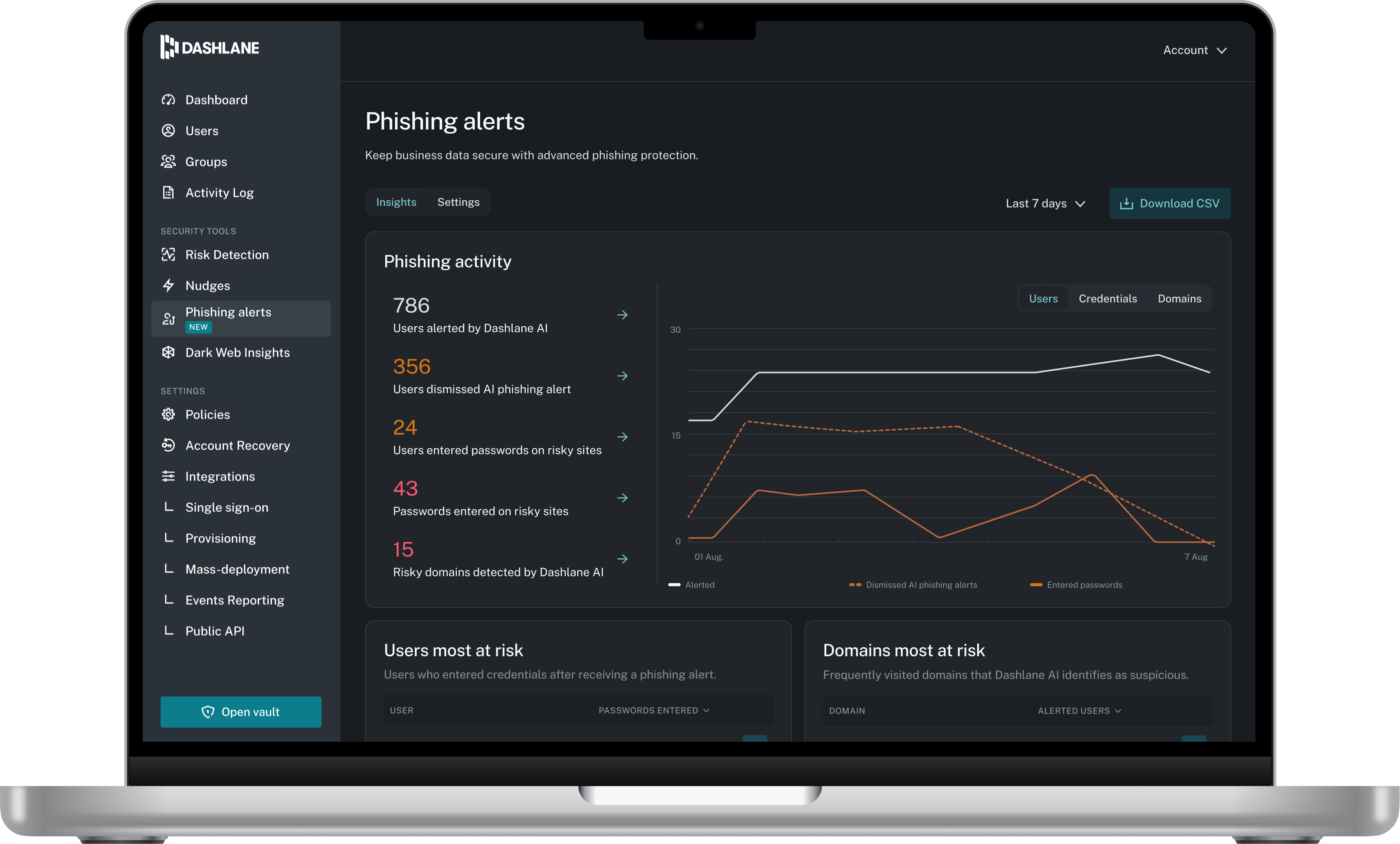
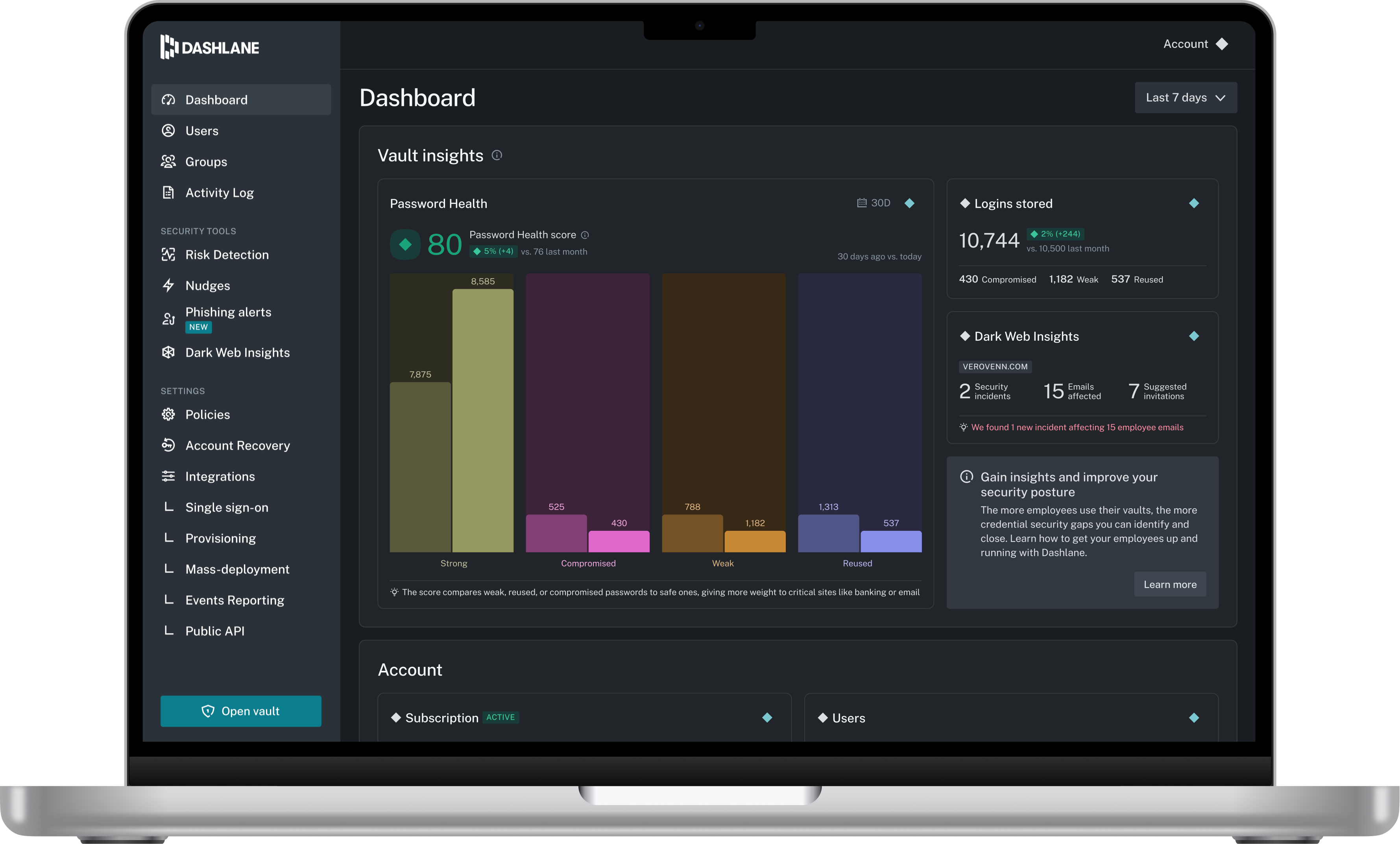
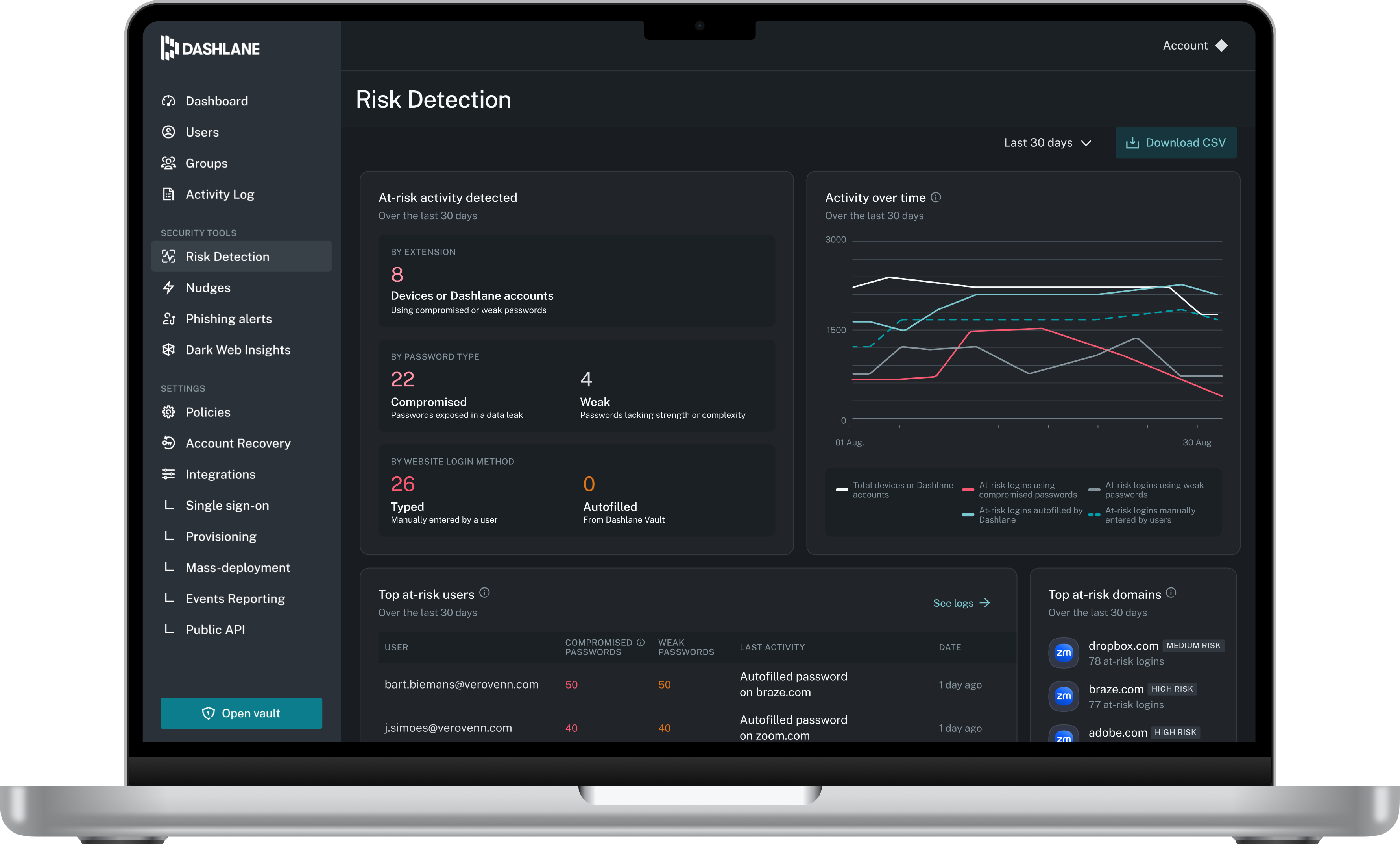
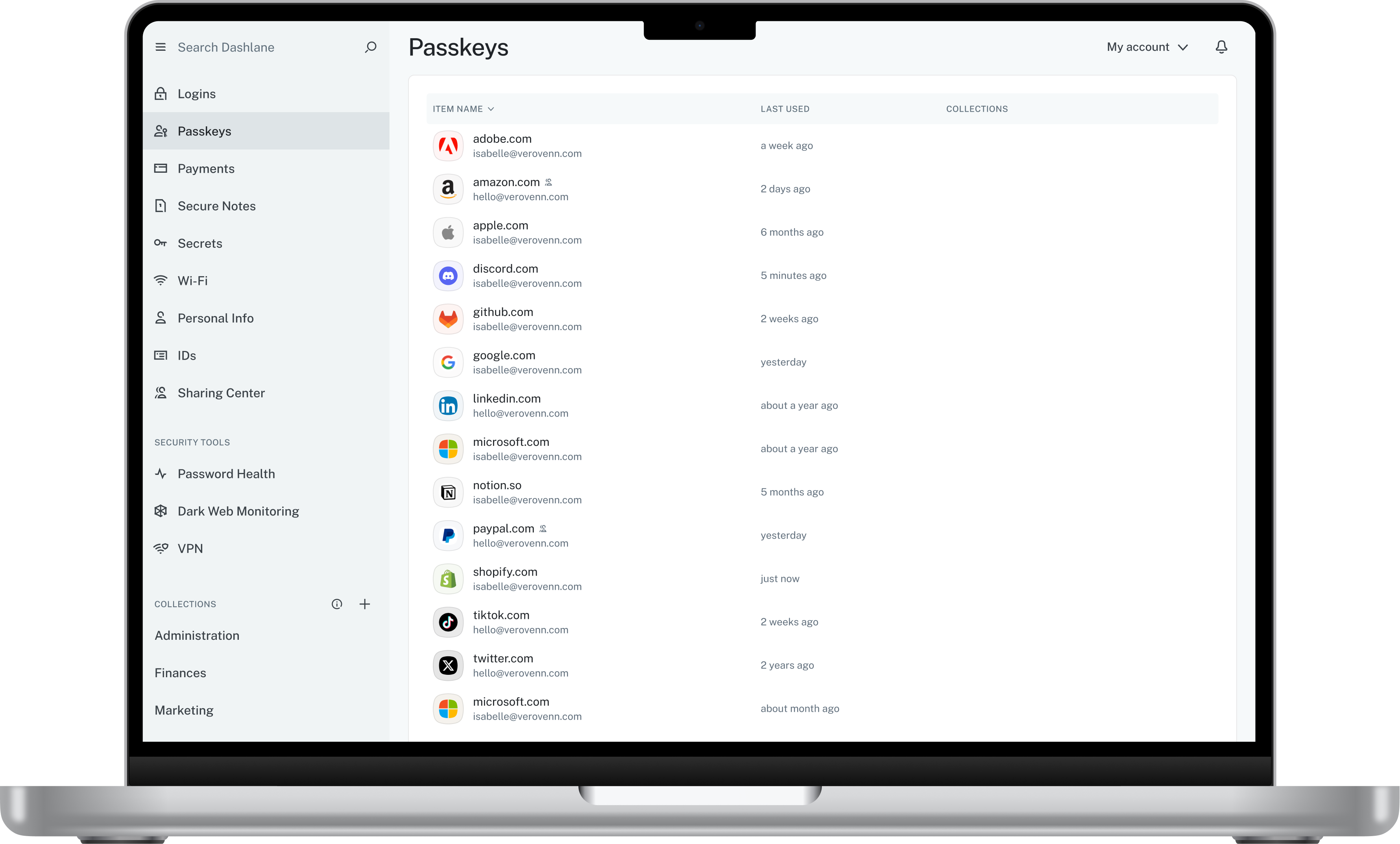
Screenshot of Admin DashboardScreenshot of Credential Risk DetectionScreenshot of AI Phishing AlertScreenshot of Vault