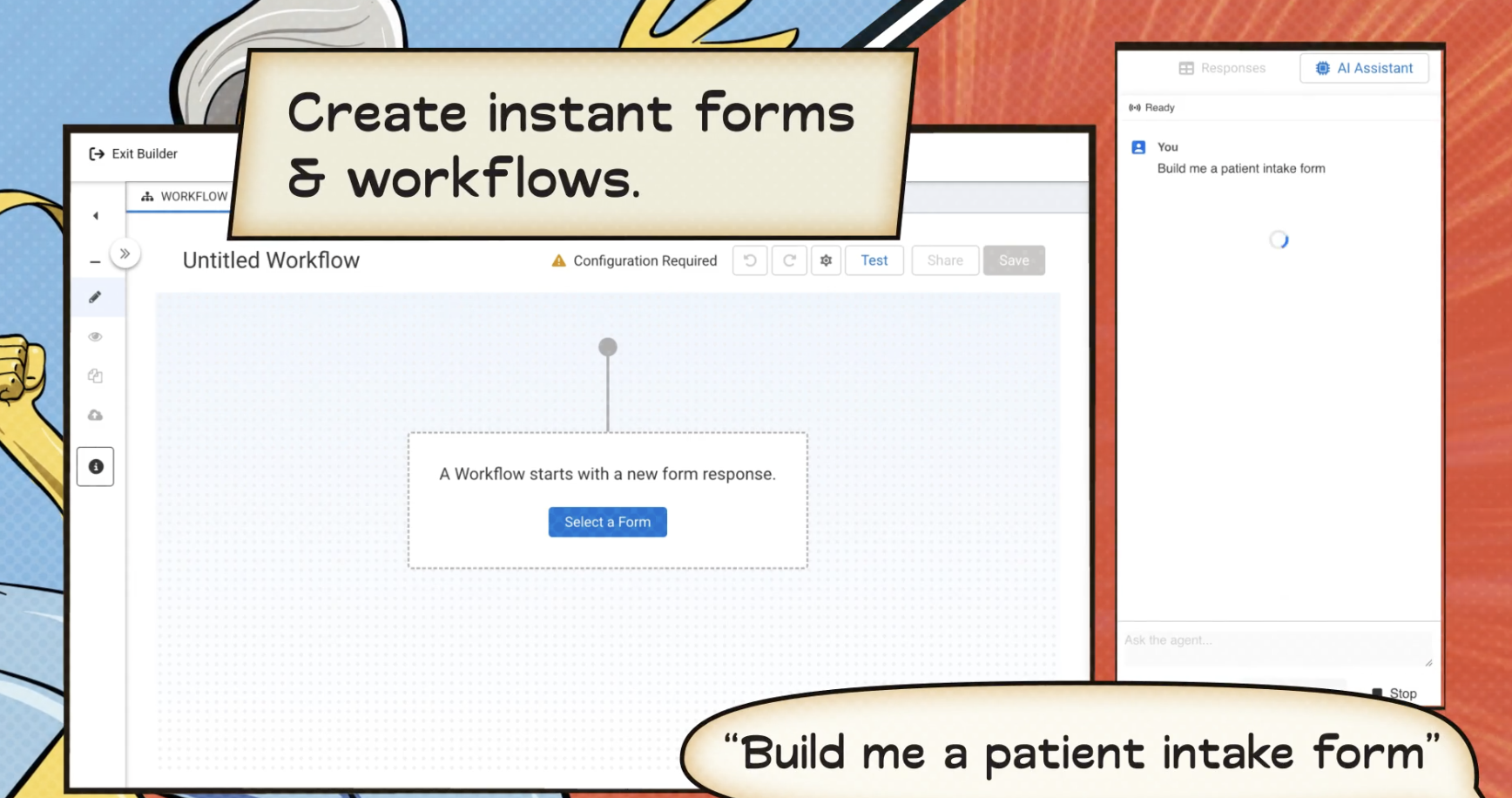
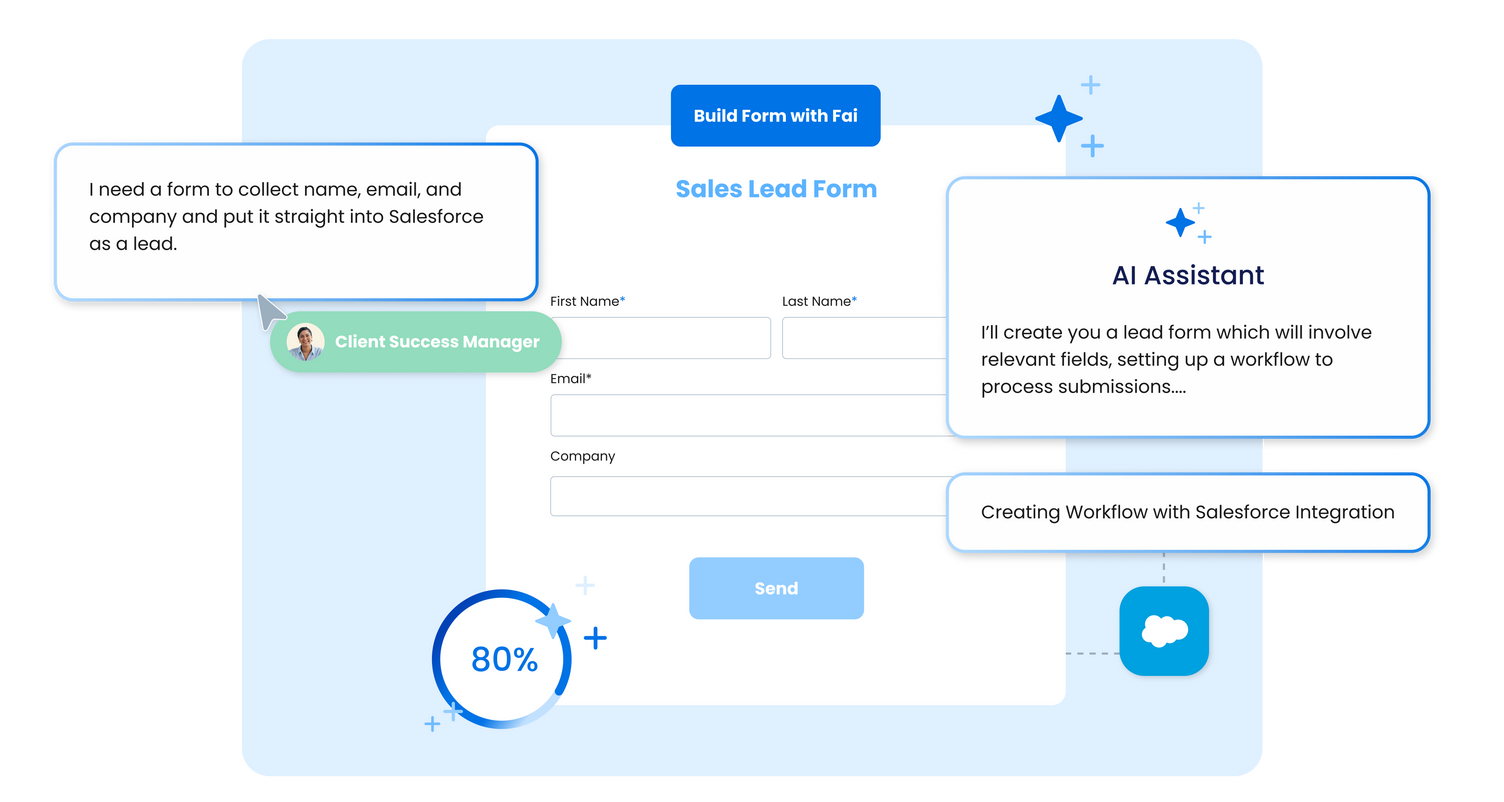
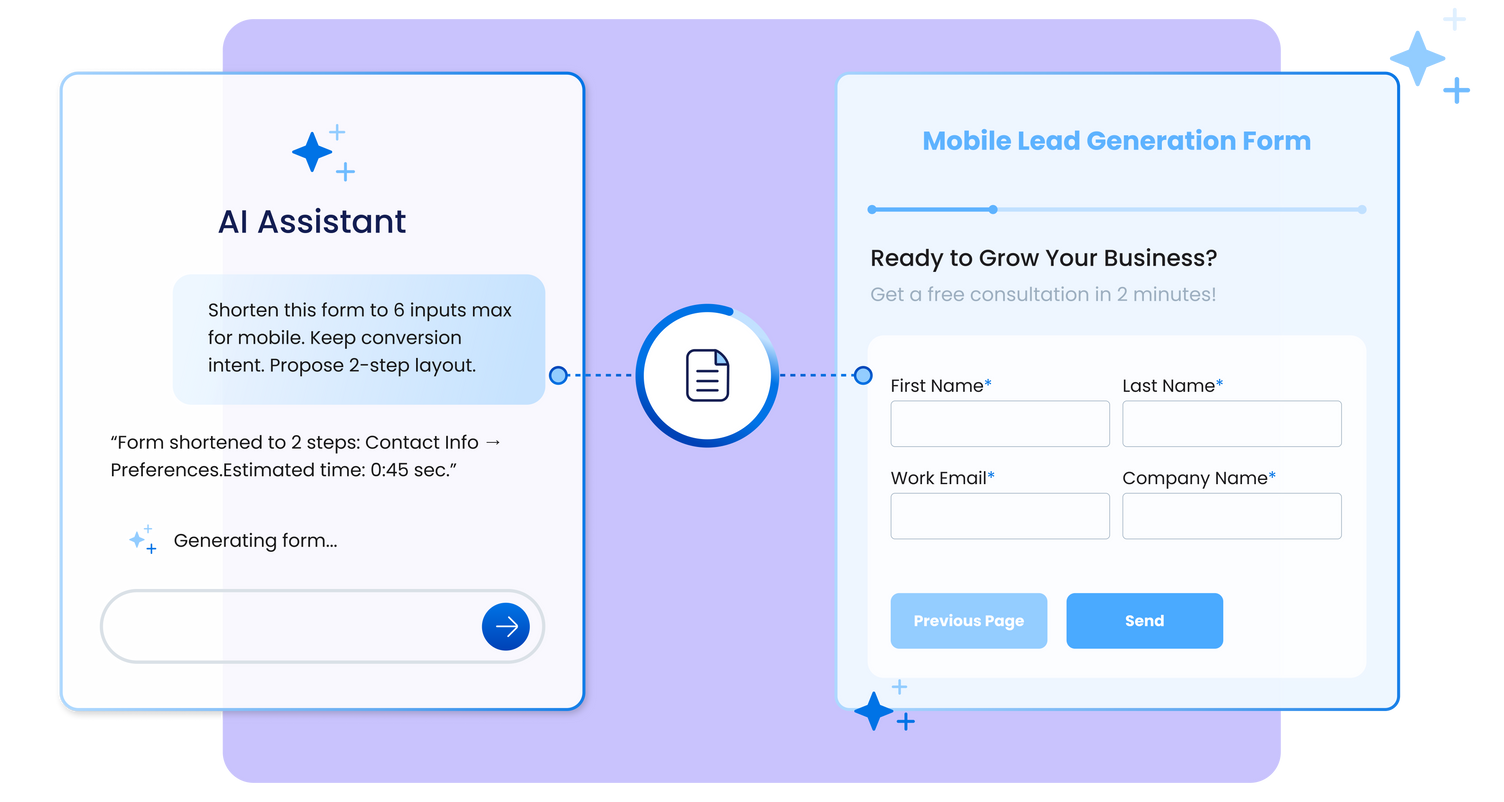
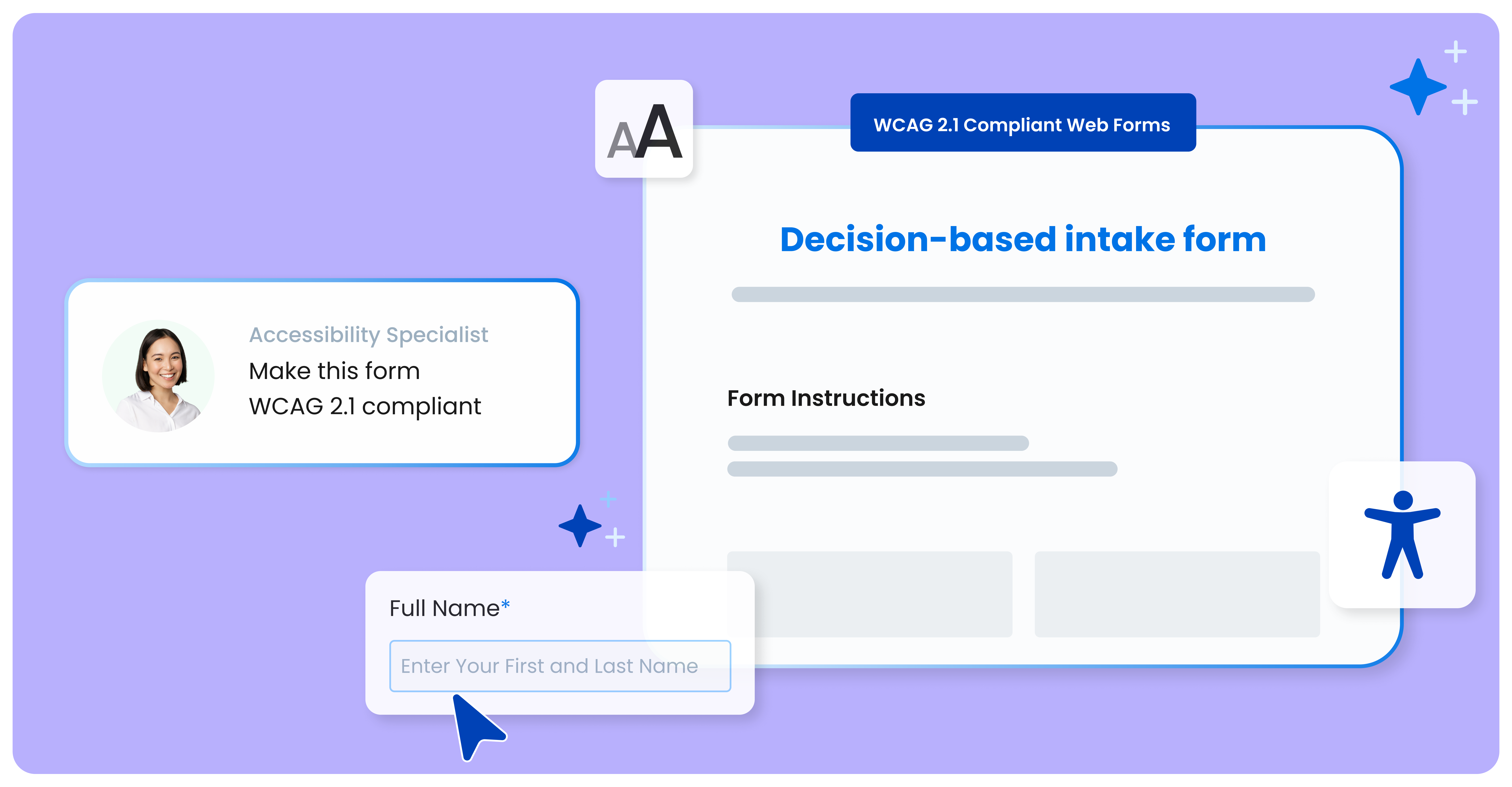
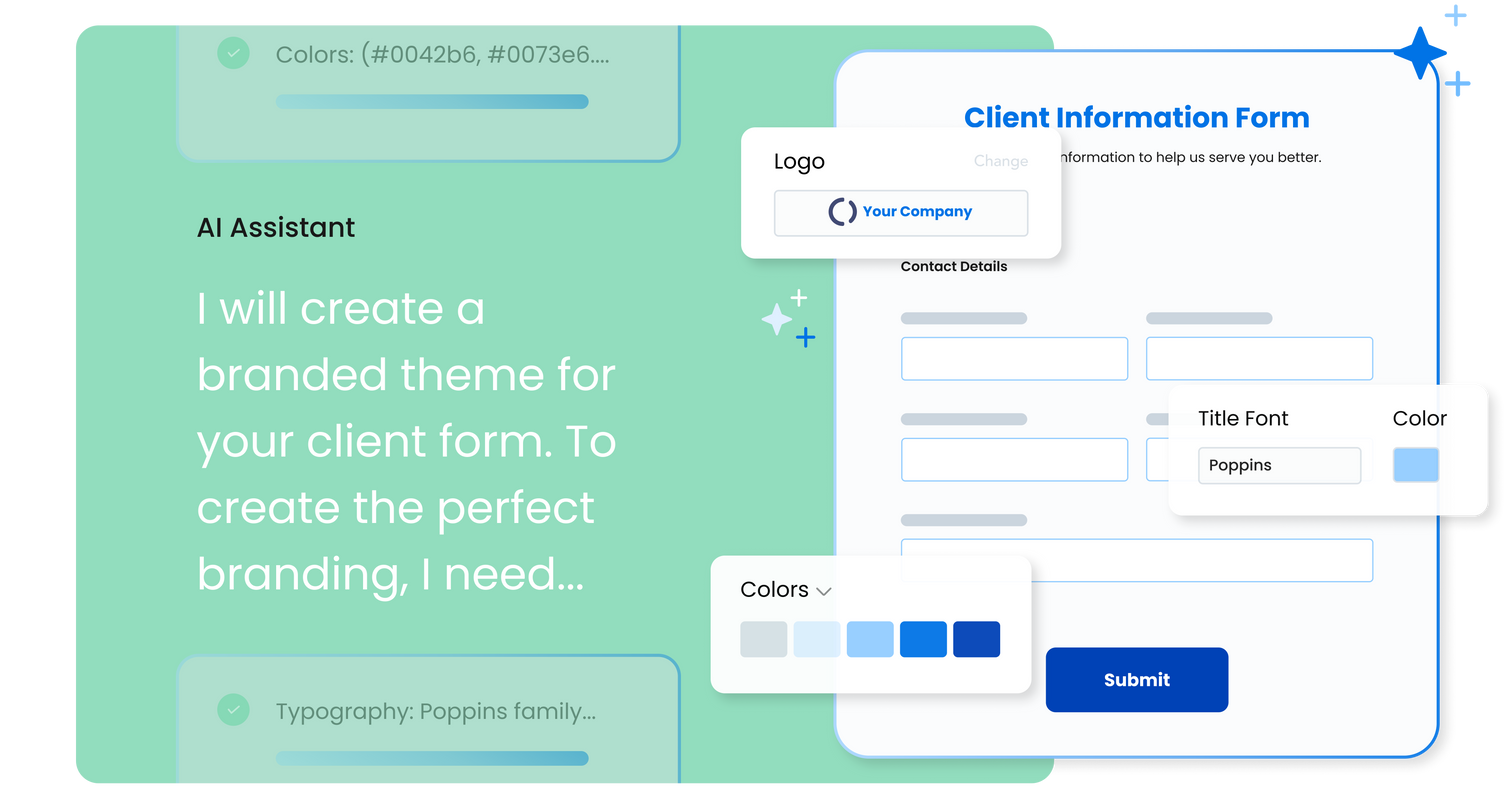
FormAssembly is an enterprise data collection and automation platform that enables organizations to capture clean, compliant data from the start. With the latest edition of the platform, FormAssembly Atlas, and its built-in AI assistant, Fai, forms and workflows build themselves, connect to Salesforce and other systems in just a few clicks, and ensure every record is structured, secure, and ready for automation or AI. In short, FormAssembly is designed to eliminate…
N/A
SurveyMonkey
Score 8.2 out of 10
N/A
SurveyMonkey provides free, customizable surveys, and a suite of paid, back-end programs that include data analysis, sample selection, bias elimination, and data representation tools. SurveyMonkey also offers large-scale, enterprise options for companies interested in data analysis, brand management, and consumer focused marketing.
$99
per month
Usabilla (discontinued)
Score 5.6 out of 10
N/A
Usabilla was a web and app survey tool, developed by the Amsterdam company of the same name, and acquired by SurveyMonkey in March of 2019. The product is no longer available.
$49
per month
Pricing
FormAssembly
SurveyMonkey
Usabilla (discontinued)
Editions & Modules
Atlas Explorer
Contact Sales
per month
Atlas Team
Contact sales
Gov Cloud
Contact sales
Atlas Enterprise
Contact Sales
Team Advantage
$25
per month (billed annually) per user (starting at 3 users)
Team Premier
$75
per month (billed annually) per user (starting at 3 users)
FormAssembly's features were more expansive than SurveyMonkey, in my opinion. When doing a comparison, we really liked that we could set up formulas to calculate expenses for us and that they would be easy to update as needed for rates that change from year to year.
Overall we were looking specifically for a Salesforce-connected form provider, and found FormAssembly offered the most dynamic and powerful suite of Salesforce integrations across the form vendors we evaluated. I would specifically highlight that the logic a user can create …
When we were researching options 2 years ago, FormAssembly beat other form tools hands down based on Salesforce integration features. The ability to declaratively set up prefill and post-submission data connectors supporting complex hierarchical data relationships was huge …
FormAssembly is awesome for certain situations. Website integration is particularly smooth, and integrations with platforms like FormAssembly are widely available. For us, this makes FormAssembly a vital tool for high-volume training with participants under high-workload conditions, because it reduces friction for participants as they complete the forms while saving time for our staff who handle data entry. Conversely, the process of setting up forms and their integrations feels heavy-handed for some of our smaller events with fewer participants.
SurveyMonkey is well suited for external, professional, client-facing forms and complex question types. I've tried generating forms on HubSpot, and it's not nearly as intuitive or clean-looking, and not all question types are supported (e.g. Likert scales). For quick, internal forms that don't need to be as pretty or professional, I find that Google Forms is the quickest and easiest to pull together, especially since it has a single, universal respondent link. If I wanted to embed a link in a mass email, SurveyMonkey doesn't allow multiple respondents to use the same link on my plan.
If we could select 0/10 we would... We would not recommend anyone using this product as it excludes a very important user group, disabled users. If you use this product you will be failing ADA and WCAG 2.1 (EU Directive for public sector websites and mobile apps). In my opinion, you will be vulnerable to lawsuits.
Being able to close the survey at a set time without having to remember to do so.
Takes the guess work out of response collecting.
Makes it easy to categorize responses within the same survey. Being able to add tags to open-ended questions makes it easy for us to identify patterns in responses.
An array of survey options and questions.
An all around great product that meets multiple needs.
Can have multiple collectors for the same survey to included manual input.
we could always use more styling options when it comes to the form builder
in our past use of the form builder when adding attachments to a form, there was an upload limit of 35MB. It would be great if this limit was increased.
I would like to have more customizable options for branding it to our hospital colors. Some survey options allow you to enter html color codes. SurveyMonkey allows you to change colors and you have to pick from selected options.
Embedding the surveys into a webpage, like WordPress is not as seamless as other services.
Styling and positioning of the 'Feedback' button could be improved with more options provided. Right now it seems very basic.
Triggered surveys and popups would also benefit for more styling and control over how the survey is presented to users. Sometimes it can be hard to match your brand to the out-of-box options available. I've seen more flexible versions of this in other providers.
Notifications of negative feedback (delivered via email) could be improved. We like to try and take immediate action and the notifications haven't always made this possible. I'd also like to see more notification options added to triggered campaigns and surveys.
FormAssembly continues to meet our needs, and the product functionality continues to grow, providing us with new opportunities to utilize the software. We've built many forms and associated processes on FormAssembly. It would require a large effort to migrate to another platform. We have invested a lot of time in learning FormAssembly.
Compared to other competitors in the market (including a few I've used internally), if you're looking for a survey application, this one does the job and it's quite inexpensive too. Considering the fact that it comes with a handy mobile application too (on iOS and Android), you also get flexibility thrown in the deal too.
I've already explained in detail why this rating is so high. It's very user-friendly; a green Salesforce admin can get set up and start using it right away. And if they need support, the support page provides documentation and screenshots to describe any questions they may have. They like it a lot!
It does everything a survey software should do, and it does it very well. I can't speak for how well it would work for a business that was surveying tens of thousands of people - but for a small business of 50 employees with a couple of thousand clients, it does everything it needs to do.
The interface to configure the questionary is quite easy to use. It helps to give autonomy to marketing teams. Once the initial setup is made (integrating a basic javascript code on your website), you can easily deploy any questionary on any page of your website. Usabilla is a very flexible tool overall.
While it's not a true development package and misses some features like ingestion of external data for lists, etc... the product is fast, stable, easy to use, and will suit the needs of anyone needing online form functionality with SalesForce and other connectors available for your marketing needs.
I've never had to contact the SurveyMonkey customer care team directly, but they have a pretty good library of help articles on their website. Everything from designing and executing your survey to account and billing questions. I never had a need for further support from Survey Monkey.
If we could select 0/10 we would... If Usabilla were to fix their accessibility issues we would consider keeping our subscription to them, but as it stands this does not seem possible as Usabilla does not seem interested in making the platform accessible.
Form Assembly allows for advanced data mapping, pre-filling forms with Salesforce data, and working with custom objects. FormAssembly excels in Salesforce Integration, as it is highly specialized and deeply integrated. Often considered the industry leader for Salesforce forms, Formstack has strong integration, but may not offer the same level of granular control as FormAssembly.
SurveyMonkey is easier to customize and provides much more in depth analytics. SurveyMonkey also provides better templates providing us with a better presentation to our employees. SurveyMonkey also comes with a more trustworthy platform that ensures confidentiality, which is incredibly important to our employees and means we're getting more reliable results from the surveys.
I have Hotjar, Sprig, and Usabilla in my workplace. Usabilla unfortunately has the most limited feature set of the 3 options. The difficulty of administering a Usabilla survey on mobile is a big blocker for my projects. Sprig and Hotjar both allow mobile and allow video recordings (either of a user's screen or a user's webcam for impromptu interviews).
The speed at which we can develop, program, execute and generate actual usable results provides significant value, particularly when we need fresh numbers to illustrate a point.
The fact that we can execute a research project so quickly means that new research is always a primary option when we're developing campaigns. That's a huge value proposition.