Fin is Intercom’s AI Agent for customer service, designed to deliver high-quality answers, even for complex queries. It works with any helpdesk, or it can be paired with Intercom’s next-generation Helpdesk to get the full Intercom Customer Service Suite.
$0.99
one-time fee per outcome
SnapEngage
Score 7.5 out of 10
N/A
SnapEngage can be installed on any website and is designed for companies of any size. Sales and Support teams can chat with company website visitors while they browse and offer assistance in real time. This solution includes a "Call Me" feature to incorporate voice and text communication in one bundle. SnapEngage's real-time integration with CRM platforms and Help Desk automatically creates new leads or support cases when visitors request help from the company website. Chat transcripts are…
$60
per month
TeamSupport
Score 8.5 out of 10
Mid-Size Companies (51-1,000 employees)
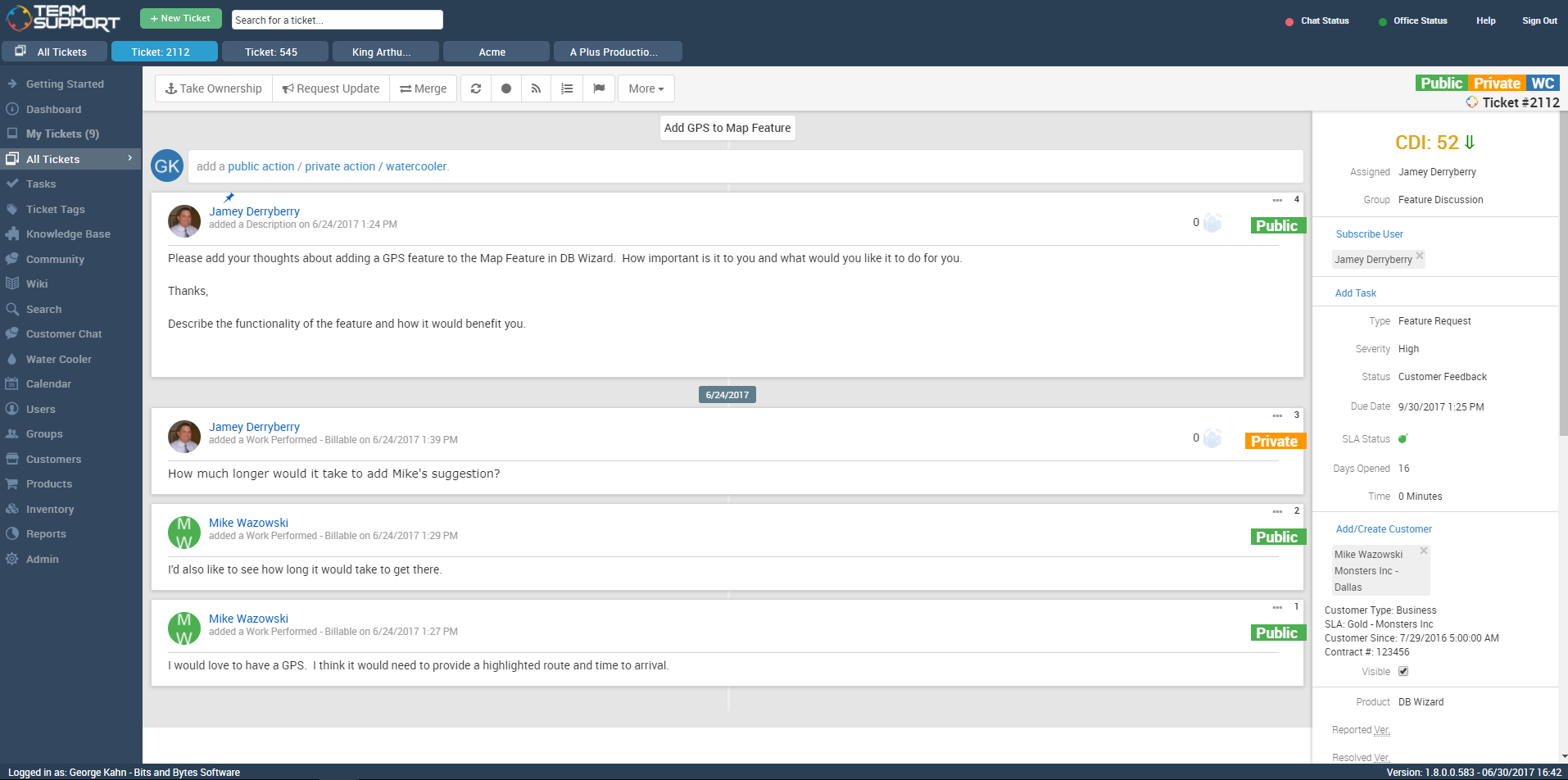
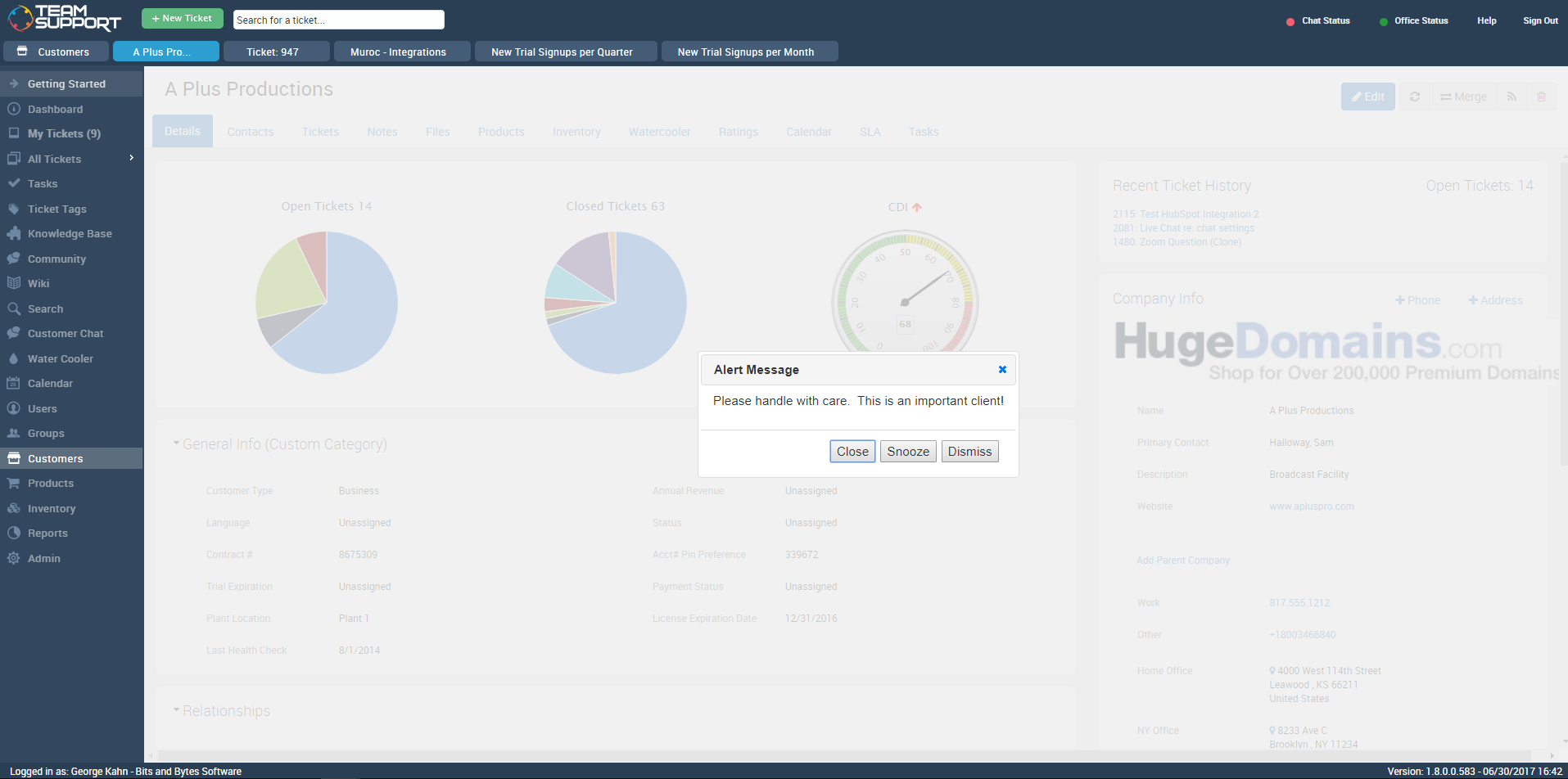
TeamSupport is customer support software built for B2B software and technology companies. The solution offers ticket management, a customer and contact database, reporting and analytics, multi-channel support, built-in collaboration tools, and many native integrations.
$45
per month per user
Pricing
Fin by Intercom
SnapEngage
TeamSupport
Editions & Modules
Fin with your current helpdesk
$0.99
one-time fee per outcome
Copilot add-on
$35
per month per user
Pro
$99
per month For analysis of 1,000 conversations
Fin with Intercom’s Helpdesk
from $39 + $0.99 per Fin outcome
per month per seat
Business
60/month
includes 4 agents licenses
Plus
140/month
includes 8 agent licenses, premium integrations
Premier
420/month
includes 16 agent licenses, premium integrations, advanced features
Starter
$45
per month per user
Professional
$65
per month per user
Scale
$85
per month per user
Offerings
Pricing Offerings
Fin by Intercom
SnapEngage
TeamSupport
Free Trial
Yes
Yes
Yes
Free/Freemium Version
No
No
No
Premium Consulting/Integration Services
No
No
Yes
Entry-level Setup Fee
No setup fee
No setup fee
Optional
Additional Details
Fin comes with a 90-day money-back guarantee. Here's how it works:
Intercom states that users who sign up for the Fin Guarantee Success Program and do not achieve at least a resolution rate of 65% will be paid $1M. This program is designed for high volume customers.
Eligibility criteria:
High volume customers (over 250k monthly conversions) in North America and Europe. Intercom states that phase one of this program will admit customers on Intercom Helpdesk or Zendesk.
Enterprise plans are also available and are custom tailored to the business' specific needs.
HubSpot has some great features that Intercom doesn't. They provide different services but there are some crossovers, we ended up using both! TeamSupport was a good competitor but didn't provide the support that Intercom did.
Fin is great for using for first line support. We use Fin for conversations where customers have a standard question, and Fin is able to pull from our content to answer this accurately and go above and beyond to include some basic problem solving. This really helps us free up our Support Team's time for more complex queries. Fin isn't appropriate for us on technical issues or conversations which require human support. We've had to remove Fin from interacting on these conversations as customers were becoming frustrated with speaking to AI, or having Fin be unable to problem solve. However, this was easy to set up through Intercom, and now customers with complex questions/situations or bugs/technical issues do not engage with Fin and Fin only handles suitable conversations.
It helps business grow, if your business is more reliable on marketing or if your business is in starting stage implementing SnapEngage to your website will give a kick start to your business because it helps to get close with the customers which are in need with those quick questions and responses we are getting from customers using chat agent.
TeamSupport is a great ticketing/help desk platform for small companies. It gets the job done and allows for multiple teams to manage workloads. It is not best for bigger organizations as there are lots of lacking features (mobile app, integrations, robust Jira/Confluence like system). The support for TeamSupport is great too. They usually get in touch with customers quickly when the system is down and they resolve issues quickly as well.
There were other customer support software companies that I looked into at first, however TeamSupport provided exceptional customer service themselves. I paid close attention to how they handled me as a customer to see if they were a company that would understand my desire to give exceptional customer service to my clients and if they had the tools to make the experience easy. Every interaction with them was very positive.
Since we needed TeamSupport's software embedded into our software application to give our users easy access to the support tools, the staff at TeamSupport needed to answer many questions and work with our developers to make this possible. They were always willing to take the extra step to ensure a smooth set up.
As we continue with TeamSupport, I am especially impressed with the sincerity of the CEO, Robert C. Johnson, and his commitment to us so that together we can deliver exceptional customer support.
It seems some users really struggle to figure out how to escalate to a human (especially through email).
Not excited about how "soft" resolutions still count as resolutions and are paid for. Though some abandoned cases appear to be able to be concluded as "the user got the answer they needed", there are others where they clearly didn't, because they just open up another chat (or even more), trying to get more info. This pads the resolution stats and makes it seem more effective than it actually is.
Cost -- Fin is quite expensive. It helps us with scaling coverage, but we're not really saving money.
The admin dashboard is the hardest to navigate of any tool I've ever used! THere are 7 tabs in the left-hand panel. Just within the one tab that reads "Settings" (there is a separate tab for "My Account", also Permissions?) there are 9 tabs at the top (which include names like "Agent Settings", "Integrations", "Design Studio", "Options", "Hub"), then at least another 8 tabs WITHIN those 9 tabs, giving you a total of 14 different pages of settings to search through, again, JUST in the Settings tab. What the heck?!
Something as simple as notification settings are spread throughout the 14 different settings pages mentioned above. Rather than having one area where you can enter email addresses for notifications, I've had to search through the 14 pages and use Ctrl+F on multiple occasions to fully remove a user from all the notifications they received. This should be much simpler!
We would like to see a structure to the ticket numbering system. In a previous system we had a numbering system like this mmddyy-xxxxxx This was very easy to see when a ticket was created based on just it's number. Currently with TeamSupport they assign a random number to tickets that is not very informative without a created date field.
Reports are nice but lack some rollup capabilities that are needed. Any given report can only work against two data tables at max. This is a limitation that we had to create custom contact fields to get around. They store phone, address and base contact info in separate tables. This makes it impossible with a standard system to create a report of all tickets along with the ticket and contact information in one report. The previous system we were on, allowed you to tie as many related data tables together that was needed to create one high level report.
Need Ability to notify external users of ticket activity in regions. So what I mean is we have FAE's in the field that want to know what their customers are asking for their region. They don't want or need a TeamSupport account but want simple e-mails of activity. This has been a lost feature for us going to a new system. I have to create a manual report each week and forward to the people that want this kind of information.
Ticket Automation rules will only run against a ticket one time. I understand why they did this to prevent uncontrolled loops but it would be nice to be able to set a limit that was greater than one. This limitation often causes us to have to write multiple rules to handle certain ticket cases.
We have been and will be continuing our journey with Intercom and nothing too concerning has happened that I have experienced or heard of that has us on the edge yet. If it ever happens it will be something along the lines of "Outgrowing" the use of need of the platform.
I give SnapEngage a 9 due to how successful our company has been while using it. Unless prices were raised by an insane amount, I don't see us using a competing service.
We are very likely to renew. We have been using TeamSupport for years and have tested a few other ticketing software solutions. We utilize several project management solutions to date and are always looking for better more efficient ways. Team Support is great at working with us and allows us to report issues well.
From an administration standpoint, Fin is very easy to set up, train, and test. Having the ability to impersonate a user in our system to see how Fin responds is huge. It lets you test several situations and throw curveballs at it (as customers will) without the risk of setting Fin live and wondering what will happen. It's also easy to fine-tune. Some chatbots you can never quite get right without spending hours on, but Fin usually takes a few minutes to dial it in. From a customer standpoint, Fin couldn't be easier to engage with. We tell customers up front it's an AI bot and they're wow'd with the experience
I think some things could be a little more user-friendly: specifically the dashboard. Although it's fantastic and makes life so much nicer, I'd like to have more control on it's customization. I'd like to be able to default what's collapsed and what's expanded...instead of everything expanding by default each time I load it. But the portal offers great tools and guides on workarounds.
Intercom is the premier customer support/engagement model and it definitely has one of the top tier customer support teams as well. I don't think I have ever waited more than 5 minutes to get the information I need or get help with an issue. They are incredible and I aim to model our customer service department after them.
TeamSupport's ease of use and the way it benefited our company overall. From cost improvements, ROI, and overall management of team members it gets high marks. We are better able to support our customer base by providing improved support in a more timely fashion. The End User view of IT Support overall has improved just through using this platform in our company.
Data import was the most difficult hurdle for us to get over. The mass import was handled through an Excel spreadsheet. TeamSupport doesn't use Microsoft Office products for the most part so they were relying on Google Docs which has limitations over Excel. Special characters and html in import cells can be a issue with importing. When creating a data export from your current system, special care needs to be taken so that the data is able to be processed into TeamSupport without issues.
We only used the free live chat version from HubSpot, so Intercom is yards better! If I were just comparing an actual live chat between the two tools, HubSpot was often clunky and delayed, and it was hard to find past conversation information
We actually demo'ed LiveChat and LivePerson and besides SnapEngage having a better UI and ease of use, the support from their team was worlds and away above the rest. They let us run an extended demo, gave us constant support, and made sure we felt comfortable before we went live with the system.
TeamSupport is a much more modern, intuitive and user-friendly version of NetSuite with many additional bells and whistles. NetSuite has a business only facade with a rather clunky interface and system. TeamSupport compares favorably and meets business needs while being a much more advanced and modern solution.
TS keeps adding new features without making sure the program is reliable as-is. The program is frequently offline which makes for significant frustration on my part
New role opportunities — Using the “Fin-first” approach has reduced the workload for our Tier 1 team, giving them more time to focus on their own career growth. It’s also opened the door to a dedicated, AI-focused role, where a team member regularly reviews Fin’s answers and makes updates to help it perform even better.
Enabling Fin has also reduced our response time and allowed us to meet SLA's.