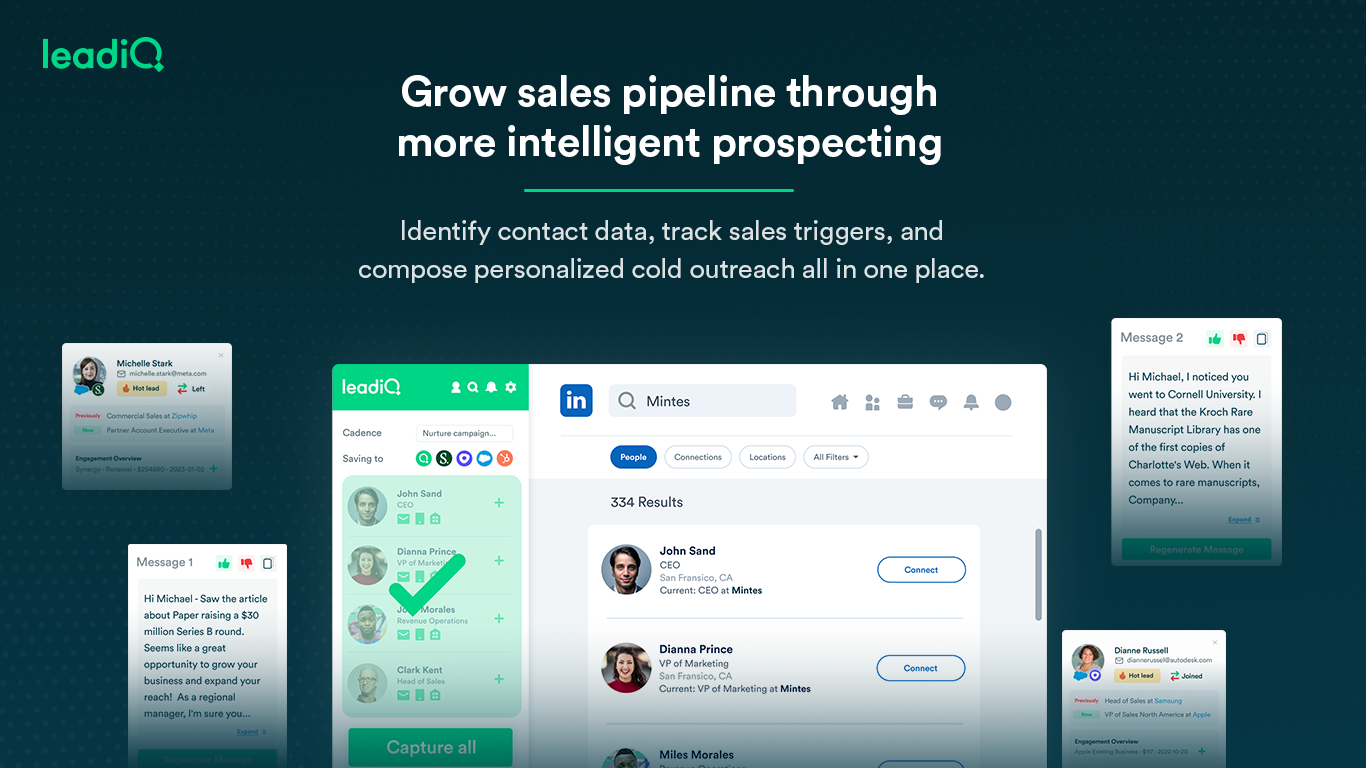
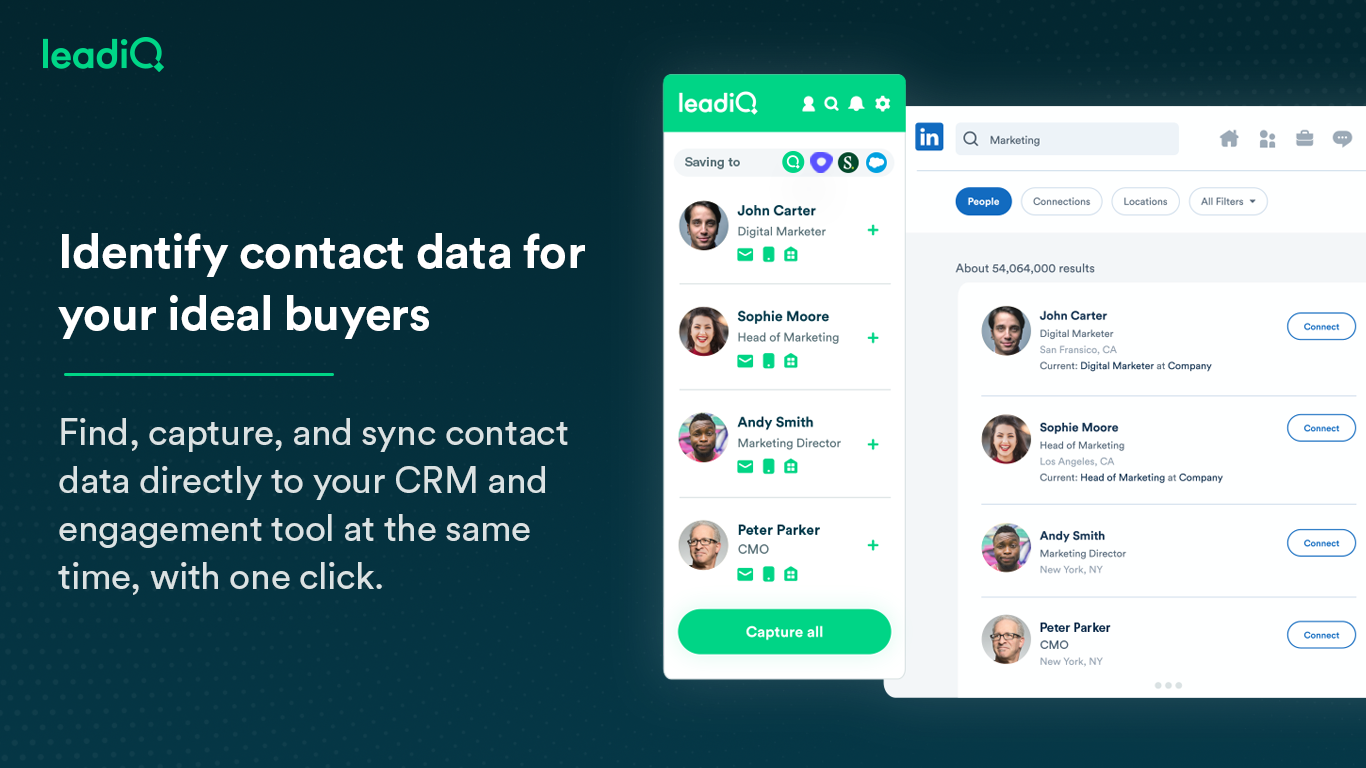
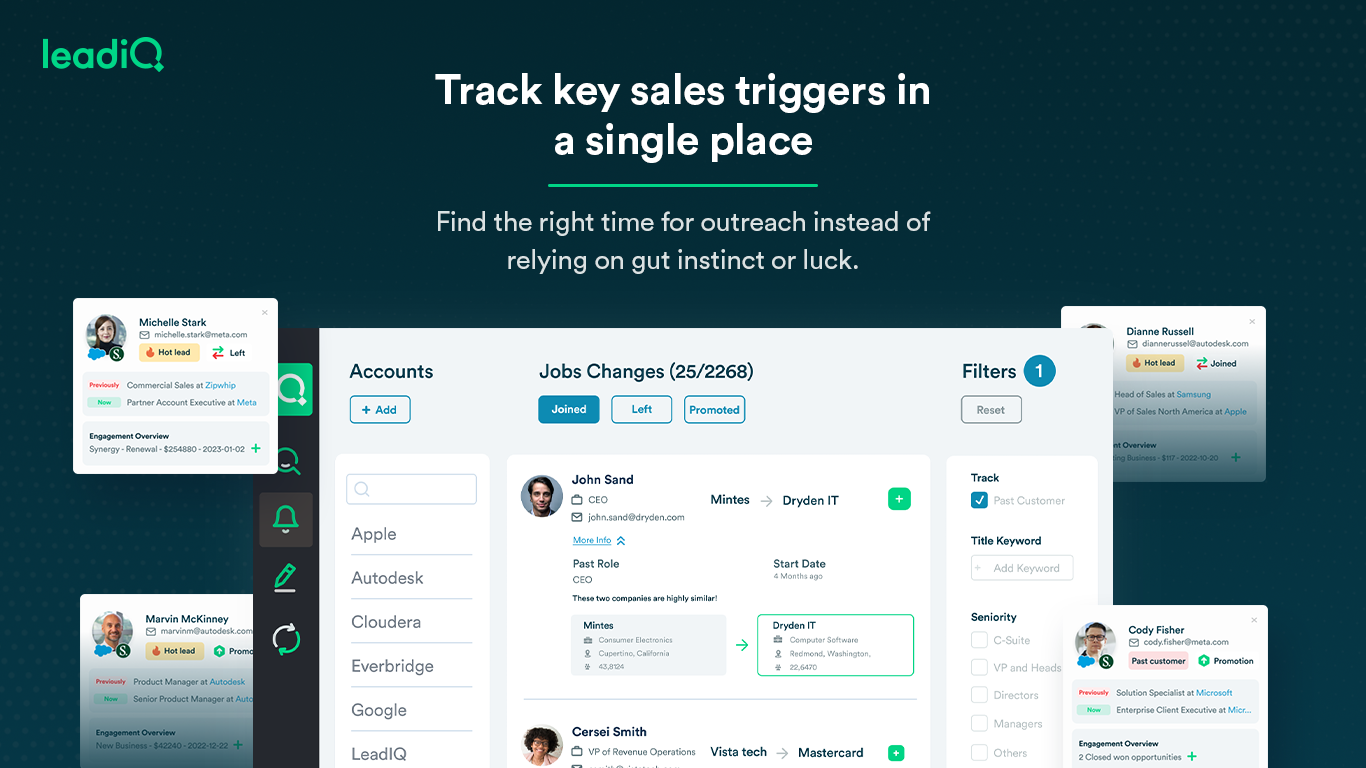
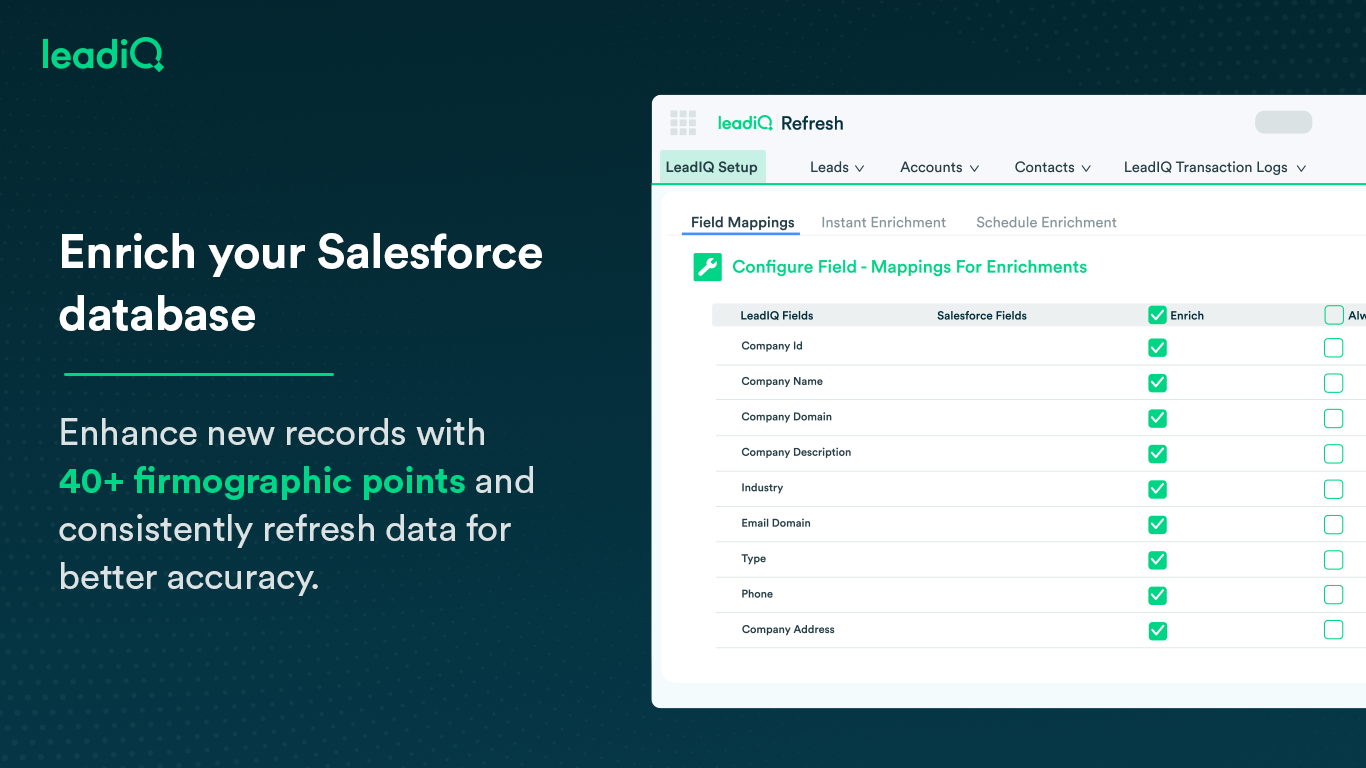
LeadIQ is a prospecting platform that helps outbound sales teams build pipeline through contact data, a AI cold email writing assistant, contact and account tracking for job changes, and CRM enrichment, all integrated into sales tools used daily.
$0
per month per user
LinkedIn Sales Navigator
Score 8.6 out of 10
N/A
LinkedIn Sales Navigator is a sales intelligence software solution offered by LinkedIn.
LeadIQ has more accurate contact information that is real and up to date. ZoomInfo's extension is very buggy and sometimes requires me to restart my extension and browser Better customer service with LeadIQ.
I have also used ZoomInfo. ZoomInfo is a great tool. I wish it had the quick workflow that LeadIQ naturally has. There is no easy way to import a list into your sales enablement platform with ZoomInfo. However, the data that ZoomInfo has is often very accurate and is well …
I prefer LeadIQ because of the way it interacts with LinkedIn. That is really great. However, the accuracy of the data falls short of ZoomInfo. Our team uses both, consistently, and between the two we have a sound arsenal at our fingertips to reach out and contact the people …
LeadIQ is much more feature-rich than alternatives. The fact that you can capture to existing accounts as contacts are huge and saves a great deal of time. The Chrome Extension is much less intrusive than Lead411's. I still use Lead411 pretty regularly though. I find myself …
I think LeadIQ is a great tool. It helps me with prospecting, writing emails, finding information about prospects, etc. I use it daily when writing emails and trying to find people to reach out to. It works well with CRM integration, and most of the time, the extension and scribe functions are working. Sometimes, the numbers are not accurate.
LinkedIn Sales Navigator is hands down the best tool for identifying targeted contacts or leads. You can drill down on a company and look at its entire workforce, or search by the exact title that is your key target. The information is up to date, as people tend to keep their LinkedIn profiles current. In terms of other marketing functions LI Sales Navigator is extremely limited. BUT if you are looking to identify contacts for prospecting purposes, then this tool is what you need.
Capturing contact and lead information: Name, Designation, Phone Numbers, Work Email Address, Company board line number - almost every single data point one needs in lead or demand generation. The checkmark for verified information is a cherry on the cake.
LeadIQ integrates with LinkedIn Sales Navigator, Salesforce, and even SalesLoft pretty well. A simple click of a button from LSN can import the lead into Salesforce. A boon for any Outbound sales team. Additionally, capturing multiple contacts in a single go as well as importing them into a cadence is a time--saver.
It's also a community. Since users can suggest changes to make lead information more accurate as well as the option to request more information on a particular lead.
Search Functionality: LinkedIn Sales Navigator has one of the most powerful search functions. The filters are not unnecessary and some are very well thought of. You can drill down to finding a needle in a haystack of 20000 employee company when it comes to using LinkedIn Sales Navigator if done in the right manner.
Smart Links: Gone are the days of attached Decks. One can simply create their deck online using this feature on LinkedIn Sales Navigator, or even upload an existing ppt. A smart link is shareable as well as trackable for opens and clicks.
Fewer Clicks: With a single click, I can filter out decision-makers in any company. With a single click, I can import contacts from LinkedIn Sales Navigator to Salesforce. Lesser clicks are actually less stressful if you think.
Rocky start to using it - but good follow up with customer service.
It can create duplicates in salesforce sometimes which is a headache for some departments who require salesforce to be our pure data source.
Sometimes the numbers aren't correct for the right individual - it gets numbers from wrong people with the same name - this has only happened a couple of times, very rare.
We have been very happy with LeadIQ for the past several years. They have quality data at a fair price and that is the most important thing for us. Their product continues to grow and expand and they are great to work with from a customer experience point of view.
This question is a no-brainer. The tool is the industry standard for anyone tied to sales and marketing. The name "LinkedIn Sales Navigator" is synonymous with streamlining relevant customer and account data in an easy to use format that is actionable and intelligent. The focus on continuous improvement and richer means of communicating with customers and prospects is evident each time new features are rolled out. The social component of the tool even includes a gamification component to ensure that peers remain relevant among each other, which is refreshing and enjoyable for those who engage the tool on a daily basis.
the data pool of contacts and lead info could be better compared to the other software competitors. The software is still quite easy to use and it has an extension which makes it easy to work side by side with either linkedin or salesforce. One item that doesn't work well which the rep showed us was pulling up the account page on salesforce and LeadIQ being able to pull up the company details based on the domain. That isn't working for us. Perhaps it's the industry we're in.
Overall, it's very user-friendly. It's hard for a tool to make sorting through loads of data easy, but Sales Nav does this very well. Its advanced search features enable us to be selective in finding the right people to talk to and connect with.
I have yet to contact LeadIQ regarding support for the tool. Usability is pretty straight forward, and I was trained well to use the tool properly. I am giving the rating of a five since I can not say I have had contact with the support team.
I would recommend LinkedIn Sales Navigator entirely. It has been the most user-friendly tool to use starting off in a sales role. I genuinely enjoy the navigation of the tool and how easy it is to save lists and see job changes within those lists. Generating leads and finding the most up to date information on prospects is all housed within this tool.
I am unsure of the rollout, as I was not involved. I was an early adopter, and I have had a lot of success with the tool personally at multiple organizations, but I have no idea whether the implementation process encountered any errors. I can personally say that it works, and that I have not encountered significant issues with the tool since adoption, although a few issues like messages showing up as being unread even though they have been opened have been an on-again/off-again issues throughout the past few years. Overall, the company is doing a great job, and our implementation seems to have been effective.
The user experience and design of the platform + the data health were far superior to UpLead and the other tools I demoed. I was also impressed by the pricing structure and the ability for me to pick and choose my plan or customize based on the sales team numbers and team capacity.
LinkedIn Sales Navigator is much more valuable than Dice or Cognism, as we do most of our prospecting on LinkedIn. Therefore, it means we can build lists of our prospects based on activity, connections, and buying intention. With Cognism and Dice, you cannot do this as they do not work alongside the LinkedIn platform and, therefore, lack the functionality that is essential to what we are using the platform for.
So far not a happy customer. We have had a few positive results but for the most part, all phone numbers are relatively inaccurate or they are personal numbers scraped from LinkedIn. When calling a personal number, people are surprised and find it intrusive.
We would not recommend this service until it invests more into correct corporate switchboard numbers at the bare minimum. Currently, these are often incorrect.