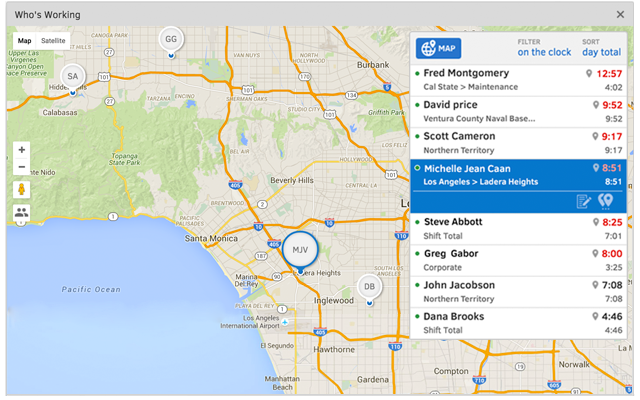
QuickBooks Time (formerly TSheets) is a cloud-based time tracking and scheduling app that allows employees to clock in and out from the job site with the devices they’ve already got in their pockets. The vendor aims to help companies replace paper timesheets with accurate, electronic time data as well as make payroll and invoicing faster and less costly. QuickBooks Time also accurately tracks time and GPS points (even without cell or internet service) then automatically syncs when back…
$0
1 user, unlimited projects
TimeClock Plus
Score 9.5 out of 10
N/A
TimeClock Plus is a time tracking and attendance solution from Data Management Incorporated (DMI) in San Angelo, Texas. The Express edition is targeted at small businesses, Standard and Pro at larger businesses, and finally TimeClock Plus OnDemand is a complete cloud-based solution.
N/A
UKG Ready
Score 8.0 out of 10
N/A
The UKG Ready® software suite is a centralized HCM solution designed for small to mid-sized businesses. It automates and streamlines HR, payroll, benefits, time, talent, and scheduling processes. UKG Ready's suite of tools offer actionable insights while helping to ensure compliance. Using AI, it draws on work, people, and culture data to boost efficiency and productivity. For example, UKG Ready streamlines core HR functions by centralizing…
N/A
Pricing
QuickBooks Time
TimeClock Plus
UKG Ready
Editions & Modules
Free
$0
1 user, unlimited projects
Premium
$8
per user/month + $20 base fee/month (paid annually)
Elite
$10
per user/month + $40 base fee/month (paid annually)
Customer service, response to questions, email response, overall obvious desire to work in areas that from the onset appeared to be overwhelming for other companies to tackle.
TimeClock Plus
No answer on this topic
UKG Ready
Verified User
Project Manager
Chose UKG Ready
I can speak directly to Asure/Legiant and say they are not worth the effort of any organization to talk to. They have a horrible product and below par customer service. We did utilize TimeClock Plus for many years, but the product was too small for our organization over time. …
We evaluated TimeClock Plus and True Time and opted to go with Kronos, because it had the most flexibility in setting up our employee groups and had good references.
TOTALLY head-n-shoulders above the competition. This is why we are on our 3rd version of Kronos & don't plan on moving anytime soon. Customer support (KGS) is fast, professional, knowledgeable, and thorough. The documentation of the product is incredible. Online training …
I have not really used other systems but while implementing Kronos, my colleague and I have seen the old time systems that they use. So far, we have seen E-Time, ezLaborManager and TimeClock Plus or Time Clock +. With E-Time the dropdowns are a plus. There is also flexibility …
It would be very useful for certain remote jobs that require a high level of presence, as in the case of web development, or remote maintenance sessions, so that when reviewing the work data it is possible to ensure that there will be no failures. By being able to include files in the management, from the equipment tab, it is possible to fully control the hours in which each change in these files were made.
I think the best place for TimeClock Plus to work would be at a restaurant or a busy business that has a lot of people to track and needs a robust dashboard to keep things in order. For my organization, we only have around 10 people max per location and it was a bit too expensive and complex for our needs. We could use a simpler system.
I might recommend UKG to a larger organization than ours. The complexity is rich, but perhaps it is too powerful a tool for what we need. That or it's a bit messy in its construction, having so many tools available but difficult to find or not working appropriately. UKG Ready processes payroll efficiently and with ease, but unless you are using a simple accounting platform it may not be able to easily integrate with yours
Support (their help desk team is incredibly helpful and always quick to respond).
Ease of access and use (the app is user-friendly an intuitive, and the desktop version is equally as approachable).
Manager functionality (it's useful to be able to clock employees in and out at multiple events on the same day by sorting them into different groups by manager/event).
The desktop version of the TSheets schedule does not have a search feature. This makes it challenging to find things you are looking for without extra work
The app can be a bit buggy. Though it is a great app, there are many reasons that the app will stop syncing and can cause problems with staff scheduling
TSheets tech support people, like Shawn Sommer, from Tsheets. She has been instrumental, after terminating the person in charge of TSheets I was left with a learning curve too high to climb but after 10 mins of her instructions I was able to make payroll in no time. She cleared all errors that nobody had fixed before. TSheets is not a vendor for me, TSheets is my partner in business. Thank you TSheets.
It's robust and does what we need it to do in terms of tracking worked time, also unworked time. It has a detailed Employee Profiles section but mostly it's because it keeps track of hours
We plan to renew our support and use of UKG Ready each year unless it becomes unavailable or the district seeks another vendor. As of now, there are no plans to changes vendors. The district staff is now familiar with using UKG. Another vendor will need to meet the same expectations we have come to enjoy with using UKG
Our employees find TSheets easy to use and spend minimal time at reporting hours using it. As an administrator and user of the TSheets "data and information" I am extremely positive on the functionality and reporting that it has provided me. From its ease of set-up to training to reporting, TSheets has made us so much more efficient from an administration standpoint
I absolutely love the ability to customize TCP to what you need it to be. There's lots of settings and areas where you get to decide how to want the system to operate. For every situation our team has said "I wish TCP would do it this way" we have been able to find a setting to adjust to make it do that. There are very minor adjustments I would like to make like hiding drop down menu items that we won't ever use.
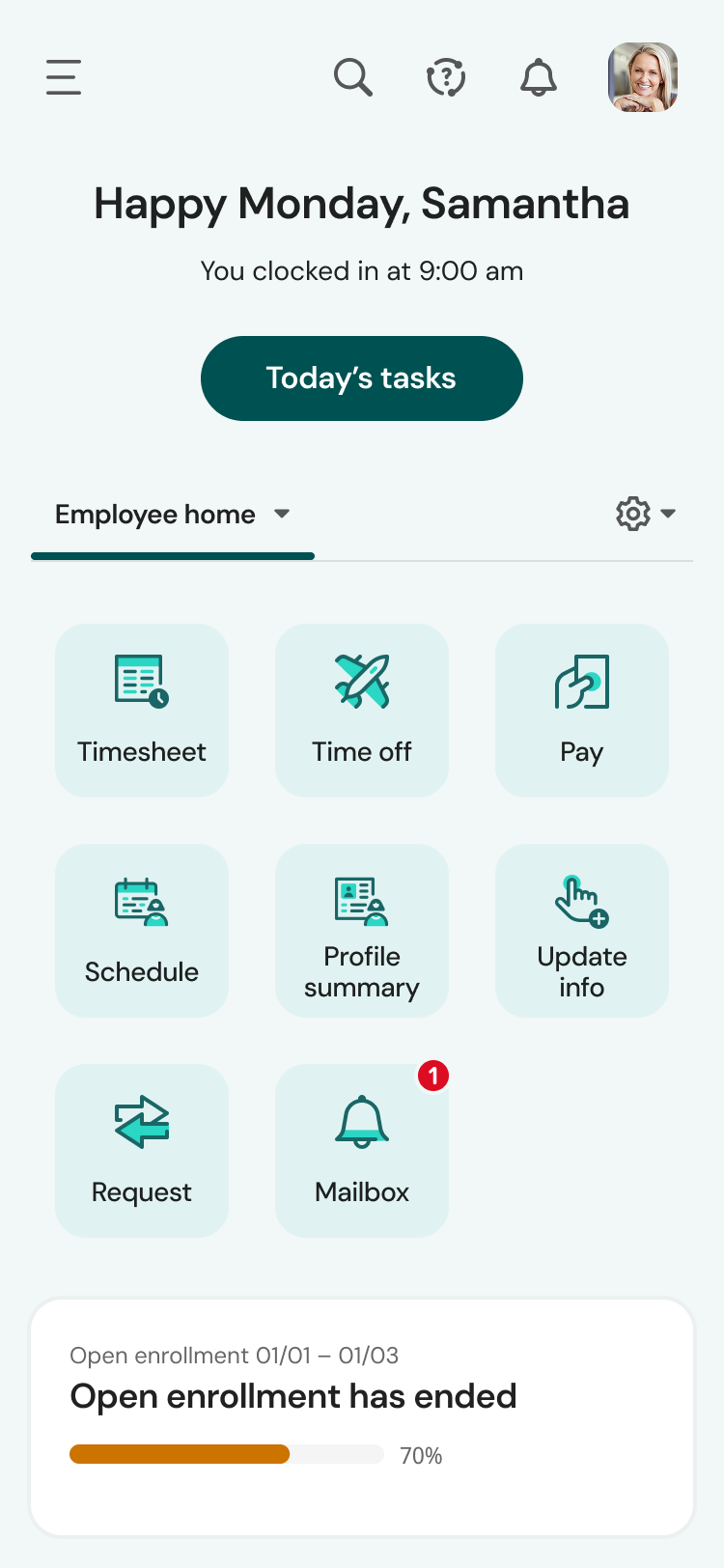
UKG is the platform with the best overall usability on both an admin and user side. Employees find it easy to update personal information, the dashboards are clear and easy to follow, and the navigation of it is also easy to follow. Overall my favorite platform to use and learn more about.
The system seems very stable. Being hosted in the cloud, we are vulnerable to internet speeds and busy times. The system has been down a couple times over the 3 months we have been live, but Kronos resolved the issues very quickly. To have access from a desktop, tablet, time clock, or phone app is one of the best features....users have almost NO REASON they can't clock in.
Great performance, pages load quickly and reports generate quickly. They do take some time to complete if they're covering a large Start - Stop date, eg months but that's not an issue, they still complete fairly quickly.
We were always told that Kronos was the best, but there are reports that we got out of ADP and other payroll providers that we cannot get out of Kronos. One example is a report of Productive/Non-productive hours by department. We also need the dollar amount associated with the hours. This is information that is required on our cost report and we were told that that report is unavailable. It is very frustrating when I can't get what I need.
I have never failed to have an issue resolved within minutes of contacting Support. Jen D recently assisted my with an export issue and I was back on track in less the 10 minutes. She was knowledgable and thought about the current and future contexts of the issue and assured there would be no recurrence next payroll.
If I was only rating support itself that would be a 10. Every support case I have entered has been addressed efficiently and with the desired result. On the implementation and transition to support there were multiple issues that those doing the implementation or transition could not answer or workflows and various settings left undone only to be discovered later. We implemented 3 different modules and the expertise we got for each one varied widely.
Our in-person training was a hybrid. Live online training with an instructor. They were very knowledgeable of the product & the area they were training on. I asked several specific questions and if they didn't know the answer immediately they followed up after class.
Pretty good online training, you have many how to options and can watch them several times. It can be hard at times to dig through the amount of data online but can usually find what you are looking for. Also you can download documentation for setting up the profiles and policies.
Make sure the people who are doing the build have extensive knowledge on employment law and asking the right questions. I would bet that the people who helped with our builds did not read any of our employment contracts or ordinances; and when I asked questions about how other companies handled certain basic dictates from federal employment laws, they didn't have any idea what FMLA, FLSA, etc were.
Besides Intuit Payroll (Sage), the only program I've used is WorkBrain through Menards, and it's more as a scheduling guideline for management, employees don't use it to punch in or out or record hours. However, WorkBrain does show scheduling and it matches with a punch clock to record those hours. Every other place I've used has used either punch clocks or handwritten time cards. I think the TSheets is modern, user-friendly, convenient, accessible, and cost-effective for the owners. It also streamlines payroll for the Accountant instead of manually entering all hours for multiple employees by hand into a software program like Sage.
TimeClock Plus is extremely easy to use for all employees!!! We want platforms that every employee feels comfortable using. Again, it is effortless to log hours on a day-to-day basis. I love that our employees have the ability to keep track of their hour details, such as paid time off, volunteerism, holiday, etc. This portal helps our team to stay compliant!!!
We currently use Paycom and are extremely dissatisfied with the lack of functionality and poor customer service. Rippling and ADP were other vendors we evaluated who performed well and offer a lot of functionality but we decided UKG was the best fit for our needs now and to scale with our strategic growth plans.
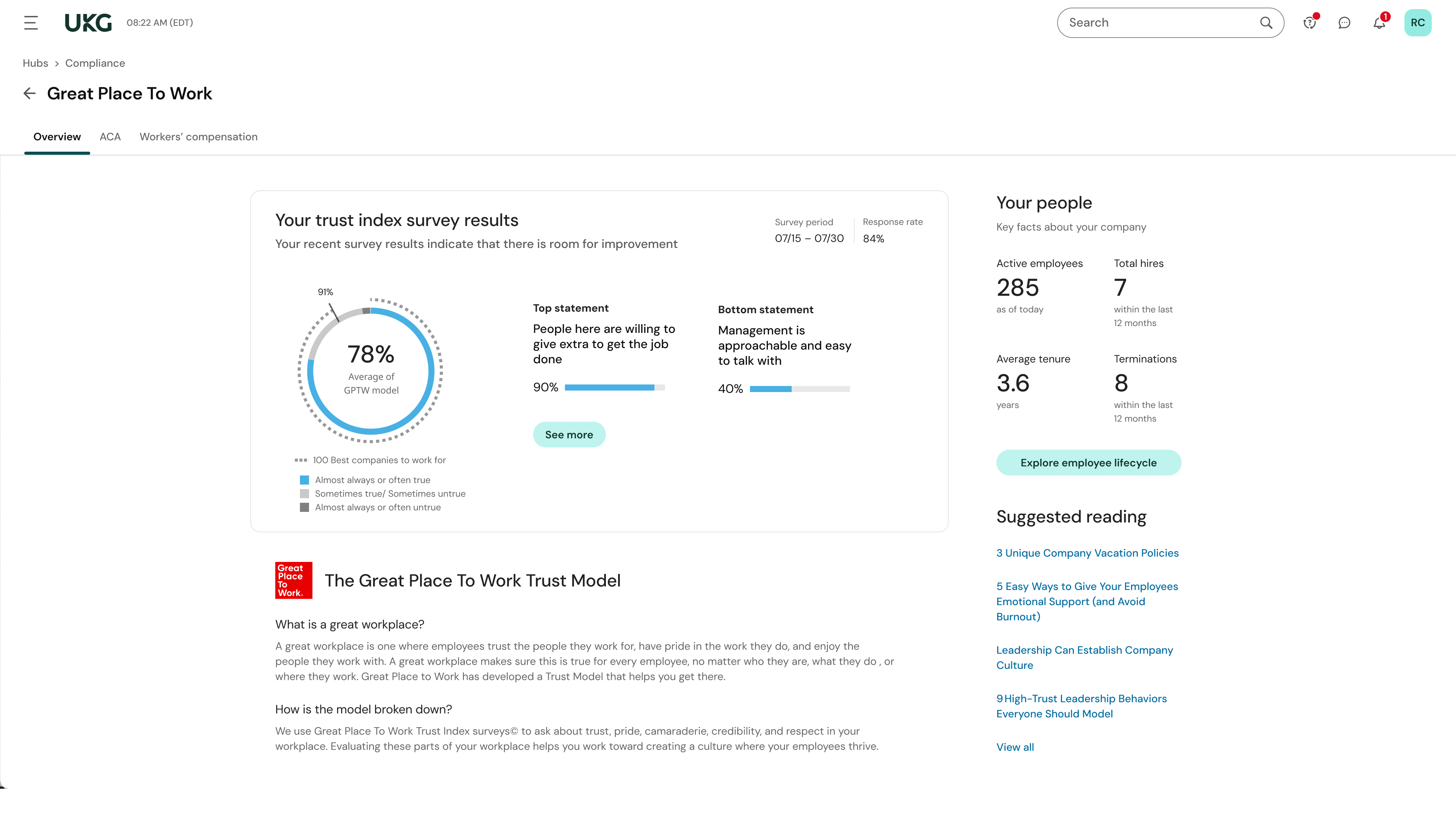
This is basic, but we finally know how many employees we have! It sounds ridiculous, but prior to UKG Ready we were on a payroll system that's reports were only as accurate as the last payroll cycle, so they were always 2 weeks behind and static. UKG Ready allows for realtime, daily reporting of information.
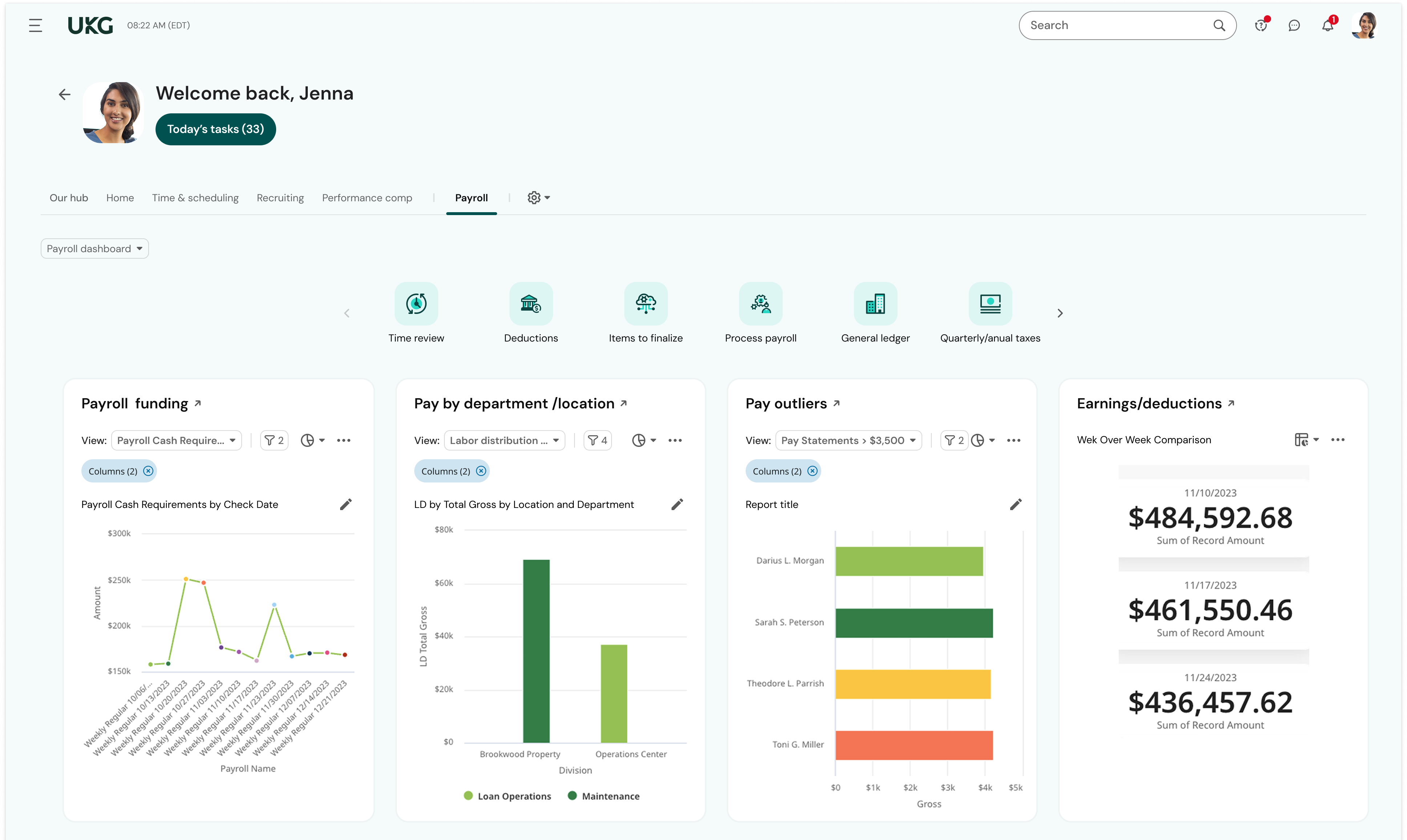
We are able to get salary data for our various locations to be able to compare them to each other, as well as across our "competitors" and external competition.
The data provided allows us to be able to understand the trends at individual locations including attrition, advancement, raise information, and other data points that we haven't historically done comparisons on
We can see the demographic and geographical information for our employees and the benefits that they elect