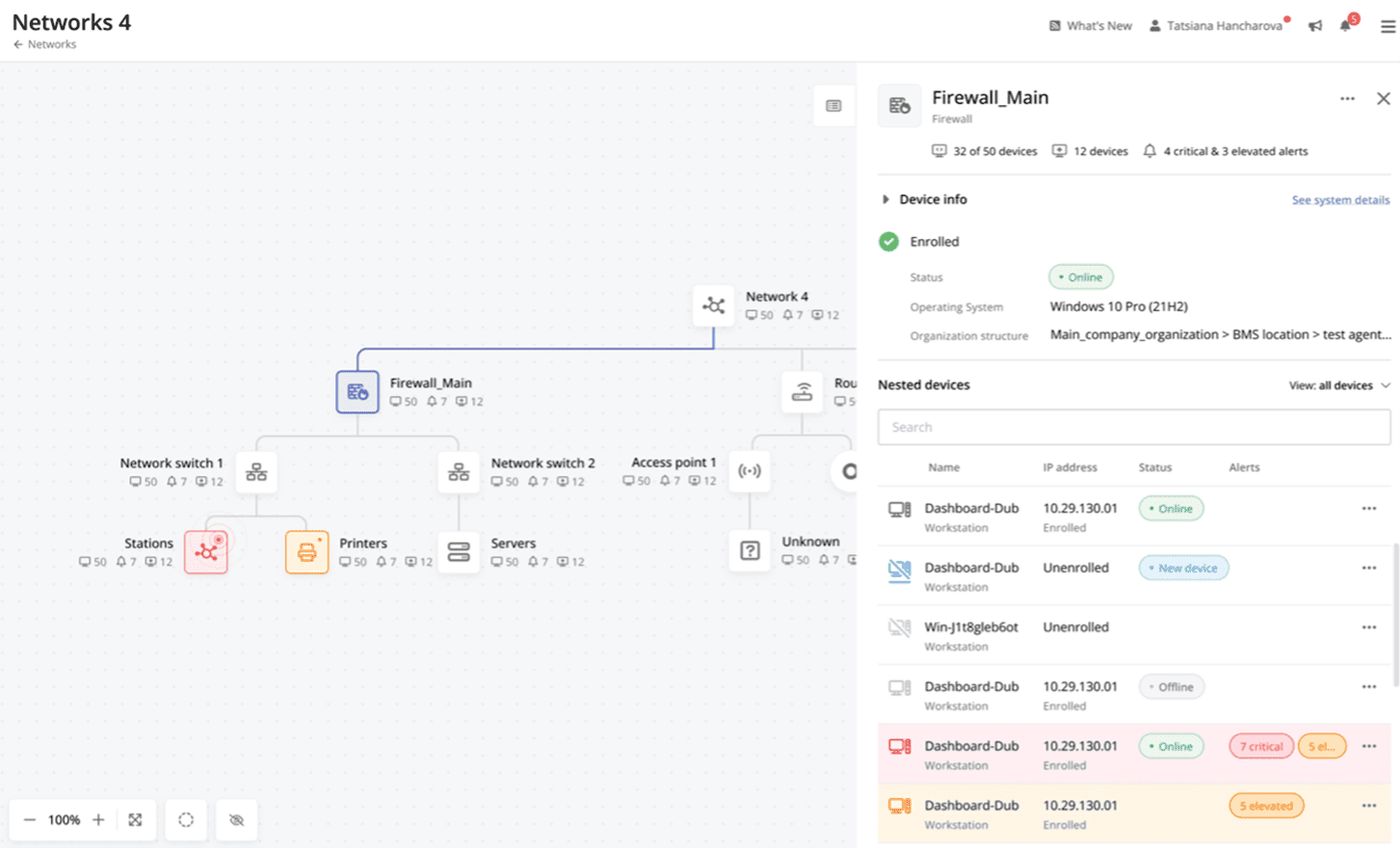
Action1 is an autonomous endpoint management platform that is cloud-native, scalable, and configurable in 5 minutes. It is free for the first 200 endpoints, with no functional limits. By pioneering autonomous OS and third-party patching - AEM’s foundational use case - through peer-to-peer patch distribution and real-time vulnerability assessment without needing a VPN, it eliminates costly, time-consuming routine labor, preempts ransomware and security risks, and protects the digital…
N/A
Pulseway
Score 7.1 out of 10
Mid-Size Companies (51-1,000 employees)
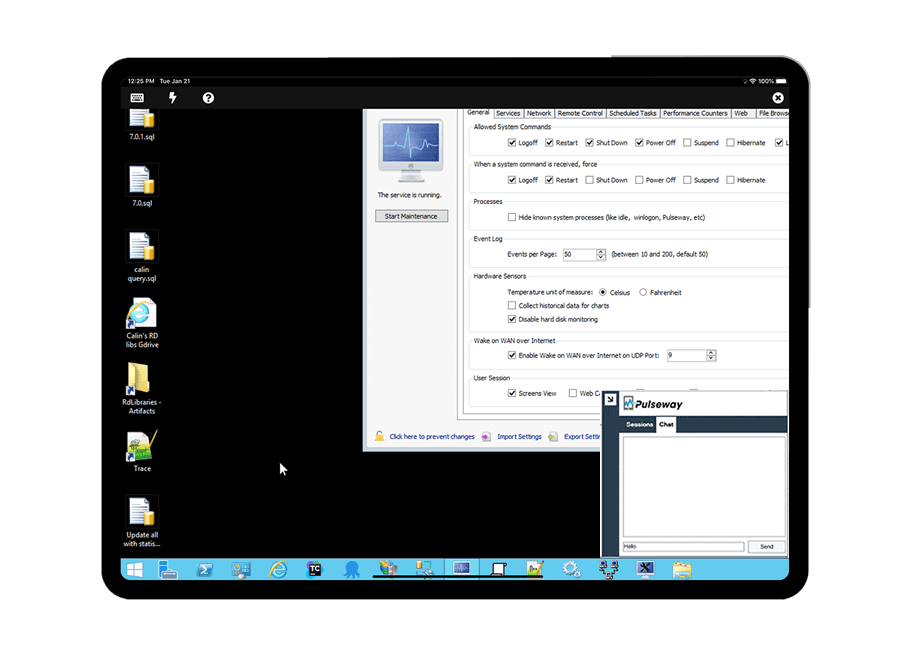
Pulseway is an IT monitoring and management solution that enables users to monitor, manage and control all systems and servers from a smartphone, tablet or browser. For system administrators, Pulseway sends a notification, so they can see an issue and sort it in seconds. Pulseway features: Automation: Auto-remediation workflows, so that IT issues are fixed before users even notice them. Mobile Access: Customers can monitor, manage, connect with…
$0.80
per month per installation
TeamViewer
Score 8.6 out of 10
N/A
TeamViewer provides software for both remote management and online collaborations. With TeamViewer, users have access to fully integrated online conference solutions for audio and video communication, including interactive screen sharing and remote access features.
$299
per year
Pricing
Action1
Pulseway
TeamViewer
Editions & Modules
No answers on this topic
Enterprise
$0.80
per month per installation
Remote Access
$24.90
per month (billed annually) 1 Licensed User
Business
$50.90
per month (billed annually) 1 Licensed User
Premium
$102.90
per month (billed annually) 15 Licensed Users
Corporate
$206.90
per month (billed annually) 30 Licensed Users
Offerings
Pricing Offerings
Action1
Pulseway
TeamViewer
Free Trial
No
Yes
Yes
Free/Freemium Version
Yes
Yes
Yes
Premium Consulting/Integration Services
No
Yes
Yes
Entry-level Setup Fee
Optional
No setup fee
Optional
Additional Details
—
No hidden fees or contracts. Term-based discounts.
While other RMMs may only be good at one thing, Action1 is really good at everything that their does. If they don't have it in the platform yet, that's because it's not good enough for their standards. From a pricing standpoint on Patch/Software management there is no match for …
Verified User
Technician
Chose Action1
Action1 excels with patch management and their ability to show if applications have been marked as vulnerable. It is also hard to beat their free model where the first 200 are free. When I first started with Action1 it was only 50 endpoints so seeing that expand so much is …
I will admit, we started with Pulseway several years ago because we were able to start using it with a free account, which allowed us to install it on some in-house servers and gain experience with it. The other products we looked at all seem to require a considerable …
Horses for courses they say but all around, TeamViewer is the best software for remote management, period. Pulseway's remote desktop can work well on the phone app but on a desktop, it is often unreliable and drops connections. AnyDesk is not appropriate for our business and …
Pricing wise, the TeamViewer license is a lot more costly, but makes up for it in feature-richness and reliability. Pulseway has the benefit of having the possibility to keep an eye the IT infrastructure so you can catch things before they go wrong but our main focus was a …
ConnectWise Control is much easier to use than TeamViewer. It is much easier to set up a "one-off" remote support session and much much much easier to set up a "permanent" remote support connection. ConnectWise also provides a lot more information about the computers …
If your organization is like mine (nonprofit and tight budget) this product is for you. The first 200 endpoints are free and being we are a small organization, this product is perfect for us. I was able to use Action1 to upgrade all my endpoints from Windows 10 to 11 pretty much effortlessly. If you are not a nonprofit and have more endpoints over 200, this is still a great product to use as I don't find it very expensive to incorporate into your infrastructure.
If you have to manage a large number of computers, especially spread over multiple clients or a large physical area. This is one of the main products that allows us to act as a Managed Service Provider (MSP) and actually manage our clients devices and not just react to issues as clients call them in. Clients really love the proactive approach it allows us to take. Sadly as we became more familiar with options out there we found this area lacking and what was actually holding us back.
I think it works well for IT management and help desk support of end users. I find it very useful to help users and send files to their desktop. Remote Workers still run into some problems with MFA and updates, both to the TV Host app and OS updates. However, it does give us secure direct access without the need of a VPN.
Easy remote access to devices. That simple. We have some very unskilled users in the field where asking them to access their PC via conventional remote tools like TeamViewer, Anydesk, etc. was always a pain. Now, all they have to do is ensure their PC is online, and we can connect to them.
Remote software deploy. Before Action1, we did have some GPOs and scripts, but again - being able to deploy to PCs outside of our office/LAN, is just beautiful. On top of the standard repository, being able to create new packages is very useful for our scenario.
Inventory Reporting. Recently we had to identify PCs running old versions of Windows. Can't highlight enough how easy it is.
It monitors computers and notifies us of any issues with any computer.
It allows remote control of computers, such as requesting a computer to reboot itself.
It is very highly configurable to monitor exactly what we need to monitor. For example, on server, we can have it notify us any time the server is shutdown or rebooted. On the other hand, for a desktop computer, we don't have to be bothered with notifications when a user decides to reboot his computer.
The deployment screens for update deferrals can be hard to understand at first and easy to skip since it carries some default info when you create a new automation rather than a more conspicuous prompt to update.
With an iPad, you can't take control of the device, so you have to tell someone what to do. Which can be a challenge because the end user doesn't know what to do
With the free version of TeamViewer you cant enter Admin credentials because TeamViewer blocks the windows to fill in the credentials
The free version can be really limited which can be putting off people because they don't see the full potential of TeamViewer
We need this tool in our day to day business. It is what we do all day remoting into clients devices. In this day and age we can access devices all over the world as long as we have secure internet connection. It certainly saves money in gas, and even if you are away you can help.
Action1 has taken many of the tasks that are time consuming and made them simple automated tasks that can be run on a schedule. I can schedule tasks to run off-hours and know that they will be done and I no longer have worry about it. As someone who does IT support for a living, it just makes my job so much simpler with less stress.
The tool is easy to use however it is can be daunting with the amount of features available in it. Last I checked, their knowledge base was not very expansive and they relied a lot on the changelog for how to do some stuff. This can make it hard to learn how to do some more advanced things like the automation.
TeamViewer is a reliable and really strong tool for accessing remote IT platforms secure and fast. We don't know any product that provide us such strong functionality to make our life as a internationally recognized MES provider with DIAMES with an international clientele so easy. We look forward for any new TeamViewer functionality that supports us even more.
I have never had to use the support for Pulseway. However, when initially starting out, we would receive emails every so often asking how we are doing and if there is any support that they can provide. I would imagine that any request would be supplied with the same great support!
the few times i have had to contact teamviewer support, they were very responsive and give me quick answers and seemed to understand my problems quickly and easily. I did not have to sit on the phone for hours on hold or get passed around to multiple phone support techs before finding a solution to my issues, so i would rate their support very highly.
As expected without any problem! Alternate in-person training is another efficient way to learn how a product works. There are many third party supporters for TeamViewer courses available that can give additional ideas how to use TeamViewer for specific functions and features as we did require in respect of our usage.
I have never used the online training either. I have watched a few informational videos that were helpful when learning how to do a specific procedure within TeamViewer and get the most out of the software by utilizing one of the many features that are available with the software. Again, 5 if for neutral.
TeamViewer installation and deployment to other devices is pretty straightforward and does not require much technical know-how. This makes ease of use attractive when supporting both new and existing clients with limited technical knowledge. I think ease of use is a huge factor in getting new clients. TeamViewer handles that extremely well.
After looking at different solutions, Action1 [Cloud Remote Monitoring and Management Solution] was the perfect fit for us that delivered all of the features we wanted without being as costly as some of the others alternatives we've looked at. There was no minimum endpoint count and they even offer up to 50 endpoints for free, which is really great for a small organization like us to help us lower our starting costs and still allows us to grow at our pace without having to commit to a defined amount of endpoints to start.
Pulseway has the most features, the best looking app with the best design and better usability than any others we evaluated. We liked the uniformity of the app design across all platforms (Windows, Android, Apple) and the notifications displayed on each platform. The price was a major contributor to our selection of Pulseway compared to the competition.
TeamViewer's cost is much lower than that of other solutions, and its security is far superior to RemotePC's. TeamViewer is also a request-based remote session manager, unlike other software that allows indefinite connection time. TeamViewer's free version makes it even better for one end of the group to find support, while the other end has the paid version.
Saved hours per week on patching and able to ensure a 100% patching success rate.
Able to create custom alerting on potential problems as well as able to create some automation to automatically address problems.
Improved support to our remote locations and users.
Custom deployments allow us to have a mechanism to deploy custom applications we build as well as other third party applications we need to distribute.
Problems can be dealt with more rapidly because I have access to systems from anywhere. I don't have to carry a computer with me nor do I have to find a location with potentially non-secure wifi to gain access to my systems.
I can handle 99% of my system admin tasks using Pulseway and never have to touch a system or connect to the console.
Pulseway gives so much control over a system that I don't need to spend extra money on other software to perform management tasks.