Active Collab is a project management solution built around features such as task management, collaboration, time tracking, and invoicing.
$8
per member/per month
Workzone
Score 8.6 out of 10
N/A
Workzone is a web-based tool for project management and collaboration from Workzone in Norristown, PA, that contains a full array of the features needed for project management. It's hub is the project dashboard, which provides a platform for team communication and tracking tasks over time as they progress towards completion. An automated to-do list can be sent to each user. Alerts flag issues nearing a critical moment or events of which team members need be aware. Templates classify projects and…
$24
Per Month Per User
Wrike
Score 8.6 out of 10
Mid-Size Companies (51-1,000 employees)
Wrike is a project management and collaboration software. This solution connects tasks, discussions, and emails to the user’s project plan. Wrike is optimized for agile workflows and aims to help resolve data silos, poor visibility into work status, and missed deadlines and project failures.
$240
per year 2 users (minimum)
Pricing
ActiveCollab
Workzone
Wrike
Editions & Modules
ActiveCollab Project Management
$8
per member/per month
Self-Hosted Plan
$999.00
license
Team
$24.00
Per Month Per User
Professional
$34.00
Per Month Per User
Enterprise
$43.00
Per Month Per User
Wrike Free
$0
per month per user
Wrike Team
$10
per month (billed annually) per user (2-15 users)
Wrike Business
$25
per month (billed annually) per user (5-200 users)
Apex
Request a quote
per month per user
Pinnacle
Request a quote
per month per user
Offerings
Pricing Offerings
ActiveCollab
Workzone
Wrike
Free Trial
Yes
Yes
Yes
Free/Freemium Version
Yes
No
Yes
Premium Consulting/Integration Services
Yes
No
Yes
Entry-level Setup Fee
$6.25 per member, per month, annual billing
No setup fee
No setup fee
Additional Details
—
—
Every premium plan begins with a 14-day trial period.
ActiveCollab is 100% better than any of the other tools we have used. We had previously spent thousands of dollars trying out different software that was comparable, but this has been one of the best decisions we have made as a company. It's also the cheapest ongoing option, …
ActiveCollab - the version from around 2013 was great. My current employer tested a newer version of ActiveCollab but it didn't give us the functions the old AC had. In the end we opted for Wrike.
Teams Planner (Microsoft) - we started to use this 6 months ago to get an overview …
monday.com is popular and it's easy to understand why. If you're looking for a low-commitment personal task manager, it might be for you. I found it was complicated in the wrong ways and too simple where I needed it to be complicated. I also found it distracting to use. …
Wrike was less intuitive than WorkZone, but easier to use than Asana. Excel was more efficeint than all of them, as there was no need to familiarize anyone with the system. Excel didn't solve any email/communications issues, or version controls, but Wrike proved not to be our …
Scenarios where ActiveCollab works well 1) ActiveCollab works well for small teams specifically T&M teams.Its invoicing feature is unique & can make your life easy. 2) It is very easy to use & posses good range of filters like on the task list, we can drag/drop tasks, Filter by assignee's, tasks lists, due dates, or completed tasks. 3) It has some simple but awesome features like when you're in the middle of writing something i.e a comment on story and get interrupted, it retains what you wrote. 4) It allows you to tag team members in threads of comments to grab their attention, its really needed when teams are distributed. Thus helping team members to collaborate easily & stay on same page. 5) It integrates pretty well with other web apps like quickbooks , Slack, Trello, HubSpot, Zapier etc Scenarios where ActiveCollab did not work well 1) Tasks can not have multiple assignee's here so if two members are working on same task it did not allow you to reflect that. 2) Sorting capability is not their under invoicing 3) It did not work well for larger teams 4) Search option is not very detailed & you may end up wasting lot of time searching one particular bug or issue.
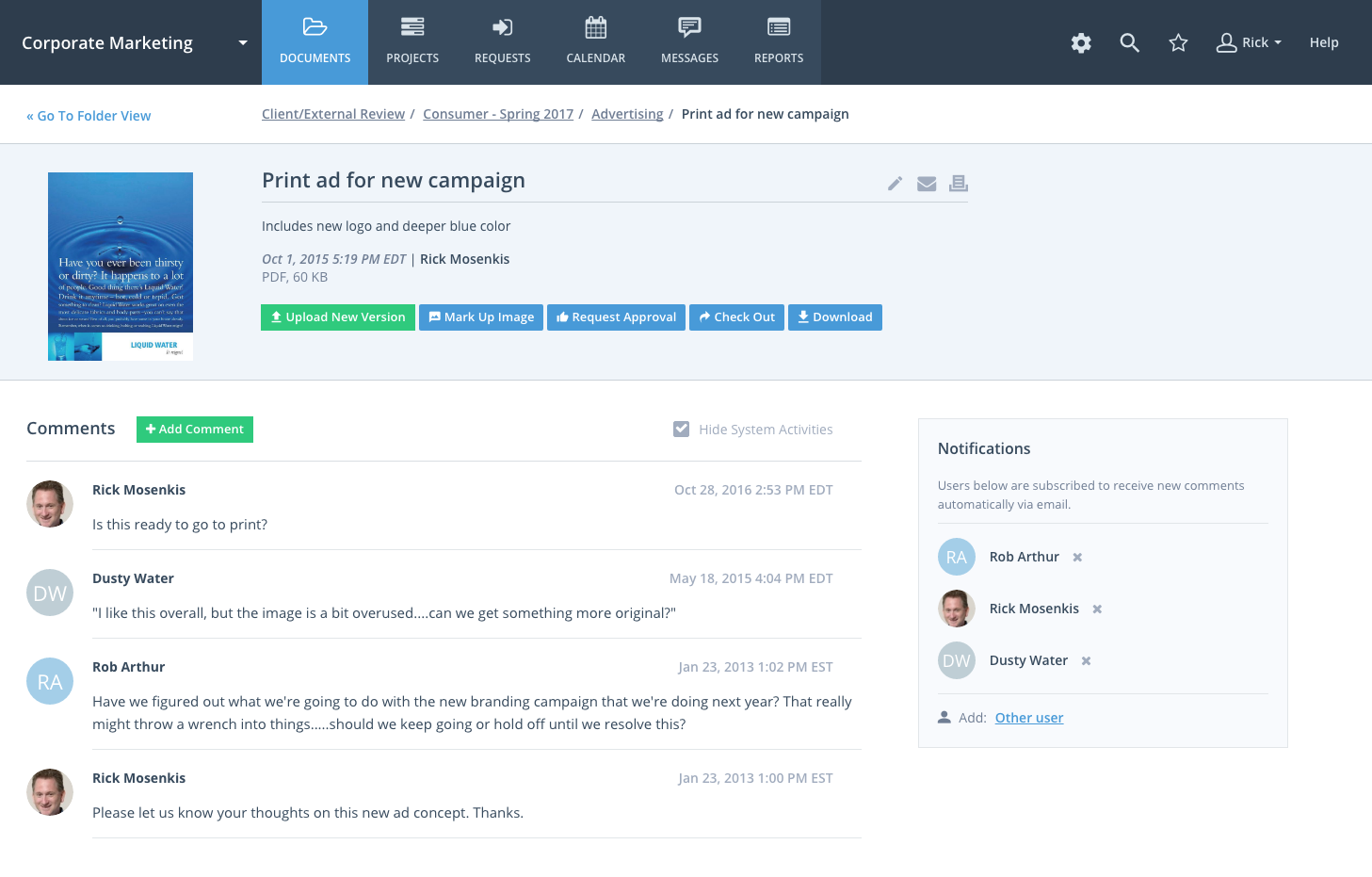
Workzone eliminates confusion and ensures that the team uses the latest version of files by organizing these files and adding version numbers as files are being revised. The team can share these files with other team members or with clients and even set file permissions to ensure individuals get access to those files that are only appropriate to them and avoid confidential information getting into the wrong hands. The system notifies the users of the progress of their tasks, comments or calendar events through alerts.
I think that Wrike is customizable enough to fit most needs, so I would generally recommend it as a starting point to anyone that is looking for a project management tool. Some people on my team don't like it, but I think that is moreso due to lack of exposure than any flaws in the tool itself. I predominately taught myself many of the features, and I found it to be straightforward. There is lots of great documentation out there, plus the community forums are incredible helpful as well. Wrike might not be THE perfect tool for every single need, but I think that there would be very few situations where it would ultimately be incompatible with a team's workflow needs.
WorkZone is good at basic project management like scheduling and time management.
The software can be set to send you a daily email with the list of the tasks that you need to get done for that day.
Workzone allows the admin for the account to pick and choose which clients/projects can be seen by each person with an account, which allows each user to focus on the projects that they are involved in without being distracted by other things.
It isn't possible to set members of staff as part time, so if someone is unavailable on certain days you must manually enter them as OOO every single day that they are not in, that other teammates work. Hours also can't be edited individually - everyone is treated as working the same hours in a day, rendering capacity planner useless for flexi working teams
Subtasks cannot be assigned their own hours and deadlines, meaning the To Do list view can't be seen in actual date order and capacity planner does not reflect all time allocated to an individual's schedule unless every task is set up as a separate task rather than subtask
There is no way to see all tasks of a certain type across multiple campaigns (e.g all copywriting tasks vs all technical tasks) - support team suggested exporting data and making spreadsheets
Kanban view isn't available for people's own task lists ('board' view here shows a list)
Not possible to have one task be assigned to more than one person
Notifications are not sent when tasks are updated, so you have to leave comments and tag people each time
One of the reasons we left WorkZone was due to how videos/roughs were presented. While WorkZone does allow for a customizable and professional, clean looking interface; it did not offer everything we needed when it came to cross platform integration.
WorkZone was also a little more pricy compared to a few competitors. WorkZone is worth the price and we loved using it, but a competitor offered an added feature that WorkZone does not offer that tipped the scales.
There is no 'library'. As an AD Agency, we have worked on a lot of different spots for a lot of different clients. WorkZone did not offer a comprehensive library for us to upload content and use for presentations purposes. If WorkZone does add this feature later on down the road, it would be a great improvement and we would give serious thought about switching back.
Because of time constraints, our team hasn't been able to fully implement and change our existing processes. If we can get our templates set up and maybe some better export options figured out, I think it'll be a no-brainer to renew, but until then it maybe be difficult to financially justify something we're only partially using.
I wish that Wrike had more drag and drop functionality that would be connected to assignee and also I wish that the finish date of a task would update to the date where you checked completed. It does not do that. Also finishing a task doesn't move the start date of the next task it "protects your time in that way", but our management team wants us to quickly see what we have down the pipeline rather than having to scroll down the list of upcoming tasks.
WorkZone was very easy to learn, especially for the members of our team who were not as technology-savvy. WorkZone offered unlimited training as well, making it easy to transition new team members to the program, as we were a startup organization consistently adding new team members.
It's easy as pie to use. I don't have any issues and only the oldest, most un-tech savvy of coworkers on my team seems to have issues with it. It's quick to pick up, intuitive, and effective. I have no criticism for it.
Throughout the use of the WorkZone software, we never had a issue with it being unavailable. This is important, considering we wanted to access our projects and see our progress at any moment. WorkZone was always available and made constant supervision of tasks and goals easy; no excuses for not checking in on the status of a project.
Over two years of (almost) daily usage without outages. Don't remember any errors. I give it 9 only because some Wrike plugins (for online document edit) are based on NPAPI architecture. These types of plugins are being phased out in new browsers, and NPAPI plugins are disabled by default in recent versions of Chrome so you have to do some browser adjustments when you switch browsers or move to another computer.
I have zero complaints about the performance of WorkZone; for our organization's needs, it was a perfect tool for keeping track of various responsibilities and tasks. We never experienced a lag or down-time when using the software, and the simple interface made things exactly that from our end...simple. WorkZone is a fantastic tool for work management that never fails to perform, in my experience.
Wrike tasks loads fine, but I hate clicking files and wait for a bit of time since it is powerpoint or word, Wrike assumes I want to open those on Wrike. My suggestion is to link it to office 365 so we do not need Wrike based decoder for PPTX and DOCX
We have not required support for ActiveCollab as it works pretty seamlessly. We didn't have any issues with using the platform or with any billing issues. The self-service aspect of the platform is robust and easy to navigate so we have not encountered any errors that required assistance from the support team.
The team at WorkZone is incredibly helpful and very willing to lend support when they can. Our team was constantly growing, and our new team members needed training every time someone cam on board. The WorkZone support staff was more than willing to ensure our new team members were completely comfortable using the software and set up for success.
During my learning phase with Wrike, I initially struggled with setting up automation rules and request forms. However, Wrike support was always my go-to, resolving issues within seconds or minutes. Their assistance made the learning process much easier. My best experience was receiving step-by-step screenshots to follow, with the support team on standby until I was completely satisfied.
The WorkZone trainers are wonderful! They offered us unlimited over-the-phone and online support, and the trainings were always informative. The WorkZone support team was willing to answer multiple questions and review sections of the training if need be. They were always accommodating, and trainings were scheduled very quickly for when our team needed them!
I love the Wrike training options. Wrike Discover has tons of courses, learning plans, certifications, etc. This is an area where Wrike definitely shines! I wish these resources were more in your face for new people, because it seems like a lot of coworkers didn't know all of this training was available to them.
Implementation of WorkZone was very easy. We simply log into a portal online and begin to set up our projects. Access codes were sent very quickly to our team, so there was practically no delay once we signed the contract for our subscription. Training was scheduled quickly and was very helpful, especially as new team members joined our organization.
There are a lot of bells and whistles in Wrike, and not all of it is easy or intuitive to understand once it's plopped in your lap. It's easier when there are a few choice people who understand Wrike as a platform and articulate it in such a way where it makes it easy to pass it along to others in the group
ActiveCollab is easier to use and simpler in its setup. It has the right mix of features and simplicity. It's also project-oriented which is important for our workflow. Other tools are often too task-oriented, making it hard to track projects. Overall, ActiveCollab has a great mix of simplicity with good features.
I selected WorkZone based on several criteria: 1. It is web based 2. It has more robust reporting capabilities 3. the price was right 4. It was easy to use and easy to train people 5. Timelines are easy to update.
We use both monday.com and Wrike. While Monday does have a better user interface, Wrike allows us to have more visibility into tasks where multiple people are collaborating. And also to receive project brief-ins and requests for new projects. We use both differently and I would say for us Wrike is more the collaboration tool than the day to day individual task management tool - and it works great.
We are a small organization, so the need to expand our use of WorkZone was limited. I only rate it below a 10 simply because I do not have much experience with the scaleability of the product. From the previews and training sessions, it does seem that the software can easily be adjusted to accommodate a growing workload; something we may use in future, just not at this point in our organization's development.
The sky is the limit for what can be done in Wrike. We started with 1 use case and within 5 months we migrated several key business practices over to Wrike because they were easier to manage. Use cases so far: process improvement, management review, corrective actions, maintenance requests, month-end financial closing, and document management. As we grow, it's easy to imagine putting even more into Wrike where it becomes a cornerstone for how we do business
Different teams (e.g., contracting, compliance, provider relations) can view updates in real time, comment directly on tasks, and escalate items when needed.
Wrike allows us to template the contracting process (from intake to signature) to ensure consistency across payers and reduce administrative overhead.
Leadership can see the status of negotiations at a glance, identify bottlenecks, and prioritize resources accordingly.