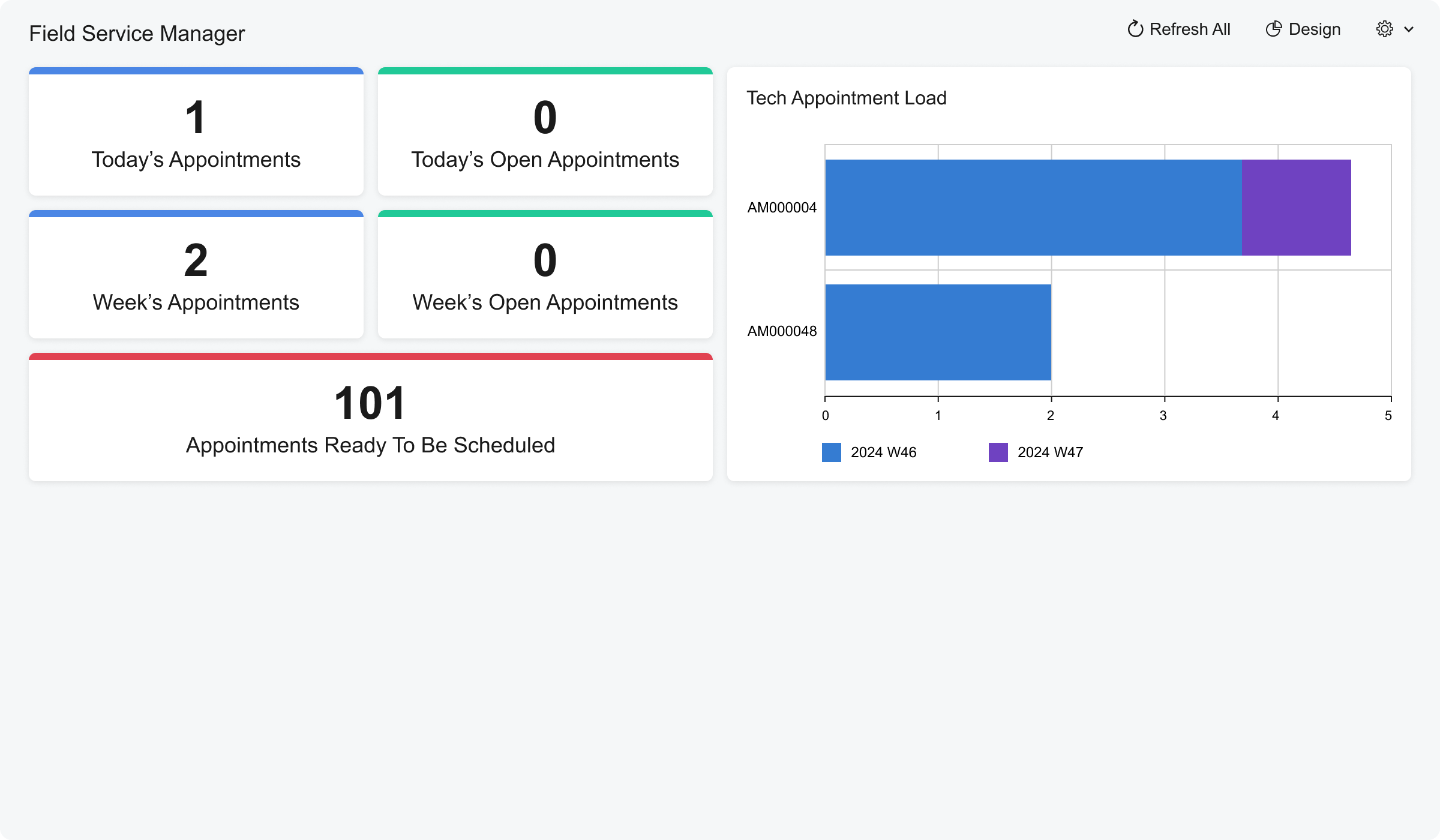
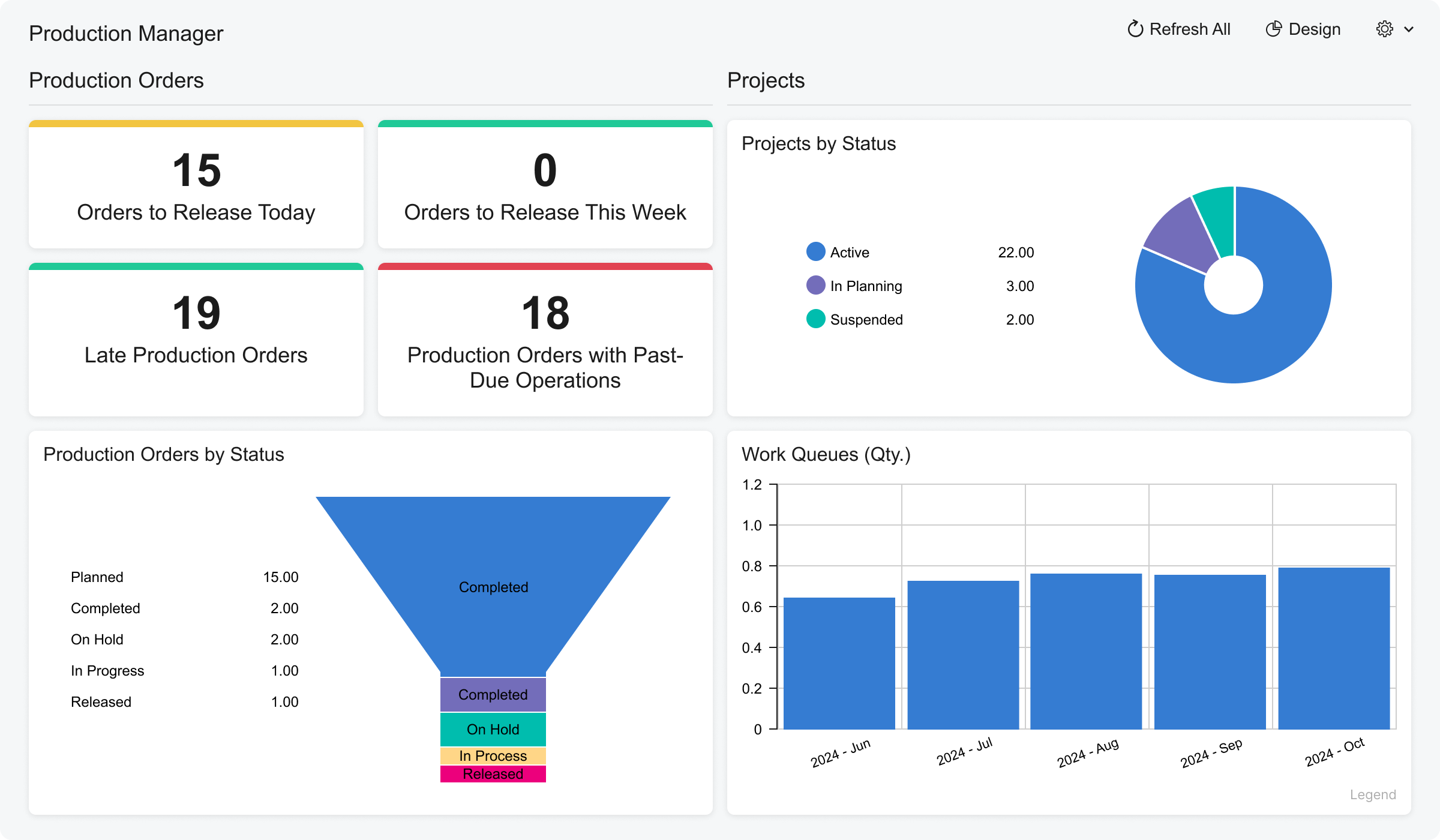
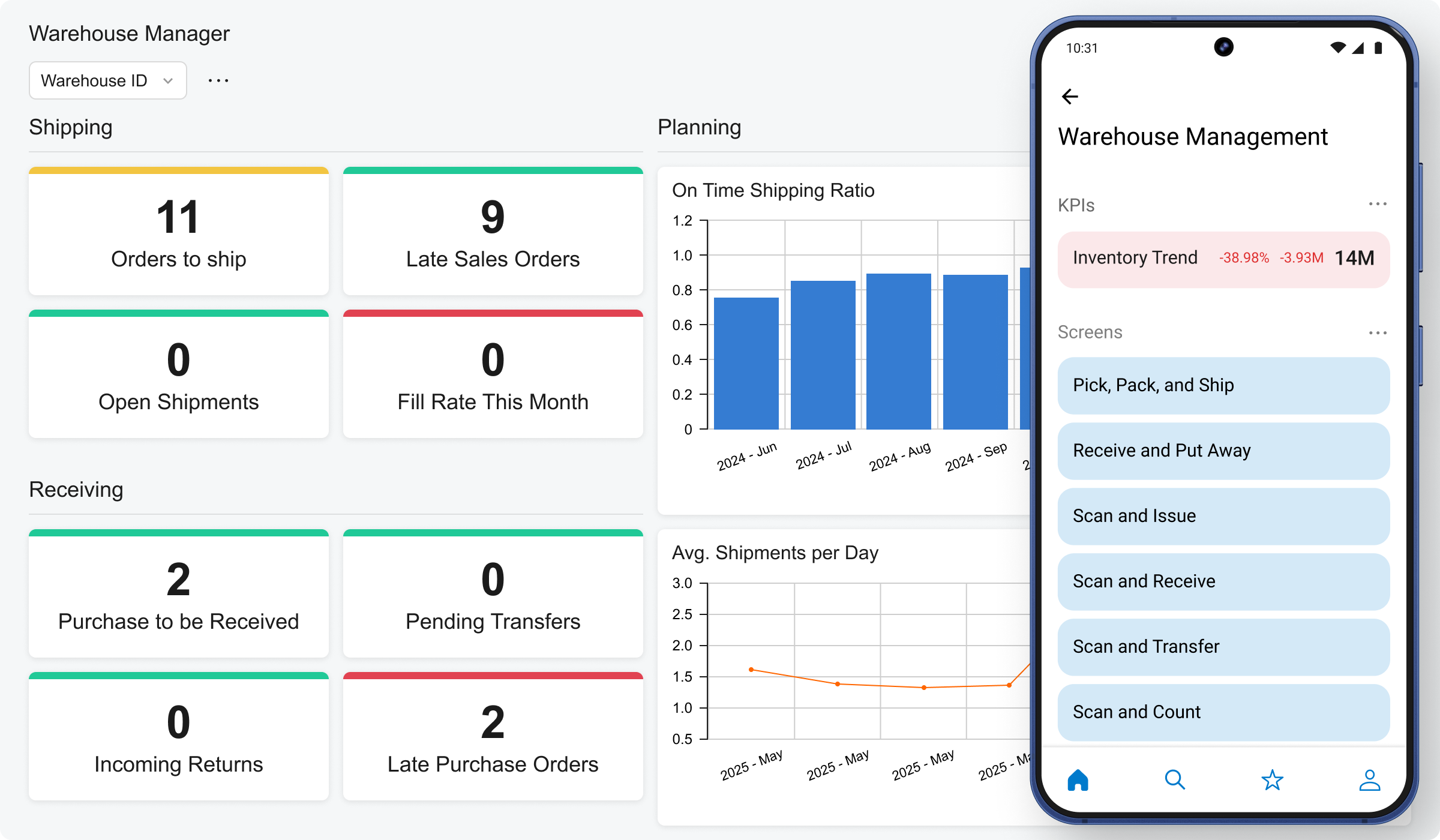
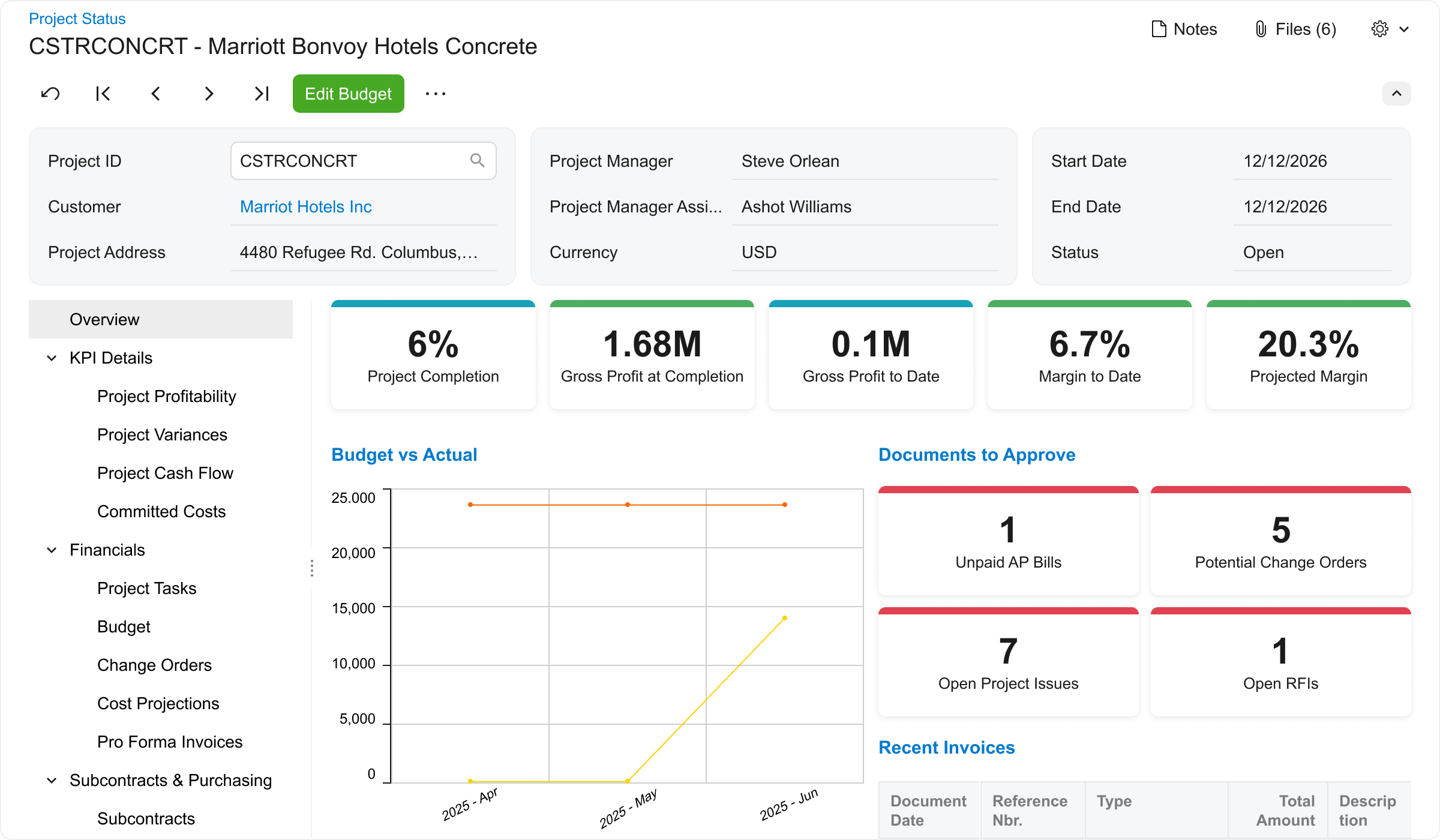
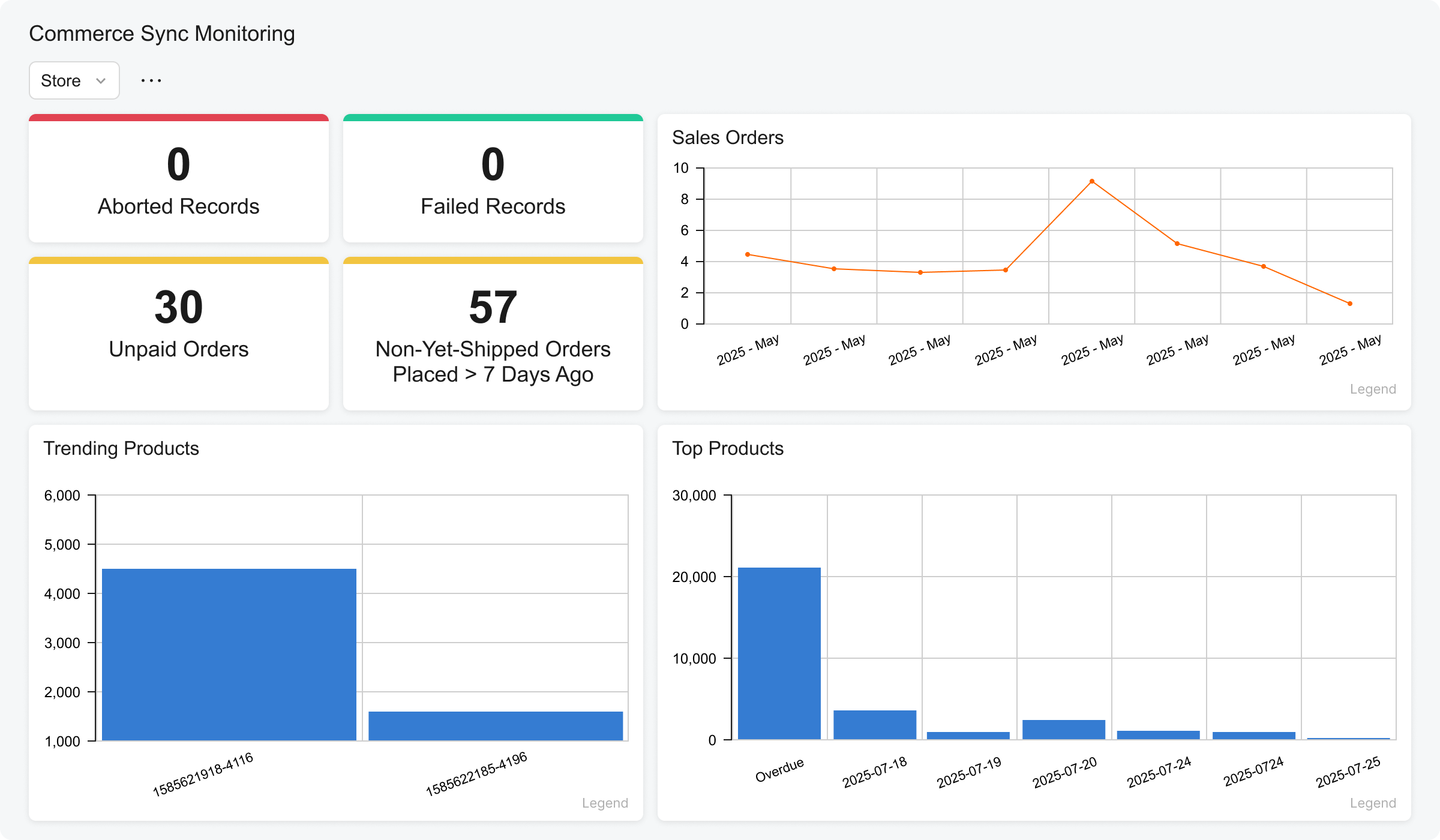
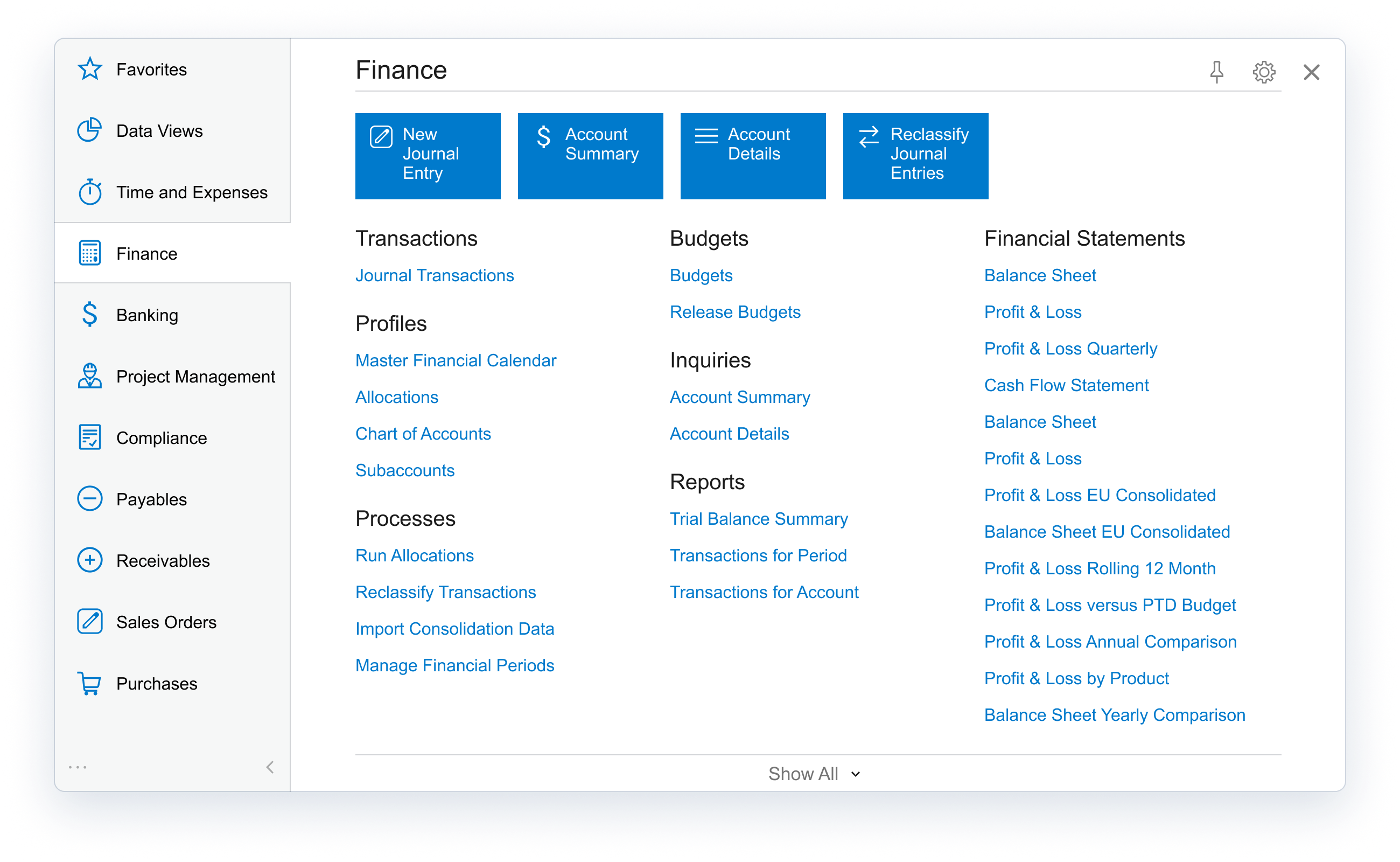
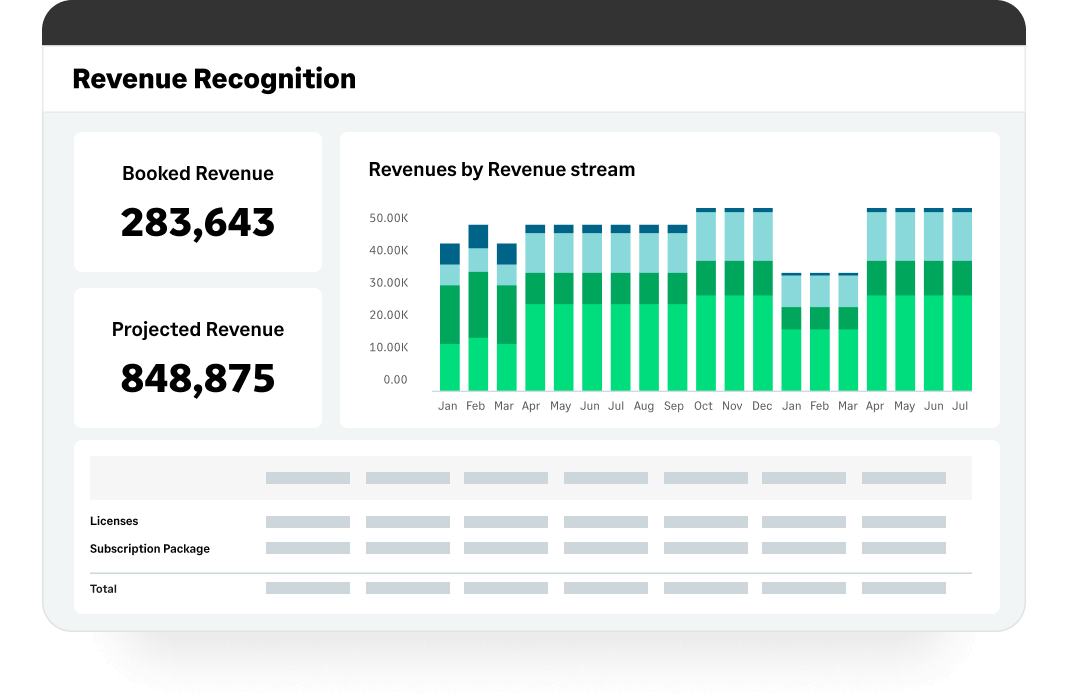
Acumatica delivers a set of cloud-based business software applications with dashboards, reporting tools, integrated document management, centralized security, and customization tools.
N/A
Sage Intacct
Score 8.6 out of 10
N/A
Sage Intacct is a cloud ERP system targeted at high-growth small and medium-sized businesses. Intacct includes applications for core financials and accounting, purchasing, order management, and financial reporting and business intelligence. It also integrates with 3rd party software like Salesforce.
N/A
QuickBooks Desktop Premier
Score 8.1 out of 10
N/A
QuickBooks Desktop Premier is an installed version of QuickBooks for general business, contractors, manufacturing and warehouse accounting, as well as nonprofits, professional services, and retail.
N/A
Pricing
Acumatica
Sage Intacct
QuickBooks Desktop Premier
Editions & Modules
No answers on this topic
Offerings
Pricing Offerings
Acumatica
Sage Intacct
QuickBooks Desktop Premier
Free Trial
No
No
No
Free/Freemium Version
No
No
No
Premium Consulting/Integration Services
No
No
No
Entry-level Setup Fee
No setup fee
No setup fee
No setup fee
Additional Details
Pricing is always consumption-based with no five-year lock-ins or termination penalties.
The Acumatica ERP pricing structure allows adding casual users, suppliers, and customers without paying for additional licenses.
The cost is based on the features and resources utilized, not on the number of users who access the system. An Acumatica partner works with users to understand specific requirements, determine the proper resources and modules for the company, and presents a price for the license.
Sage has a limited number of users allowed in its system, which limits the visibility my project managers have into their projects. Sage also halted the entire system when you needed to post to the GL, further slowing our process. Because Acumatica is cloud-based, these are no …
Acumatica excels well against other tools due to its rich set of capabilities like deep integrated project management, financial management, scalable unlimited users, robust real-time visibility and strong customisation, outperforming Odoo's variable modules and QuickBook's …
I am not a part of the leadership team to be able to give accurate information on this side of things, but I know from using both systems that Acumatica has helped with the day to day processes that our company does. For example, Acumatica has been so much easier training our …
For the size of our business Odoo is a better fit. If we were larger and able to put more resources against development it may be better. Our business is very diversified and the flexibility of Odoo is desirable.
Amazing improvement. We selected Acumatica because it works on Macs, is browser-based yet we keep our data on our in-house servers, and it completely modernized our system.
Acumatica was much more user friendly and provided many more features that were attractive to our company. The ability to add on other products was also a key.
Sage Intacct has been great - we were coming over from Sage 50 and wanted to stay in the Sage ecosystem. Other than my aforementioned areas of improvement, we have been super happy with the platform.
Sage Intacct is a comprehensive all in one ERP business management tool that stacks up very well compared to the competition, it has very useful modules and functions within each module. The multi-entity and dimension functionality can be a game changer depending on if it is …
At first, we were indeed attracted to Intacct because it offered a lot of customization options and helped us better integrate multiple programs. However, we later discovered that the learning curve was steep, and because the vendor didn’t fully understand our business, we had …
We selected the Sage Intacct Package due to the overall sales points by the VAR that this would improve our project costing and meet our payroll type needs. The last selling point was the ability to have a VAR within the state who could be in person for meetings with us and …
Sage 50 has significantly less features/capabilities to Sage Intacct. Intacct's ability to report and segment data, in addition to it being web-based, make it much more user friendly and easy to access both the platform and relevant data needed. We are still using Rent Manager …
Sage was cheaper than Acumatica and already being used, so it was easier to stick with Sage than make a big transition with a lean team. QuickBooks would not have had the revenue recognition capabilities that Sage has.
I think Sage is much easier to use and makes more accounting sense than either MIP or FE. I often wonder if accountants are involved in creating accounting software but i do not feel like that with Sage.
We felt the 2nd best alternative to Sage Intacct was Aplos, then Blackbaud. However, there were some issues: > Overall functionality - All of our initial business requirements were fully met with Sage Intacct, which was mostly similar to other offerings. Where Sage Intacct …
I think Sage Intacct is by far the worst accounting software I have ever used. We only selected Sage Intacct in order to integrate with WooCommerce's order management platform...which we have since then ditched. We should have never migrated over from QuickBooks. We should have …
I selected both. They work together. I specifically selected MineralTree because it has a direct and bi-directional API sync with Sage Intacct. Again, I think Sage needs to be proactive to smooth out a couple of bumps: 1. the mapping of the restriction field; 2. the deleting of …
Sage Intacct offered more cloud-based options and greater customization than the software previously used. The cost-to-benefit ratio could not be beat.
I have mentioned several of the tools and applications that Sage has made available to my company and how my company has constructed to use them and apply them to our daily lives of bookkeeping, with receivable and checks and balances, making it a better and proper system with …
MS GP was no longer supported, so we switched to Intacct. QuickBooks wasn't nearly as robust, and we were enticed by both the peer organizations that use Intacct and the ability to make the system work for us in ways MS financial software had historically not.
We evaluated Sage Intacct alongside many other options, but Blackbaud and NetSuite were the frontrunners. They all were cloud-based and capable systems, but for our team, Sage Intacct was the clearer choice for a few reasons.
First, usability. Our team has varying levels of …
We actually switched with the hiring of a new Chief financial officer to Sage Intacct. We are significantly behind with prior year audits and regulatory reporting and still used QuickBooks Premier for those reasons. In hindsight we should have done more research with …
Online - We have some clients on AgExpert, Xero, and QB Online. All 3 provide good value in my opinion. QuickBooks Desktop Premier - In our experience, QuickBooks Desktop Premier is the best desktop software we have encountered. We have some clients using AgExpert and Simply, …
We've used QuickBooks Desktop Premier for many, many years. We've not reviewed any other accounting products internally - but have a handful of the customers that use Cyma (mentioned above). While I've never had occasion to functionally use Cyma, I have had to install and …
We tried a few other options like Bookkeeper and using Excel to track it. Bookeeper was a little outdates and more difficult to use. I had issues find the functions that I needed. Excel is just spreadsheets of the information with no easy way to do reporting. They don't have …
[QuickBooks] doesn't have meaningful Reorder Reports. TracLine wouldn't work on my new computer. I'd have to invest $35,000 again & buy new Unix software 7 & new Cobol. I should have done it. I thought [QuickBooks] was a leader.
This question really isn’t applicable to me, but I am intrigued by some of the new online systems that are replacing QuickBooks. That said, I really don’t want to be dependent on the delays and other limitations of working on a web-based application only. QuickBooks is still …
We have looked at Peachtree and other custom applications for an enterprise organization. Those products might be more robust - but for a small business, our needs are basic. This is easy to learn, intuitive and affordable. It's easy to install and maintain. Even non-technical …
I think Quicken for my purposes is superior to QuickBooks Premier. I selected QuickBooks at my accountant's urging. It took a significant amount of time to set up, migrate, learn, and maintain. After almost 2 years of use, I abandoned it and returned to Quicken. Easier bank …
The other accounting-based programs I have attempted to utilize in this position have been far inferior to the functionality of QB premier. One, in particular, has several methods of use and not all of them were easy to navigate. QB's use of icons and homepage direction chart …
I have recently started working with Deltek Vision as a consultant project for a large sized architectural company with firms across the world. Understandably, Vision is a great project for this firm because of the needs that are required for a global firm, but is much more …
Although cloud-based platforms with a monthly subscription are very popular, I still prefer a desktop enterprise solution. Profit & Loss reports by Customer are not accurate in the online version because they cannot account for employee-related costs that should be assigned to …
QuickBooks' user-interface and features are better than that of other accounting systems we have encountered so far. It is easier to navigate through accounting modules and reports even for bookkeeping beginners.
I think it’s a great product. I think it’s very customizable, which is a big plus. For manufacturing, it’s excellent because of creating the inventory, turning it into an actual product to sell, and also tracking the status of each process within that system. I can’t think of any areas where it’s not suited, because otherwise we would be looking for something else or making changes, and at this time, we’re just growing with the system.
Sage Intacct is well suited for below areas 1) Integrations with third party applications 2) Contracts module for billing based on milestones and Direct Invoicing 3) Customer communications for Pending Invoices/ Dunning 4) End to End Procure to Pay module for vendor payments 5) Bank reconciliations by integrating with Bank Portals Sage Intacct is less suited for 1) Prospective MEA Allocations 2) MEA allocations during Partial cancellation of contracts 3) Past due reminders for customers 4) Exchange rate history is not available in Intacct.
QuickBooks Desktop is an easy-to-use software with good services. Their invoicing, employment, and vendor sections are all wonderful. These sections allow efficient tracking and instant business summaries and reporting. However, the pricing for additional services and upgrades and lack of good customer service makes it a less attractive software for small businesses.
The data is very flexible, you are almost able to do anything with the data if you can establish the right relations.
The UI is very friendly and easy on the eyes, compared to our last ERP which I coined as a "List of lists" where drop-down menus lead to drop-down menus.
Dashboards and keeping everything as a single source of truth.
Custom, real-time financial reporting. I am able to streamline my reporting to pull in various account groups and calculations which save me time from having to do it in Excel.
Out of the box standard reports for clients who don't require as custom of reporting or even as a great starting point to build out reports.
Integrations with other platforms, such as Airbase, various banks, Rippling, etc.
The dashboard module is extremely helpful in my monthly review of various entities.
I think improvement, we don't know too much yet as we're just now going live, but the customization is the thing that's nice about software like this, you are able to customize it very well easily, but that takes a little bit of understanding to get to know that, and so we're not quite there yet. That'd probably be my complaint, even though it's not really a complaint, it's just able to do too much for us.
I would like to be able to choose how i want to view accounts receivable aging. I would like some flexibility to sort and choose how to present the data.
For a seasoned accountant, I would like to see some of the restrictive controls that are in place for novices to be able to be relaxed so that I can easily make some entries and adjust some balances that ordinarily a regular user would not be able to do.
I would like to see an easy way to clear old outstanding checks that need to be reversed without affecting prior balances/history.
It is a flexible system that is very flexible and is easy to use. It will also be able to scale as the company grows. Frankly, we have invested too much time to walk away from it now and the initial phase is going well
Sage Intacct continues to well-satisfy our needs and is an easy-to-use product. Service reliability has been excellent. The ability to integrate Sage Intacct with best-in-class companion products that handle expense reporting, budgeting, etc... makes Sage Intacct an excellent value. We continue to be extremely well-satisfied with the results and performance of our experience using Sage Intacct.
Because we have been extremely happy with the product and our organization tends to be creatures of habit. We rarely leave a product that works this well for the latest and greatest. Typically we follow the "if it's not broken, don't fix it rule". While QB does make changes we typically just roll with it. If we do find something we don't like we work through it until we fully understand its functionality.
The processes are very intuitive and easy to use. Whether you are entering AP bills, timecards for payroll, or AR invoices, the processes are similar and easy to use. The drill-down capability is also a huge plus as you can easily toggle between different modules without having to leave the screen you are in and navigating through a menu to get the information you need. We found that the standard reports out of the box are lacking. Our implementation did not go so well and when we were finally ready to run financial reports, it was both disappointing and frustrating to discover that the P&L was highly summarized and to get a detailed report required having to do a lot of formatting myself. I was able to figure it out on my own, but when our financials were already delayed getting published, I did not really have the time to spend trying to figure out how to build my own P&L.
The ease of use as a seasoned user is wonderful; however, new users struggle to adapt to the program efficiently. Better training videos--all in one location--would be beneficial. The use of a "sandbox" environment is a great tool for new employees or for the fiscal department to test certain journal entries or other transactions to verify accuracy of data.
We switched to a more "robust" software program with the hiring of a new CFO. The migration of historical data and ancillary information has been cumbersome and riddle with errors and issues. In hindsight much of what the new software program was touted to accomplish is not come to fruition. QB Desktop Premier was sufficient for the organization needs
There has only been one occurrence where Sage Intacct was not available to me, however I had already been working a number of hours trying to get a project completed. It honestly allowed me to step back and take a much needed break.
As fas as integration is concerned I don't feel this slows Sage Intacct down at all. However, sometimes I do feel it takes some larger reports more time to load due to all the detail. As well as, I "move very fast" in my motions so sometimes I double click on fuctions too quickly and the system seems to think that I have a duplicate request.
I would rate the overall support for Acumatica an 8 out of 10. The support team is generally responsive, knowledgeable, and helpful when resolving issues or answering questions. Documentation and community resources are also useful. However, response times can occasionally vary depending on the complexity of the issue or support queue, which slightly affects the overall experience.
Only a few times have we had to reach out to support, and every time we did, we received a relatively quick response and a solution was found fairly quickly. Only once was there an issue that took longer than a week to resolve, but it still did eventually get solved.
This is where QuickBooks falls short. Many times my staff has had questions that have not been able to get resolved easily with a chat or call. I personally have had more general questions that have not been answered easily as well. I think QuickBooks needs to provide the resources of having readily accessible help in order to make it simpler to get solutions.
I have taken in person training classes at several of the annual Sage Intacct user conferences. It is very interactive and the trainers are very easy to follow and understand. They are great at getting everyone in the class involved. They also make sure everyone has learned to task before moving to a new one.
The free training is very minimal. For what we pay for the service, I would like more training. We end up training new users in-house because the provided free training is not nearly comprehensive enough. That being said, the training provided, for the material covered, was adequate and relevant for the given topics.
I'd say the partner selection is critically important. I think the software is very easy to implement. It's very customizable to your business. Finding a partner that will work with you to understand your business and your needs is the critical piece to make sure that the system goes along with it.
I would not use a thrid party administrator to implement your system, especially if you are going to be modifying the system at all. Use Intacct implementors as they will be able to better support you on any issues that come up after you go live.
It is important to do your research. There are tutorial videos online that could help new user of this accounting system. These tutorials are straightforward and easily understandable.
Acumatica excels well against other tools due to its rich set of capabilities like deep integrated project management, financial management, scalable unlimited users, robust real-time visibility and strong customisation, outperforming Odoo's variable modules and QuickBook's limited ERP capabilities.
We felt the 2nd best alternative to Sage Intacct was Aplos, then Blackbaud. However, there were some issues: > Overall functionality - All of our initial business requirements were fully met with Sage Intacct, which was mostly similar to other offerings. Where Sage Intacct distinguished itself was in its business model, what we would end up with after implementation that would stream-line our organization. > Open architecture - APIs for our other specific software tools were already part of Sage Intacct and others did not have the robust existing offerings and did not make clear how we would build such hooks. > Pricing - Sage Intacct ended up the best price, with the software and implementation support bundled into one annual price. Our multi-year agreement was also the best price, through negotiations / iterations. > References - We contacted references for each vendor in consideration. Church/non-profit Sage Intacct users spoke and understood "our language" and were incredibly positive about their experience with Sage Intacct. References provided by other vendors missed the mark in terms of a business match, which doesn't bode well if those are what is offered.
We've used QuickBooks Desktop Premier for many, many years. We've not reviewed any other accounting products internally - but have a handful of the customers that use Cyma (mentioned above). While I've never had occasion to functionally use Cyma, I have had to install and troubleshoot problems with it. Put simply... not impressed. I found installation a bit confusing, and once started up, I wasn't able to easily find anything I would have wanted to find - where conversely, QuickBooks Desktop Premier excels on both of these fronts.
From my understanding, the P.O. module is not very robust, at least the last time I inquired about it. At the time, it had a one-to-one match, with one invoice for one P.O. and that isn't practical for many businesses. I don't believe it would be an easy system to use for sending out invoices, if we had thousands of retail utility customers. We do a small number of invoices because we sell wholesale power, not retail, so we only Invoice the municipality. Not each utility customer.
Positive. Again, it is just that insight that everybody can see. Whether it's my sales guy that's on the show floor that's looking at it at his mobile app, or if it's me in the office logging in every single day, I know what our inventory is. I'm never worried about if we have enough product or where everyone is at. It has it all.
Positive - It runs better than our old software when we all work together, rather than having to sign off on each other and deal with syncing issues.
Negative - It's not as easy to go back to fix an amount, a date, etc. Sometimes, a very small mistake needs to be corrected by voiding and redoing the entire transaction.
We can successfully sync other software we use with Intacct! It reduces workload when things are automated.
Most of our business clients use QuickBooks which makes it efficient for us to work on clients that use the program. We can import QuickBooks data into our software which adds efficiencies to our tax practice.
Having staff that are familiar with the software enables our firm to provide quality service to the clients that use QuickBooks.
We receive referrals from satisfied QuickBooks clients.