
Alex Zotescu, PE, LEED GA
Senior Electrical Engineer - Design Team Lead
Chose Autodesk Build
We use Bluebeam Revu very much in our daily work and it has many futures that are not available in PlanGrid.

| Product | Rating | Most Used By | Product Summary | Starting Price |
|---|---|---|---|---|
 Autodesk Build | N/A | Autodesk Build, based on the former PlanGrid, is construction productivity software. It includes tools to collaborate, collect, and manage project information throughout the project’s construction and operations lifespan. It enables document centralization and tracking. | $39 user per month | |
 Bluebeam | N/A | Bluebeam Revu is a PDF management, control, and editing tool. It enables collaboration and markup within shared documents across projects’ life cycles and has takeoff and bid creation capabilities. | $240 per year per user | |
 Procore | N/A | Procore is a project management software designed specifically for the construction industry. Procore is cloud-based and allows unlimited users per instance, so that construction team members and stakeholders can all access project information and documents. | N/A |
| Autodesk Build | Bluebeam | Procore | ||||||||||||||||||||||
|---|---|---|---|---|---|---|---|---|---|---|---|---|---|---|---|---|---|---|---|---|---|---|---|---|
| Editions & Modules |
|
|
| |||||||||||||||||||||
| Offerings |
| |||||||||||||||||||||||
| Entry-level Setup Fee | No setup fee | No setup fee | No setup fee | |||||||||||||||||||||
| Additional Details | — | — | Procore charges an upfront annual fee by product and based upon Annual Construction Volume (ACV) - the aggregate dollar value of the construction work across the customer's projects. Procore contracts include access for unlimited users, customer support, unlimited data storage, and product enhancements, at no additional cost. Multi-year pools: Contract volume is set for the entire multi-year term and can be consumed at any time during that period to help smooth out variability in consumption. Volume opt-in: Up-front contractual pricing is put in place for additional volume that might need to be added mid-term, to increase predictability of costs. Renewal rate protection: Up-front setting of rates is locked now, so businesses can budget accordingly for future renewals and improve cost predictability in future years. | |||||||||||||||||||||
| More Pricing Information | ||||||||||||||||||||||||
| Autodesk Build | Bluebeam | Procore | |
|---|---|---|---|
| Considered Multiple Products | Autodesk Build Alex Zotescu, PE, LEED GA Senior Electrical Engineer - Design Team Lead Chose Autodesk Build We use Bluebeam Revu very much in our daily work and it has many futures that are not available in PlanGrid.  Michael Carter General Superintendent Chose Autodesk Build I feel that PlanGrid is much more useful in our organization than Procore due to the extra features and value  Nicholas Bittner Principal, CFO, Architect Chose Autodesk Build
 Jeffrey Rudacille IT Manager Chose Autodesk Build Plangrid would sit in between these two when it comes to mobile job site collaboration and document management. Procore is more a full-featured product but it is 2X-3X the cost and there is some question whether the extra costs actual turns in to an ROI at the end of the day. …  Natalee Easthom Engineer Chose Autodesk Build The programs are not exactly parallel, however, we formerly posted RFIs on Bluebeam and by owner request we are now using Plangrid. I have found that this feature on Plangrid is slightly more intuitive and the interface is more user-friendly. Bluebeam, on the other hand, has …  Nicholas Yager Project Engineer Chose Autodesk Build PlanGrid is great for quickly communicating information within the field, however, its office capabilities are more limited compared to some alternative software I have used.  Les Yager LEED Green Associate Chose Autodesk Build It's easier to use, more user-friendly, has ready access, and is more cost effective.  Brett Thompson Project Manager Chose Autodesk Build I feel that Plangrid does a good job at combining most of the best attributes of the above programs into one solid software. Finishline seems to be a bit stronger punchlist tool but it doesnt have any other features, can't be used a doc control, etc.  Bryan Musgrove Construction Project Manager Chose Autodesk Build PlanGrid has several more features in one location, as opposed to using multiple programs to accomplish the same task.  James Nolan Project Manager/Estimator Chose Autodesk Build Plangrid, while not serving the external document distribution function, is unrivaled for internal document distribution and sharing in the construction industry. The speed at which documents are navigatable, the ability to download your projects for viewing without an internet …  Tad Rivenbark Field Services Dept. Manager Chose Autodesk Build We use Bluebeam and PlanGrid on a daily basis for different purposes. Bluebeam does some things better than PlanGrid, but these are things that PlanGrid was not really designed to do. However, Plangrid is the best when it come to punchlists, and no other product that I have … | Bluebeam  Todd Azinger Superintendent Chose Bluebeam Procore is great for overall construction management and I will never take that away. What Bluebeam does is it enhances my work and how I can convey it to the field.  Christian Maxwell Project Engineer Chose Bluebeam I have used Adobe PDF viewers and editors and they do their job alright and I was able to easily use them. But when it comes down to which program better suits the work I do in the construction Bluebeam is far more focused in its design to meet my needs and uses in the …  Matthew Smith Safety and Project Manager Chose Bluebeam We've used these other products in conjunction with Bluebeam mainly because Bluebeam lacks RFI/COR/PO/Mark-up/revision tracking, and doesn't handle punch lists or tasks.  Michael Savala Assistant Account Manager Chose Bluebeam The only software I've ever used that even comes close to Revu is Adobe Acrobat Pro, which I find is most confusing and has a less attractive interface. Since Revu 2015 (the oldest version I've used), there's always been a dark mode Adobe does not have. PlanGrid and Procore, … Michael Carter General Superintendent Chose Bluebeam I personally like the tools that Bluebeam offers over Acrobat and feel that, for my company, Bluebeam was much better suited. Scaling tools, markups, as-builts, RFI’s, submittal approval, and detail creation all really show its strength.  Tony Grasso Project Engineer Chose Bluebeam  Justin Barnhart Field I.T. Manager/UAS Coordinator Chose Bluebeam We area construction firm and this software is geared towards the construction industry. Ti fits us very well. It was not a hard decision over Adobe  Shawn Cormier Senior Project Manager, Learning & Development Chose Bluebeam Much easier to use hands down. Adobe is confusing and has provided minimal support for issues I needed. Bleabeam seems to offer all support required vs. adobe.  Angelique Hamm Preconstruction Project Engineer Chose Bluebeam Other than Adobe X, Adobe Pro, or Bid2Win, I haven't used any other programs that do what Bluebeam can.  Zachary Hill Project Civil Engineer Chose Bluebeam It is head and shoulders better than adobe. Adobe accomplishes the most basic functions that Bluebeam Revu offers and nothing more. I would go as far to say that Adobe is the equivalent of a junior varsity athlete compared to the professional athlete that is Bluebeam Revu in a … |  Procore  Keith Jensen MArch RA LEED AP EDAC Architect, Project Manager Chose Procore Procore is in the top 3 but the decision to use on a project is driven by the Institutional Owner or General Contractor.  Kari Ackman Project Manager Chose Procore Primavera did not keep up with changes in technology and the industry, so it was phased out.  Joe Alldredge Director of Operations Chose Procore I had originally picked PASKR over Procore because it was less expensive and seemed to be more comprehensive, but it turned out to be not as useful for Subs and our workers so I switched to Procore.  Gavin Scott-Miller Project Manager Chose Procore Procore is very much the industry-standard software, I personally preferred using field wire because it was considerably more user-friendly for field operators to understand. Procore is utilized more readily between different trades, so often we would see Procore to be better …  Carrie Pipkin Director Of Information Technology Chose Procore  Pete Gleason Project Manager Chose Procore Procore is the only software that I have used.  Josh Grider Region Construction Manager (Central Region Head of Construction) Chose Procore Procore has no equal in the GC Market.  Andrew Adams Project Engineer Chose Procore Procore is more intuitive and easy to pick up and to navigate. |
| Autodesk Build | Bluebeam | Procore | |||||||||||||||||||||||||||||||||||||||||||||||||||||||||||||||
|---|---|---|---|---|---|---|---|---|---|---|---|---|---|---|---|---|---|---|---|---|---|---|---|---|---|---|---|---|---|---|---|---|---|---|---|---|---|---|---|---|---|---|---|---|---|---|---|---|---|---|---|---|---|---|---|---|---|---|---|---|---|---|---|---|---|
| Construction Project & Field Management |
| ||||||||||||||||||||||||||||||||||||||||||||||||||||||||||||||||
| Reporting & Analytics |
| ||||||||||||||||||||||||||||||||||||||||||||||||||||||||||||||||
| Estimating |
| ||||||||||||||||||||||||||||||||||||||||||||||||||||||||||||||||
| Human Resource Management |
| ||||||||||||||||||||||||||||||||||||||||||||||||||||||||||||||||
| Payroll Management |
|
| Autodesk Build | Bluebeam | Procore | |
|---|---|---|---|
| Small Businesses |  FollowUp CRM Score 2.3 out of 10 | FollowUp CRM Score 2.3 out of 10 | FollowUp CRM Score 2.3 out of 10 |
| Medium-sized Companies |  InEight Score 8.5 out of 10 | InEight Score 8.5 out of 10 | InEight Score 8.5 out of 10 |
| Enterprises | InEight Score 8.5 out of 10 | InEight Score 8.5 out of 10 | InEight Score 8.5 out of 10 |
| All Alternatives | View all alternatives | View all alternatives | View all alternatives |
| Autodesk Build | Bluebeam | Procore | |
|---|---|---|---|
| Likelihood to Recommend | 7.0 (70 ratings) | 9.7 (66 ratings) | 8.9 (865 ratings) |
| Likelihood to Renew | 10.0 (1 ratings) | 1.0 (2 ratings) | 8.7 (70 ratings) |
| Usability | 5.0 (2 ratings) | 9.5 (4 ratings) | 10.0 (57 ratings) |
| Availability | - (0 ratings) | - (0 ratings) | 9.9 (15 ratings) |
| Performance | - (0 ratings) | - (0 ratings) | 9.5 (15 ratings) |
| Support Rating | 9.0 (52 ratings) | 1.0 (11 ratings) | 9.6 (69 ratings) |
| In-Person Training | - (0 ratings) | - (0 ratings) | 8.1 (5 ratings) |
| Online Training | - (0 ratings) | - (0 ratings) | 9.3 (13 ratings) |
| Implementation Rating | - (0 ratings) | - (0 ratings) | 10.0 (114 ratings) |
| Configurability | - (0 ratings) | - (0 ratings) | 9.3 (15 ratings) |
| Ease of integration | - (0 ratings) | - (0 ratings) | 9.1 (310 ratings) |
| Product Scalability | - (0 ratings) | - (0 ratings) | 9.8 (15 ratings) |
| Vendor post-sale | - (0 ratings) | - (0 ratings) | 9.9 (13 ratings) |
| Vendor pre-sale | - (0 ratings) | - (0 ratings) | 9.8 (14 ratings) |
| Autodesk Build | Bluebeam | Procore | |
|---|---|---|---|
| Likelihood to Recommend | Autodesk
| Bluebeam, Inc.
| Procore Technologies
 David Noah Controls Engineer |
| Pros | Autodesk
Jeffrey Rudacille IT Manager | Bluebeam, Inc.
 Tim Corbett General Manager | Procore Technologies
|
| Cons | Autodesk
| Bluebeam, Inc.
 Heather MacLean Administrative Assistant | Procore Technologies
 Laura Samoisette, LEED AP, WELL AP High Performance Division Project Manager |
| Likelihood to Renew | Autodesk
| Bluebeam, Inc.
Michael Savala Assistant Account Manager | Procore Technologies
|
| Usability | Autodesk
| Bluebeam, Inc.
 Ernest King Construction Operations & Process Manager | Procore Technologies
 Jason Glover President |
| Reliability and Availability | Autodesk No answers on this topic | Bluebeam, Inc. No answers on this topic | Procore Technologies
|
| Performance | Autodesk No answers on this topic | Bluebeam, Inc. No answers on this topic | Procore Technologies
 Phillip Li COO (Chief Operations Officer) |
| Support Rating | Autodesk
| Bluebeam, Inc.
| Procore Technologies
|
| In-Person Training | Autodesk No answers on this topic | Bluebeam, Inc. No answers on this topic | Procore Technologies
Jason Glover President |
| Online Training | Autodesk No answers on this topic | Bluebeam, Inc. No answers on this topic | Procore Technologies
|
| Implementation Rating | Autodesk No answers on this topic | Bluebeam, Inc. No answers on this topic | Procore Technologies
|
| Alternatives Considered | Autodesk
James Nolan Project Manager/Estimator | Bluebeam, Inc.
| Procore Technologies
|
| Scalability | Autodesk No answers on this topic | Bluebeam, Inc. No answers on this topic | Procore Technologies
 Ariana Marsiglia Operations Manager |
| Return on Investment | Autodesk
 Melissa McCain Facilities Quality & Compliance Program Coordinator | Bluebeam, Inc.
 Charlie Jewkes Estimator | Procore Technologies
 Diana Smith Site Engineer |
| ScreenShots | Autodesk Build Screenshots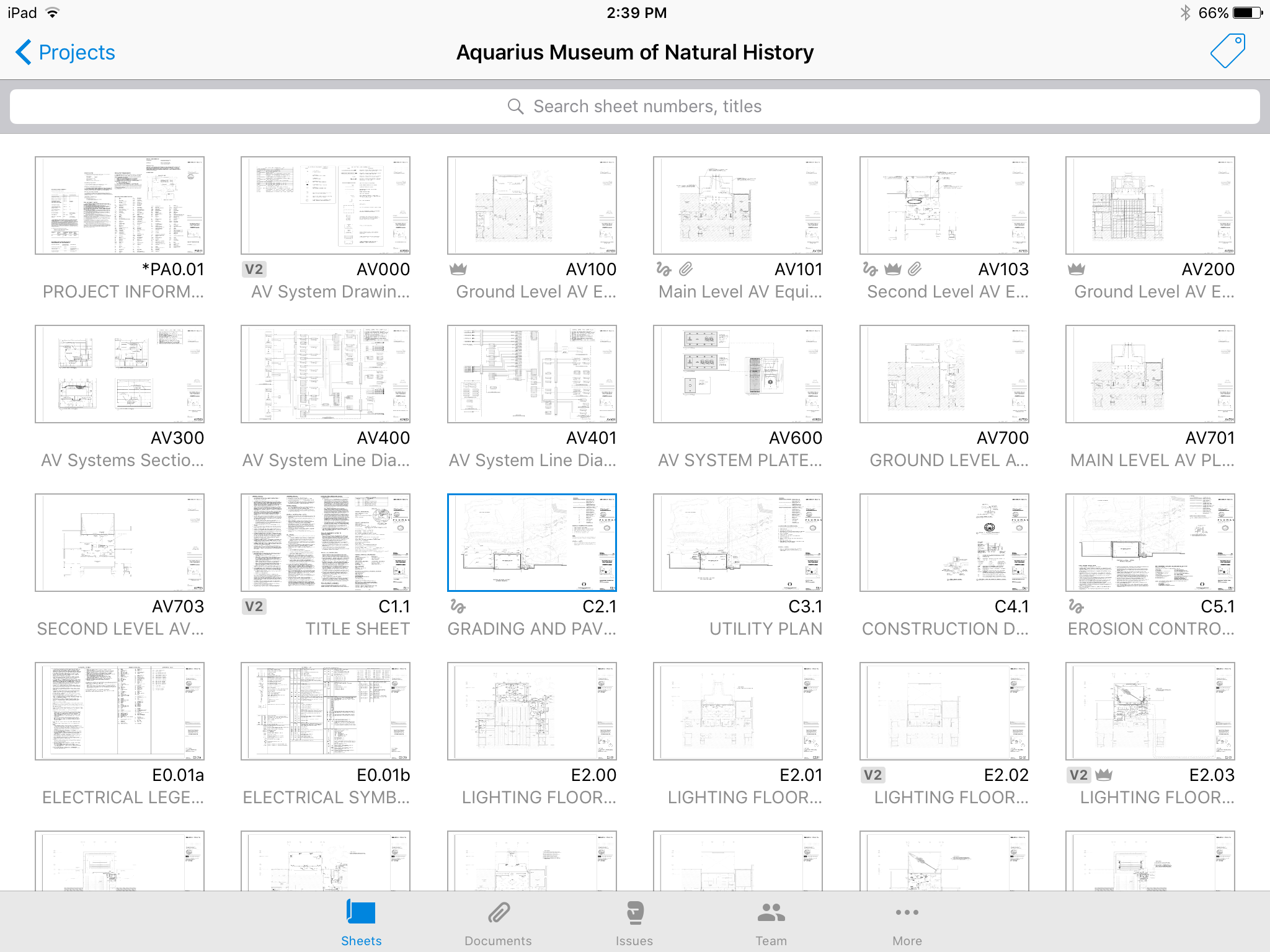     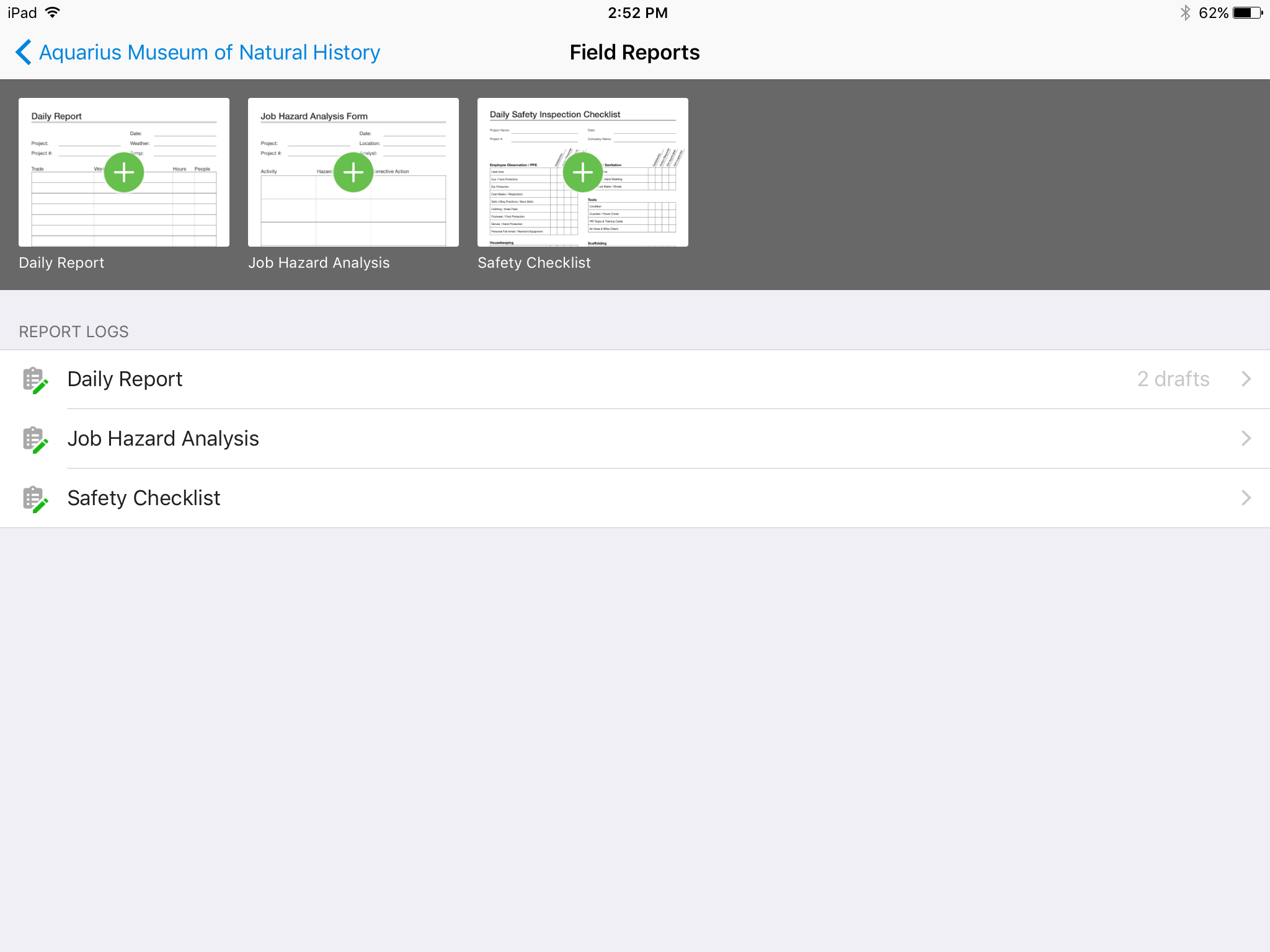 | Bluebeam Screenshots 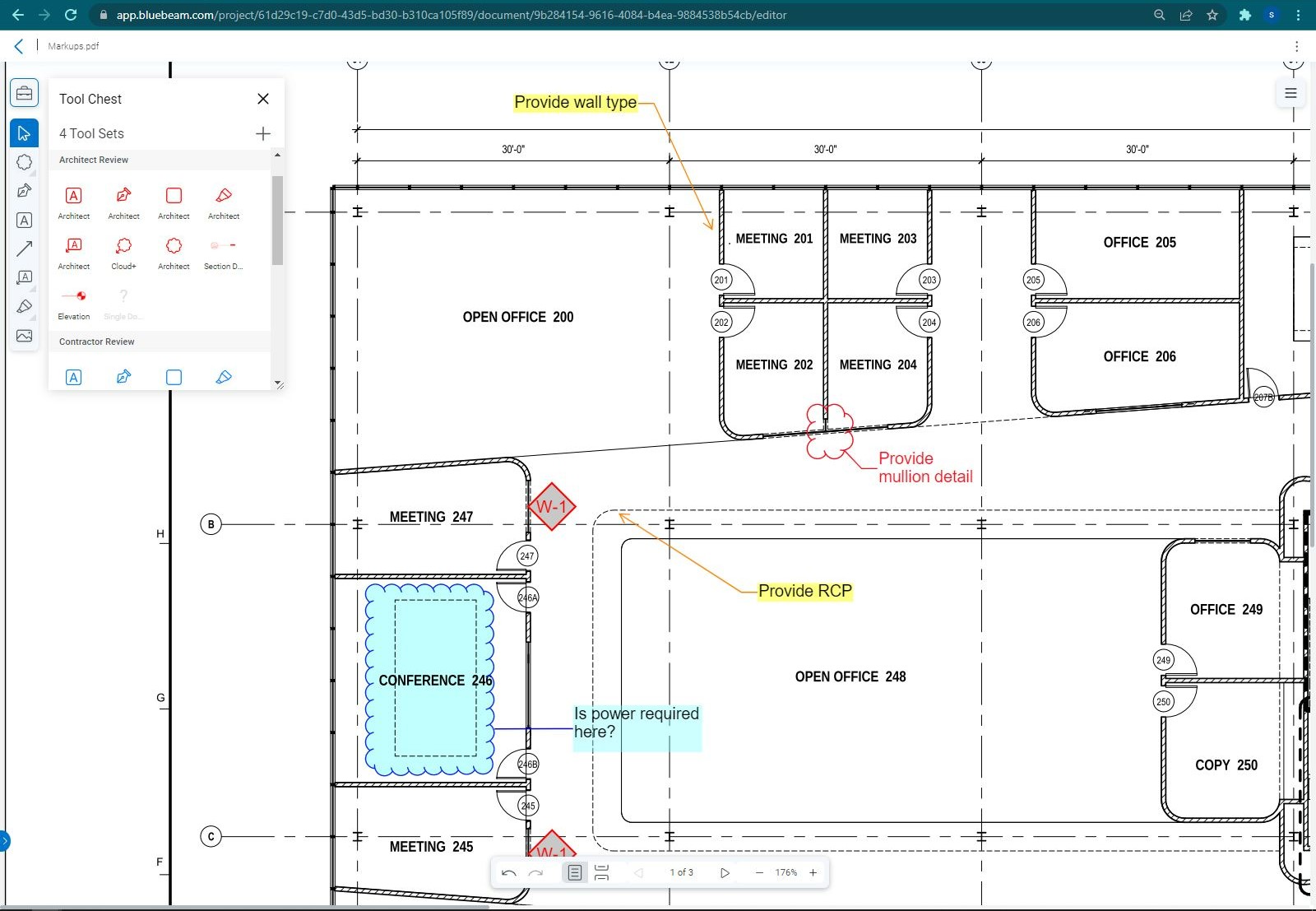 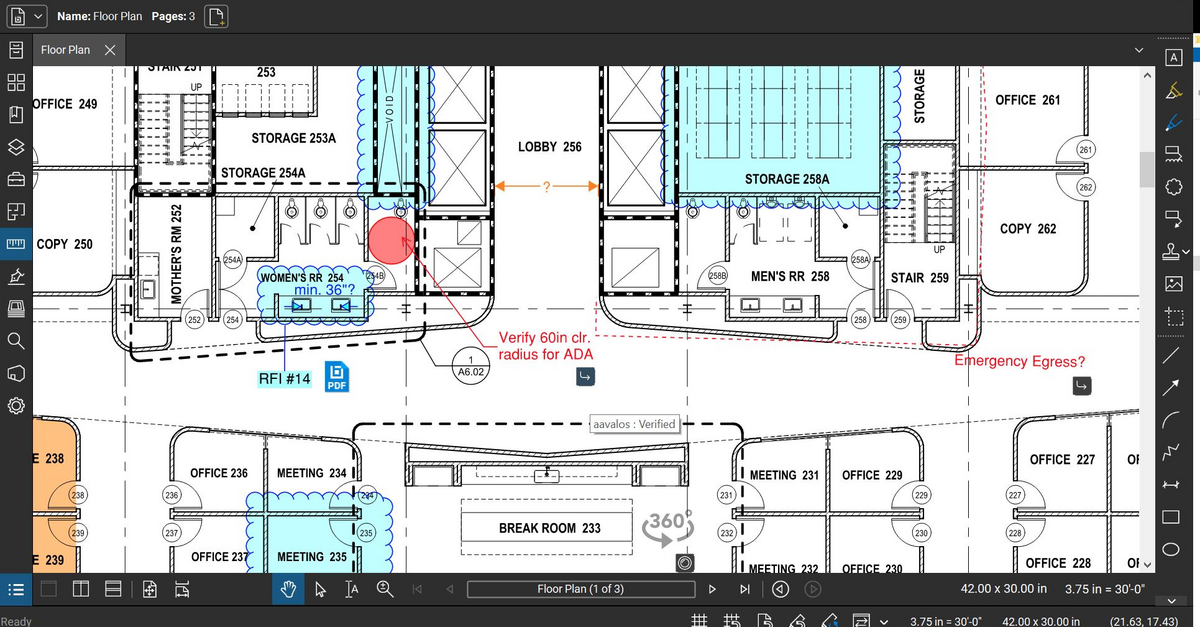 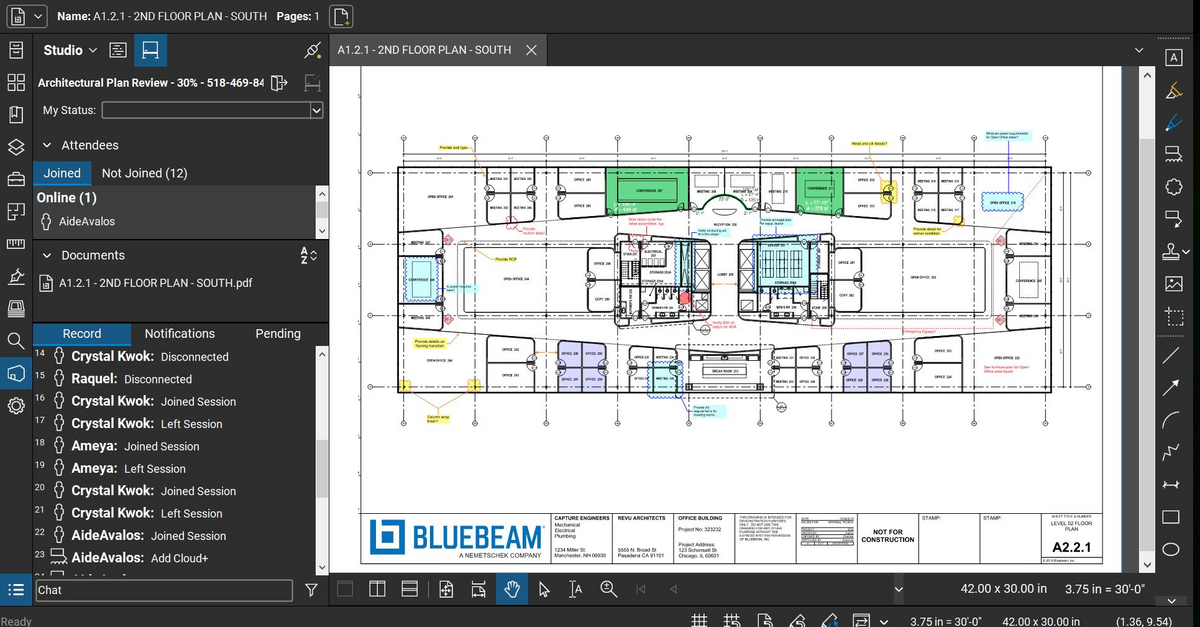 |