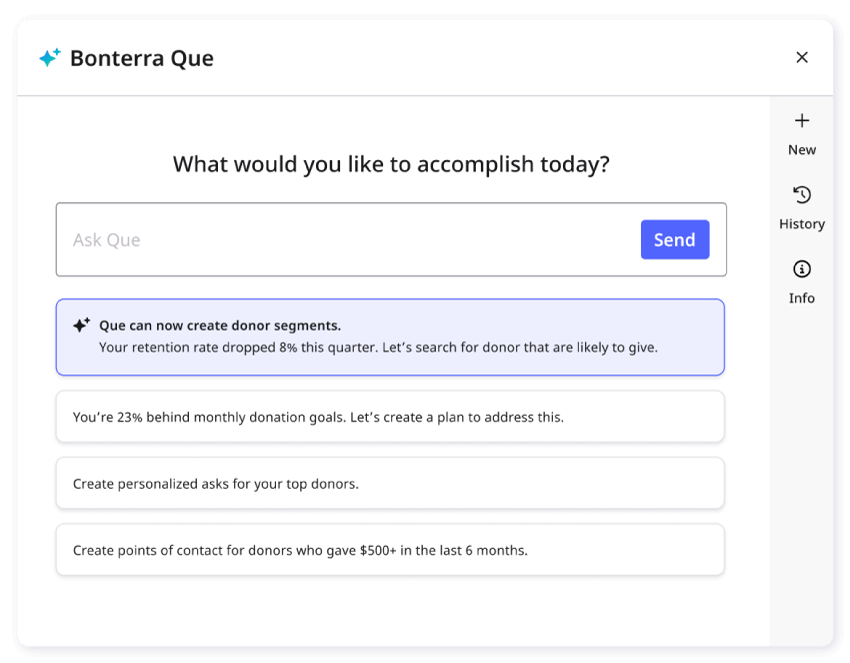
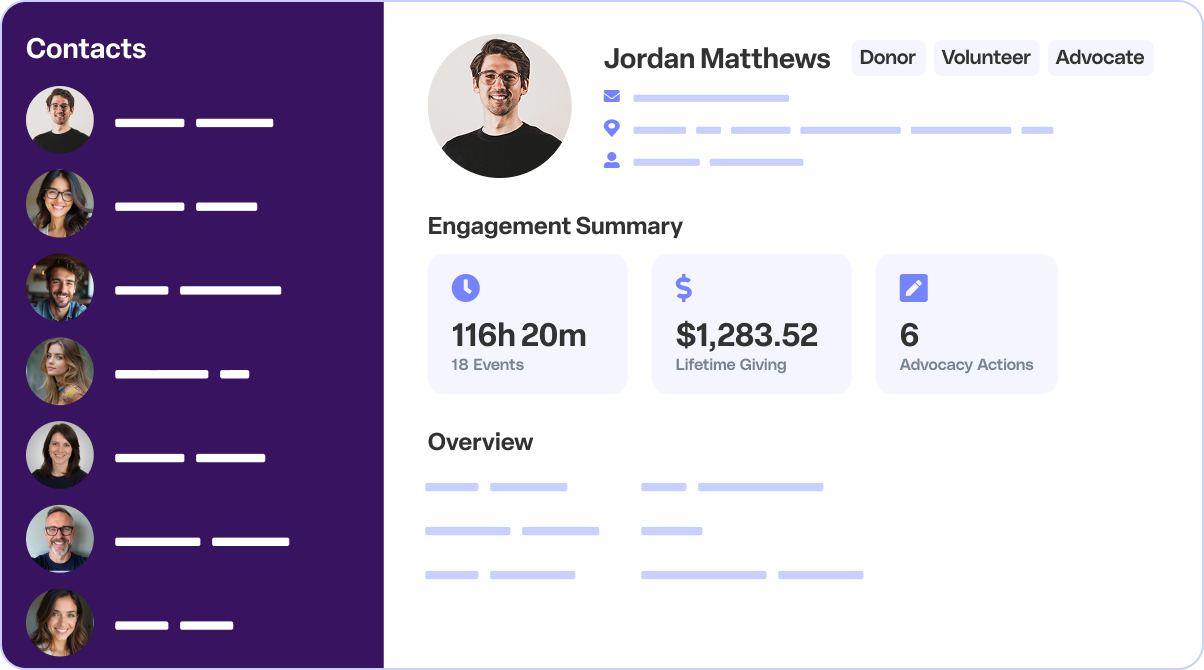
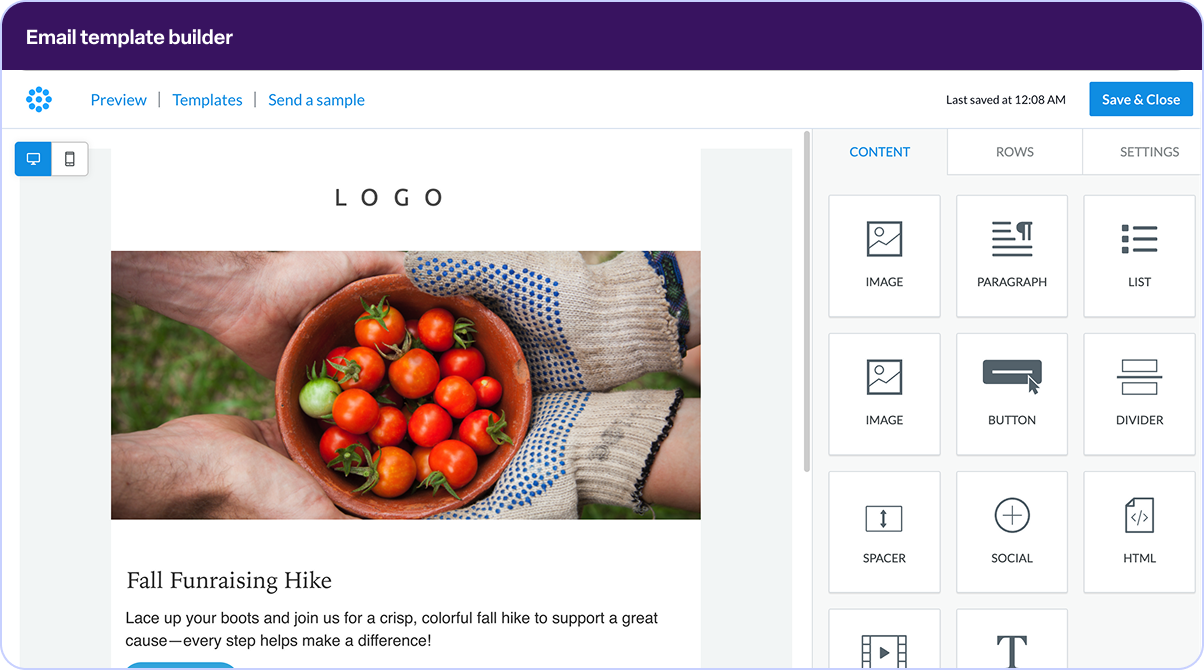
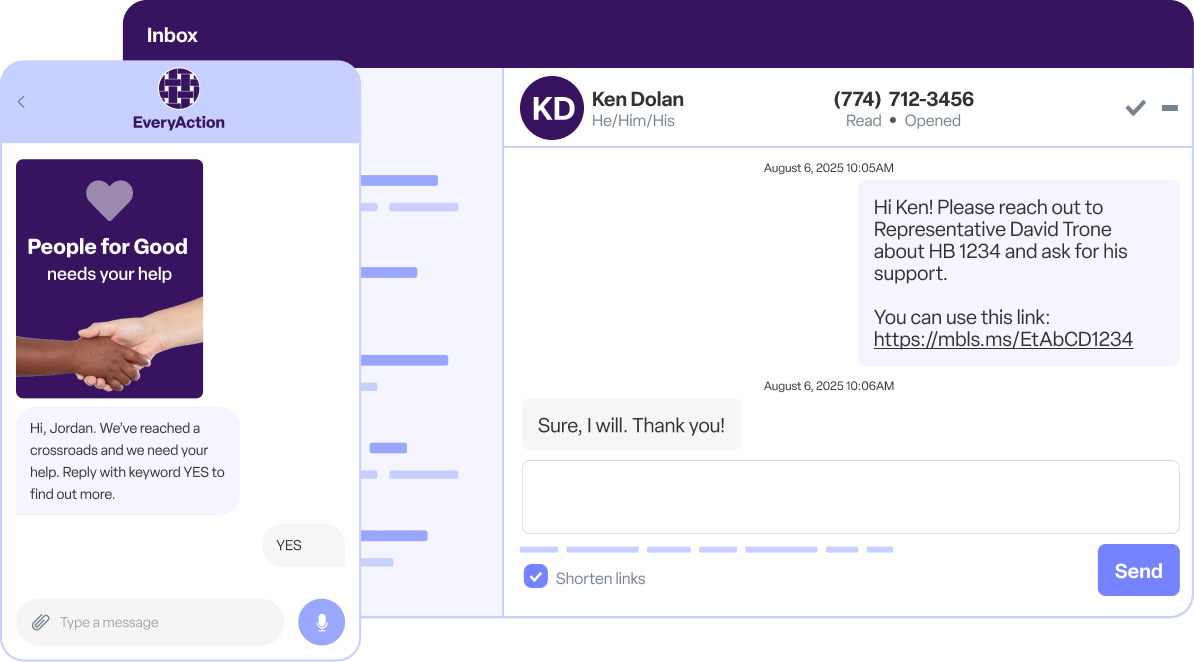
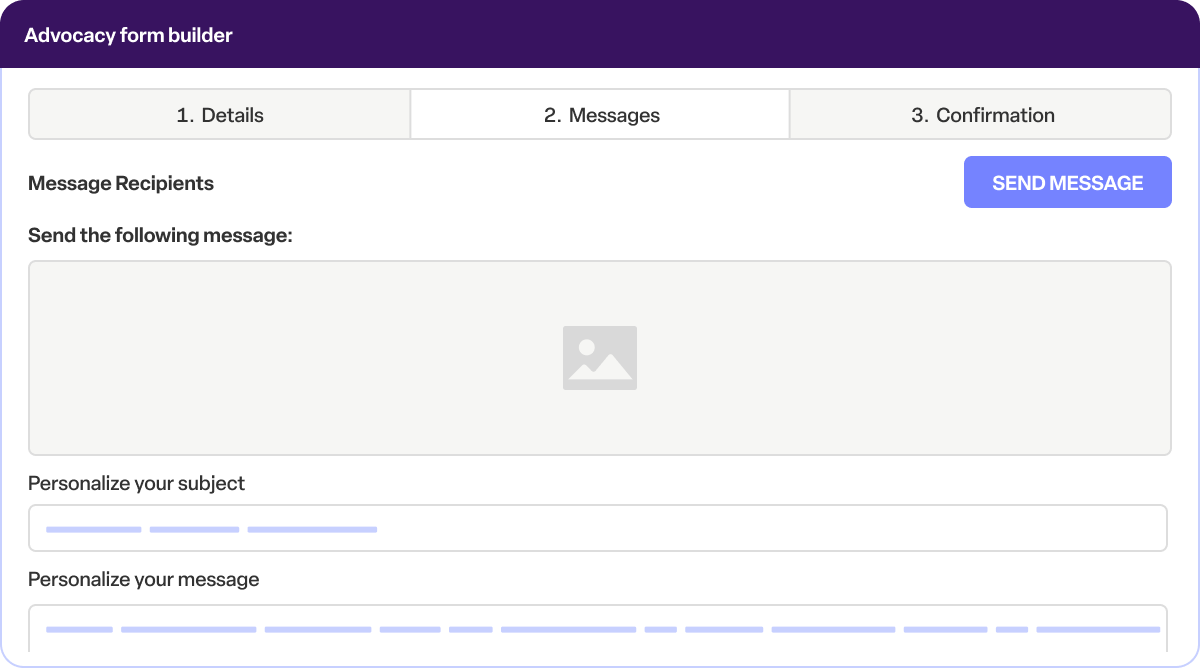
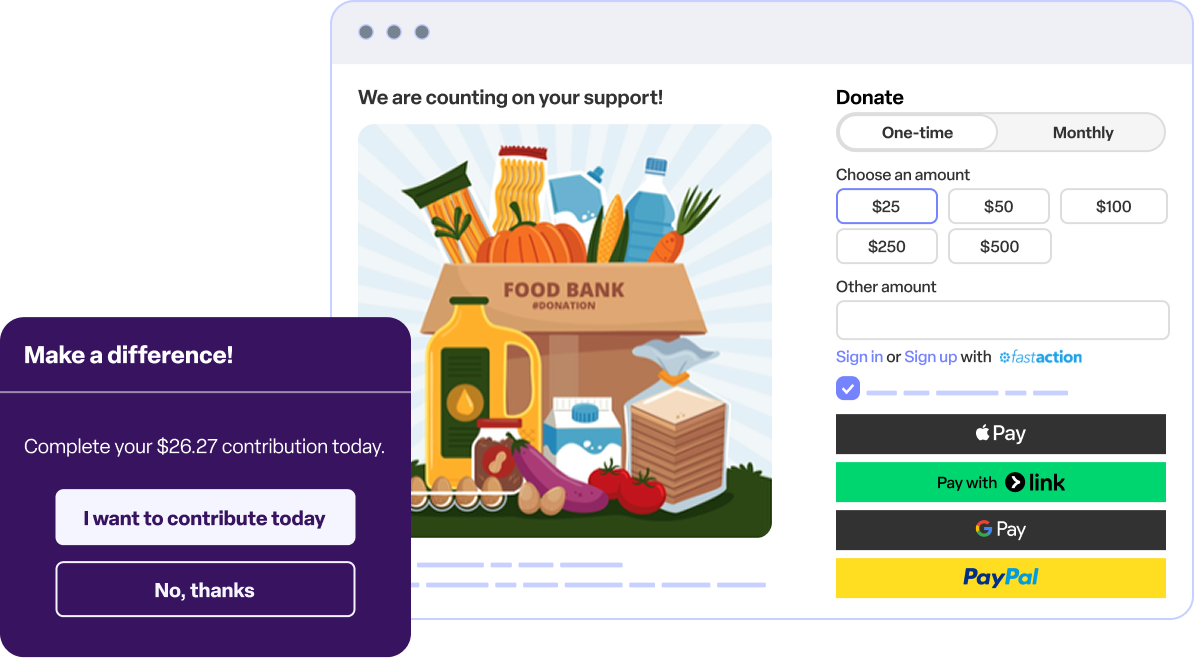
Bonterra EveryAction enables nonprofits to increase efficiency, optimize supporter and prospect interactions, and raise more money by providing expansive fundraising, digital, and organizing tools on a unified CRM.
N/A
Insightly
Score 7.7 out of 10
N/A
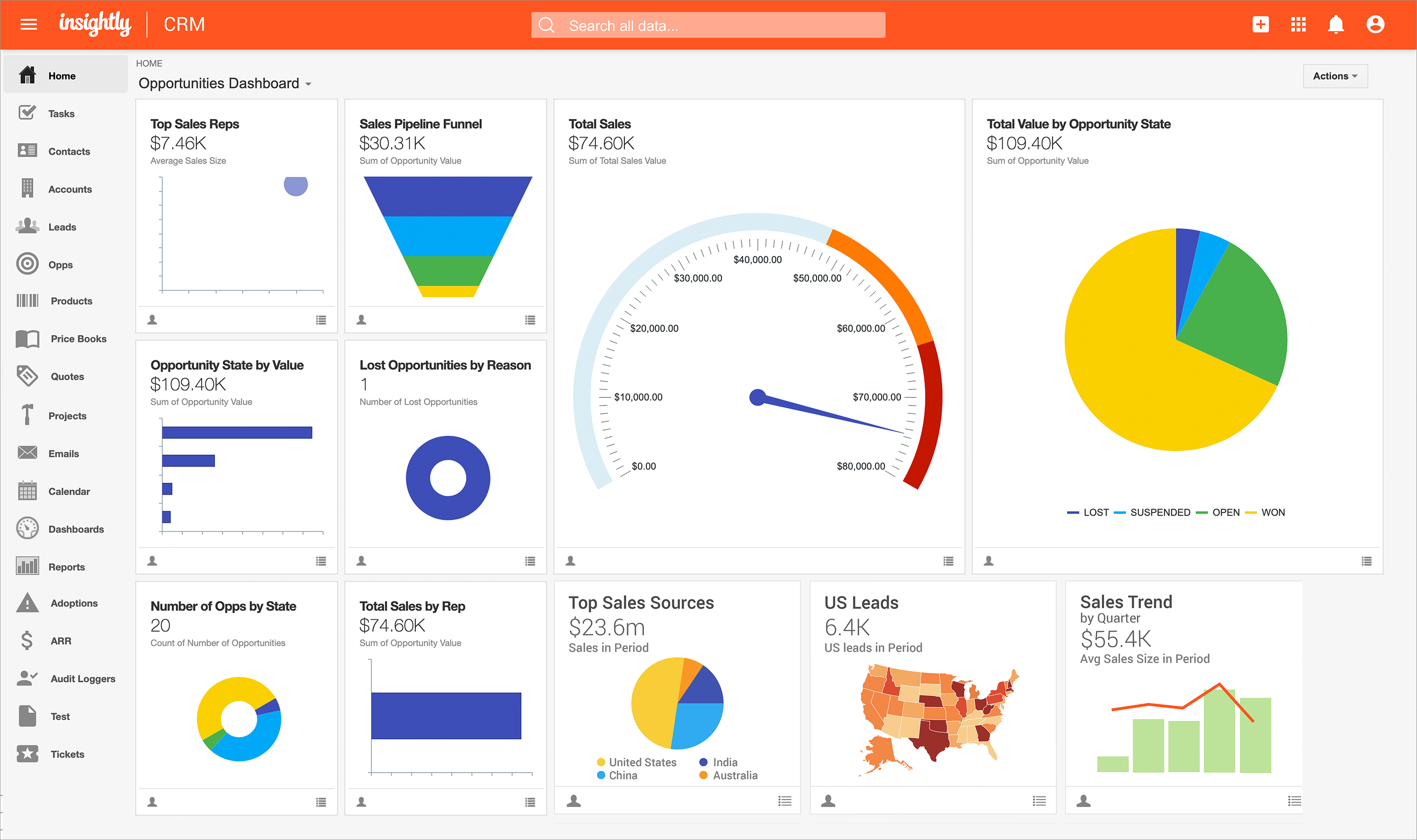
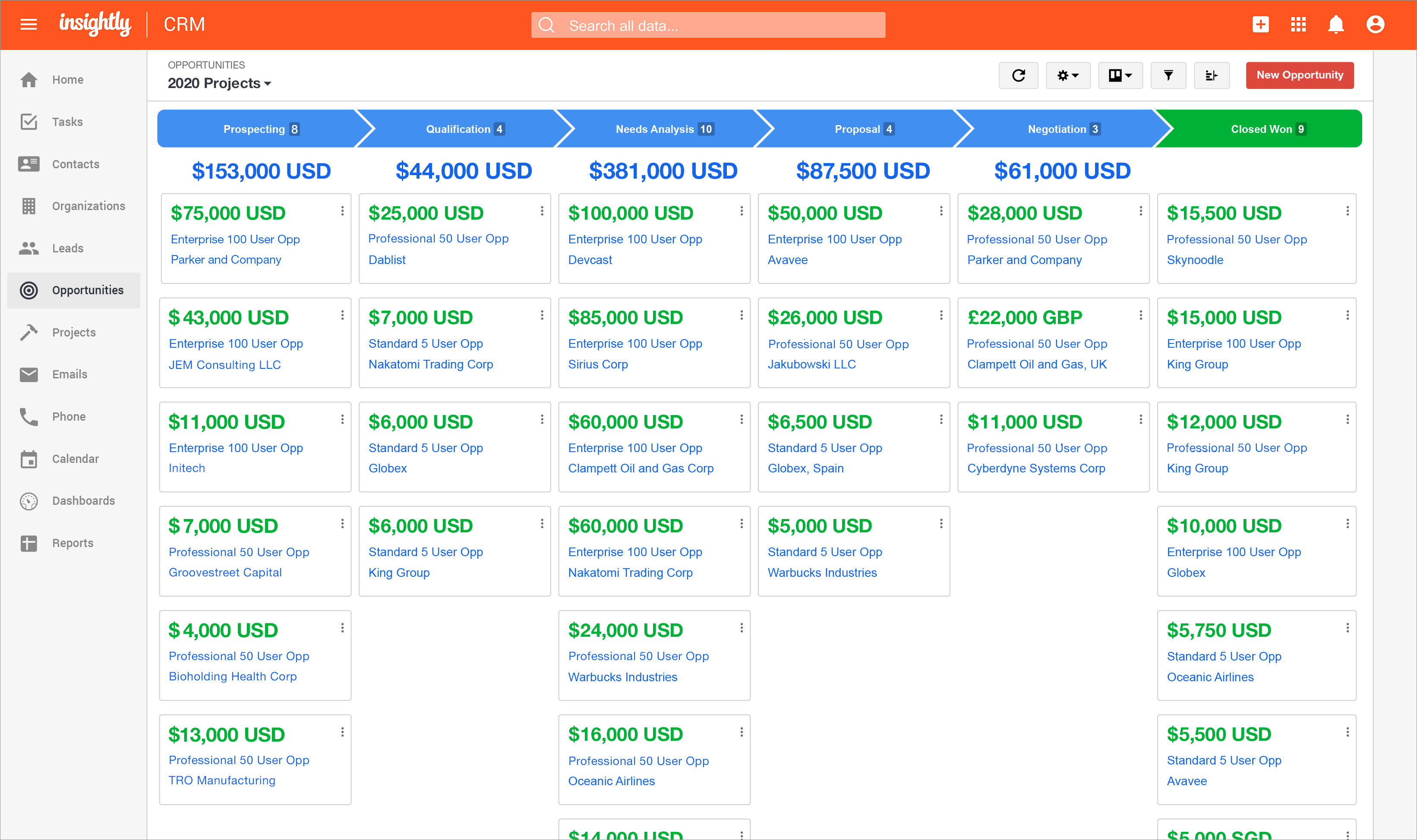
Insightly is presented as a modern, affordable CRM that is easy to use, simple to customize, and that scales with companies as they grow, designed to solve common pain points that legacy CRMs can't. Available in any vertical, Insightly CRM customers can add companion products for marketing automation, customer service, and integrations in the same platform. Insightly has more than a million users worldwide.
$348
per year per user
Zoho CRM
Score 8.5 out of 10
N/A
Zoho CRM is a simple, very low-cost CRM option for the smaller end of the SMB segment.
The product has several useful integrations with other products, including QuickBooks, and Google Apps and Google Docs.
The product also has an integrated project management module.
Insightly CRM could stand to offer more functionality for larger organizations. But what Insightly CRM does, it does very well, with a few minor caveats. The user interface (UI) is easy to follow, and there are plenty of customizations and integrations. However, it cannot …
There was a lot of flexibility and the cost factor was good, but I wasn't sure how comfortable the team felt with "Zia" the ai in the CRM. Zoho seemed like it was fully equipped for marketing automation and campaigns but there was a little confusion between this and the plus …
I have had experience with other tools and the Insightly support is far better than my experience with the other tools. Support and training are critical when it comes to the adoption of a new tool within an organization. Insightly very much values their partnerships and …
1- Custom field options are more enhanced in insightly. 2- Integration with google drive and Gmail is in a clear listing. 3- Conversion of leads into the opportunity gets connected with the contact. It helps data stay in line in contrast to having scattered in other CRMs. 4- …
For me, Insightly works for the Basic price point subscription (lucky to have been on this subscription level before they closed it to new customers). Also, like the Gmail interface and the ability to manage both sales and projects.
I found Insightly much easier to use than Salesforce or Zoho. I used Salesforce with a prior organization and I did not find it intuitive like Insightly is. It also took quite a while to create and sort opportunities. I found Zoho to be a little more cumbersome and not as easy …
We selected Insightly because of the price. After a year we migrated to Freshsales because it gives us all the features we need for inbound and outbound (workflows for tasks, email campaigns, auto-assignation, integration with a phone provider, integration with multiple apps …
After extensive research, I chose Insightly due to: colleague recommendations, online research of various CRMs for smaller businesses, price point, and finally a free trial usage was the deciding factor! Again, the reason I've stayed with Insightly is the on-going training and …
We have used ZOHO in house and they are different beasts for different approaches. I find ZOHO too large and not up to date with integrations. It is a sign of the times that the previous industry leaders are lagging behind their younger counterparts and they also have a …
I moved from Batchbook about 3.5 years ago, because it had increased its price significantly. Insightly was a good fit with the bonus of the project manager. It was pretty simple to use back then, although it didn't really allow me to manage clients the way I wanted to. …
Much more simple software! The interface is clean and not busy. Simple is smart. Insightly is simple. It has tags which you can use to find all sorts of important information. You can tag by company, titles, basically any custom tag you create. On my emails, Insightly …
Out of all of the CRM systems that I tried, I was most impressed with Insightly and Nimble. Insightly was very easy to use and was not as "clunky" for me to use as HubSpot and SugarCRM. The email integration for insightly is smooth. I like the ability to CC your Insightly …
I like HubSpot’s email integration better but hated their app. Zoho was a step above HubSpot and was free for the size of my team. Google sheets combined with TeachWorks has actually been good enough for our team. Salesforce is great but expensive.
We did a one year of evaluation of 17Hats and while there were things that we liked - like the integration with DocuSign, they were just not worth trying to make the switch. Overall, the company seemed to do a good job of growing with its clients, it just seemed a bit 'young'. …
At a previous company we used Zoho which was used similarly as a CRM, but I found Zoho's capabilities less effective than Inisghtly. Zoho offered much less capabilities.
Insightly is more comprehensive than the others except for maybe for Vtiger. Price/quality relation is better in Insightly. The learning curve is lower with Insightly.
It's just one notch below each on in all honesty. Salesforce has reports and integrations, Zoho has a great UI, and HubSpot has email open notifications. If the vendor combined all of those features into their platform it would be an A+. For now, Insightly doesn't pale in …
We jumped to Zoho CRM from previous trial periods with Hatchbuck and Insightly. Zoho CRM is better suited for larger, growing organizations as it has more capabilities and features than Hatchbuck and Insightly. We liked to think of those CRMS as "starters" for small businesses …
I loved Daylite and hated to leave it as it was great but it didn't have a cloud-based solution and that was paramount to me at the time. I tried about 7 different CRMs and found that most of them had some really great features but each one seemed to be lacking some integration …
The major reason to select CRM is always with the user experience and reliability from the Zoho which is quite better as compared to the competition also it provides very good support in order to use their services due to these reasons it becomes highly recommend as per any …
Using Zoho CRM has been a great experience because of its scalability and ease of use. As a robust design, the solution is easy to set up and comes in an out-of-the-box. This platform is ideal for small-to-medium-sized businesses looking for easy and quick growth. It is the …
Zoho CRM was right for my business because I signed up for it a few years ago as part of a Zoho One subscription, and so it was a great value. It was also very configurable and flexible for my needs. I have used and implemented Salesforce with clients, and [it] is equally …
Zoho is a much more matured product, ready to be deployed with no intensive initial customization needed. Its favorable pricing model makes it faster to reach a positive ROI (HubSpot is free, but every advanced feature needs an upgrade). One of our critical requirements was the …
Zoho has most if not all of the features of Salesforce, at a more competitive price, and is easier to set up and maintain. Zoho has many features that Insightly does not have (i.e. Products, Invoices, Purchase Orders, Cases, etc.). If you need a simple CRM, Insightly is easier …
Features
Bonterra EveryAction
Insightly
Zoho CRM
Sales Force Automation
Comparison of Sales Force Automation features of Product A and Product B
Bonterra EveryAction
-
Ratings
Insightly
7.3
420 Ratings
7% below category average
Zoho CRM
8.3
287 Ratings
6% above category average
Customer data management / contact management
00 Ratings
8.2402 Ratings
8.4278 Ratings
Workflow management
00 Ratings
7.0369 Ratings
8.2265 Ratings
Territory management
00 Ratings
7.387 Ratings
8.6195 Ratings
Opportunity management
00 Ratings
8.1365 Ratings
8.6252 Ratings
Integration with email client (e.g., Outlook or Gmail)
00 Ratings
7.1376 Ratings
8.6247 Ratings
Contract management
00 Ratings
6.521 Ratings
8.6202 Ratings
Quote & order management
00 Ratings
7.172 Ratings
8.0202 Ratings
Interaction tracking
00 Ratings
6.9330 Ratings
8.0248 Ratings
Channel / partner relationship management
00 Ratings
7.724 Ratings
8.2191 Ratings
Customer Service & Support
Comparison of Customer Service & Support features of Product A and Product B
Bonterra EveryAction
-
Ratings
Insightly
7.1
13 Ratings
8% below category average
Zoho CRM
8.2
220 Ratings
7% above category average
Case management
00 Ratings
7.011 Ratings
8.3212 Ratings
Call center management
00 Ratings
7.28 Ratings
7.8171 Ratings
Help desk management
00 Ratings
7.19 Ratings
8.4188 Ratings
Marketing Automation
Comparison of Marketing Automation features of Product A and Product B
Bonterra EveryAction
-
Ratings
Insightly
6.9
327 Ratings
12% below category average
Zoho CRM
8.4
265 Ratings
8% above category average
Lead management
00 Ratings
6.5311 Ratings
8.4260 Ratings
Email marketing
00 Ratings
7.3260 Ratings
8.3218 Ratings
CRM Project Management
Comparison of CRM Project Management features of Product A and Product B
Bonterra EveryAction
-
Ratings
Insightly
6.7
403 Ratings
14% below category average
Zoho CRM
8.3
262 Ratings
8% above category average
Task management
00 Ratings
6.9389 Ratings
8.4247 Ratings
Billing and invoicing management
00 Ratings
6.039 Ratings
8.2179 Ratings
Reporting
00 Ratings
7.1339 Ratings
8.4241 Ratings
CRM Reporting & Analytics
Comparison of CRM Reporting & Analytics features of Product A and Product B
Bonterra EveryAction
-
Ratings
Insightly
7.5
364 Ratings
2% below category average
Zoho CRM
8.3
257 Ratings
8% above category average
Forecasting
00 Ratings
7.092 Ratings
8.3215 Ratings
Pipeline visualization
00 Ratings
7.9341 Ratings
8.2234 Ratings
Customizable reports
00 Ratings
7.7328 Ratings
8.5248 Ratings
Customization
Comparison of Customization features of Product A and Product B
Bonterra EveryAction
-
Ratings
Insightly
7.3
366 Ratings
5% below category average
Zoho CRM
8.1
276 Ratings
5% above category average
Custom fields
00 Ratings
8.2365 Ratings
8.3274 Ratings
Custom objects
00 Ratings
7.3123 Ratings
8.1221 Ratings
Scripting environment
00 Ratings
6.86 Ratings
7.9177 Ratings
API for custom integration
00 Ratings
7.0192 Ratings
8.2202 Ratings
Security
Comparison of Security features of Product A and Product B
Bonterra EveryAction
-
Ratings
Insightly
7.5
313 Ratings
11% below category average
Zoho CRM
8.3
265 Ratings
1% below category average
Single sign-on capability
00 Ratings
7.6279 Ratings
8.3230 Ratings
Role-based user permissions
00 Ratings
7.4214 Ratings
8.3260 Ratings
Social CRM
Comparison of Social CRM features of Product A and Product B
Bonterra EveryAction
-
Ratings
Insightly
7.4
90 Ratings
1% below category average
Zoho CRM
8.1
164 Ratings
8% above category average
Social data
00 Ratings
6.825 Ratings
8.1163 Ratings
Social engagement
00 Ratings
8.078 Ratings
8.1156 Ratings
Integrations with 3rd-party Software
Comparison of Integrations with 3rd-party Software features of Product A and Product B
Bonterra EveryAction
-
Ratings
Insightly
6.3
156 Ratings
17% below category average
Zoho CRM
8.5
209 Ratings
13% above category average
Marketing automation
00 Ratings
7.5156 Ratings
8.6206 Ratings
Compensation management
00 Ratings
5.14 Ratings
8.3137 Ratings
Platform
Comparison of Platform features of Product A and Product B
Bonterra EveryAction is a good CRM to use if your company has institutional fundraisers, grants, and individual fundraising, as it is suited to manage the processes that go along with all of those. I've heard that SalesForce has more functionality than Bonterra EveryAction, but I think that Bonterra EveryAction has plenty to learn and is extremely useful.
There are a lot of things Insightly is great with for Career Services but much of my job is updating things manually because Insightly doesn't have a way to help me manage the database the way we need to. We have multiple academic records per students but needed to have fields that are multiselect on our contacts. These are all manually updated which are very tedious and not the best for what we need it to be able to do
Interfacing with our target clients at the correct minute is crucial in today's society. Another valuable include is its capacity to coordinated with other programs. It helps me in keeping track of the every day work emails I send to my colleagues or get. Zoho CRM makes it straightforward to consequence or send out information agreeing to our needs. Zoho makes a difference keep in mind individuals by means of e-mail and pop-ups, which dispenses with the issue of overlooking follow-ups and reminders. This not as it were helps within the organization of this incredible instrument but moreover within the execution of data.
One stop shop for creating newsletters, sending them out to mailing lists, and tracking analytics (including donations).
Grants management (we are able to track funds received, reports due, and all points of contact associated with a given donor organization).
Contact records (the new contact record feature makes it easy to find past donation history, demographic information, survey responses, communication preferences, etc. for a given contact. We are also able to import information from our donor prospect software into the contact record so everything is in one place).
Once you are immersed in the platform, for all of its integration kudos, the platform became "intuitive" if that is the right word for it. There was some push back from staff on deployment.
The service and support team at Insightly was very responsive, but it seemed as if they had fielded similar complaints, and slower learning curves than we expected.
Unfortunately, while all has worked out nicely now and we are very happy with the platform, we had to have additional instruction time for all the staff during onboarding as workflows, dashboards, and pipelines were more time intensive than expected on the demo.
Need some way to switch a field type without losing the pre-existing data.
The settings controls should be broken out differently - I don't like that I can't keep some users from exporting all contact records (i.e., the entire Contacts module) because if the export function is turned off, the export function of Reports for those same modules is also blocked.
Frustrating that only 3 custom lookup fields are allowed per module in our license.
We will never us EA, nor recommend them to another org, simply based on their failed promises to deliver training, on-boarding and then charging our account during our free 3 month period, then after cancelling the contract their legal department tried to force us to sign a cancellation agreement that barred us from writing reviews, making comments, etc!
Insightly offers a great product; it's the right fit for our company at this time. We were, however, considering moving to Contactually due to their cost effective automation features. However, they lacked the project management capabilities of Insightly. As our company grows, we would love to stay with Insightly - and if they can nail the automation and add the ability to customize a little bit more, it would be the perfect solution for us. For a larger company with a more involved sales team, you might find the metrics/reporting to be a bit basic. Insightly offers great customer service even to free customers
i have already renewed my subscription twice. I am in the 3rd Year now. I have been using it for a while and have been recommending to my friends as well.. have attended ZOHOLICs the annual program of zoho and it gave me new insights of managing the crm solutoin.
It's just so easy--there isn't a lot of techy lingo or graphics, so a regular person can log in and have a sense of what does what. There might be a few terms you need to learn, but everything is in common English so you can almost always find what you're looking for.
Anyone with any experience with a working knowledge of Facebook or using a Windows computer will be able to quickly adapt to Insightly and use it to suit their needs. It can become more difficult to use as a company might have custom workflows or Insightly customer service might need to customize the program to better suit a company's need. A slow introduction to the system is better than having to learn the program quickly. Parts and knowledge build on each other so it hard to grasp all at once. The learning curve for Insightly is 2-3 weeks while mastery comes with time and exposure to the program
The methodology of the 'out of the box' user interface is fairly easy to learn. In some cases however, the interface is not consistent throughout the software. Upgrades to the interface has certainly improved some of this--- but now we are seeing the same kinds of inconsistencies across Zoho apps, particularly those more recently added to their platform. This issue is not major in that everybody on staff seems able to learn how to work the programs--- it's just annoying and less than efficient when inconsistent user interfaces or inconsistent terms are used in the programs and/or the requisite documentation.
The only issue I have had with availability is when I don't have my work phone with me, which prevents me from providing a multi-factor authentication code to access the portal. Other than that, I have not had an issue with availability or outages.
The provider is 100% available, with no downtime, maintenance, or unexpected outages. We have been able to perform solid continuous services for 12 months without any interruptions. We have backups as well, unlike the in-house backup that they keep on their end. I believe they have a very good redundancy and backup infrastructure in case they get any outages.
In my many years using Zoho, I think there were only 1 or 2 days when there was something happening and I was not able to log in. Sure, it wasn't fun and we all panicked a bit, but right after that, all was well and work-life continued. Being cloud based, I'm never worried about losing my iPhone, iPad or Laptop as I know I can log in anywhere on any device and workflow won't stop.
Pages normally load quickly, but every now and then, as entering updates to fields, it take a while to update. Sometimes even after refreshing the screen, we have to exit and go back in to get the fields or queries to update.
I don't recall every having any issues with a page not loading due to it being a Zoho issue. Anytime I've had any issues with something being wonky, I clear cache and that has always solved the problem. Or a simply computer reboot and we're back, hard at work. Look, I don't expect any product to delivery 100%, 100% of the time but if I had any consistent ongoing issues, I would have left many years ago. I still keep my eyes open to what is new but after a quick evaluation, I know Zoho will long be my home.
I feel like product support and training should go hand in hand. Having to pay $5k to learn how to use a database is absolutely ridiculous and should be offered with the cost of your database, as it is with every other database I've ever used in the last 10 years of my career. With that being said, once I took the training, I found that the support was much more available. Having training and support behind a paywall is bad business in my opinion
We have used Insightly for almost 2 years now. We have always been able to get in touch with support for a variety of reasons and they have never disappointed us. The support staff have always been very understanding. They have assisted with answers to our questions and have provided great tech support. We would highly recommend them.
We did the training and that was a huge waste of money. The information provided was basic and the instructor was sloppy (he even forgot to turn off his mic when he used the restroom - no one should ever hear what we heard). I offered up a 9 because we were able to find what we needed on your website.
Well, we didn’t get the chance to do this in-person training but rather one-on-one online training with HR in-house. There were PowerPoints to discuss as well as video instructions on how to use the app, so it was okay. We were able to play around with it during the training or onboarding session.
I attended a Zoho-Holics event in Austin, TX, several years ago, and it blew my mind. So many industries were represented using Zoho in so many different ways. It was unbelievable all that I learned from that experience, as there were features that I wasn't aware of that I immediately started using. Best of all, the trainers were patient and knowledgeable
They went through all the features and explained in easy-to-digest details what features the system had. They were also responsive to questions we had. We were able to check in with the support team after training and received prompt followups that helped supplement the training after we had real-world experience using the system.
I've used Insightly's online training &/ or learned as I went. I've found the blogs and online written material helpful. I've also attended a few webinars, which can be useful if you use a J-I-T approach so as not to overwhelm you (or your staff) with functionality that you are using just yet. The fact that it's all available on their website and you can learn at your own pace is invaluable
There is an endless supply of YouTube videos from Zoho and the many Zoho partners/consultants. Plus, Zoho has it's own library of training videos and webinars to learn from plus an entire community at the ready to answer any questions. While Zoho has been available for many years, there are constantly new training videos and webinars available for the novice and the experienced users.
It natively integrated with NGP Van extremely well. it also integrated very well with our zoom platform and our use of the Mobilize platform. The bulk upload feature allowed us to move large amounts of initial data into the platform easily. The removal of duplicates was also a fairly easy task.
did not participate in the implementation of this product did not participate in the implementation of this product did not participate in the implementation of this product did not participate in the implementation of this product did not participate in the implementation of this product did not participate in the implementation of this product
When you switch CRMs, you can automatically assume everything isn’t going to match up correctly. We had used Salesforce for 10+ years and had a ton of data and customizations. It was not a clean transfer, but we were able to sort it all out. The only issue that really bothered me was Zoho support. Even simple questions couldn’t be answered over chat, and we would have some team members try for hours to find the right answer
Nation Builder—I would say this is a very pared-down version of VAN that requires extensions and outside software to do about 80% of what VAN can do natively. NB does have a better geocoding system that can geocode a location with just the address and does not require coordinates.
Insightly is significantly better than Zendesk. It is easy to use, pleasant to look at, and makes sense. However, I don't think Insightly is fair now compared to Salesforce. Insightly can do many of the same things as Salesforce, but I've only started on some of these features. Insightly has excellent potential, and its support team drives me to make it what I believe it can be. For the price, I believe Insightly is worth it.
Free user access was one reason to use it more than any other software. Also, for a mid-size organization, the Salesforce cost was a little higher, and Pipedrive was almost similar to Zoho. As we were already using Zoho, we found no urgency to switch.
I don’t have the exact answers for this, but our accounting or finance department negotiates this. They always handle this kind of stuff and negotiate yearly licenses. Usually, they purchase 10 licenses in bulk and ask for a discount in bulk. Other than that, if there are any issues encountered on the app, they account for that. If it’s broken, that’s also taken into consideration when renewing the contract.
I think Zoho CRM is priced at a reasonable amount. Simply put, you get what you pay for and Zoho does not disappoint. My organization is comfortable with what we pay and pleased with continually renewing the software. The billing frequency is just right. There are no complaints on our end
(+) Being able to download my LinkedIn connections was a huge benefit. (+) I use the task function to stay on top of my follow-up activity which is another positive feature. (+) The sorting capabilities also help me pinpoint the contacts that I need to stay on top of. (-) When I add a new lead from an existing organization, I would like the organization's information to automatically populate the fields like address, website, description. I enter all that information manually. (-) My mass mailing experience has been tedious due to the email function being interrupted and crashing due to bad email addresses in some of my records. (-) Many of my leads do not have current email addresses. I wish Insightly offered a tool to help find email addresses. I spend too much time researching to find email addresses.
We're still in the early stages of scaling this across departments. We have high aspirations of doing this, but it takes time to migrate to the new system and to help people get acquainted of doing their work in a different way thru Zoho.
In addition to being a user of Zoho CRM, we are a reseller as well. Often, at times our Partners request for on-boarding the platform configuration for them. During such requirements, we have utilized the Professional services team directly from the Zoho CRM team. Our partner feedback was quite positive, throughout.
Communicating with your audiences at a regular pace is a good thing, and Bonterra Development + Digital makes that easy enough to do. We see lower-than-normal open rates for our industry (per one study I read), but our overall reach is better than had we nothing. It's hard to give the credit for that to Bonterra Development + Digital.
Positive Impact>Visibility is critical when it comes to taking proactive measures within the organization. The Insightly Tool has helped use with that which minimizes costs when it comes to rework. We can proactively plan for upcoming growth and identify areas of improvement.