Box is an online Intelligent Content Management solution that caters to individual users as well as businesses.
$21
per month 3 users (minimum)
Laserfiche
Score 8.9 out of 10
N/A
Laserfiche has two main editions: Rio and Avante: Laserfiche Rio is designed to meet the needs of large organizations that have more than 100 users. It combines content management functionality with business process management (BPM), security and auditing, unlimited servers and a thin-client interface. Add-ons include records management functionality, public Web portals and production-level document capture and processing.
Laserfiche Avante is an ECM suite for small to medium organizations with…
$540
per year per user
OnBase
Score 8.9 out of 10
N/A
OnBase by Hyland is an enterprise content management platform with business process and case management capabilities. It is modular by design and allows users to tailor the solution to their specific requirements.
Laserfiche is much simpler to implement and use. Its interface much more friendly, allowing our implementation time was much shorter. Hyland OnBase is much more complex and requires a much greater investment in the cost of licenses and hardware requirements.
The core infrastructure of Laserfiche, and the end user experience, is vastly superior. OnBase has a TERRIBLE UI and administration console by comparison. The core architecture of OnBase is also more scattered, while all Laserfiche processes go through a single service. …
Laserfiche is the leader in the ECM industry, and I believe will stand toe to toe with any competitor on the market. Not only is it on of the most advanced systems for an enterprise wide solution, but the cost is also very competitive. I also do not believe there is any …
I did not participate in the search for this solution, so I do not know how Onbase by Hyland compares to the other products that are available. I am not familiar with other such products that can do what OnBase by Hyland is doing for us. Knowing our IT department who made the …
I think Box is great for research teams or anyone that has a large number of files that need to be securely stored. Particularly in the case of social science research, where it is important to protect identifying data, Box is a great option. In cases where teams need a more reliable means for real-time collaboration, I would probably consider a different alternative
Laserfiche is well suited to the submission of simple routine reports to create a record repository. We use it for routine transport reports, audit reports, and anonymous citizen complaints. It creates a simple chronological record of routine events that can be reviewed and easily stored and recalled. Because the reports are in PDF format, it is not well suited to anything that needs to be imported into a common database or amended after submission.
OnBase is a content services solution for organizations that need high visibility to documents or information across multiple teams or departments. It supports users' access control, workflow functionality with transaction history, electronic document retention, and destruction documentation. Hyland can support the organization for implementations or solutions, or the organization can utilize the education services and build out the solution themselves.
The main feature that I like the most in Box is that it makes collaboration seamless, workers can easily check the documents any time and make changes according to the needs.
Box manages and backs up all of your files on its cloud servers, and provides a very nice interface for creating, viewing, editing, and collaborating on the most commonly used file types (PDF, XLS, DOC, etc.).
Over the past few years, Box has built on top of its basic cloud storage management with a host of other tools, such as workflows, AI, monitoring, and analytics.
It is helping us to make good connections with clients and our workers themselves as to its syncing and viewing feature to all is very much helpful and easy to go.
While Laserfiche has some powerful development tools, it is difficult to manage configurations while promoting code across environments. For example, SQL connections and other environment specific resources have to be manually configured in each environment.
Laserfiche forms are a newer addition to the product family and could use some product maturity. While easy to use for simple forms, once your forms become more complex, you need to accomplish tasks by heavy JavaScript coding.
I personally find the user inferface to be obnoxious and obtuse.
When we have issues it is often hard to resolve the problem as there are many variables such as file types, DPI, and scanner setting that combine to make it hard to pinpoint trouble spots.
The upgrade process has always been a nightmare for our team. We are not on the latest version now due to this issue.
I like the security features and I like the website. It's easy to use and create and move things around as needed. The main reason for a lower rating is because the Box Sync app is just not a good program. It's a memory hog, it's slow, transfer speeds are slow, and it's not the most efficient route. If you have a large Box account and you need to get a computer up to speed on a large amount of data within Box, you are in for the long haul. Last time I had to do this, it took 3 days to sync all of the files and we are talking around 100 GB worth of data
We plan on renewing Laserfiche for the coming year but also have been considering a scanning and document management solution that can be purchased from our new accounting system company, we are implementing the accounting system this year. It will be a couple years before we make a decision to stay with Laserfiche or change.
OnBase has become a core part of our enterprise solutions toolkit due to its ever-growing integration capabilities. Any business process that produces or tracks documents or object entities can be modeled and managed within OnBase and used to supplement almost any line-of-business system that we use.
Everything with Box is seamless. It can be integrated into virtually any other software or application. You can even get the app for your phone or tablet to work on the go. File syncing is so quick. The only reason I gave it a 9 is the issue I discussed earlier about the local file application rebooting and not continuing to sync files. Other than that, it's great!
It has an intuitive design that feels very natural to any user that has ever used Outlook or Windows Explorer. There are multiple ways to perform every action in order to help users with various software experiences find the shortcuts and actions they seek quickly and effectively.
You get out of something what you put into it. You reap what you sow! If an organization will spend time setting the solution up, dedicating staff to its development and ongoing support, and always keep the end-user in mind during development, you will have one of the most well-received solutions in your organization. So many organizations that I speak with stand up a solution but don't commit someone to its upkeep and development. It is vital that you have the staff to work within the solution on a daily basis.
Yeah, it's always worked, I've never had any kind of connection issues, the only issues I've had it I've been on our end when the Internet hasn't worked.
I am very satisfied with Laserfiche. I have found that certain larger jobs may are slow. This may also be related to our infrastructure environment. We have been able to tune Laserfiche to increase performance on larger jobs.
The general operation and management of Box is very efficient, both when accessing the account, and when adding files, downloading or modifying any document directly. The web platform, mobile and desktop versions work really well and quickly, making all the work and process flow smoothly and without setbacks. So far I have not been able to observe any inconvenience
Performance, of course, is largely dependent on the underlying environment. Laserfiche does its part with multi-threading, taking advantage of multi-core servers on scanning, workflows, and bots. A SQL-Server back-end is suitable for small to medium-sized company, but may not scale to large, where Oracle would be the better choice. Workflows can be poorly written and perform recursive work slowing down the system. It's better to run batch type workflows at night when possible.
I found their support community lacking in clarity when I experienced a login issue. The error messaging was poor on my Box Sync application. I did not reach out to support staff for help, instead, I reasoned that I should try downloading the Box Sync application again and reinstall it. That fixed my issue, thankfully. I think a less computer-savvy user would've been much more frustrated.
I have never had to wait for help from Laserfiche. If I cannot find the answer online, I can easily send an email to a customer support representative. I have always been helped the same day and my questions have always been resolved. The Empower conference is always a great learning opportunity and the online resources and webinars are top-notch.
This rating is a compromise because I technically have 2 tiers of support. I go through a re-seller that I give a (10). I send an email and receive acknowledgment within minutes. For the few times we need to contact Hyland for assistance, it sometimes takes a couple of days to receive a response - and then the first tier might go back and forth a dozen times through email instead of initiating a phone call. And for an advanced issue, they take too long before they forward to an evangelist or someone more knowledgeable that is able to assist. I give that process an (8).
The trainer was very knowledgeable and was a Hyland employee. The training was at their corporate headquarters, so it allowed our team to become familiar with organization and culture.
The documentation is good. Since Box is a popular service, there were also a number of YouTube videos and other sources that were helpful as we were considering the product and planning for deployment. Also, the ability to try the free version helped to prepare us.
Easily accessible 24/7 so am able to complete courseware whenever time allows: Commute to work; waiting for friends or family; at night while relaxing [with a delicious glass of wine!]; whenever and wherever time and circumstances permit. Courseware is well written and presented in an easy to follow and understand format.
Be careful with settings. It is easy to get overwhelmed with updates. For example, you don’t want to be updated when doing historical data uploads. I recommend taking off notifications initially and then turn on post you have done your historical data upload.
Using Hyland professional services to assist with the implementation made things much easier. They have the knowledge and experience to get the system live as users are expecting
They are kind of the same. And both of them do their job as promised. But for company and project wise I think that Box slightly wins for some points. Which [makes him] win over Google Drive (don't forget that Google Drive is very easy to use and has a lot [of] nice features too).
The core infrastructure of Laserfiche, and the end user experience, is vastly superior. OnBase has a TERRIBLE UI and administration console by comparison. The core architecture of OnBase is also more scattered, while all Laserfiche processes go through a single service. Overall, the Laserfiche product is easier and more intuitive to install, maintain, and use.
The version of SharePoint we were utilizing was not very practical. We oftentimes had issues with archived documents, where they could be found or opening them all together. It seemed the older the document the harder it was to access when logged into SharePoint. This is critical in our business as we need to behave full access to documentation sent and received for an owner's account.
Box has been an only positive experience. It provides a seamless way for me and my team to collaborate on documents in such a way where we're not sending the document back/forth via email. It's a huge timesaver.
Box reduces the risk of sharing a sensitive document to the wrong person via email.
Box has provided a platform where my team can share notes in meetings - this has helped streamline and organize our meetings. Our meetings are more productive and actionable.
Laserfiche has increased the efficiency of our sales reps by giving making all of the historical sales deal information very simple and fast to retrieve.
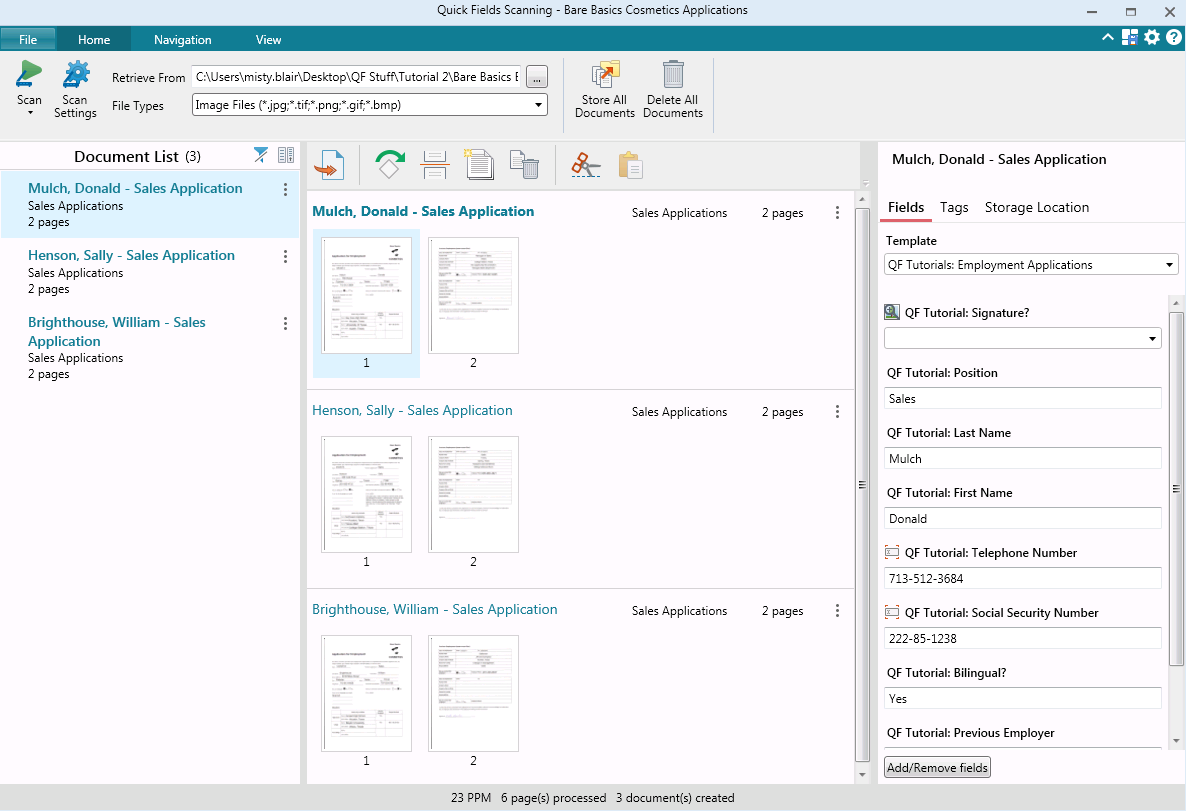
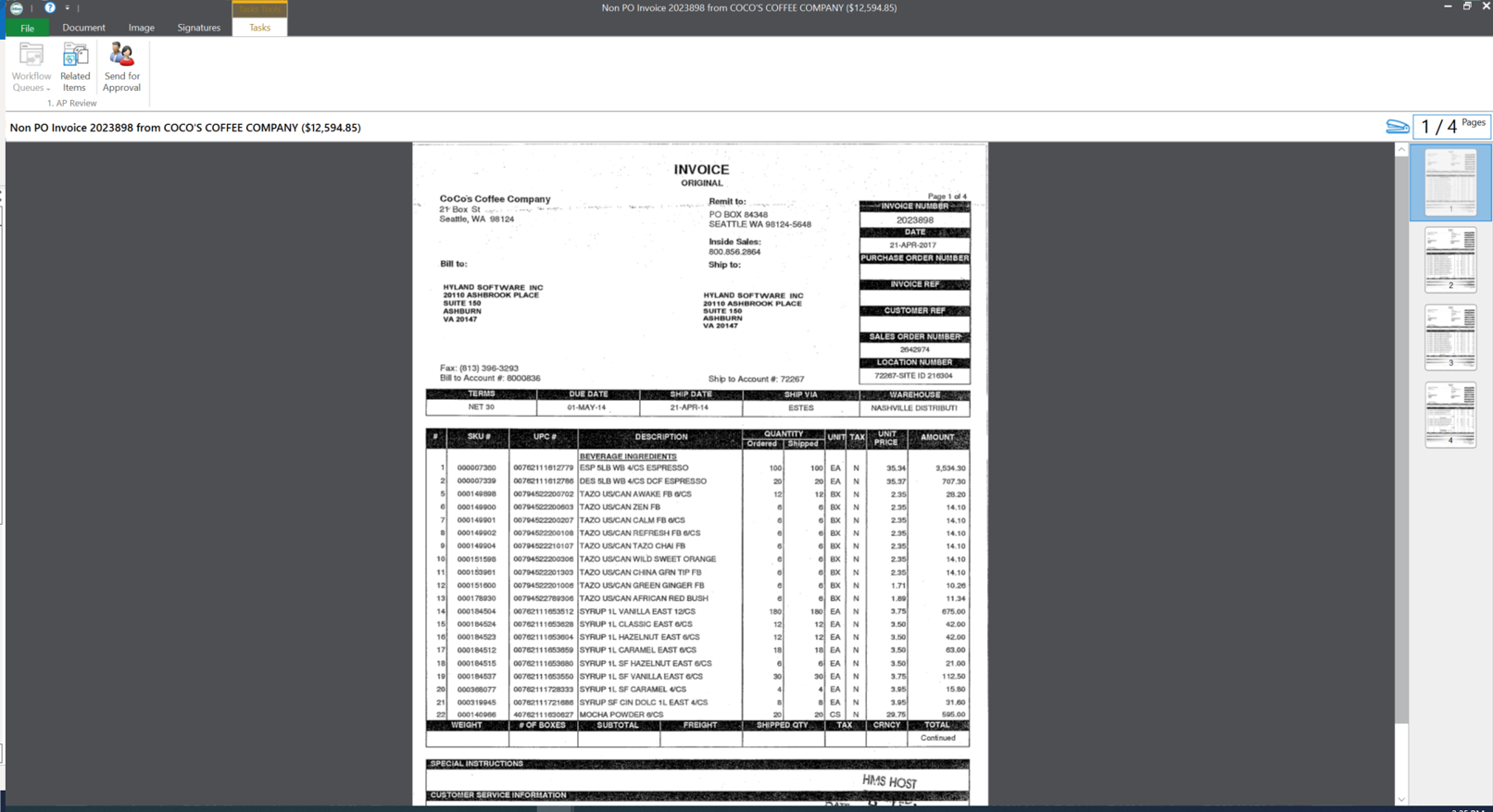
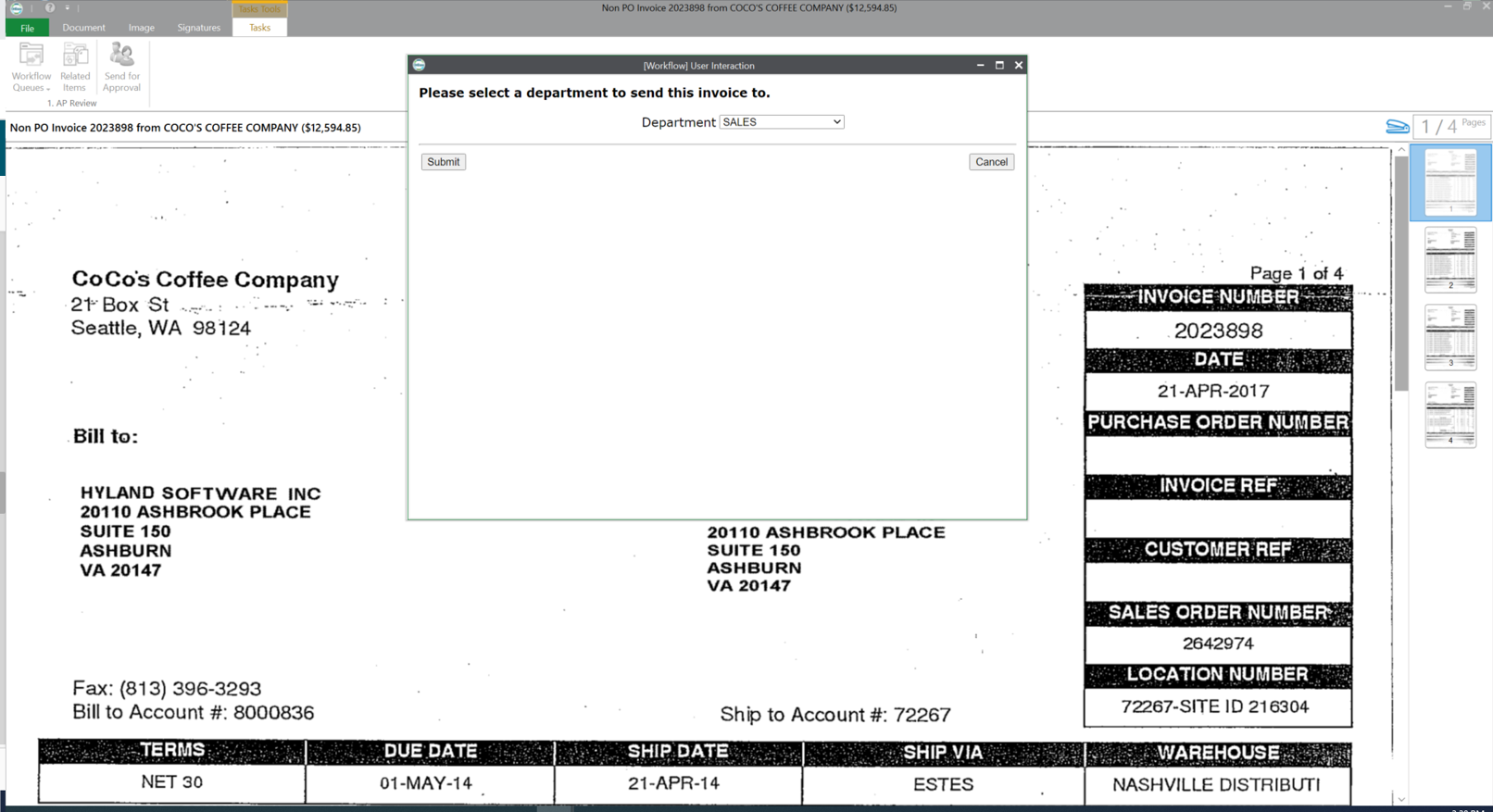
Laserfiche has increased our efficiency with our AP department and gave department heads the ability to approve invoices where ever they are.
I would say the biggest ROI came with the transparency of the order process for new deals. Before there would be numerous phone calls made daily to find out where an order was within the process, and now you can simply look at all deals at any time.
OnBase provides a very reliable ECM platform for the company.
OnBase helped to remove the dependency on paper files and file folders. This saved real estate cost as well as facilitated the ability to work from anywhere.
OnBase made same day processing of all incoming and outgoing documents a reality.