Dropbox is a cloud storage solution, equipped with features that help users to save time, improve productivity, and collaborate with others. Users can edit PDFs, share videos, sign documents, and collaborate with stakeholders without leaving Dropbox.
$9.99
per month
IT Glue
Score 8.8 out of 10
N/A
IT Glue, a Kaseya company since the December 2018 acquisition, is an information management platform that allows for efficient storage and retrieval of all the documentation an organization needs to help their MSP run better. By integrating PSA and RMM data, the vendor says they can help increase efficiency, and reduce onboarding times.
$29
per month per user (5 user minimum)
M‑Files
Score 8.9 out of 10
N/A
M-Files delivers Context-First Document Management with a metadata-driven architecture that improves productivity across the document lifecycle. By linking documents to the people, processes, clients, and projects that give them meaning, M-Files creates a unified environment that strengthens governance.
M-Files can easily be setup and use workflow management, tags documents, and create destroy dates. OneDrive and Dropbox does not do those things, or at least not as easily as M-Files can.
Let me describe a scenario that happened recently in our organization's marketing team storing thousands of images videos and pdfs and Dropbox is done a great perfomer in this situation by the product features which is very helpful for the team, such as smart sync reduces disc usage, preview support for many media formats & Integrate with Adobe Creative Cloud.
It is best suited for an MSP but it is also best not suited for an MSP. It is well suited for folks with a minimal knowledge of a client and are attempting to learn what they can. Perhaps just bumbling about and can find the same thing consistently. At my particular work, we pay somebody full time to manage the system. I feel this is unnecessary.
M‑Files is great for companies with multiple locations. Drive letters can become cumbersome to use and collaborate with colleagues and M‑Files fills that gap. The check out/check in system is great and allows only one editor at a time. This can be good and bad depending on the situation.
I can make projects available to editors so that they can do their work.
Dropbox is a place where I can store files that I can access from anywhere, even if I don't have my laptop with me at the time.
I have an old friend who is an acting professor in Tokyo. He loves the dialogue that I write in my novels. He converts chapters into scenework for his acting students. They get very excited when there's new material!
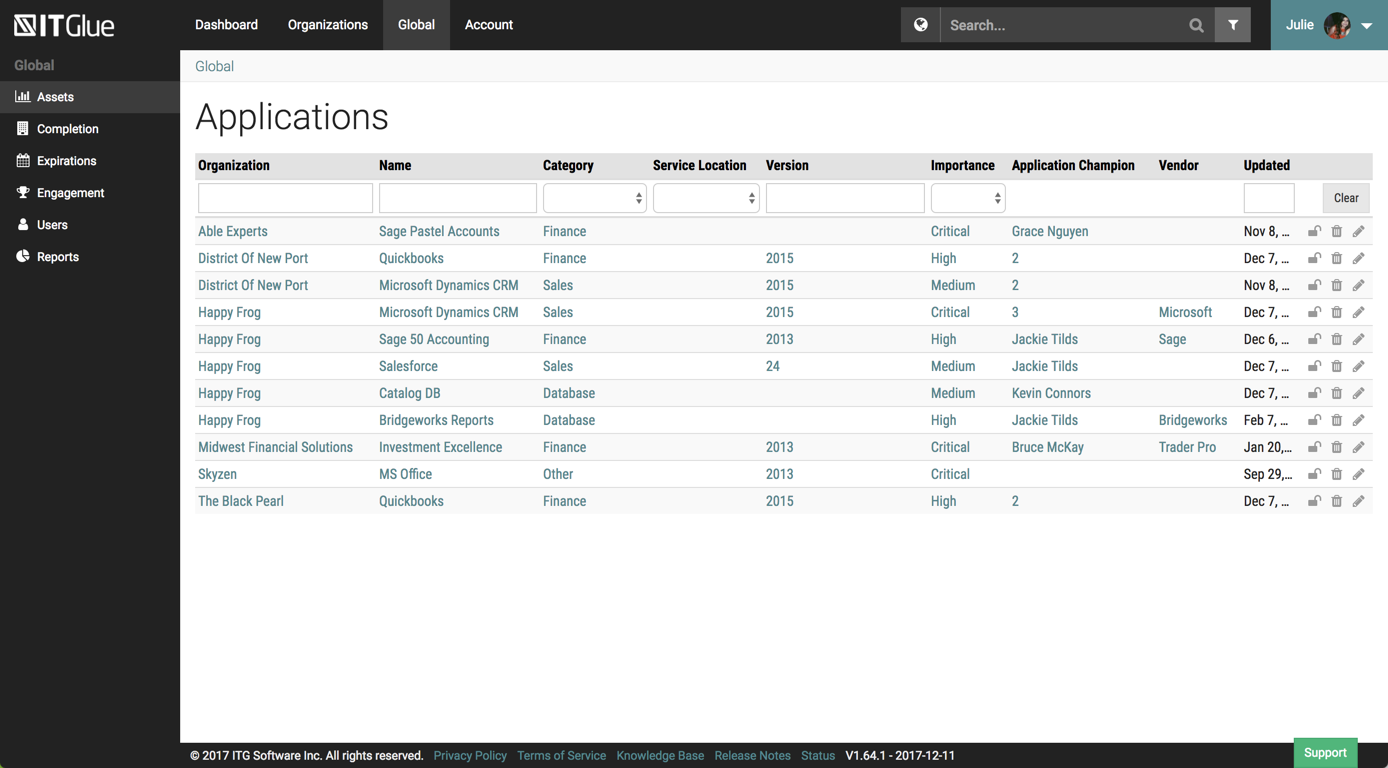
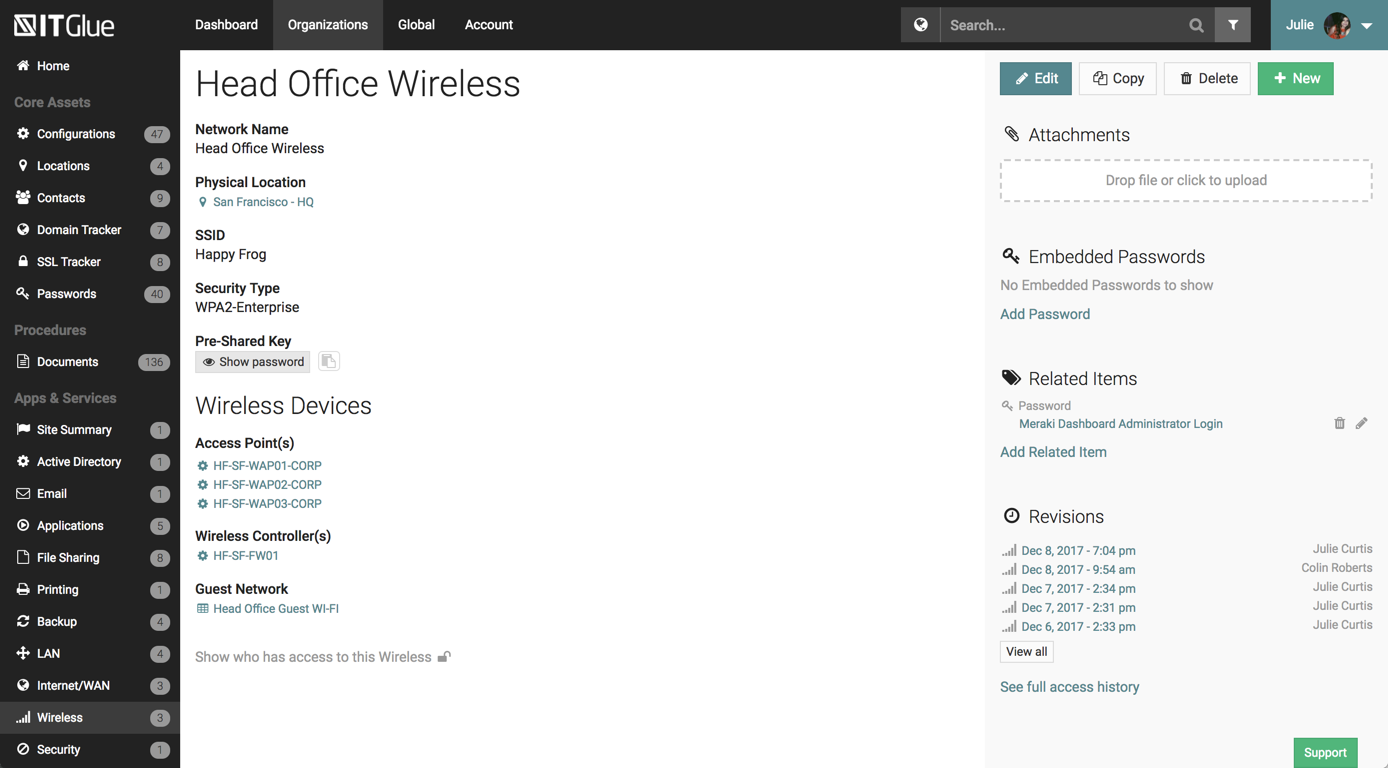
The UI has been set up perfectly, there is a sub-menu for every possible bit of information you wish to store.
There are a number of excellent features such as the autohiding passwords and quick searching from anywhere on the page.
The recent addition of the IT Glue is also an excellent feature, it features online self-guided courses to become a certified IT Glue user.
You can create and group custom documents together.
IT Glue can be integrated with a number of platforms such as Autotask.
IT Glue also integrates well with N-Central to automatically populate the configurations tab with all the relevant Workstation, Printer, and Server information making client on-boarding a breeze.
Reliable: Our M-Files system has only gone down one time (for a very short period of time) at the beginning of the two years that we have been with M-Files. Our previous vendor's system had so many downtimes that our IT Department had to assign an associate to work with me for sending out notifications to associates etc. With our last vendor, one day I came to work and only 60 of the 260 consent for surgery forms were available to our end users although they were visible to me as the Administrator but weren't showing up for the end-users!
Our M-Files system was created for us. It was created by working with developers to only have on our system what we required, and I must say, there were so many extra features that M-Files offered in our program that weren't available with our previous vendor. As mentioned previously, we can have two policies or forms visible to the end-user so one can be listed as "draft" or "training only" so our end users can read and use for training as we get ready to roll out a new medical record system. I can also preload policies and leave them in the working stage until they are approved and go back and publish them the day they are approved. The list goes on with so many great features.
Our end users would say the greatest asset of this product is the search function. It's amazing how fast it is. There are many ways to search out a form or policy which makes it a true asset for our associates.
I’d like to be able to hover over an image/document and have it expand/enlarge without actually opening it
I’d love to see a carousel that lets me thumb through more quickly
I’m almost always in thumbnail view. I’d like to see them re-organize automatically when something is moved or deleted instead of leaving an empty space.
Like many other MSPs we had the majority of our SOPs and KBs in Word docs. The best case scenario would be to simply drop those files directly into ITG without having to import them into the ITG documentation format. The import function is so broken as to not be an option because it completely ruins formatting and tends to drop images. Thus we have to manually copy/paste text and individually upload each image.
They marketed the product as having true branding but that is stretching the truth. SSL is not an option so client-facing documents will give security errors in browsers. ITG does not appear to be concerned about this even though security is a major concern for all MSPs.
If you are new to Electronic Document Management, this can be a really difficult product to roll out. Since it is infinitely versatile, there are infinite ways to configure it wrong. I highly recommend the M-Files admin training offered by M-Files as it will set you in the right direction.
Many options are paid add-ons. So while you are not paying for what you don't need, many great features will come at a cost.
If you don't have a technical person on staff, this will be tricky to maintain. Not impossible. If your processes do not change, once setup it will be fine.
Dropbox is a user-friendly, easy tool which requires little to no skill and they offer a free version with a good amount of storage available. There are other file sharing tools available however at a cost. Dropbox free version I have used for years and it serves every purpose I need.
Overall IT Glue meets every need that we need it to. IT is easy to use and convenient and we have not had very many issues with it since the inception. I would easily recommend it to anyone who needs this software.
M-files meets our almost all needs, we dont have other option to replace m-files. it saves lots, like Hardware because of Vault Feature means we can create many vaults (mini-servers) in m-files in other solutions we need more hardware for more installations.
It works extremely well, and we have never had any issues with connecting or sharing files. It's very easy to use, and any team member can share, add, and delete files to a virtual drive. This is extremely helpful, and it's an amazing tool to use, ensuring everyone can connect and work together effectively.
The interface is excellent and very easy to use. As long as the text you input into the system can be easily read, you will have no problem finding it with all the different categories offered. Sometimes, the slider on the right can blend in with dark backgrounds, making it hard to see.
It is a powerful system that can locate content fast and effectively. The system takes quite some time to setup initially. It can be hard for M-Files support to know how businesses operate and how they want to use the system in a way that works for them. The customization makes it great for companies to cater to their own needs. Once the system is set up in a way that makes sense for the business, the user experience is positive. There is room for improvement in the notifications, workflow, and support areas.
I really recommend the product for the Dropbox availability is a great having very very less downtimes, they errors are less I have been faced yet, due to connectivity sometimes we are getting errors. Only sometimes the limitations of some features show some errors.
Dropbox is really useful, you can access any file from anywhere and you can upload and even edit files online, but, sometimes it can be slow. Downloading, uploading, and syncing is a bit slow, it can take several minutes. Furthermore, the search engine for large amounts of data can be slow too and it is not powerful.
Other than a few access outages, ITGlue is always up and available to us. Their ability to export Playbook, that contain our customers data, and securely send those over to them is amazing and are produced pretty fast. We have IT Glue linked with several other services and software and we have not found that it slows anything down.
I noticed some lagging with the integration with Microsoft Office but not so much that I would not use it. It has gotten better with updates. to be fair the issues were when Office 2013 first came out.
They immediately responded like in an example that I gave where one of our staff members accidentally deleted the whole Special Hope Network Dropbox, we immediately contacted Dropbox they walked us through the steps of how to retrieve the information and luckily enough we were able to retrieve the entire Dropbox and we have had back and forth with Dropbox on what to do when an employee leaves how to remove them how to add another employee.
No problems with support when needed it. Their answers on how to handle DR/BC situations when ITG is down are not stellar. They don't seem to get the business risks of their suggestions to just give the xls backup to engineers (aka give all passwords of ALL clients to engineers in an unencrypted flat-file where it is easy to copy, print, etc.)
Usually when I need help from them I got support and it was very good and focused to solve my problem. I didn't have so many problems, but when used it worked. I just would like to have a support in my native language, but I can understand that sometimes is hard for the companies.
The person for corporate product dealing and knowledge of the product explore and better and secure use are properly handover to us. Also provide full software and tool training from the basic to the pro level with each and every possible explanation. Provide many sessions regarding every doubt. Also Guide better suitable options for our business to migrate and integrate for the expansion in all places employee smoothly.
I did not personally take any training for Dropbox so I am self taught but I know when our Vice President selected Dropbox, he personally did do some training modules on it and I'm assuming it was very easy and simple to understand since he now acts like he is a pro at it!
I needed to stay current in improving my daily operations. Dropbox was suggested to me by a former colleague two-years ago and I've been using it just fine ever since.
The key insight is that the most important thing is to have a open mind. The application is easy to use, but if you have a company with different views and it is not aligned could be a huge problem. So the company transformation is required together with the application. Ensure to use as much as possible the capabilities of the application helps to have best ROI.
I prefer the layout and visual aspect of Dropbox as it mirrors my files on my computer. I feel that I am more organized, and it's easier to find my files in Dropbox than it was with Google Drive.
We chose IT Glue particularly because it's tailored to IT documentation. As a managed IT service provider, it's perfectly in line with what we were looking for. The flexibility and tagging in particular were the kind of features we were looking for. Confluence is very good, and can be used for a number of things, not just IT documentation, but IT Glue shines for that.
The customization ability seemed to be a level above and easy to navigate and available options are constantly being reinvented. We have used OnBase for years and now desire to move away from this option for a number of reasons.
I would recommend to this product directly to the sales team of Dropbox for the best deal provide to my referred person and provide the best service to them.
It's easy to integrate with the systems of Windows and Linux, easy to have web versions accessible, which provide the web login credentials. Also, it can be installed for individuals for the best autosync features.
When it works (usually if a client already has Dropbox, so they don't get the solicitation to sign up), it works flawlessly.
I've had multiple clients not see the "continue with download only" at the bottom and email me to resend the media another way because they don't have a Dropbox account.
M-Files allows us to track important milestones and expiration dates. We are now able to easily track revisions to contracts with community partners and record comments and history in one place.
We are able to track all contracts that come through our District and to create monthly reports to present to our Board.