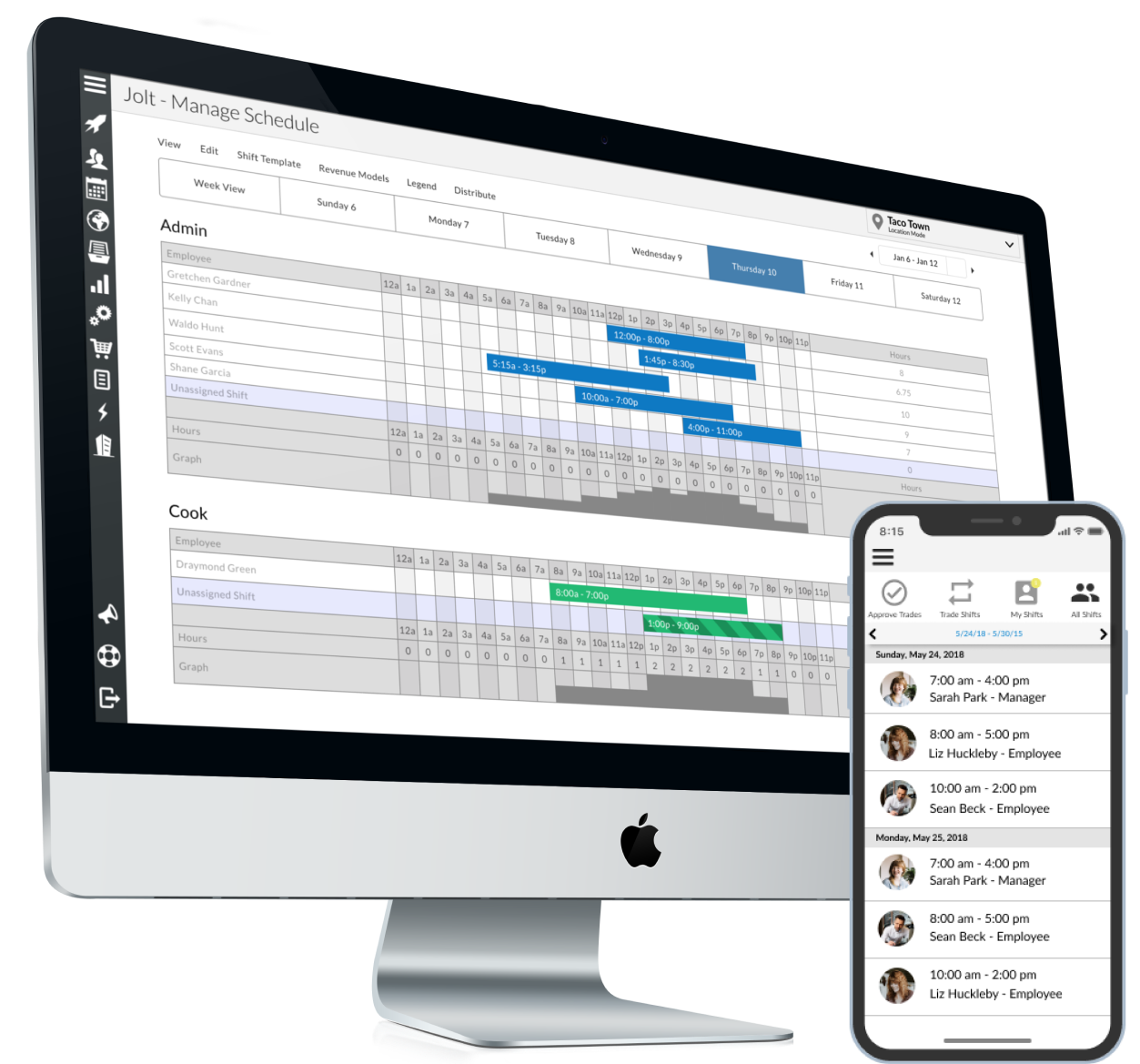
Jolt is a task and workforce management, with time & attendance, remote (selfie) login, scheduling, and simple tasking tools, from the company of the same name in Provo, Utah; useful for small teams that could leverage frequent communication.
N/A
PowerDMS by NEOGOV
Score 7.0 out of 10
N/A
PowerDMS by NEOGOV is a software platform designed to recruit, train, equip, and protect employees across their careers, used for policy management, community engagement, and staff scheduling.
N/A
UKG Ready
Score 7.8 out of 10
N/A
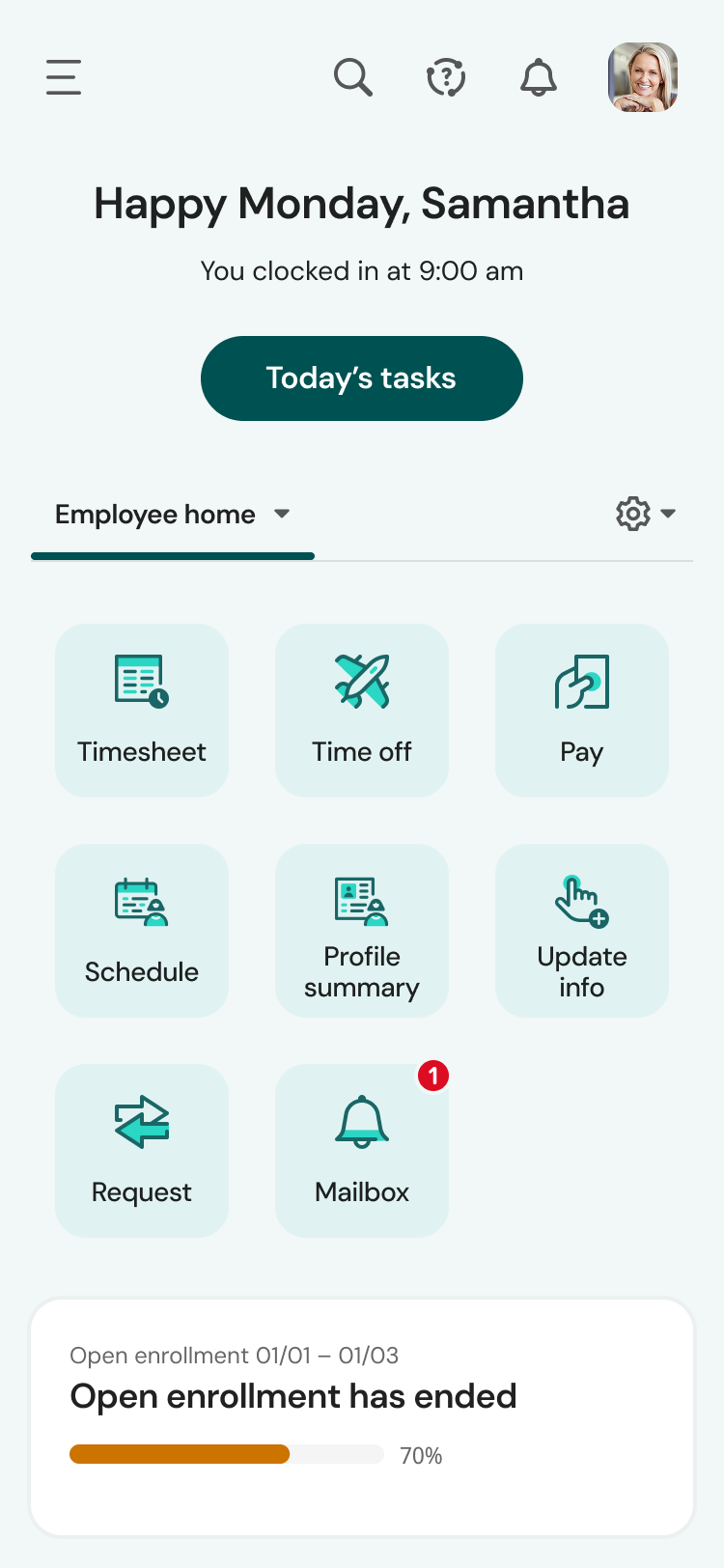
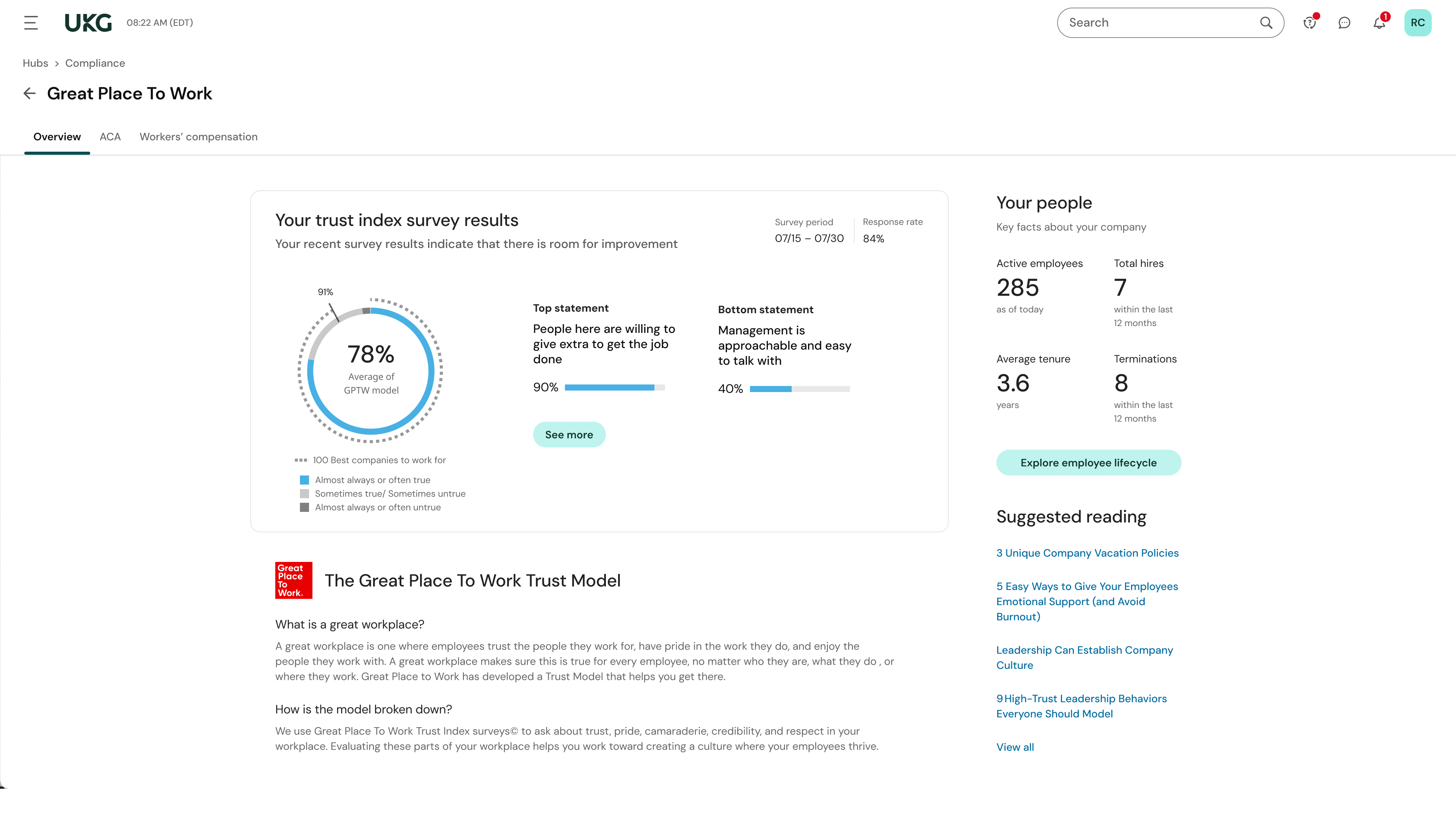
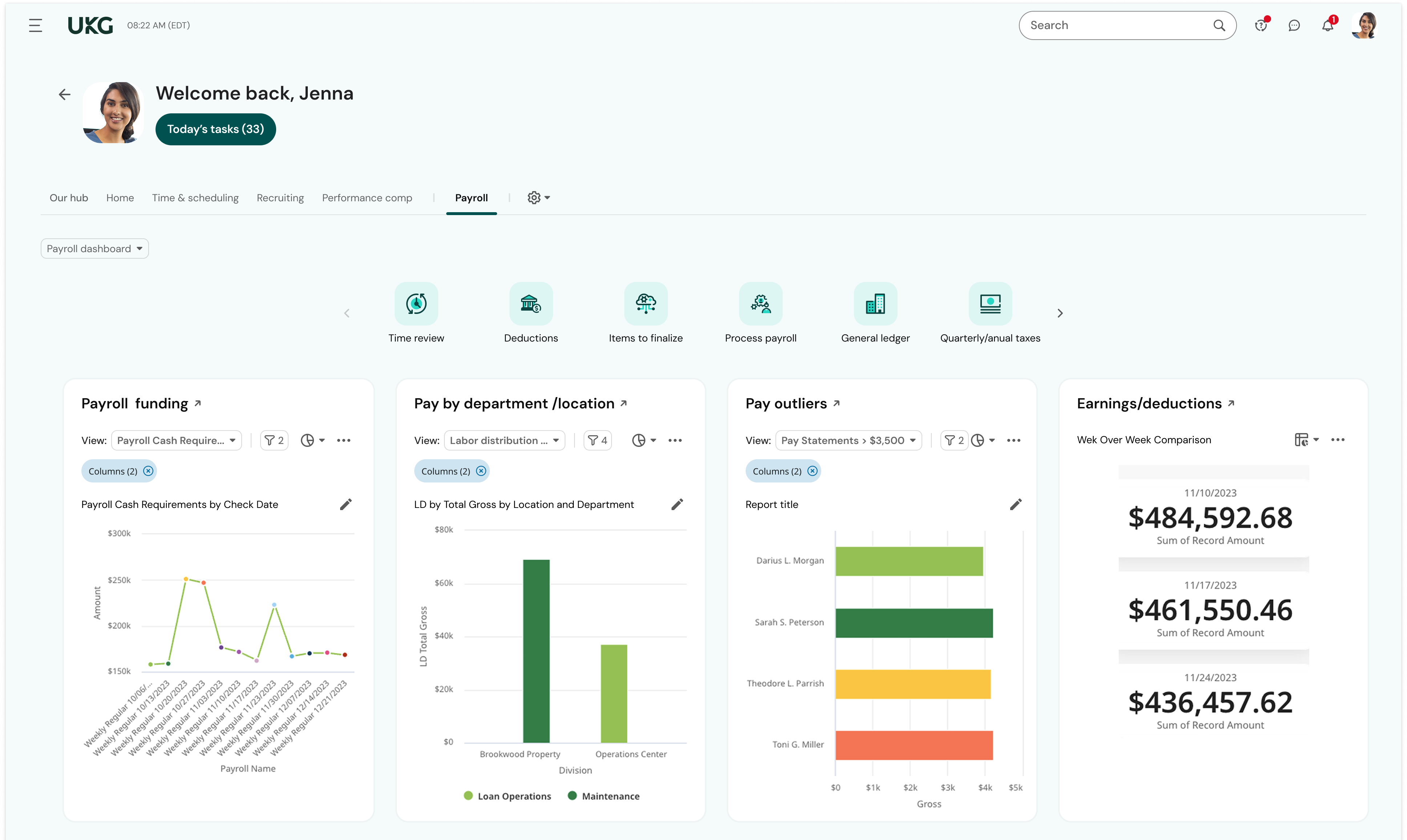
The UKG Ready® software suite is a centralized HCM solution designed for small to mid-sized businesses. It automates and streamlines HR, payroll, benefits, time, talent, and scheduling processes. UKG Ready's suite of tools offer actionable insights while helping to ensure compliance. Using AI, it draws on work, people, and culture data to boost efficiency and productivity. For example, UKG Ready streamlines core HR functions by centralizing…
There is no better way for Cleaning & Maintenance Lists. The follow-up is automatic, it is user-friendly for leaders, and easy to update as needs change.
I am excited for the new updates coming out that will help our new hire training!
This software is very well suited for law enforcement agencies of all sizes from 5 to 5000 officers. There is a mobile app that allows officers to quickly and easily search while out in the field or on a call. They can quickly review a policy, locate a form, pull up a map and much more using either the mobile app or the desktop application.
Overall, this is the most comprehensive and user friendly HRIS/payroll platform I have used throughout the past 10 years. I would highly recommend UKG Ready to colleagues because of not only how user friendly it is but the level of customer service provided through UKG community and service cases. UKG Ready is quick to acknowledge cases submitted and get back to customers.
Time management and tracking of daily employee productivity.
Allows for instructional data to be added to all our checklists, audits, etc to provide hands on training all the time!
Ease of use. It's a breeze to create new lists and use the lists already created
Mobility- my staff is on the go and being able to grab an iPad at the beginning of their shift and take it with them through the day completing tasks and allowing for more autonomy in our work force
Versatile. Can be use for simple list down to more complex guides and checklists with calculations and scoring.
Policy management- [Users] sign for, and can take [tests] to prove understanding of policy right in the application. As [the] policy is updated, old versions are retained, so that we not only know what a policy contains, we can track changes and provide information on what a policy was at any given time in the past.
Training- Users receive notifications when training is due and are guided to complete the training. If the training requires recertification, PowerDMS can be configured to alert the user that re-training is needed, without a supervisor needing to keep track. All documents used in training, including presentations and videos, can be contained in the PowerDMS course, so we can prove not only that an employee was trained, but exactly what curriculum was use din any given training.
Accreditation Assessment- [Our] accreditation standards manual is uploaded directly into PowerDMS. Proofs are accomplished using the actual policy and procedure, as well as the documents created during the workday. There is absolutely no duplication of effort.
Communications accountability- Email [can] be read and forgotten. With PowerDMS, a document can be distributed for user signatures, insuring that the user took affirmative action to read and understand the document.
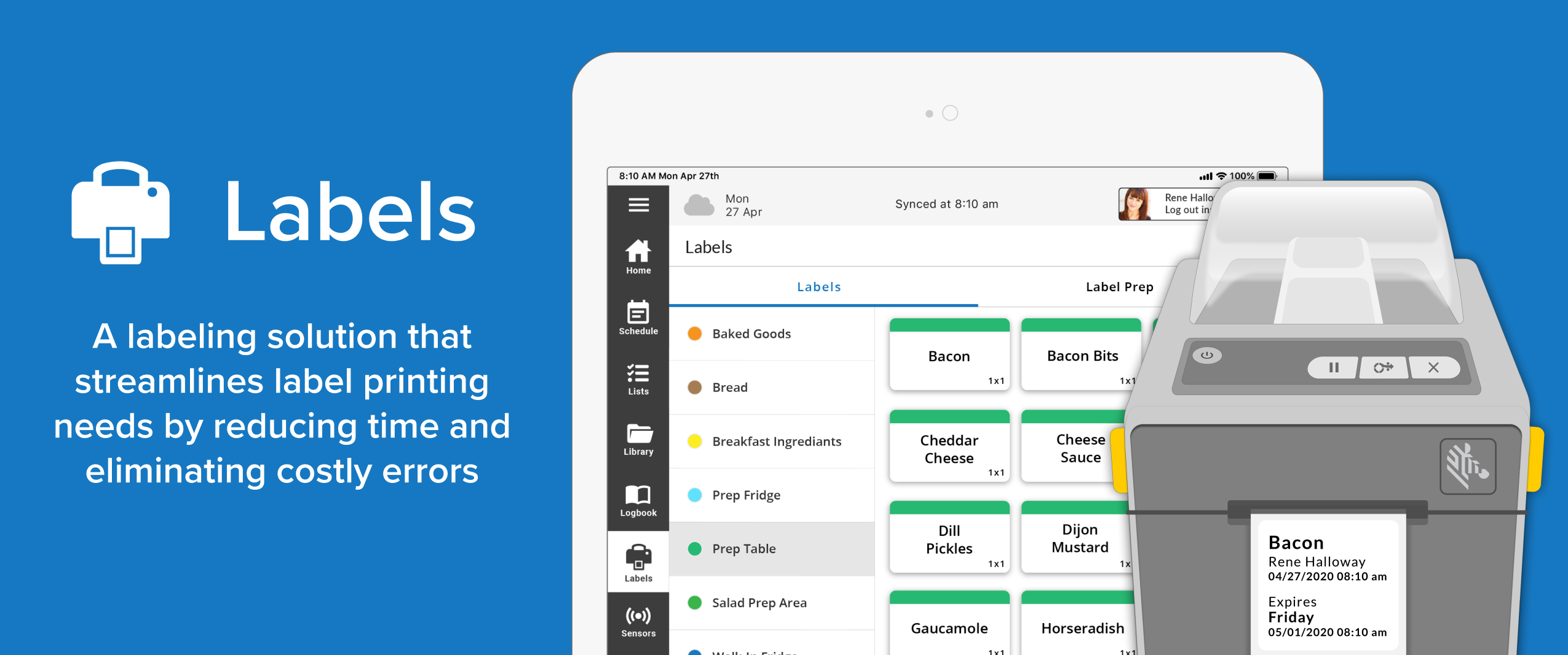
We would love to see a "favorites" icon that can be enabled for any label. We have dozens of labels specific to products/processes that are grouped within a multitude of categories. If one is not familiar with which category a label is stored, it requires the use of the search function in Jolt (which is definitely a nice feature and great time saver). However, we were able to create a category called "favorites" and duplicated our frequently used labels into this location for ease of access.
The Workflow process in PowerDMS is not as easy to grasp as some of the other concepts and requires a little more explaination, especially for non-administrative background users.
Users are unable to view the steps in a Workflow template in order to determine which Workflow would work best for their needs when routing documents.
It would be great to have multiple message options for past due inbox notifications in addition to the options for past due tasks to encourage users to go to their inbox to review their messages.
Learning and training is poor and has not provided our team with a way to approach our problems in a cost-effective and meaningful way
Consistent glitches in some areas result in errors that persist through multiple payrolls despite a thorough review of all settings
Reports don't live in the same place, multiple types of reports exist in multiple places with little explanation of the difference. We often build custom reports only to have them disappear or have to spend a long time trying to find them.
Jolt is very user friendly and offers a lot of solutions to my companies needs. If it offered a Payroll piece and a Point of Sale piece it would make it a complete system that would solve 99% of my companies needs.
I have had nothing but positive experiences with PowerDMS from day one. If we ever run into a situation we are unsure of, PowerDMS support has ALWAYS been able to answer us basically immediately. I really love that they are constantly seeking to improve and expand.
We plan to renew our support and use of UKG Ready each year unless it becomes unavailable or the district seeks another vendor. As of now, there are no plans to changes vendors. The district staff is now familiar with using UKG. Another vendor will need to meet the same expectations we have come to enjoy with using UKG
The system itself is very user friendly and every one of our team members is able to use it easily. The only difficulty that we have occasionally run into is a lack of connectivity between the Bluetooth printer and the iPAD. There are only two or three of us on staff that are well versed enough with the product to be able to fix it when there is this kind of issue.
There is a learning curve as with any software system and I have found those users who consistently use the system more have a much higher success rate than those who only log in to sign off on documents. Now that most users have been in the system for over 2 years I consistently hear how much easier the processes are than they originally thought they would be
UKG is the platform with the best overall usability on both an admin and user side. Employees find it easy to update personal information, the dashboards are clear and easy to follow, and the navigation of it is also easy to follow. Overall my favorite platform to use and learn more about.
The system seems very stable. Being hosted in the cloud, we are vulnerable to internet speeds and busy times. The system has been down a couple times over the 3 months we have been live, but Kronos resolved the issues very quickly. To have access from a desktop, tablet, time clock, or phone app is one of the best features....users have almost NO REASON they can't clock in.
We use PowerDMS in the cloud so our performance might be different from other users who use on-premise. The program has always been up with very minimal downtime and always seems responsive and snappy when navigating the UI and searching documents. We don't currently have any integrations with other software.
We were always told that Kronos was the best, but there are reports that we got out of ADP and other payroll providers that we cannot get out of Kronos. One example is a report of Productive/Non-productive hours by department. We also need the dollar amount associated with the hours. This is information that is required on our cost report and we were told that that report is unavailable. It is very frustrating when I can't get what I need.
When I have had questions or needed technical support, I have received a very prompt response to my emails. The answers are concise and if there are instructions they are easy to follow and implement. All interactions I have had with the Jolt team have been a very positive experience.
I just wish we had some in-state support. The contacts I have had with customer support have been great. Awesome communication, problem-solving, and support. I have talked to and met Stephanie Williams (CSA for Power DMS) at the most recent Entrust conference. She was professional and devoted time to addressing our agency needs.
If I was only rating support itself that would be a 10. Every support case I have entered has been addressed efficiently and with the desired result. On the implementation and transition to support there were multiple issues that those doing the implementation or transition could not answer or workflows and various settings left undone only to be discovered later. We implemented 3 different modules and the expertise we got for each one varied widely.
Our in-person training was a hybrid. Live online training with an instructor. They were very knowledgeable of the product & the area they were training on. I asked several specific questions and if they didn't know the answer immediately they followed up after class.
Pretty good online training, you have many how to options and can watch them several times. It can be hard at times to dig through the amount of data online but can usually find what you are looking for. Also you can download documentation for setting up the profiles and policies.
Implementation of PowerDMS was near seamless. The product was able to input existing policies and procedures within a few hours, which helped to lay the foundation for future use. Having PowerDMS on-boarding readily available was also a huge benefit.
Make sure the people who are doing the build have extensive knowledge on employment law and asking the right questions. I would bet that the people who helped with our builds did not read any of our employment contracts or ordinances; and when I asked questions about how other companies handled certain basic dictates from federal employment laws, they didn't have any idea what FMLA, FLSA, etc were.
Jolt provides a full house of solutions. I would have to go with at least two of the other companies to capture all the solutions I was looking for. Jolt gave me all of it. I also want to be clear that other companies promised solutions that they hadn't built out yet. Jolt is upfront and honest about things they are working on, but they won't sell them to you as a means to get you in, only to disappoint you. I have a lot of respect for that.
PowerDMS is a lot different than Linkedin Learnings. In PowerDMS you have to create your own courses versus in Linkedin Learnings they provide extensive content on a wide variety of subject matter. Linkedin Learnings is what we have used in our organization for Bias Training and Ethics Training. PowerDMS is the repository for documents and Trainings, so the systems work very differently
We currently use Paycom and are extremely dissatisfied with the lack of functionality and poor customer service. Rippling and ADP were other vendors we evaluated who performed well and offer a lot of functionality but we decided UKG was the best fit for our needs now and to scale with our strategic growth plans.
Food safety processes have reduced significant amount of time managing.
Cleanliness- Saved some labor dollars here by implementing a more consistent process. Added some training videos on cleanliness to help give a clear message of the expectation.
Recipe Management- We have saved thousands on having the ability to upload live recipes and be global rather than having the paper copies of recipes laying around and possibly not being up to date.
Created efficient processes for approving document revision
Migrated what originally was a paper system to electronic
Accessible for any employee by logging in, employees do not have to seek out policy and procedure binders, and updated documents can be automatically sent to inboxes when updated.
This is basic, but we finally know how many employees we have! It sounds ridiculous, but prior to UKG Ready we were on a payroll system that's reports were only as accurate as the last payroll cycle, so they were always 2 weeks behind and static. UKG Ready allows for realtime, daily reporting of information.
We are able to get salary data for our various locations to be able to compare them to each other, as well as across our "competitors" and external competition.
The data provided allows us to be able to understand the trends at individual locations including attrition, advancement, raise information, and other data points that we haven't historically done comparisons on
We can see the demographic and geographical information for our employees and the benefits that they elect