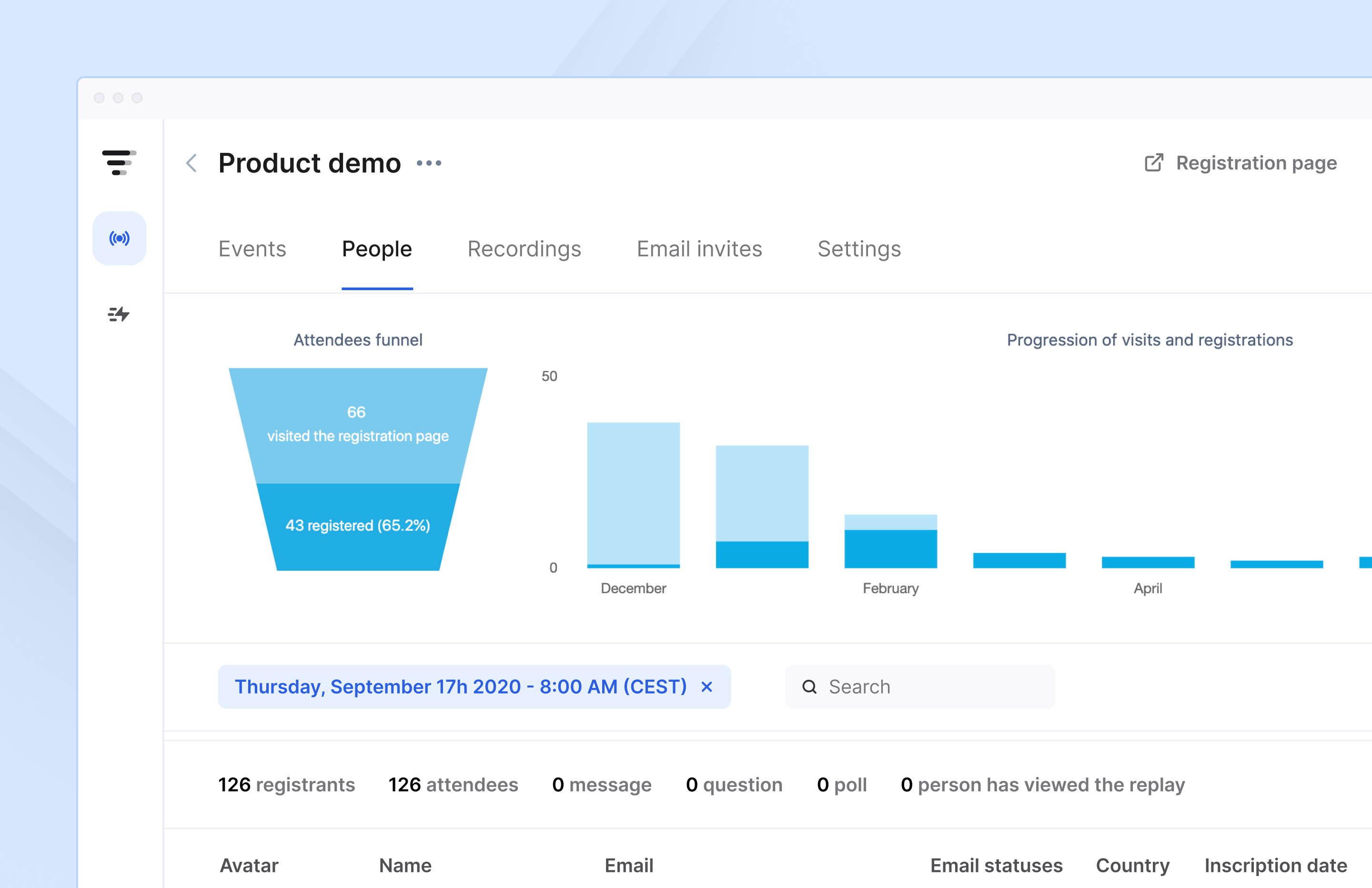
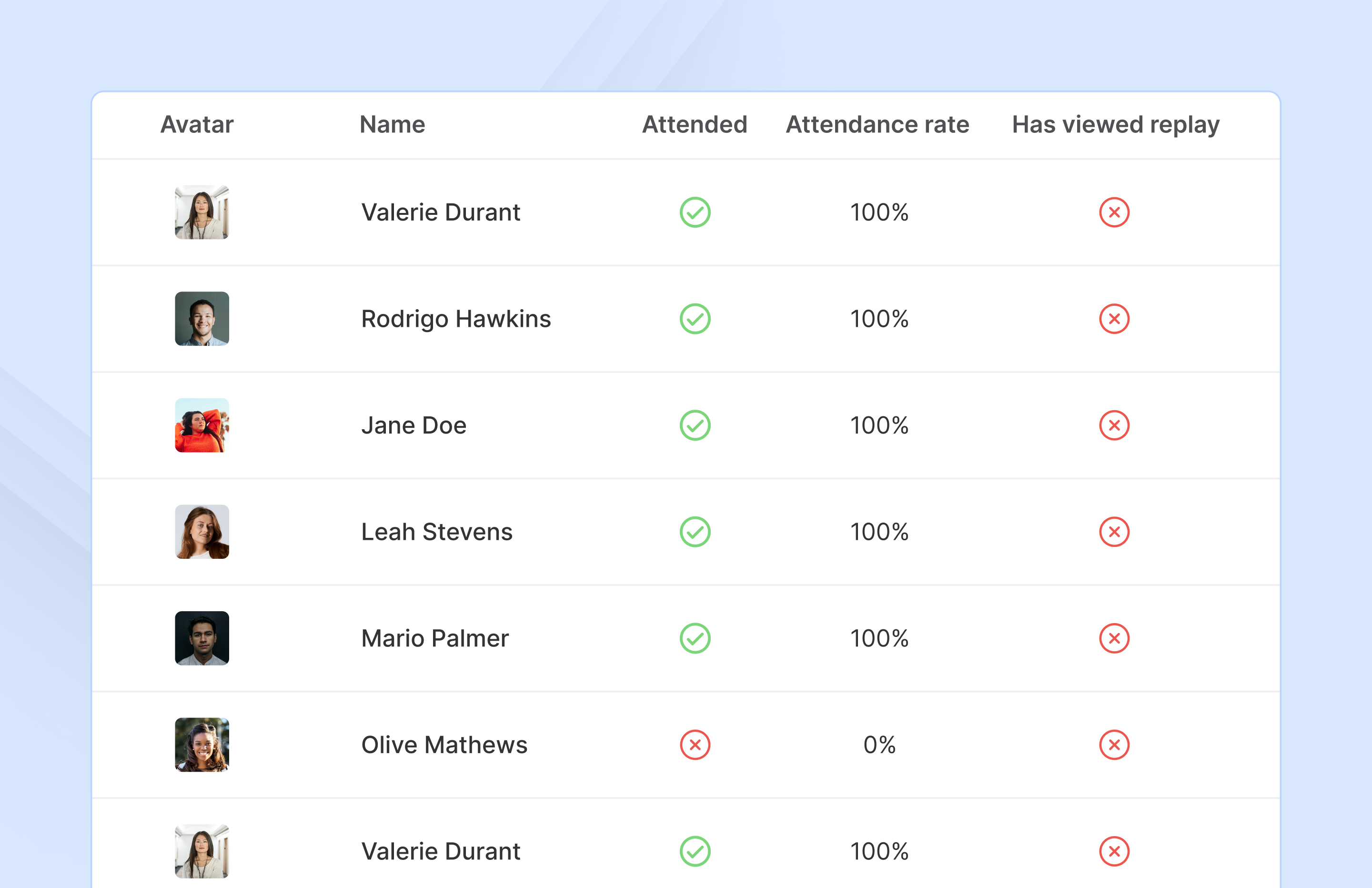
French company Livestorm offers their webinar platform which integrates with many other enterprise applications via Zapier and features polling, session recording and sharing, and webinar data collection and tracking.
$0
A free plan to discover Livestorm. All features included, such as unlimited webinars and instant meetings. Up to 20 minutes per webinar and up to 10 registrants per webinar.
ON24
Score 7.6 out of 10
N/A
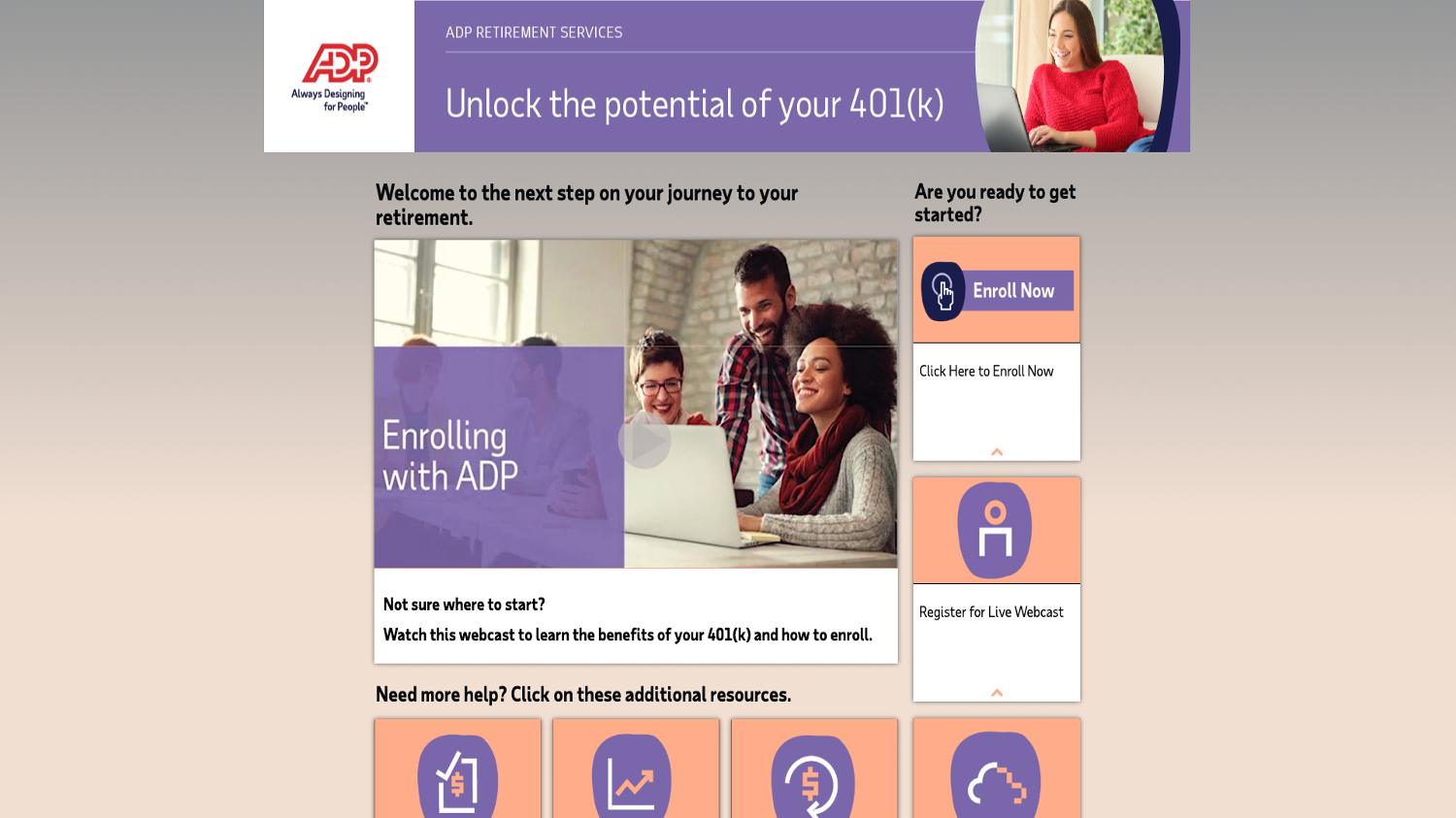
ON24 is an intelligent engagement platform, that enables customers to continuously engage audiences with AI-powered, hyper-personalized webinar, virtual event and content experiences.
N/A
Paymo
Score 9.0 out of 10
N/A
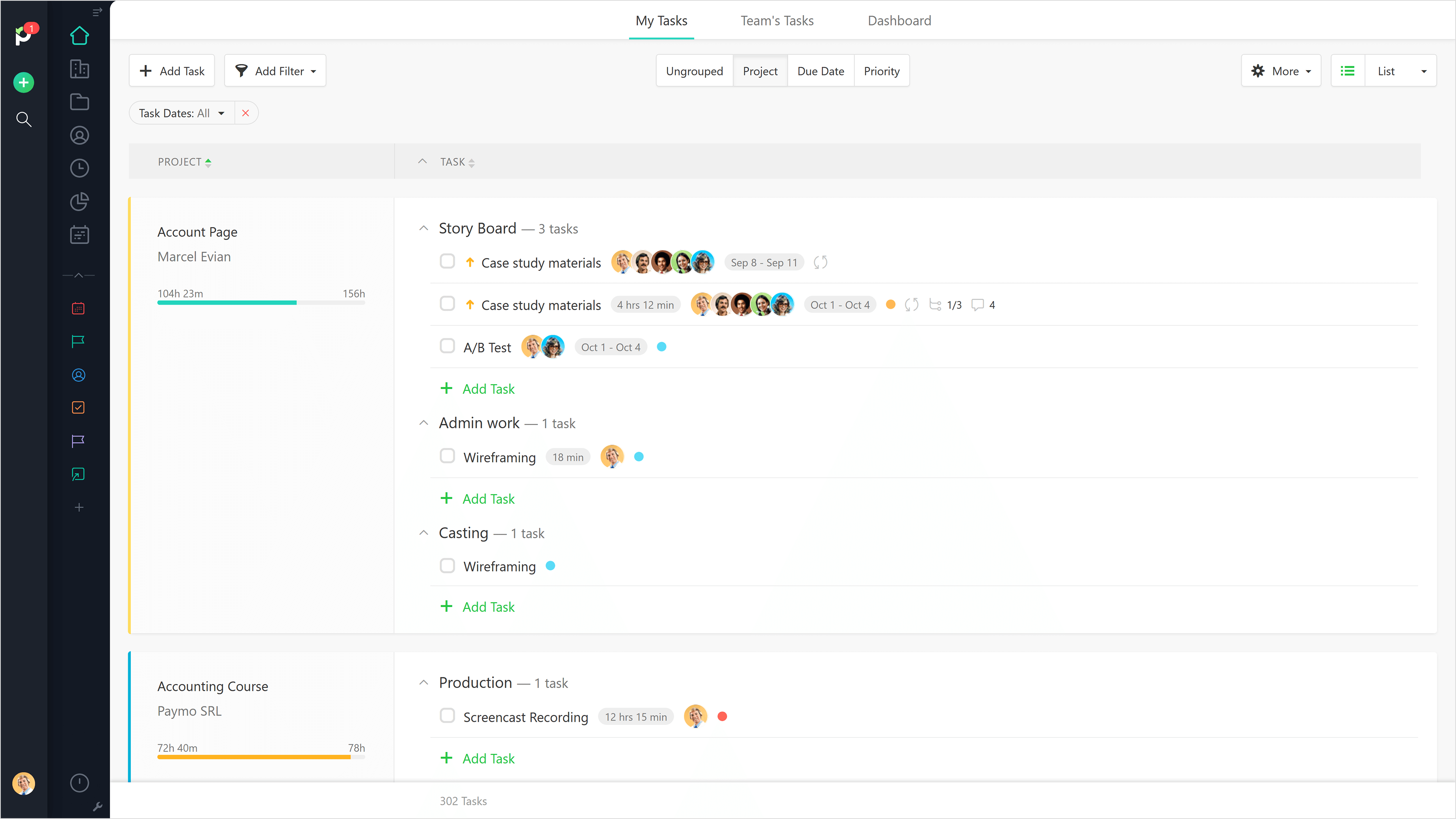
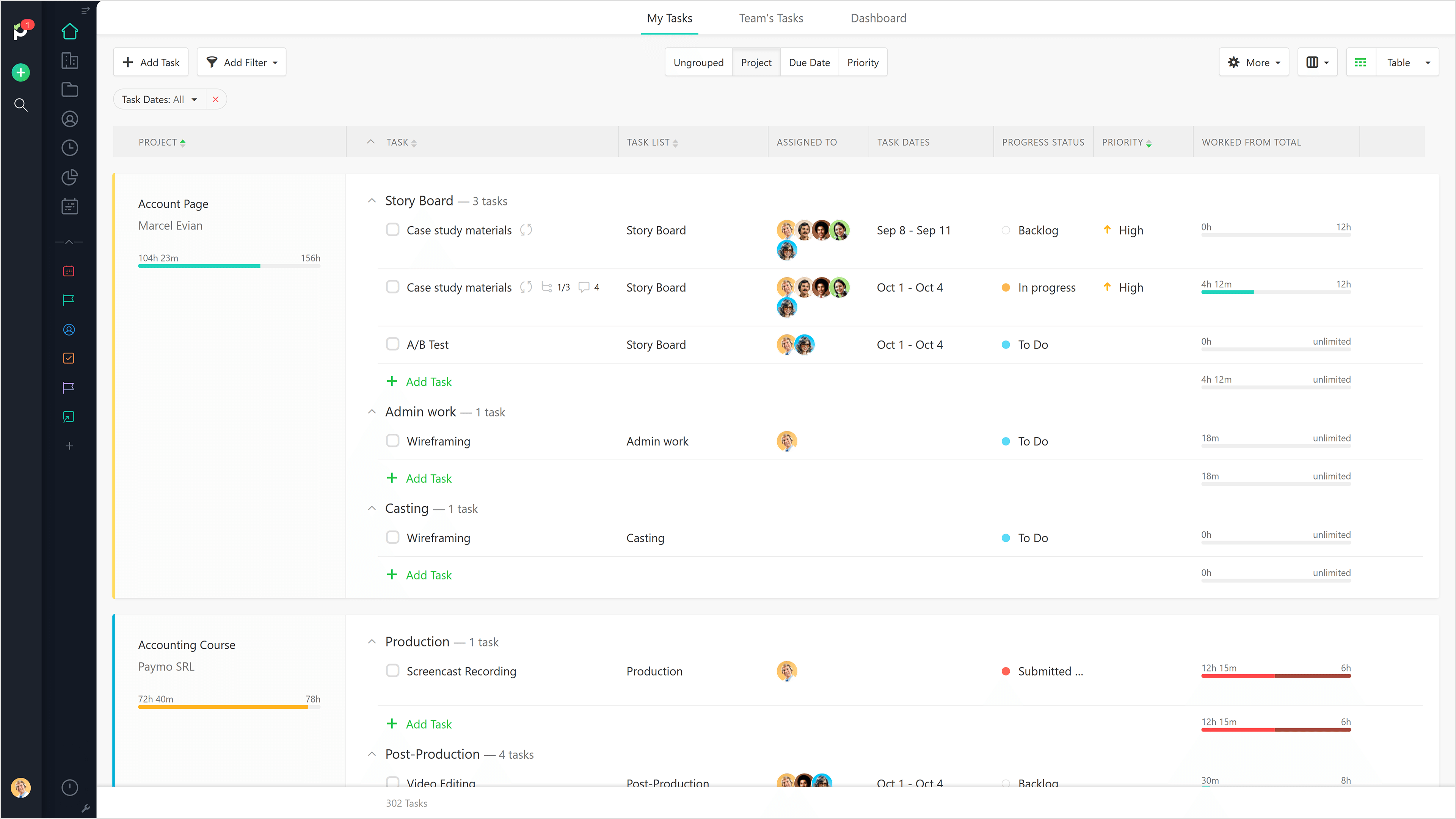
Paymo is a collaborative work management platform that helps track team progress, collaborate in context, and make smarter decisions. It acts as a single source of truth, where project planning, resource scheduling, file proofing, time tracking, and billing feed into each other to co-exist under the same roof.
$0
Up to 10 users
Pricing
Livestorm
ON24
Paymo
Editions & Modules
Webinar Basic
$0.00
A free plan to discover Livestorm. All features included, such as unlimited webinars and instant meetings. Up to 20 minutes per webinar and up to 10 registrants per webinar.
Meet Basic
$0.00
Limited Instant and Scheduled Meetings for up to four participants
Meet Premium
$31.00
Full features for Instant and Scheduled Meetings.
Webinar Premium
$99.00
A premium experience with removed limitations to get the full benefits of Livestorm for up to 100 seats. + $99 to add 250 seats, + $209 to add 1,000 seats.
Enterprise
Contact sales
An enterprise-grade experience with premium service.
No answers on this topic
Free
$0
Up to 10 users
Small Office
$11.95
per user/per month
Business
$18.95
per user/per month
Offerings
Pricing Offerings
Livestorm
ON24
Paymo
Free Trial
Yes
No
Yes
Free/Freemium Version
Yes
No
Yes
Premium Consulting/Integration Services
No
No
No
Entry-level Setup Fee
No setup fee
No setup fee
No setup fee
Additional Details
—
—
Free version available for freelancers.
More Pricing Information
Community Pulse
Livestorm
ON24
Paymo
Features
Livestorm
ON24
Paymo
Reporting & Analytics
Comparison of Reporting & Analytics features of Product A and Product B
Livestorm
10.0
3 Ratings
26% above category average
ON24
-
Ratings
Paymo
-
Ratings
Dashboards
10.02 Ratings
00 Ratings
00 Ratings
Data exportability
10.03 Ratings
00 Ratings
00 Ratings
Performance & Compatibility of Online Events Software
Comparison of Performance & Compatibility of Online Events Software features of Product A and Product B
Livestorm
9.5
3 Ratings
15% above category average
ON24
-
Ratings
Paymo
-
Ratings
High quality audio
9.03 Ratings
00 Ratings
00 Ratings
Mobile support
10.02 Ratings
00 Ratings
00 Ratings
Online Meetings / Events
Comparison of Online Meetings / Events features of Product A and Product B
Livestorm
9.4
3 Ratings
14% above category average
ON24
6.1
412 Ratings
30% below category average
Paymo
-
Ratings
Calendar integration
10.02 Ratings
7.8355 Ratings
00 Ratings
Record meetings / events
7.53 Ratings
6.6394 Ratings
00 Ratings
Slideshows
10.02 Ratings
6.6391 Ratings
00 Ratings
Event registration
10.03 Ratings
6.6388 Ratings
00 Ratings
Meeting initiation
00 Ratings
7.03 Ratings
00 Ratings
Integrates with social media
00 Ratings
2.02 Ratings
00 Ratings
Online Events Collaboration
Comparison of Online Events Collaboration features of Product A and Product B
Livestorm
10.0
3 Ratings
17% above category average
ON24
7.4
415 Ratings
9% below category average
Paymo
-
Ratings
Audience polling
10.03 Ratings
7.2376 Ratings
00 Ratings
Q&A
10.03 Ratings
7.8412 Ratings
00 Ratings
Live chat
00 Ratings
7.03 Ratings
00 Ratings
Online Events Security
Comparison of Online Events Security features of Product A and Product B
Livestorm
10.0
3 Ratings
18% above category average
ON24
8.3
383 Ratings
2% below category average
Paymo
-
Ratings
Participant roles & permissions
10.03 Ratings
8.4373 Ratings
00 Ratings
Confidential attendee list
10.03 Ratings
8.5356 Ratings
00 Ratings
User authentication
00 Ratings
8.02 Ratings
00 Ratings
Online Events Marketing
Comparison of Online Events Marketing features of Product A and Product B
Livestorm
10.0
3 Ratings
23% above category average
ON24
7.5
389 Ratings
9% below category average
Paymo
-
Ratings
Branding options
10.03 Ratings
8.4381 Ratings
00 Ratings
Integration to Marketing Automation
10.03 Ratings
7.5334 Ratings
00 Ratings
Attendee list export
00 Ratings
6.737 Ratings
00 Ratings
Virtual Event
Comparison of Virtual Event features of Product A and Product B
Livestorm
-
Ratings
ON24
6.9
41 Ratings
14% below category average
Paymo
-
Ratings
Email marketing
00 Ratings
5.837 Ratings
00 Ratings
Audience engagement
00 Ratings
7.541 Ratings
00 Ratings
Event analytics
00 Ratings
7.641 Ratings
00 Ratings
Project Management
Comparison of Project Management features of Product A and Product B
Livestorm
-
Ratings
ON24
-
Ratings
Paymo
5.9
9 Ratings
27% below category average
Task Management
00 Ratings
00 Ratings
3.59 Ratings
Resource Management
00 Ratings
00 Ratings
5.36 Ratings
Gantt Charts
00 Ratings
00 Ratings
4.43 Ratings
Scheduling
00 Ratings
00 Ratings
7.06 Ratings
Team Collaboration
00 Ratings
00 Ratings
4.16 Ratings
Support for Waterfall Methodology
00 Ratings
00 Ratings
7.82 Ratings
Document Management
00 Ratings
00 Ratings
5.06 Ratings
Email integration
00 Ratings
00 Ratings
5.04 Ratings
Mobile Access
00 Ratings
00 Ratings
5.37 Ratings
Timesheet Tracking
00 Ratings
00 Ratings
9.09 Ratings
Budget and Expense Management
00 Ratings
00 Ratings
8.88 Ratings
Professional Services Automation
Comparison of Professional Services Automation features of Product A and Product B
Livestorm is well suited to use when you need to reach a group of more than ten people. It wouldn't be a good solution if you wanted interaction from the audience in more than the form of chat.
I find that ON24 caters for all types of organisations, having it allows for more choice/options. The experience around virtual events if fantastic and the ON24 team is constantly improving the platform. If you want to run a virtual events programme where you want to generate leads and track engagement, then ON24 is the platform for you
Beautiful interface throughout, easy setup, most natural progressions are fluid and easy to use. Browser functionality allows us to use it cross-platform. Very reasonable pricing model as well. We have had a little trouble using Paymo for the entire creative process to have proofs reviewed and approved. Also, have to use external forms to have work submitted from campus.
The ability to code exactly what time I worked on a project enables me to bill clients more accurately and within different minimums, which besides more accurately tracking time, this has been extremely helpful as I negotiate contracts for services and offer different deals with potential clients. Some are billed to the minute, some in 15-minute minimums, and some in 20-minute blocks.
The live reports are great, showing time spent in the minimums that I've set, while also including as much detail as I wish to share.
I've now started just writing my notes into the tracker, which are then carried into the live reports - this eases my needing to send logs to clients, as well as helping me to keep projects on track.
There was a recent update within the past year where the UX designer or developer thought it would be best to wide all titles from the audience view until they placed their mouse on top of the window. That was the worst mistake, as we have a moderator script where we tell the audience what each of the tool bars are and they can’t grasp what the tool is without putting their mouse there. From an accessibility standpoint point, it’s back to 1999 when there was no laws about accessibility.
Number one above is a major pain point.
ON24 needs to do a better job of introducing features and soliciting feedback from their customers vs making a high impactful change like #1 described above.
It would be really helpful if on the timer tool, they asked you to switch projects when you stop the timer, so it could fill that time in right away for you.
I never use the 'My Tasks' because I don't fully understand how to integrate it to be useful to what our purposes are in Paymo. Some Youtube tutorials might be helpful
ON24 is everything we expected and everything we needed. It's simple to use, extremely customizable, and scales very easily. The integration to our CRM makes ON24 major lead generator for our sales team from our established webinars series. We can automate lead delivery to our sales team as well. If anything, we will look to expand our partnership in the future.
Making sure the permission settings for your camera, microphone or browser can sometimes be tricky. If we have a guest, we always have to double-check these. It's also not super intuitive that you need to "Get on Stage" from the webinar page.
97% of our attendees say it is the best trainings they have every attended. But they other 3% have a horrible experience (while watching the event live) interesting fact. On24 uses two different encoders for live vs OnDemand. I have never had issues with the On-Demand experience. My only complaints come during live events
It is a complete, a bit overambitious app but with many features that are needed. I didn't need most of the features but managed to make the most of the two I was using. Also, I think it is a well-rounded app and I am considering moving some team collab there.
ON24 is always available when I have a question about a new feature, if I'm having issues during a live webinar, or if I'm having issues with a webinar on the backend. Our client support specialist, Heather Haines, has always been incredibly consistent with getting me the answers I need when I need them.
Sometimes (it may be my computer) i cant login to ON24. I create a new PW and then i still cant get in. I clear cache/try new browser etc. and nothing works. I come back in a few hours and its like the problem never existed, its the strangest thing. Outside of that everything works pretty seamless. We've ran into a few bumps with Marketo talking to ON24 and passing reg through but have that figured out now. Not being able to be on a VPN when connecting to webcam on the presenter side does cause issues for our government speakers.
The customer service representatives are extremely attentive. They do an excellent job of trying to understand the scope of the issue and follow it through until it has been resolved. When I have provided them with recommendations for improvement they have taken them to heart and many times implemented them. I trust that if I ever have a problem they will be there to help
ON24 support is really good with the 24/5 support chat line, where someone actually responds within 30 seconds. The customers success team is also really good and our rep is very helpful with all our questions. Whenever we have more technical questions, she will bring on a IT designer or a tech specialist on our calls for additional comments and help.
Good! Fast, excellent, speedy responses. They always wanted to know why and how they could improve on something (good on receiving feedback, too). Not that they were much needed, but my limited experience with them is good; they were really keen to understand what the problem was really about and how they could help with it.
On24 has amazing ON-Demand trainings that you can use at anytime and they walk you through step by step on different topics/ they are always updating and innovating and putting out new trainings. I would highly reccomend the trainings and reading the documents they have created. They also do live webinars on a rolling basis that are filled with so much knowledge and Information
We had a few training's, which were broken up, and focused on specific areas of how to use the platform. Mostly though, a lot of it is just dedicating your time to learning and exploring what the possibilities are for enhancing your webinars
From what I've seen, ON24 is built specifically to meet the needs of event marketing (or marketing generally), versus the other platforms which are more about simply providing a mechanism to hold virtual meetings. The integration with sales and marketing systems is really valuable. I don't know about pricing differences, but if the competitors were comparable, I would still select ON24.
We still use Trello and Slack, but Basecamp and HubSpot are too much for our operation to manage or integrate. Paymo is missing some of the tracking features of HubSpot and isn't as universally used as Basecamp but we've been with them for 8 years and they seem to know what matters most to their user base
The ON24 platform is straightforward to use and train clients on, which is a huge plus. Clients appreciate its features and simplicity. Internally, we receive valuable analytical data from webinar events, enabling the organization to make data-driven decisions. This helps us optimize strategies and drive success for B2B businesses effectively.
Gives me more accurate time that I've spent on projects compared to older methods I've used.
Has data that I can pull together, for example my boss wanted to know the percentage of time I'd spent working on projects for one client compared to everything else - I was able to give them an accurate percentage.
Forces you to stay on top of jobs, which can lengthen the time to complete something