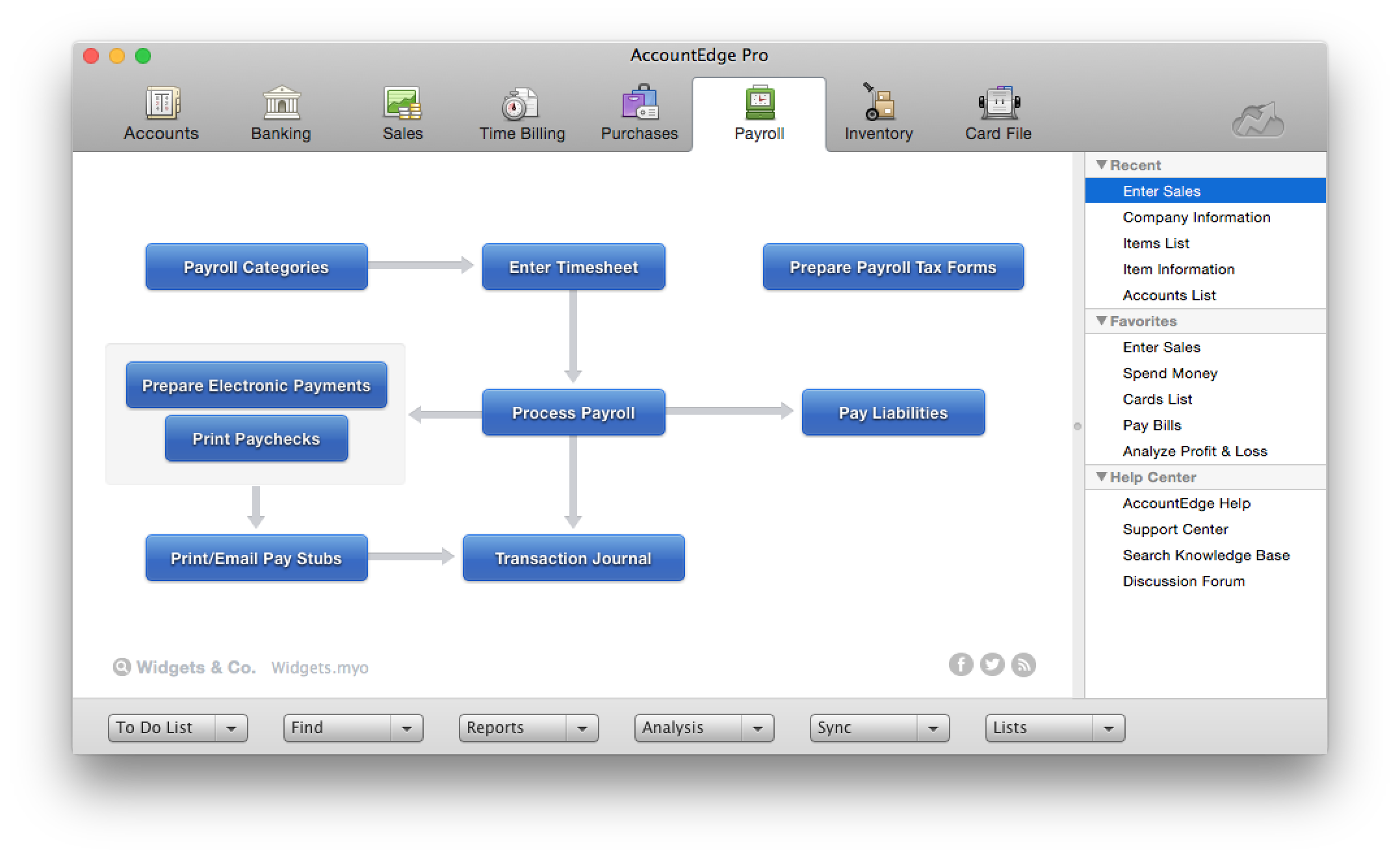
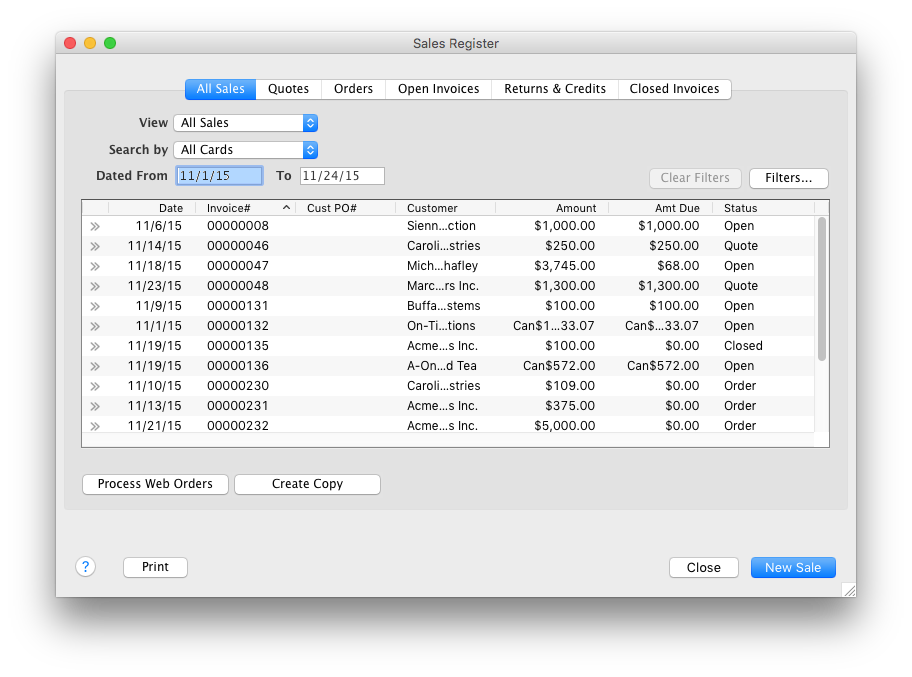
AccountEdge is a small business accounting software for Mac and Windows users. AccountEdge allows business owners to organize, process, and report on their financial information. Its features include accounting, integrated payroll, sales and purchases, contact management, inventory, and time billing. It was acquired by Priority Software in January 2018 to expand that company's small business portfolio.
$20
per month
QuickBooks Desktop for Mac
Score 7.9 out of 10
N/A
Quickbooks Desktop for Mac is an accounting software designed for Mac users. It is designed to integrate with Apple iCloud. It provides core accounting features in line with the rest of the Quickbooks Desktop product line.
N/A
UKG Ready
Score 8.0 out of 10
N/A
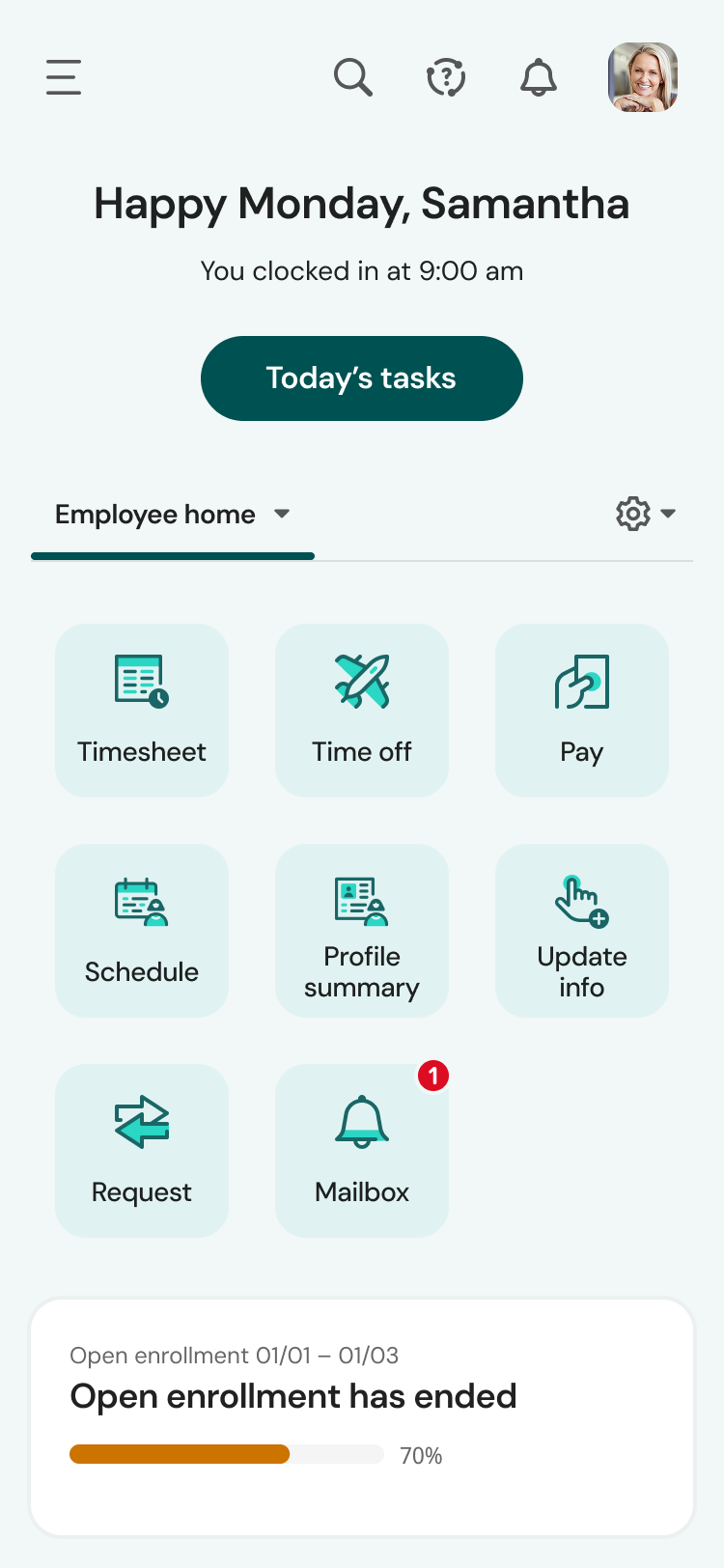
The UKG Ready® software suite is a centralized HCM solution designed for small to mid-sized businesses. It automates and streamlines HR, payroll, benefits, time, talent, and scheduling processes. UKG Ready's suite of tools offer actionable insights while helping to ensure compliance. Using AI, it draws on work, people, and culture data to boost efficiency and productivity. For example, UKG Ready streamlines core HR functions by centralizing…
Originally the decision was made for us when Quickbooks abandoned Mac users for a number of years. However, now that QuickBooks has returned to serving the Mac market, we are satisfied with AccountEdge's support of our platform. The user-friendly interface has made it easy for …
I have considered Quickbooks, but a cursory use did not lead me to believe that it was a good replacement for us. I might take a look again in the future if we can't link bank accounts to AccountEdge soon.
My hands down preference is to keep my accounting off of the cloud but that is not always the case with my clients. So, to make this comparison somewhat fair I will consider only the items containing parity in cloud vs desktop.
For Mac enthusiasts, AccountEdge is the complete installed software solution for small to medium-sized businesses, as it has so many capabilities that QuickBooks for Mac lacks. However, it holds your hand less than QuickBooks for Mac does, so you ought to know what your are …
Some of my clients use QuickBooks, some use AccountEdge. Hands down I prefer the user friendliness of AccountEdge over QuickBooks. There is no comparison in the return on profit when having the proper tools to be able to do a task efficiently and quickly. The more time wasted …
QuickBooks for Mac is roughly equivalent in functionality to QuickBooks Pro for Windows. It has better job costing than QuickBooks Online with roughly equivalent inventory functionality. QuickBooks Online, Xero, and Wave offer anytime, anywhere functionality for multiple users …
If you are handling a large client list, and are selling services, it is dead easy. If you are managing/selling a physical inventory, it seems like it has great options to do that quite well (disclaimer, I do not use those functions, but I have paid attention as that functionality was built into the software). If you want to link your bank account to a bookkeeping platform, this is not the software for you (at least so far).
If you're a freelancer or running a very small business where you do your own bookkeeping I think this is a great option, especially if you're familiar with accounting and bookkeeping in general. If you're not so familiar with bookkeeping, I would say that the learning curve is too steep and you might want to look elsewhere for a more intuitive solution
I might recommend UKG to a larger organization than ours. The complexity is rich, but perhaps it is too powerful a tool for what we need. That or it's a bit messy in its construction, having so many tools available but difficult to find or not working appropriately. UKG Ready processes payroll efficiently and with ease, but unless you are using a simple accounting platform it may not be able to easily integrate with yours
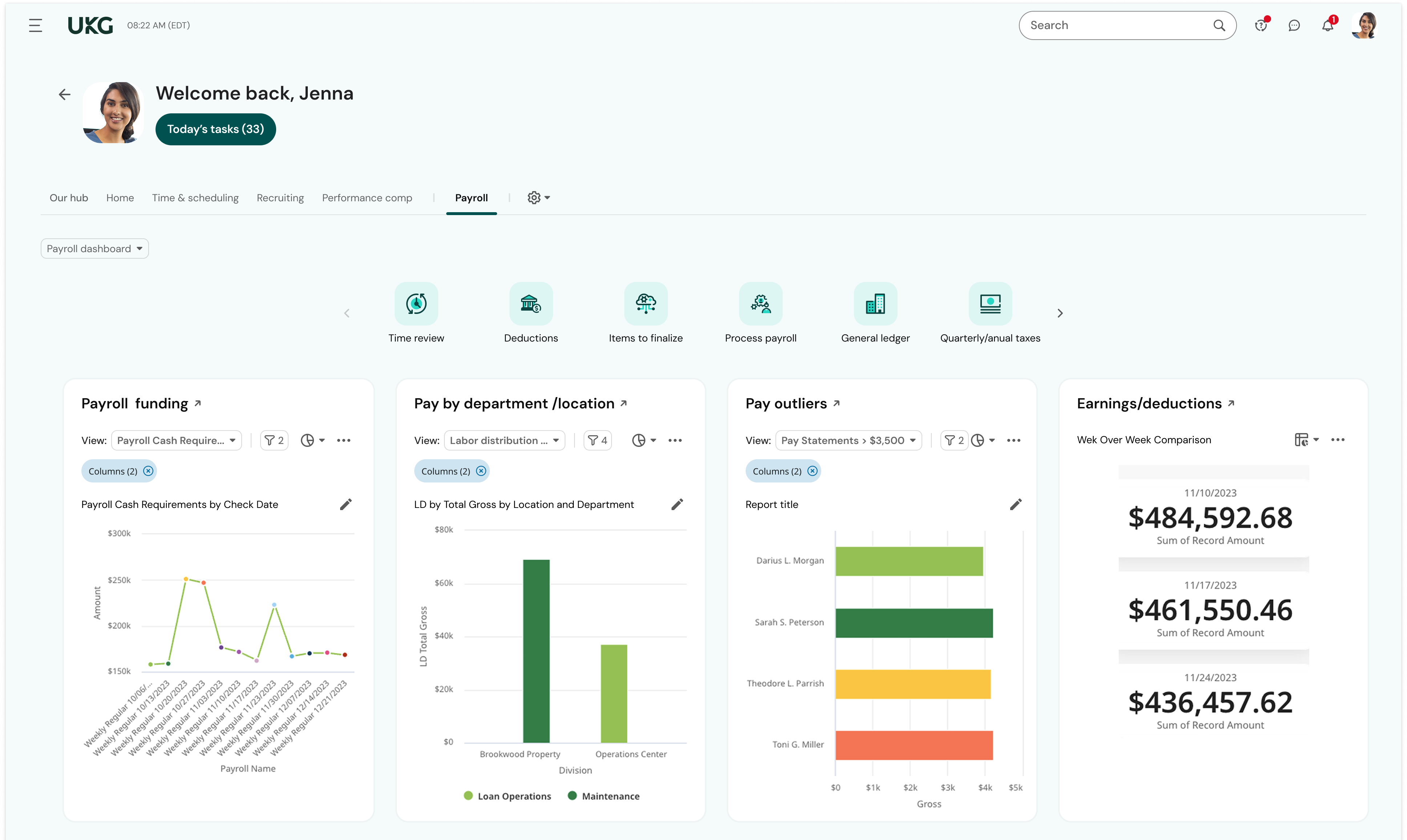
AccountEdge has a robust report menu that allows a user to slice and dice data for analysis. Report on projects for the life of the project across fiscal years. Report on different departments with segregated income statements.
For users who want to run payroll in house that is easily done through the payroll module. Print physical checks or direct deposit to employee's account, process payroll taxes and file year end W2s.
My personal favorites are time billing and retainers. As a service based business I can at my fingertips review how much money a client has on deposit with me and how much of that will be billed out at the end of the month. The integration with AccountEdge Mobile rounds it all out with being able to log my time on-site.
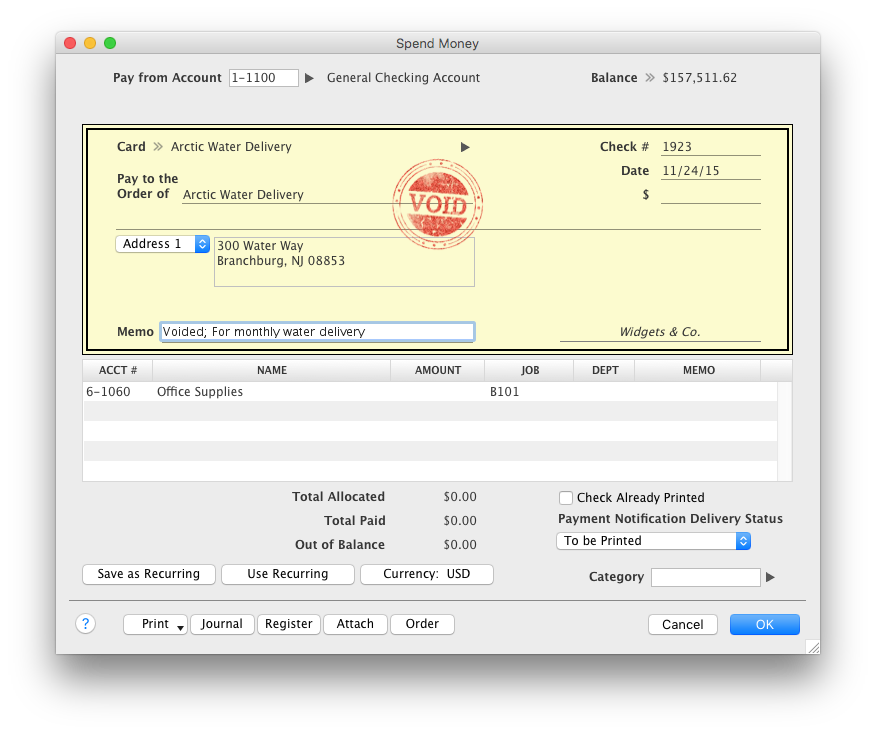
Last but not least AccountEdge Mobile in general, as the companion app for the desktop software is invaluable. My heaviest use is the spend money feature. Excellent for logging travel receipts & cash expenses while they are fresh on the brain. Really cuts back the data entry at the end of a trip and trying to recall what something may have been for.
My biggest frustration, and one that I've mentioned to Acclivity for many years, is that it only permits opening nine windows at a time (plus the home window). I hit that limit almost daily, and then I have to decide what do I close so I can complete the transaction that needed the "9th" window.
The Accounts section includes two quick reports, "Analyze Profit and Loss" and "Analyze Balance Sheet. These can be filtered for the current month or any prior month in the current fiscal year. And that's fine most of the year, but at the beginning of the next year, when I haven't yet started the new fiscal year, these only go to December of the prior year. The regular reports for these can select "next year;" why can't these?
It would be helpful if the journal entry number would have one or two additional digits available. For example, when I am entering journal entries for a client, I would like to use a number such as CPA2014001, CPA2014002, etc. to distinguish what I enter from the "automatic" entries that AccountEdge does. But that's one more digit than AccountEdge allows, so if I had over 100 adjustments, I would run out of entry numbers.
The #1 complaint is that setting it up right is a challenge. People waste time trying to figure it out only to realize that they don't know accounting so of course they don't know how an accounting program should be set up. Like any time you are in over your head, reach out to your network and find someone who can log onto your computer and walk you through it.
If you need to track the cost of wages to jobs you can't do it with the online payroll, but check for yourself because it's a function that landscaping companies and construction businesses usually need, so maybe they have added it by now. That would really help!
It's premise-based software and that means you take on the role of hardware admin, and it's a lot of work for what is increasingly becoming a smaller gap in the functionality between QuickBooks for Mac and QuickBooks Online.
QuickBooks for Mac 2015 has been updated consistently over the last 3 years and continues to provide for the bookkeeping needs of small companies using Macs in their offices. However, it has limited job costing functionality. It is similar in functionality to the 2010 version of QuickBooksPro which runs on Windows.
Intuit Accounting Professionals Trainer/Writer specializing in QuickBooks for Mac, Meetup Groups Organizer/Founder, Adjunct Instructor at Bellevue College
Without a doubt, when you need to do accounting use the program that will get the job done in the least amount of time with the least amount of errors. Once you are using a program that works you stay with it year after year and you will find yourself even excited about the updates
I haven't spent that much time with the newer versions of QuickBooks for Mac, but I think I'm seeing it make the much-needed improvements. For example, something as simple as undoing the previous reconciliation was a terrible chore, and I'm glad that feature has been included in the newer versions of QuickBooks for Mac
We plan to renew our support and use of UKG Ready each year unless it becomes unavailable or the district seeks another vendor. As of now, there are no plans to changes vendors. The district staff is now familiar with using UKG. Another vendor will need to meet the same expectations we have come to enjoy with using UKG
The intuitive interface does all the tasks we need our accounting software to do. Some tasks are slower to process than I would like but overall very usable. Customizable forms let us choose to either go with the easy ready-made out-of-the-box options or retool them to better fit our specific needs.
The Mac version is OK overall. I find the Windows versions to be much more robust but Mac is quite good for Mac users. Though I think die hard Mac users should consider QuickBooks Online instead as there is a new QB for Mac app that makes using QBO much better!
UKG is the platform with the best overall usability on both an admin and user side. Employees find it easy to update personal information, the dashboards are clear and easy to follow, and the navigation of it is also easy to follow. Overall my favorite platform to use and learn more about.
One of the finer advantages of desktop software, it's always available. AccountEdge doesn't suffer from outages or sluggish internet like web based applications do. It's always there when you power on your device!
I've been using the QuickBooks online version for a little over 6 months now (upgraded from Mac desktop) and I haven't had any access issues. There have been times when it was down for service/upgrade however there is always plenty of notification time given by the Quick Books Online Support team. These upgrade maintenance time frames are always over night hours and on the weekends so everything can be worked around very easily.
The system seems very stable. Being hosted in the cloud, we are vulnerable to internet speeds and busy times. The system has been down a couple times over the 3 months we have been live, but Kronos resolved the issues very quickly. To have access from a desktop, tablet, time clock, or phone app is one of the best features....users have almost NO REASON they can't clock in.
We were always told that Kronos was the best, but there are reports that we got out of ADP and other payroll providers that we cannot get out of Kronos. One example is a report of Productive/Non-productive hours by department. We also need the dollar amount associated with the hours. This is information that is required on our cost report and we were told that that report is unavailable. It is very frustrating when I can't get what I need.
On the few occasions we have needed tech support over the years, they were responsive and worked to get to the root of the issues. However, even though Checkout POS is a separate application, it was pitched to us as a natural extension of the functionality of our AE software that would integrate seamlessly. The company's support for Checkout has been minimal at best, and now totally abandoned. That colors our view of Priority's support unfortunately. And to be honest, that's why it's a 9 instead of a 10. So to be fair, AccountEdge's support itself has been very good over the years.
If I was only rating support itself that would be a 10. Every support case I have entered has been addressed efficiently and with the desired result. On the implementation and transition to support there were multiple issues that those doing the implementation or transition could not answer or workflows and various settings left undone only to be discovered later. We implemented 3 different modules and the expertise we got for each one varied widely.
Our in-person training was a hybrid. Live online training with an instructor. They were very knowledgeable of the product & the area they were training on. I asked several specific questions and if they didn't know the answer immediately they followed up after class.
Pretty good online training, you have many how to options and can watch them several times. It can be hard at times to dig through the amount of data online but can usually find what you are looking for. Also you can download documentation for setting up the profiles and policies.
Make sure the people who are doing the build have extensive knowledge on employment law and asking the right questions. I would bet that the people who helped with our builds did not read any of our employment contracts or ordinances; and when I asked questions about how other companies handled certain basic dictates from federal employment laws, they didn't have any idea what FMLA, FLSA, etc were.
For Mac enthusiasts, AccountEdge is the complete installed software solution for small to medium-sized businesses, as it has so many capabilities that QuickBooks for Mac lacks. However, it holds your hand less than QuickBooks for Mac does, so you ought to know what your are doing in keeping business books properly. If your needs are simple, QuickBooks for Mac may be a better solution. QuickBooks Online and Xero are excellent cloud accounting solutions that can be used on the Mac equally well as on Windows. QuickBooks Online offers a similar set of features as QuickBooks for Mac, with the addition of anywhere, anytime access. Xero is a great basic accounting solution in the cloud that can also be used equally well on Macs and WIndows, and offers endless customization and flexibility through its extensive third-party app integration for almost any need.
I love using Quickbooks compared to other software we've tried. QuickBooks Online and TSheets interface. Customer service and problem resolution are generally excellent, with well-trained and proficient agents taking calls or on chat. Ease of use and accessibility via the mobile app. Great courses were available to help with learning the basics and some advanced accounting background. I love learning! Online accessibility - it can work anywhere with an internet connection. Linking to bank and credit card accounts is handy.
We currently use Paycom and are extremely dissatisfied with the lack of functionality and poor customer service. Rippling and ADP were other vendors we evaluated who performed well and offer a lot of functionality but we decided UKG was the best fit for our needs now and to scale with our strategic growth plans.
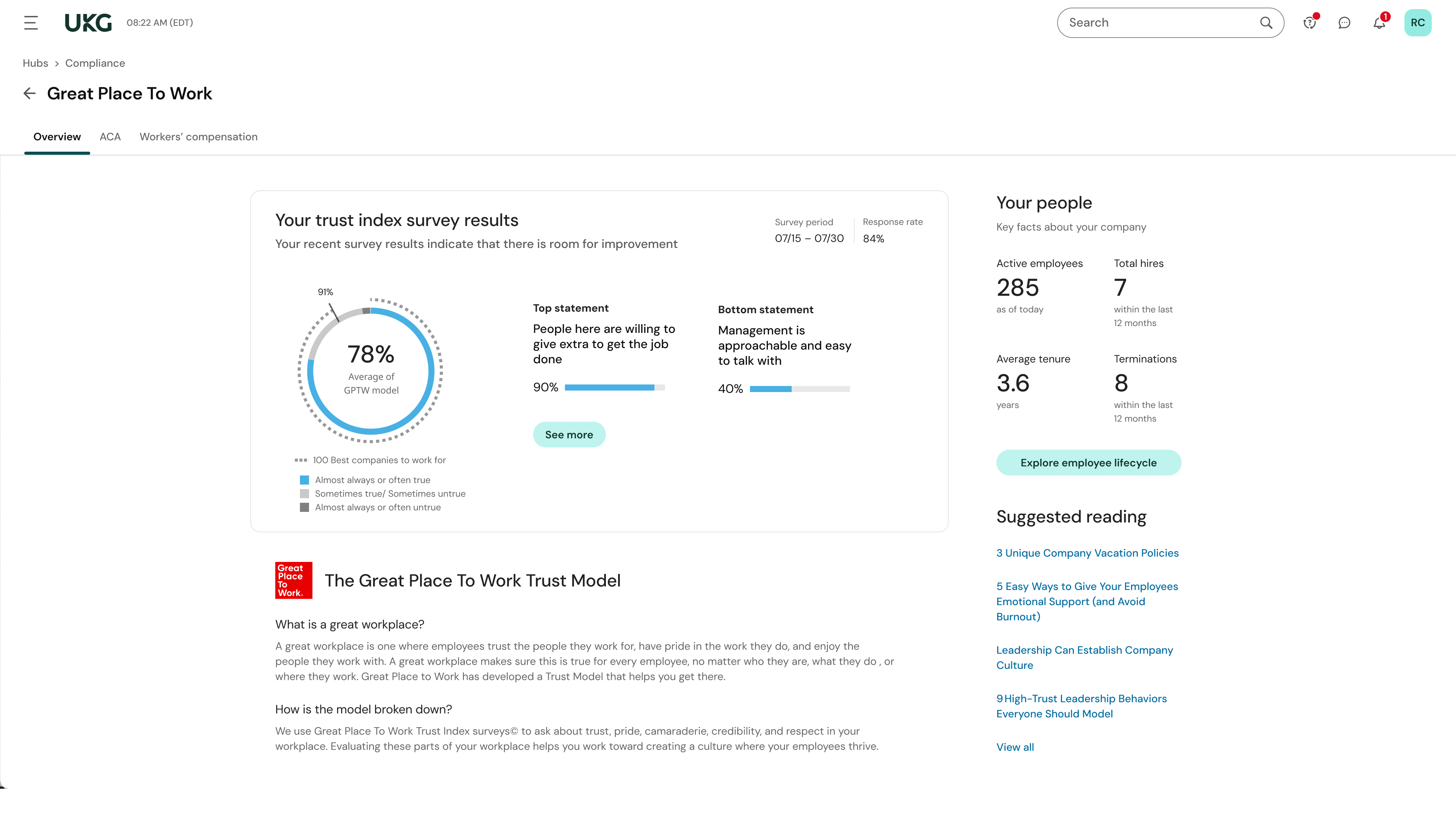
This is basic, but we finally know how many employees we have! It sounds ridiculous, but prior to UKG Ready we were on a payroll system that's reports were only as accurate as the last payroll cycle, so they were always 2 weeks behind and static. UKG Ready allows for realtime, daily reporting of information.
We are able to get salary data for our various locations to be able to compare them to each other, as well as across our "competitors" and external competition.
The data provided allows us to be able to understand the trends at individual locations including attrition, advancement, raise information, and other data points that we haven't historically done comparisons on
We can see the demographic and geographical information for our employees and the benefits that they elect