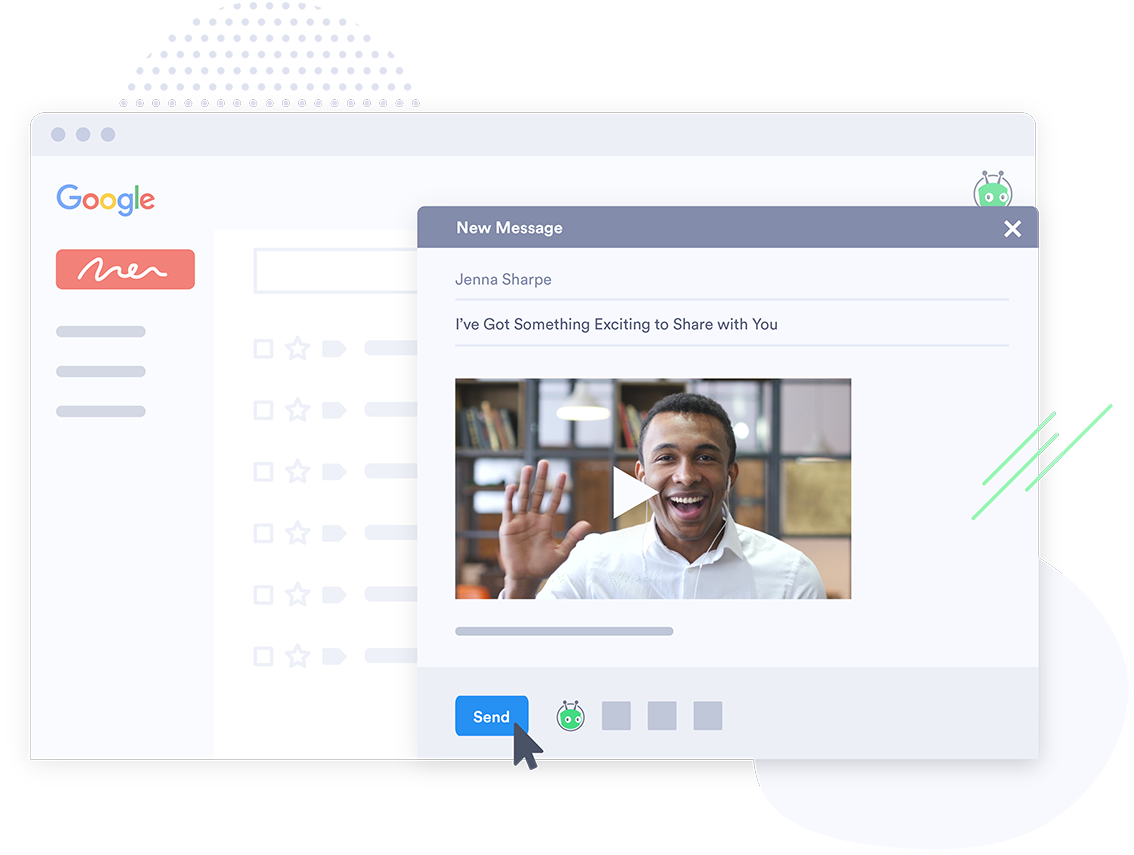
Vidyard is an enterprise video platform built to turn viewers into customers with in-depth insights and robust integrations with different customer relationship management (CRM) and marketing automation platforms.
$0
per month per user
WebinarJam
Score 8.9 out of 10
N/A
WebinarJam is designed to allow users to host online events with HD streaming, interactive features like polls and chat, integrations, analytics, and payment processing that are intended to help maximize online growth.
$39
per month for 1 presenter and 100 attendees
Wistia
Score 9.6 out of 10
N/A
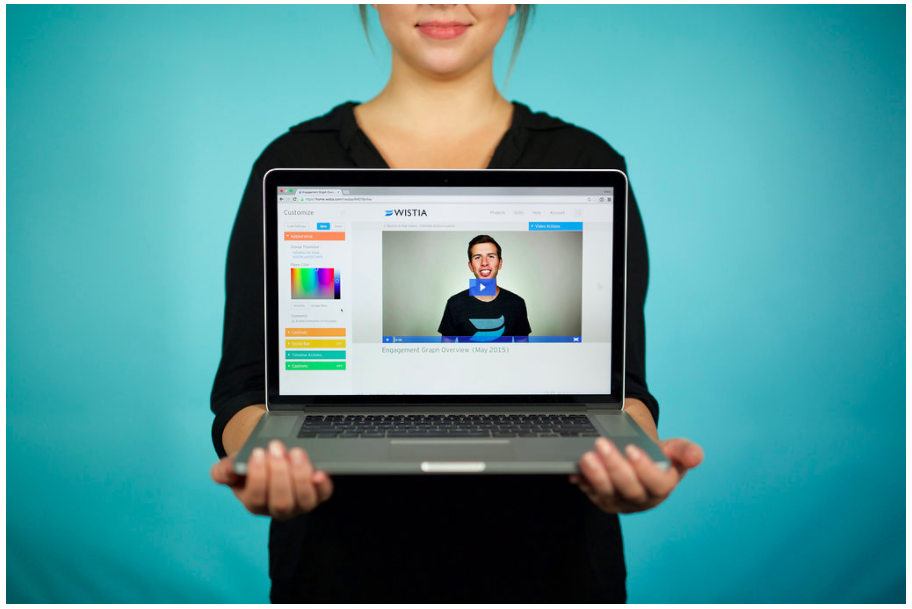
Wistia is a video marketing platform that helps teams create, host, market, and measure their videos and webinars. Wistia is used to create professional videos, host webinars, collect and send leads to a connected marketing automation platform. Wistia additionally offers customers support and educational resources.
Loom is up to par, and I can't say much about that. Bombbomb woefully underperformed. It was good and it worked, but it was slower and trickier to get it working and recording videos.
Vidyard seems to be the easiest to use especially for our sales teams. Our Customer Advocate and Implementation Teams do use CloudApp. It seems similar, but less applicable for sales. Vidyard has awesome salesforce and HubSpot integrations!
Vidyard could definitely take some things away from Pardot. Making the tool as easy to use as possible and also making the integration seamless is of paramount importance. I guess to simplify it, we never really have had issues with Pardot. It seemed like we were constantly on …
Honestly, I chose Vidyard because my influencer contacts in my network recommended it and it was at the time at least integrated with LinkedIn. I really hope you can somehow continue the integration with LinkedIn as that was very helpful and a big factor in me deciding to use …
Very similar. The only thing Loom has in its favor is the free version seems to allow you to download some videos and the embed works better in Notion which is a tool we use for everything.
I have previously dabbled in Loom and Vimeo, which have slightly different use cases. Overall I think Vidyard provides the beauty and ease of being able to record your screen directly and can host those videos too.
I used Soapbox for a time by myself and it did some very similar things. It had an easy interface too. But Vidyard was more robust and once we started using it I never looked back.
We selected Vidyard because Wistia didn't offer as many robust lead generation features and didn't offer as deep of integration with Hubspot. We also wanted to have that main video hub and Wistia didn't have that at all when we were doing this evaluation, though I think they …
Our company chose Vidyard, but honestly, after I learned about this tool and started using it, I would have chosen Vidyard over the others. It's easy to use. I love the plugin in my Chrome. It has a more intuitive UI/UX than the others and better analytics (even in the free …
Allego was next to impossible for even our internal team, let alone our team out in the field, to learn and develop. Their support was constant, but we never seemed to achieve anything in our meetings. The product owners at Vidyard have been much more personable and in-tune …
We don't run webinars that often so the price of WebinarJam was very attractive. Other than price, WebinarJam lacks numerous features that other platforms provide, and most importantly, their system reliability is decent at best.
WebinarJam all around gives us more options, integrations, marketing abilities, and attendance abilities and the price is reasonable for everything we get. We use Zoom for some smaller training courses and when we need to do breakout-style training but other than that, …
We had previously used GoToWebinar and found WebinarJam to provide overall better quality of audio, and it was less expensive. We now use Whereby.com for our staff meetings and for recording training sessions because it is much cheaper and easier to use because it does not …
WebinarJam beats all the other services I have used (Webex, GotoWebinar, Join.Me) because I get a better looking system, for a better price. Join.Me had some connectivity issues when presenting from the USA to Canada, and Webex/GotoMeeting always looked outdated to me. …
I prefer WebinarJam due to its super-easy setup and great integration options. It works well with other tools like ClickFunnels, Hubspot and Mailchimp. From the tools we tried, this one seems to work the best for our company and clients!
WebinarJam is more specific and catered for webinars with the Q&A features and the polling. It also has better permissions than just host and viewer, which makes it easier to interact with the audience and who is presenting.
Wistia is more expensive than Amazon web services, easier to use than Vimeo, and ultimately scores a 8 or 9 out of 10. The statistics between the engagement tab and the embed tag inside of the Analytics section can contradict at times. It would be nice to have 10 specific …
Wistia is comparable to Vimeo or other video hosting platforms that I have used in the past. The feature set is almost identical, and I can't think of many things that Wistia doesn't have for this type of tool.
Wistia is in the process of making their livestreaming way better than the free alternative like YouTube and a well known competitor like GoToMeeting. It's easy to add in cohosts, interact with chat members, add in polls and other features which can be a bit clunky on …
Vidyard was much more expensive even though it has tighter integration with HubSpot. This put Wistia in a better category from a cost perspective because most of the heavy lifting with automation is handled on the HubSpot side of things. Vidyard also felt like it was geared to …
Wistia is for business. Period. Vimeo has none of the benefits for a business that Wistia offers. The SEO value and SUPER FAST playback speed are essential. Wistia has it all. Personally, I can rarely get thought a video if hosted on Vimeo because of the glitchy playback and …
I found Vidyard to be a tad clunky, at least when I tried to use it. Vimeo's design features didn't seem as modern to me and didn't integrate as well with other apps/website platforms, at least when I was investigating a video hosting platform. Wistia is more expensive than …
We've used Youtube in the past, and still use it to host some videos today, but we didn't like how mainstream it feels when you embed it on a website. For one thing, you can't customize the appearance so it feels out of place with our branding and color scheme on our website …
Honestly, I haven't gotten too in-depth yet, but that is the closest thing. Gotta give that point to Wistia, though, still because in my experience, at least, trying to learn Vidyard's features did not seem to be the right path at the time when Wistia was not causing any …
Vimeo is less customizable. They both offer a free plan and paid premium plans. Vimeo doesn't have the A/B testing and ability to focus on the marketing aspect of the videos to obtain more revenue. The CTAs are much better in Wistia and are much easier to work with.
Wistia had the best site speed performance out of these competitors and had the most functionality. We really loved the ability to track usage and plays on the videos, the lead capturing, bookmarking, CTA build-outs, and all of the customizations we could do with it compared to …
Wistia is pretty comparable to Vimeo but it seems to cost more for the same features. I liked the Wistia brand and the great educational and entertaining content they produce which is largely why we chose Wistia. With a smaller budget, I would probably go with Vimeo next time …
Wistia offers more features overall and a better interface. I have found that they have the best analytics and provide helpful insights into the performance of each video. You can integrate incredibly easy into websites, without technical savvy or any kind of expertise with …
Wistia proved to strike a balance between features, support, reliability, and ease of use. Some offer deeper features, but require much more of executional teams, which increases drag and friction in continually distributing new content.
We haven't really explored other products. I've been using Wistia for so long that there was nothing like Wistia when I started. It's still a solid product for a good price.
In the past we have tried to host some of our video content in Dropbox. Wistia has proven to be a much better solution as it allows for much more flexibility in sharing the content externally and also having an easy interface for admin users to add and locate video content.
Wistia provides the functionality that most companies need for video marketing and video hosting/analytics. When we compared with Vidyard, the cost of Vidyard was far higher, but the functionality did not seem to be much more advanced than Wistia. Wistia seems to be a good …
Wistia is slightly more expensive, but the metrics/data provided, combined with the ease of use, makes it the perfect choice for us. Being able to break videos into series/projects is very useful. Additionally, the chapter feature makes it easy to allow users to watch all or …
We looked at self-hosting videos on our client sites using AWS and Cloudflare, but we really didn't want to have to code our own product or have to deal with server configurations. Wistia made it simple to sign-up, upload, and start embedding our content on our sites. We also …
In my industry, there really isn't a time that I feel would be inappropriate to use the tool. I feel it's most useful to an audience that you haven't connected with yet, however. I think your content is what can get you into trouble. A friend of mine was blocked from a decent amount of prospects after sending a video promoting a happy hour.
WebinarJam is a great tool if you are a small to mid-sized company and want to set up/schedule webinars and let the software do its job (capture your presentation and analytics). It looks professional, is used by many professionals/leaders, and is a fraction of the cost of other well-known brands. If cost doesn't matter to you, then you might as well go with a higher paying product. Also, WebinarJam audio is only accessed via the internet, there is not a conference call phone line system
It's so awesome to see my videos come up on Google Search. A click brings viewers right to my website!!! Incredibly powerful. If I were just posting on YouTube, visitors would end up there and then off to the next best cat video instead of taking action with me on my website.
Landing pages. The designs are pretty limited and repetitive, our company is always using our own designs.
Text limitations. You don't have a lot of room when it comes to text and webinar descriptions during the setup. If you stay away from long titles you should be good.
Pricing. The tool is definitely not cheap. If you're not planning to have regular webinars on it, you should look into something smaller and more budget-friendly.
Obtaining embed codes for a significantly large number of videos can be very time consuming as there is no way to automatically pull a report.
Within a project, there is no way to set the list to show a specific number of videos and you may only have a certain number of videos shown unless you click to expand the list and continue to do so.
Once the list is expanded and you click in to a video, when clicking back, the list reloads and you must expand the entire list again which can become very time consuming.
It has been an integral part of both our employees and customers experience. I would highly recommend VidYard to anyone looking for new ways to make their support interactions more personable and efficient. Not only that, but is a huge value add for existing customers of the HubSpot product as well.
Wistia is super easy to use and very reliable, anytime a video needs to be updated, the existing media can be replaced, but the url remains the same so anywhere this media is shared or embedded, it is immediately updated. Their support is extremely helpful, and there is very rarely any issues with this product.
Vidyard does what it is supposed to do, but it takes regular use and adoption to really get any benefit. It is much more beneficial as a 1:1 personal sales video tool than in mass marketing email blast campaigns. The analytics are insightful and the tool has some cool ways to make videos more interactive and branded.
The platform is really hard to use and they have a habit of pushing out updates without telling their users first. The last update completely reverted all of our customizations back to the default EverWebinar layout. I only found out about this after a lead kindly send an email to the firm letting us know that [our] registration confirmation page was showing lorem ipsum script. Customization is lacking as well
I just love the interface and the way things are organized. You can find all of the various controls and have the ability to enable/disable each. You can also get to help quickly from any screen. The screens are not cluttered and have a good use of whitepace, without the need to page through controls or reload the screen.
Absolutely, the unpredictable nature of technology always keeps us on our toes. However, I'm pleased to share that my experience with Vidyard has been remarkably consistent and reassuring. To date, I haven't encountered any instances of service outages. This unparalleled reliability and dependability have instilled a high level of confidence in the platform, making it a stalwart companion in our digital endeavors. While the tech landscape can be uncertain, Vidyard's track record of steadfast performance has truly set it apart.
It performs very well. I have never had any bugs while recording, and none of the videos have been impaired or corrupted. I don't believe it integrates with any other software but you could contact the company to learn more. I am not sure if it is only available on Chrome.
Couldn't be happier with the overall performance of the platform. Videos load fast, rarely have loading issues, look sclean and the styling and sizing doesn't have issues. The data comes in quickly and in real time. Also, on the administrative side, the videos seem to upload well without much issue. There's always issues uploading video, but we had way less upload issues with Wistia than with Vimeo.
Customer support at Vidyard has always been good. When I first looked into the product, the salesperson took a consultative approach that allowed me to see how Vidyard would benefit our specific use case. Since coming on board, the customer service team has been quick to respond if I have any questions.
The support overall is good. In the early days, it wasn't the best but they have definitely stepped it up lately. If you have questions about the platform, issues, setup, etc, and don't mind waiting 24 hours to get a response then it's good. They may have faster response times now but when they updated to 4.0 it took a while as they were getting hammered with emails cause there were issues. It seems like they have worked out some of the kinks so I imagine their support can respond much faster now. There is no phone number to call so there is no way to get immediate help or answers which can be frustrating when you have issues right before or during your webinar
We have only had to reach out to Wistia support a handful of times in the 4 years we have been using Wistia. They have always been quick to respond and help us solve the problem. The system is self-service so there should be very little to no need to reach out to support on a regular basis.
The training experience proved to be tremendously valuable. Our dedicated representative exhibited an exceptional level of helpfulness and patience as she skillfully addressed all of our inquiries. Notably, she went beyond merely answering questions, providing us with a wealth of resources and sharing best practices that are pivotal for our success in utilizing the software.Her guidance transcended the boundaries of a conventional training session, empowering us with insights that extend far beyond the immediate
The online training experience proved to be incredibly valuable. Our dedicated representative demonstrated exceptional patience and unwavering support in addressing our queries and requests, which greatly contributed to our learning process. Their guidance was pivotal in helping us navigate the intricacies of the training, ensuring that we absorbed the material effectively.
It's pretty straightforward. The bulk of the work goes on outside of Vidyard - it's the time required to add different videos to your website - that was probably the only difficult part and had nothing to do with Vidyard.
Vidyard seems to be the easiest to use especially for our sales teams. Our Customer Advocate and Implementation Teams do use CloudApp. It seems similar, but less applicable for sales. Vidyard has awesome Salesforce and HubSpot integrations!
WebinarJam all around gives us more options, integrations, marketing abilities, and attendance abilities and the price is reasonable for everything we get. We use Zoom for some smaller training courses and when we need to do breakout-style training but other than that, WebinarJam is out goto. We selected WebinarJam for all the above reasons and to this date haven't had any reason to switch to anything else.
Wistia is in the process of making their livestreaming way better than the free alternative like YouTube and a well known competitor like gotomeeting. It's easy to add in cohosts, interact with chat members, add in polls and other features which can be a bit clunky on gotomeeting.
The product exhibits an exceptional degree of scalability, accommodating diverse usage scenarios across various departments within our organization. This remarkable flexibility has enabled us to harness the software's potential in ways tailored to the unique needs of each team.In particular, the impact on our communication efforts with both potential and existing customers has been truly transformative.
WebinarJam has very little impact on our overall business objectives, as we rarely use it for the things we focus on most now.
We feel we never did get our money worth from the original purchase, so that is a negative impact on ROI.
The difficulties we encountered made us realize the importance of distinguishing the difference between using a product designed for the Marketing Industry versus the Education and Training Industries.
Doubled lead capture from lead magnet on website from one year to the next.
Increased email interaction on newsletters when embedding Wistia video thumbnail into email campaigns (10-15% links clicked bumped to 30-40% links clicked).
Can save us about 50+ hours of one-on-one client meeting time per year for pointing clients to video content rather than presenting the same info in a live setting.