TrustRadius: an HG Insights company

WatchGuard AuthPoint

Score9 out of 10

441 Reviews and Ratings

What is WatchGuard AuthPoint?

WatchGuard AuthPoint protects workforce logins to desktops, VPNs, and cloud applications, from Windows and macOS sign-in to Microsoft 365 and third-party SaaS. It runs on WatchGuard Cloud, the same console that manages WatchGuard network and endpoint security. An MSP or an IT team can cover identity without adding another vendor to the stack.

Read more details.

Media

Screenshot of The AuthPoint console in WatchGuard Cloud: users, groups, protected resources, and blocked tokens at a glance.
Screenshot of Authentication activity across every protected resource: successful and failed logins, denied push notifications, and which users are active.
Screenshot of New users are set up by scanning a QR code from a welcome email. No manual token distribution.
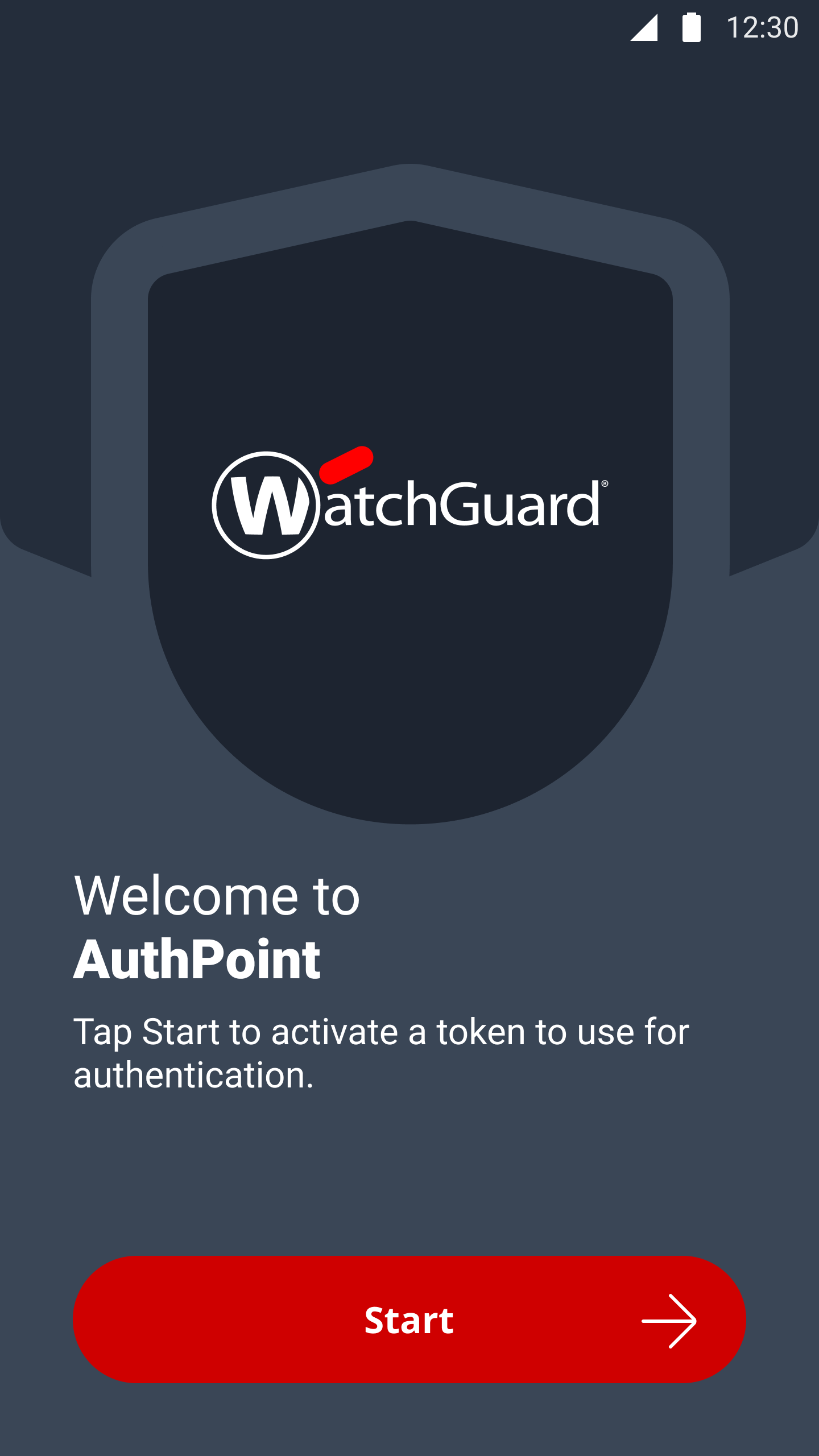
Screenshot of The AuthPoint mobile app on first run. Users activate their token in a couple of taps.
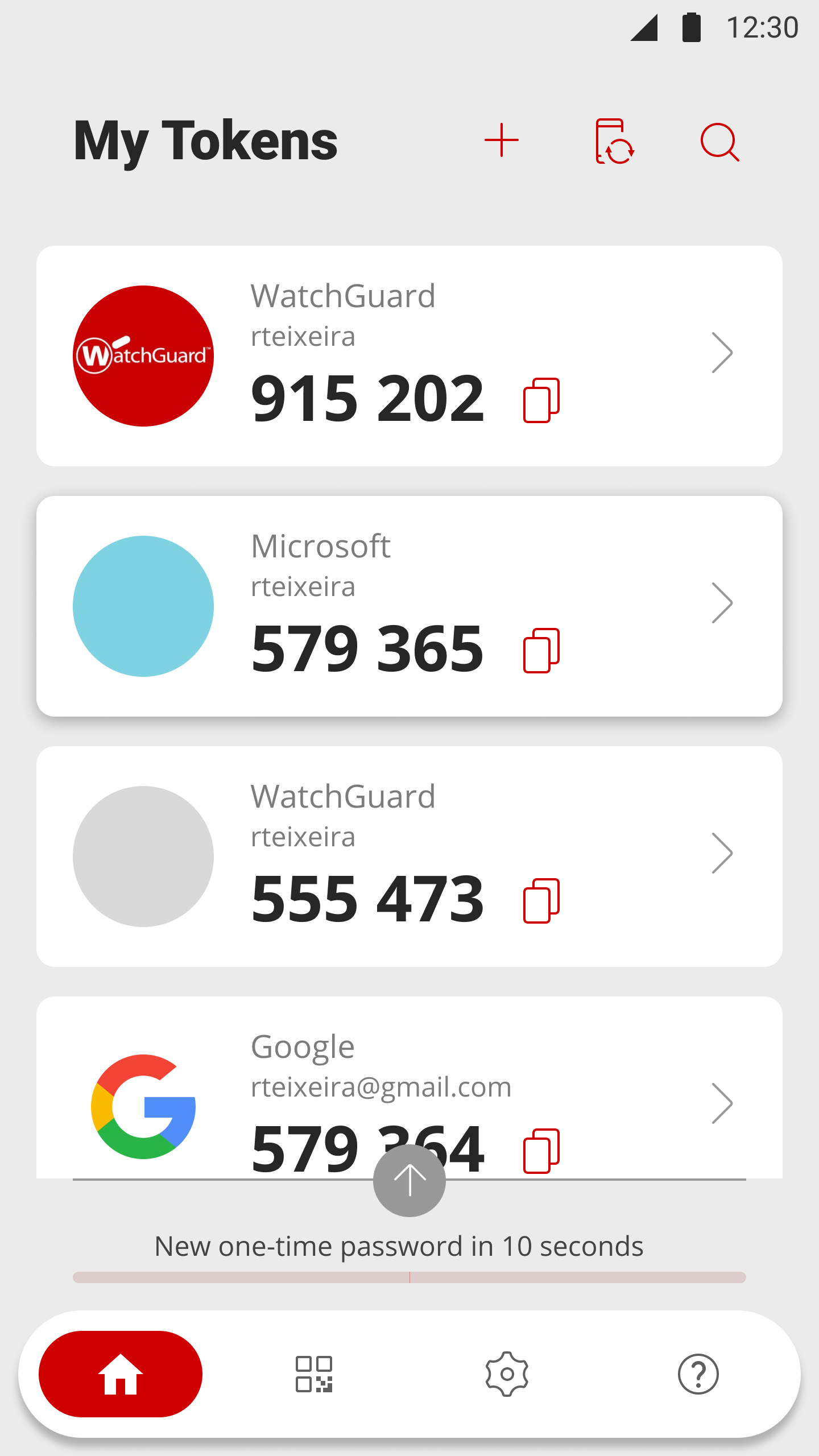
Screenshot of The app holds every token a user needs, including third-party accounts like Microsoft and Google.
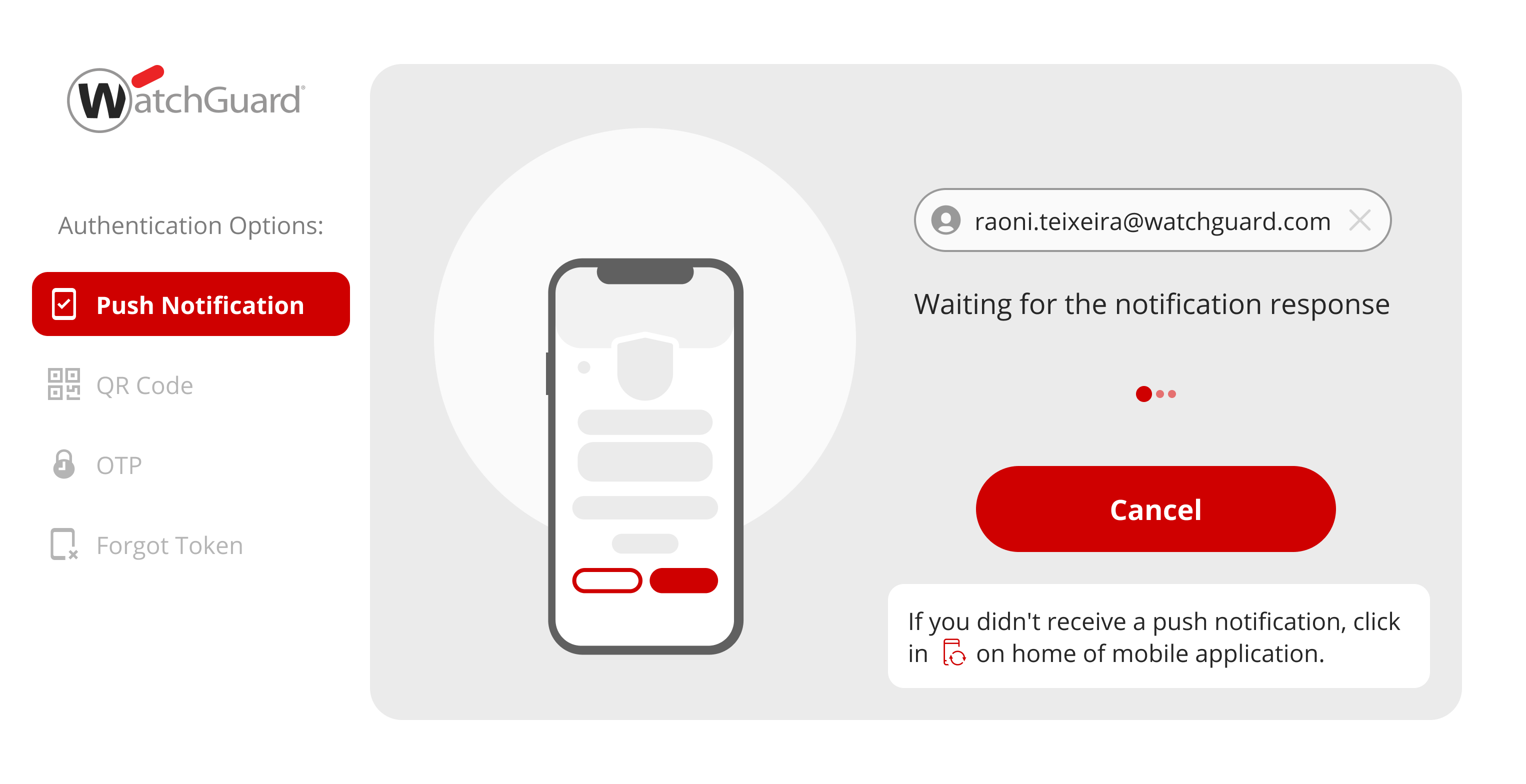
Screenshot of Approving a login with a push notification, the method most users rely on day to day.
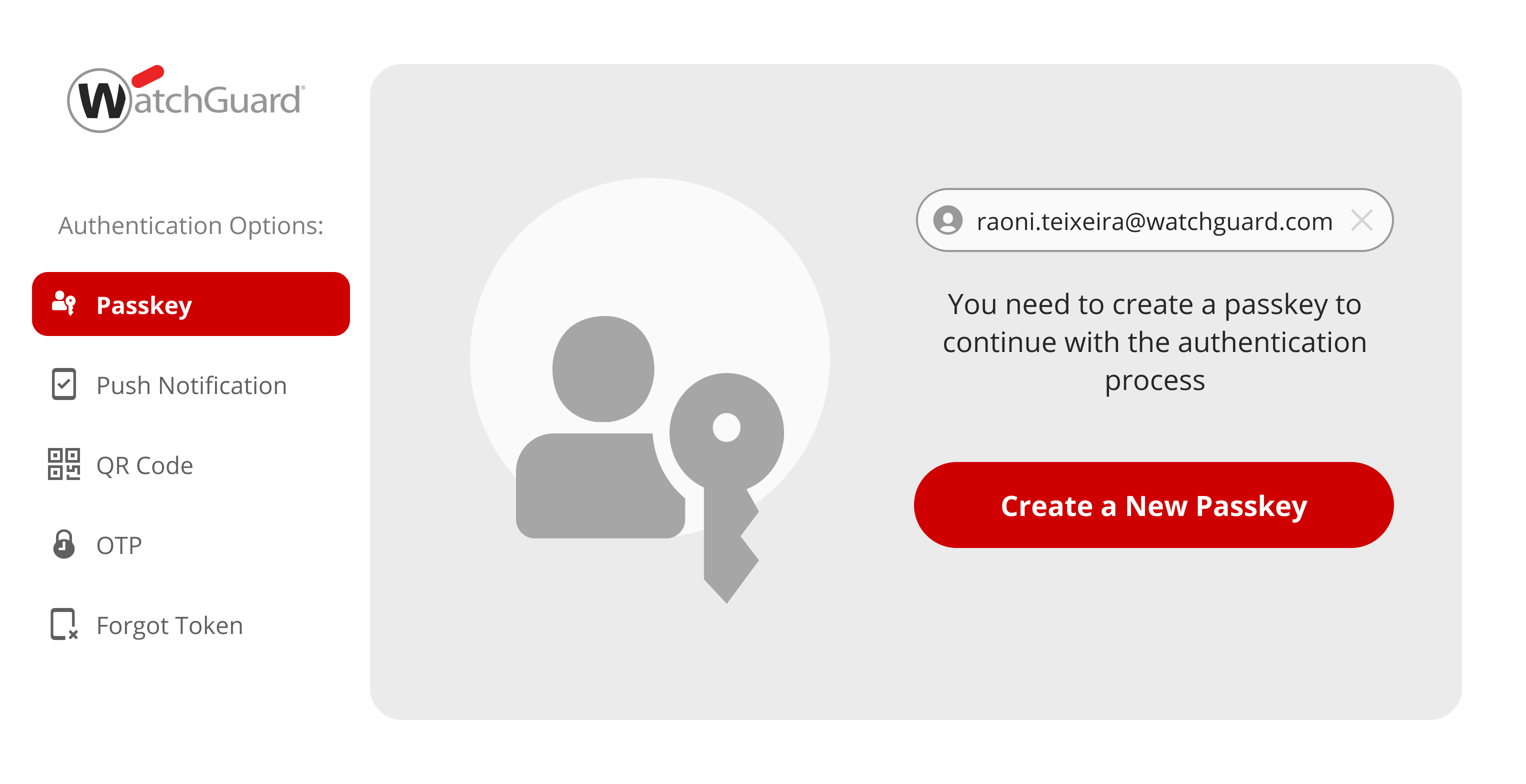
Screenshot of Signing in with a FIDO2 passkey, which only works on the genuine login page.
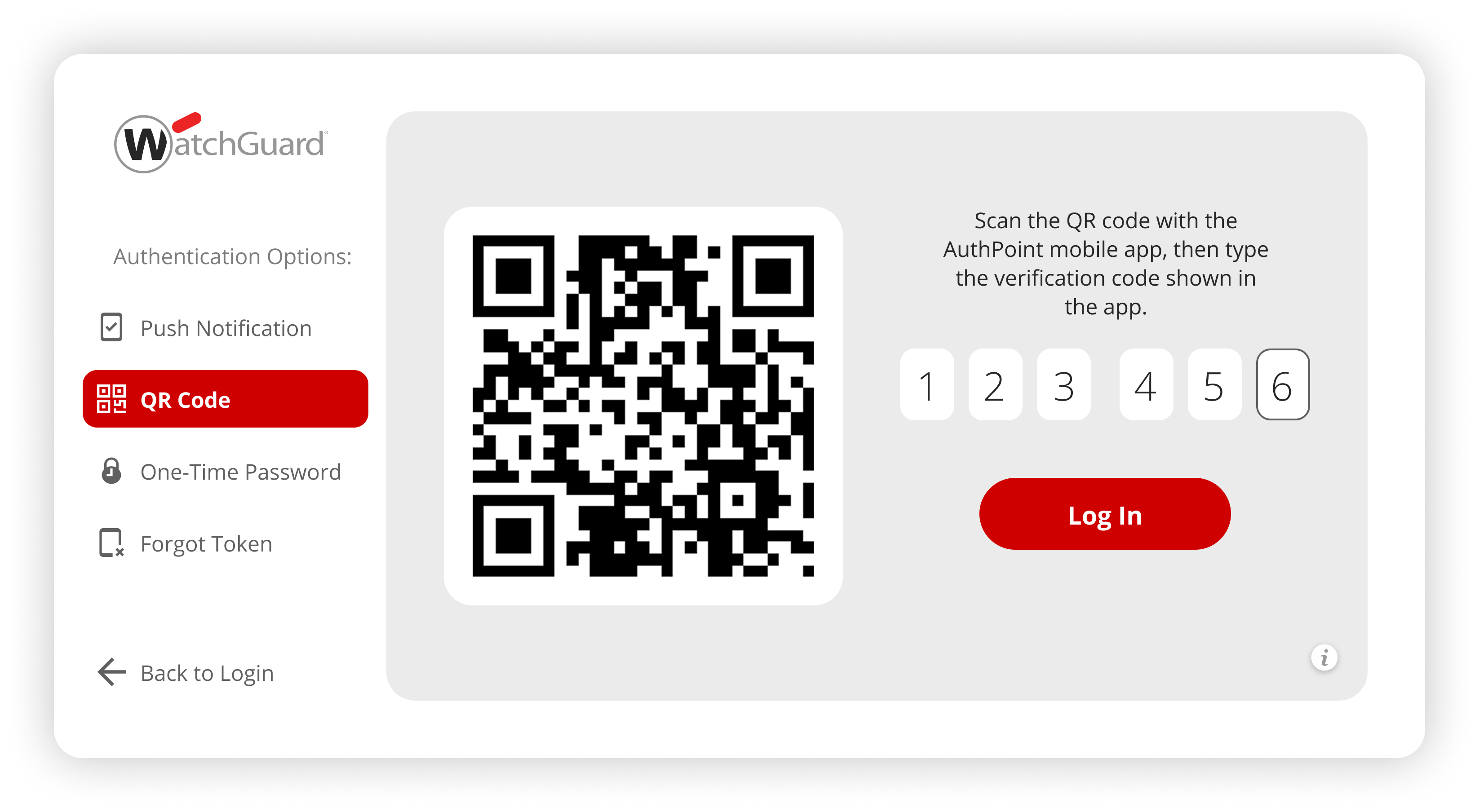
Screenshot of QR code sign-in, which works even when the phone has no network connection.
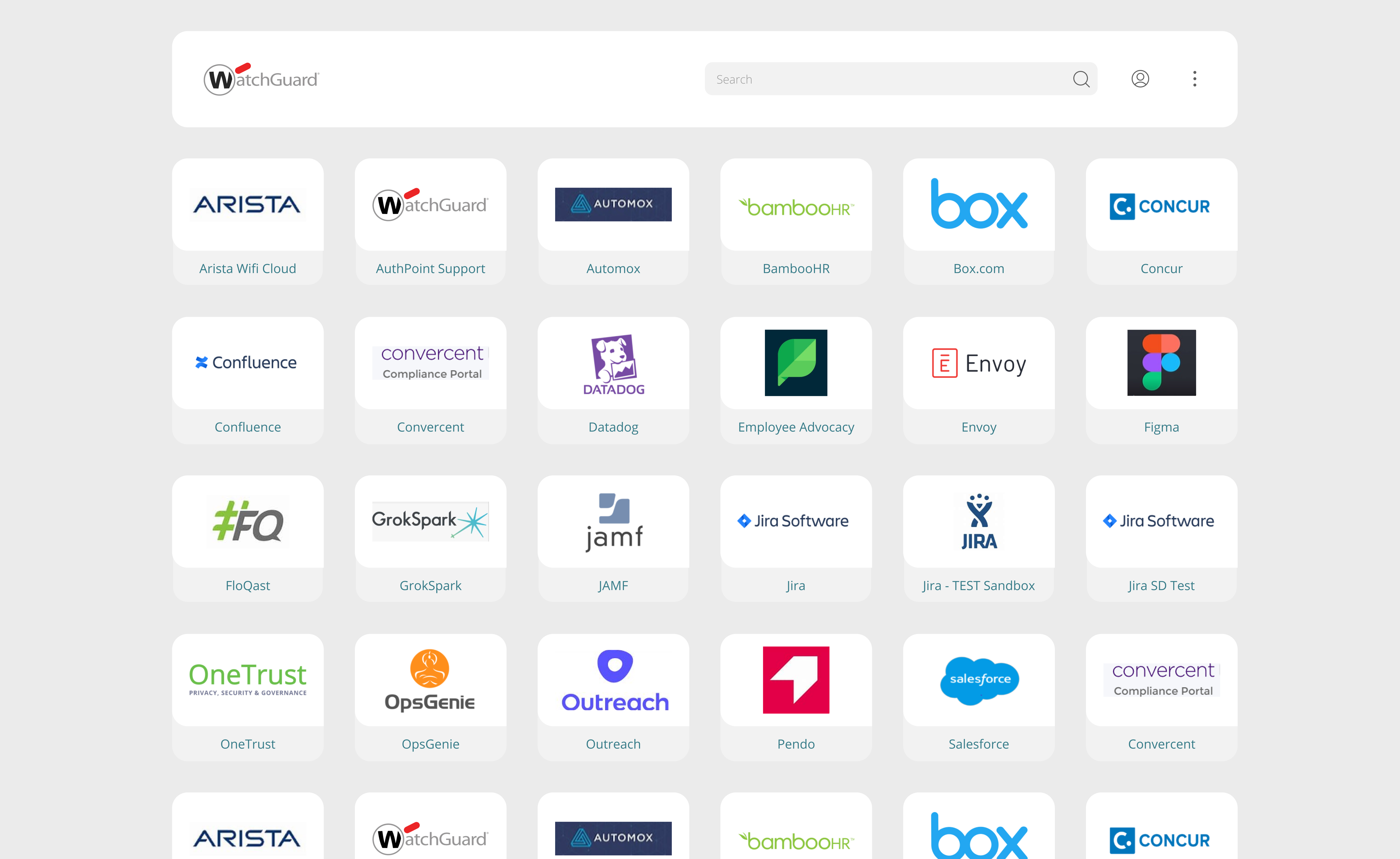
Screenshot of The SSO portal, where users reach all their applications after a single sign-in.
Screenshot of Setting up AuthPoint as external MFA for Microsoft Entra ID.
Screenshot of Turning on Dark Web Credential Monitoring and choosing who gets notified when a breach is detected.
Screenshot of Dark Web Credential Monitoring flags which users have credentials in breach data, across every managed account.
Screenshot of The alert an administrator receives: which service was breached, what was exposed, and what to do about it.

1 / 13

Screenshot of The AuthPoint console in WatchGuard Cloud: users, groups, protected resources, and blocked tokens at a glance.

Who Buys & Uses WatchGuard AuthPoint

Pros

  • Streamlined setup and intuitive navigation for administrators and end-users
  • Reliable and stable multi-factor authentication (MFA) operation
  • Effective MFA for Windows PCs and secure website access

Cons

  • Occasional failures or delays in push notification delivery
  • Slow response times from support, especially for email inquiries and outside US business hours
  • User interface lacks clarity for first-time token setup and QR code scanning

WatchGuard provides a great bundle of solutions.

Use Cases and Deployment Scope

We use Watchguard for 2FA authentication and for updating and managing endpoints, the service for those is great and works like a charm. Customer service is very easy to talk to if you ever have an issue. I wish the menu were a little easier to navigate, but I am finally getting used to where everything is located. Overall, I would definitely recommend this service to anyone who needs a great, secure platform that is not shady and very trustworthy.

Pros

  • 2FA
  • Endpoint control
  • Remote Connection
  • Updates

Cons

  • Menu navigation.
  • Saving .
  • Easier setup.

Return on Investment

  • ROI has been great.
  • We have remained breach less.
  • We have not had to bring in outside help or 3rd parties due to hacks.
  • It has helped us maintain trust with our clients.

Alternatives Considered

OpenVPN Access Server

Other Software Used

Brave, Synology Active Backup Suite, Microsoft Visual Studio Code

Reliable and Cost-Effective Identity Security Solution

Use Cases and Deployment Scope

We use WatchGuard AuthPoint to secure VPN access and several critical internal applications. It provides an additional MFA layer reducing the risk of unauthorized access when passwords are compromised. Mobile push approval is our main authentication method because it is quick and simple for most employees. Hardware tokens are assigned to users without company smartphones or with limited mobile access.

Pros

  • Securing VPN authentication
  • Easy of use of cloud portal

Cons

  • Support response can be slow
  • Reporting is quite basic

Return on Investment

  • The main ROI is reduced security risk without adding significant operational cost

Alternatives Considered

Cisco Duo

Other Software Used

Zscaler Private Access, Microsoft Intune, Claude Code

AuthPoint Review

Use Cases and Deployment Scope

AuthPoint is used regularly by my organization to secure VPN connections, RDS servers, and endpoints depending on need. A second factor of authentication is essential when accessing company resources and AuthPoint has been a fantastic tool to ensure our security. With AuthPoint's straight forward deployment and user token management system AuthPoint is a user friendly way to have a second layer of protection.

Pros

  • User management
  • clear instruction
  • easy deployment

Cons

  • ARM processor support
  • Better self service token management

Return on Investment

  • improves company security

Alternatives Considered

Cisco Duo

IT Consultant Review

Use Cases and Deployment Scope

We are a WatchGuard authorized reseller and recommended and provided WatchGuard AuthPoint to our clients to protect VPN logins, Servers, and PC logins. Setup and management are simple, and WatchGuard provided plenty of quality resources for troubleshooting issues.

Pros

  • Setup and Management
  • Ease of Use for end users

Cons

  • When managing some things some options arent where you'd expect them to be

Return on Investment

  • Once we started offering and promoting a lot of our clients were onboard boosting profits and clients trust in our offerings as a company

Alternatives Considered

BitTitan MigrationWiz and Cisco Duo

authpoint

Use Cases and Deployment Scope

We use WatchGuard AuthPoint to manage our login security with our daily users by using multi-factor authentication. Our vpn access, etc . In our case, it addresses several cases since we do have multiple sites in different locations and countries. This prevents phishing, unauthorised access, and provides control over all the organisation's users.

Pros

  • the authpoint token app on users phones
  • centralized platform,
  • provide a page for Microsoft log in with our Logo

Cons

  • it can be better on the synch where we can select which account to synch and not synch all AD to authpoint in the same time

Return on Investment

  • its more on reducing security risk
  • lower administrative via the portal vs manual account

Alternatives Considered

Microsoft Azure, Microsoft 365 and Microsoft Intune

Other Software Used

WatchGuard Endpoint Security, WatchGuard Firebox Cloud