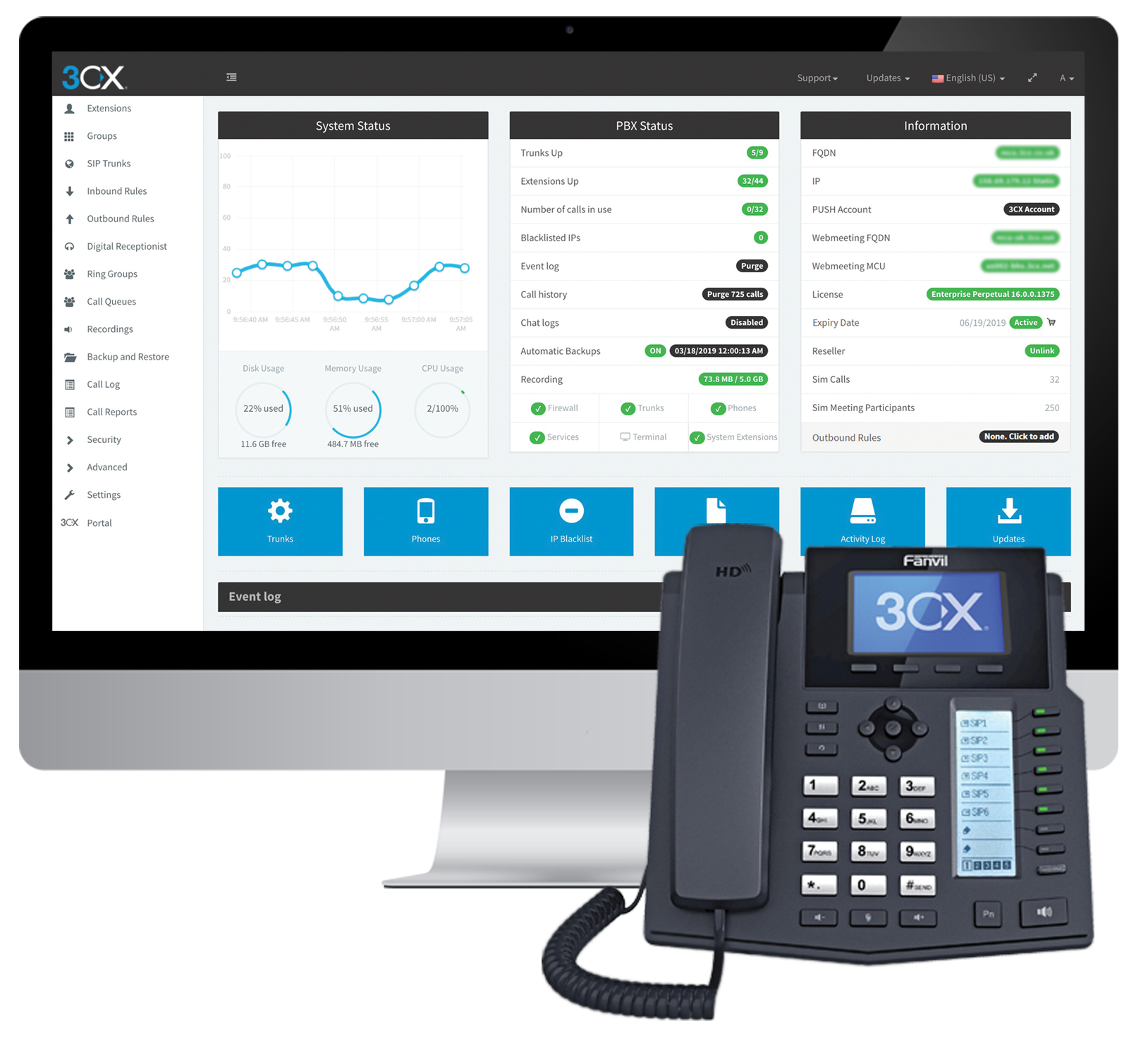
Cyprus based company 3CX offers an IP PBX phone system.
$1.08
per user/per month
HipChat (discontinued)
Score 9.7 out of 10
N/A
Hipchat was discontinued by Atlassian. Users are being migrated to Slack.
$0
per user
Skype for Business / Lync (discontinued)
Score 7.1 out of 10
N/A
Skype for Business was an online messaging and conferencing tool, now superseded by Microsoft Teams.
N/A
Pricing
3CX
HipChat (discontinued)
Skype for Business / Lync (discontinued)
Editions & Modules
Pro
$1.08
per user/per month
Enterprise
$1.31
per user/per month
Standard
Free
HipChat Basic
$0
per user
HipChat Plus
$2
per user
No answers on this topic
Offerings
Pricing Offerings
3CX
HipChat (discontinued)
Skype for Business / Lync (discontinued)
Free Trial
Yes
Yes
No
Free/Freemium Version
Yes
Yes
No
Premium Consulting/Integration Services
Yes
Yes
No
Entry-level Setup Fee
Optional
No setup fee
No setup fee
Additional Details
Price displayed is based on 25 users.
3CX pricing is based on the number of simultaneous calls your business requires or in other words, how many calls your system needs to support at once. Unlike other PBX vendors there is no per extension cost.
For Server pricing info please visit https://www.hipchat.com/server (Only $1.20/user/month at the highest user tier!)
—
More Pricing Information
Community Pulse
3CX
HipChat (discontinued)
Skype for Business / Lync (discontinued)
Considered Multiple Products
3CX
Verified User
Technician
Chose 3CX
These are not dedicated IP phone systems but they are the close I've used. Our old legacy phone system wasn't cutting it anymore. I would say our biggest hurdle for out-groups has been able to get the old legacy fax services working for 3CX and I'm not sure if it even does. …
We didn't want Cisco Call Manager anymore. We used a very old version previously, but nonetheless it didn't have a very good name in the company. PureCloud was too call center focused so in the end, we like 3CX best. A small pilot was configured very fast, and after we went …
We tried a lot of chat clients before choosing HipChat. The Skype for Business UI on the Mac side was 5 years old and terrible. Mac users hated the app including our CTO. Cisco Jabber was expensive to license and maintain; Skype was open to the public which took time away due …
Slack is better developed then HipChat. It's better and faster for connecting with people. HipChat is also good but needs to be developed. The company has to update their software regularly to reach the level where Slack is now.
HipChat offers a good advantage for organizations looking for a low cost communication tool. The integration is easy and widely supported by many forums. Though, the technical issues are less reliable. Due to technical failures, Slack and Skype take the cake. Slack offers many …
I used HipChat in a company which was pro "open source" and another one which is pro Atlassian. For the "open source" company I was not involved in the decision of selecting HipChat but I know that the integration with Jenkins and other internal tools were drivers for selecting …
Technical Lead Datastore, Site Reliability Engineer
Chose HipChat (discontinued)
Hipchat behaves equally good among several other platforms used at my company (OSX, Windows, Linux). It brings us the possibility to integrate with most of our used tools, and the cost is lower than other options. Chat history and encryption makes it easier to find previous …
Much superior to Skype and Google Hangouts for collaboration. Love the integrations! Probably on par with Slack but, more outages in my recent experience than when I used Slack.
HipChat is more a 1 to 1 chat and is not a proper contender but Google Hangouts has pretty all we need and at the moment has taken Skype for Business' place. It's free and is even more widespread than Skype. You need just Google Chrome.
Easier integration than some, but unlike Google Hangouts, it is not free. We chose Skype for Business because of the easier integration and simplified licensing when bundled with Office365.
Skype for Business works, but it's not as user-friendly or stable as normal Skype. One difficulty with Skype for Business is that the features aren't always implementable. Skype for Business is more stable than Google Hangouts. It doesn't have as many features as WebEx, but it …
In many scenarios decision is driven by budget and compared to other solutions at the time of purchase [3CX] was simply the cheapest solution for what it has to offer. If you are looking for integrations, extensibility, and advanced functionalities, this might not be a solution for you. At the time of use (and this may have changed by now), there was a lack of APIs, CLI commands, and similar so nothing could be automated with the system. There are ways of importing data through CSV but automation would solve us so much time and support calls if we were able to connect with other systems.
Skype for Business, now part of Microsoft Teams is a remote/virtual team collaboration tool must have...especially if you already use Microsoft tools. Of course, since it now part of an MS 365 subscription, it really doesn't make sense to use anything else. It is easy to use and just works. I'm not sure how anyone who works with digital files/documents and needs to work with other people doing similar work can be effective without such a tool. Of course, there are a number of alternatives like Zoom or Webex, but why pay or use another separate tool if you don't need to. :-)
Simplicity: Using a single 3CX interface we can manage every phone and extension used throughout our company.
Flexibility: There are a wide variety of options to configure each extension and phone. Changing anything after the hardware is deployed is very easy.
Portability: Phones with 3CX can be easily moved or repurposed within an office or at remote locations, including users' homes. The mobile app allows users to use their office extension anywhere without exposing their cell number.
HipChat is very stable and reliable. I have never had issues with not being able to connect or being able to communicate with others on HipChat.
HipChat integrates quite well with other applications, such as Jira and Stash. This is a main selling point for my team. It provides a convenient feed of actions on a JIRA story or Stash pull request.
HipCat does a good job of allowing 1-1 and group chats. It is simple to start a new conversation and it is easy to hold a group conversation and keep track of who is in the room.
I like how HipChat has away/here/on mobile statuses. This makes it easy to see if a person is available to be contacted.
Instant messaging to anyone who we know only by name/email. Even if they're offline, they get the message in missed convos and a notification automatically goes to them via Outlook mail. All conversations are saved and accessible via Outlook.
Video and voice calls are a norm in the WFH scenario, and an average employee has around 4-5 calls a day. Skype gives notifications for upcoming meetings, allows easy scheduling via outlook calendar, and its audio/video quality [is] reasonably good compared to the amount of data it consumes.
Status availabilities - in the WFH scenario, you could be off for lunch, out of office, busy, sharing screens - and might not want to be disturbed. Skype allows you to do that, and in case you're off, ensures that you know that you have missed messages.
Screen sharing - we have to share screens at least once or twice a day with a coworker when working on some issues/features, and Skype easily lets us do that. One of the best things about Skype is that the screen can be shared without being on a video/voice call - which is of immense advantage because oftentimes, you could prefer sharing the screen, while it [is] too noisy to talk.
Mobile app is not very responsive on iOS. Sometimes connection to Hipchat servers is taking too long even on good networks.
Both mobile and desktop versions have no alphabetical or recent sorting for groups and chat rooms.
Video and audio calls are pretty useless, they're slow and not always work.
The whole user interface is simple but very outdated - apparently Atlassian didn't focus too much on Hipchat even though they tried in the last 2 years.
Connection issues can be hard to diagnose when they come up(as some knowledge of server information may be needed to reestablish as the connection troubleshooting options on the sky are not as user-friendly as the rest of the platform.
Some issues setting up camera/sound could use more info on troubleshooting options with playback sound, video, etc.
Statuses sometimes are unreliable and do not display correctly .
The software is simple to install and configure. It is rather simple to explain for correct use. It is possible to profile users for the different functions offered. It is integrated quite completely with Outlook and with Active Directory security. It performs all communication functions well with one or more interlocutors and the possibility of granting control of your computer is convenient.
The app itself had a pleasant if not generic interface. As a user experience expert and engineer I can say the interface is fairly intuitive if not bland. It does what you expect it to do and it's available on iOS and Android devices. If I recall it was generally pretty light weight in terms of installation size.
Very easy to use. Even though Microsoft Teams has a lot of features and integrations, as a user I feel completely comfortable on finding what I need, getting information about the app extensions and using them. It's a very comprehensive tool, intuitive design and does not make me feel tired to be using it. I am glad with the current experience.
The 3CX Phone System is only a five because while they provide set-up/how-to/Q and A documents to help your district or company get started, they do not offer support for free. The documents provided, though, are good enough for you to get you up and running. We also found a good source of help through a sip trunk provider, which was a 3CX reseller provider.
HipChat support is good . Responds in timely manner when ever we have raised the request via email , phone and gives us continue update on the request .Though most of the questions are answered by HipChat FAQs , but they can still improve it and add more to the knowledge base .
I have only had to reach out to the Support team at Skype for Business once with an issue, and I was pleasantly surprised and encouraged by the quickness and thoroughness of their response. The wait time was short and my question was dealt with politely and clearly, so I would say the support team has it together.
Skpe for business is utilized company wide in regards to my company. Everyone not only uses it, but uses it often. It is an effective way of communicating. It also integrates very nicely with outlook and all conversation history is pushed to a folder within the outlook system. We also have it so that if someone misses a message, they are sent an email reminder saying that there is a message that went unread.
The main differences between 8x8, Inc. and 3CX is pricing and ease of use in my opinion. The 3CX system uses annual based pricing plans based on of simultaneous calls your company needs, not the number of extensions/users and offers a free plan. 8x8, Inc. charges per extension with different plans. We currently have 19 extensions so the 3CX system makes more sense for us, however, if your company only has a few extensions you may want to throughly consider both options. In my experience, it was difficult to add new extensions and phones with 8x8 because at least at that time we had 8x8 I could not add anything on the web admin. I had to call a sales rep which took a lot more time. Also, if you didn't purchase a phone and/or headset directly from 8x8 at a usually higher price than Amazon for example then you would have to spend anywhere from 30 minutes to hours on the phone with 8x8 tech support to program the phone to work with the 8x8 system so adding a new extension could turn into a long ordeal. I can easily add new extensions on 3CX directly in the web cpanel. Granted, if you are actually adding a new phone number you would need to purchase that number from a company like ATT first before adding it to 3CX. The difference between a phone number and an extension would be a phone number allows a customer to call in directly using that number. The extension would require the customer to call the main business number then be transferred to the extension. 3CX provides a list of supported phone models on their website
We tried a lot of chat clients before choosing HipChat. The Skype for Business UI on the Mac side was 5 years old and terrible. Mac users hated the app including our CTO. Cisco Jabber was expensive to license and maintain; Skype was open to the public which took time away due to users dealing with spam and could allow viruses and malware. HipChat being a closed product, centrally managed and available to try without an upfront investment was perfect for our environment. All our Agile teams have their own room, chat and can communicate with others quickly and easily.
For the below reason I will always choose this app over its competitors: Better audio and video quality, Little to no disconnections or freezing when on a call/video conference Integrates well with mailbox/ calendar/ one drive, and SharePoint is easy to use
Actually I never shared of HipChat using with more than 25 persons in team simultaneously, but I believe it can be scaled for much largest collaboration teams. At least it works flawlessly for us, with transparent integration with Jira, and I am not see any reasons for some troubles for work at big scale.
3CX has a lot to offer for a very low cost as its business model is based on simultaneous calls and not per device. It's very cost effective and very affordable.
As the 3CX server does not require a high-performance server to run, with the Public Cloud option, it might allow even further savings.
HipChat has increased the effiency with which I am able to communicate with my coworkers, particularly those who work out of other offices. Having a light, portable messaging solution has been beneficial for checking in on small things without the need to send emails or schedule phone calls.
Skype for Business has enabled a migration in part away from fixed line telephony and introduced the user to mobile working with a headset which cannot be overstated as being a game changer.
Being able to schedule Skype for Business meetings through Outlook has meant meetings with colleagues without a meeting room has been a great enabler.