airSlate is a codeless workflow building platform, focusing on document generation, contract lifecycle management with e-sign, and what the vendor describes as mobile-friendly web forms which can be integrated with systems of record (e.g. CRM, etc), using no code airSlate bots.
N/A
Conga Composer
Score 8.3 out of 10
N/A
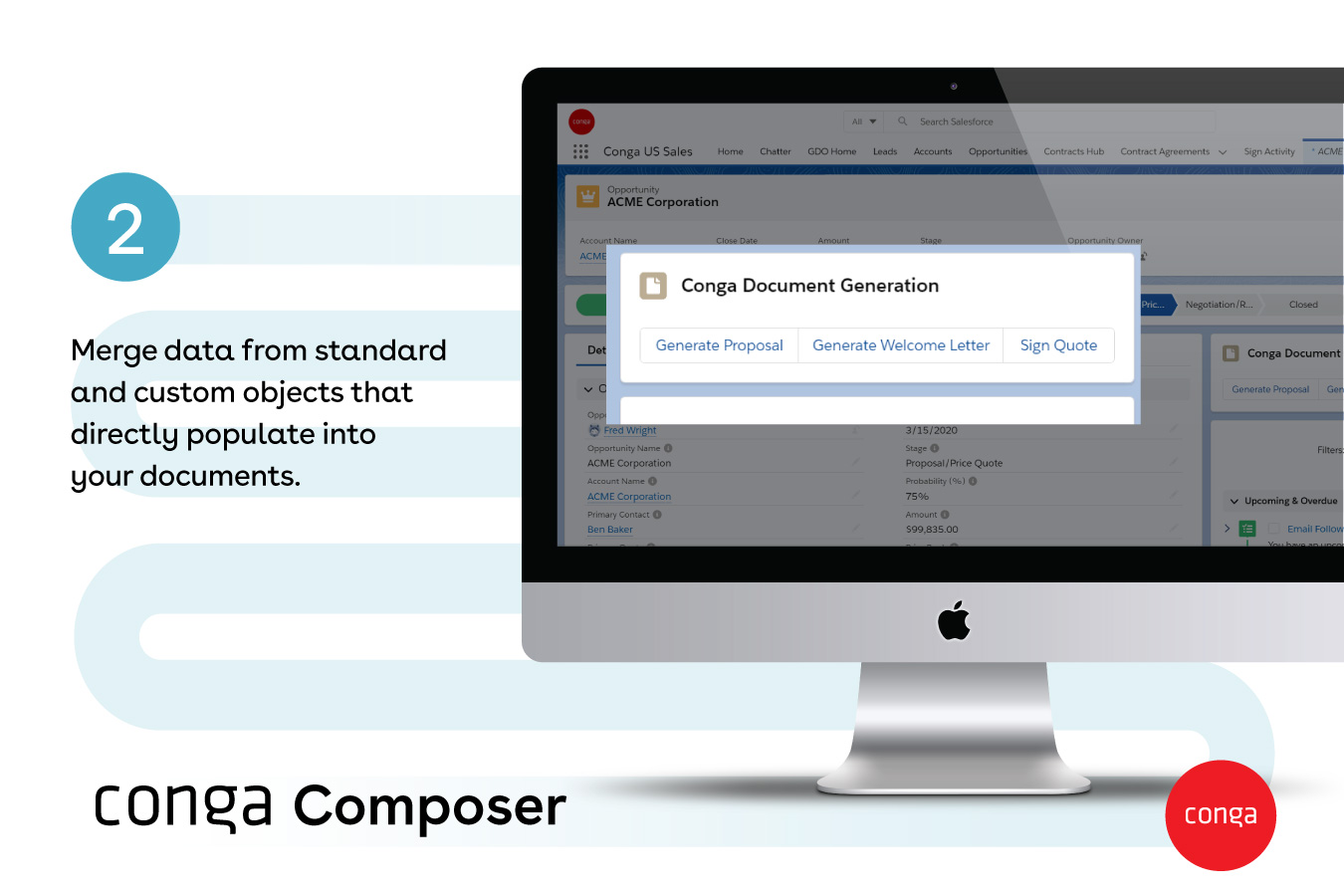
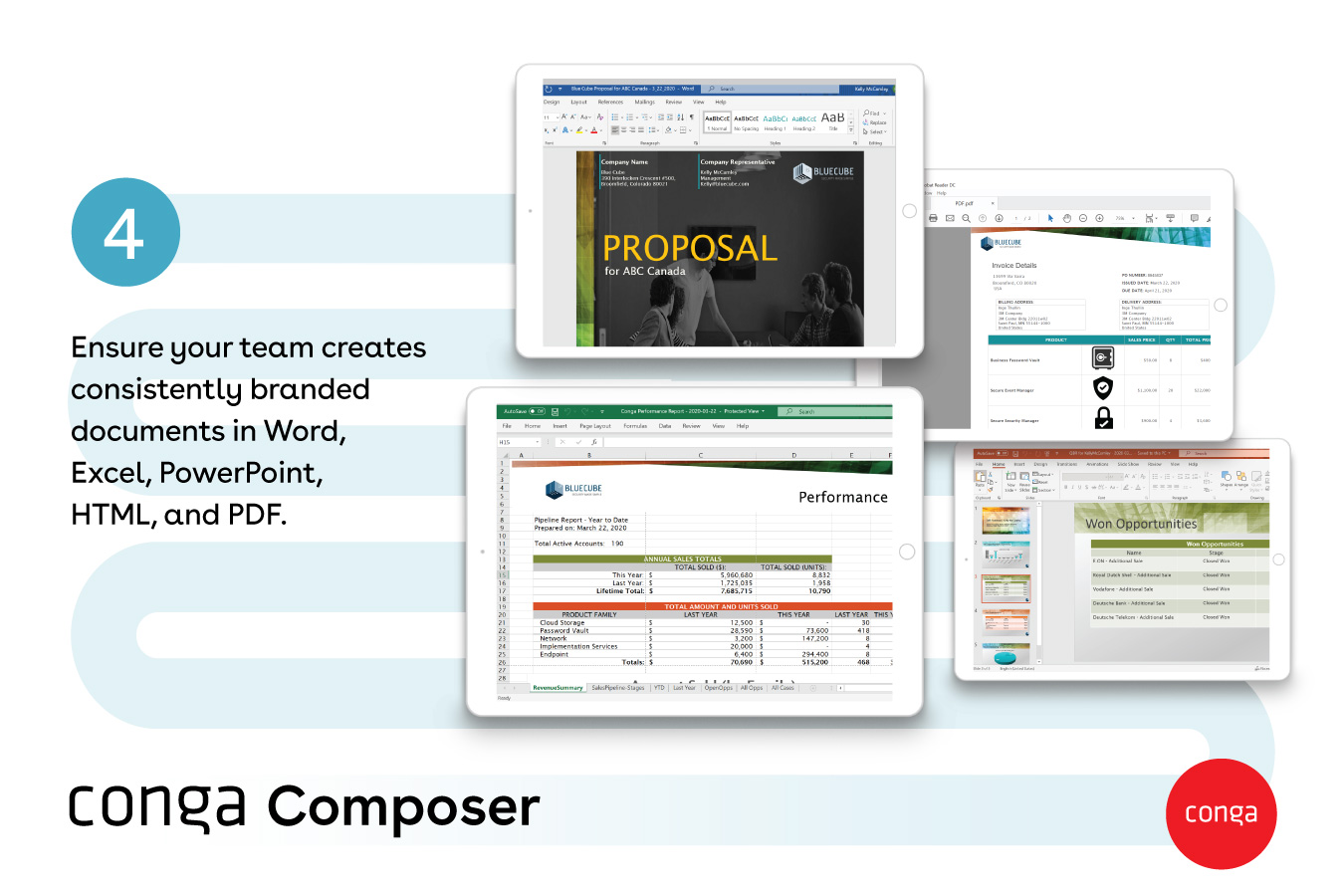
Conga Composer is a document generation and automation tool designed to simplify and streamline the process of creating and distributing customized documents, presentations, and reports.
$30
per month per user
DocuSign
Score 8.7 out of 10
N/A
DocuSign supports transactions with document sharing and electronic signature, as well as automated and guided data collection and entry, record updating across disparate systems and payment collection upon agreement, as well as analytics and reporting.
We chose airSlate over DocuSign because it allowed us to customize more things. DocuSign was getting pricier and allowed less customization or tools for the same price airSlate was offering. airSlate also gave us a non profit discount and allowed for us to be HIPAA compliant …
We had been unable to get much attention from DocuSign support/sales when we decided we wanted to connect forms to Salesforce. I stumbled across airSlate on the appExchange, and their sales team was responsive and helpful. I haven't worked in DocuSign myself, but my users tell …
airSlate is cheaper to utilize, and allows for more specified automation. I always worry about the per envelope cost for DocuSign, which is not a factor when utilizing airSlate.
airSlate also notifies us if there is an issue with a bot, whereas we have had people attempt to …
I think each one has its purpose and one product can't be everything. airSlate does a great job at being economical for a business while also delivering the software that you need with the ability to make it your own. the support team is also outstanding which is a huge plus.
One of the other platforms we used was terribly hard to configure correctly- we spent many many hours on processes that never worked correctly- and two of these platforms did not have transparency in what they said they could do and what they could really do. And the feature …
Conga is more malleable to the documents that you are generating but does not offer the functionality of sending the document directly to the client (such as DocuSign does). Another product we looked into is called Mamba Merge (not found in the list of products above), where we …
Conga Composer helps us in document generation part and once the document has been generated from Conga Composer it can be sent out to the customers. Here we can also use Conga Email Template to send out the message and the attachments. DocuSign here works so well and we can …
Firstly, we used Conga Composer to generate documents and DocuSign as the e-signature tool. However, Conga Sign proved to be much more cost-effective for our user base, as users didn’t need to switch to another system like DocuSign to send contracts to customers. With both …
Conga Composer is highly versatile as this can be easily integrated with Salesforce and other Conga products. Other products either lack integration or lack user experience but Conga Composer has provided both along with great integration which reduces manual tasks which was …
We have not been able to find an offering that allowed for the level of customization or could handle the complexity of the solutions we've built using Conga's products. We selected Conga originally as it was recommended at the time (2012) and there weren't any better …
In my mind, Conga blows away all the competition. The templates are extremely versatile and don't require any additional software (other than MS Office) in order to design. The support that Conga provides is world class and I never had a negative experience with them; all cases …
We currently use Conga Composer for different document generation. They both serve their individual purpose. Conga is used for generating statements of work not necessarily sign able documents in our process. Very happy with both products and feel that they are integral to our …
We didn't really look at other products, but we may be looking into eSign for Salesforce and Conga because there is an existing connector for one of our clients.
While there's some things I'd love to see and maybe they will one day, I think this platform is an EXCELLENT choice for someone looking to automate forms. I love not having to manually update a spreadsheet daily, this is more of a set up and forget process although there are times that the automation fails and has to be done manually
From my experience, Conga Composer is particularly well-suited for generating documents, such as quotes and contracts, directly from Salesforce. It saves us a great deal of time, which is remarkably beneficial for companies with sales teams. Not suitable for companies lacking significant Salesforce expertise or administrative support.
This product is well suited in the use case that I provided before: when it comes to onboarding employees and providing a clear channel for decision making for human resources, this is an excellent tool to accomplish that. I would say the weak points is when you have back and forth communication with users that it might seem a little redundant to have that back and forth communication in that scenario.
The bots are fantastic, so many to use to really increase functionality
User friendly for those who are first time users, and the system just gets easier and easier to use with experience
The email notifications for bot failures are very much appreciated, we know right away if something is not functioning
The customer technical support to assist with flow issues, they are quick to respond and assist until the problem is solved or the flow is functioning as envisioned
Regular updates to the platform for improve functionality
On occasion, bots need to be reset/removed in order to work.
I wish there was a way to add a quick document before sending something out similar to DocuSign envelopes. Versioning is very helpful but I do wish there was a way to prepare a form for sending, add in a quickly customized document and a field or two, and send it to just that person.
Being able to assign fields while in the field editor would be helpful!
Tracking, particularly when collecting signatures through connected applications, such as an ATS, is not always clean or easily traceable.
Formatting documents to handle electronic signature types (signatures, initials, etc.) is not always easy, and highly dependent on the partner's technology.
It is not convenient to have to use DocuSign as a stand alone product if the signatures are required for 3rd party applications. It definitely excels on its own, but the scope of that usage, at least for us, is slim.
Though I love how easily Conga Composer ties into Salesforce and its given analytics, it takes a lot of data entry to get up and running. I don't love that sometimes queries can take a long time to pull. I like keeping our marketing templates consistent via templates in the system. Pulling multiple objects into one report is fantastic too.
I can't imagine doing business without DocuSign now. I would never want to go back to the way we used to do things. The "new way" is "the way" is "the right way." We can honestly be proud of a "one right way" process and not have to suffer through "5 ways for 5 days."
It seems airSlate designers spent a significant amount of time ensuring the product is easy to use and appealing. They were able to accomplish this without sacrificing functionality and quality. The interface isn't cluttered and allows end-user to get going with minimal training. Designing workflows is a snap with the drag and drop "bots" (functions).
It's a fairly simple tool to integrate into your current business structure. When we've had issues, we were able to resolve them extremely quickly. The users click a button and it can bring in all the quote lines, and our credit application seamlessly into our tool. I'd definitely recommend it to other colleagues
Generally user-friendly once you have command of the basics, but also has a lot of nuances that can make it difficult to train others on. DocuSign University is a helpful tool, but understandably a lot of content to get through to become a well-versed user. A lot of different functionalities but only a few I use on a weekly basis.
I have reached out to airSlate support a number of times during setup and after. The platform includes a built-in support chat that is very convenient and fast. I'm able to get the answers I need is less time than it takes with any other software I use. And I don't need to pick up a phone or write an email and wait for a response. They support staff is very knowledgeable and accommodating
It's been hit and miss depending on the issue. We use javascript to generate the urls which has confused many techs even though it generates a clean url - they are overwhelmed by the concept of code and can't understand that the url is all that matters.
I'd give them a 10, but there has been 1 or 2 small cases that seemed to fall to the wayside, but I was able to call them up and get them resolved. We were having a bad implementation night (after midnight) and we needed assistance from Docusign. They were able to get an engineer to help us in the early morning hours
Docusign is super easy to use, and apart from a few administration details, there was really nothing to train on. Post implementation, there were issues with configuration of auto-filled documents with the integrating 3rd party. That training required some time, because the DocuSign expert took the time to walk me through the 3rd party's configuration (how often does that happen?) so I could see how DocuSign should be best used to overcome weaknesses in the 3rd party platform. 10/10 expert care.
Until you get the hang of it, I recommend doing several internal tests before sending a document to a client. As I mentioned earlier, you have to go through a bit of trial and error at first to verify that the workflow works as expected.
We had been unable to get much attention from DocuSign support/sales when we decided we wanted to connect forms to Salesforce. I stumbled across airSlate on the appExchange, and their sales team was responsive and helpful. I haven't worked in DocuSign myself, but my users tell me that airSlate forms are much cleaner.
I think Nintex is the primary competitor for Conga Composer, but I have not personally used it. I was not present for the decision to purchase Conga but I would recommend it in future document automation vendor selection processes because I have seen how well it works! We are especially fond of complementary features in Conga Composer, including Conga Email Templates and Conga Global Merge.
There has never been anything that we could really compare to Docusign. We have tried sending documents in a PDF version, but that was not nearly as efficient. DocuSign saves your signature in the system and uses that as it goes through your documents.
Could really use better error handling on the product when the document doesn't generate. Zero notifications are provided right now and have no idea where in a 20 page template the error is. Need to keep cutting the template into pieces to find the error.
The report generates 90% of the time so far.
Getting easier to generate templates when knowing how the JSON will be structured to add to merged fields.
Use Work Plan Template Entries and Work Steps to dynamically generate many deliverables.