Box is an online Intelligent Content Management solution that caters to individual users as well as businesses.
$21
per month 3 users (minimum)
Evernote
Score 8.5 out of 10
N/A
Evernote is a suite of software and services designed for notetaking and archiving. A "note" can be a piece of formatted text, a full webpage or webpage excerpt, a photograph, a voice memo, or a handwritten "ink" note. Notes can also have file attachments. Notes can be sorted into folders, then tagged, annotated, edited, given comments, searched and exported as part of a notebook. Evernote supports a number of operating system platforms (including OS X, iOS, Chrome OS, Android, Microsoft…
$7.99
per month
Kintone
Score 9.7 out of 10
N/A
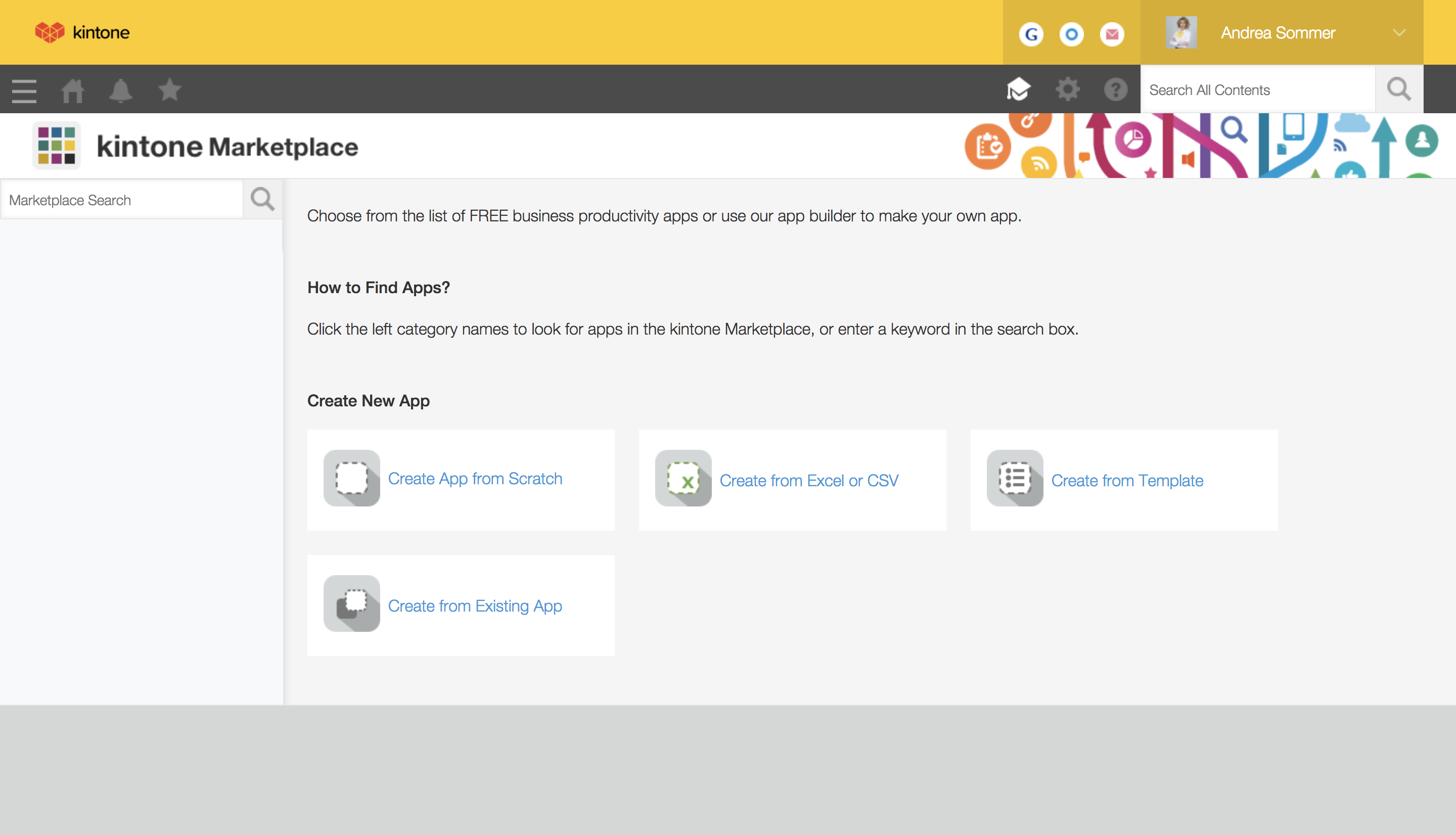
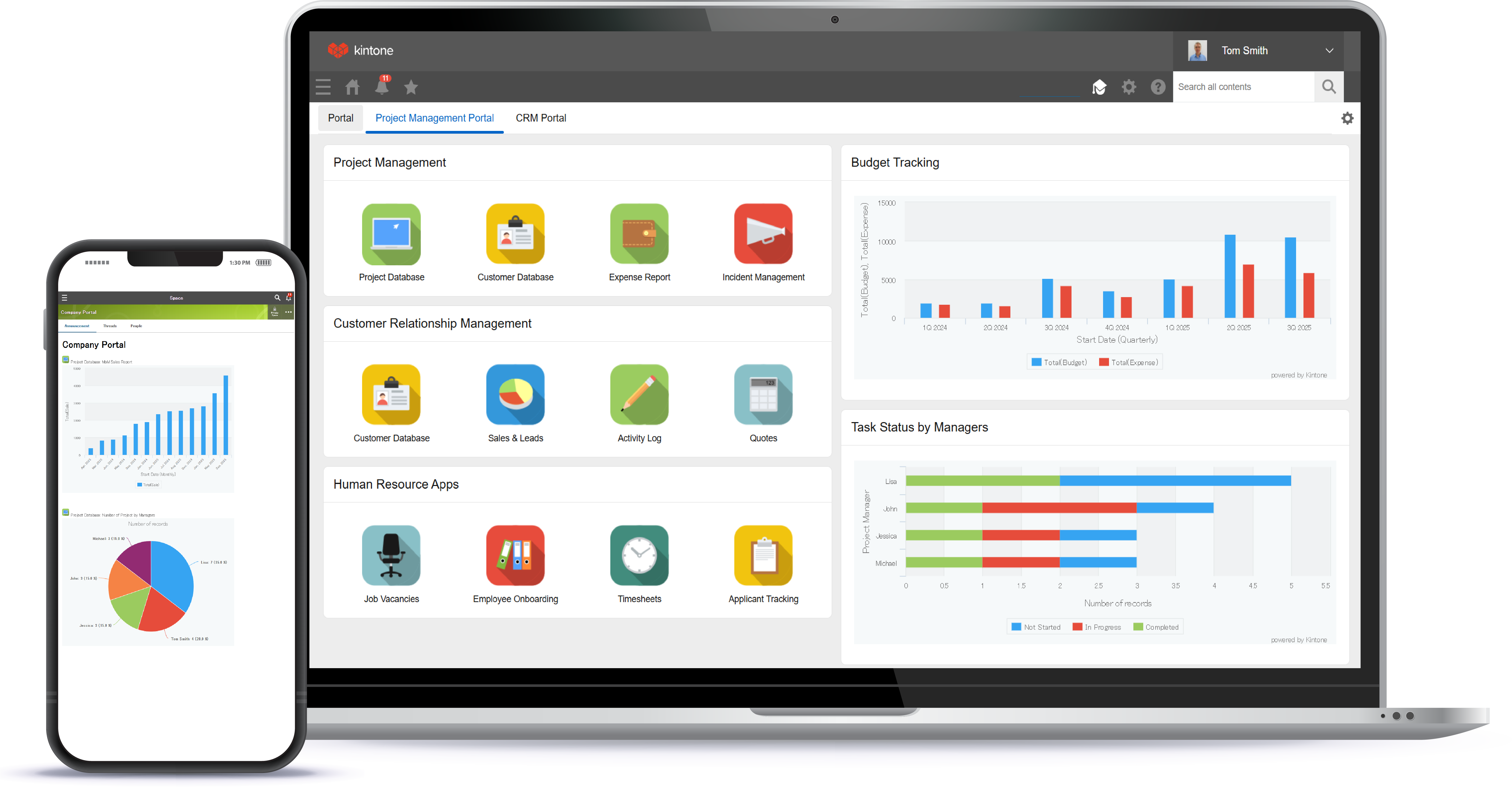
Kintone is a customizable digital workplace platform used to manage data, tasks, and communication. The no-code drag-and-drop interface can be used to create custom applications.
$120
per month for 5 users (minimum)
Pricing
Box
Evernote
Kintone
Editions & Modules
Business Starter
$7
per month per user (3 minimum)
Business
$20
per month per user (3 minimum)
Business Plus
$33
per month per user (3 minimum)
Enterprise
$47
per month per user (3 minimum)
Enterprise Plus
$50
per month (billed annually) per user (3 minimum)
Enterprise Advanced
Contact us
per month per user (35 minimum)
Premium
$7.99
per month
Business
$14.99
per month
Professional Subscription
$24
per month per user
Offerings
Pricing Offerings
Box
Evernote
Kintone
Free Trial
Yes
No
Yes
Free/Freemium Version
Yes
Yes
No
Premium Consulting/Integration Services
Yes
No
Yes
Entry-level Setup Fee
Optional
No setup fee
Optional
Additional Details
A discount is available for annual pricing.
—
Minimum requirement of 5 users. Kintone offers a free prototype to build with using existing process.
The truth is that Dropbox is pretty good, but we had some drawbacks (corrupt files, double folders, among others). In addition, the space that Dropbox gave us was not as much as the one that Box provides. Another important point is the design of Box is that it has a more …
Box was superior to all of the cloud file storage systems I've used. It is easier to use, has more space available, and we rarely had any problems. Unfortunately, budget was the deciding factor that pushed us to a different product, but I have found myself wishing that weren't …
In my experience, Box's collaboration features and sharing capabilities exceed other cloud storage platforms. The ease of use with having one platform to do all of the above instead of three different tools makes a big difference in the amount of sharing and collaboration we do …
Evernote is a very simple collaboration tool. It was first in the market and provided a great cross-platform solution to share notes. However, other tools like OneNote, Slack, Dropbox, and Box provided easier solutions. Evernote could not keep up with the trends and innovation. …
I think Box is great for research teams or anyone that has a large number of files that need to be securely stored. Particularly in the case of social science research, where it is important to protect identifying data, Box is a great option. In cases where teams need a more reliable means for real-time collaboration, I would probably consider a different alternative
Evernote is an excellent tool for keeping track of client relationships and taking notes. The indexing is excellent, with text in images and text. However, a Wiki might be better for large-scale collaboration. It is a perfect use case for it, and it is hard to beat. To-do lists that need to be tracked or have due dates assigned do not work well in Evernote. It's almost like a library that anyone can add to, edit, tag, and reference. Evernote has a limited checklist function in terms of tasks meant to be kept in one place rather than reviewed and organized over time.
Kintone is great if you want a software that will help you in managing your data, and keep track of which tasks are assigned to whom. It also helps to streamline communication and information in one central place. However, it is not for you if you are looking for something complex that has to manage a lot of data.
The main feature that I like the most in Box is that it makes collaboration seamless, workers can easily check the documents any time and make changes according to the needs.
Box manages and backs up all of your files on its cloud servers, and provides a very nice interface for creating, viewing, editing, and collaborating on the most commonly used file types (PDF, XLS, DOC, etc.).
Over the past few years, Box has built on top of its basic cloud storage management with a host of other tools, such as workflows, AI, monitoring, and analytics.
It is helping us to make good connections with clients and our workers themselves as to its syncing and viewing feature to all is very much helpful and easy to go.
I feel that Kintone is not well enough known yet. This means that other apps/APIs are not necessarily easy to connect with Kintone. Yes, you can use Zapier though for interfacing with other apps.
It would be great if it could give more customized options to change the look and format of certain things. You can make price quote apps, for example, but have to rely on 3rd party apps or programming skills to customize the look and fields.
If you make a table as an input field, it cannot connect to other internal Kintone apps for lookups and such.
I think there is more potential to make more customized data graphs.
I like the security features and I like the website. It's easy to use and create and move things around as needed. The main reason for a lower rating is because the Box Sync app is just not a good program. It's a memory hog, it's slow, transfer speeds are slow, and it's not the most efficient route. If you have a large Box account and you need to get a computer up to speed on a large amount of data within Box, you are in for the long haul. Last time I had to do this, it took 3 days to sync all of the files and we are talking around 100 GB worth of data
I can't really imagine how much they'd have to charge me to make me quit Evernote. I can't really think of any technology that has changed my life as much without going back to email in the 90s, or the introduction of the iPhone. I know I sound ridiculous, but it would be really tough for me to live without it. If I were forced to choose between my smart phone (and keep in mind that I get lost in my driveway) and my Evernote, I'd probably choose my Evernote.
I still think that there's a room for Kintone's future, and high expectations for them in additional features and innovative tools and supports. Truly hope that they will support email features, and standardized supports for various plug-ins with the 3rd party software and apps. In the meantime, we will have to consider our ways of doing our work in all aspects
Everything with Box is seamless. It can be integrated into virtually any other software or application. You can even get the app for your phone or tablet to work on the go. File syncing is so quick. The only reason I gave it a 9 is the issue I discussed earlier about the local file application rebooting and not continuing to sync files. Other than that, it's great!
Basic visual organization - ability to create a notebook and store user notes inside of it.
Basic easy navigation - You can quickly move in and out of files and notes.
User intuitive addition - whatever you need to add to your document, it's relatively easy to understand and use.
We find overall that we still want some functionality in creating better task lists, boards, and other things that we find in Notion - which is the tool that we use as a team notebook/storage space.
Kintone is agile app and most of the time we can easily come up with new apps. However, there should be more feature-based drag and drop and or a visual-based usability, as we all want to minimize the number of clicks and dropdown menu selections as much as possible. Thanks.
Yeah, it's always worked, I've never had any kind of connection issues, the only issues I've had it I've been on our end when the Internet hasn't worked.
Generally issues are by connectivity and not Evernote availability but I have had issues in the past with cross-client consistency of data which Evernote Support has ID'd as bugs that are still unresolved as far as I know
The general operation and management of Box is very efficient, both when accessing the account, and when adding files, downloading or modifying any document directly. The web platform, mobile and desktop versions work really well and quickly, making all the work and process flow smoothly and without setbacks. So far I have not been able to observe any inconvenience
I found their support community lacking in clarity when I experienced a login issue. The error messaging was poor on my Box Sync application. I did not reach out to support staff for help, instead, I reasoned that I should try downloading the Box Sync application again and reinstall it. That fixed my issue, thankfully. I think a less computer-savvy user would've been much more frustrated.
I bet you won’t even need to call their support. Their product has never failed me. Simply put. But if you were to email them to gather some details or help, I bet they won’t disappoint you. Don’t worry about the support, it’s the last thing you should worry about this product.
I have had very specific questions about different aspects of the software, and I have always been able to get a hold of someone who could help. If my sales rep didn’t know the answer, he would get me in touch with someone who did know the answer. The whole team is very ready to help. It definitely feels like they view my success as their success, which is so important with this type of software.
The documentation is good. Since Box is a popular service, there were also a number of YouTube videos and other sources that were helpful as we were considering the product and planning for deployment. Also, the ability to try the free version helped to prepare us.
Be careful with settings. It is easy to get overwhelmed with updates. For example, you don’t want to be updated when doing historical data uploads. I recommend taking off notifications initially and then turn on post you have done your historical data upload.
Make sure you think about your tags. If you end up with multiple similar tags then things aren't grouped together as you might prefer. For instance if you have a tag called Disney and Walt Disney, this will split up your articles. Evernote makes it simple to correct, but I suggest you make sure your users look closely at the existing tags before creating new ones.
Everyone has their own tastes of things and way they want to work. Asking them to adapt to the changes with the new tools or apps is always difficult. We would want to start with a very small but best example within the organization, which in our case was that the employees will not be bothered by the bosses by being asked to find the documents, status of the progresses, or major things/requests/projects.
They are kind of the same. And both of them do their job as promised. But for company and project wise I think that Box slightly wins for some points. Which [makes him] win over Google Drive (don't forget that Google Drive is very easy to use and has a lot [of] nice features too).
The most similar program I have used is OneNote by Microsoft, and other note taking programs exist like Notepad and Microsoft Word but those programs do not offer syncing like Evernote does. There are newer programs in the space like Dropbox Paper and Google Docs which would be on a list of ones to consider.
Kintone is the easiest product to create from and the cost is the lowest I believe. In addition, reconfigurability and extendability are great. If you look for a low code tool, you can try Kintone. But as same as another low code tool, don't expect too much.
Box has been an only positive experience. It provides a seamless way for me and my team to collaborate on documents in such a way where we're not sending the document back/forth via email. It's a huge timesaver.
Box reduces the risk of sharing a sensitive document to the wrong person via email.
Box has provided a platform where my team can share notes in meetings - this has helped streamline and organize our meetings. Our meetings are more productive and actionable.
Evernote has allowed our school's over 3000 students and staff members to work more efficiently instead of spending time on making physical notes, clicking pictures, and uploading them to the cloud in order to share them
The investment in Evernote Premium has also allowed for heavier files to be attached in each note such as student work that allows teachers to be certain that students have followed deadlines and finished assigned tasks
Evernote has allowed our school to smoothly transition in and out of online learning as the local COVID-19 protocols change and student work requires one platform to be based on throughout