
Google Tag Manager vs. Kameleoon vs. Webtrends Optimize
Google Tag Manager vs. Kameleoon vs. Webtrends Optimize
| Product | Rating | Most Used By | Product Summary | Starting Price |
|---|---|---|---|---|
 Google Tag Manager | N/A | From Google, the Google Tag Manager is a tag management application that facilitates creating, embedding, and updating tags across websites and mobile apps. It is a free option, vs. the company's enterprise-tier Google Tag Manager 360. | $0 | |
 Kameleoon | Enterprise companies (1,001+ employees) | Kameleoon boasts users among 500 corporate and enterprise companies across North America, Europe, and Asia Pacific to help brands deliver digital experiences and products to their customers. GDPR, CPPA, and HIPPA compliant, Kameleoon’s A/B testing, full stack, and AI-powered personalization solutions are designed to help marketers, product owners, and developers maximize customer engagement and conversion, across all channels. | N/A | |
 Webtrends Optimize | N/A | Webtrends Optimize is a web optimization platform and is offered by the company of the same name. The product competes most often with Adobe Test and Target, Maxymiser, SiteSpect, and Optimizely. | N/A |
| Google Tag Manager | Kameleoon | Webtrends Optimize | ||||||||||||||||||||||
|---|---|---|---|---|---|---|---|---|---|---|---|---|---|---|---|---|---|---|---|---|---|---|---|---|
| Editions & Modules | No answers on this topic | No answers on this topic | No answers on this topic | |||||||||||||||||||||
| Offerings |
| |||||||||||||||||||||||
| Entry-level Setup Fee | No setup fee | No setup fee | No setup fee | |||||||||||||||||||||
| Additional Details | — | Consulting services are priced on demand. | There is no tiering and no different prices for different tools. The entire feature set is available to all users as standard at one price, agreed up front. | |||||||||||||||||||||
| More Pricing Information | ||||||||||||||||||||||||
| Google Tag Manager | Kameleoon | Webtrends Optimize |
|---|
| Google Tag Manager | Kameleoon | Webtrends Optimize | |||||||||||||||||||||||||||||||||||||||||||||||||||||||||||||||||||||||||||||||
|---|---|---|---|---|---|---|---|---|---|---|---|---|---|---|---|---|---|---|---|---|---|---|---|---|---|---|---|---|---|---|---|---|---|---|---|---|---|---|---|---|---|---|---|---|---|---|---|---|---|---|---|---|---|---|---|---|---|---|---|---|---|---|---|---|---|---|---|---|---|---|---|---|---|---|---|---|---|---|---|---|---|
| Security |
| ||||||||||||||||||||||||||||||||||||||||||||||||||||||||||||||||||||||||||||||||
| Tag Management |
| ||||||||||||||||||||||||||||||||||||||||||||||||||||||||||||||||||||||||||||||||
| Data Management & Integrity |
| ||||||||||||||||||||||||||||||||||||||||||||||||||||||||||||||||||||||||||||||||
| Testing and Experimentation |
| ||||||||||||||||||||||||||||||||||||||||||||||||||||||||||||||||||||||||||||||||
| Audience Segmentation & Targeting |
| ||||||||||||||||||||||||||||||||||||||||||||||||||||||||||||||||||||||||||||||||
| Results and Analysis |
|
| Google Tag Manager | Kameleoon | Webtrends Optimize | |
|---|---|---|---|
| Small Businesses |  Adobe Experience Platform Launch Score 7.9 out of 10 |  Convert Experiences Score 9.9 out of 10 | Convert Experiences Score 9.9 out of 10 |
| Medium-sized Companies | Adobe Experience Platform Launch Score 7.9 out of 10 |  Dynamic Yield Score 9.0 out of 10 | Dynamic Yield Score 9.0 out of 10 |
| Enterprises |  Tealium Customer Data Hub Score 8.5 out of 10 | Dynamic Yield Score 9.0 out of 10 | Dynamic Yield Score 9.0 out of 10 |
| All Alternatives | View all alternatives | View all alternatives | View all alternatives |
| Google Tag Manager | Kameleoon | Webtrends Optimize | |
|---|---|---|---|
| Likelihood to Recommend | 9.1 (71 ratings) | 9.6 (86 ratings) | 7.4 (17 ratings) |
| Likelihood to Renew | 7.0 (7 ratings) | 10.0 (1 ratings) | 5.3 (5 ratings) |
| Usability | 8.1 (16 ratings) | 9.3 (17 ratings) | 7.0 (2 ratings) |
| Availability | 9.1 (1 ratings) | - (0 ratings) | 10.0 (1 ratings) |
| Performance | - (0 ratings) | - (0 ratings) | 10.0 (1 ratings) |
| Support Rating | 2.0 (12 ratings) | 8.9 (13 ratings) | 9.1 (2 ratings) |
| Online Training | 7.3 (1 ratings) | - (0 ratings) | 6.0 (1 ratings) |
| Implementation Rating | 9.8 (2 ratings) | - (0 ratings) | 7.0 (1 ratings) |
| Google Tag Manager | Kameleoon | Webtrends Optimize | |
|---|---|---|---|
| Likelihood to Recommend |  Google
|  Kameleoon
 Erika Sentz Digital Marketing Manager, Lead |  Webtrends Optimize
|
| Pros | Google
 Santiago Valdés Cofounder / Marketing, Growth, Technology, Experience | Kameleoon
| Webtrends Optimize
 Michael O'Connor Senior Analytics Consultant & Optimization Lead |
| Cons | Google
 J.P. VanderLinden Director of Digital Marketing | Kameleoon
 Mickaël Gros Web marketing manager | Webtrends Optimize
|
| Likelihood to Renew | Google
| Kameleoon
 Fabien CLOTILDE UX/UI Project Manager | Webtrends Optimize
 David Reynolds-Gooch Group Manager, Interactive Marketing |
| Usability | Google
 Quentin Aisbett Digital Strategist | Kameleoon
 Joachim Furuseth Experimentation Manager | Webtrends Optimize
Michael O'Connor Senior Analytics Consultant & Optimization Lead |
| Reliability and Availability | Google No answers on this topic | Kameleoon No answers on this topic | Webtrends Optimize
|
| Performance | Google No answers on this topic | Kameleoon No answers on this topic | Webtrends Optimize
|
| Support Rating | Google
| Kameleoon
 Julien Bizet UX project manager | Webtrends Optimize
 Freddie Wilkinson Sales and Marketing Handler |
| Online Training | Google
 Stéphane Hamel Director of Innovation | Kameleoon No answers on this topic | Webtrends Optimize
|
| Implementation Rating | Google
 David Gailey Front End Web Developer | Kameleoon No answers on this topic | Webtrends Optimize
|
| Alternatives Considered | Google
 Ben Rubenstein Marketing Manager, HMX | Kameleoon | Webtrends Optimize
 Magdalena Petrova E-Marketing Analyst |
| Return on Investment | Google
| Kameleoon
 Grégoire REMY Responsable marketing relationnel | Webtrends Optimize
 Chris Sharman Products.office.com UK Site Manager |
| ScreenShots | Webtrends Optimize Screenshots 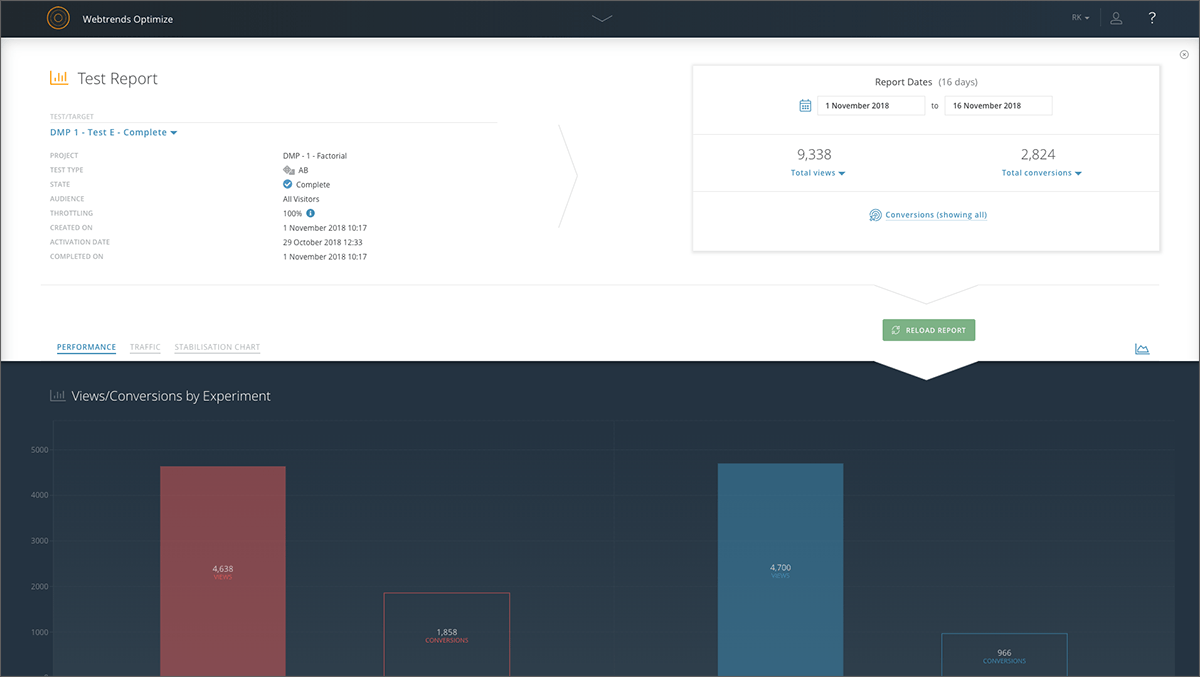    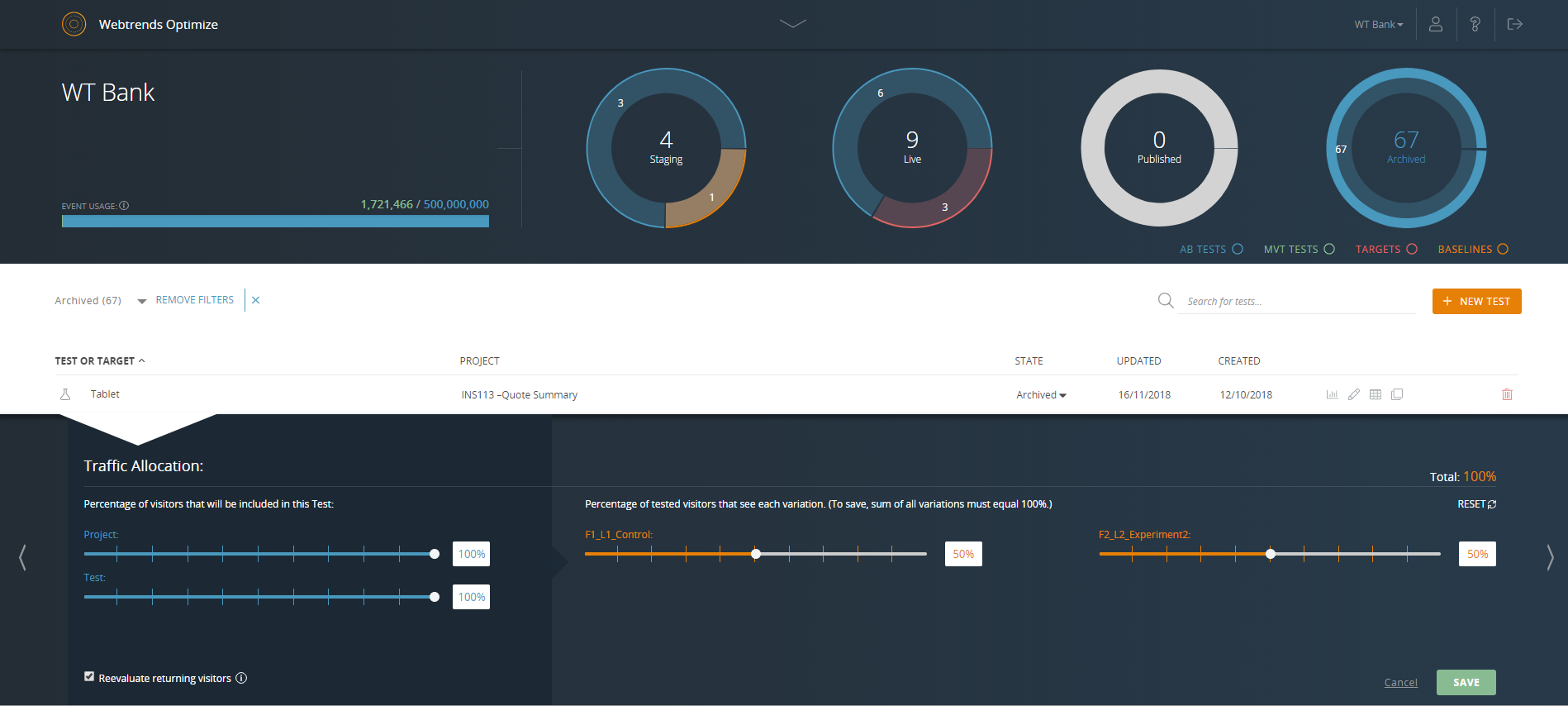 |