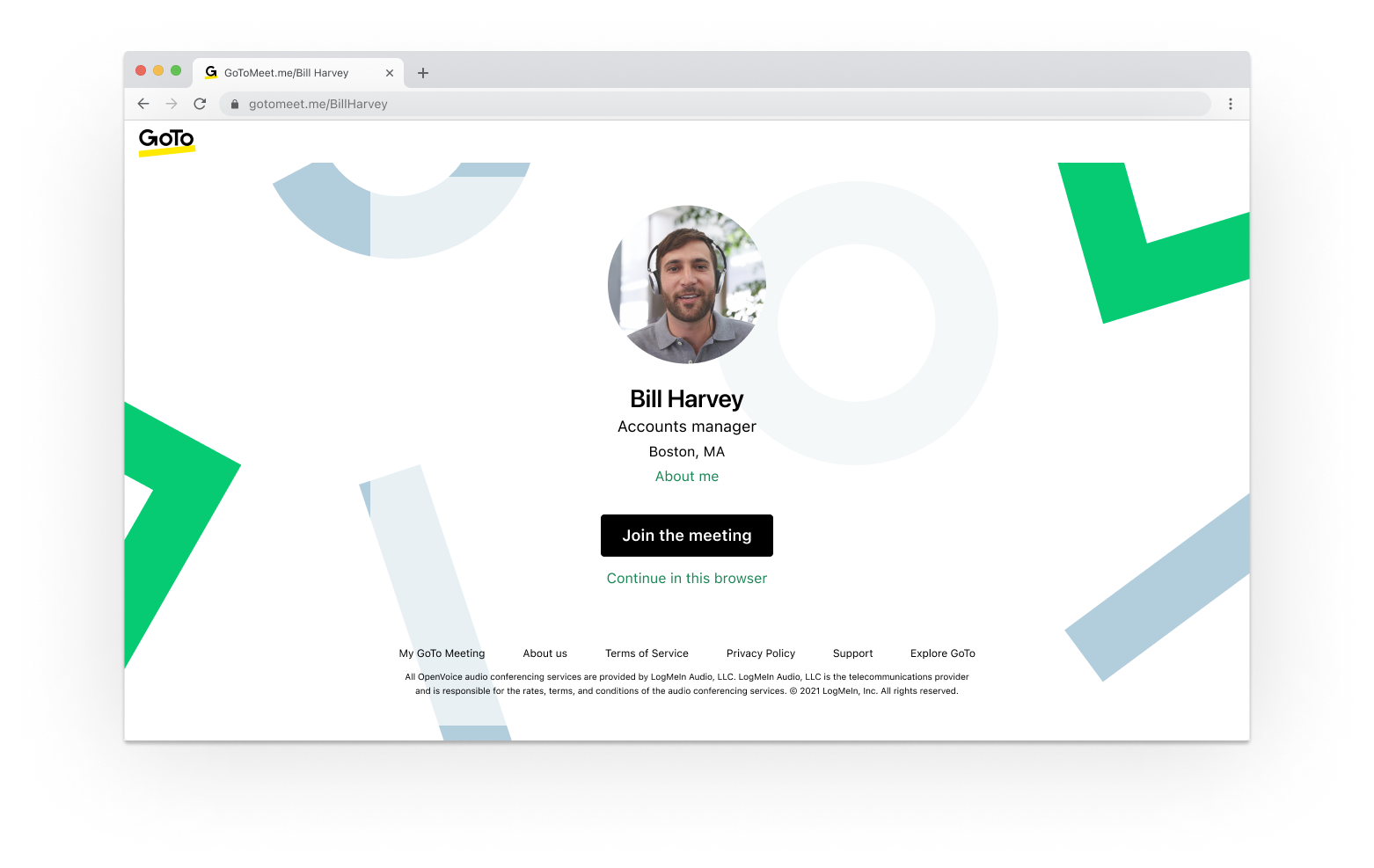
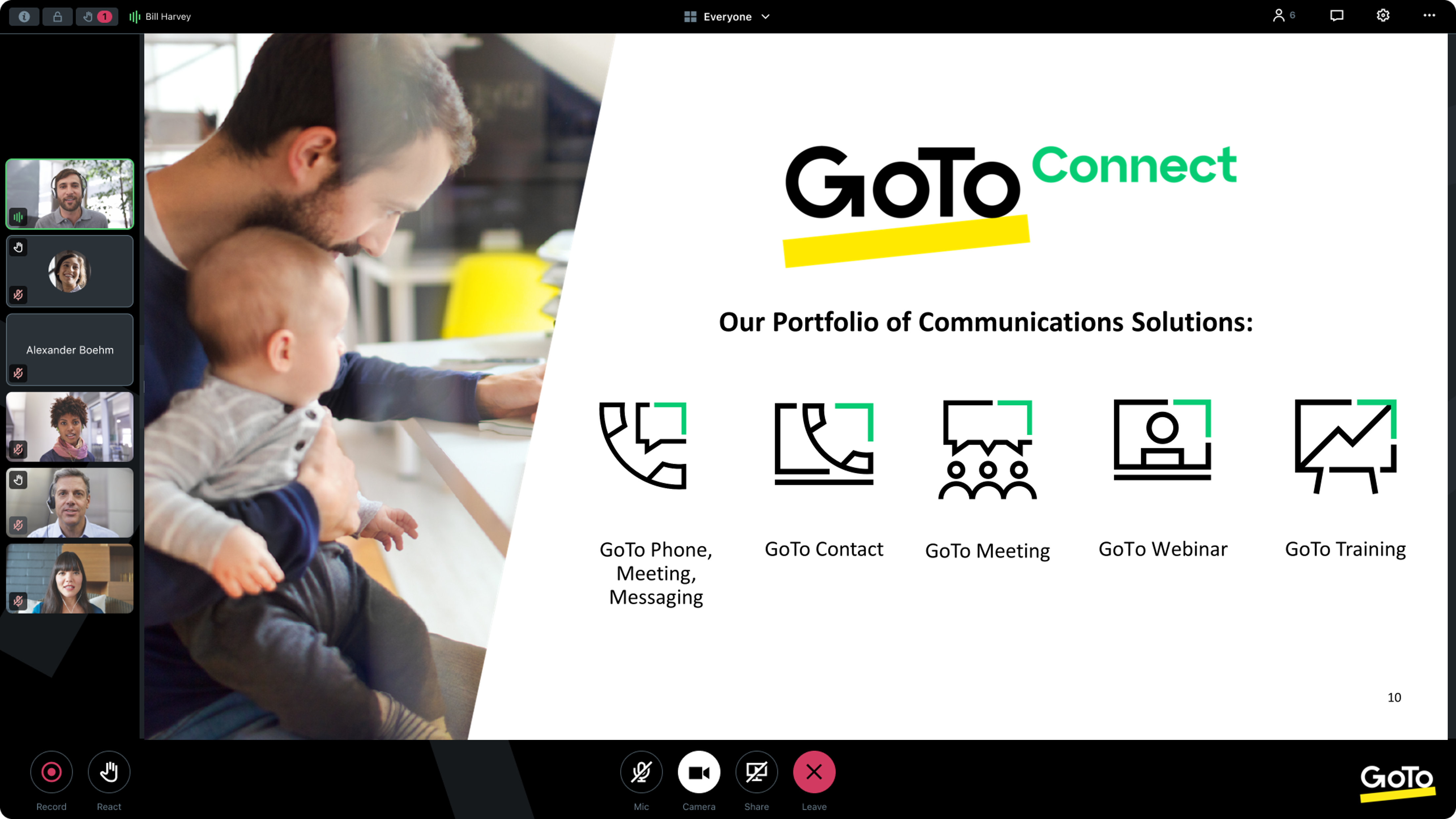
From GoTo (formerly LogMeIn), GoToMeeting is an online meeting, desktop sharing, and video conferencing software that enables users to connect via the internet. It hosts a suite of online meeting tools, including real-time screen sharing and integrated audio.
$12
per month
Highfive (discontinued)
Score6.5 out of 10
N/A
Highfive was a web conferencing platform acquired by Dialpad in 2020. Its functionality became part of the now obsolete Dialpad Meetings, the functionality of which is now contained in Dialpad Connect.
N/A
Pricing
GoTo Meeting
Highfive (discontinued)
Editions & Modules
Professional
$12.00
Per Organizer / Per Month for 150 Participants [billed annually]
Business
$16.00
Per Organizer / Per Month for 250 Participants [billed annually]
Enterprise
Custom Pricing
3,000 Participants
No answers on this topic
Offerings
Pricing Offerings
GoTo Meeting
Highfive (discontinued)
Free Trial
Yes
No
Free/Freemium Version
No
No
Premium Consulting/Integration Services
Yes
No
Entry-level Setup Fee
No setup fee
No setup fee
Additional Details
Pricing available by monthly or annual subscription, with discounts for annual commitments.
High Performance Division Project Manager in Professional Services at Resilient Buildings Group, Inc. (Renewables & Environment, 11-50 employees)
Chose GoTo Meeting
We also frequently use Zoom, Google Meet, and Dialpad Meetings. Personally, I like Google Meet best as it integrates perfectly with our Google Calendar. GoTo Meeting outshines Zoom, it is easier to use and less costly. Dialpad Meetings is great for internal use collaborating …
A de minimis incentive was given to thank the reviewer for their time. The incentive was not used to bias or drive a particular response, nor was the incentive contingent on a positive endorsement. More Info
A de minimis incentive was given to thank the reviewer for their time. The incentive was not used to bias or drive a particular response, nor was the incentive contingent on a positive endorsement. More Info
Director of Operations at Orizon Inc. (Information Technology and Services, 11-50 employees)
Chose GoTo Meeting
GoToMeeting's interface was intuitive and easy to use. Other users were able to use it without needing to download the app and could access meetings on the web. For our needs, GoToMeeting was a little more robust and gave us more capabilities at a relatively low cost, which …
A de minimis incentive was given to thank the reviewer for their time. The incentive was not used to bias or drive a particular response, nor was the incentive contingent on a positive endorsement. TR verified that a representative sample of customers was invited. More Info
Founder & CEO in Marketing at Project World Impact (Internet, 11-50 employees)
Chose GoTo Meeting
I would say GoToMeeting is not as good as UberConference, but is the equivalent to Zoom/Hangouts/Skype for Business. Honestly the biggest complaint which we hear about all of these is the need/desire to download software to make the tools work. UberConference we rank higher, …
A de minimis incentive was given to thank the reviewer for their time. The incentive was not used to bias or drive a particular response, nor was the incentive contingent on a positive endorsement. TR verified that a representative sample of customers was invited. More Info
Verified User
Chose GoTo Meeting
UberConference is more simple and easier to join, but GoToMeeting is definitely more professional than UberConference and has more features and is the better-designed product.
A de minimis incentive was given to thank the reviewer for their time. The incentive was not used to bias or drive a particular response, nor was the incentive contingent on a positive endorsement. More Info
A de minimis incentive was given to thank the reviewer for their time. The incentive was not used to bias or drive a particular response, nor was the incentive contingent on a positive endorsement. More Info
Verified User
Chose GoTo Meeting
Calls always drop on UberConference and you cannot use it in the same capacity with personalization.
A de minimis incentive was given to thank the reviewer for their time. The incentive was not used to bias or drive a particular response, nor was the incentive contingent on a positive endorsement. More Info
Discontinued Products
Verified User
Chose Highfive (discontinued)
UberConference seems to be a more user-friendly program that the alternatives, GoToMeeting and GoToWebinar. The overall user experience on the program is much better than the darker look of the alternative programs.
A de minimis incentive was given to thank the reviewer for their time. The incentive was not used to bias or drive a particular response, nor was the incentive contingent on a positive endorsement. More Info
Managing Partner in Professional Services at STORYMINERS (Management Consulting, 1-10 employees)
Chose Highfive (discontinued)
UberConference carries much less administrative overhead than WebEx or GoToMeeting. UberConference's interface is superior to free conference call because you can see who is on the call, mute individuals, and get a tracking report of who spent how much time speaking at the end …
A de minimis incentive was given to thank the reviewer for their time. The incentive was not used to bias or drive a particular response, nor was the incentive contingent on a positive endorsement. More Info
Partnerships Manager in Marketing at Entangled Solutions (Education Management, 11-50 employees)
Chose Highfive (discontinued)
UberConference is a great audio conferencing service and screen share service. It will not replace your video sharing service like Zoom or GoToMeeting but if you just want a conference line without having to enter an annoying PIN each time you dial in--this is the audio …
A de minimis incentive was given to thank the reviewer for their time. The incentive was not used to bias or drive a particular response, nor was the incentive contingent on a positive endorsement. More Info
A de minimis incentive was given to thank the reviewer for their time. The incentive was not used to bias or drive a particular response, nor was the incentive contingent on a positive endorsement. More Info
Verified User
Chose Highfive (discontinued)
UberConference works well but I think Loom might have a slight edge with screen share recording.
A de minimis incentive was given to thank the reviewer for their time. The incentive was not used to bias or drive a particular response, nor was the incentive contingent on a positive endorsement. More Info
A de minimis incentive was given to thank the reviewer for their time. The incentive was not used to bias or drive a particular response, nor was the incentive contingent on a positive endorsement. More Info
Founder & CEO in Marketing at Project World Impact (Internet, 11-50 employees)
Chose Highfive (discontinued)
Uberconference in my opinion is the best software out there. One of the things that makes it especially better than all of the other options is that there is no additional software needed for us our our clients. We used to have so many issues with downloading software and …
A de minimis incentive was given to thank the reviewer for their time. The incentive was not used to bias or drive a particular response, nor was the incentive contingent on a positive endorsement. More Info
Verified User
Chose Highfive (discontinued)
I like the fact that UberConference does not require any downloads. Our being able to conference with clients and colleagues that may not be tech-savvy or may have their computers locked down by IT makes a huge difference to us. UberConference ease of use and free use tier are …
A de minimis incentive was given to thank the reviewer for their time. The incentive was not used to bias or drive a particular response, nor was the incentive contingent on a positive endorsement. More Info
Verified User
Chose Highfive (discontinued)
Easy to use interface, quick meeting join, very limited options means nothing to screw up
A de minimis incentive was given to thank the reviewer for their time. The incentive was not used to bias or drive a particular response, nor was the incentive contingent on a positive endorsement. More Info
A de minimis incentive was given to thank the reviewer for their time. The incentive was not used to bias or drive a particular response, nor was the incentive contingent on a positive endorsement. More Info
Verified User
Chose Highfive (discontinued)
While GTM has more features for managing a conference, it is really geared towards larger meetings with someone who knows what they are doing on GTM to manage setup, muting, unmuting, chat, recording, etc. UberConference is really great for licensing for the end-user and going …
A de minimis incentive was given to thank the reviewer for their time. The incentive was not used to bias or drive a particular response, nor was the incentive contingent on a positive endorsement. More Info
CEO in Information Technology at Wyzerr (Computer Software, 11-50 employees)
Chose Highfive (discontinued)
Uberconference is by far more reliable and has a better quality of service than the other providers in this space. I have never had a dropped call with Uberconference (unlike Skype and Hangouts). I do think they need to do more marketing because fewer people know about them …
A de minimis incentive was given to thank the reviewer for their time. The incentive was not used to bias or drive a particular response, nor was the incentive contingent on a positive endorsement. More Info
A de minimis incentive was given to thank the reviewer for their time. The incentive was not used to bias or drive a particular response, nor was the incentive contingent on a positive endorsement. More Info
Customer Success - Sales Leadership in Sales at ClientSuccess (Computer Software, 11-50 employees)
Chose Highfive (discontinued)
Uberconference was the least expensive of all the options we looked at and tested which is why we initially decided to look at them, and then we fell in love with the light footprint (not requiring ANY downloads) and simple UI.
A de minimis incentive was given to thank the reviewer for their time. The incentive was not used to bias or drive a particular response, nor was the incentive contingent on a positive endorsement. More Info
COO (Chief Operating Officer) in Corporate at Agility Digital (Marketing and Advertising, 11-50 employees)
Chose Highfive (discontinued)
I'll be honest, we chose it based on cost and features. And compared to FreeConferenceCall.com and the other free solutions it had everything we needed. I know FreeConferenceCall.com has added more features, but at the time, Uber was the one for us! It had custom URLs …
A de minimis incentive was given to thank the reviewer for their time. The incentive was not used to bias or drive a particular response, nor was the incentive contingent on a positive endorsement. More Info
I provide regular training as a big portion of my job. There is weekly training with an infinite number of users in attendance on any given date—GoTo Meeting is not the best option for this because I would have to mute users as they join the meeting. However, I also provide frequent training sessions to a small number of users that feature more individualized content, and having them able to mute/unmute at will is a better fit for a smaller group with in-depth materials.
A de minimis incentive was given to thank the reviewer for their time. The incentive was not used to bias or drive a particular response, nor was the incentive contingent on a positive endorsement. More Info
The free version I would absolutely recommend, we've had some great use out of it for the past few years. Presenting, sharing screen, the conference line and some other features are all free. If we did need more analytics and more features, perhaps making it easier for the potential customer to share screen, we might re-start the search and we'd potentially rate UberConference lower, but for the free version it's been great for us.
A de minimis incentive was given to thank the reviewer for their time. The incentive was not used to bias or drive a particular response, nor was the incentive contingent on a positive endorsement. More Info
A de minimis incentive was given to thank the reviewer for their time. The incentive was not used to bias or drive a particular response, nor was the incentive contingent on a positive endorsement. More Info
I appreciate being able to select a local phone number: it adds credibility and convenience for in-market clients/prospects.
I like being able to customize the hold music. One of our employees wrote and produced custom hold music for Anvil, which generates discussion and engagement as an ice-breaker.
The screen sharing is easy-to-use and is far more reliable than in the past. Prospects and clients do not have to download any app to make it work properly.
A de minimis incentive was given to thank the reviewer for their time. The incentive was not used to bias or drive a particular response, nor was the incentive contingent on a positive endorsement. More Info
A de minimis incentive was given to thank the reviewer for their time. The incentive was not used to bias or drive a particular response, nor was the incentive contingent on a positive endorsement. More Info
A de minimis incentive was given to thank the reviewer for their time. The incentive was not used to bias or drive a particular response, nor was the incentive contingent on a positive endorsement. More Info
We used other software like goto meetings but found it best because of its user friendly interface and easy interfacing. It helped us in COVID and now we can say we are depending on it and love it. We recommend it to our friends company and they are also using it. It is very affordable and easy to integrate with system
A de minimis incentive was given to thank the reviewer for their time. The incentive was not used to bias or drive a particular response, nor was the incentive contingent on a positive endorsement. More Info
UberConference is more expensive than some of its competitors and we have not found a real advantage to using UberConference over certain less-expensive applications. UberConference charges per month per organizer and those costs add up quickly, so we will be moving forward with a more budget-friendly option in the coming months.
A de minimis incentive was given to thank the reviewer for their time. The incentive was not used to bias or drive a particular response, nor was the incentive contingent on a positive endorsement. More Info
The simplicity of GoToMeetings desktop, mobile, and web-based applications make it a very robust and user-friendly meeting solution. At times, it may be more complex than needed, but it is nice to have so many features that can be used if needed. Once installed, it is very easy to use and navigate.
A de minimis incentive was given to thank the reviewer for their time. The incentive was not used to bias or drive a particular response, nor was the incentive contingent on a positive endorsement. More Info
The interface is intuitive and stupidly simple, no complicated sub-menus or configuration settings. Easy to create a meeting space and then have others join with a link or dial-in PIN on the free tier. On the paid tier it's even easier with PIN-less joining and automatic reminder calls to get participants to join.
A de minimis incentive was given to thank the reviewer for their time. The incentive was not used to bias or drive a particular response, nor was the incentive contingent on a positive endorsement. More Info
A de minimis incentive was given to thank the reviewer for their time. The incentive was not used to bias or drive a particular response, nor was the incentive contingent on a positive endorsement. More Info
A de minimis incentive was given to thank the reviewer for their time. The incentive was not used to bias or drive a particular response, nor was the incentive contingent on a positive endorsement. More Info
When we have issues, they seem to respond quickly and do everything they can to help us. They have even tried to find other ways we could get more use out of their product, or improve the way we are currently using it. Overall, their support has been fairly good for us.
A de minimis incentive was given to thank the reviewer for their time. The incentive was not used to bias or drive a particular response, nor was the incentive contingent on a positive endorsement. More Info
I haven't needed support for the most part, which is a positive for Highfive. It's intuitive and most features are straightforward to use. In the one instance that I did contact them, it took them longer then expected to respond, but they were able to answer my question once they did.
A de minimis incentive was given to thank the reviewer for their time. The incentive was not used to bias or drive a particular response, nor was the incentive contingent on a positive endorsement. More Info
A de minimis incentive was given to thank the reviewer for their time. The incentive was not used to bias or drive a particular response, nor was the incentive contingent on a positive endorsement. More Info
Many times, it seems like GoTo Meeting requires less bandwidth to run. We noticed with a few test machines that if you have over twenty video streams, this product could handle the load better than if we used Microsoft Teams and had many video streams.
A de minimis incentive was given to thank the reviewer for their time. The incentive was not used to bias or drive a particular response, nor was the incentive contingent on a positive endorsement. More Info
Uberconference is by far more reliable and has a better quality of service than the other providers in this space. I have never had a dropped call with Uberconference (unlike Skype and Hangouts). I do think they need to do more marketing because fewer people know about them than others and sometimes people decline to use the service so we have to use one of the other platforms to connect.
A de minimis incentive was given to thank the reviewer for their time. The incentive was not used to bias or drive a particular response, nor was the incentive contingent on a positive endorsement. More Info
Any collaboration app these days are now a great addition for those organizations which have more than one office and they need to collaborate with each other.
GoTo Meeting can contribute to cost savings by reducing the need for extensive travel, accommodation, and related expenses associated with in-person meetings especially in case like us as we have multiple branches.
A de minimis incentive was given to thank the reviewer for their time. The incentive was not used to bias or drive a particular response, nor was the incentive contingent on a positive endorsement. More Info
Our teams use this every day. It makes it easy to meet with clients and share a screen and display analytics.
Some of my clients thought that they need to register first to be able to contact me. It's bad that they are not notified in any way that it's enough just to enter its names and that's it.
A de minimis incentive was given to thank the reviewer for their time. The incentive was not used to bias or drive a particular response, nor was the incentive contingent on a positive endorsement. More Info