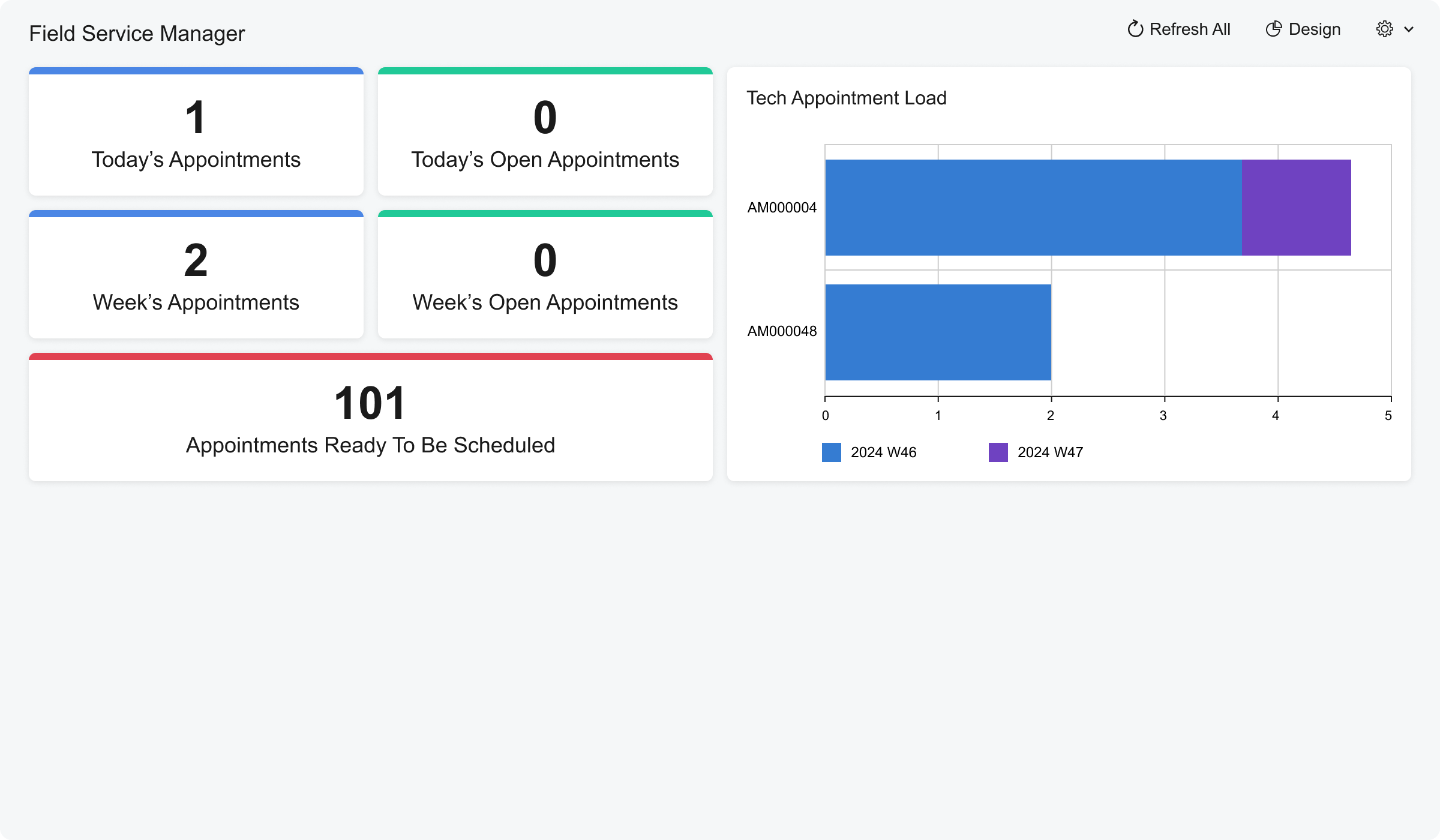
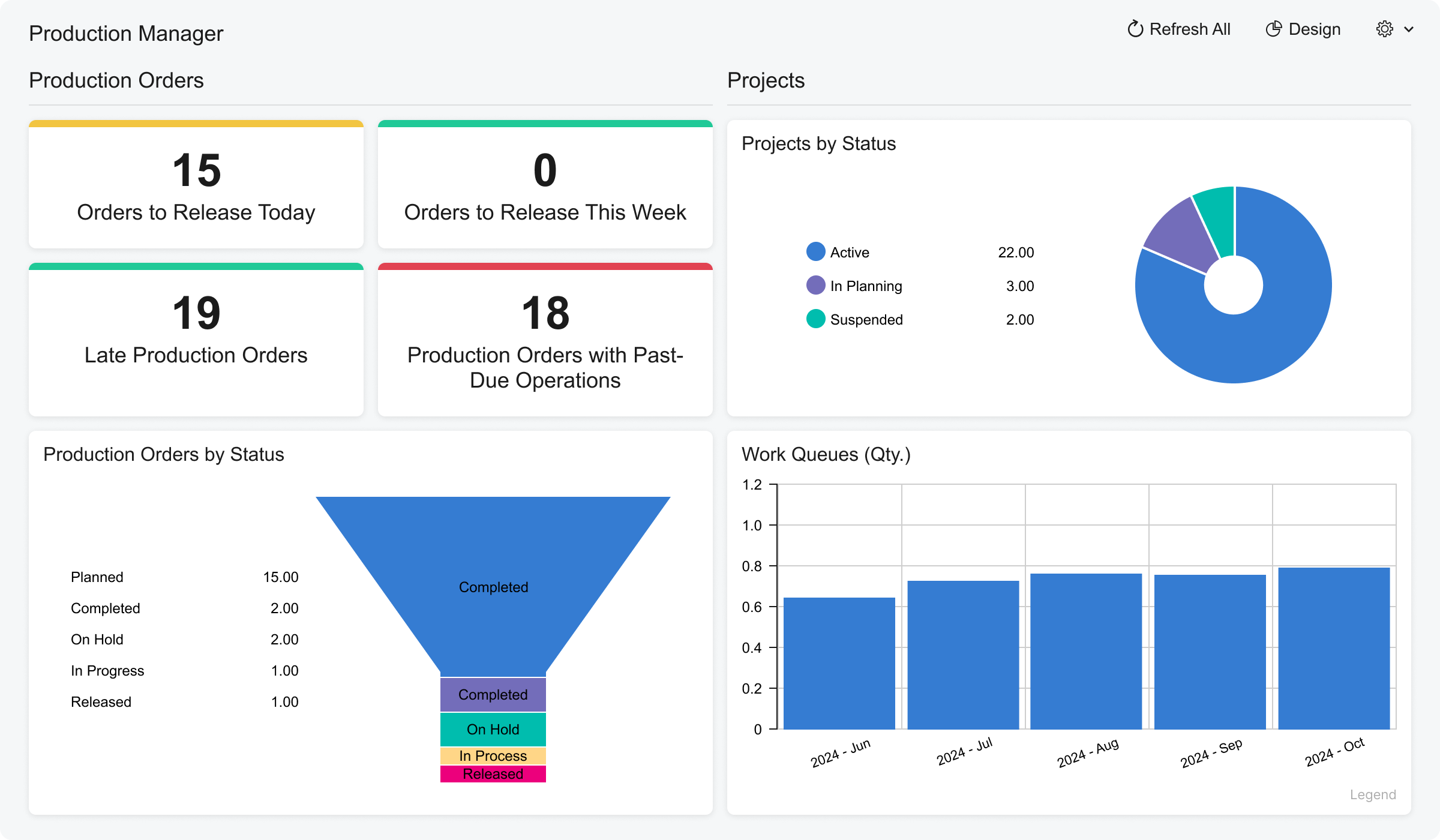
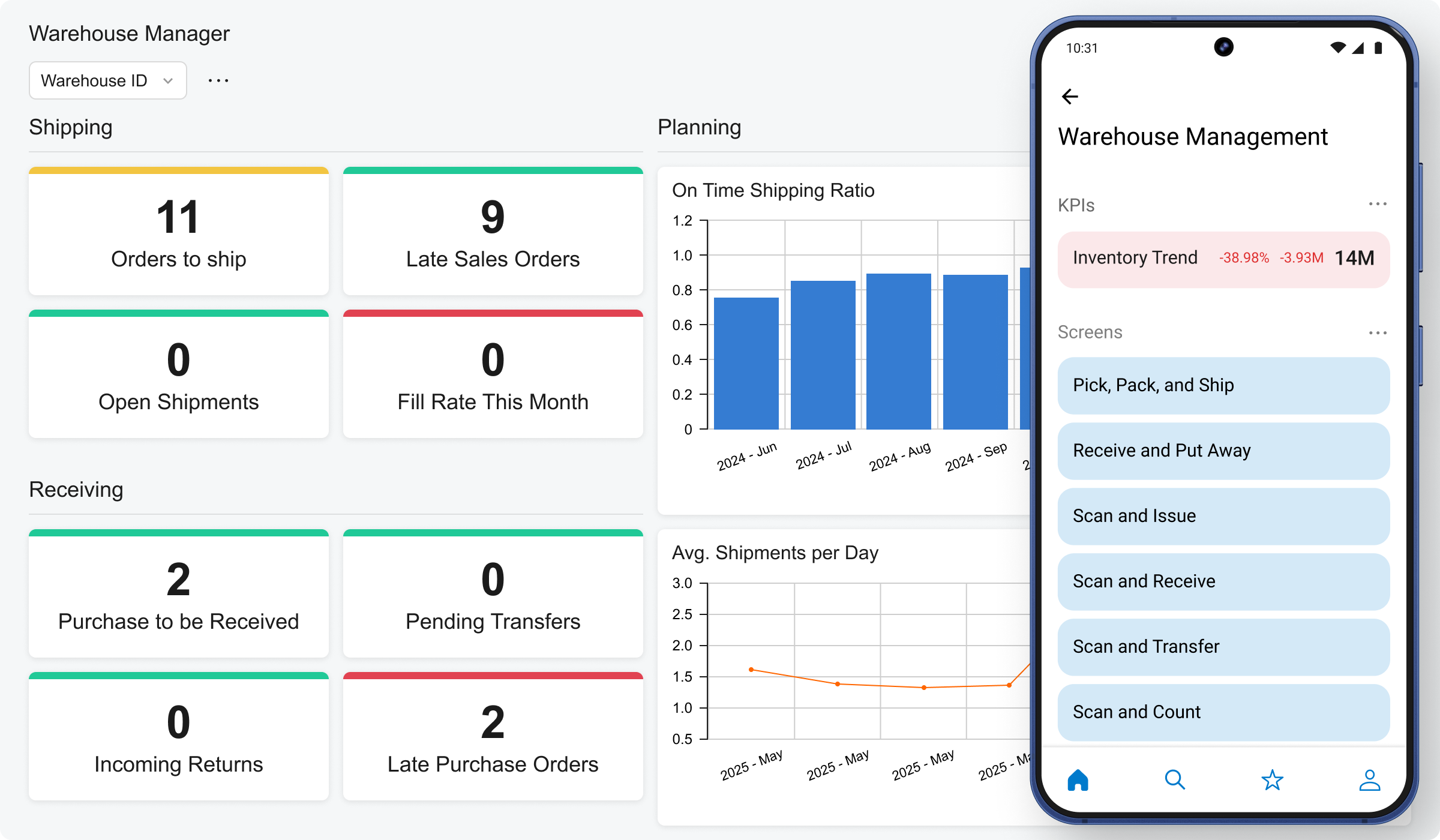
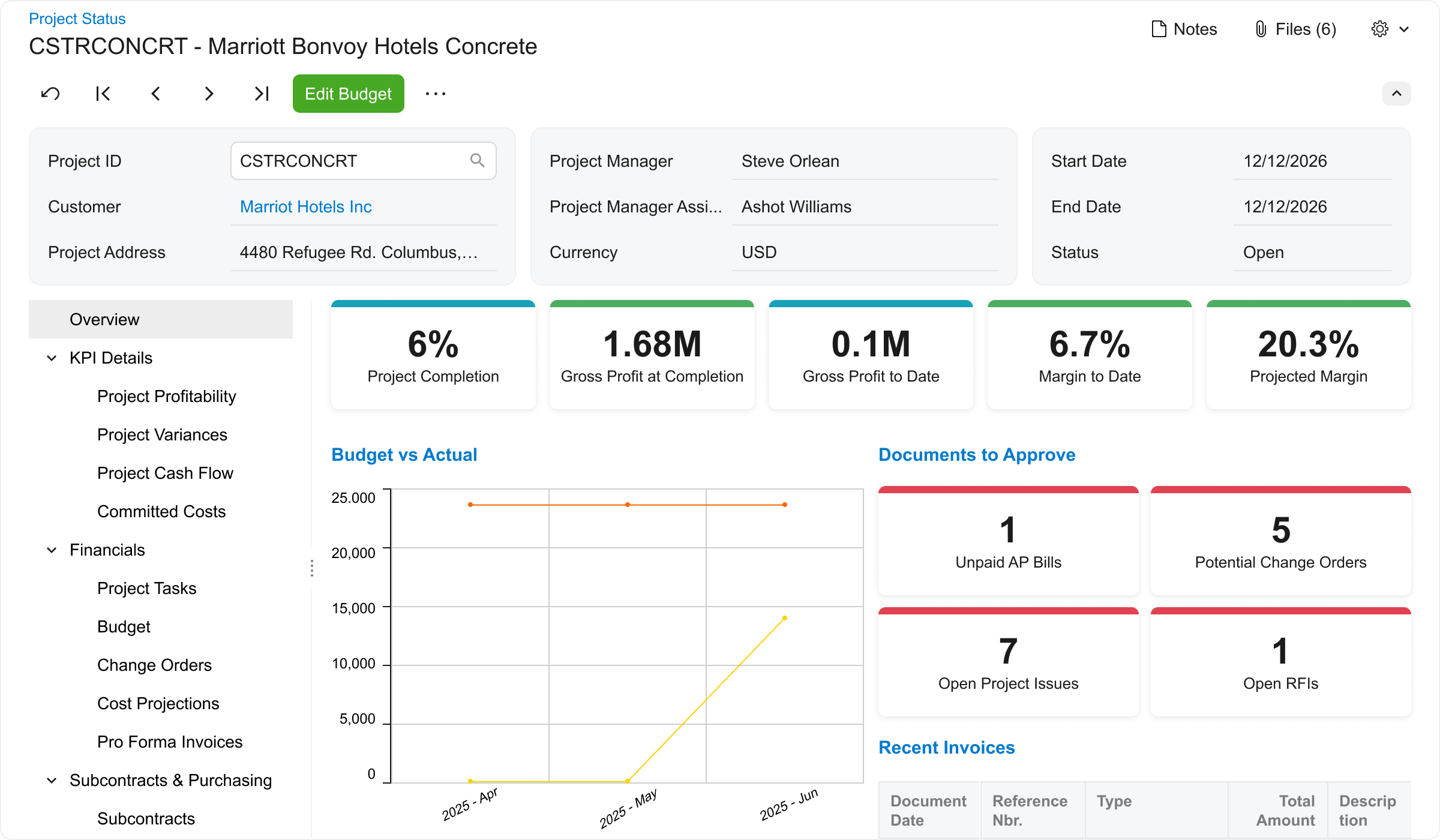
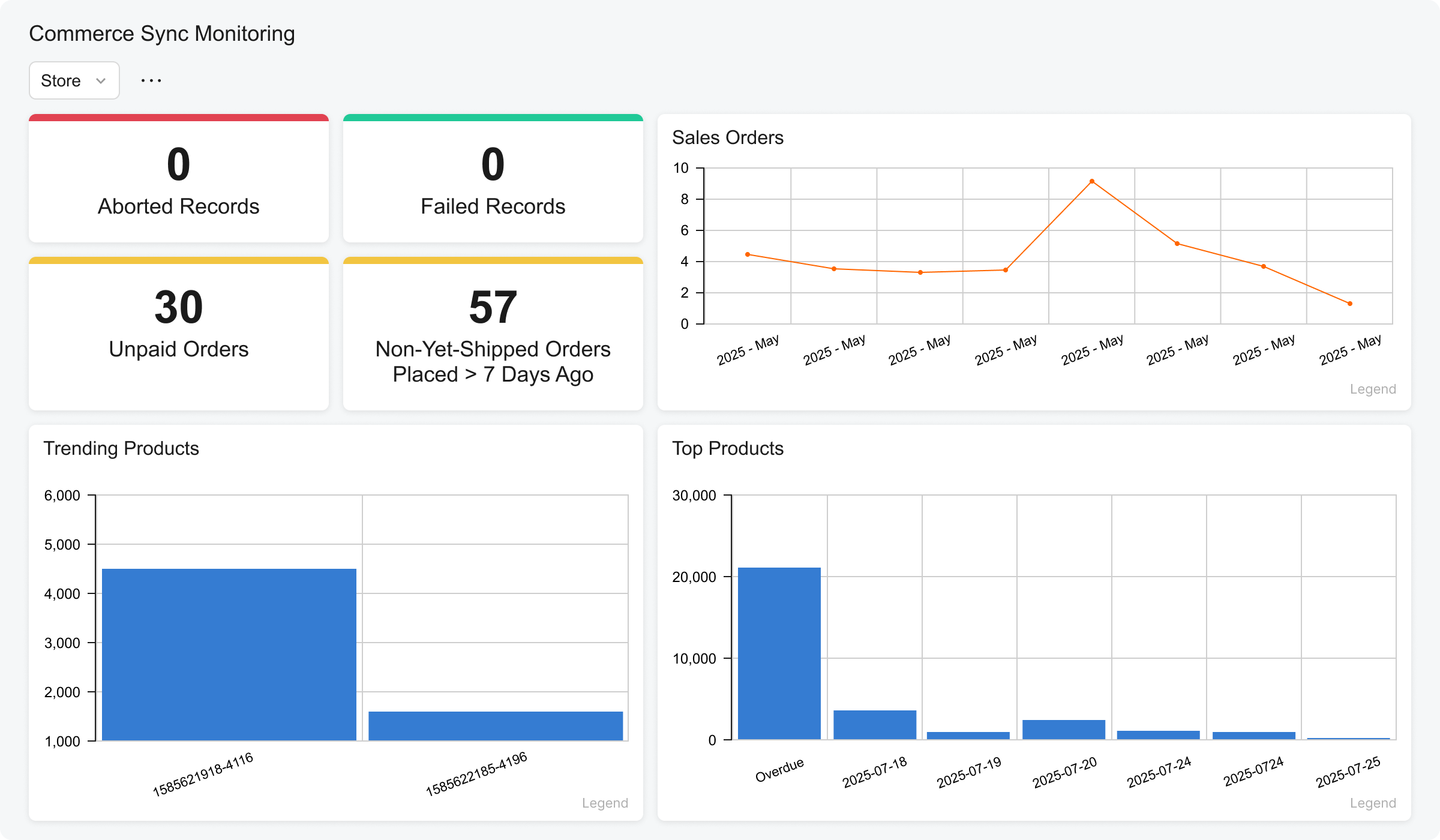
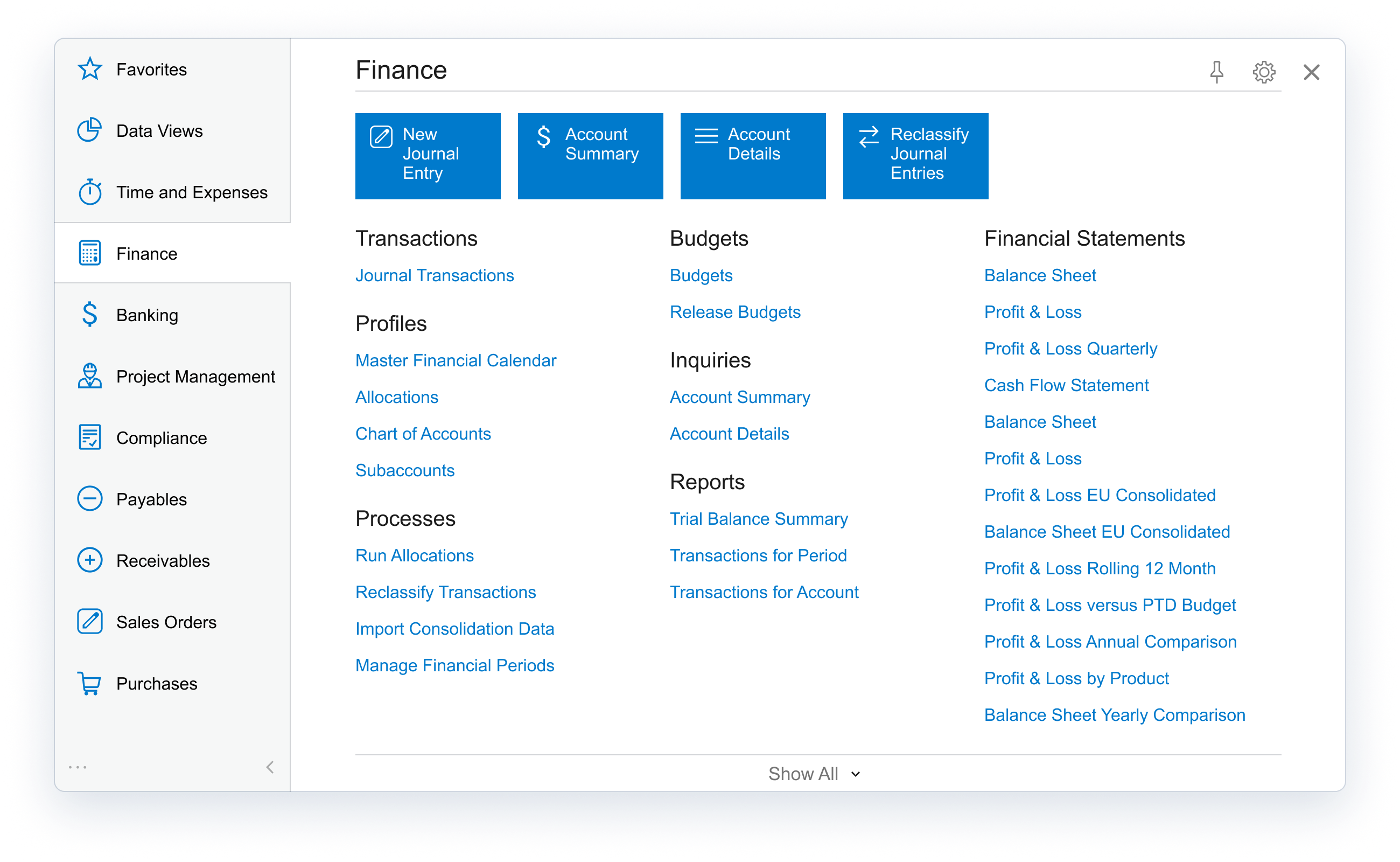
Acumatica delivers a set of cloud-based business software applications with dashboards, reporting tools, integrated document management, centralized security, and customization tools.
$1,000
per year
Dext
Score 9.6 out of 10
N/A
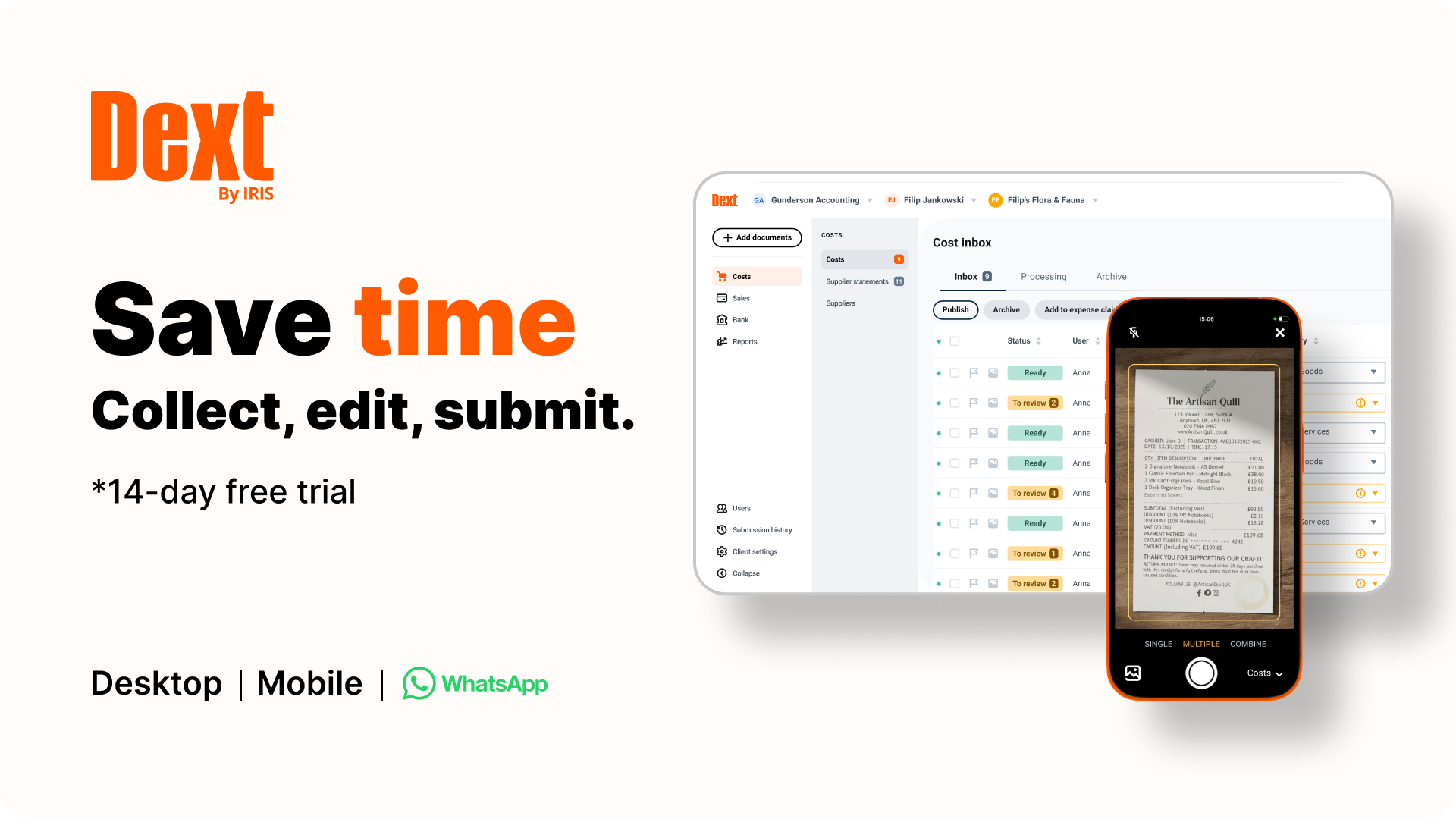
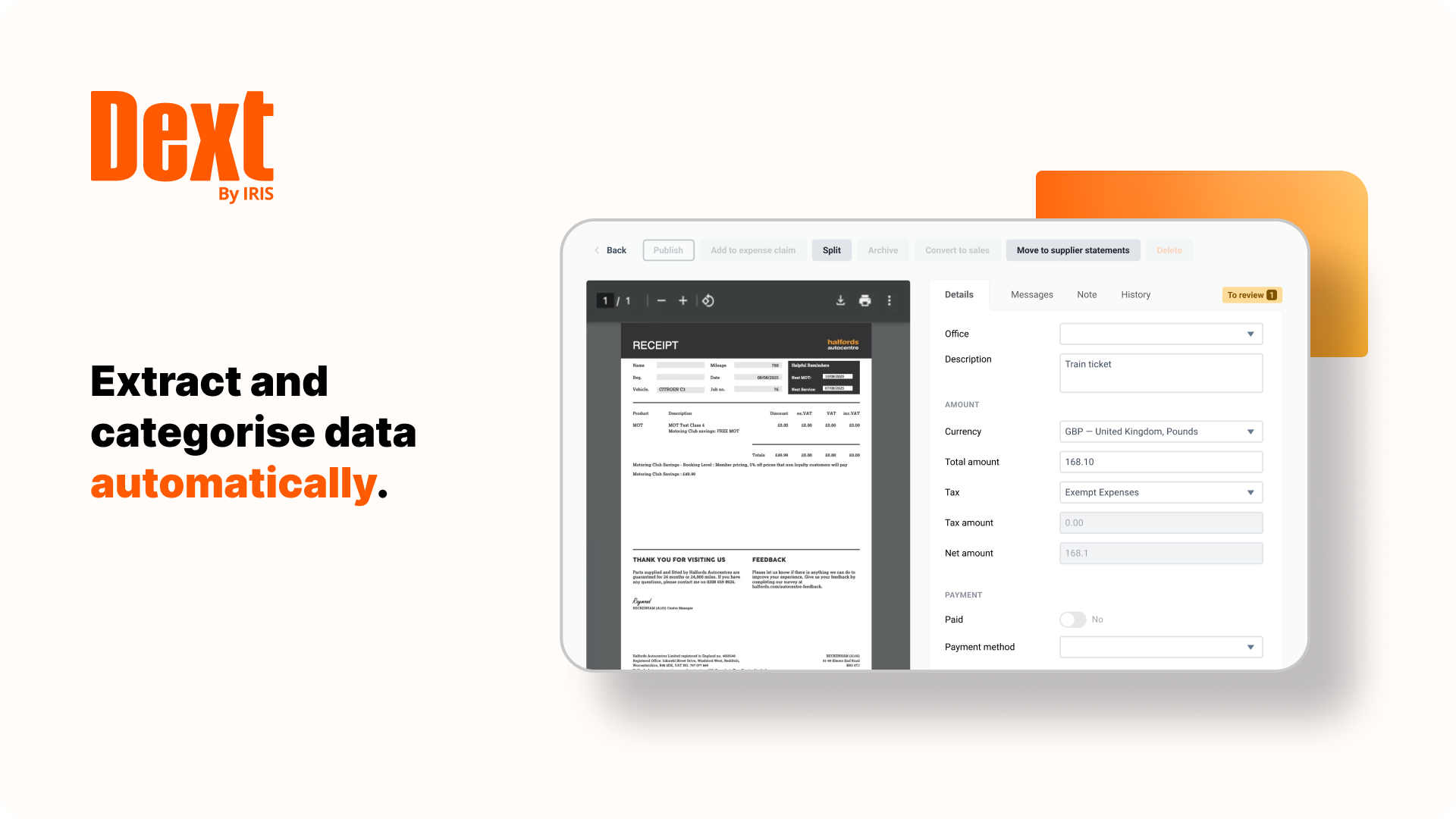
Dext is a bookkeeping automation platform now from IRIS (acquired December 2024) that eliminates much of the manual work associated to accounting processes.
$32
per month for 5 users (minimum) and 250 documents per month
Sage Intacct
Score 8.6 out of 10
N/A
Sage Intacct is a cloud ERP system targeted at high-growth small and medium-sized businesses. Intacct includes applications for core financials and accounting, purchasing, order management, and financial reporting and business intelligence. It also integrates with 3rd party software like Salesforce.
N/A
Pricing
Acumatica
Dext
Sage Intacct
Editions & Modules
No answers on this topic
Dext Essential (Pricing for practices)
$23.92
per month per client (10 minimum, for accounting & bookkeeping firms)
Dext Advanced (Pricing for practices)
$25.64
per month per client (10 minimum, for accounting & bookkeeping firms)
Dext for Businesses
starting at $31.50
per month for 5 users
No answers on this topic
Offerings
Pricing Offerings
Acumatica
Dext
Sage Intacct
Free Trial
No
Yes
No
Free/Freemium Version
No
No
No
Premium Consulting/Integration Services
Yes
No
Yes
Entry-level Setup Fee
No setup fee
No setup fee
No setup fee
Additional Details
Pricing is always consumption-based with no five-year lock-ins or termination penalties.
The Acumatica ERP pricing structure allows adding casual users, suppliers, and customers without paying for additional licenses.
The cost is based on the features and resources utilized, not on the number of users who access the system. An Acumatica partner works with users to understand specific requirements, determine the proper resources and modules for the company, and presents a price for the license.
We selected Acumatica as it seemed far more flexible, which was key for our business as we're very inflexible. We also have a lot of companies and projects which would be costly to incorporate in Sage Intacct. Oracle was concerning given their reputation and we feared we …
This was used in a different industry. When I started at my current company there were things I missed about Sage Intacct as far as the accounting portion of my job is considered. However, the project accounting portion of Acumatica is very helpful in my current industry.
We used Business Central for 8 years and after 8 months of implementing Acumatica our processes are more efficient and our reporting is miles ahead of where we were with Business Central, and at a fraction of the cost. Acumatica's cloud first approach and customizability puts …
We did a full company review on all products in use, identified our needs, and decided to run with Acumatica - it ticked more boxes and its focus on the construction and regular investment in refinement and investment to continually develop its product is a key asset.
We have many companies which was a sticking feature, and quite costly, with many of the solutions we evaluated. Additionally, we require project accounting which eliminated many of the options we thought we would consider. Acumatica's resource pricing model set it apart in …
We evaluated both products however Acumatica was more geared towards manufacturing companies that use the inventory module. As we do not keep inventory at our company we found Sage Intacct to be more friendly to nonfinancial users, of which we have 20+ in the system. We also …
Before switching to Sage Intacct we were using Microsoft Dynamics Solomon. We started evaluating software solutions in 2016 and looked at NetSuite, Acumatica, and Microsoft Dynamics 365 Finance. NetSuite had more bells and whistles than we needed. I was really impressed with …
Compared to its alternatives, Sage Intacct is fast, simple and easy to use and manageable. I like how their support team responds quick when you contact them. Any company looking for a very effective and cost-effective application for accounting i recommend Sage Intacct.
What makes Sage Intacct stand out from its competitors is usability, flexibility, simplicity and performance. It's a great and brilliant application that makes accounting processes easier.
The ease of management through the Cloud services with Sage Intacct makes the tool to be the best financial and account management solution with easy and responsive data connectors and easy to collaborate with other project users. Sage Intacct reports are easily created and the …
Sage Intacct functionality, performance, flexibility, and usability make it an exceptional and outstanding application for financial management. It is the best and safest I have ever encountered.
Sage Intacct makes it easy and fast to import any type of transaction and ability to bulk export all GL transaction data, a robust API allowing for integration with internal databases, payroll software, etc.
The reason why we chose Sage Intacct is because of its functionality, performance, and usability. It is the best and safest application I have ever used for financial management.
Sage Intacct is amazing, fantastic, easy-to-use and provides high security for our data. We cannot compare it with any other software since it meets all our requirements.
One of the reasons why we chose Sage Intacct is its functionality, performance, and usability. It is the best and safest application I have ever used for financial management.
Very similar to NetSuite. Other vendors did not match up well. Our poor experience with the Netsutie sales process vs our positive experience with Intacct highly influenced our decision.
I think it’s a great product. I think it’s very customizable, which is a big plus. For manufacturing, it’s excellent because of creating the inventory, turning it into an actual product to sell, and also tracking the status of each process within that system. I can’t think of any areas where it’s not suited, because otherwise we would be looking for something else or making changes, and at this time, we’re just growing with the system.
It is great for accounting firms. Easy to add and administer client accounts. Easy to integrate with QuickBooks Online. Easy for clients to capture and submit receipts on the go. It is hard to use for manual data entry, and if your clients frequently have very long receipts the Dext Mobile app does not work well as it compresses the image to the point where it is completely illegible. It does not seem to be designed for business owners to use directly rather than using it through their accounting firm.
I would say it is well-suited when the company has multiple entities, brands, departments, or business lines and needs consolidated reporting. For example, if an organization operates across different legal entities or business divisions, finance can maintain separate books while still producing consolidated financial statements. This is useful when leadership needs both a roll-up view and entity-specific reporting.
Particularly well is just the ease of it being able to be used. We're coming from Sage, that's the product that we used before. Sage was limited, five people could get into the system at a time. Acumatica is unlimited.
The amount of information that's so easily accessible has made us more efficient, more productive, and it just makes for an easier workday when everybody can see the same information real time.
Receipt Bank does a stellar job of extracting information from photos of receipts and bills. I'd say 95% of the time the information pulled is correct, so very rarely do I have to correct an amount or date.
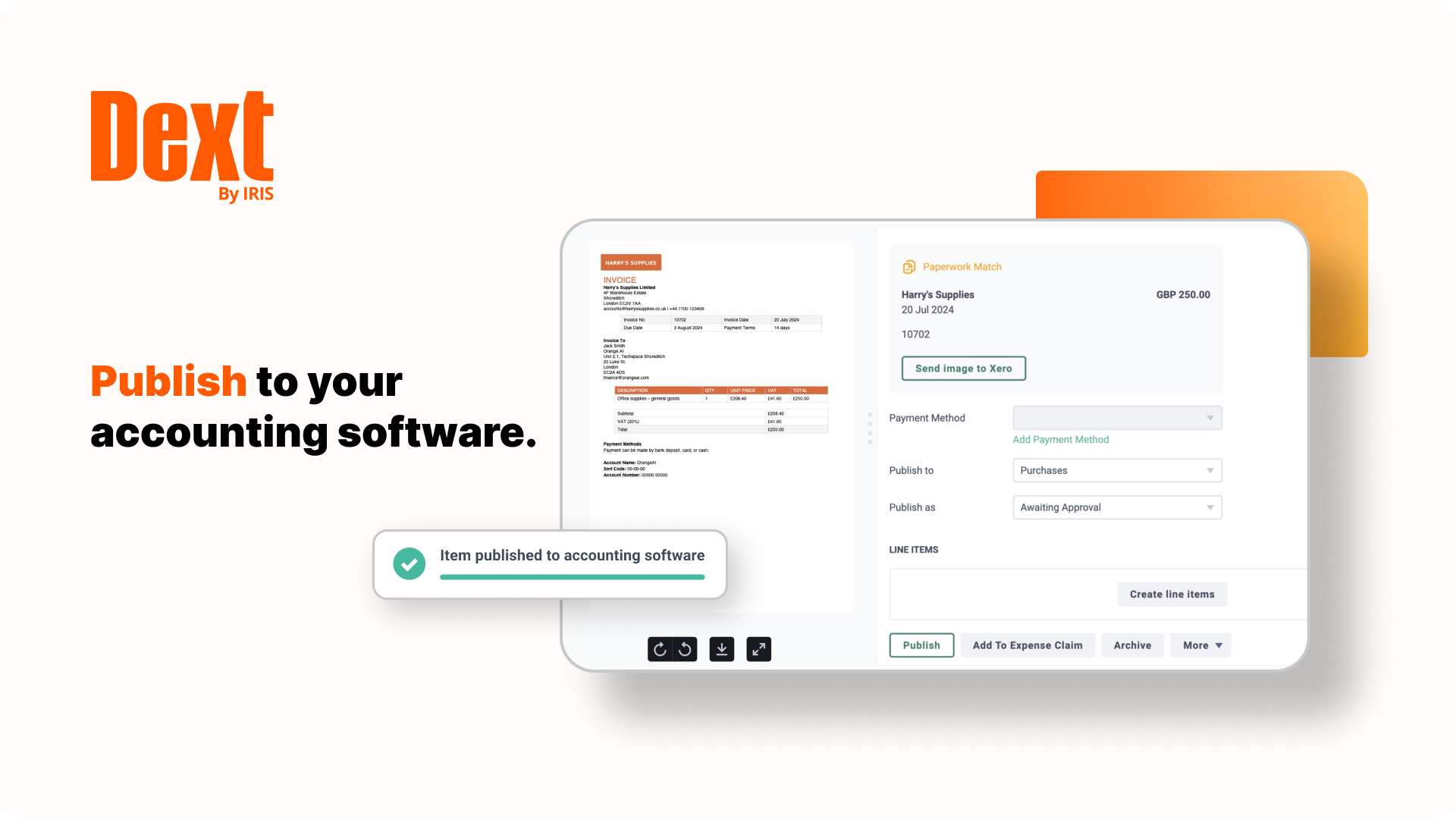
One feature I really enjoy is not only the syncing with Quickbooks Online, but the fact that it also pushes the image to Quickbooks Online as an attachment! This means that for every expense/bill processed through Receipt Bank, an image of it is available inside of the transaction inside of Quickbooks Online. This makes researching a breeze.
Receipt Bank makes it very simple for users to add documents to the platform. Each company receives a dedicated Receipt Bank email address, which they can email to and upload documents, or users can use the phone apps (which are really easy to use), or they can upload documents from their computer. Training our clients to use it really can't be any easier!
Custom, real-time financial reporting. I am able to streamline my reporting to pull in various account groups and calculations which save me time from having to do it in Excel.
Out of the box standard reports for clients who don't require as custom of reporting or even as a great starting point to build out reports.
Integrations with other platforms, such as Airbase, various banks, Rippling, etc.
The dashboard module is extremely helpful in my monthly review of various entities.
Acumatica's open API is very powerful but doesn't get integrated cleanly across every external system, challenge arises with integration of legacy systems
Some of the platform feature's requires third-party add-ons or custom developments like advance finance report & BI.
Sometimes it gets glitch in the system leading slower processing speed
Receipt Bank Practice Platform has many great features. As they develop the platform I would like to see a rigorous review of all features so as not to add too many and overwhelm my team.
Having the flexibility to pick and choose from a suite of features and implement the ones that best suit my practice. A tailor made Receipt Bank Practice Platform. this would allow my practice to grow into the features rather than be overwhelmed by too many.
We are highly likely to renew because Acumatica has become the foundation of our ERP strategy replacing another ERP system with a more flexible, scalable platform while improving governance, planning, and operational visibility. Ongoing stabilization, roadmap investment in IBP and automation, and strong alignment across Finance and Operations give us long‑term confidence in the platform.
Dext is the best way for us to manage our business expenses. Physical and PDF receipts/invoices will be around for a while, but the move to eInvoicing is very good and we look forward to Dext adding this feature
Sage Intacct is continuously evolving and increasing it's functionalities. I am excited to attend conferences to learn what is in the roadmap for future releases. Additionally, using Sage Intacct allows me grow as a professional, I am really enjoy the knowledge that I have within the product to be able to share my experiences.
The processes are very intuitive and easy to use. Whether you are entering AP bills, timecards for payroll, or AR invoices, the processes are similar and easy to use. The drill-down capability is also a huge plus as you can easily toggle between different modules without having to leave the screen you are in and navigating through a menu to get the information you need. We found that the standard reports out of the box are lacking. Our implementation did not go so well and when we were finally ready to run financial reports, it was both disappointing and frustrating to discover that the P&L was highly summarized and to get a detailed report required having to do a lot of formatting myself. I was able to figure it out on my own, but when our financials were already delayed getting published, I did not really have the time to spend trying to figure out how to build my own P&L.
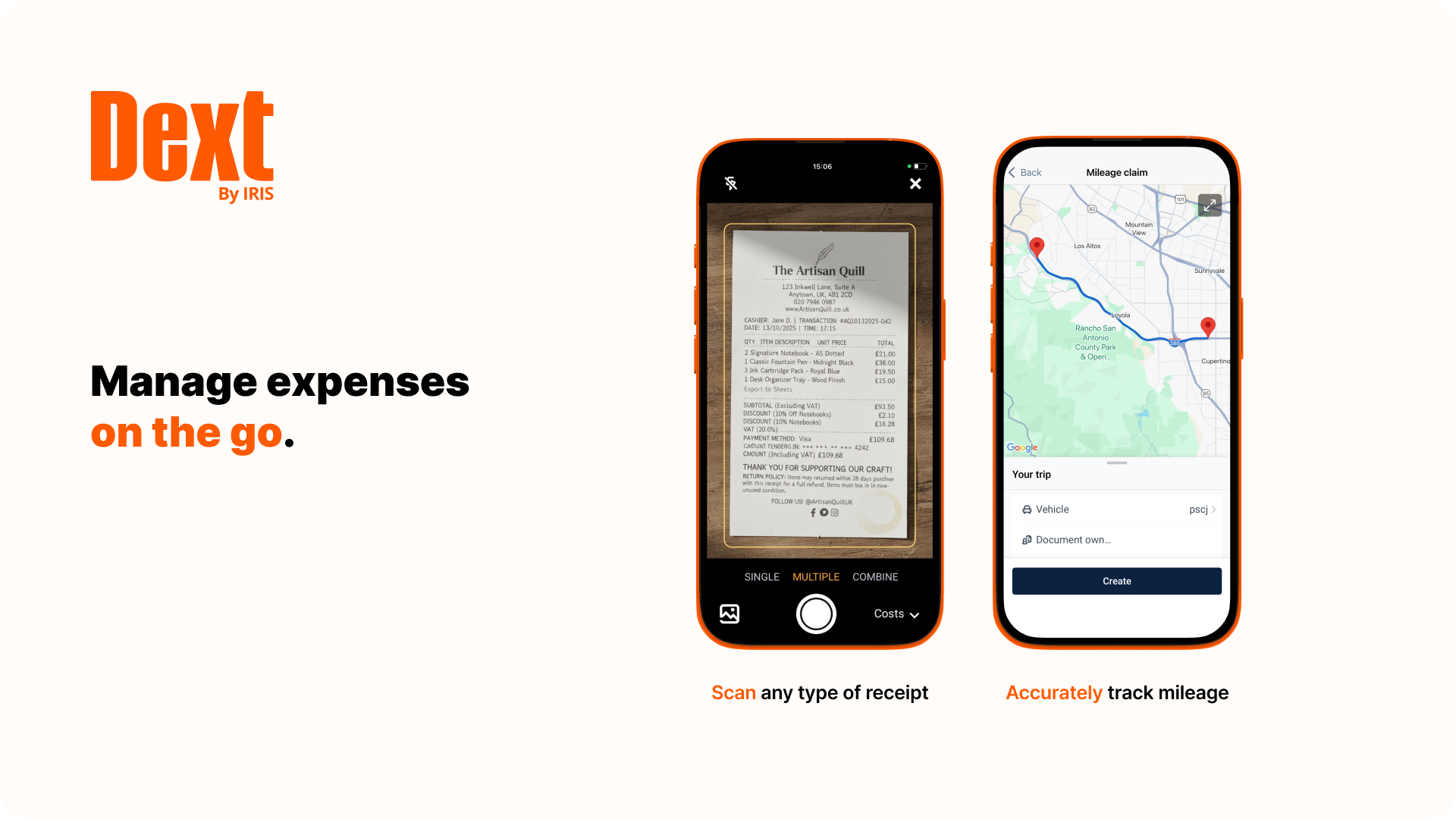
Dext Prepare's usability is great, it has lots of functions and you can scan any type of document, including hard copy handwritten documents. It is not very accurate but it is handwritten!! Apart from it, you can use multiple functions like one page at a time, multiple, in bulk. You can send emails with multiple attachments and one of the greatest function is the mobile application capabilities.
The ease of use as a seasoned user is wonderful; however, new users struggle to adapt to the program efficiently. Better training videos--all in one location--would be beneficial. The use of a "sandbox" environment is a great tool for new employees or for the fiscal department to test certain journal entries or other transactions to verify accuracy of data.
There has only been one occurrence where Sage Intacct was not available to me, however I had already been working a number of hours trying to get a project completed. It honestly allowed me to step back and take a much needed break.
As fas as integration is concerned I don't feel this slows Sage Intacct down at all. However, sometimes I do feel it takes some larger reports more time to load due to all the detail. As well as, I "move very fast" in my motions so sometimes I double click on fuctions too quickly and the system seems to think that I have a duplicate request.
I would rate the overall support for Acumatica an 8 out of 10. The support team is generally responsive, knowledgeable, and helpful when resolving issues or answering questions. Documentation and community resources are also useful. However, response times can occasionally vary depending on the complexity of the issue or support queue, which slightly affects the overall experience.
When I think I have broken the platform the help guys and girls are simply fantastic. They take time to understand the problem and usually resolve the issue on the spot. I have not had to wait more than an hour to get anything resolved - be that an issue I have created or a fault in my understanding of the program. Can't rate their support I have received to date highly enough.
Only a few times have we had to reach out to support, and every time we did, we received a relatively quick response and a solution was found fairly quickly. Only once was there an issue that took longer than a week to resolve, but it still did eventually get solved.
I have taken in person training classes at several of the annual Sage Intacct user conferences. It is very interactive and the trainers are very easy to follow and understand. They are great at getting everyone in the class involved. They also make sure everyone has learned to task before moving to a new one.
The free training is very minimal. For what we pay for the service, I would like more training. We end up training new users in-house because the provided free training is not nearly comprehensive enough. That being said, the training provided, for the material covered, was adequate and relevant for the given topics.
I'd say the partner selection is critically important. I think the software is very easy to implement. It's very customizable to your business. Finding a partner that will work with you to understand your business and your needs is the critical piece to make sure that the system goes along with it.
I would not use a thrid party administrator to implement your system, especially if you are going to be modifying the system at all. Use Intacct implementors as they will be able to better support you on any issues that come up after you go live.
Having used Pastel for a long time in the business, it lacked certain features, or the system was not probably setup for our business needs and requirements at the time. It was also not 100% cloud based and needed to be used through remote desktop which had its limitations. Zero just had 10% of what our business needed.
Dext is much easier to use than Hubdoc. You can approve documents in batches whereas in Hubdoc you need to review each document separately. Once Dext is set up properly, there is little need to review every document.
Hubdoc does have the ability to save documents to an external site, like Google docs as a backup.
Sage Intacct is very similar to Netsuite, but I think the project reporting within Sage is simpler and easier to manage. Sage Intacct is much more robust than Quickbooks or most other softwares, but it is also significantly more expensive. I highly recommend to use Sage Intacct if your business is large enough to handle the price tag.
From my understanding, the P.O. module is not very robust, at least the last time I inquired about it. At the time, it had a one-to-one match, with one invoice for one P.O. and that isn't practical for many businesses. I don't believe it would be an easy system to use for sending out invoices, if we had thousands of retail utility customers. We do a small number of invoices because we sell wholesale power, not retail, so we only Invoice the municipality. Not each utility customer.
They are very responsive and knowledgeable about the product. If the rep doesn't have the ability to solve the issue, they quickly get someone else involved to assist us.
We are able to send automated notifications through business Events, which ensures that information travels seamlessly and without the possibility of someone forgetting an email.
We save time being able to read our demand and level it against our current inventory qty on hand and our supply to make better strategic decisions when purchasing.
Better our business and see our pitfalls that were once hidden in our factory by establishing an On-Time Delivery system within a generic inquiry that uses data that is readily available in Acumatica.
I am a single operator Bookkeeping business and run a very profitable business because DEXT provides me a very efficient process to capture critical data without the need for additional manpower.
The information DEXT captures, stores and reports helps me plan an present relevant information to the client to support pricing increases at client reviews
The information DEXT contains helps me present business insights to the client thereby assisting in their business aspirations which helps deepen client relationships
Positive - It runs better than our old software when we all work together, rather than having to sign off on each other and deal with syncing issues.
Negative - It's not as easy to go back to fix an amount, a date, etc. Sometimes, a very small mistake needs to be corrected by voiding and redoing the entire transaction.
We can successfully sync other software we use with Intacct! It reduces workload when things are automated.