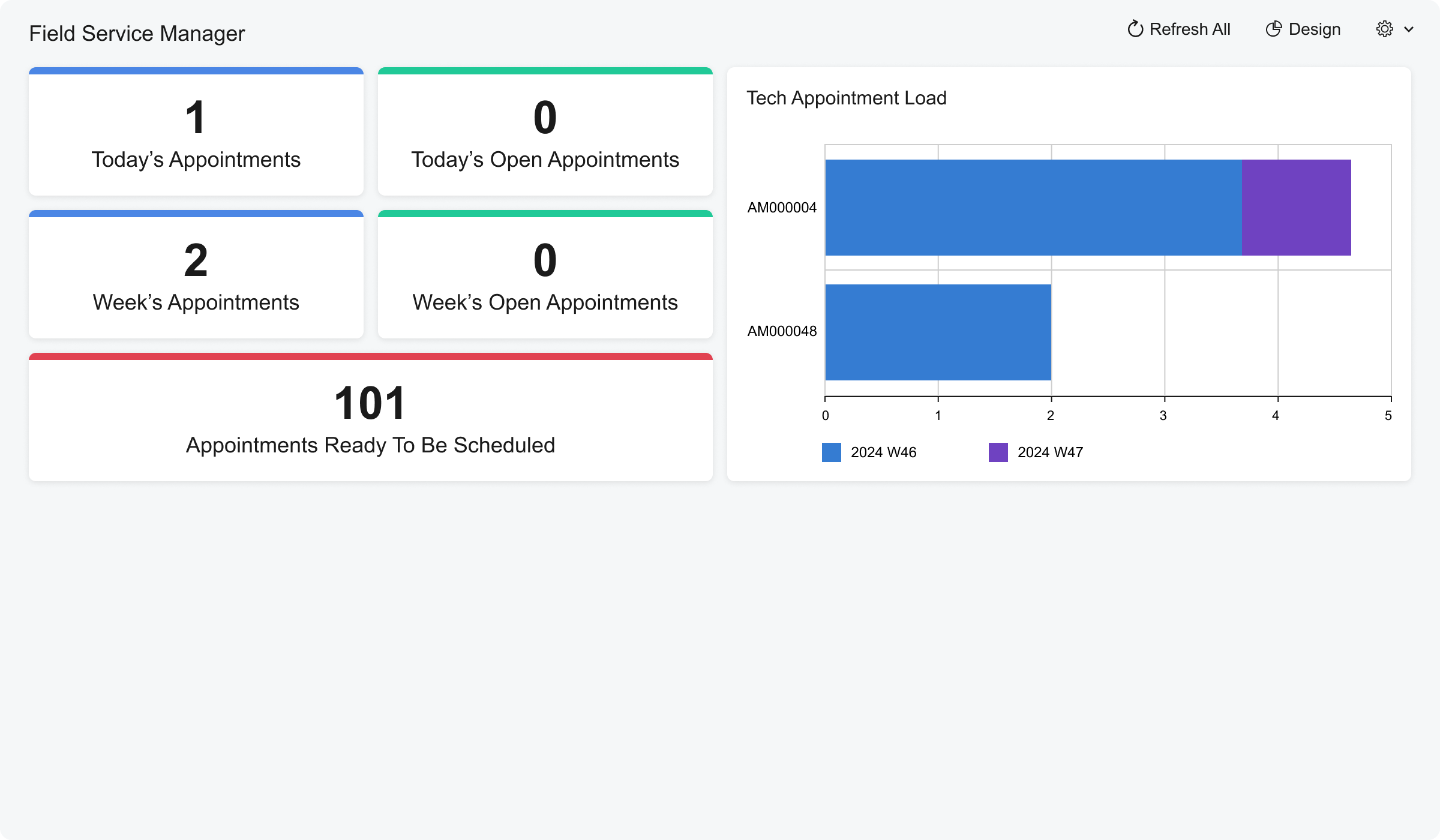
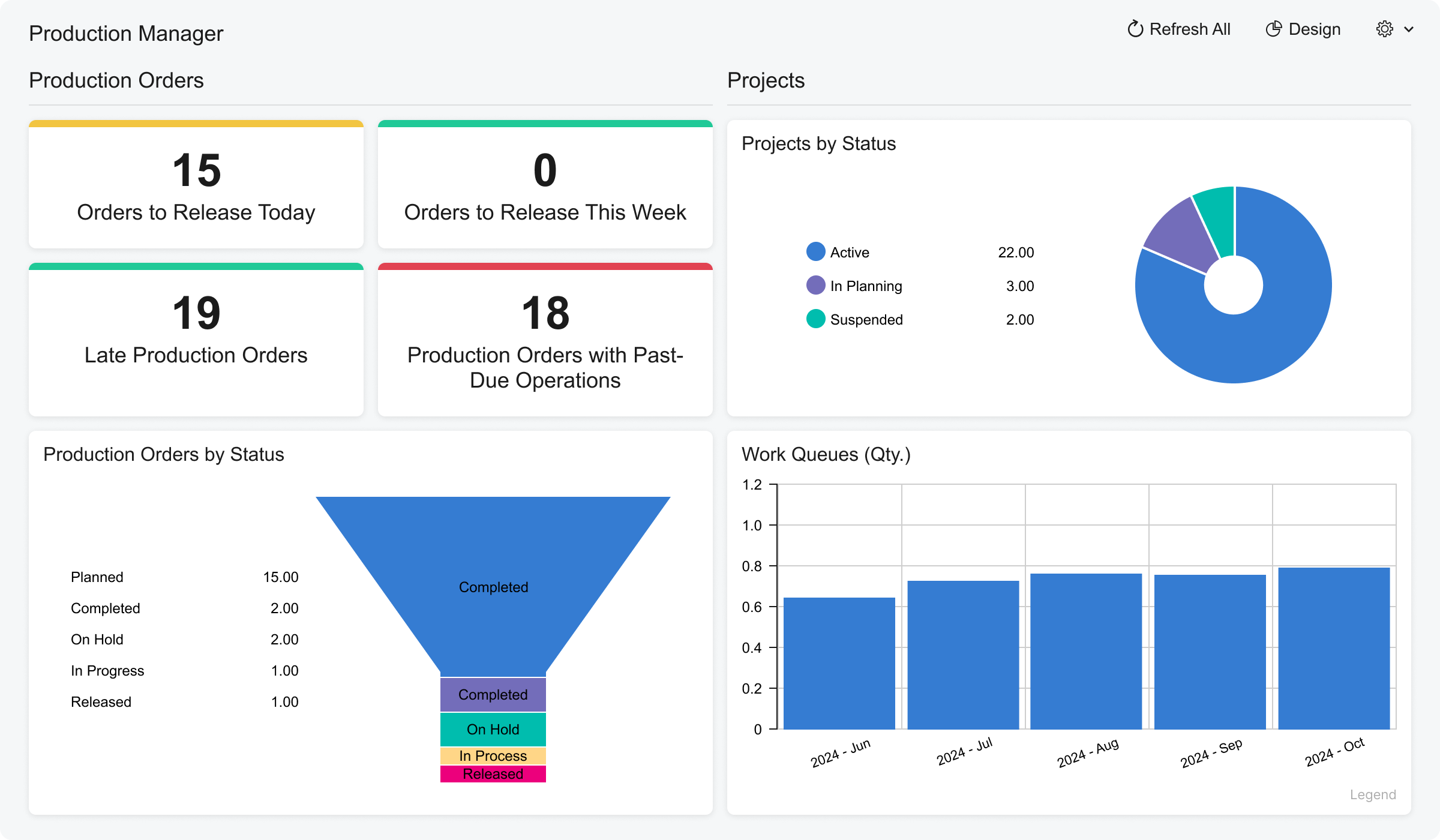
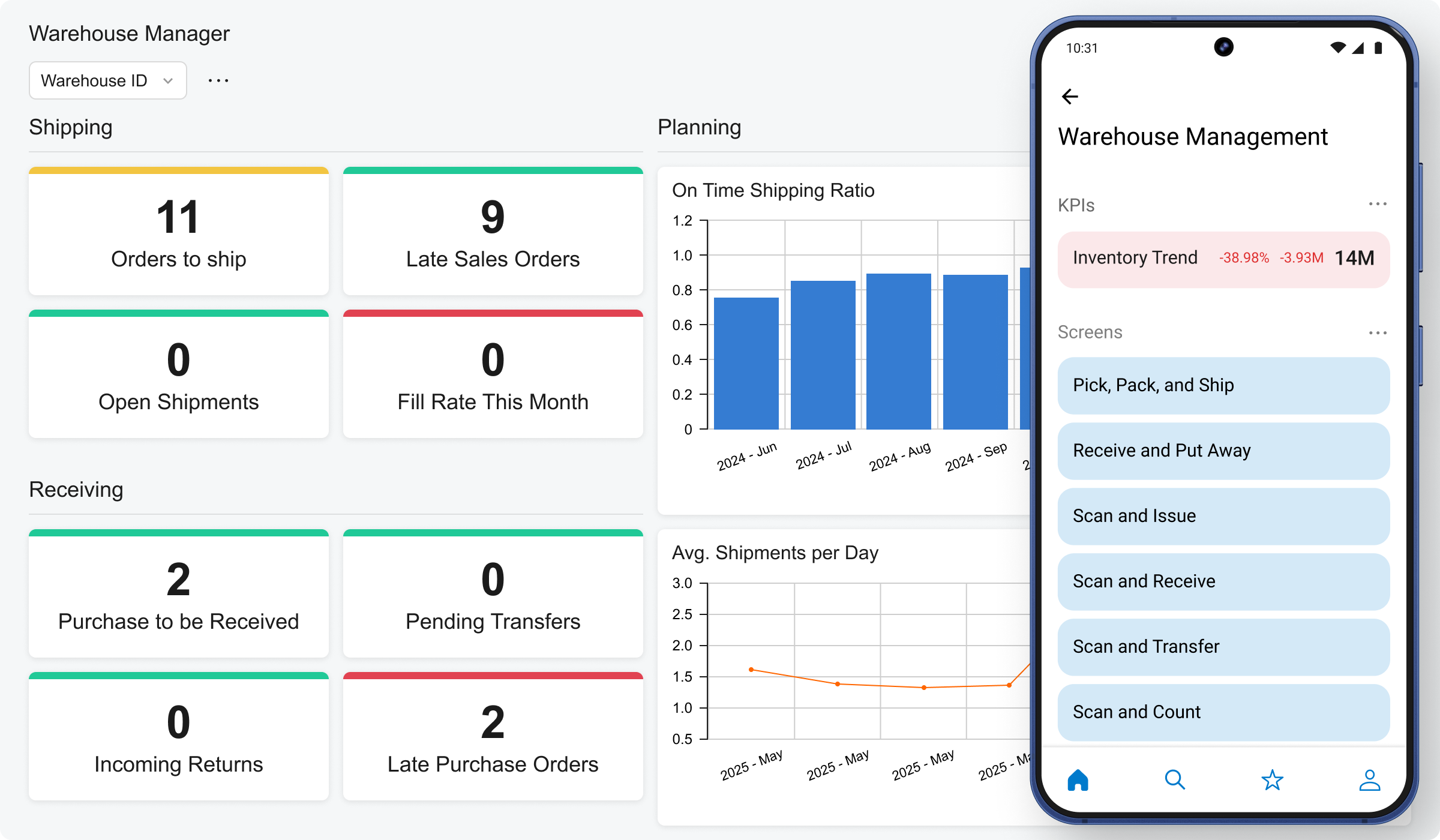
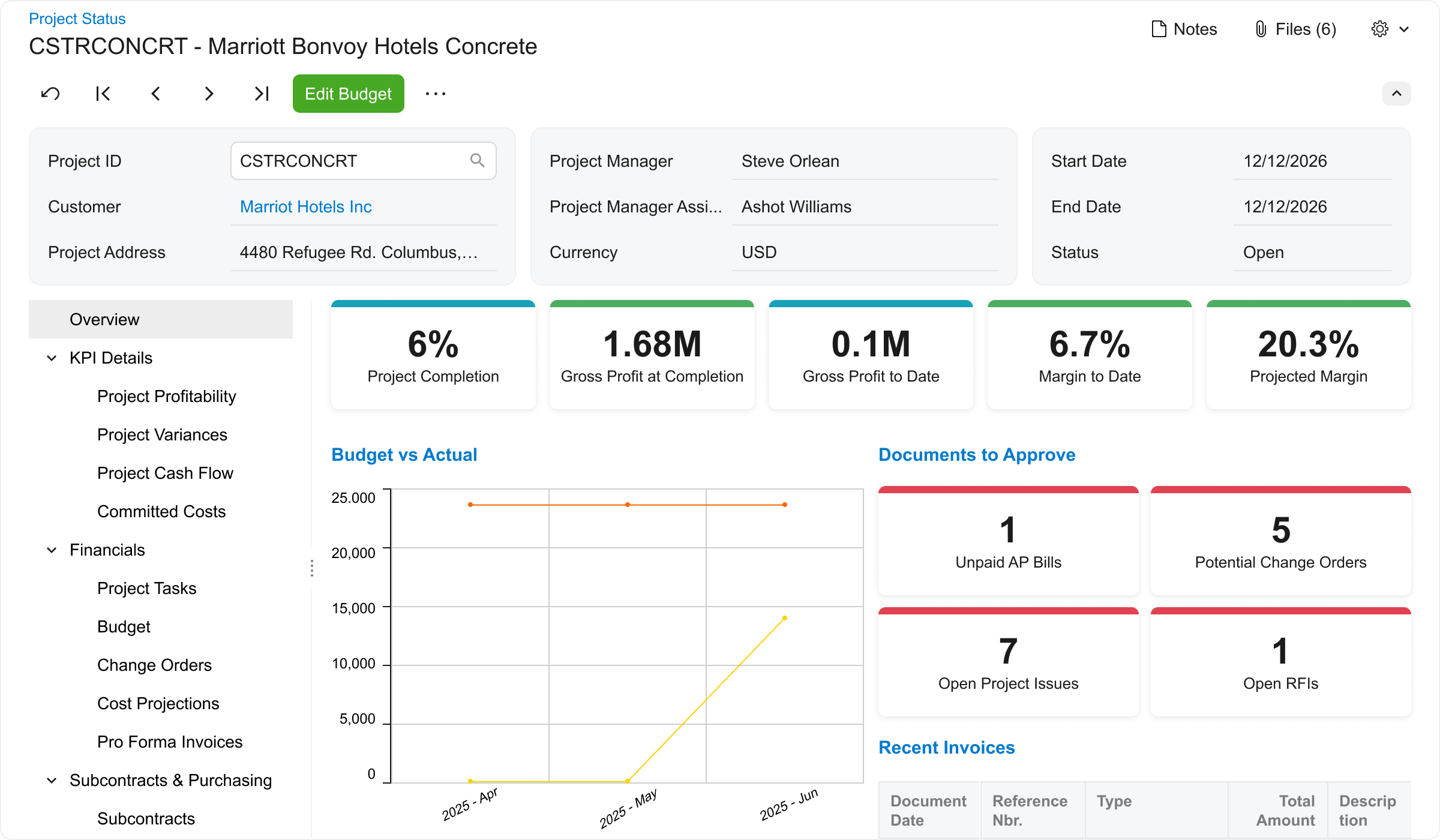
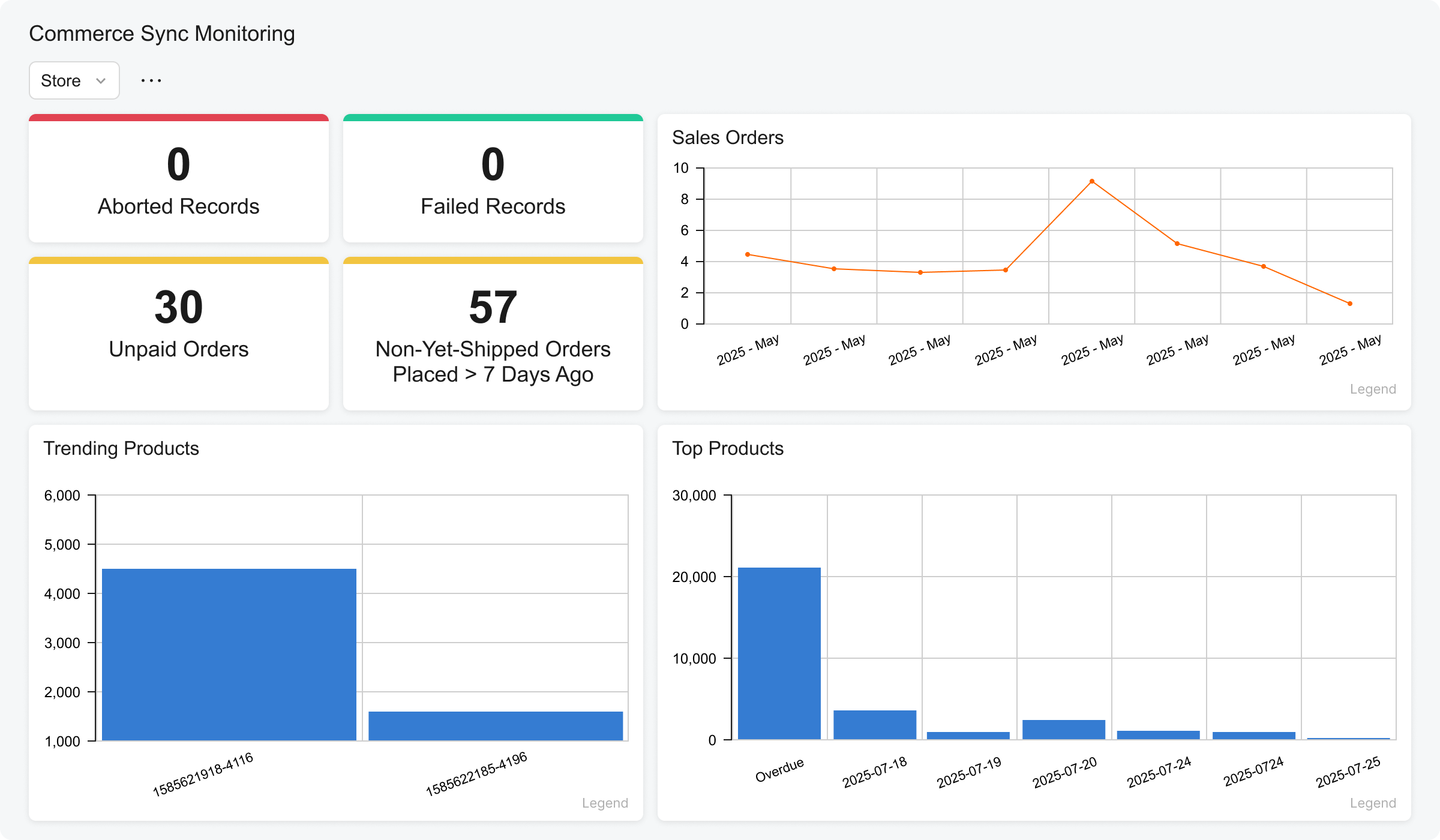
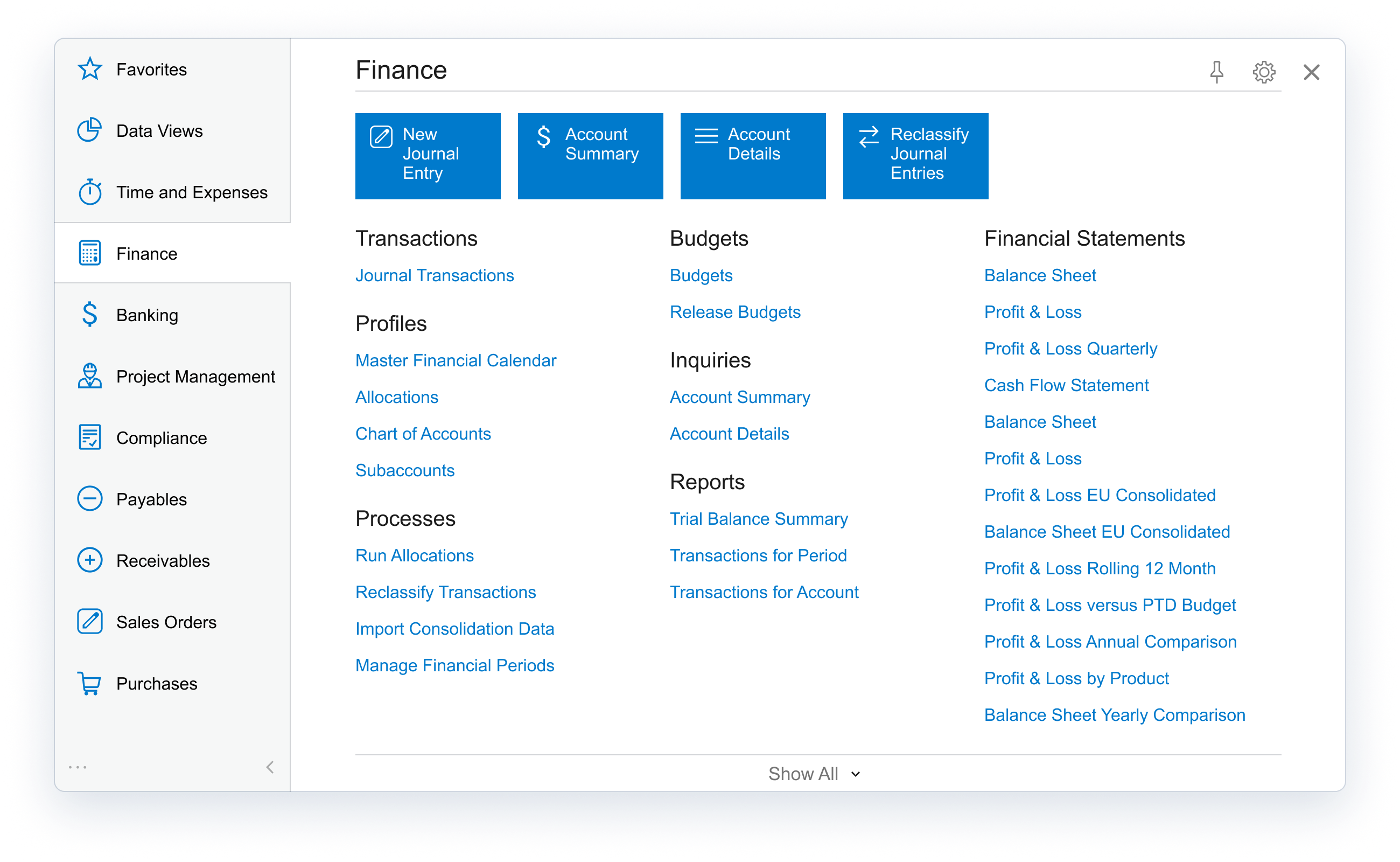
Acumatica delivers a set of cloud-based business software applications with dashboards, reporting tools, integrated document management, centralized security, and customization tools.
$1,000
per year
Sage Intacct
Score 8.6 out of 10
N/A
Sage Intacct is a cloud ERP system targeted at high-growth small and medium-sized businesses. Intacct includes applications for core financials and accounting, purchasing, order management, and financial reporting and business intelligence. It also integrates with 3rd party software like Salesforce.
N/A
Microsoft Dynamics SL
Score 5.5 out of 10
N/A
Microsoft Dynamics SL is one of the ERP products in the Dynamics family.
This product was acquired from Solomon 2000.
The product is typically used by SMBs, particularly in project-based businesses (e.g. construction). It has strong accounting and project management capabilities.
N/A
Pricing
Acumatica
Sage Intacct
Microsoft Dynamics SL
Editions & Modules
No answers on this topic
No answers on this topic
No answers on this topic
Offerings
Pricing Offerings
Acumatica
Sage Intacct
Microsoft Dynamics SL
Free Trial
No
No
No
Free/Freemium Version
No
No
No
Premium Consulting/Integration Services
Yes
Yes
No
Entry-level Setup Fee
No setup fee
No setup fee
No setup fee
Additional Details
Pricing is always consumption-based with no five-year lock-ins or termination penalties.
The Acumatica ERP pricing structure allows adding casual users, suppliers, and customers without paying for additional licenses.
The cost is based on the features and resources utilized, not on the number of users who access the system. An Acumatica partner works with users to understand specific requirements, determine the proper resources and modules for the company, and presents a price for the license.
We selected Acumatica as it seemed far more flexible, which was key for our business as we're very inflexible. We also have a lot of companies and projects which would be costly to incorporate in Sage Intacct. Oracle was concerning given their reputation and we feared we …
This was used in a different industry. When I started at my current company there were things I missed about Sage Intacct as far as the accounting portion of my job is considered. However, the project accounting portion of Acumatica is very helpful in my current industry.
We used Business Central for 8 years and after 8 months of implementing Acumatica our processes are more efficient and our reporting is miles ahead of where we were with Business Central, and at a fraction of the cost. Acumatica's cloud first approach and customizability puts …
We did a full company review on all products in use, identified our needs, and decided to run with Acumatica - it ticked more boxes and its focus on the construction and regular investment in refinement and investment to continually develop its product is a key asset.
Dynamics SL is our current platform that we are migrating away from due to the lack of new features and future support. We attempted to launch with Dynamics 365 but found many screens and work flows do not work as intended. We left those project deployments and went with …
We transitioned from Dynamics SL to Acumatica in March of 2020. Acumatica met our needs, was less expensive and easier to use.
Verified User
Vice-President
Chose Acumatica
We have many companies which was a sticking feature, and quite costly, with many of the solutions we evaluated. Additionally, we require project accounting which eliminated many of the options we thought we would consider. Acumatica's resource pricing model set it apart in …
We evaluated both products however Acumatica was more geared towards manufacturing companies that use the inventory module. As we do not keep inventory at our company we found Sage Intacct to be more friendly to nonfinancial users, of which we have 20+ in the system. We also …
Before switching to Sage Intacct we were using Microsoft Dynamics Solomon. We started evaluating software solutions in 2016 and looked at NetSuite, Acumatica, and Microsoft Dynamics 365 Finance. NetSuite had more bells and whistles than we needed. I was really impressed with …
Sage Intacct has better features than Microsoft SL. I used SL at a past employee, the system was outdated and didn't offer a lot of features Intacct does. SL was slow and the usability / functionality were not highly rated. Intacct I still believe needs to continue to develop …
Compared to its alternatives, Sage Intacct is fast, simple and easy to use and manageable. I like how their support team responds quick when you contact them. Any company looking for a very effective and cost-effective application for accounting i recommend Sage Intacct.
What makes Sage Intacct stand out from its competitors is usability, flexibility, simplicity and performance. It's a great and brilliant application that makes accounting processes easier.
The ease of management through the Cloud services with Sage Intacct makes the tool to be the best financial and account management solution with easy and responsive data connectors and easy to collaborate with other project users. Sage Intacct reports are easily created and the …
Sage Intacct functionality, performance, flexibility, and usability make it an exceptional and outstanding application for financial management. It is the best and safest I have ever encountered.
Sage Intacct makes it easy and fast to import any type of transaction and ability to bulk export all GL transaction data, a robust API allowing for integration with internal databases, payroll software, etc.
The reason why we chose Sage Intacct is because of its functionality, performance, and usability. It is the best and safest application I have ever used for financial management.
Sage Intacct is amazing, fantastic, easy-to-use and provides high security for our data. We cannot compare it with any other software since it meets all our requirements.
One of the reasons why we chose Sage Intacct is its functionality, performance, and usability. It is the best and safest application I have ever used for financial management.
Microsoft Dynamics GP and SL are both very antiquated systems. They are rigid and do not offer much customization. Quickbooks is affordable but lacks in its reporting functionalities for a mid-sized business. Xero is a decent system but is not as powerful as Sage Intacct.
Microsoft Dynamics - Solomon is much easier to use. Financial Edge is not very user-friendly but it's easier to use than Intacct. Intacct does have more features than Solomon and Financial Edge.
Very similar to NetSuite. Other vendors did not match up well. Our poor experience with the Netsutie sales process vs our positive experience with Intacct highly influenced our decision.
Intacct's out of the box functionality as a SaaS platform allowed us to standardize accounting processes while providing enough configurations to match core business workflows.
Dynamics SL has a good Project Accounting module, but it is very antiquated; some businesses need those features: I have seen some companies use very old solutions, and they are married to them because they have been highly customized and do one thing that they must have really …
Coming from Sage, when you have to post financial data, it locks the system. Acumatica, there is no delay, there is no downtime. Dashboards. My CEO recently asked me, "I really want to see what our top customers are and what markets that they're spending the most money in." Acumatica had that widget already prepared for me.
Sage has been ideal for our organizations to scale while maintaining functionality. Importing has made growth and acquisitions within our company easy to onboard additional entities from other platforms. The automation features are high quality and necessary for high transaction frequency companies. The reporting is great for overall reviews of business however custom reports can be difficult to create for specific needs. A high amount of training and developer support is needed to get started, however once fully onboarded the workflows and automations do most of the work allowing you to take time to learn the intricacies
For a small to mid-size business, MS Dynamics SL is effective. We are capable of managing our finances with a very low risk of error. We have worked with MS Dynamics for almost 15 years and have more than doubled the size of our business in that time with very few issues from the program. We have exponentially increased our revenue and reporting demands and have found SL to be very dependable and stable. The program does have the occasional glitch and those are sometimes outside of the realm of expertise of our IT department. SL support is excellent, but their timeliness is not as urgent as ours.
Real-time access to financials across firm's locations in India for better in-house sales, cost and financial health analysis
The tool is great with respect to the creation of dashboards and KPI reporting to get visual picture of profitability and cash flow metrics across projects
Custom, real-time financial reporting. I am able to streamline my reporting to pull in various account groups and calculations which save me time from having to do it in Excel.
Out of the box standard reports for clients who don't require as custom of reporting or even as a great starting point to build out reports.
Integrations with other platforms, such as Airbase, various banks, Rippling, etc.
The dashboard module is extremely helpful in my monthly review of various entities.
Provides flexibility for complex project based cost accounting
Strong and flexible allocation processer for cost allocations, markups, and pricing
A "Flexible Billing" module under the project controller series that allows for multiple billing formats ranging from fixed price schedule of values, T&M or Cost Plus, and scheduled billing.
Flexible reporting with options using Crystal Reports, SSRS, a Quick Query tool, and ability to tie into MS Office tools such as MS Access and MS Excel
Tight integration with Financials, but also the ability to integrate with modules such as Sales Order, Inventory, and Field Service
Customization abilities ranging from a VBA (visual basic for application) foundation to allow customizing existing forms to the ability to use the SDK (Software Development Kit) to build more complex customizations that integrate with Dynamics SL.
Mass updating existing BOMs or Production Order Details. For larger orders, especially if many things need to be changed it can take a painstakingly long time to update each production order one-by-one.
The product configurator is too flat, we definitely need nested configurations that can capture variable subassemblies.
Accounting has room for improvement, I don't really like the idea of SO Invoices living in a separate spot until they are Released. I have had complaints from our accounting personnel since they have to leave the "Accounting World".
Reporting in the Project module is lacking functionality. I understand that most companies have specific needs when it comes to tracking project information but the standard reports are not good.
I would recommend a product like Management Reporter that is for Projects only. Project Reporter should allow users to pull in all Project related data into reports.
Fixing suspended batches. Obviously all of us users have experienced this mess. SL knows what needs to be corrected and there could be some step by step fixes in a separate repair module to do the steps we do in Query Analyzer.
We are highly likely to renew because Acumatica has become the foundation of our ERP strategy replacing another ERP system with a more flexible, scalable platform while improving governance, planning, and operational visibility. Ongoing stabilization, roadmap investment in IBP and automation, and strong alignment across Finance and Operations give us long‑term confidence in the platform.
Sage Intacct is continuously evolving and increasing it's functionalities. I am excited to attend conferences to learn what is in the roadmap for future releases. Additionally, using Sage Intacct allows me grow as a professional, I am really enjoy the knowledge that I have within the product to be able to share my experiences.
Unfortunately, Dynamics' lack of ability to smoothly integrate with our CRM system is causing us to look at other solutions. The efficiencies that we gain by using Dynamics for our day to day accounting are lost in the constant headaches of getting sales quotes to import properly into the system for invoicing. Another major issue for us has been budgeting and reporting. We currently do all of our budgeting and board reporting in Excel, which is too time consuming and inefficient, especially when a system as robust as Dynamics should easily be able to handle this relatively simple task.
The processes are very intuitive and easy to use. Whether you are entering AP bills, timecards for payroll, or AR invoices, the processes are similar and easy to use. The drill-down capability is also a huge plus as you can easily toggle between different modules without having to leave the screen you are in and navigating through a menu to get the information you need. We found that the standard reports out of the box are lacking. Our implementation did not go so well and when we were finally ready to run financial reports, it was both disappointing and frustrating to discover that the P&L was highly summarized and to get a detailed report required having to do a lot of formatting myself. I was able to figure it out on my own, but when our financials were already delayed getting published, I did not really have the time to spend trying to figure out how to build my own P&L.
The ease of use as a seasoned user is wonderful; however, new users struggle to adapt to the program efficiently. Better training videos--all in one location--would be beneficial. The use of a "sandbox" environment is a great tool for new employees or for the fiscal department to test certain journal entries or other transactions to verify accuracy of data.
I rate it a 10 because we have removed the fields we don't need so users can really crank the data into the system. The software was designed for the professional services firm in mind but does a tremendous job for construction firms and "blended" companies that are both distribution firms but project centric as well. Perhaps they drop ship inventory to a project where their employees or subs need to work on a project for example.
There has only been one occurrence where Sage Intacct was not available to me, however I had already been working a number of hours trying to get a project completed. It honestly allowed me to step back and take a much needed break.
We have had only one unplanned outage for 2 hours in the last 30 months. We shut down for 30 min to 1 hour once a month, but that is for Microsoft OS updates to the servers. Being a 24/7 world wide operation, the reliability is really important. We do get an 8 hour window on the weekend that we can be down for a short period to install Microsoft Dynamics SL updates, but we do not have many of those. On our last version upgrade, we shut the users out at 9:30 am and were fully operational in less than 6 hours. The upgrade was New SQL server, New SL server and 2 new Citrix servers.
As fas as integration is concerned I don't feel this slows Sage Intacct down at all. However, sometimes I do feel it takes some larger reports more time to load due to all the detail. As well as, I "move very fast" in my motions so sometimes I double click on fuctions too quickly and the system seems to think that I have a duplicate request.
I would rate the overall support for Acumatica an 8 out of 10. The support team is generally responsive, knowledgeable, and helpful when resolving issues or answering questions. Documentation and community resources are also useful. However, response times can occasionally vary depending on the complexity of the issue or support queue, which slightly affects the overall experience.
Only a few times have we had to reach out to support, and every time we did, we received a relatively quick response and a solution was found fairly quickly. Only once was there an issue that took longer than a week to resolve, but it still did eventually get solved.
Support is only used when needed, so unfortunately ,they get all the odd issues. It's a difficult business, but Microsoft and our firm do a great job of meeting customer needs. We get routine feedback that our support services are very good.
I have taken in person training classes at several of the annual Sage Intacct user conferences. It is very interactive and the trainers are very easy to follow and understand. They are great at getting everyone in the class involved. They also make sure everyone has learned to task before moving to a new one.
The free training is very minimal. For what we pay for the service, I would like more training. We end up training new users in-house because the provided free training is not nearly comprehensive enough. That being said, the training provided, for the material covered, was adequate and relevant for the given topics.
I'd say the partner selection is critically important. I think the software is very easy to implement. It's very customizable to your business. Finding a partner that will work with you to understand your business and your needs is the critical piece to make sure that the system goes along with it.
I would not use a thrid party administrator to implement your system, especially if you are going to be modifying the system at all. Use Intacct implementors as they will be able to better support you on any issues that come up after you go live.
Just to let it take its course. The implementation for me once I became a part of my former organization was pretty seamless. Just get to know the basics and call the support team to ask questions if you need help on an issue, should they arise. They are ready, willing, and able to help!
Having used Pastel for a long time in the business, it lacked certain features, or the system was not probably setup for our business needs and requirements at the time. It was also not 100% cloud based and needed to be used through remote desktop which had its limitations. Zero just had 10% of what our business needed.
Sage Intacct has most of the best features but doesn't have things integrated that I don't need/use. It's very module based so you can add/remove modules as you need to. It's very scalable as well so as I add entities, there's not an incremental software cost like there would be with QuickBooks and it's less expensive than Oracle.
Of the comparable mid-range ERP systems, Dynamics SL competes at the lower end based on price, but also above the high-end based on flexibility, data, and reporting. Being able to stay with the same core accounting from a $100 million dollar company to a $3 billion dollar company shows the range of capabilities.
From my understanding, the P.O. module is not very robust, at least the last time I inquired about it. At the time, it had a one-to-one match, with one invoice for one P.O. and that isn't practical for many businesses. I don't believe it would be an easy system to use for sending out invoices, if we had thousands of retail utility customers. We do a small number of invoices because we sell wholesale power, not retail, so we only Invoice the municipality. Not each utility customer.
They are very responsive and knowledgeable about the product. If the rep doesn't have the ability to solve the issue, they quickly get someone else involved to assist us.
I feel like I am not using it to it's potential and it's frustrating to know that it can do more than I am able to use and more help with that would be great
The implementation was a lot of customize building and I felt like some of it could have been built by my partner rather than having them sit and watch me enter a bunch of stuff, especially when a lot of it was over my head in understanding
Positive - It runs better than our old software when we all work together, rather than having to sign off on each other and deal with syncing issues.
Negative - It's not as easy to go back to fix an amount, a date, etc. Sometimes, a very small mistake needs to be corrected by voiding and redoing the entire transaction.
We can successfully sync other software we use with Intacct! It reduces workload when things are automated.