Asana is a web and mobile project management app. With tasks, projects, conversations, and dashboards, Asana lets an entire team know who's doing what by when, enabling workload balancing. Users can also add integrations for GANTT charts, time tracking and more.
$13.49
per month per user
Deltek TrafficLIVE
Score 4.0 out of 10
N/A
Deltek’s TrafficLIVE is a cloud-based agency management
software solution. The vendor says that the solution provides unmatched
visibility into an agency’s entire business; improves business processes and
drives efficiency that sets an agency up for success and increased
profitability. TrafficLIVE is designed to help agencies to be more connected,
productive and profitable. The vendor says that with TrafficLIVE agencies can start:
Attacking
Over…
N/A
Wrike
Score 8.5 out of 10
Mid-Size Companies (51-1,000 employees)
Wrike is a project management and collaboration software. This solution connects tasks, discussions, and emails to the user’s project plan. Wrike is optimized for agile workflows and aims to help resolve data silos, poor visibility into work status, and missed deadlines and project failures.
$240
per year 2 users (minimum)
Pricing
Asana
Deltek TrafficLIVE
Wrike
Editions & Modules
Starter
$13.49
per month per user
Advanced
$30.49
per month per user
Enterprise
Contact Sales
Personal
Free
No answers on this topic
Wrike Free
$0
per month per user
Wrike Team
$10
per month (billed annually) per user (2-15 users)
Wrike Business
$25
per month (billed annually) per user (5-200 users)
Apex
Request a quote
per month per user
Pinnacle
Request a quote
per month per user
Offerings
Pricing Offerings
Asana
Deltek TrafficLIVE
Wrike
Free Trial
Yes
No
Yes
Free/Freemium Version
Yes
No
Yes
Premium Consulting/Integration Services
Yes
Yes
Yes
Entry-level Setup Fee
Optional
Required
No setup fee
Additional Details
A discount is offered for annual billing.
TrafficLIVE offers solutions for small to large agencies. Our prices range based on number of users and requirements.
Every premium plan begins with a 14-day trial period.
Asana is a great balance of simplicity and robustness. JIRA is simply too robust for my team's needs - it is more appropriate for a software team. We did not need the capabilities to customize automated workflows. Our development process is waterfall, so a PM software centered …
Verified User
Contributor
Chose Asana
Asana is extremely easy to use and gives us all the functionality we need in order to stay on task and meet deadlines. Trello seemed a little elementary compared to Asana, and Wrike seemed a little more complicated than our team needed. Asana is a good balance and has been …
Asana is so much better than Wrike. Wrike has a lot more customizability, but it's too much. Asana keeps things very simple and can include a litany of integrations to help me get the most out of my needs. Wrike, from what I remember, also uses more resources from my computer. …
Asana is simpler and easier to manage than Teamwork Projects and Wrike for smaller teams, but still offers more features than Basecamp and requires a lot less customization than monday.com.
Wrike is similar but JUST a bit more cumbersome in every way. So if something takes 1-2 clicks in Asana it will take 3-4 in Wrike. Just enough of a lift that it makes it hard for people to just get started working. Instead, you must change your employees to think the way …
I used Wrike a few years ago. It was just okey, less configurable, harder to navigate than Asana. Maybe they improved their user experience over the years. I have also used Jira Software (not being on a development team) to structure projects and work sprints. This tool was …
We tried it as one my developers swore up and down how good it was at the startup... well it crashed in our office, since we didn't end up working the way they did. We are more of a dev ops company than a social media or open source
Asana hit our sweet spot of easy to try, appropriate pricing for our mid size non-profit team, flexibility, and features. Lots of other platforms have very similar features organized in other ways, but Asana made sense and was fun to work with right off the bat. there were …
Both software are very similar to each other, even in the economic factor, the reason we choose Asana over the others is because of its usability, the software is very easy to use which helps to get the most out of it, in addition to the integrations that provide Asana with …
We “beta” tested several softwares across our company. Asana was a great fit for our small corporate team. But when we rolled it out company wide, it didn’t stick. We eventually ended up using Airtable - which has worked out well for us.
I like how easy it was to set things up. It was fairly intuitive to setup. Its main features are pretty good. And the main thing is, they are listening to the customer's needs and have built new features that add further value.
I like Wrike best. I liked Asana, but I think it got too pricey for the features that we wanted out of it. Notion was fine, but I think its ability to integrate with the rest of our tech stack proved difficult. Trello was fine, it was early in my career and I remember its ease …
There is a time and place for any project management tool, and it largely depends on what your team has historically used and where they feel comfortable. Many of the tools are so similar in their features that feel becomes such a significant factor in how teams handle work …
monday.com and Asana both offer more straightforward customization and, therefore, simplicity that make them much easier to use for teams like mine who do not typically manage large projects, but instead maintain smaller task lists that are frequently updated.
Wrike is great for large corporate teams, on par with Asana. I did not have the choice in Wrike, and was initially skeptical after coming from an Asana company but I have been pleasantly surprised in my year+ of using the platform. Wrike is better for cross team projects where …
My previous organization used Asana and the features and interface lacked the buy in from the team. It was not set up the same easy to maneuver way that Wrike is.
Trello was enjoyable and visual yet simply could not withstand the burden of extensive data analysis tasks. Asana is beautiful and simple to work with, yet I thought it was lacking in the customization of reporting that I required. I have selected Wrike since it is in that …
The features and automations in Wrike definitely overshadow the previous tools I've used. I think Asana has a slightly better visual appeal to it and I found navigation simpler vs Wrike but how detailed you can get with a tool like Wrike is unparalleled. Basecamp was actually …
Asana is easier to use compared to Wrike having a steeper learning curve. However, be not afraid, you will be getting that value in a couple of months.
Its scope is more focused and its implementation with email tools is what really puts it above the others. Sometimes softwares are too big for their own good and Wrike covered our main need of keeping track of tasks and having visibility across stakeholders much better than the …
Although they all seem similar upon first view, Wrike is a bit more advanced and allows for more customizations and can get way more complicated (in a good way)
I find Wrike far more robust, especially for multi-step processes and team collaboration. It’s more flexible and suits our operational needs better than Monday.
Wrike has better options for in-task review and approval than anything I've used in the past. The available customization for dashboards and reports is powerful and useful. It's easy to use Wrike at a low level—taking the time to learn its specialized and more powerful features …
Wrike is a stronger platform, faster, easier to use, and better suited for our needs. it checks almost all the boxes where as almost every other platform has significant holes in the product.
Wrike is way more robust than other platforms I have used. I also really enjoy the customer service and having a dedicated account person to reach out to if we need and provide training. It has more features and is more customizable and 'smart.'
I think Wrike is comparable against these competitors - it reminds me of Trello the most in terms of interface. I did not personally select Wrike, I am a user, not the purchase decision maker.
Wrike provides multiple use cases on managing workflow through the various range of functionalities provided. Trello more so provides a straight forward way to obtain a full scope view of projects, but Wrike is more comprehensive in managing all stages.
Great for large project and/or complex projects. However there can be a learning curve. I would possibly choose a different platform if I am working with non-techy team members.
I think the ease of use and cross collaboration is really useful here against other platforms. Also one of the biggest differences is actually really helpful how the app stores files and images which makes them useful to look for previous images (especially when you upload a …
The usability of Asana is broad since it's available in a variety of platforms that are widely used nowadays. I think that it would be great for people who are constantly on the move and switching devices, since it has allowed me to work from my phone, too. I also think that Asana has proven itself to handle a large quantity of work
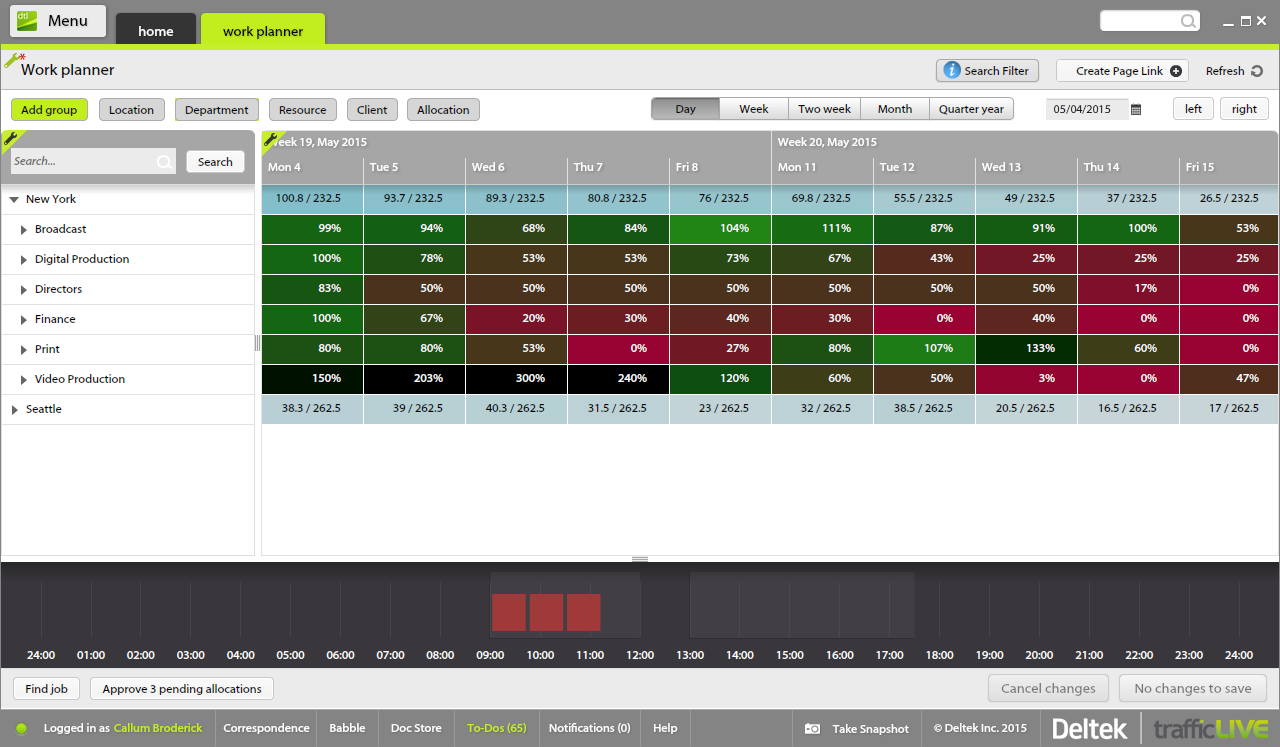
Traffic is suitable for most agencies, regardless of size. You don't need to use all of the features in order to get good results. And it can be linked to Maconomy which is useful for larger agencies. We have around 80 employees and it works great.
I think that Wrike is customizable enough to fit most needs, so I would generally recommend it as a starting point to anyone that is looking for a project management tool. Some people on my team don't like it, but I think that is moreso due to lack of exposure than any flaws in the tool itself. I predominately taught myself many of the features, and I found it to be straightforward. There is lots of great documentation out there, plus the community forums are incredible helpful as well. Wrike might not be THE perfect tool for every single need, but I think that there would be very few situations where it would ultimately be incompatible with a team's workflow needs.
Through it, we were able to communicate and cooperate with the rest of the team to complete the work in the required manner and at the appropriate time.
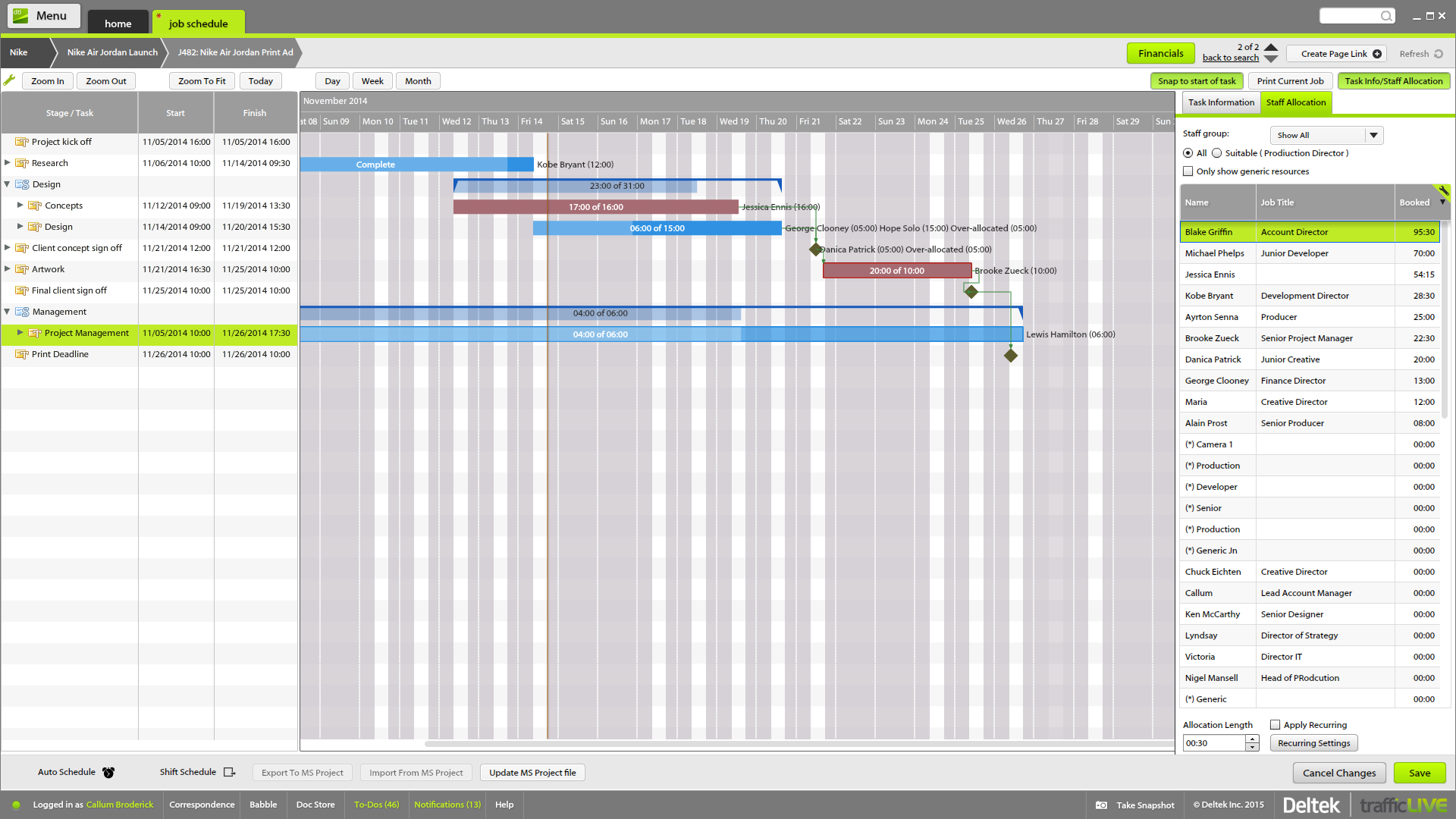
The time sheet area is really good - it's easy to drag and drop and fill in time sheets with allocated tasks quickly, which makes it more likely that people will actually do it!
It's invaluable to be able to see the time spent on different tasks across a job - both for keeping track of ongoing projects, but also to plan resourcing and costs for the next time.
It's useful to be able to mark parts of a job as 'complete' before the full job is finished - this makes it easier to track which tasks still have to be finished, and makes sure that people are tracking time to the correct task within the job.
Job templates are very useful to make sure the same set of tasks is added to each job automatically.
I wish that Wrike had more drag and drop functionality that would be connected to assignee and also I wish that the finish date of a task would update to the date where you checked completed. It does not do that. Also finishing a task doesn't move the start date of the next task it "protects your time in that way", but our management team wants us to quickly see what we have down the pipeline rather than having to scroll down the list of upcoming tasks.
It is very user-friendly. Takes a new employee an hour to start figuring out how the system works. That's an important factor. You don't want to encounter the issue where employees need a week to understand how the system works. For example, JIRA, I tried using it for a week and I still don't understand the complicated layout. Asana has a simple interface. Once you see it, you get it type of program.
It's easy as pie to use. I don't have any issues and only the oldest, most un-tech savvy of coworkers on my team seems to have issues with it. It's quick to pick up, intuitive, and effective. I have no criticism for it.
Over two years of (almost) daily usage without outages. Don't remember any errors. I give it 9 only because some Wrike plugins (for online document edit) are based on NPAPI architecture. These types of plugins are being phased out in new browsers, and NPAPI plugins are disabled by default in recent versions of Chrome so you have to do some browser adjustments when you switch browsers or move to another computer.
Wrike tasks loads fine, but I hate clicking files and wait for a bit of time since it is powerpoint or word, Wrike assumes I want to open those on Wrike. My suggestion is to link it to office 365 so we do not need Wrike based decoder for PPTX and DOCX
I haven't had to use their support so I can't rate it. The fact that I haven't needed them reflects the ease of use of the product. I would recommend that any new users schedule a complete demo of the product to ensure that they are using it to it's fullest (there's a lot of useful features).
During my learning phase with Wrike, I initially struggled with setting up automation rules and request forms. However, Wrike support was always my go-to, resolving issues within seconds or minutes. Their assistance made the learning process much easier. My best experience was receiving step-by-step screenshots to follow, with the support team on standby until I was completely satisfied.
I love the Wrike training options. Wrike Discover has tons of courses, learning plans, certifications, etc. This is an area where Wrike definitely shines! I wish these resources were more in your face for new people, because it seems like a lot of coworkers didn't know all of this training was available to them.
There are a lot of bells and whistles in Wrike, and not all of it is easy or intuitive to understand once it's plopped in your lap. It's easier when there are a few choice people who understand Wrike as a platform and articulate it in such a way where it makes it easy to pass it along to others in the group
Asana is a top-tier project management software that helps us organize and track projects from start to finish. It allows us to apply tasks/to-dos to multiple projects without duplication, divide complex projects into smaller tasks, and track project progress. It also helps us organize work on Kanban boards or linear lists. It stands out from the crowd in a big way compared to the competition.
Deltek TrafficLIVE was the pre-existing system when I joined the company. When we decided to purchase a new system, we considered a number of options such as Kimble PSA, Oracle NetSuite & Mavenlink. We decided to go ahead with Kimble PSA because we felt that as a package, it provided all the functionality we need against its competitors. It had far more functionality than TrafficLIVE and was more suited to the scale of our business.
We use both monday.com and Wrike. While Monday does have a better user interface, Wrike allows us to have more visibility into tasks where multiple people are collaborating. And also to receive project brief-ins and requests for new projects. We use both differently and I would say for us Wrike is more the collaboration tool than the day to day individual task management tool - and it works great.
The sky is the limit for what can be done in Wrike. We started with 1 use case and within 5 months we migrated several key business practices over to Wrike because they were easier to manage. Use cases so far: process improvement, management review, corrective actions, maintenance requests, month-end financial closing, and document management. As we grow, it's easy to imagine putting even more into Wrike where it becomes a cornerstone for how we do business
Much more clarity as to how much time each different type of brief should take to complete as we can back reference as to how long it took last season.
It has lead to better customer service. We can visibly demonstrate where we are with jobs and who has been assigned. In the past verbally confirming the different stages did not always convince the project leaders that they were being given the actual real time.
From the Studio users point of view it has empowered them to manage their time more efficiently. If they receive a request to move onto another job their calendars can be reviewed to see if they are available or not.
Different teams (e.g., contracting, compliance, provider relations) can view updates in real time, comment directly on tasks, and escalate items when needed.
Wrike allows us to template the contracting process (from intake to signature) to ensure consistency across payers and reduce administrative overhead.
Leadership can see the status of negotiations at a glance, identify bottlenecks, and prioritize resources accordingly.