Google Analytics is perhaps the best-known web analytics product and, as a free product, it has massive adoption. Although it lacks some enterprise-level features compared to its competitors in the space, the launch of the paid Google Analytics Premium edition seems likely to close the gap.
$0
per month
Google Analytics 360 (discontinued)
Score 8.3 out of 10
N/A
Google Analytics 360 (formerly Google Analytics Premium) was an enterprise-level analytics solution that was sunset in July of 2024.
$150,000
Up to 1 Billion hits/month
Smartlook
Score 8.6 out of 10
Small Businesses (1-50 employees)
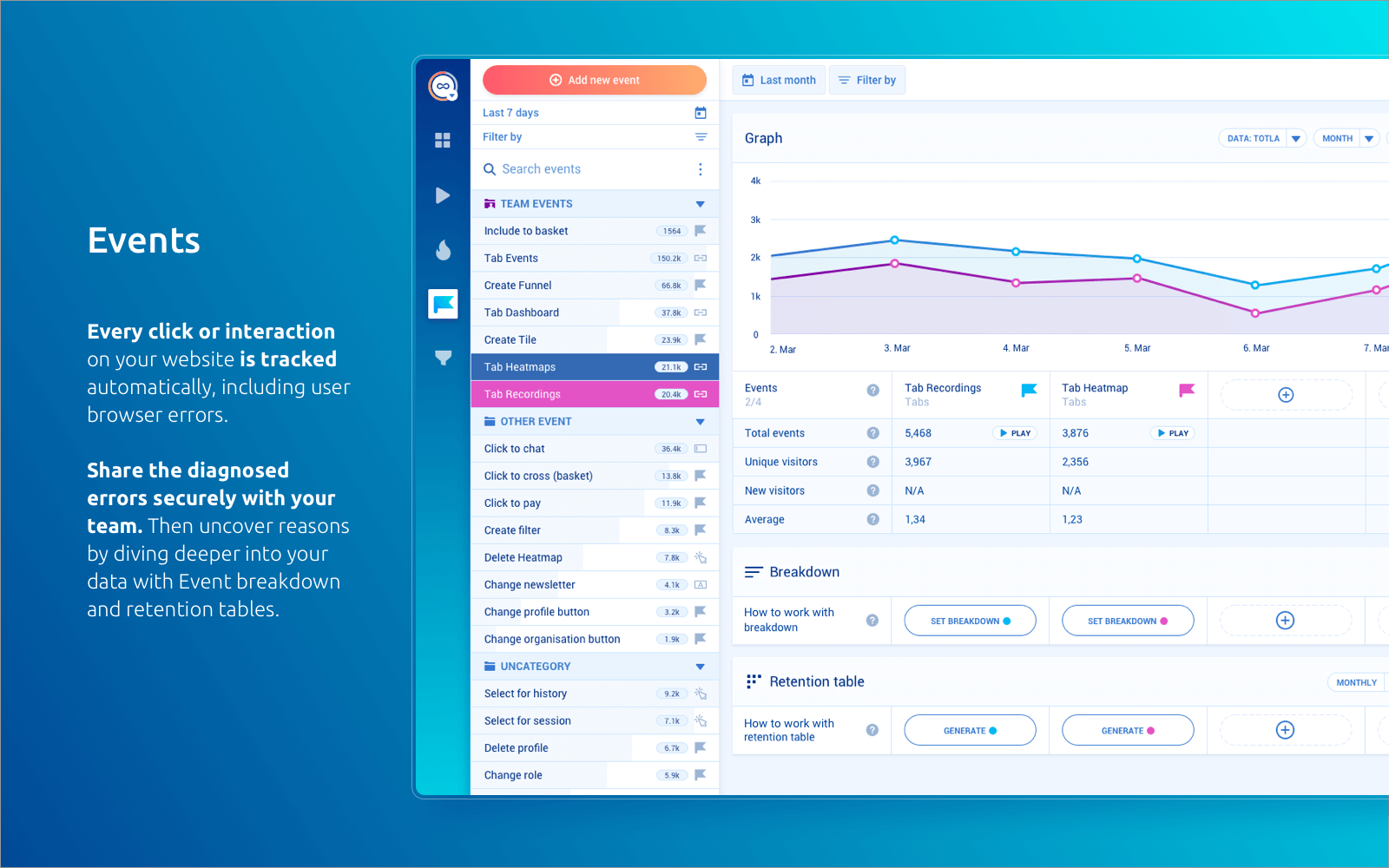
Smartlook is an analytics solution tool for websites, iOS/Android apps, and various app frameworks, that answers the "whys" behind users' actions. It helps users understand precisely how customers interact with website and app — watch recordings, create heatmaps, use automatic tracked events, and build conversion funnels. Data is seen on one central dashboard, which enables sharing and collaborating with colleagues. This is to support clear, data-driven decision-making for product managers,…
$55
per month 5000 sessions
Pricing
Google Analytics
Google Analytics 360 (discontinued)
Smartlook
Editions & Modules
Google Analytics 360
150,000
per year
Google Analytics
Free
Google Analytics Premium
$150,000
Up to 1 Billion hits/month
Google Analytics
Free
Pro
$55
per month 5000 sessions
Free
Free forever
per month 3000 sessions
Enterprise
Custom pricing
Offerings
Pricing Offerings
Google Analytics
Google Analytics 360 (discontinued)
Smartlook
Free Trial
No
No
Yes
Free/Freemium Version
Yes
Yes
Yes
Premium Consulting/Integration Services
No
Yes
Yes
Entry-level Setup Fee
No setup fee
No setup fee
Optional
Additional Details
—
—
All Smartlook packages support both web and mobile app platforms.
Adobe Analytics and Google Analytics 360 are both paid/premium options for website tracking. Though there are certain use cases when these might make sense (you operate entirely in the Adobe suite, you're a massive company/site that doesn’t mind the price tag on Google …
Google Analytics (free version) is typically my go-to recommendation for most companies. Small to medium size businesses, definitely. Larger organizations with need for a complex account structure / hierarchy and the need for highly customized analytics metrics, dimensions, …
Google Analytics is a great first step into the world of analytics. For a major corporation, especially in eCommerce or retail, or any business with a sizeable marketing spend, the standard (free) version of Google Analytics won't stack up, and wouldn't be reliable for …
Well, I suppose it's worth comparing the two versions of Google Analytics. I believe the difference really is as simple as how large your total managed monthly traffic. If it's over the threshold (10 million/month, if I recall), then GA 360 (the premium version) is a must. If …
As long as the budget isn't in question, then I think you get a lot more for your money for 360. Having more confidence in the data is essential, your typical GA suite is good but there are limitations. These limitations unfortunately mean that a lot of the time you are having …
Piwik: On the downside, it counts time spent on the page the same way GA does. The interface looks cluttered as if it’s missing a stylesheet. And while its main focus is being a GA alternative, it can’t compete with Google’s AdSense and AdWords integration. But to be fair, most …
There are several enterprise web analytics solutions - Adobe Marketing Cloud, IBM Enterprise Marketing and WebTrends and Google Analytics Premium. Google Analytics Premium is much easier to use and master than other solutions.
I am also an advanced IBM Digital Analytics user and beginner Adobe Site Catalyst user. I definitely prefer GA Premium for non retail clients due to the ease of use, flexibility and robust marketing attribution modeling. I also prefer it for multi-site implementations due to …
Verified User
Analyst
Chose Google Analytics 360 (discontinued)
Google Analytics Premium is the more user friendly experience of the two. If you want people in your organization, outside of your analytics/web department to look at and occasionally use the tool, then this would be the ideal choice. However, the amount of times you are going …
GAP is far more intuitive than any other analytics vendor, what it lacks in reporting robustness it makes up in usability. A very solid product, business and technical users both can get up and running on this tool in no time.
Smartlook is a complement of these tools. Google Analytics and Facebook are recording only numbers. Smartlook is recording the screen. Google Analytics tells you, how many people end up on that page. Smartlook tells you, where are people looking, what they write on that page …
We use both intensively in our agency. Google Analytics is our first go-to analytics suite, but we often combine it with Smartlook to prove or disprove our hypotheses. Both our web design and marketing projects benefit greatly from this synergy. Google Analytics offers better …
For me, Smartlook gathers everything a product designer or even a product manager needs. We have everything gathered in a single platform, and it's very powerful we can analyze everything we need. It's the only product where recordings are as well done. The UX/UI of the …
I tried out both Hotjar and Smartlook free trials, but I ended up using Smartlook for reasons I cannot recall now. It might have been a limitation I ran into with the free plan or just that Smartlook had a better user interface. I am very happy with Smartlook so long as it is …
Google Analytics is particularly well suited for tracking and analyzing customer behavior on a grocery e-commerce platform. It provides a wealth of information about customer behavior, including what products are most popular, what pages are visited the most, and where customers are coming from. This information can help the platform optimize its website for better customer engagement and conversion rates. However, Google Analytics may not be the best tool for more advanced, granular analysis of customer behavior, such as tracking individual customer journeys or understanding customer motivations. In these cases, it may be more appropriate to use additional tools or solutions that provide deeper insights into customer behavior.
As I have discussed previously their insights were very useful. The second thing is since it is a Google product you will connect the data very easily from other platforms like Bigquery, Google Drive, etc. and even you can connect Google marketing platform. through this tool, you can track your live campaign how they were performing, and how it will be engaging your customer as well.
Smartlook is best for screen recordings. Especially when you are running MVPs. However, its pricing is very high. If your daily visitors are too much then either you will have to lose many of your recordings or you will have to pay too much money.
It is an excellent cloud analytics platform that is easy to install and configure and easy to deploy and use, allowing us to measure web traffic and other tools.
It is an entirely online tool; it does not take up hard disk space like other desktop tools.
Since this tool is draggable, Google is constantly adding more features.
Even beginners who do not have a custom dashboard can get information. If there is a problem somewhere on the site that needs to be investigated, Google Analytics 360 will notify you.
Generally I think there is a lot you can do within the tool, but as it is a Google product it means there is limited support - something which I think lets all of the platform stacks down
There could be more visual signifiers to identify if a feature is a normal or 360 feature. This would mean you can really get to grips with what the extra more advanced elements are
We will continue to use Google Analytics for several reasons. It is free, which is a huge selling point. It houses all of our ecommerce stores' data, and though it can't account for refunds or fraud orders, gives us and our clients directional, real time information on individual and group store performance.
Google Analytics 360 is an upgraded version of the most widely used web/app analytics tracking tools in the market. The price is stable and predictable making it a long-term product of choice. It's easy to use and pairs so well with other Google Marketing Platform products.
As my ratings show, I have been absolutely delighted with Smartlook in terms of usability, cost, support, and its benefit to our organization. I have given it such high ratings because I think it has really benefitted our organization and I think it could do the same for other companies too.
Google Analytics provides a wealth of data, down to minute levels. That is it's greatest detriment: find the right information when you need it can be a cumbersome task. You are able to create shortcuts, however, so it can mitigate some of this problem. Google is continually refining Analytics, so I do not doubt there will be improvements
The UI is very easy to navigate and use. The features are well designed and intuitive. As long as the user has a good understanding of basic digital analytics definitions and capabilities, this tool should be quite easy to use. I consider Google Analytics Premium to be the easiest of all of the enterprise solutions out there to use.
Every page, the tool setup pages and dashboards are built very well, the site structure is perfectly designed and intuitive to use. All functions are well documented and the help sections are really everywhere, you don't have to search for answers, as they are just popped up or max. a click away for your service.
We all know Google is at top when it comes to availability. We have never faced any such instances where I can suggest otherwise. All you need is a Google account, a device and internet connection to use this super powerful tool for reporting and visualising your site data, traffic, events, etc. that too in real time.
This has been a catalyst for improving our site's traffic handling capabilities. We were able to identify exit% from our sites through it and we used recommendations to handle and implement the same in our sites. We have been increasing the usage of Google Analytics in our sites and never had any performance related issues if we used Analytics
The Google reps respond very quickly. However, sometimes they can overly call you to set up an apportionment. I'm very proficient and sometimes when I talk to reps, they give beginner tutorials and insights that are a waste of time. I wish Google would understand my level of expertise and assign me to a rep (long-term) that doesn't have to walk me through the basics.
If you purchase Premium through a reseller like LunaMetrics, you are going to be taken care of. The additional amount of support and services that a reseller provides to make sure you have the best experience with the product is the reason why the reseller program exists to begin with. Support doesn't have to be just reactive, it can be proactive as well.
Sofia P. is being our point of contact with the issues we faced. I was unsure about how to explain to her what was going on with the recording numbers (the recording has stopped before we were expecting to), but she readily understood and came with a solution for us in the same day. The problem was blocking our developer to test the integration, so it was great to have support so fast that he could continue his work.
love the product and training they provide for businesses of all sizes. The following list of links will help you get started with Google Analytics from setup to understanding what data is being presented by Google Analytics.
There is a ton of information online about Google Analytics, but Google Analytics Premium users will have dedicated support and training from Google or an Authorized Reseller.
I think my biggest take away from the Google Analytics implementation was that there needs to be a clear understanding of what you want to achieve and how you want to achieve it before you start. Originally the analytics were added to track visitors, but as we became more savvy with the product, we began adding more and more functionality, and defining guidelines as we went along. While not detrimental to our success, this lack of an overarching goal resulted in some minor setbacks in implementation and the collection of some messy data that is unusable.
If you already have the basic version of GA installed, "getting" GA Premium happens immediately through a virtual flipping of the switch - no need to re-implement. You'll want to expand your use of custom dimensions and metrics (you get 10x the amount with Premium). Ideally, you'll be using a tag management solution to talk with GA Premium, in concert with implementing a dataLayer (to note, Google's Tag Manager platform is covered under the same GA Premium SLA, and it's free). There are some welcomed "configurations" with GA Premium, such as integrating with DoubleClick products, activating data driven attribution models, and building roll-up executive reports - but all of these are easy point and click solutions. In comparison with any other enterprise analytics solution, implementing GA and GA Premium is traditionally easier and more flexible. And if you have any trouble or need an extra set of hands for implementation, GA Certified Partners like LunaMetrics can help
I have not used Adobe Analytics as much, but I know they offer something called customer journey analytics, which we are evaluating now. I have used Semrush, and I find them much better than Google Analytics. I feel a fairly nontechnical person could learn Semrush in about a month. They also offer features like competitive analysis (on content, keywords, traffic, etc.), which is very useful. If you have to choose one among Semrush and Google Analytics, I would say go for Semrush.
Unless you have very complex and edge case analytics needs, Google Analytics [360 (formerly Google Analytics Premium)] is likely going to be the best choice. From both a cost and usability stand point, Google wins. Adobe has the edge case when you need to create really custom reports, dimensions, metrics, etc. In my experience, this is rarely the case and you end up biting off more than you can chew. Stick with Google unless you are or plan on hiring an Adobe Analytics expert.
It has been a year between the time when I last used Hotjar and first started using Smartlook. I would say both tools are more or less equal when it comes to features, the only 2 differences I can think of are - price and customer support. Smartlook is cheaper and has superior customer services. You have the feeling when interacting with them that they genuinely care.
Google Analytics is currently handling the reporting and tracking of near about 80 sites in our project. And I am not talking about the sites from different projects. They may have way more accounts than that. Never ever felt a performance issue from Google's end while generating or customising reports or tracking custom events or creating custom dimensions
Smartlook is used by different individuals from different organizations to have insights into different parts of products. It is used as the sole developer of our website as well as marketing campaigns.
Smartlook has an amazing feature which is tracking the activities of return users.