Google Drive is a cloud file storage, synchronization, and collaboration platform and service, that features Google Docs, Sheets, and Slides for document editing and presentation.
$6
per month
Microsoft 365
Score8.7 out of 10
N/A
Microsoft 365 (formerly Office 365) is a Microsoft Cloud subscription service that includes Microsoft Office products (Word, Excel, PowerPoint, OneNote, Outlook, Publisher, and Access). The software can be installed across multiple devices and ensures that users always have the most up-to-date version of the included Office applications.
$5
Per User Per Month
Zimbra
Score6.9 out of 10
N/A
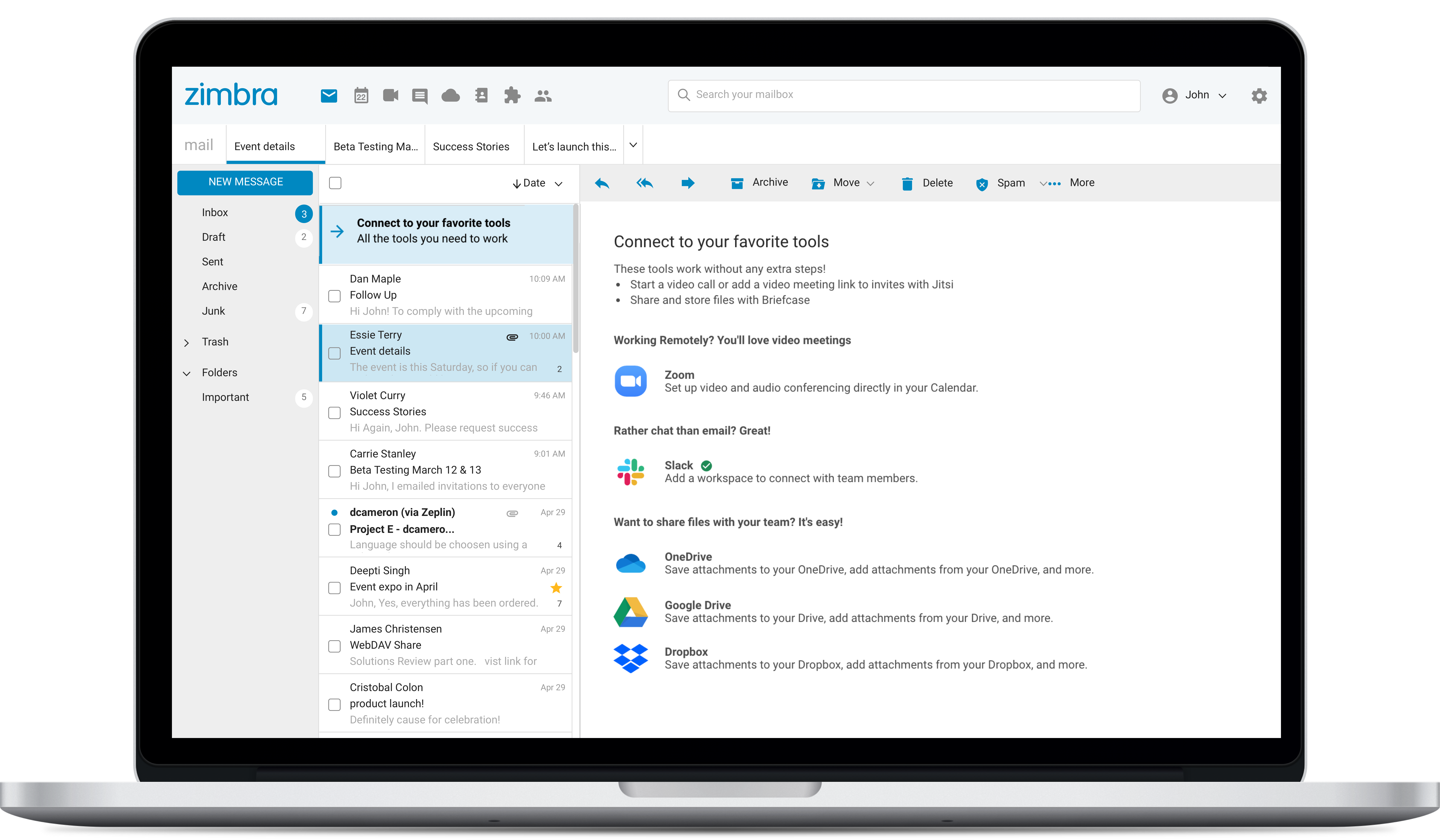
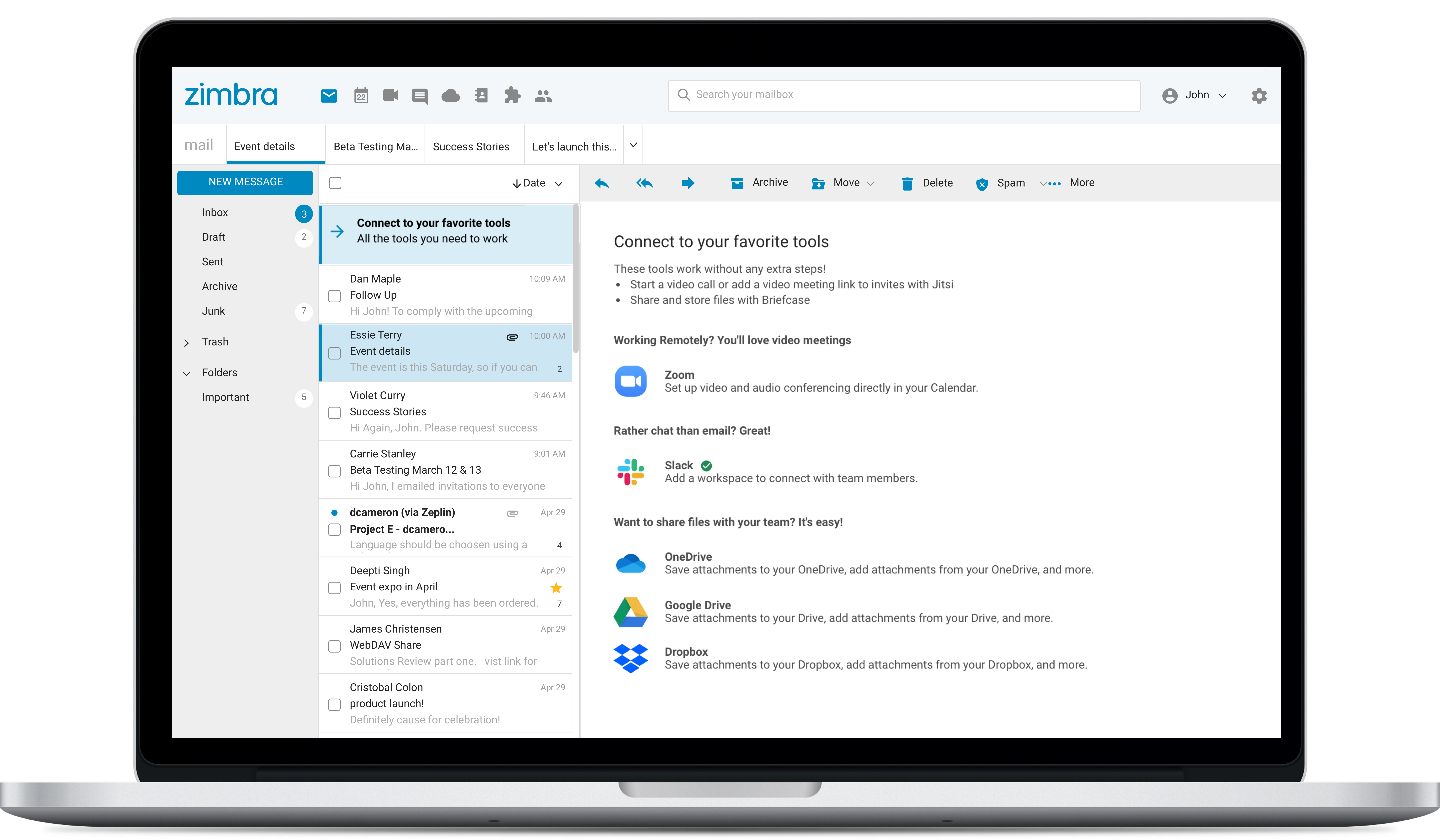
Zimbra is an email and collaboration platform and productivity suite that includes contacts, calendar, tasks, chat and file sharing, plus videoconferencing, document editing, and file storage.
N/A
Pricing
Google Drive
Microsoft 365
Zimbra
Editions & Modules
Basic
$6.00
per month
Business
$12.00
per month
Enterprise
Contact Vendor for Quote
per month
Business Basic
$5.00
Per User Per Month
Individual
$5.84
*Per Month
Business - Apps
$8.25
Per User Per Month
Enterprise - F3
$10.00
Per User Per Month
Business Standard
$12.50
Per User Per Month
Business Premium
$20.00
Per User Per Month
Enterprise - E3
$32.00
Per User Per Month
Enterprise - E5
$57.00
Per User Per Month
No answers on this topic
Offerings
Pricing Offerings
Google Drive
Microsoft 365
Zimbra
Free Trial
Yes
No
Yes
Free/Freemium Version
Yes
No
No
Premium Consulting/Integration Services
No
No
No
Entry-level Setup Fee
No setup fee
No setup fee
No setup fee
Additional Details
Discounts are available for students, educators, and non profit organizations.
Head of People in Human Resources at Venatus (Media Production, 51-200 employees)
Chose Google Drive
I think the way in which Google Drive allows collaboration on documents in a live way is far better than the way in Microsoft products do it and I find it much easier to work in a Google Drive enviroment companred to Microsoft 365 so I would always choose it over this option
A de minimis incentive was given to thank the reviewer for their time. The incentive was not used to bias or drive a particular response, nor was the incentive contingent on a positive endorsement. More Info
A de minimis incentive was given to thank the reviewer for their time. The incentive was not used to bias or drive a particular response, nor was the incentive contingent on a positive endorsement. More Info
Verified User
Chose Google Drive
Box is something we tested but google ease of use won us over
A de minimis incentive was given to thank the reviewer for their time. The incentive was not used to bias or drive a particular response, nor was the incentive contingent on a positive endorsement. More Info
OWNER in Corporate at Balance Counseling and Recovery (Health, Wellness and Fitness, 1-10 employees)
Chose Google Drive
One drive is a little bit better because you can save it as a Word document. I currently use the paid version which allows access to all the Microsoft Office features. I have used the unpaid version and this was an issue due to HIPPA compliance. Working with medical records …
A de minimis incentive was given to thank the reviewer for their time. The incentive was not used to bias or drive a particular response, nor was the incentive contingent on a positive endorsement. More Info
Digital Marketing Manager in Marketing at Medinostic Health Care (Pvt) Ltd. (Pharmaceuticals, 11-50 employees)
Chose Google Drive
The best part of Google Drive is that it provides 15 GB of space, free of charge. Moreover, since Google Drive works seamlessly with every other device smartphone, switching from one device to another is very easy and convenient which is a big plus point. Moreover, Google …
A de minimis incentive was given to thank the reviewer for their time. The incentive was not used to bias or drive a particular response, nor was the incentive contingent on a positive endorsement. More Info
Security Data Analyst at Facebook (Internet, 10,001+ employees)
Chose Google Drive
Google Drive seems to integrate with Windows more comprehensively than Dropbox. Both are pretty easy to use and seem to be reliable. Our team has not had any security issues with Google Drive.
A de minimis incentive was given to thank the reviewer for their time. The incentive was not used to bias or drive a particular response, nor was the incentive contingent on a positive endorsement. More Info
Director of Operations in Engineering at Koombea (Information Technology & Services, 51-200 employees)
Chose Google Drive
Google Drive works better in my opinion and is more reliable. Once you get a hang of it, its simplicity is hard to match and it's what makes it so easy and fun to use yet its scripting capabilities, using Javascript, make it as powerful as you can make it be.
A de minimis incentive was given to thank the reviewer for their time. The incentive was not used to bias or drive a particular response, nor was the incentive contingent on a positive endorsement. More Info
Event Director in Sales at Encore Event Technologoes (Events Services, 5001-10,000 employees)
Chose Google Drive
Out of the all the ones listed above, the only one that comes close is Dropbox, and their storage and pricing are not as good. OneDrive, while you get a bucket load of free storage with a O365 subscription, has less functionality and integration options. iCloud and IDrive are …
A de minimis incentive was given to thank the reviewer for their time. The incentive was not used to bias or drive a particular response, nor was the incentive contingent on a positive endorsement. More Info
Development Team Lead in Engineering at Xactware (Insurance, 1001-5000 employees)
Chose Google Drive
My personal account of choice is Google so it is a no brainer to use Google drive. We've been using Microsoft One Drive at work and it works essentially the same. One Drive has pretty much all the same tools as you'd find in Drive but integrates with all of Microsoft's …
A de minimis incentive was given to thank the reviewer for their time. The incentive was not used to bias or drive a particular response, nor was the incentive contingent on a positive endorsement. More Info
Programmer in Information Technology at Alcoa Inc (Mining & Metals, 10,001+ employees)
Chose Google Drive
Google drive can be easier to make changes in documents, and see those changes live. But, One Drive has the needed interaction with all MS Office 365 tools we use.
A de minimis incentive was given to thank the reviewer for their time. The incentive was not used to bias or drive a particular response, nor was the incentive contingent on a positive endorsement. More Info
Verified User
Chose Google Drive
From my perspective, Google Drive is the cream of the crop in this space and I've used Microsoft Office and Quip as well. Google's interface is just incredibly user-friendly and easy to start up. I've also found the versioning, security, and reliability to be top notch. …
A de minimis incentive was given to thank the reviewer for their time. The incentive was not used to bias or drive a particular response, nor was the incentive contingent on a positive endorsement. More Info
Verified User
Chose Google Drive
Google Drive is preferable as it is more easily accessed across devices, allows for file sharing in a streamlined manner, and provides cloud storage.
A de minimis incentive was given to thank the reviewer for their time. The incentive was not used to bias or drive a particular response, nor was the incentive contingent on a positive endorsement. More Info
Verified User
Chose Google Drive
The other products have some storage capacity, but are not sole storage programs. This is my first choice for cloud storage. It is easy and mobile friendly.
A de minimis incentive was given to thank the reviewer for their time. The incentive was not used to bias or drive a particular response, nor was the incentive contingent on a positive endorsement. TR verified that a representative sample of customers was invited. More Info
Verified User
Chose Google Drive
Google Drive is easier than Office 365 because you can share with anyone - they dont need the same suite of products.
A de minimis incentive was given to thank the reviewer for their time. The incentive was not used to bias or drive a particular response, nor was the incentive contingent on a positive endorsement. More Info
Student in Information Technology at RIT (Computer Software, 501-1000 employees)
Chose Google Drive
I feel that using google drive is much simpler compared to the Amazon Cloud Drive. Mastering the usage of the google drive will take much less effort and time as compared to that of Amazon cloud. Though I have never crossed the free storage limit, I know that Amazon charges …
A de minimis incentive was given to thank the reviewer for their time. The incentive was not used to bias or drive a particular response, nor was the incentive contingent on a positive endorsement. More Info
Verified User
Chose Google Drive
Google Drive is far superior to Box in terms of team collaboration, sharing, search, and versioning. However, Box has been our preferred choice for organizing documents into traditional folder structures. In my opinion, Drive is a better choice, because Box sometimes loses …
A de minimis incentive was given to thank the reviewer for their time. The incentive was not used to bias or drive a particular response, nor was the incentive contingent on a positive endorsement. More Info
IT Administrator in Information Technology at Pushpay (Information Technology and Services, 51-200 employees)
Chose Google Drive
Google Drive provides a richer, enterprise-grade experience for business users. Apple iCloud is relegated to personal use only. Dropbox does not provide as rich of permissions and security structuring tools as Google Drive.
A de minimis incentive was given to thank the reviewer for their time. The incentive was not used to bias or drive a particular response, nor was the incentive contingent on a positive endorsement. More Info
Junior Architect in Professional Services at Hollis + Miller Architects (Architecture & Planning, 51-200 employees)
Chose Microsoft 365
I was not in charge of choosing Microsoft 365, but I have used Google Drive extensively in the past. Google Drive and OneDrive are VERY similar. you can hook them up to your file explorer and share links, auto-sync files, and access them on your mobile/tablet, etc. Google Docs …
A de minimis incentive was given to thank the reviewer for their time. The incentive was not used to bias or drive a particular response, nor was the incentive contingent on a positive endorsement. More Info
Verified User
Chose Microsoft 365
Microsoft 365 (formerly Office 365) and Google Drive have a very similar structure. Both have apps that can provide the same performance. For example, Google Docs and Microsoft Word are alike. Likewise, Google Sheets and Excel, Google Meet and Teams, Google Slide and …
A de minimis incentive was given to thank the reviewer for their time. The incentive was not used to bias or drive a particular response, nor was the incentive contingent on a positive endorsement. More Info
Contract Director of Customer Experience in Marketing at Global Wizard (Consumer Services, 1-10 employees)
Chose Microsoft 365
I only used WordPerfect when I was in high school and it wasn't overall intuitive. We use Google Drive (Docs, Sheets, Forms) quite often but we know that it's not as full of features as Microsoft 365 but it's still good for quick internal documentation and collaboration.
A de minimis incentive was given to thank the reviewer for their time. The incentive was not used to bias or drive a particular response, nor was the incentive contingent on a positive endorsement. More Info
Senior Graphic Designer in Marketing at Oregon State University Marketing (Marketing and Advertising, 1001-5000 employees)
Chose Microsoft 365
The programs in Microsoft 365 [I feel] are certainly better than Google Drive, as Microsoft Word and Excel have more features than Docs and Sheets. As Notepad is included with most machines, it is certainly limited so Microsoft Word runs circles around it. However, [I feel] …
A de minimis incentive was given to thank the reviewer for their time. The incentive was not used to bias or drive a particular response, nor was the incentive contingent on a positive endorsement. More Info
Verified User
Chose Microsoft 365
Google Drive and Google Docs I believe is the biggest competitor to Microsoft 365. However, if you really want to unlock the power and potential in your business you need more horsepower behind you and that is what the MS365 suite of products provides. Google Docs is …
A de minimis incentive was given to thank the reviewer for their time. The incentive was not used to bias or drive a particular response, nor was the incentive contingent on a positive endorsement. More Info
Verified User
Chose Microsoft 365
We use both Microsoft 365 [(formerly Office 365)] and Google Drive. I use Google more frequently, but opt for Microsoft when I need to use more advanced tools.
A de minimis incentive was given to thank the reviewer for their time. The incentive was not used to bias or drive a particular response, nor was the incentive contingent on a positive endorsement. More Info
Verified User
Chose Microsoft 365
Google Drive/Docs/Sheets/Slides is a cloud-based productivity suite that I have used previously. I think the speed and simplicity of the Google tools is great, but Microsoft wins for companies that are used to Microsoft products such as Outlook and OneDrive. The seamless …
A de minimis incentive was given to thank the reviewer for their time. The incentive was not used to bias or drive a particular response, nor was the incentive contingent on a positive endorsement. More Info
Verified User
Chose Microsoft 365
I used to like Google more than Microsoft because I used it more, but now I think they are very similar. I am able to use both on my phone, both have Clouds, and both have synced calendars, documents, and sheets. The reason I use Microsoft is [that] my company uses it, and I …
A de minimis incentive was given to thank the reviewer for their time. The incentive was not used to bias or drive a particular response, nor was the incentive contingent on a positive endorsement. More Info
Mapple Ltd in Customer Service at App developer (Computer Software, 11-50 employees)
Chose Microsoft 365
Compared to Docs & Sheets, Microsoft Word, Excel, and Sheets offer more functionality. Notepad is almost always pre-installed on Microsoft Word-enabled computers. This alternative to Microsoft Word isn't as robust, but it's free. Microsoft Publisher is incompatible with Adobe …
A de minimis incentive was given to thank the reviewer for their time. The incentive was not used to bias or drive a particular response, nor was the incentive contingent on a positive endorsement. More Info
Verified User
Chose Microsoft 365
While I do like Microsoft, I miss using Google. I think it’s faster and just a little less clunky. However, OneNote and Teams are a huge advantage for the way we use Microsoft products at my school.
A de minimis incentive was given to thank the reviewer for their time. The incentive was not used to bias or drive a particular response, nor was the incentive contingent on a positive endorsement. More Info
Verified User
Chose Microsoft 365
Because 365 connects most of my work apps such as OneDrive, SharePoint, and Teams.
A de minimis incentive was given to thank the reviewer for their time. The incentive was not used to bias or drive a particular response, nor was the incentive contingent on a positive endorsement. More Info
Broker in Sales at Paragon Group (Real Estate, 11-50 employees)
Chose Microsoft 365
Both Google and Dropbox have programs for creating content. They can get the job done but there is a reason Microsft 365 is an industry standard. You can pull together a bunch of different apps and try to get them to communicate together if you want. But it will be a headache. …
A de minimis incentive was given to thank the reviewer for their time. The incentive was not used to bias or drive a particular response, nor was the incentive contingent on a positive endorsement. More Info
Staff System Engineer in Engineering at BrightInsight (Medical Device, 201-500 employees)
Chose Microsoft 365
We actually use all those other tools that I selected simultaneously with Microsoft 365 because of different customers we work with who utilize different sharing/collaborative tools. I think all are equally comparable but Microsoft 365, especially Word, provides the …
A de minimis incentive was given to thank the reviewer for their time. The incentive was not used to bias or drive a particular response, nor was the incentive contingent on a positive endorsement. More Info
Verified User
Chose Microsoft 365
Microsoft set the standard by creating the suite of software that's included in MS 365. The software totally ubiquitous, with everyone from entry-level employees to seasoned executives being familiar with how it all works. It's also the gold standard worldwide, which means that …
A de minimis incentive was given to thank the reviewer for their time. The incentive was not used to bias or drive a particular response, nor was the incentive contingent on a positive endorsement. More Info
Verified User
Chose Microsoft 365
Microsoft Office 365 is definitely the industry leader when it comes to having a suite of basic tools to create, collaborate and share within and outside of your organization. It’s also very valuable since so many other companies use it as the skills for employees are …
A de minimis incentive was given to thank the reviewer for their time. The incentive was not used to bias or drive a particular response, nor was the incentive contingent on a positive endorsement. More Info
Verified User
Chose Microsoft 365
Compared to its competitors, Microsoft 365 (formerly Office 365) has more functionalities, is more integrated between applications and enables a better data document management. Its predefined templates and database connection set-ups offer better user experience. There is more …
A de minimis incentive was given to thank the reviewer for their time. The incentive was not used to bias or drive a particular response, nor was the incentive contingent on a positive endorsement. More Info
Principal in Professional Services at @The Office (Information Technology & Services, 1-10 employees)
Chose Microsoft 365
Microsoft 365 provides a complete suite of tools, which none of the competition can match. Others can just offer piecemeal solutions, whereas Microsoft 365 (formerly Office 365) covers everything ranging from email management to office editing software to cloud storage to …
A de minimis incentive was given to thank the reviewer for their time. The incentive was not used to bias or drive a particular response, nor was the incentive contingent on a positive endorsement. More Info
Verified User
Chose Microsoft 365
It's all about the network effect. Since everyone else at my school using Microsoft 365, eventually I had to bite the bullet and join the crowd. Using the officially supported file syncing and sharing solution solves a large number of problems right out of the box. Other …
A de minimis incentive was given to thank the reviewer for their time. The incentive was not used to bias or drive a particular response, nor was the incentive contingent on a positive endorsement. More Info
Project Controls Analyst in Quality Assurance at Orbital Engineering, Inc. (Civil Engineering, 201-500 employees)
Chose Microsoft 365
The Microsoft 365 suite brings together a lot of the familiar programs into one location where you can quickly get what you need done. For office work, it is just the next evolution of the Microsoft products we have all been familiar with.
A de minimis incentive was given to thank the reviewer for their time. The incentive was not used to bias or drive a particular response, nor was the incentive contingent on a positive endorsement. More Info
Verified User
Chose Microsoft 365
Microsoft has serious usability issues compared to Google products. Interfaces are cluttered, unintuitive and not easy to use. Compared to the offline version of the office products, 365 online truly disappoints.
A de minimis incentive was given to thank the reviewer for their time. The incentive was not used to bias or drive a particular response, nor was the incentive contingent on a positive endorsement. More Info
Instructional Designer & LMS Administrator in Information Technology at State of Vermont Agency of Human Services (Government Administration, 5001-10,000 employees)
Chose Microsoft 365
Microsoft 365 is a complete package. If your work is business more than creative than it 100% suits your needs. The pieces it offers, the desk top apps available on demand, and the integrations are far reaching and hard to match with other products. It's clear they've been used …
A de minimis incentive was given to thank the reviewer for their time. The incentive was not used to bias or drive a particular response, nor was the incentive contingent on a positive endorsement. More Info
Verified User
Chose Microsoft 365
MS 365 does everything all at the same time. It's the platform, the cloud, the messaging, the task management, the document creation, editing, sharing, the screensharing, the whole thing. There's just nothing that competes in a meaningful way with MS 365. I think GSuite is …
A de minimis incentive was given to thank the reviewer for their time. The incentive was not used to bias or drive a particular response, nor was the incentive contingent on a positive endorsement. More Info
Verified User
Chose Microsoft 365
Haven't used any of the options in the drop down option listings. I've used G:Suite (Gmail, Google Calendar, Drive, etc.) and I think it has comparable functionality to Microsoft 365. If our organization shifted to G:Suite, it wouldn't be a difficult transition. But we're all …
A de minimis incentive was given to thank the reviewer for their time. The incentive was not used to bias or drive a particular response, nor was the incentive contingent on a positive endorsement. More Info
Verified User
Chose Microsoft 365
The main competitor to Microsoft Office 365 is Google and its suite of productivity software: Docs, Sheets, Slides, etc. Office 365 excels when compared to the Google suite as it features a familiar interface and retains its strong set of templates and materials that can be …
A de minimis incentive was given to thank the reviewer for their time. The incentive was not used to bias or drive a particular response, nor was the incentive contingent on a positive endorsement. More Info
Synacor
Verified User
Chose Zimbra
We used Zimbra Email & Collaboration in two scenarios: first, on-premise with the open-source version to save costs, especially since solutions like Office 365 or Google Workspace were not as mature or widespread at the time. Later, we benefited from cost advantages with Zimbra …
A de minimis incentive was given to thank the reviewer for their time. The incentive was not used to bias or drive a particular response, nor was the incentive contingent on a positive endorsement. More Info
Verified User
Chose Zimbra
There are a lot of features that Zimbra Email & Collaboration has that gmail and m365 have. You can chat within your team members with Zimbra Email & Collaboration. The issue that we have not been able to figure out though is mobility of Zimbra Email & Collaboration. You can …
A de minimis incentive was given to thank the reviewer for their time. The incentive was not used to bias or drive a particular response, nor was the incentive contingent on a positive endorsement. More Info
Help Desk Technician in Information Technology at Central IT (Information Technology & Services, 1001-5000 employees)
Chose Zimbra
Zimbra is undeniably a complete package and offers many practical tools, in addition to the knowledge that the company has. It is a great acquisition for a company that will soon see a significant change in terms of organization, deadlines, efficiency, and more. It has an …
A de minimis incentive was given to thank the reviewer for their time. The incentive was not used to bias or drive a particular response, nor was the incentive contingent on a positive endorsement. More Info
It is possible to share files and folders with up to 200 email addresses, as well as with persons outside the company.Use the drop-down arrow to select who may see, comment on, or change the file or folder before sending out an invitation.I am very much impressed with this feature
Microsoft 365 would be well suited for medium to large enterprises. This is where there are several hundreds or thousands of people. Since most everyone has used one of the applications the learning curve would be reduced. Another reason would be the ability to implement security measures to prevent access to sensitive data. This could justify the cost of an Enterprise license.
A de minimis incentive was given to thank the reviewer for their time. The incentive was not used to bias or drive a particular response, nor was the incentive contingent on a positive endorsement. More Info
Zimbra is great for an email system for a medium or large organization with appropriate IT staffing. The system is easy to use for end-users, and has a fantastic web interface. Unfortunately, it is overly complex, when considering staffing requirements and price, when compared with Office 365 or Google Apps for smaller organizations. For other education customers, it is hard to compete with Microsoft and Google providing their services for "Free" now though
A de minimis incentive was given to thank the reviewer for their time. The incentive was not used to bias or drive a particular response, nor was the incentive contingent on a positive endorsement. More Info
Any user with access can store a file using different platforms like Android, IOS, Windows, or Ubuntu (Desktop version)
You can share files with any number of different users with different access rights or you can even keep it public by providing the access link and assign different rights for public access
You can open Excel/Word files using google software Sheets/Docs in the browser environment without having to install software like Microsoft Office etc on your Windows OS
A de minimis incentive was given to thank the reviewer for their time. The incentive was not used to bias or drive a particular response, nor was the incentive contingent on a positive endorsement. More Info
A de minimis incentive was given to thank the reviewer for their time. The incentive was not used to bias or drive a particular response, nor was the incentive contingent on a positive endorsement. More Info
Having a little bit more control and clarity over what is shared and how it is shared would be a useful improvement.
Could be more robust and flexible as far as assigning restrictions.
Google Sheets could be enhanced because Excel really is not there yet as a product with equal capabilities as there are still quite a few limitations to the functionality.
A de minimis incentive was given to thank the reviewer for their time. The incentive was not used to bias or drive a particular response, nor was the incentive contingent on a positive endorsement. More Info
Slack is 1000x better than teams. Why put a 250 limit on a chat? Our company hasn't moved fully to channels and it's making us lose transparency. Plus, the teams channels we do have nobody is going to. 90% loss in visibility and engagement.
Teams for web meetings. I think the UI/UX should match Zoom which is the standard for all our customers. They don't like it when we use Teams.
Chats and Channels need to somehow be on one screen automatically without having to choose that view because majority of our company hasn't opened Teams Channels and only stays in chats.
A de minimis incentive was given to thank the reviewer for their time. The incentive was not used to bias or drive a particular response, nor was the incentive contingent on a positive endorsement. More Info
Zimbra's mobile application leaves much to be desired; it is its weakest point.
This forces the use of third-party applications on smartphones, which only offer a more or less complete integration with the ActiveSync protocol.
Zimbra allows for an on-premise scenario, which is not for everyone, especially considering that the trend nowadays is to outsource email; in any case, it also offers this alternative.
The cost of Zimbra as a SaaS solution comes too close to that of more widely adopted competing options.
Zimbra lacks a robust integrated chat system, which its competitors offer.
A de minimis incentive was given to thank the reviewer for their time. The incentive was not used to bias or drive a particular response, nor was the incentive contingent on a positive endorsement. More Info
It's perfect for me. It keeps things saved and is easy to remove items if needed. Also, I very much enjoy the formatting options. Along with the integrations it has for SSO. Overall, this is the most user friendly system I have ever come across.
A de minimis incentive was given to thank the reviewer for their time. The incentive was not used to bias or drive a particular response, nor was the incentive contingent on a positive endorsement. More Info
It's easy enough to use for computer users of all ages and skill levels. I am an advanced user, and I think the hardest part might be showing someone how to download and set up the app on their device if they weren't too familiar with computers, but overall it is very easy to understand.
A de minimis incentive was given to thank the reviewer for their time. The incentive was not used to bias or drive a particular response, nor was the incentive contingent on a positive endorsement. More Info
Microsoft 365 is the gold standard for performing project tasks in a professional environment, enabling the quick transfer and exchange of files and ideas for team members who work locally and remotely. Its suite of tools is familiar and has evolved to being cloud based, allowing for files to be updated in real time from near and far.
A de minimis incentive was given to thank the reviewer for their time. The incentive was not used to bias or drive a particular response, nor was the incentive contingent on a positive endorsement. More Info
The web usability of the solution is adequate, with all functions integrated into a single interface. However, it is important to note that in the desktop environment, it lacks its own application and relies on ActiveSync synchronization with reference solutions like Outlook or Thunderbird. Some features, such as the briefcase, will be excluded. The same happens on smartphones.It is also common for competing solutions to include integrated chat or video call tools, which Zimbra lacks. These shortcomings are among the most frequently requested by users.
A de minimis incentive was given to thank the reviewer for their time. The incentive was not used to bias or drive a particular response, nor was the incentive contingent on a positive endorsement. More Info
A de minimis incentive was given to thank the reviewer for their time. The incentive was not used to bias or drive a particular response, nor was the incentive contingent on a positive endorsement. More Info
The documents load fairly quickly and also update in real time, especially given the fact that multiple people can be using it at once. The "Offline" feature works great to allow the user to make edits and access the document without access to the internet, and then sync changes later once they're back.
A de minimis incentive was given to thank the reviewer for their time. The incentive was not used to bias or drive a particular response, nor was the incentive contingent on a positive endorsement. More Info
It takes a few days for customer support to get back to you. Although, I have not had to use support too often. Once you get an email back, they are very thorough and work hard to fix the problem quickly. It is a really great resource and a great way to get the help you need if you're stuck. A phone call also works quickly but you have to call during specific times.
Over the past 8 years of using Microsoft 365, I have noticed that they change vendors often. This always leads to a poor experience in the beginning, then levels out after some time for the company to get things worked out. As a customer, it is really frustrating because I don't have time when something isn't working to have them "look into my issue" and get back with me. They have even closed a ticket I specifically told them to keep open. Your applications are only as good as the support.
A de minimis incentive was given to thank the reviewer for their time. The incentive was not used to bias or drive a particular response, nor was the incentive contingent on a positive endorsement. More Info
The effective google workspace using training that my organization received and was conducted by me (as a team lead of the ICT team) was mind-blowing and as a result, our staff is performing well in terms of using the application for their daily jobs than before. Now, in my institution, all teachers and all the administrative personnel are very much interested in cloud storage facilities, in previous my institution was afraid of losing all important documents in the cloud storage. But, after having received the training they are now realized that if anyone has only one google account then he or she can use 15GB of cloud storage freely and they are now happy because now it is not necessary for anyone to carry the traditional pen drive.
A de minimis incentive was given to thank the reviewer for their time. The incentive was not used to bias or drive a particular response, nor was the incentive contingent on a positive endorsement. More Info
It's an extremely easy software to implement, once you sign up for a google account you automatically have access to google drive with a set amount of storage space. The business or Google Suite accounts have more storage space than a regular free account, but setting up and accessing google drive is very easy in both cases
A de minimis incentive was given to thank the reviewer for their time. The incentive was not used to bias or drive a particular response, nor was the incentive contingent on a positive endorsement. More Info
Overall, we were satisfied with the implementation. We perhaps should have spent more time consulting with Zimbra or others regarding best practices but as we got to know the system better we were able to make changes relatively easily after the fact.
A de minimis incentive was given to thank the reviewer for their time. The incentive was not used to bias or drive a particular response, nor was the incentive contingent on a positive endorsement. More Info
In short, Google Drive is better for independent users who store a normal amount of stuff. OneDrive makes more sense for businesses and teams that are doing heavy-duty storage or large-scale syncing. Realistically, though, most users will fall somewhere in between the two, where either platform would meet their needs.
Its very user-friendly, collaborative and efficient that boosts productivity using cloud tools. their security is strong and it provides data protection. There are regular updates that shields us from attackers too. It offers a wealth of learning resources, including tutorials, help articles and video guide to help users make the most of the application and personally upgrade their skills.
Zimbra is a significantly cheaper option than one of the Microsoft solutions, such as Exchange. It is able to run in a free environment, as it is in the case of Linux. It offers the advantages of a powerful mail manager, such as indexed searches and the integration of contacts and notes, all in one platform. It is constantly updated and the operation of its connection in mobile equipment is remarkable and very efficient. Additionally, it is able to easily integrate with Outlook solutions with its connector, which brings all the benefits of Zimbra to the user under the interface known as "mail manager." So far, I have been using Zimbra for several years and I have not missed my previous work platforms.
A de minimis incentive was given to thank the reviewer for their time. The incentive was not used to bias or drive a particular response, nor was the incentive contingent on a positive endorsement. More Info
A de minimis incentive was given to thank the reviewer for their time. The incentive was not used to bias or drive a particular response, nor was the incentive contingent on a positive endorsement. More Info
We have a lot of nonprofit users, so they have a good ROI.
I like the constant updates without having to purchase the software repeatedly.
I used to purchase each Office (insert year here) often, so the software was up to date and had the newest options and connectors. I think my return on investment would have been much better if Microsoft had updated those versions to keep them current; after all, we did pay for them.
Microsoft 365's offering a monthly fee or a discount for a year helps, and you can look at it as a free backup if you have everything set to back up to One Drive. (Cloud-based document filing you can access anywhere ( with an internet connection)—you Can't beat that!)
Zimbra is a cheaper email service than other similar platforms and in my point of view offers better features, that's why the company migrated services to this platform several years ago and without a doubt, it has been the best investment.
Zimbra has a more user-friendly interface for employees, this has improved response times to external customers of the company.
The implementation of Zimbra in the company motivated the IT engineering department to make improvements in open source to adapt it to the needs of the company.
A de minimis incentive was given to thank the reviewer for their time. The incentive was not used to bias or drive a particular response, nor was the incentive contingent on a positive endorsement. More Info