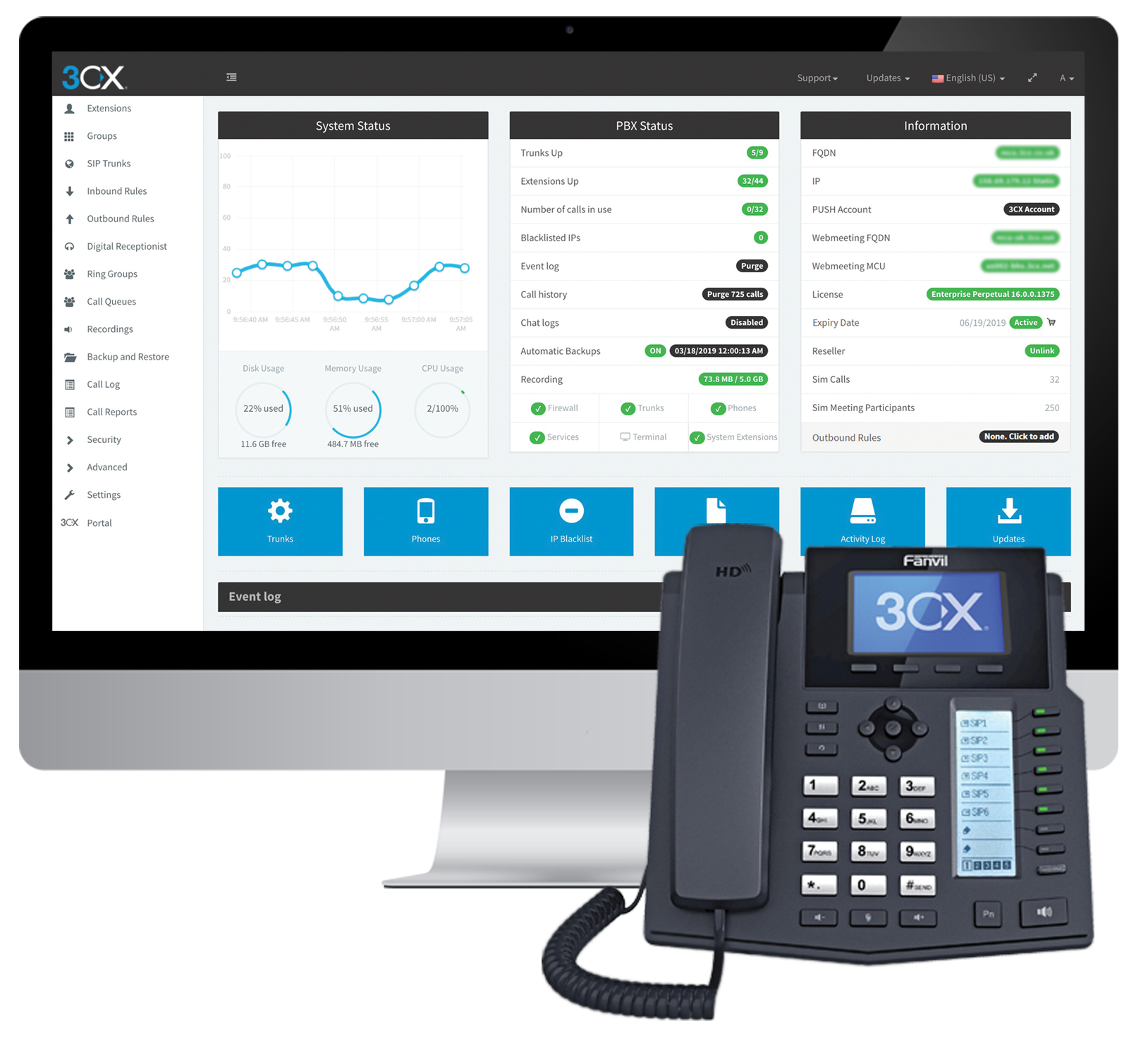
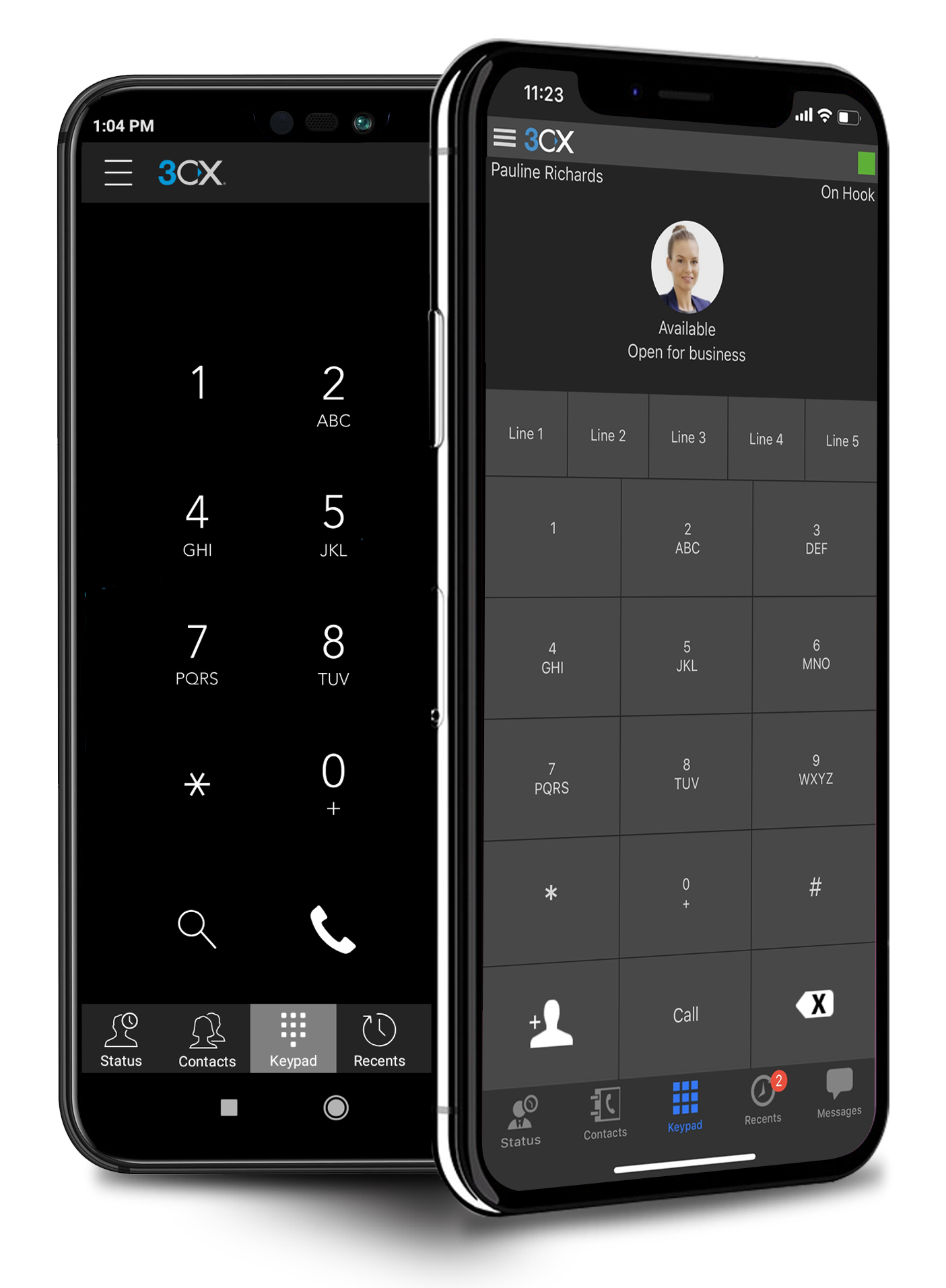
Cyprus based company 3CX offers an IP PBX phone system.
$1.08
per user/per month
GoTo Connect
Score 8.0 out of 10
N/A
GoToConnect, from GoTo, is a cloud-based business phone system with built-in web-based video conferencing solutions. It includes features such as call analytics, call recording, softphone, fax to email, voicemail to email, and desktop integration.
$27
per month per user
Microsoft Teams
Score 8.1 out of 10
N/A
Microsoft Teams combines video conferencing software with team collaboration tools. The communications platform allows MS Office users to conduct conference calls and share files via SharePoint, and join or initiate a group chat.
$4.80
per month per user
Pricing
3CX
GoTo Connect
Microsoft Teams
Editions & Modules
Pro
$1.08
per user/per month
Enterprise
$1.31
per user/per month
Standard
Free
Basic
Starting at $27
per month per user
Standard
Starting at $32
per month per user
Microsoft Teams Essentials
$4.80
per month per user
Microsoft Teams Enterprise
$5.25
per month (paid yearly) per user
Microsoft Teams Enterprise
$5.25
per month per user
Microsoft 365 Business Basic
$7.20
per month per user
Microsoft 365 Business Standard
$15
per month per user
Offerings
Pricing Offerings
3CX
GoTo Connect
Microsoft Teams
Free Trial
Yes
Yes
Yes
Free/Freemium Version
Yes
No
Yes
Premium Consulting/Integration Services
Yes
Yes
No
Entry-level Setup Fee
Optional
No setup fee
No setup fee
Additional Details
Price displayed is based on 25 users.
3CX pricing is based on the number of simultaneous calls your business requires or in other words, how many calls your system needs to support at once. Unlike other PBX vendors there is no per extension cost.
No-obligation month-to-month account are available, or a long-term contract is available for better deals on service pricing and hardware. GoToConnect provides all features with unlimited use. Customer & Technical support is available 24/7 to resolve any issue. A dedicated onboarding team will help to the phone system set up for any plan.
Discounts are available for non profit organizations.
3cx is better cause it also offers chat and call recordings. I don't think Podium does that.
Verified User
Technician
Chose 3CX
These are not dedicated IP phone systems but they are the close I've used. Our old legacy phone system wasn't cutting it anymore. I would say our biggest hurdle for out-groups has been able to get the old legacy fax services working for 3CX and I'm not sure if it even does. …
We didn't want Cisco Call Manager anymore. We used a very old version previously, but nonetheless it didn't have a very good name in the company. PureCloud was too call center focused so in the end, we like 3CX best. A small pilot was configured very fast, and after we went …
GoTo Connect came from an old system called Jive. The online PBX is one of the best I have used due to is ease of setup and configuration. GoTo Connect is a setup above the rest in this aspect.
Almost non comparable. Microsoft nickel and dimes you for licensing that is not overly clear. Any change to the teams phone system can take upwards of 48 hours sometimes leaving clients without a phone system for that time. No dialing through phone trees when on a conference …
GoTo Connect is a higher-quality product. It is easy to use and easy to integrate with our other systems. We have been looking into different programs (there are so many) and GoTo Connect has a more professional interface.
We looked at others, I just can't remember all the names we reviewed and compared. But GoTo just looked so simple to use. Even a child could do it. And thats what we need. Nothing too complicated, and allows us in control.
GoTo Connect was more complete and affordable than Zoom for what we needed. Much more affordable than teams, some features were sacrificed, but the overall experience is better in my opinion.
GoTo Connect's pricing is VERY competitive, and, in my opinion, their customer service is MUCH better than Zoom's. Easy to understand their tech support agents' English, and most of their support folks are VERY well trained. You don't typically have to go into "Tier2" or …
The faxes all come to an app that we can download and print the faxes. We have been using RingCentral before we switched to GoTo. We still have RingCentral because it is easy to download and see faxes in their app. I do find having faxes emailed is easy, but not everyone has …
GoTo Connect serves the needs of medium-sized organizations like ours better than MS Teams. Its User Interface and call connectivity feel better than that of MS Teams. GoTo Connect was a better fit for our specific business needs, offering the right combination of telephony …
As a support engineer, I have used mutilple application like MS Team, Cisco webex, Zoom, Bomgar for assisting customers. But challanges with those application are they doen't provide unified solutions. Some feature available one and not in other. Go to meeting provided every …
Verified User
Employee
Chose GoTo Connect
We were looking for a comprehensive solution that consolidates communication channels and GoTo Connect aims to be an all-in-one system, offering phones, meetings, and messaging within a unified platform. GoTo Connect is also part of the LogMeIn suite, and we already use other …
Teams seems more advanced and suited to bigger audiences, GoTo Connect seems like its a more basic version suited to smaller audiences. If you are looking to get started with an easy to use and full functioning meeting system with good audio visual then this is a great place to …
We chose GoTo Connect because it put a tick box on all our requirements which included three major requirements. These three requirements were the pricing, the support offered during our relationship, and the time taken to implement and set up the product as per our …
In actuality, I did not go with GoTo Connect. Teams ended up being just as effective and also allows for Channels, which GoTo Connect did not have - or at least it was not too apparent. Although GoTo Connect is a great alternative, Teams has been more user-friendly and the …
I find both of these options more modern and easier to use. These options also integrate more easily into our urrent workflow and provide more timely updates. These options feel like they are focused on being able to integrate into smaller organizations an not as focused on …
I found sound quality is very good using GoTo Connect. It was also easy to implement and to setup Goto Connect compared to other products. Also, didn't had any issues integrating with Microsoft Teams. That's why I prefer Goto Connect.
Microsoft Teams edges above the conferencing competition by allowing file collaboration and ongoing group chats with coworkers. We selected Microsoft Teams for all our video & audio conference calls for it's ability to integrate with our Outlook client and make it easy for …
In many scenarios decision is driven by budget and compared to other solutions at the time of purchase [3CX] was simply the cheapest solution for what it has to offer. If you are looking for integrations, extensibility, and advanced functionalities, this might not be a solution for you. At the time of use (and this may have changed by now), there was a lack of APIs, CLI commands, and similar so nothing could be automated with the system. There are ways of importing data through CSV but automation would solve us so much time and support calls if we were able to connect with other systems.
Go-To softphones have made my life as an IT manager significantly easier. Being able to take calls and listen to my voicemails on both my computer and mobile phone has been a game-changer. I also cannot recommend the "drag-and-drop" dial plan management system enough. It makes the entire process as easy as programming in Visual Basic and allows you to see exactly what is happening when someone dials into a line.
It's amazing as a daily driver for team communication, and document search/store. Also, if you're doing a lot of LONG meetings and have trouble remembering details, the AI summarization is amazing and convenient. It just works. I'm not saying I always do this, of course, but if I need to 'skim' instead of really digging into every detail from a meeting, the AI-generated summary is generally good enough that I can get away with it.
Simplicity: Using a single 3CX interface we can manage every phone and extension used throughout our company.
Flexibility: There are a wide variety of options to configure each extension and phone. Changing anything after the hardware is deployed is very easy.
Portability: Phones with 3CX can be easily moved or repurposed within an office or at remote locations, including users' homes. The mobile app allows users to use their office extension anywhere without exposing their cell number.
Call reports: You can see and review calls received from the first receptor until the last who attend this call, also you can review all calls make and received by your teams
Voicemail options: Availability to create some voicemail with multiple receptors
Devices option: with several options to change on your devices
Audio library: Multiple option to create your own audio library with or without ambien music
The webinars feature has some missing functionally such as the ability for all users to use the Q&A feature (only those with a Microsoft Teams account can use it now), the ability to upload documents for attendees to easily access and download, and the ability for presenters and organizers to easily chat amongst themselves throughout the webinar.
The "Channels" organization hierarchy could be more clear. If you have several channels set up, it can get clunky and hard to find the specific channel you are looking for.
The MS Planner tool lacks functionality and organization. You cannot assign more than one person to a task and it's confusing when you try to share tasks with people - it would be nice if they were automatically added to someone's calendar.
They are knocking it out of the park on all fronts. I love the service and support I am receiving and have no complaints. If they raised their prices substantially I would reconsider but I don't think that will happen anytime soon. They would have to mess up something consistently moving forward to make me want to move
Microsoft Teams is included with our Office 365 subscription and we have no intention of migrating off of Office 365 and Microsoft products. Since Microsoft Teams is included for free with our Office 365 subscription, and since we enjoy all the features, benefits, and functionality, there is no question that our team will continue to use the product
Overall, it's a decent product for the price. It has the basic features our company needed when it was brand new and was not overly difficult to set up. As we've grown, it's become increasingly difficult to build out the features we want to implement within the PBX, and customer support can be less than helpful. Many of the more advanced features (dial plans, queues, etc.) take a lot of research to understand how to implement. Some of the features we paid for weren't even available when we were attempting to set them up.
If you have the full Microsoft Office suite, it works really well because it's integrated well within its ecosystem, but if not, it can be annoying because it tries to open a shared file in the web versions of the file equivalents. The web version is also a bit slow, and the login is very difficult to handle if you have multiple Microsoft or Outlook accounts.
I have never experienced or heard of unplanned outages when it comes to GoTo Connect. Most of the time the unplanned outage is always local power at a site or internet service provider having an unplanned outage. GoTo's service has never failed any of our orgs yet that I know of.
There is no lag in phone calls. There is no background noise or static/fuzz. Calls are crystal clear. With other dialers and phone systems, I have experienced delays between dialogue or delays with the caller picking up the phone and then being able to hear you. We do not experience this with Go To Connect.
The 3CX Phone System is only a five because while they provide set-up/how-to/Q and A documents to help your district or company get started, they do not offer support for free. The documents provided, though, are good enough for you to get you up and running. We also found a good source of help through a sip trunk provider, which was a 3CX reseller provider.
One of the MOST challenging things in tech support is that some of the offshore agents "don't speak Texan/English", and are really hard to understand. GoTo Connect's support is usually someone who is VERY easy to understand their US/English, and are very helpful. In dozens of interactions for our business & our clients, we've only had a few tickets that couldn't be resolved on the first call
The overall support provided by Microsoft for Microsoft Teams has been quite good but there is still some room for improvements. Microsoft needs to proactively work on fixing the open bugs in order to provide a seamless experience to the users. But over the service and experience provided by the Microsoft team have been quite satisfactory.
The training videos could be more in-depth. This would help our user base so that they can feel impowered to look up information that they need without having to ask our admins every time they have a question about the system. Online training videos are also inferior to an actual person explaining systems.
One big lesson we learned is that training the team well makes a huge difference. It was easier when we started with the fundamental features, such as the way calls are handled. Getting staff involved early helped us set it up the right way. So I would say my experience with implementation was straightforward.
The main differences between 8x8, Inc. and 3CX is pricing and ease of use in my opinion. The 3CX system uses annual based pricing plans based on of simultaneous calls your company needs, not the number of extensions/users and offers a free plan. 8x8, Inc. charges per extension with different plans. We currently have 19 extensions so the 3CX system makes more sense for us, however, if your company only has a few extensions you may want to throughly consider both options. In my experience, it was difficult to add new extensions and phones with 8x8 because at least at that time we had 8x8 I could not add anything on the web admin. I had to call a sales rep which took a lot more time. Also, if you didn't purchase a phone and/or headset directly from 8x8 at a usually higher price than Amazon for example then you would have to spend anywhere from 30 minutes to hours on the phone with 8x8 tech support to program the phone to work with the 8x8 system so adding a new extension could turn into a long ordeal. I can easily add new extensions on 3CX directly in the web cpanel. Granted, if you are actually adding a new phone number you would need to purchase that number from a company like ATT first before adding it to 3CX. The difference between a phone number and an extension would be a phone number allows a customer to call in directly using that number. The extension would require the customer to call the main business number then be transferred to the extension. 3CX provides a list of supported phone models on their website
Avaya IP Office was for us a complicated and inflexible on-prem solution. It could be made to do a great many things similar to GoTo, however it was not flexible and scalable in the same way as GoTo, which is to be expected of a cloud solution. In particular, as we aimed to build out a contact center, IP office could not do it in a work-from-anywhere environment, and the softphone provided almost no information to the agent. GoTo solved all of the problems we were encountering with IP office, with the added benefit of not needing continously upgrading licensing - as GoTo is a one-license solution.
Microsoft Teams offers a much more integrated experience between their chat and video call function compared to Google Chat and Slack. Both other tools are much better for internal communications are they have simpler UI without other features. Whereas Microsoft Teams can be used for more critical conversations, particularly between external companies, and has been very useful in sales conversations which is what we chose it for when speaking to companies that work exclusively through Microsoft.
Honestly, this tool is worth every penny. Yes, it's not free and you pay for the quality of services and the license. But the ROI and the benefits are all there. Also, the renewal, negotiation, and contract terms are all very well explained by our Microsoft account manager, and she's a charm.
Its not readily apparent to me, other than cost, where you would run into any issues with larger scale deployments. When we went live on the product, the Jive team was always willing to do mass updates for us on our extensions, users, etc. in the system, so we didn't have to do too much manual one-by-one updates.
I used Skype for Business to take calls, hold conferences, and provide remote assistance to users. Microsoft Teams, on the other hand, is superior to Skype for Business in my opinion. My job entails a lot of screen sharing.
3CX has a lot to offer for a very low cost as its business model is based on simultaneous calls and not per device. It's very cost effective and very affordable.
As the 3CX server does not require a high-performance server to run, with the Public Cloud option, it might allow even further savings.
Cost Savings have been realized from reducing hardware .
We are all able to collaborate remotely and it has been seamless and easy to setup.
I'm able to pull reports, i wish there was improvement on the data analysis side. It has gotten better since LogMeIn, but something is a miss and can be improved.
Personally, I would say that by using Microsoft Teams, it upped my collaboration with my colleagues by around 50% or around more than half of what I usually did prior to using it.
I had 100% show rate and attendance on all of my meetings in the past 6 months.
If I may add, I also have been chattier & collaborative towards my colleagues in past 3 months particularly the month of December when we had huge traffic at work. I would estimate this behavior to have been increased by around 60% than what I usually incur during normal operating days.