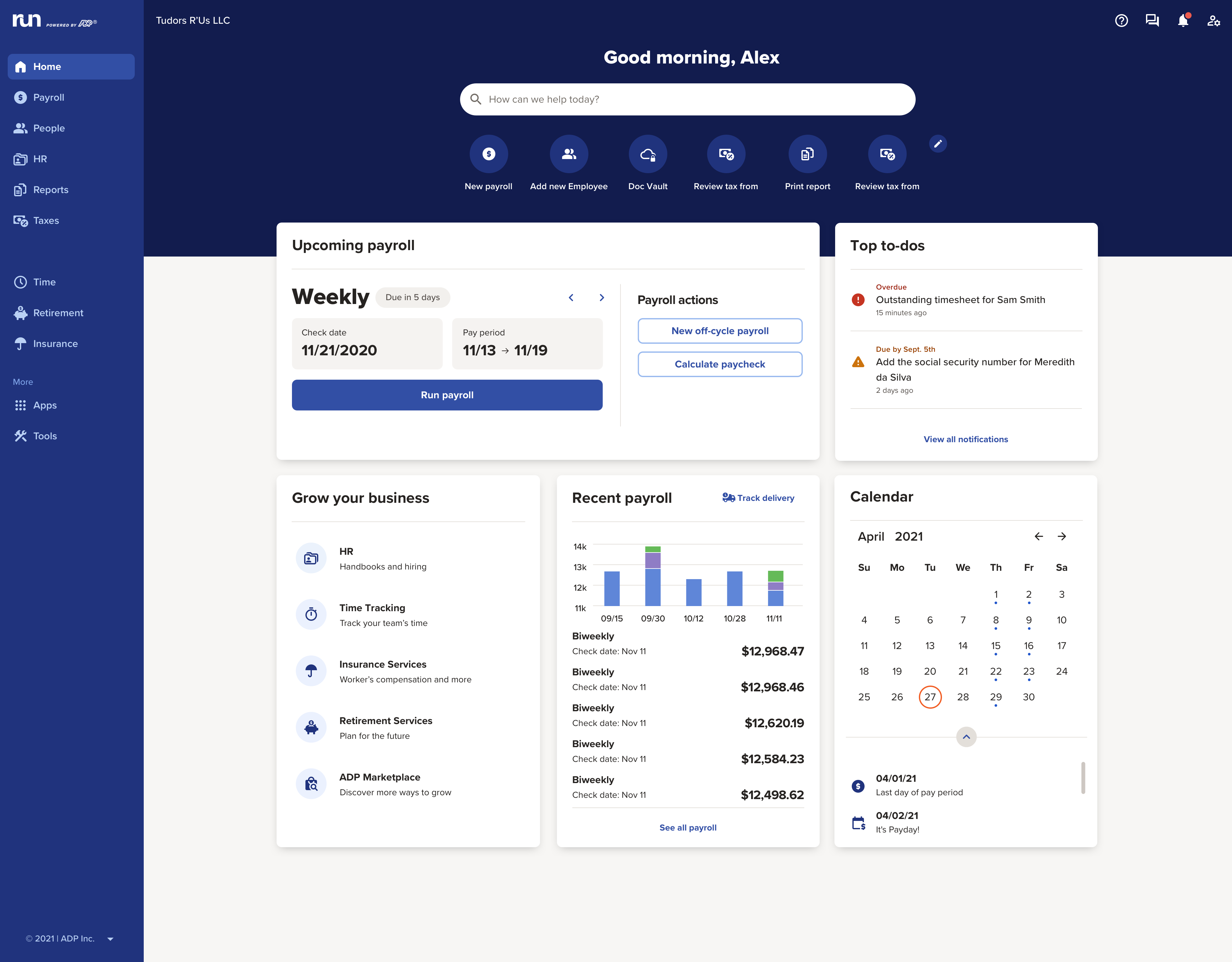
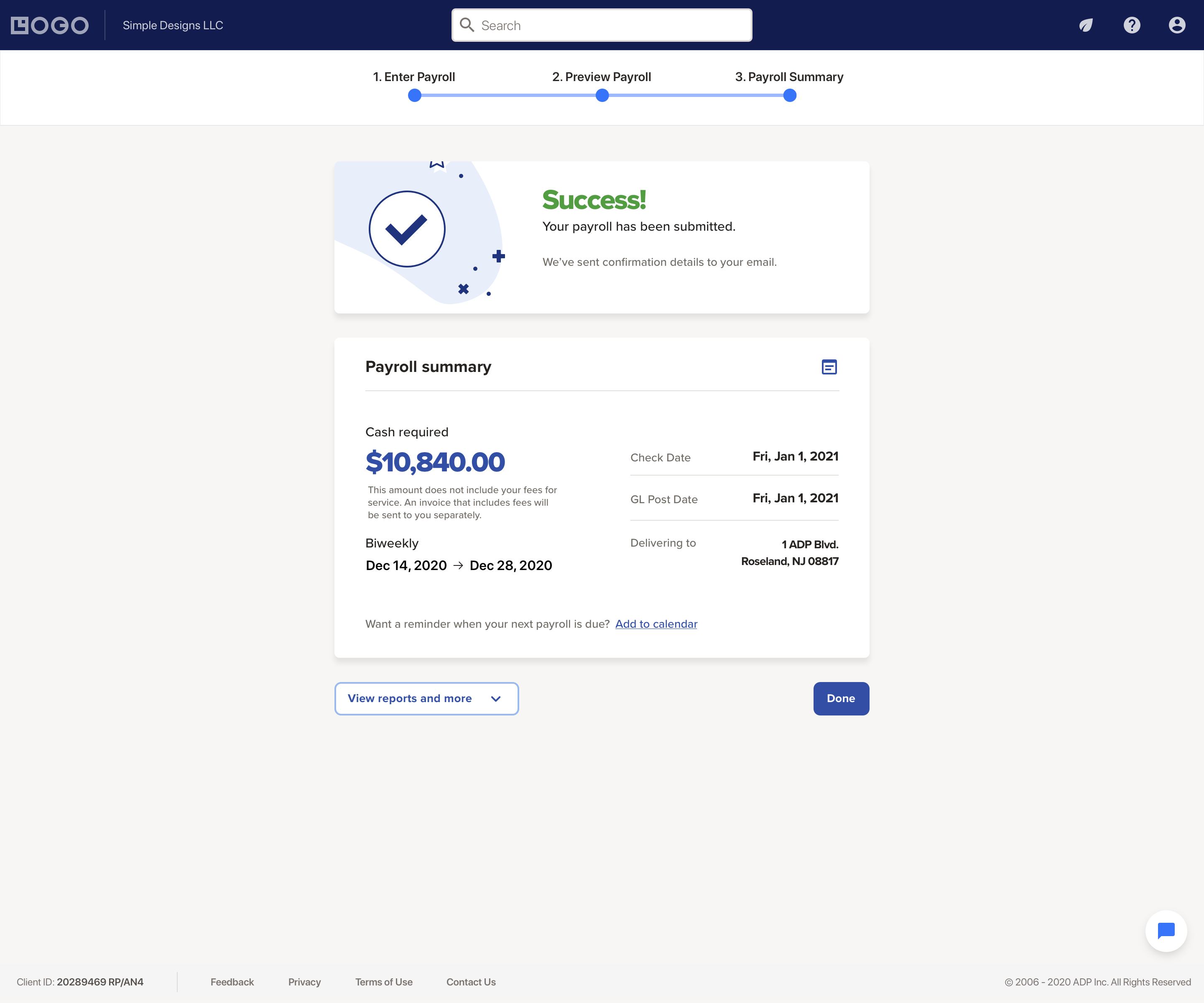
The RUN Powered by ADP® cloud-based solution is used to pay employees. It also includes HR and hiring tools, as well as benefits, helping small businesses grow and manage their teams.
N/A
Asana
Score 8.5 out of 10
N/A
Asana is a web and mobile project management app. With tasks, projects, conversations, and dashboards, Asana lets an entire team know who's doing what by when, enabling workload balancing. Users can also add integrations for GANTT charts, time tracking and more.
$13.49
per month per user
Zoho Projects
Score 9.1 out of 10
N/A
Zoho Project is online project management and planning software that provides project teams with a web-based collaborative environment. Zoho Projects can also include a bug tracking module specifically design to support software development project. It is integrated with other Zoho products including Zoho CRM.
I like the simplicity of of RUN Powered by ADP® as changes are very easy to make and it's very user friendly. It reminds me of Proliant, but more capable from an HR perspective and I like the Workers Comp integration. Workday is very cumbersome and getting assistance can be …
I think ADP has a slight edge over Paychex. I like the way the reports are presented better than Paychex. As long as Paychex is not 50% cheaper at that time I would stick with ADP.
We selected ASANA based on the feature set, and ease of rollout. monday.com had very good workflow automation but we found that ASANA was quicker and easier for staff to build a task eco-system that worked for them.
Zoho Projects was a very strong contender but was much more …
In comparison to other Project Management software tools that I have used, Asana is the most user friendly platform without compromising any advanced capabilities.
We were testing out Asana at the time we moved on to Zoho. Zoho seemed to have more features that met our needs. Asana was not quite developed to the point of our liking. Zoho has an awesome calendar function that I loved, which Asana did not.
MSP - Windows based. Not collaborative. Complex UI. Cannot be shared with people outside the organization easily. Cannot set security levels for users to access projects based on the rights granted to them. Trello and Asana - Expensive subscription plan. Limited …
I would choose HubSpot & Asana over Zoho because of their intuitive UIs and functionality. I would choose Zoho over Basecamp only when you are managing hundreds of projects.
I used Zoho projects initially because it was easy to setup and gets going for FREE. The best thing you can get out of Zoho projects is that it needs zero setup time. It is also a great tool for manage projects, however not that suitable for product management, I believe. JIRA …
Anyone running a service or mobile business would love the ease of clocking in and out with GPS services. Small and medium sized businesses looking to offload some of their accounting and HR functionality would all appreciate it. I helped my brother-in-laws housecleaning business get set up with RUN Powered by ADP®, as well as a friend's dry cleaning company.
The usability of Asana is broad since it's available in a variety of platforms that are widely used nowadays. I think that it would be great for people who are constantly on the move and switching devices, since it has allowed me to work from my phone, too. I also think that Asana has proven itself to handle a large quantity of work
My work involves projects of 5-15 people with numerous projects running simultaneously. Prior to Zoho, I did not have a central location from which to view all project statuses at once. Zoho looks to provide this and also looks like it will deliver. I am anxious to see how our organization's use of it develops. At this time, I feel I am likely to recommend Zoho Projects because my organization has made great software decisions in the past so I have a level of trust already that the research has been done that Zoho is the best solution for our line of work.
Payroll runs are consistent, timely, and error‑free, even when handling multiple pay rates, deductions, or changes. Direct deposits process smoothly and predictably.
RUN Powered by ADP® manages federal, state, and local tax withholding, filings, and payments without requiring manual oversight. This significantly reduces compliance risk and administrative workload.
Common actions—running payroll, adding new employees, updating pay rates—are straightforward and guided, which helps prevent mistakes.
Through it, we were able to communicate and cooperate with the rest of the team to complete the work in the required manner and at the appropriate time.
We use it to manage our sales orders as there are lots of moving parts which are necessary to get client orders done properly.
I use it anytime I have a new idea I want to put into motion. As I can create a list for brainstorming, feedback, specific actions necessary in order to test and or implement the idea.
Unrelated to business, it's a great way to plan travel in order to make sure you don't forget those important things like passport, flight arrangement, client meeting confirmation, and meeting prep as far as what specific documents or things do you need to bring with you.
And since everyone is on the go and expected to keep up with work, the mobile/tablet app makes it a breeze to keep up, work on, and create new projects.
I do wish there were additional custom deductions available rather than a limited amount.
Sometimes employees have trouble accessing their account after the initial invite has been sent.
Sometimes employee accounts get locked due to a reused email if their profile is deleted before they've signed up. Only a call to support can correct it.
It is much better than the payroll system I used previously. The integrations that RUN has for on-boarding new hires are very convenient when they work properly. It saves a tremendous amount of time being able to email a link to new employees that allows them to enter much of their own demographic information. Payroll feature alerts me when someone's pay is significantly less or more than usual.
I've reviewed about 8 other project management solutions and Zoho Projects is the best I've seen without being overly complicated. Zoho Projects keeps getting better! Recent new enhancements makes it even easier to navigate. There are new keyboard shortcuts that cut my time way down. The tools are very easy to use.
I have been using this system for years and they have actually made it easier and easier. The system is always making great upgrades that don't necessarily require any additional information or training. I love when I log in and see a new feature or button that I get to use to make my life easier!
It is very user-friendly. Takes a new employee an hour to start figuring out how the system works. That's an important factor. You don't want to encounter the issue where employees need a week to understand how the system works. For example, JIRA, I tried using it for a week and I still don't understand the complicated layout. Asana has a simple interface. Once you see it, you get it type of program.
Zoho Project has been very user-friendly. As a small business, we have a diverse group of people with varying skill sets. This platform has been easy for our team to learn, implement, and succeed with. The mobile version is also very handy for our team.
We've had very little issue with RUN availability, only a couple times there were outages when least expected which occurred on our actual payroll due date
ADP Run loads a bit slowly at times, once I put in my credentials. However, that said, I think my perception of the time it takes is impacted by our "instant gratification" expectation of being able to get into everything quickly.
I appreciated having that issue finally take care of. it was extremely disheartening to see the issue had not been resolved. I also had my employees looking to me and thinking I was not trying to resolve the issue so it reflected poorly on my character. I do not know if i was because of a miscommunication, but nonetheless I was happy it was taken care of
I haven't had to use their support so I can't rate it. The fact that I haven't needed them reflects the ease of use of the product. I would recommend that any new users schedule a complete demo of the product to ensure that they are using it to it's fullest (there's a lot of useful features).
Although it might lack intuitiveness, once you get a hang of how Zoho Projects works, you can do a LOT. The impact good project management has on profitability is huge, and it has helped not only improve communication and coordination when working on a project, but more importantly have adequate tracking of time, due dates and potential bottle necks
Based on our experience, RUN Powered by ADP® was selected by our small business because our owner was seeking a robust, all-in-one payroll and HR solution that scales with our growth. It allowed us to move away from manual spreadsheets and our less sophisticated payroll systems to ensure accurate tax compliance.
Asana is a top-tier project management software that helps us organize and track projects from start to finish. It allows us to apply tasks/to-dos to multiple projects without duplication, divide complex projects into smaller tasks, and track project progress. It also helps us organize work on Kanban boards or linear lists. It stands out from the crowd in a big way compared to the competition.
Zoho Projects provides a more limited set of functionality and customization options than other task/bug trackers on the market, but what it lacks in functionality it makes up for in ease of use. It probably has 80-90% of the features of its competitors but takes about a third of the time to get up and running and realizing value.
Every summer, we hire three new college interns who have to be entered into the system. They can enter their information themselves, which takes a load off me. The onboarding is quite straightforward, and today's college kids are techy enough to be able to understand it.
We needed a system to organize our growing business, so anything was better than what we had, which was nothing.
Recording time spend is a huge reason for using project software. It has made me aware of the tasks that are taking too long and where we are not being profitable as a company.
It has kept our team accountable for what needs to get completed and when projects are not in motion or completed timely. It's helpful to know in order to get billing out faster.