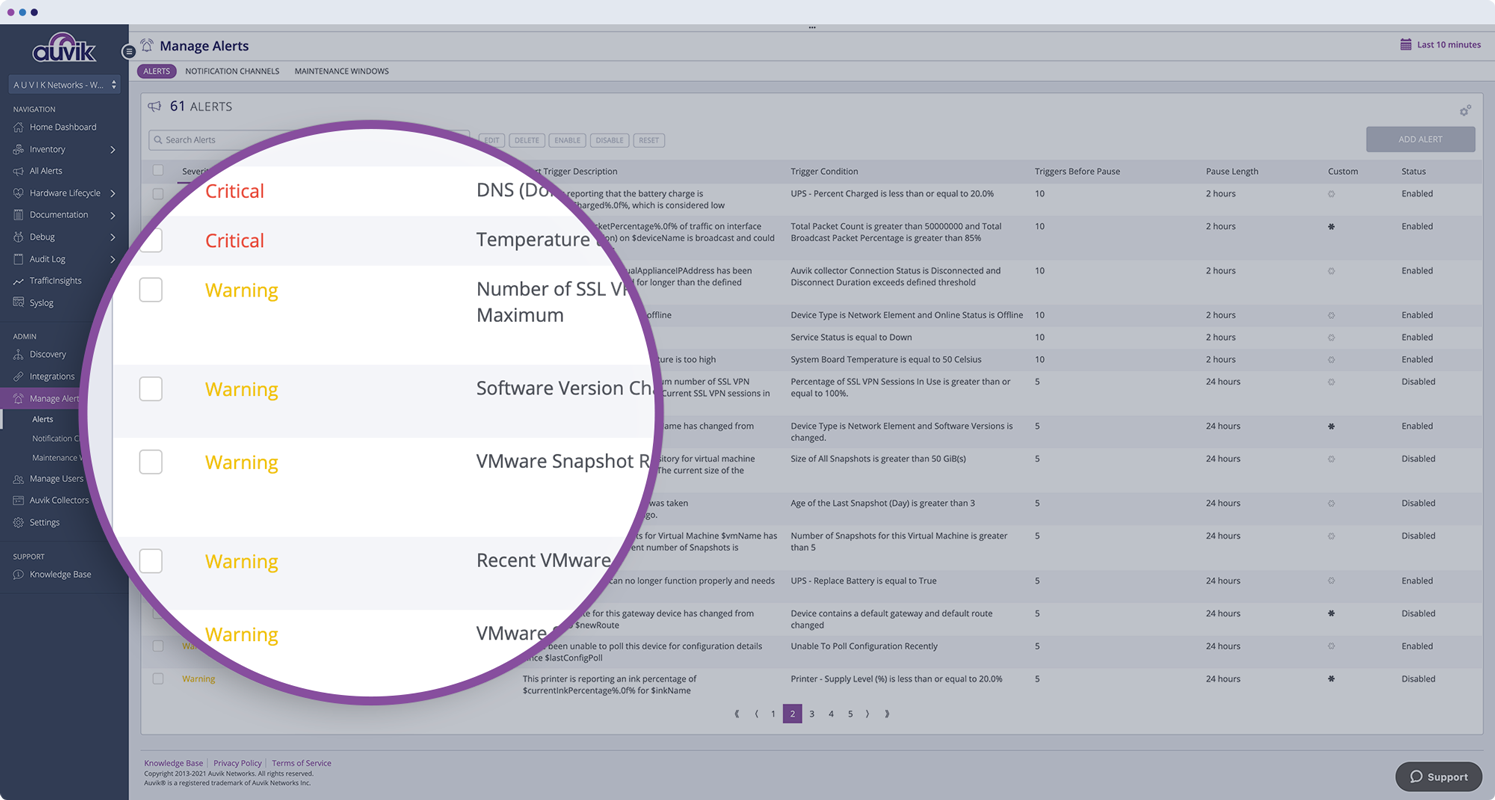
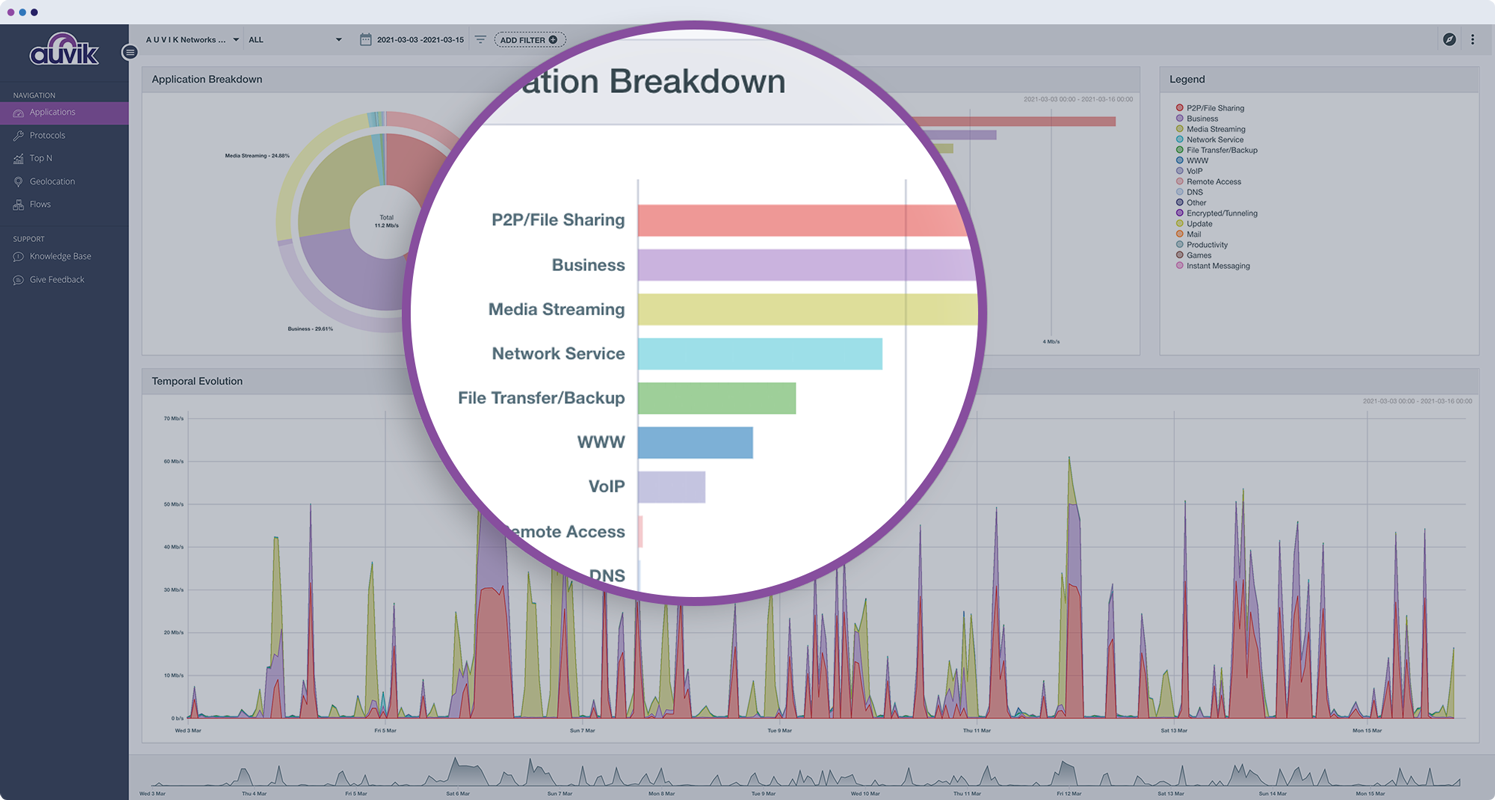
Auvik Network Management is a vendor-agnostic cloud-based network monitoring and management solution providing automated network discovery. Auvik requires no service hardware or disruptive maintenance cycles and provides onboarding and training for new and existing users. Auvik delivers visibility and automation to reduce friction for IT teams and allow them to give end users the freedom to work wherever and however they…
N/A
ConnectWise Automate
Score 8.4 out of 10
N/A
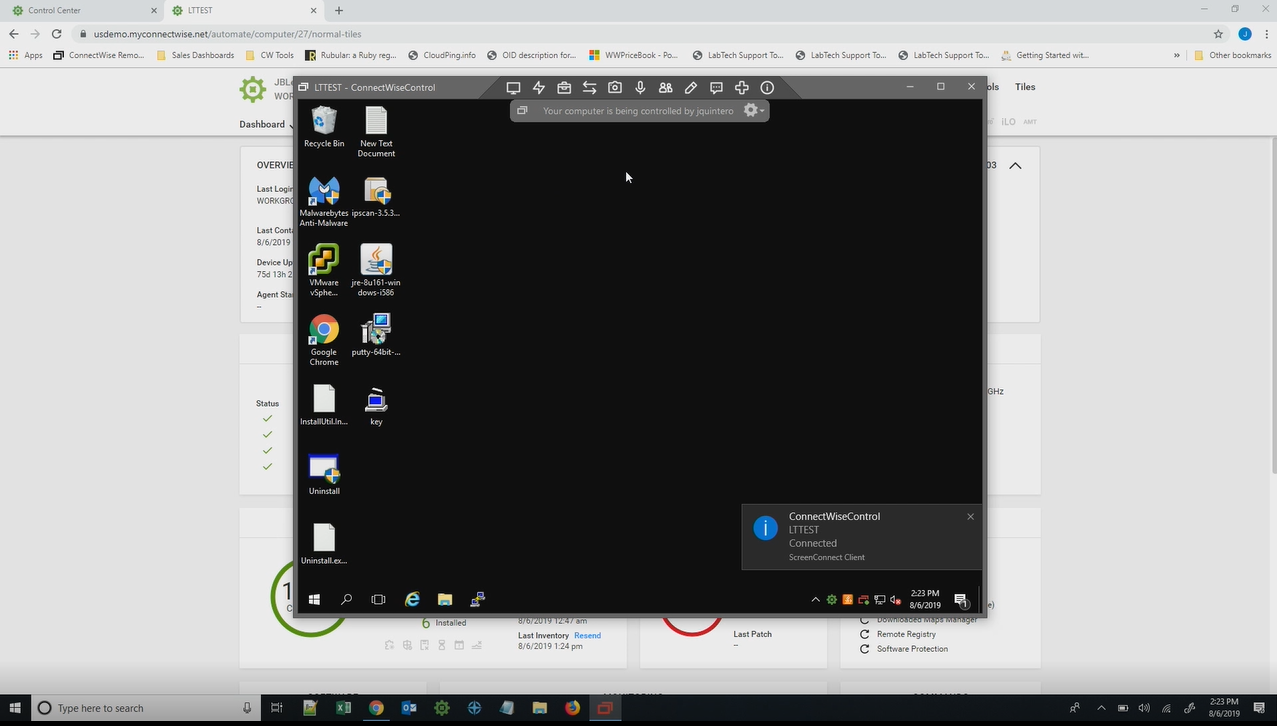
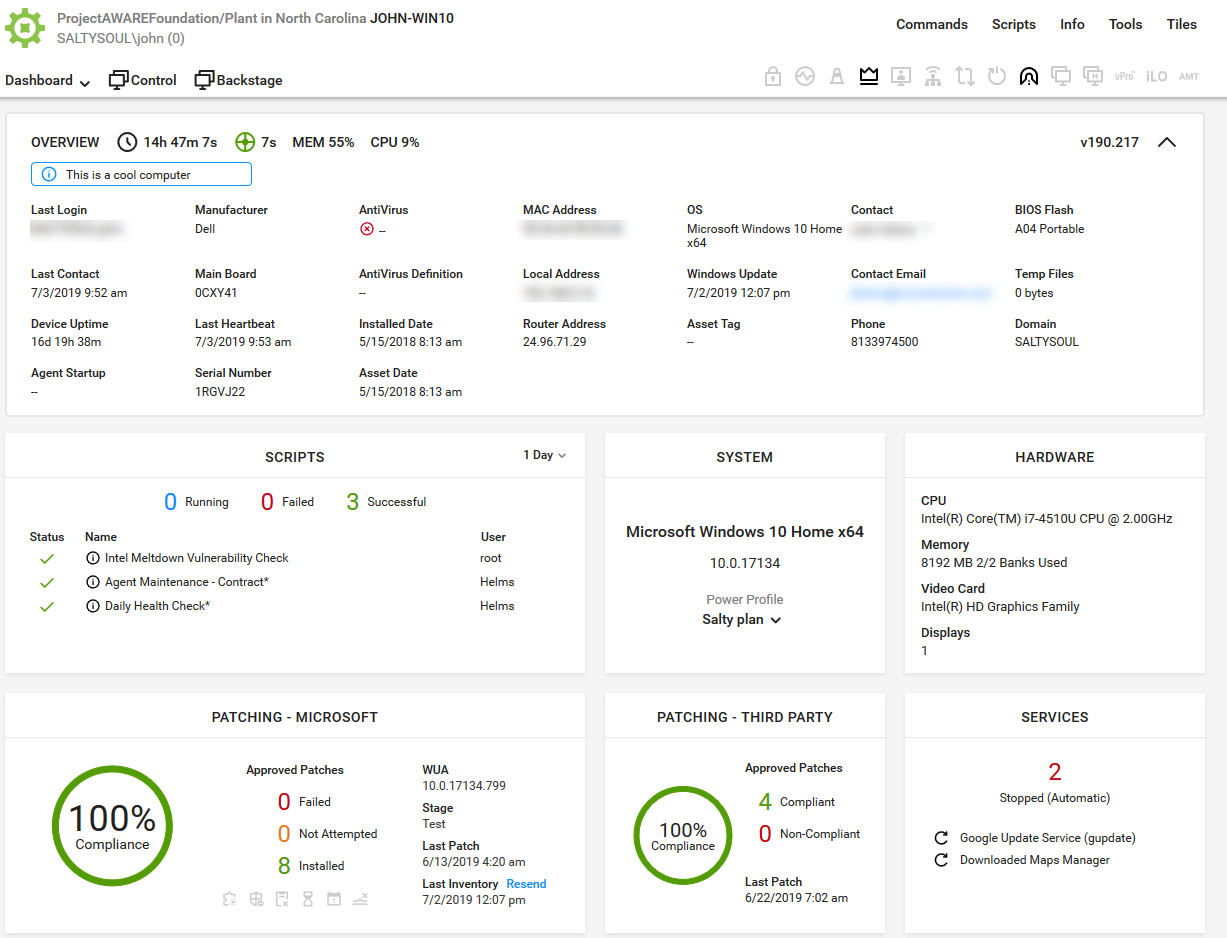
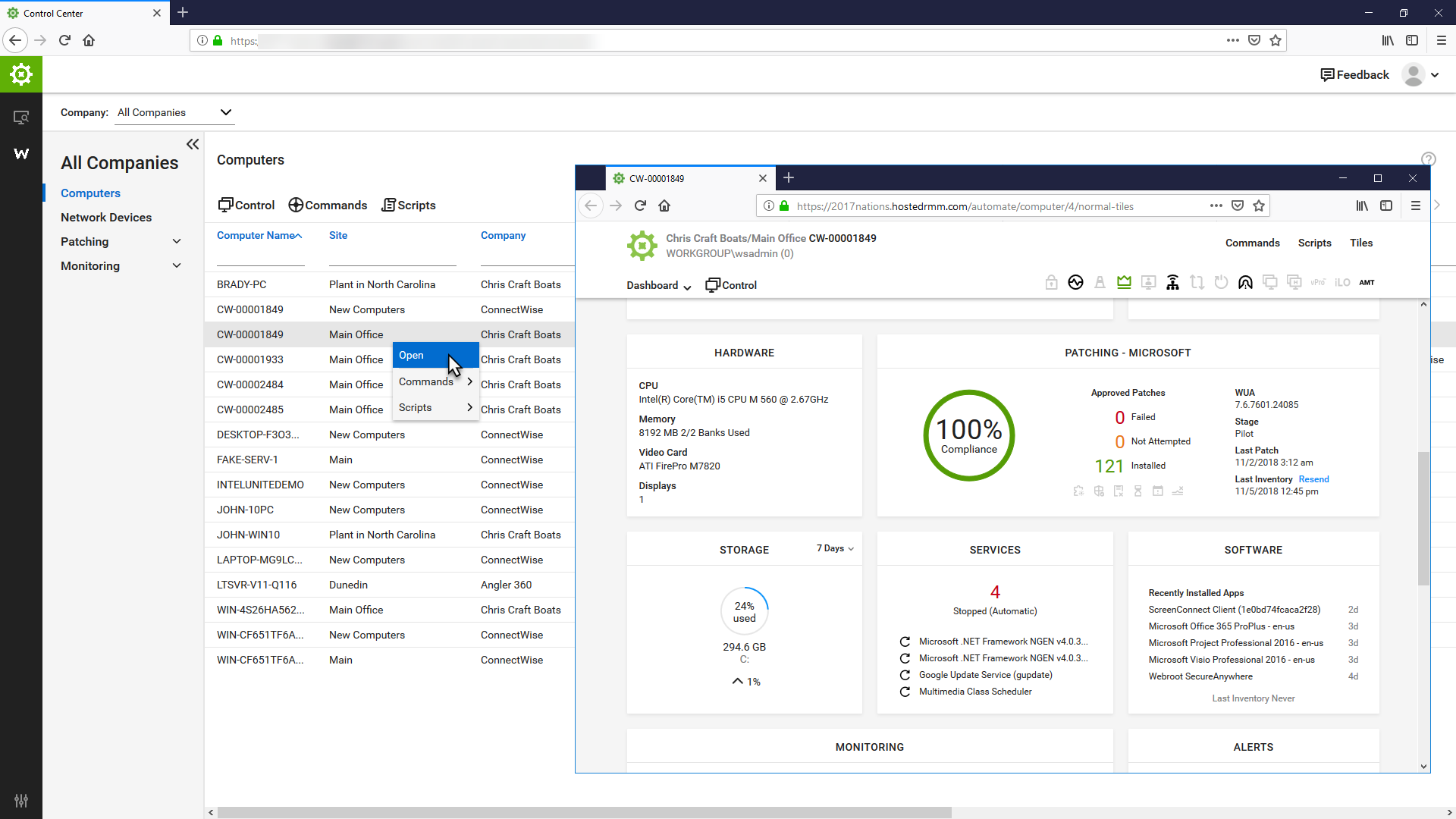
ConnectWise Automate, formerly LabTech, is a remote monitoring and management (RMM) platform. It provides powerful automation to discover and manage devices, monitor for problems, and scripts repetitive action.
$700
LogicMonitor
Score 9.0 out of 10
Mid-Size Companies (51-1,000 employees)
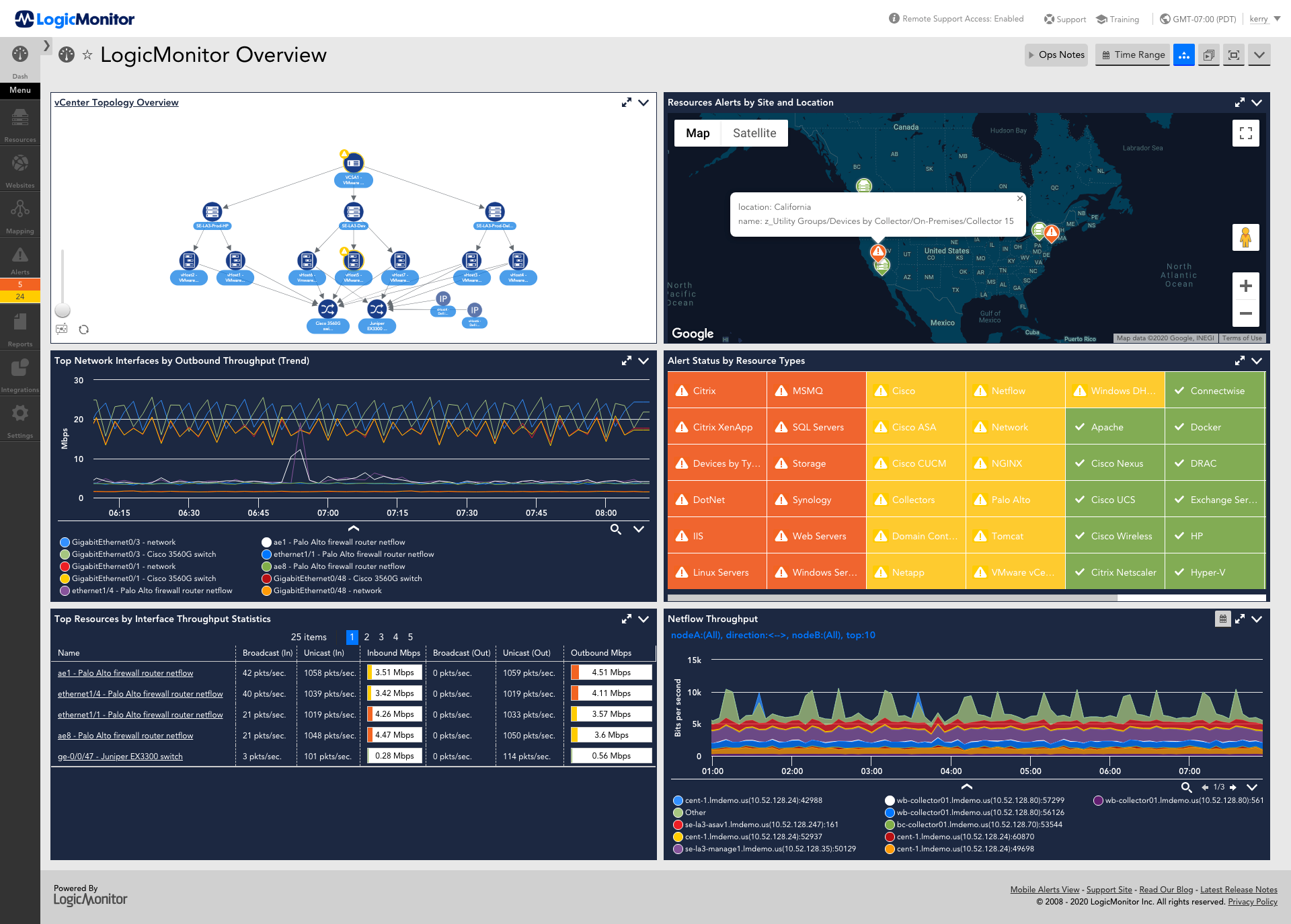
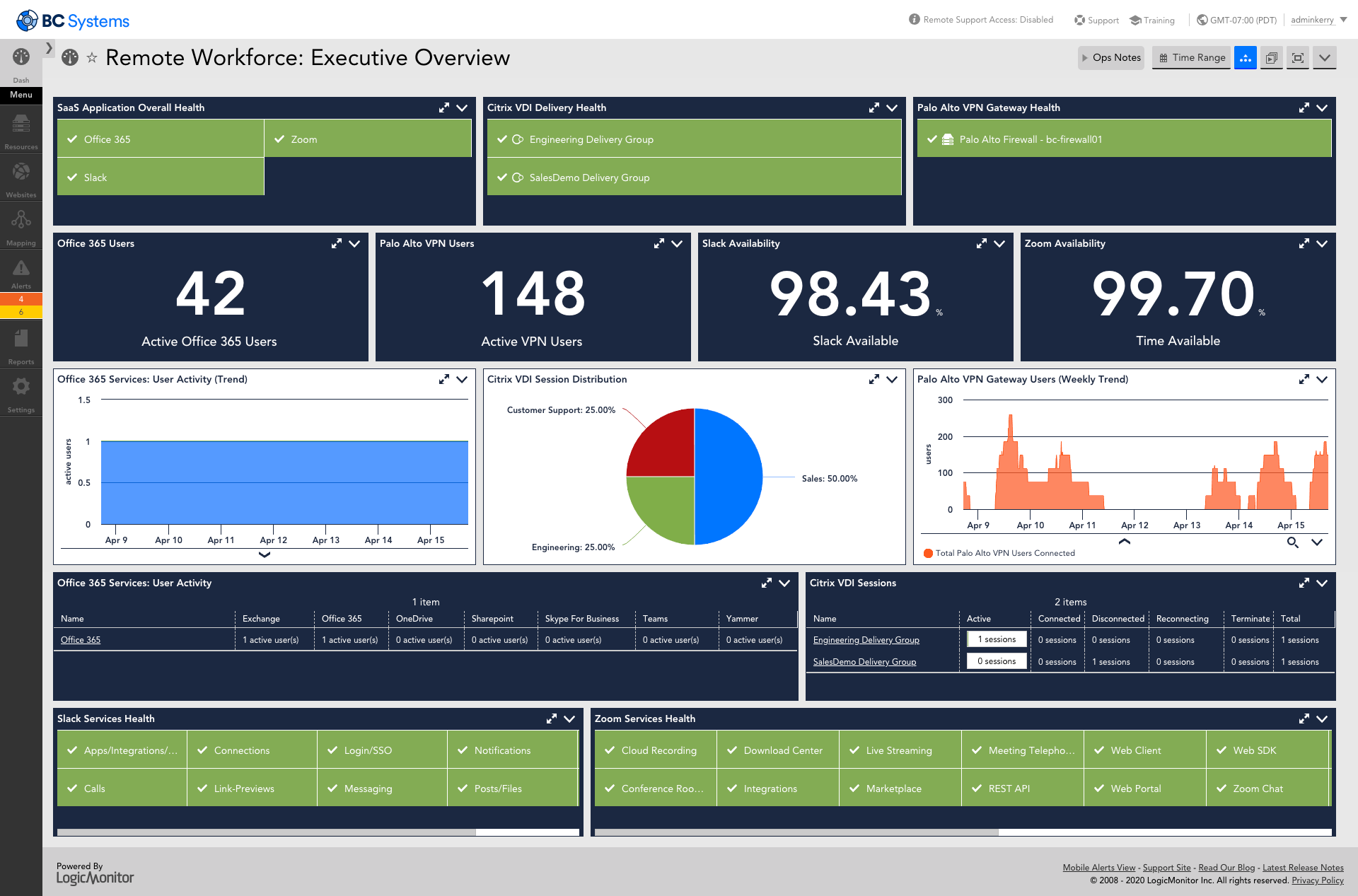
LogicMonitor’s SaaS-based platform, LM Envision, enables observability across on-prem and multi-cloud environments. It provides IT and business teams operational visibility and predictability across their technologies and applications.
N/A
Pricing
Auvik
ConnectWise Automate
LogicMonitor
Editions & Modules
No answers on this topic
Agents
$1.00-$6.00
per month/per agent
Implementation Fee
$700
Enterprise
Contact sales team
Website Monitoring
Contact sales team
Offerings
Pricing Offerings
Auvik
ConnectWise Automate
LogicMonitor
Free Trial
Yes
Yes
Yes
Free/Freemium Version
No
No
No
Premium Consulting/Integration Services
No
No
Yes
Entry-level Setup Fee
No setup fee
No setup fee
No setup fee
Additional Details
Pricing is calculated per number of switches, routers, firewalls, and controllers. Everything else is monitored for free.
—
Our platform is broken down into Pro and Enterprise Pricing. Pro includes monitoring for all of your cloud, hybrid, and on-premises infrastructure. Our Enterprise package includes all of this, plus our AIOps and Machine Learning functionality that provides dynamic thresholds, root cause analysis, anomaly detection and more!
LogicMonitor only charges by the device. What is considered a device? A device is anything with an IP address that you want to monitor, including a physical device or a cloud resource. This means multiple data sources under the same IP address can be monitored for the same price. Unlike some monitoring platforms. we don’t charge per node, interface, or metric.
Actually, we went from Auvik to LogicMonitor, Auvik is like playing with Tinker Toys compared to LogicMonitor. We moved from Auvik to LogicMonitor for a bunch of reasons, pricing was among them. Auvik charges extra for Netflow monitoring where LogicMonitor has is included. If …
Auvik was was simpler to configure and utilize. Less noise, less configuration, and more user-friendly. We moved from LogicMonitor due to be being overkill for us and too much time commitment to get things online and functional. Auvik network scanning and automatic discovery …
Auvik's license structure is simple and affordable. Auvik's license is based on total network devices in your network. They charge only for total number of Switches, Routers, firewalls and Wireless controllers in your network. All other devices license would be free of charge
With very little setup time and no ongoing maintenance on my end, Auvik has been the only choice for me. I have not had to give up any features that I needed using them over the other guys
Auvik has a been recommended by other companies we have relation with and we started using it as the test. However we are using it more than we ever thought!
Auvik supports a much wider range of devices, has more capabilities, and is easier to set up and manage. Cisco prime doesn’t have near the advanced GUI and easy to ease menu that Auvik provides. Many of the advanced Cisco Prime server settings require you use the command line …
The Network Discovery (probe) portion of Automate doesn't work as well as advertised and expected. PRTG and Domotz are fledgling products compared to Auvik.
Because the monitoring was so weak in Kaseya, we were using Kaseya NOC services so that they would keep all the monitors up to date. That was a spectacular failure and they still missed things left, right and centre. We switched to Labtech and saved the costs of a third party …
We currently use both Passler PRTG and Logic Monitor, we were looking for something to replace PRTG with and thought that we found the correct tool in Auvik. We quickly realized that Auvik was very easy to stand up, but once up it would take an army of engineers to configure …
The other platforms used before migrating to LogicMonitor all have limitations or performance related issues. ConnectWise Automate is a very buggy, unstable platform that is very manual to maintain. The system requires an "Agent" installed on every machine in order for Automate …
We used LogicMonitor and ended up switching to Auvik for a variety of price, performance, and integration reasons. LogicMonitor did not suit us as an MSP.
Auvik and LogicMonitor are very different, but certainly competitors. Both solutions provide alerting. Auvik focuses on network equipment (firewalls, switches, etc), whereas LogicMonitor is more a jack of all trades alerting platform including servers, VMware, and websites.
Auvik was much more simple to use, and the graphical representation of the network topology was very useful for networking. LogicMonitor definitely has the upper hand in the amount of information you can manage, however.
Auvik did not provide historical data and could not monitor as many device types as LM. We found the Auvik collector to be more "buggy" and have had less issues with LM. We do feel that Auvik had a better network topology map and would clearly show device relationship. That is …
SolarWinds had the big breach just as we left it. We loved how powerful it was, and how customizable - however, it is an ON-Prem tool, and as a growing MSP, that dynamic didn't and couldn't scale. We then moved to Auvik, which had the cleanest GUI and some neat features. That …
SaaS monitoring makes so much sense. Why run your monitoring inside the same environment you're trying to monitor, and how do you monitor your on prem monitoring if there's an outage affecting your own infrastructure? Whilst LogicMonitor isn't a specific point solution so …
Verified User
Engineer
Chose LogicMonitor
LogicMonitor was the most versatile and easy to deploy solution. The data from LogicMonitor could be integrated with our other platforms, so it became the source of truth.
Our initial business requirements in 2016 were to monitor Vblock and FlexPod deployments. We had specific gaps with particular storage appliances the monitoring tool we used at that time could not monitor effectively. When evaluating the mentioned solutions, LogicMonitor was …
Again, I really want to say how much I like the customization options with LogicMonitor when compared to previous solutions I've worked with. Also want to call out the fact that the deployment and configuration in new managed environments take less of our team's time to …
LogicMonitor is the most stable and reliable monitoring solution I have worked with. Being a SaaS product is a leg up on most solutions like SolarWinds which does not offer a clear cloud offering. Would recommend LogicMonitor over all over products I have used to monitor …
Automate wasn't a dedicated monitoring tool so its not a fair comparison to LogicMonitor. Automate was more of a RMM tool with monitoring built in vs LogicMonitor's dedication to monitoring.
Automate couldn't deal with non-persistent machines. That is the majority of our clients, and they have machines scale up and down based on load. Plus, we don't need an agent to be installed for LogicMonitor to work.
LogicMonitor is head and shoulders above anything we have used before. Traverse was the most feature-rich, but the back-end was cumbersome and problem-prone. But it was not extensible, support was lacking, and product updates were inconsistent.
Auvik is well suited for managed service customers and small-scale SMB customers who do not have enough technical resource to manage and monitor their network. Also for customer who has distributed networks spreaded across worldwide or nation wide, Auvik is well suited since it does not need any on-premise setup at each site except for a collector. For customer who has already adopted and used cloud network and hosting services, Auvik is better as Auvik is also fully cloud based offering
I recommend it to all IT colleagues; regardless of the size of the PCs with which you work most of the time, the application allows connection stability between computers that make it possible to continue working or taking care of the infrastructure from afar.
The example I will give will explain my rating for it. One employee left our company due to a personal issue, and at that time, our team was working on a highly secure project. He wanted to take revenge on our company, so he began hacking our systems from the outside. Since it appears that someone without authorization is attempting to access our systems, LogicMonitor simultaneously alerted our team to the problem. We stopped that threat with LogicMonitor.
Auvik is the big pic tool of choice for network diagramming, helps layout of our network infrastructure, and we'll know immediately the status of the devices that are successfully communicating, and those that may have, for example, credentials issues.
Auvik's "Traffic Insights" are key accelerators for intuitively isolating and resolving traffic-related issues quickly and easily, and the historical information makes it simpler to deduce what aspects may need replacement, capacity improvement, or possibly even re-architecture.
Auvik integration tools are excellent solution enhancers - that are of particular interest to our company, as we make use of MS Teams and Connectwise products; we would like to see some features to integrate to ServiceNow as well.
They have conflicting scheduling paradigms. When scheduling patching for clients, the 1st Friday is interpreted as the very first Friday of the month, even if this is the 1st of the month. For scripting, the 1st Friday of the month is interpreted as the 1st Friday of the 1st FULL WEEK of the month. This makes no sense to have two different interpretations, and makes it unreliable to schedule recurring scripts to fall when recurring maintenance does. The scripts need to be done manually because of this.
There is no way to dictate reboot orders for patch policies. This tied directly in with my first point. We have some clients that require reboot orders. This is not possible without having different patch policies for each server and specifying a time this way. But, there aren't small enough increments of time to make this reliable, plus patching duration might vary. Excluding reboots with patching and scheduling reboot scripts fixes this. However, this can't be done once on a recurring schedule due to the different scheduling paradigms already discussed. We have to schedule these manually each month.
The primary reason for this rating is that ConnectWise Automate is currently so integral to our operations that moving away would involve more man hours than we would realistically have to invest. However, ConnectWise Automate is also completely capable of meeting all of our business needs and customizable to the point where if something is not meeting those needs out of the box, it can be modified to do what we want. From only installing software on machines if a different software package exists, to push a new version of that software is available, to check if credentials for user/machine have been updated to our new standards and then updating them if they have not, ConnectWise Automate is capable of doing everything we ask of it.
This product has met virtually all of our needs. It was easy to implement and has been simple to support. Customization has been intuitive with many options available. They keep adding features and expanding available options. The future of LogicMonitor looks even better than it is today which is very promising. The management and support teams at LogicMonitor are always helpful
The program can be a bit unwieldy at times, however the majority of information is displayed in a readable and friendly way. The maps and popup information box from the bottom can be harder to use on a smaller screen but on a 1080p+ display tends to work fine.
Basic use of the product is fairly easy. Information about the machines you manage can be found in customizable dashboards, which can be unique for each user, and, therefore, properly suited to the users' needs/job function. This is not a 10 because some of the interfaces are very clunky (Patch Management), and some features are not intuitive and not well documented (reporting). Scripting and Patch Management have a fairly steep learning curve (For structure in patch management and syntax in scripting), but once learned, they work well.
Set up is super easy. Just stand up a small Linux or Windows server to act as a collector. There are no agents to install on monitored devices and all you need is SNMP or WMI access. When creating dashboards, all you have to do is find the widget on the device you want to show up and choose the menu option to add it.
It used to be great, but then they broke reporting, speed and responsiveness with version 11 and the new Patch Manager. It's really bad and their support people are way behind on fixing so many bugs. They have really gone downhill. If they don't get it together soon, we'll start looking around.
ConnectWise Automate lets you manage more endpoints, with enhanced productivity and improved service, all without increasing expenses. It can manage patches and updates across thousands of computers. We also use it for customized monitoring and alerting on workstations and servers. Monitoring is really robust and granular. It does a great job of gathering a TON of data about the network, and that data is searchable. There are a bunch of different reports built in. Integrates with Manage, Control, and other applications. It does a ton of stuff out of the box, and has endless customization options.
The sales team support we received was top notch. They worked hand in hand to make sure the product met all expectations. So far we have not really had to work with support that much; we have worked with setup team after purchase to deploy product fully. No issues so far and we are four weeks in.
The Online training has been re-done and needs a lot more work. When you look at training in different roles, it shows a lot of the same topics but no explanation to what is different about them. Several times that topics are the exact same, but they make you re-take the same information for a different topic, instead of marking that you have already completed that portion of training.
Start small and learn the in's and out's before making policies and rolling things out company wide. Ask the questions of why if you don't agree with something or your company does things a different way. Usually they are done a certain way for a reason. Start simple with roll out and slowly enable or add on the functionality that is needed.
I did not truly dedicate myself to implementing LogicMonitor. However, I overheard the IT team members explain that "LogicMonitor is perfect for us as it has made most of the work automated, and implementation and training sessions were perfect for us." Thus, I can state that everything went smoothly with our implementation.
Auvik can stand up against any of the big network management and monitoring solutions on the market. I've implemented and used SolarWinds at many organizations for over 15 years. The paradigm that SolarWinds, PRTG, Prime, etc., work under is completely different than Auvik. It's apparent that Auvik was aiming to solve a different problem and built that solution from the ground up. For any organization responsible for multiple other organizations' infrastructure, Auvik is invaluable in comparison to the other products listed.
I believe the monitoring and alerts in Continuum command is better, but [ConnectWise Automate (formerly LabTech)] does have stronger scripting, and perhaps a better interface. N-Central is inferior on all fronts to both. I did not make the purchasing decision. I would myself likely pick Continuum if I had to make a on the spot choice.
Basically, we did not have any idea about it and how to choose, but we asked one of our former bosses, as they were very experienced with it, so they helped us by clarifying a few things between New Relic and LogicMonitor, as they told us that if you are looking for an automated option, then there is no better option than LogicMonitor.
Pricing seems to be getting more and more aggressive, I worry that it's going to turn into ServiceNow or SAP and everything minor feature will be an extreme cost that prices out us and our customers
Auvik has worked on sites with 15+ offices connected with VPN's and we have not encountered any issues with the monitoring. On larger sites the map can be a bit cumbersome to read however it can be cleaned up easily with device filters.
Haven't really used it but our initial onboarding PS was disappointing. Felt like we were being told what we needed to cover as opposed to what we wanted to cover. In addition, we were pushed into using the PS in tight time frames and we were not ready to do so.
the ROI for Auvik comes from the time it saves in updating documentation and onboarding, new clients. We no longer have to spend a day investigating a network and documenting it, this is life and up to date so you always have true information for reporting and troubleshooting.
We found we were able to provide good monitoring of our customers sites which was an objective. However, that came at a significant time investment that never seemed to be finished.
We were able to negotiate a price that worked for us for an up-front purchase which was nice.
We found the pricing to be very competitive.
Bottom line for us was despite the pros of the product, we found other RMM solutions to be a better overall "value" due to not having to dedicate technicians to maintaining the product.