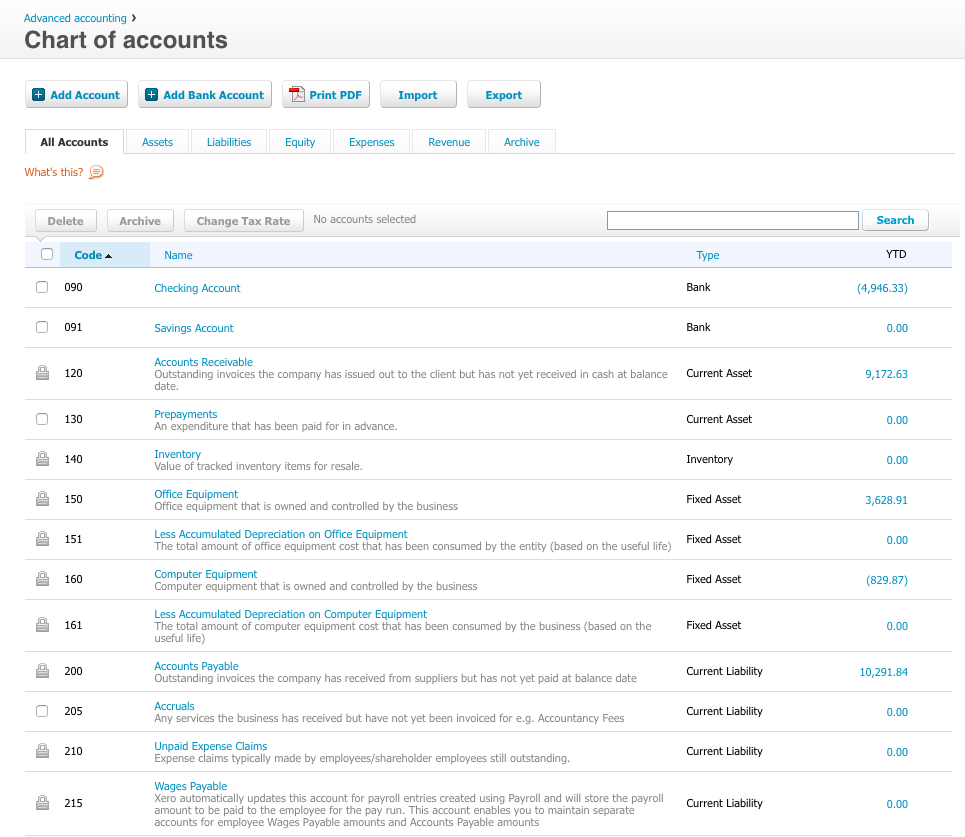
QuickBooks Desktop Enterprise is a widely-used accounting package designed for small to mid-sized businesses. It is the top of the QuickBooks line. Pricing starts at $3,000 for five users, and goes up depending on the number of additional users. They also offer an Advanced Inventory module for $999 / year.
$1,703
per year per user
Sage Accounting
Score 7.6 out of 10
N/A
Sage Accounting is online accounting software made to simplify life for small business owners, entrepreneurs, and freelancers by providing the functions needed to take care of daily business to-dos.
Users can create and send professional quotes and invoices, track income and expenses and know where the business' financials stand. Every Sage Business Cloud Accounting subscription includes unlimited access to support as well as automatic backups and product updates.
$19
per month
Xero
Score 8.3 out of 10
N/A
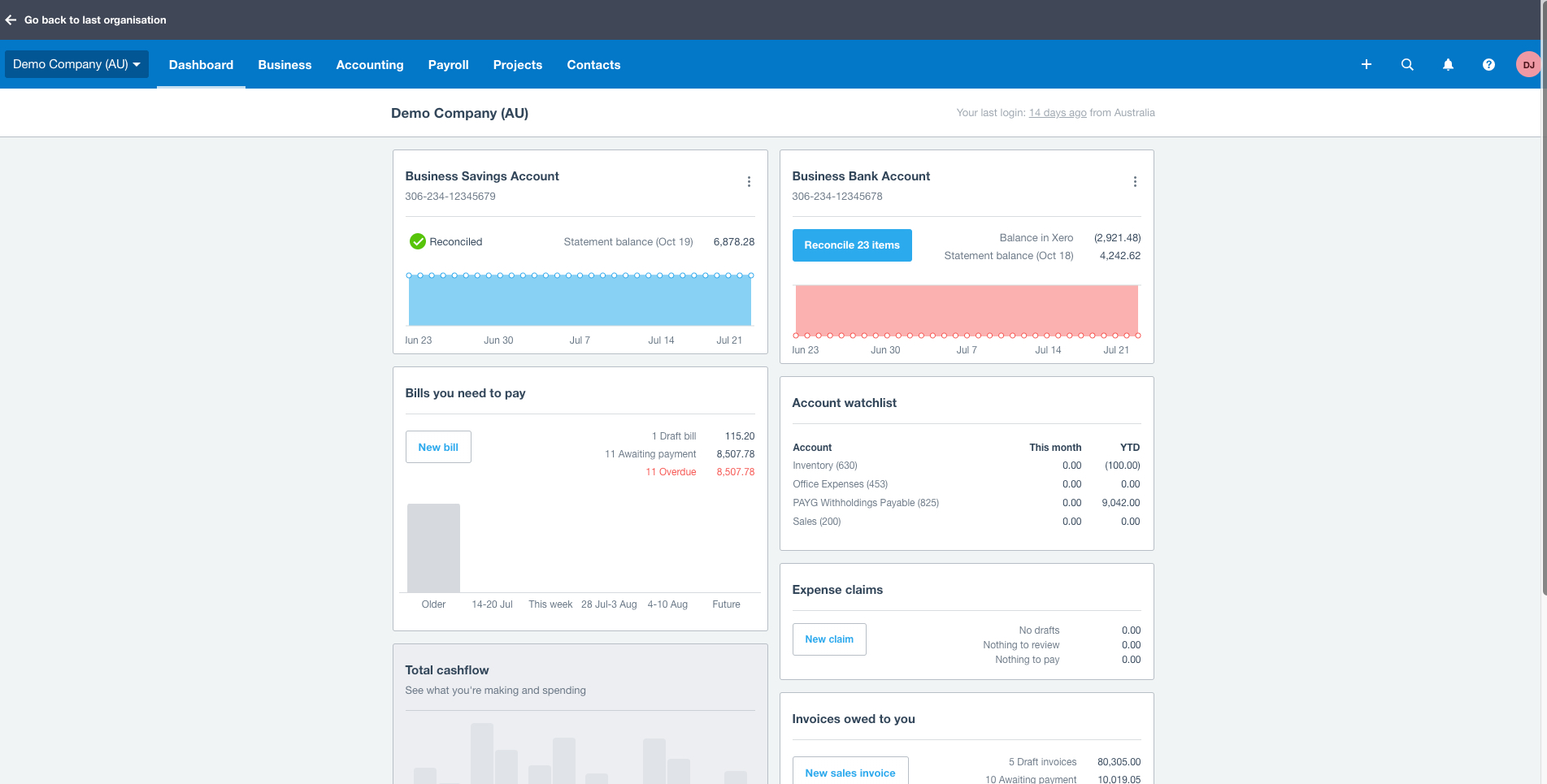
Xero is an online accounting software product for small businesses and personal finance. Its features beyond general ledger and double-bookkeeping include quotable invoicing, bank reconciliation, purchase order and expense management, and tax management. Third party apps can extend its features further.
$13
per month
Pricing
QuickBooks Desktop Enterprise
Sage Accounting
Xero
Editions & Modules
Diamond
$447
per month per user
Diamond with Remote Access
$513
per month per user
Gold
2,210.00
per year per user
Platinum
2,717.00
per year per user
Gold with Remote Access
3,000.00
per year per user
Platinum with Remote Access
3,504.00
per year per user
No answers on this topic
Early
$13
per month
Growing
$37
per month
Established
$70
per month
Offerings
Pricing Offerings
QuickBooks Desktop Enterprise
Sage Accounting
Xero
Free Trial
No
Yes
Yes
Free/Freemium Version
No
No
No
Premium Consulting/Integration Services
No
No
No
Entry-level Setup Fee
No setup fee
No setup fee
No setup fee
Additional Details
—
Versions and pricing listed are for CA products. Versions available and pricing may vary by country.
* 2 months free to start, or free for 1 month to try, then $19/$43/$62 +tax/mo (tier depending). Offer valid for new customers only on monthly subscriptions of Sage Business Cloud Accounting. After the promotional period, the monthly subscription rate will renew at the then current rate. May not be combined with any other offers or discounts. To ensure continuous service the subscription plan is an automatically renewing plan. Subsequent months will automatically be billed to the same credit card each month on the anniversary date of purchase. Plans can be terminated at any time prior to the renewal data and not charged for renewal.
Prices in table are in USD and just apply to the US - other markets & prices are listed below:
Canada - Starter $18 CAD/month, Standard $45 CAD/month, Premium 5 $58 CAD/month
UK - Starter £14/month, Standard £28/month, Premium £36/month
AU - Starter $29 AUD/month, Standard $59 AUD/month, Premium 5 $76 AUD/month
NZ - Starter $31 NZD/month, Standard $66 NZD/month, Premium $84 NZD/month
It came down to familiarity and not wanting to start over. Xero also did not manage inventory and purchase orders as efficiently as Quickbooks Desktop Enterprise.
By comparing all these 3 tools. Quick Books approach is more intuitive, educative, lot of insights about yearly/quarterly state-wise changes, may it be forms, etc. while others are like they take a long time to release updates. QuickBooks support team and the tool knowledge …
Xero is too basic and not a very good general ledger system. I found Peachtree (Sage 50) to be very good. Reconciliations and look ups were more logical because it is more of an accounting document.
There were instances that clients do provide their books with using Xero and QuickBooks Desktop Enterprise. When we export data from each other, they do compliment with the data and it's not far from analyzing each of them to see any difference from each sheets. You may need to …
We have selected this product as it is affordoable in terms of pricing and features too. Our clients is geeting lots of benefits by using this product. By using QuickBooks desktop client also manage the information realted to financials and also get the clear picture for the …
Ultimately, the decision really came down to the advisor that we chose to use. Pricing was also a big factor and the ability to tie into other applications/programs.
Bill.com - Because it is the specialised AP Management portal that comes with approval and payment workflow in itself and syncs with QB. Expensify - Because it is the intelligent Expense reimbursement tool that QuickBooks Desktop doesn't offer.
Sage is offline, very cumbersome to work with and does not have the type of features that quickbooks has. Sage was pretty horrible to work with. Trying to find reports was awful and running payroll was difficult. Quickbooks is far superior to Sage and would never recommend Sage …
QuickBooks [Desktop Enterprise] is much easier to use. While Sage has true accounting control processes, the batch entry and other processes can be redundant and out dated. The Enterprise audit trail can track issues if necessary while allowing for easier functionality within …
QuickBooks Desktop Enterprise is widely used by our client and they prefer to use it instead of Online. And it also gives lots of flexibility compared with Online.
I'd personally put Sage Accounting on a par with Xero but significantly ahead of Quickbooks. I'd say the choice falls down to individual needs and choice. Sage Accounting offers a fair and not substantial monthly cost, with this being a monthly cost that's helpful particularly …
Verified User
Employee
Chose Sage Accounting
Probably the biggest reason I selected Sage Accounting is the number of years I have been using it. My training was all manual, and with Sage Accounting I can see and understand how it works. I did use Pegasus successfully for a number of years with a different employer, but …
Sage is much easier to use and does not have confusing language for income and expenses i.e. Bills on both Quickbooks and Xero. Using journals is also much easier as these other two programs making it hard to find.
Verified User
Advisor
Chose Sage Accounting
Xero is probably more user friendly, but from an accounting perspective Sage Accounting is up there.
Xero we had multiple issues with where that bank transactions would be lost or doubled up, the system would assume that employees only work monday to friday on the same hours each day. Quickbooks is more user friendly for those in self employment whereas Sage is more user …
Quickbooks is not for me i don't like anything about it, the terminology they use is not clear and the layout is not user friendly. Xero i use in my practice as some clients prefer it. If i have the choice i do use Sage but if the client prefers Xero i will use. It can be …
used Xero and MYOB after Sage Accounting. Sage Accounting was used because we had Sage Payroll and it integrated with Sage Accounting . if you are using Sage Payroll and Accounting than importing journal is very easy and quick job
While Sage Accounting (at least the version I am familiar with), lacks more involvement with the owner (features like Xero's hubdoc encourage owner use of accounting software) I generally prefer the layout, design and overall product that is Sage Accounting. I find that the …
Sage Accounting is good, but Xero is even more beginner friendly. And more affordable and also incorporates Hubdoc. I use Sage Accounting because that's what work is already using, and also for my own clients, I already have the old Desktop version which works just as fine.
Sage Accounting is a bit more user friendly and has the option for clients to click pay now on invoices. Quickbooks was better for the beginner as it walked you through everything step by step. I have also not found many how to videos for Sage Accounting.
I like Sage better, being an accountant, the approach is accounting focused. Whereas Quickbooks tries to make the user experience easier, but messes up the accounting, its easy in Quickbooks to create accounts and post expense items for example to a balance sheet account. …
It's a very good system which is reliable and provides all the basics, I believe it is less flexible in making corrections to mistakes. There is no fixed asset module in the lower levels and therefore depreciation has to be worked out in a separate system which really is a …
I think Sage Accounting is much better than their competitors; Clients have found the 24/7 support invaluable for when our office is closed, including the Help videos on the Sage website and YouTube
Verified User
Employee
Chose Sage Accounting
Sage Accounting produces better-quality reports and is more user-friendly.
Verified User
Director
Chose Sage Accounting
Sage was just easier for me to use and more familiar for my staff, who had some experience with enterprise versions of Sage in the past. It became a no-brainer when I made the final decision about which package to go with.
Sage 50 is more flexible than Sage Accounting, but both serve the needs of the user very well. Sage 50 allows for more detailed analysis of ledgers and reporting functionality. Whereas Sage Accounting is probably more suited to small business on balance, it just depends on …
Its far more flexible, much better value for money, UK based with accessible and intelligent support. Unlike the other software providers Sage is low on gimmicks and high on usable content. It does what it needs to do exceptionally well and it is constantly evolving.
Verified User
Employee
Chose Sage Accounting
We used to do everything manually with sage one accounting software everything becomes easy and saved lots of time for daily tasks. Easy to use features for all age groups. All Ap, AR, Bank reconciliations, Journal Entries, Cash Management everything becomes so easy to …
Zoho Books - fairly easy to use in terms of expenses and invoices. However, reporting is basic. The Sales tax report itself isn't user friendly are requires you to work out the different taxes in order to do the return. Pastel (desktop) - there is little integration and …
Each of the products I listed had their own list of drawbacks, but the one thing they all had in common, which was right on top of that list of drawbacks, was ease of use. I struggled to get myself accustomed to each system and struggled, but when it came to getting a client to …
Verified User
Advisor
Chose Xero
Xero is much more user friendly and easier to use.
Xero is just as infuriating as Quickbooks. We only use it because the last CFO set it up and it's taking us a while to establish a new accounting platform that will allow us to migrate away from this dumpster fire.
Wow, I have used so many accounting systems over the last 30 years! Your above options don't even list them. I've used systems like AccPac, TurboCash, WaveApps, and more. The answer to the first question explains why I prefer Xero.
I've used a lot of different accounting systems. Many of them so big and powerful, but a hassle to get set up. Xero is light, inexpensive, and easy to use. When I originally selected them they seemed like they were developing new features at a quick rate as well. I was invited …
Xero stands out as the industry leader in terms of ease of use, functionality, integration possibilities, usability, and reporting functionality. Having extensive experience with various accounting software as a business owner and mentor, Xero consistently proves to be my top …
Verified User
Director
Chose Xero
Xero has a more modern user interface, better bank account synchronization, better automations, and an overall more pleasurable user experience. The setup is more simple.
Quickbooks Desktop has easier to use and more robust reporting; however, for my needs that is overkill. What …
Sage at the time we moved to Xero did not really have a suitable Cloud offering and the full SaaS solution it did have was only applicable to very small businesses. Quickbooks was very similar to Xero but during testing, most users preferred Xero for various reasons. Xero's UI …
Better user friendly dashboard, and cost effective.
Verified User
Administrator
Chose Xero
Xero is more cost-effective and seems to be easier in terms of set-up and ongoing administration. The design and layout of Xero are much simpler and easier on the eyes than QuickBooks. Given the size of our organization, which is quite small, we feel Xero is capable of …
Xero captures all data on one platform with seamless integration with other apps such as EFT systems, CRM, jobflow, etc. Xero processes faster than any other app and has better support systems and user manuals than other products. The price of Xero is very competitive based on …
I found the user interface for QuickBooks easier to use. I used it for businesses I worked for in the US but found that UK accountants tend to recommend Xero more here. I ended up choosing Xero as it offers more integrations with the existing systems I was already using at the …
QuickBooks Enterprise is great for managing our inventory, purchases and income as we receive it. We use it to help budget and plan our monthly purchases, as well as keep each location on track when it comes to their expenses. It's also used for payroll and timekeeping at each store.
Sage is frustrating to work with, and the only way I seem to be able to communicate with them is by chatbot, which never knows the answer to my questions. I always have to wait days for an answer. It is not well-suited for small businesses or non-accounting professionals.
I am a massage and physical therapist. We are not a fancy business but business admin can take a lot of time and effort. Xero came recommended to me by colleagues in the sector. You raise invoices, you get paid. and you pay your bills. These are all daily scenarios for most businesses and Xero does this particularly well. Since my accountant can query my records directly, this greatly saves on bookkeeping time when it is time to do the company returns.
Updating as each transaction is posted means, in the event of a crash, power failure, whatever; all the posted transactions are securely in the data file and can be pulled up on another computer, if the computer being used crashes.
Reporting is generally user friendly, in that one can see the desired results by setting a few parameters for the report.
Repeating invoices (most of my business is monthly recurring invoices) - it does these very well.
Reporting - particularly being able to dig into the different lines of the P&L statement.
Tracking categories - I assign a category to every line of every invoice so it's easy to see how much has been sold of each type of service every month and year, and compare them to previous periods.
Wish we had the ability to track gallons. We are a truck stop and need to know how many gallons we buy and sell.
Matching up credits in Pay Bills can be challenging, especially if you make a mistake.
Wish in some of the reporting that it would automatically total some columns.
Downloading from the bank wish it would tell you the last time you downloaded and the dates you put in so you don't download the same information twice.
The packages for integrating with Sage50 desktop application files are not backwards compatible, so we must store many copies in order to support multiple versions of the Sage50 application that our customers use, in case they aren't immediately updating to the latest version at all times.
Having different email addresses for different parts of a customer's business (eg invoices and statements to different places)
Easily seeing the text of emails that have been sent through Xero
More easily archiving old pay items. Our HR software updates rates when awards are updated which means a lot of old pay rates are in the system and they have multiple clicks to archive each one. Clicking the ones to archive in bulk and then just click archive for all would be much more efficient.
While QuickBooks Desktop Enterprise has been an amazing tool for many years, it seems it is getting phased out for QuickBooks Online. Intuit is decreasing the level of support it offers for QuickBooks Desktop in lieu of stronger support for QuickBooks Online. Although the desktop version is robust and helpful, it seems QBO is the way of the future for bookkeeping with QuickBooks.
We're very happy with the functionality and overall experience of using Sage Accounting for our accounting needs. Currently, we are not even considering whether we would need to look around for a different option. The only things that would make us consider changing would be a significant increase in price or changes to the software which reduce it's ease of function.
In addition to the matters covered in this review, my reason for renewing this product is that Xero's functionality and the constant updates that the company provides, makes the software even more business friendly. The software therefore builds a brand loyalty among customers.
QuickBooks provides all staff immediate access to the data in whatever form each person wants it. The balancing on entries prevents incorrect data entry on payables/receivables. Reports are easy to customize and save for future use. The records are easy to audit.
We have been using Sage Accounting ever since the original Simply Accounting versions. All through the versions, we've noticed that the app has remained consistent with its screen usage; therefore, retraining of staff is not necessary between versions. As well as the ability to have staff members put down and pick up the use of Sage Accounting
As a standalone software, it allows users to fulfill most of the basic functions (e.g. transaction input and report generation) simply and conveniently. It also allows for multiple APIs to help augment various tasks that accounting-adjacent (e.g. claims processing). The cloud based model and portability to mobile devices allows tasks to be carried out in a more convenient way.
Rating: 7 out of 10 We rate QuickBooks Desktop Enterprise's availability a 7 out of 10. For the most part, the software is dependable and available when we need it. When hosted on a properly managed local server or through a reputable third-party cloud provider, uptime is generally consistent, and routine day-to-day operations run smoothly. However, availability challenges do arise, particularly when accessing QuickBooks remotely or during periods of high system demand. Because it's a desktop-based solution, availability is highly dependent on our internal IT infrastructure. If our network goes down, a server needs maintenance, or if there’s an issue with a remote desktop connection, access to QuickBooks can be temporarily disrupted. These outages aren’t necessarily caused by QuickBooks itself, but they do impact our experience with availability. Additionally, we’ve occasionally experienced application errors, especially after updates or when working with large company files. While Intuit support is usually helpful in resolving these issues, they can still lead to frustrating delays—especially during critical periods like month-end closing or grant reporting deadlines. Planned maintenance, while infrequent, also affects availability, especially when using a hosted environment. Coordination with IT or hosting providers is sometimes needed to minimize downtime. Overall, QuickBooks Desktop Enterprise is a reliable tool, but its dependence on local infrastructure introduces more potential points of failure compared to cloud-native solutions. Enhancements in cloud-based access or hybrid models could significantly improve both accessibility and uptime. That said, with strong internal IT support or a reliable cloud hosting provider, the availability can easily rise to an 8 or 9.
Sage has been always available when I want it. If there is any maintenance work to be done by the Sage team, you are told well in advance. Maintenance is generally carried out late at night or before the day begins for most of us. It continues to be the most reliable software I use.
We have been actively using and 100% Xero based for our ecommerce accounting practice for over 4 years. There has on been one real outage for more than 5 minutes. Xero was open and transparent about the outage, what they were doing to resolve the issue, and provided 15 minute updates. Showing how they care about their customers and partners. Plus, showing that their customers care too, were understanding, and went surfing or in our case took a nap. Couldn't run our business without Xero as a partner.
I rate QuickBooks Desktop Enterprise's performance a 5 out of 10, mainly because while it’s functional for most routine tasks, it can lag significantly when handling complex operations, large data files, or during multi-user sessions. As our organization has grown, we’ve noticed that report generation—especially for customized or multi-dimensional reports—can be slow, sometimes taking several minutes to load or refresh. This impacts productivity, particularly during key financial cycles like audits, monthly closings, or grant reporting. Performance degradation is especially noticeable when multiple users are active in the system at the same time. Even with a solid server setup, there’s often a drop in responsiveness when more than a handful of users are generating reports or entering transactions concurrently. We’ve also experienced some slowdowns in third-party integrations, particularly when syncing with Vena Solutions or exporting data for use in external tools. While the integrations are valuable, they occasionally stall or require workarounds, adding friction to our workflows. In short, QuickBooks Desktop Enterprise delivers the basics well, but its performance limitations become more apparent in high-volume or complex use cases. It would benefit from better optimization for large datasets and faster processing for advanced reporting. Upgrades in system architecture—such as deeper support for cloud hosting or more efficient data handling—could significantly improve the user experience and move this rating closer to an 8.
Performance is top notch, if it is not, it is probably your wi-fi connection. It has happened that pages load slowly because of an error on Sage side but almost never. Overall reports load fine, the site is fast, navigation is fine. I have a client that has so many invoices, it is slow or gets stuck when you try to load a report for a whole year but it is just too many invoices, it makes sense. Just take 2 report for 6 months and combine them, its not an issue for me. I am happy with Sage Accounting's performance.
On a good day, things worked but after upgrades, things began to slow and or not work at all at times. I coined the moving circle while I waited as the "Xero Wheel of Death". Sometimes it never stopped and force quitting was necessary.
It takes a long time to get through to customer support. And sometimes you have to explain the situation multiple times before the rep actually understands the issue, but that's usually because the issue is complex and out of the ordinary. However, the rep is always patient, and will take as much time and effort as necessary to resolve whatever issue you're having. It's nice that they can "take over" your computer rather than having to talk you through the solution over the phone.
Sage Accounting are easy to contact and have knowledgeable and helpful staff. Whenever I've encountered a problem I've always been able to get assistance and guidance and it feels like the person at the end of the phone/screen knows the product well.
Always respond and keep issues open until you are satisfied with the result. Generally good responses, in the past, I had some support responses that were really basic and really annoying. They type where "have your tried restarting your computer" style of answers. Well, of course, I went through all the basics before contacting them. Duh, but I suppose not everyone does. Otherwise, it would be a 10. The last year has shown a marked improvement in the support responses however.
It is a very easy system to learn, so with the help it was even easier. QB is a good solid system, but it lacks some of the complexity other systems have. with QB you need to get additional modules to get the same functionality that other systems offer standard
Staff are always friendly, and patient, always work at a speed that suits you. You are never rushed, and In only a short time they seem to be able to help you make great strides. It has been a pleasure not a chore, learning how SAGE Accounting works and benefits me and the company.
easy to learn system, specially with some kind of support. Just like with any other system, things get lot easier if you have guidance to lead you in your search for answers. having said that, QB is very easy to use and very easy to teach. you wont spend much time memorizing where to click.
I find the online training was very informative and they answered all my questions. I am also certified in Sage One and provided online training in the program which I have set up several people on and they love how it keeps them organized.
All of Xero's training is online and available for anyone (business owner or accountants) to learn and become experts in their system. There is a range of content from product training to real world webinars from their partners. Xero is beautiful accounting software and their training is the same.
If you're loading QuickBooks Enterprise Solutions onto a computer that you're going to directly log into, you should be able to do it yourself. If you are going to connect to a server through a network or remote connection, you should probably have a professional IT person set it up for you.
The clients' business owner worked with Sage on implementation before I began working for them. After consultation with them it is clear the process was quickly performed and without complication. The key takeaway was that Sage is seen as a partner to the business. That said, it was always necessary to engage with an accountant such as myself to extract the best out of the software.
If it can be done, time the implementation near a new fiscal year so you can start clean. Otherwise, you have to go back and do historical data from the beginning of the fiscal year, which can be brain draining.
We have selected this product as it is affordoable in terms of pricing and features too. Our clients is geeting lots of benefits by using this product. By using QuickBooks desktop client also manage the information realted to financials and also get the clear picture for the future by using the accounting information from this product.
All Sage products work together, and the systems are set up in similar ways, making training/learning easier. Sage is used by many companies locally and internationally, making managing accounts for both providers and clients/customers easier. It is a complete package for macro enterprises.
Each of the products I listed had their own list of drawbacks, but the one thing they all had in common, which was right on top of that list of drawbacks, was ease of use. I struggled to get myself accustomed to each system and struggled, but when it came to getting a client to even try and use it was when the true struggle started. Just found it easier to make use of Xero from the very beginning.
The pricing structure is fair and offers good value for money. The billing is done through their online system and you can access your bills at any time. Most contacts only require 30 days' notice, so no need to feel tied in, although I can't imagine why you would want to leave Sage.
I would rate QuickBooks Desktop Enterprise a 7 out of 10 for overall scalability. The product offers solid scalability features, particularly for small to mid-sized organizations like ours that are growing and need reliable multi-user access, enhanced data capacity, and cross-departmental functionality. It handles increasing transaction volumes and user growth quite well, especially with its support for up to 40 users and the ability to manage large lists (customers, vendors, accounts, etc.)—a significant improvement over QuickBooks Pro or Premier. Its role-based permissions system also allows us to assign tailored access by department or user level, which is essential for maintaining control and security across teams like finance, HR, and program management. Additionally, features like advanced reporting, inventory management, and class tracking have helped us better manage multiple programs or sites within one system. That said, the scalability still has some limits. For example, deploying the software across multiple physical locations or for remote teams requires additional IT infrastructure—such as hosting it on a third-party cloud server or setting up a VPN—which introduces cost and complexity. Also, while QuickBooks Desktop Enterprise can technically handle a high volume of data, performance can decline as the file size grows over time unless regular maintenance and optimization are done. In summary, QuickBooks Desktop Enterprise scales well within its designed range, particularly for growing nonprofits and NGOs. However, organizations with distributed teams or very large, complex operations may eventually find the system’s desktop-based architecture less agile compared to cloud-native ERP platforms. With enhancements to cloud integration and remote accessibility, this rating could easily increase.
You can use Sage in your company for various aspects/positions such as bookkeepers, invoicing clerks, accountant, purchasing etc. Everyone can have their own user login and permissions can be set that specific people can do specific jobs without being able to access other peoples progress or accounts of the company.
I have yet to fully stress test the product given the size of the company where I am using it. I am sure as we scale to more customers, more vendors and more reporting requirements, I will have a better understanding of what it is capable of in terms of bandwidth and processing
Good value for the price. The initial setup was quick and easy.
When properly set up and processes are followed it's decent at managing inventory which is something we had problems with. Have to have a dedicated employee to builds.
Rolling up costs in multi-level BOM's is a project each time we have to review costs, it's very time consuming to manually update all assemblies.
Xero is a basic accounting system that performs basic accounting tasks easily and accurately. For that, it provides a positive impact on our day to day accounting operations.
Because of Xero's basic structure, I feel it lacks some of the sophistication that some users want and need. The ability to create unique custom reports would enhance the impact Xero would have on meeting business objectives by providing current and useful accounting information.
In my opinion, Xero's lack of focus on their customers - their users - is a real issue with me. In my opinion, those of us that are in the trenches that work with the system on a daily basis have to deal with the shortcomings of the system with the knowledge that Xero support refuses to address the operational issues that make their user's lives difficult. I feel if Xero would focus on truly making their software better from a users point of view, it has the potential to be a great system.