DocuSign supports transactions with document sharing and electronic signature, as well as automated and guided data collection and entry, record updating across disparate systems and payment collection upon agreement, as well as analytics and reporting.
$15
per month
FormAssembly
Score 9.3 out of 10
N/A
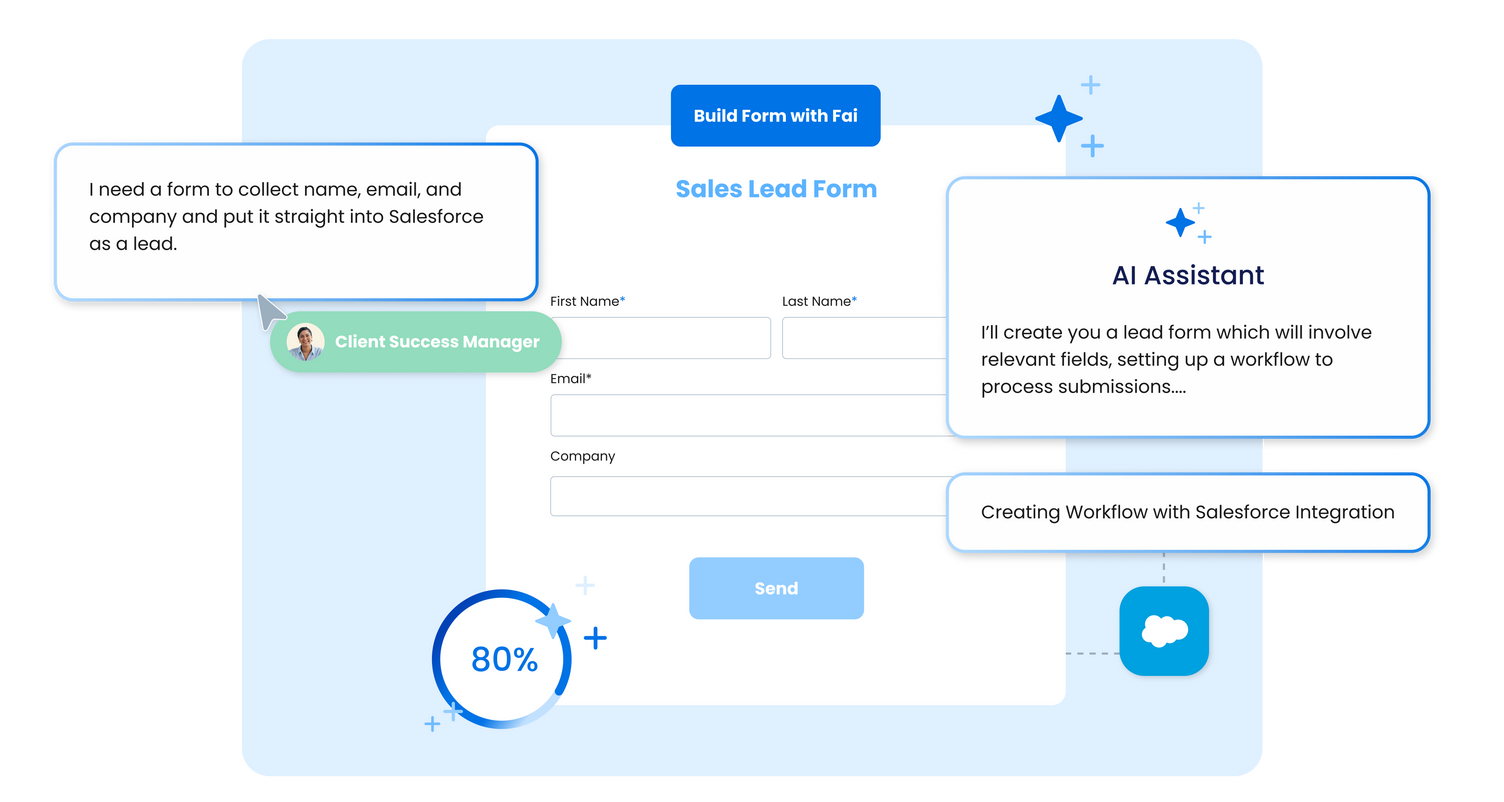
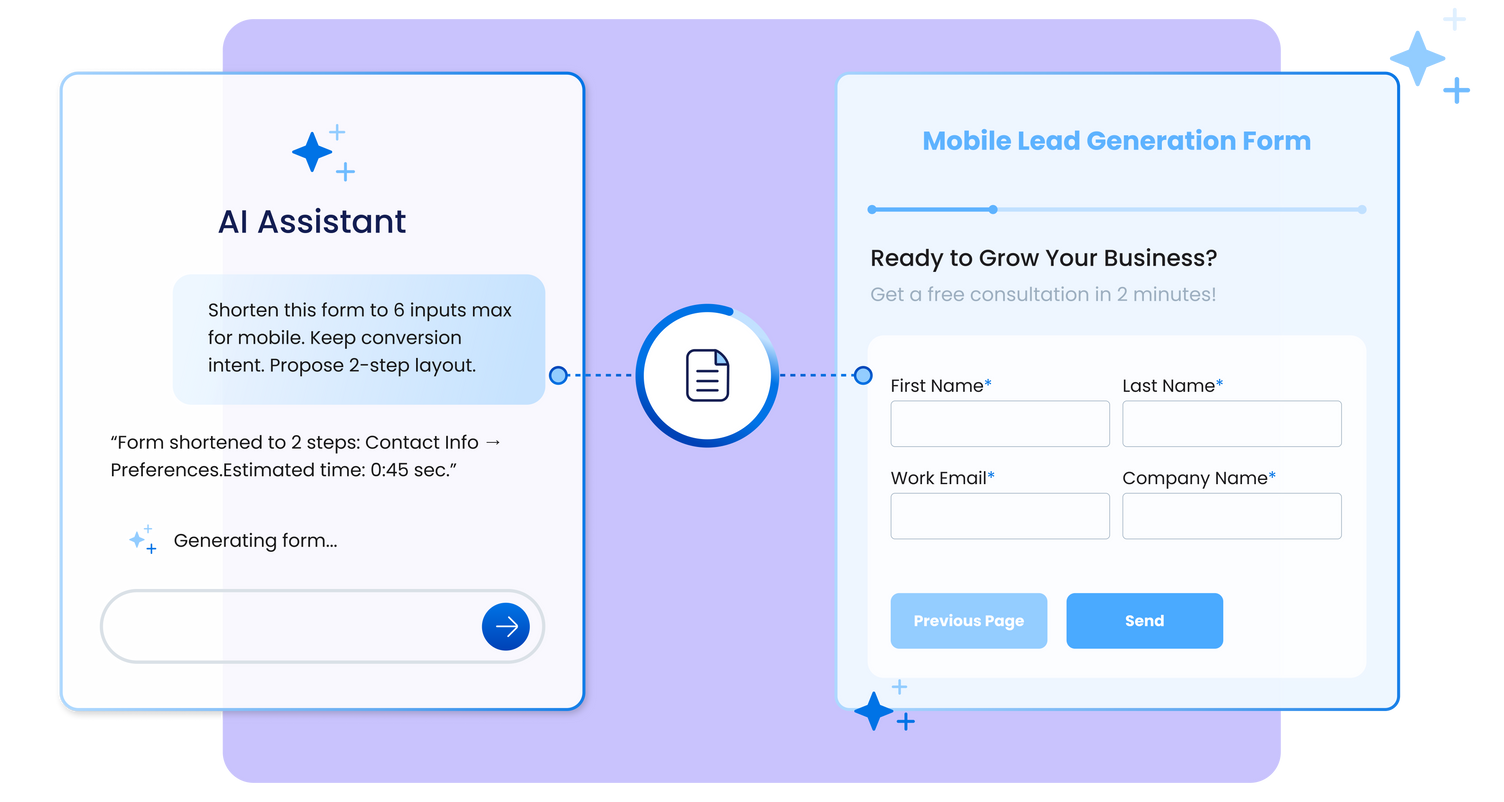
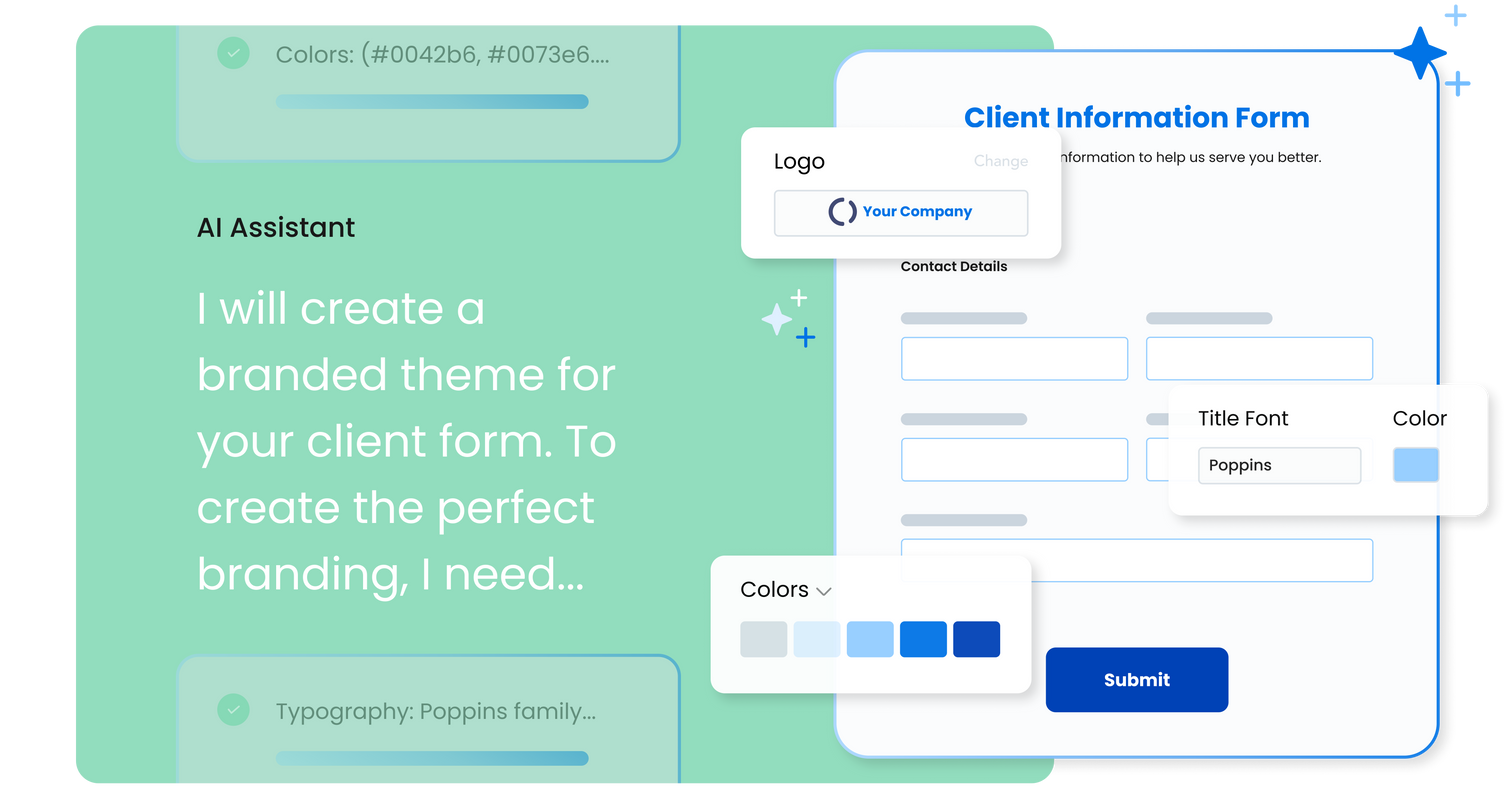
FormAssembly is an enterprise data collection and automation platform that enables organizations to capture clean, compliant data from the start. With the latest edition of the platform, FormAssembly Atlas, and its built-in AI assistant, Fai, forms and workflows build themselves, connect to Salesforce and other systems in just a few clicks, and ensure every record is structured, secure, and ready for automation or AI. In short, FormAssembly is designed to eliminate…
N/A
Dropbox Sign
Score 8.9 out of 10
N/A
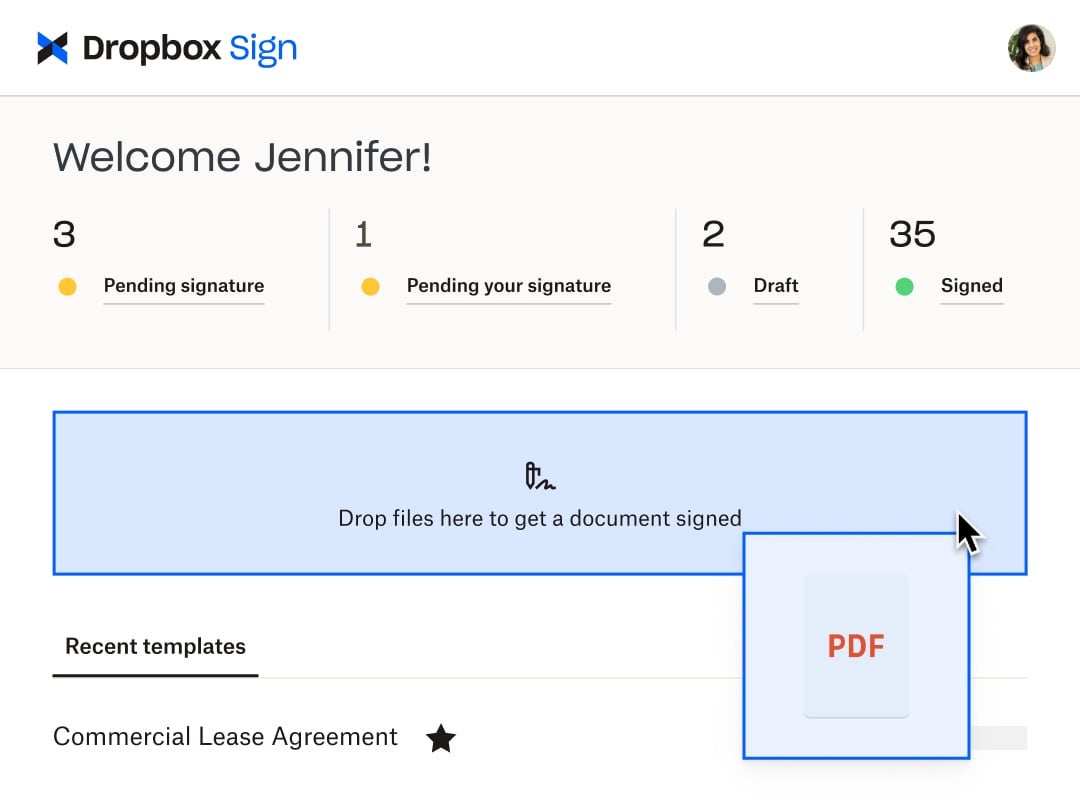
HelloSign is an electronic signature software offering acquired by Dropbox in early 2019. It includes features such as customization for businesses of any size and bank-level security.
$0
per month
Pricing
DocuSign
FormAssembly
Dropbox Sign
Editions & Modules
Personal
$15
per month
Real Starter
$15
per month
DocuSign for Realtors
$35
per month
Standard
$40
per month
Business Pro
$60
per month
Advanced Solutions
Custom Pricing
Atlas Explorer
Contact Sales
per month
Atlas Team
Contact sales
Gov Cloud
Contact sales
Atlas Enterprise
Contact Sales
Free
$0
Essentials
$15
per month
Standard
$17.5
per month starting at two users, per user
Essentials API
$75
per month Starting at 50 signature requests / mo.
Standard API
$250
per month Starting at 100 signature requests / mo.
Premium
Custom
Custom
Offerings
Pricing Offerings
DocuSign
FormAssembly
Dropbox Sign
Free Trial
Yes
Yes
Yes
Free/Freemium Version
No
No
Yes
Premium Consulting/Integration Services
No
Yes
No
Entry-level Setup Fee
No setup fee
Optional
Optional
Additional Details
—
—
Additional pricing available for HelloWorks and HelloFax
The evaluation process was done with a few other options like HelloSign, RightSignature. But DocuSign won the race due to the ability to integrate with custom-built apps and the extended product platform integrations like SFDC,BOX etc. Features like Security, Mobile experience, …
We ended up switching to HelloSign after realizing that our usage frequently didn't exceed what HelloSign offered on their free plan. Plus, the interface was much easier to use for our simple use case. There is some gravitas associated with DocuSign that we sometimes miss but …
I had used Adobe before and it is not a simple experience. The last thing you want is for your customers to have trouble signing an electronic document. It defeats the purpose.
HelloSign is a nice product, but may have been a bit overkill for what our needs were. And they were …
HelloSign was tedious! I did not like the interface or having to sign in using Google, and the document storage center was cumbersome to navigate and keep straight.
I found HelloSign to be frustrating -- it was super expensive, only allowed for a few templates. I never found out why it was so much more money, because I quickly canceled my free trial and moved back to DocuSign, which was nearly $200 a year cheaper for a better service with …
We prefer DocuSign to Adobe Sign and HelloSign for its name recognition (important to those working with us), preferred interface, and ease of use, and safety. After exploring all three, DocuSign was the clear winner.
DocuSign is so much more widely used and I think reliable. Who knows where HelloSign will be in a few years and I don't think they have nearly the funding to compete with DocuSign. Also, everyone uses DocuSign and it makes clients feel secure knowing the name of software …
HelloSign was like a breath of fresh air compared to the corporate feel of DocuSign. Their salespeople were not pushy, their pricing is fantastic, and the features are just what we need.
I didn't make the decision myself on why we selected DocuSign so hard to say but bottom line is a lot of them do the same thing... e-signature. Pretty straightforward stuff! I think it really comes down to personal preference, perhaps user interface, and what just feels most …
When viewing other competing products they didn't have the superior functionality that DocuSign had, nor the admin control. However, it should be noted that since making the selection, competing products have greatly improved.
As soon as you put something to paper or start sending word or pdf attachments, it creates more layers of work and more opportunity for error. With digital transaction management tools like DocuSign, we are able to prepare and manage our contracts from anywhere. It has made our …
We didn't really look at other products, but we may be looking into eSign for Salesforce and Conga because there is an existing connector for one of our clients.
DocuSign has been great for us so far. I did not have any final say in which application we chose, but from what I can gather, DocuSign is more robust than the other apps out there. It is quick to create and easy to figure out for new users. Important for startups!
While some of the other e-signature services offer less expensive pricing and more subscription offerings, DocuSign is the assumed industry standard. I've tried a few alternatives but I find that most companies prefer DocuSign as it is the respected leader in this business …
We focused a lot on possibly doing this through OnBase natively. However there are a lot of things to consider such as security of the documents getting to and from the customer. DocuSign is able to act as a middle man, so that all you have to worry about is getting the …
It is easier to design a form through Formassembly and integrate the results with Salesforce. When compared with Docomotion, Formassembly is user-friendly. Additionally, the new feature in Formassembly that allows for designing signatures is beneficial.
DocuSign is fine, but Dropbox Sign provides far more flexibility and will scale with your business. DocuSign seems to nickel and dime you every step of the way.
I don't remember what I thought about DocuSign, but I remember that my decision came down to price for the value - and I believed HelloSign (now Dropbox Sign) was the best.
It is less expensive and assists nonprofits. That was the biggest factor for us, especially when it came to the integration with Salesforce and SharePoint. Although we do not use it now, we plan on using it other applications were way out of our price range, and DocuSign was …
I selected Dropbox Sign because it was very easy to use, started with a free plan, and I knew that if I needed a professional plan, it would be reasonably priced. DocuSign was too expensive, and Adobe products are always hard to use and integrate with.
I think all similar platforms can support smaller features, but Dropbox Sign might be easier to use, cost-effective, and friendly for new users and organizations that have no experience using it as an e-signature platform. Once I have a great experience, I would highly …
Hellosign the easiest out of the class that we use. It is just super quick. We use eversign to get some extra templates, but it is pretty clunky for sending contracts.
So much better, specifically because of the lack of a limit. Focusing limits the total amount of docs you can sign per year and is more expensive. This product has similar if not slightly easier/Better functionality, and it’s for a much better price point. Would highly …
Dropbox Sign allows for more users at a more affordable price. It also allows for saving documents directly into Dropbox for ease of storage and organization.
This product is well suited in the use case that I provided before: when it comes to onboarding employees and providing a clear channel for decision making for human resources, this is an excellent tool to accomplish that. I would say the weak points is when you have back and forth communication with users that it might seem a little redundant to have that back and forth communication in that scenario.
FA serves as the main platform for global students and staff to submit requests, with information sent to connected systems, primarily Salesforce. It is used by all current Oxford University students, not just those at SBS. Teams such as the CRM Team, Web Team, Entrepreneurship Centre, Goldman Sachs Team, and Programme Recruitment and BD teams use FA for various purposes, including degree programmes, open programmes, online programmes, and summer school. The MBA portal also uses FA. The system is user-friendly, easy to configure, supports branding, and incorporates business logic and rules, making it very helpful.
Someone who has never used Dropbox Sign before could quickly figure it out without needing a tutorial or guide. It is very useful in instantly collecting signatures and keeping others in the loop as well, even if they aren't signers. I love that there's an option to cc someone in basically and they'll be able to see the documents and when it's signed. It's also impossible to miss a document not being signed because it automatically sends reminders to signers if they do not sign and emails reminders daily, letting me know how many documents are pending signatures.
Tracking, particularly when collecting signatures through connected applications, such as an ATS, is not always clean or easily traceable.
Formatting documents to handle electronic signature types (signatures, initials, etc.) is not always easy, and highly dependent on the partner's technology.
It is not convenient to have to use DocuSign as a stand alone product if the signatures are required for 3rd party applications. It definitely excels on its own, but the scope of that usage, at least for us, is slim.
we could always use more styling options when it comes to the form builder
in our past use of the form builder when adding attachments to a form, there was an upload limit of 35MB. It would be great if this limit was increased.
It would be nice to be able to build a template for just the location of the signature boxes that would allow me to upload a document, and the boxes could be basically replaced. I have the exact same doc for each of my clients, but there are small changes here and there, and I have to fill in their personal info through another program, so it would be nice to be able to do a template this way instead of just tying a template to one document.
I can't imagine doing business without DocuSign now. I would never want to go back to the way we used to do things. The "new way" is "the way" is "the right way." We can honestly be proud of a "one right way" process and not have to suffer through "5 ways for 5 days."
FormAssembly continues to meet our needs, and the product functionality continues to grow, providing us with new opportunities to utilize the software. We've built many forms and associated processes on FormAssembly. It would require a large effort to migrate to another platform. We have invested a lot of time in learning FormAssembly.
Because this product has been affordable which is so important for a non profit however it is also of good quality so its not like you get a cheap version of this you get a quality product at an affordable price and that is so important for a non profit
Generally user-friendly once you have command of the basics, but also has a lot of nuances that can make it difficult to train others on. DocuSign University is a helpful tool, but understandably a lot of content to get through to become a well-versed user. A lot of different functionalities but only a few I use on a weekly basis.
FormAssembly is easy to get started with and very straightforward to use. It is easy to create forms, add questions and fields, and apply branding and logos. The data integrations are also robust, allowing us to pass information to Salesforce easily and quickly see when there is an error with the form in any way.
I found this to be super user-friendly and easy to teach other teammates how to use in 5 minutes. I use it frequently, and there was little to no learning curve with this product. I also find that document signers have no problem navigating the documents we need them to review.
I have not encountered this because it was so easy to use however just seeing how they created a community is great and shows that they are here for their users. I am going to say I am sure they are available and ready to assist when needed. The fact that we have not yet experienced an outage and issues says a lot though :)
Again I cannot say it is enough this app is simple. We are preparing to be able to integrate with Salesforce and Sharepoint at a very small cost per user (these are the platforms we use) and it is great that they have the option to integrate these apps. We love this app
I'd give them a 10, but there has been 1 or 2 small cases that seemed to fall to the wayside, but I was able to call them up and get them resolved. We were having a bad implementation night (after midnight) and we needed assistance from Docusign. They were able to get an engineer to help us in the early morning hours
While it's not a true development package and misses some features like ingestion of external data for lists, etc... the product is fast, stable, easy to use, and will suit the needs of anyone needing online form functionality with SalesForce and other connectors available for your marketing needs.
Support is limited to email only (for our subscription level), which might be OK for a e-signing platform if support was relatively rapid. This is not the case with HelloSign. Since the issues first arose a week ago, we have made no discernible progress in solving the problem. No matter how quickly I respond to a follow-up email, we receive only 1 email a day from the support. The other issue, which is a true edge case situation, is their insistence on receiving email from the same email account as the HelloSign registration. We changed our organizational email recently, and I was still logging into HS using our old email address. This became a hard stop on further support, which doesn't make sense on a practical level. Why would someone write in for support with specific issues if they weren't a customer? And if they did, wouldn't that be a miniscule proportion of the support requests? So if you adopt a policy that stops providing support to anyone who isn't verified, regardless of the situation, isn't that using a blunt instrument to solve a very rare issue? Reflects the overall organizational values, in my opinion, which is not to value the small customer.
Docusign is super easy to use, and apart from a few administration details, there was really nothing to train on. Post implementation, there were issues with configuration of auto-filled documents with the integrating 3rd party. That training required some time, because the DocuSign expert took the time to walk me through the 3rd party's configuration (how often does that happen?) so I could see how DocuSign should be best used to overcome weaknesses in the 3rd party platform. 10/10 expert care.
Until you get the hang of it, I recommend doing several internal tests before sending a document to a client. As I mentioned earlier, you have to go through a bit of trial and error at first to verify that the workflow works as expected.
I can not say it enough - this was the easiest implementation we have had with an application. I became an admin, I added the person who would be the back up admin, we moved forward with adding accounts and that was it. All the users we have were self sufficient enough to move forward with very little guidance and the guidance they received was in house.
There has never been anything that we could really compare to Docusign. We have tried sending documents in a PDF version, but that was not nearly as efficient. DocuSign saves your signature in the system and uses that as it goes through your documents.
Form Assembly allows for advanced data mapping, pre-filling forms with Salesforce data, and working with custom objects. FormAssembly excels in Salesforce Integration, as it is highly specialized and deeply integrated. Often considered the industry leader for Salesforce forms, Formstack has strong integration, but may not offer the same level of granular control as FormAssembly.
Dropbox Sign seems a little more intuitive and user-friendly than DocuSign. DocuSign also has a limit to the number of documents that you can send for signature over a period of time. Dropbox Sign integrates with just as many applications and software as DocuSign does. I also think the amount of templates that they give you to use is more than adequate for most business applications and more than other services seem to give you.
Between the easy to use app, the pricing, and the team at dropbox. This app is hands down great! Easy to use. Anyone can start using it and if not I am sure the team at dropbox will guide you to implement. The cost especially for us as a nonprofit is sustainable which is great.