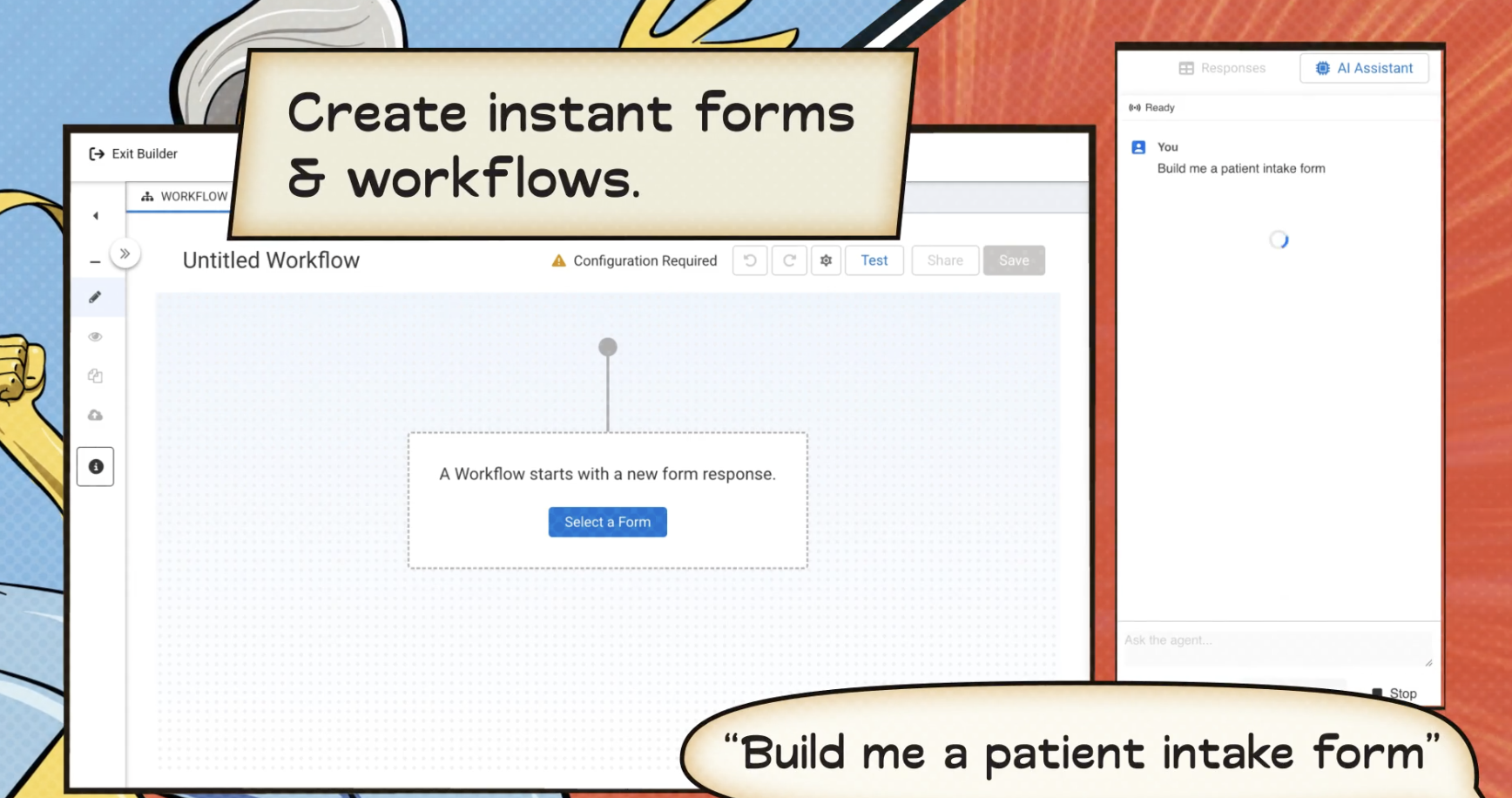
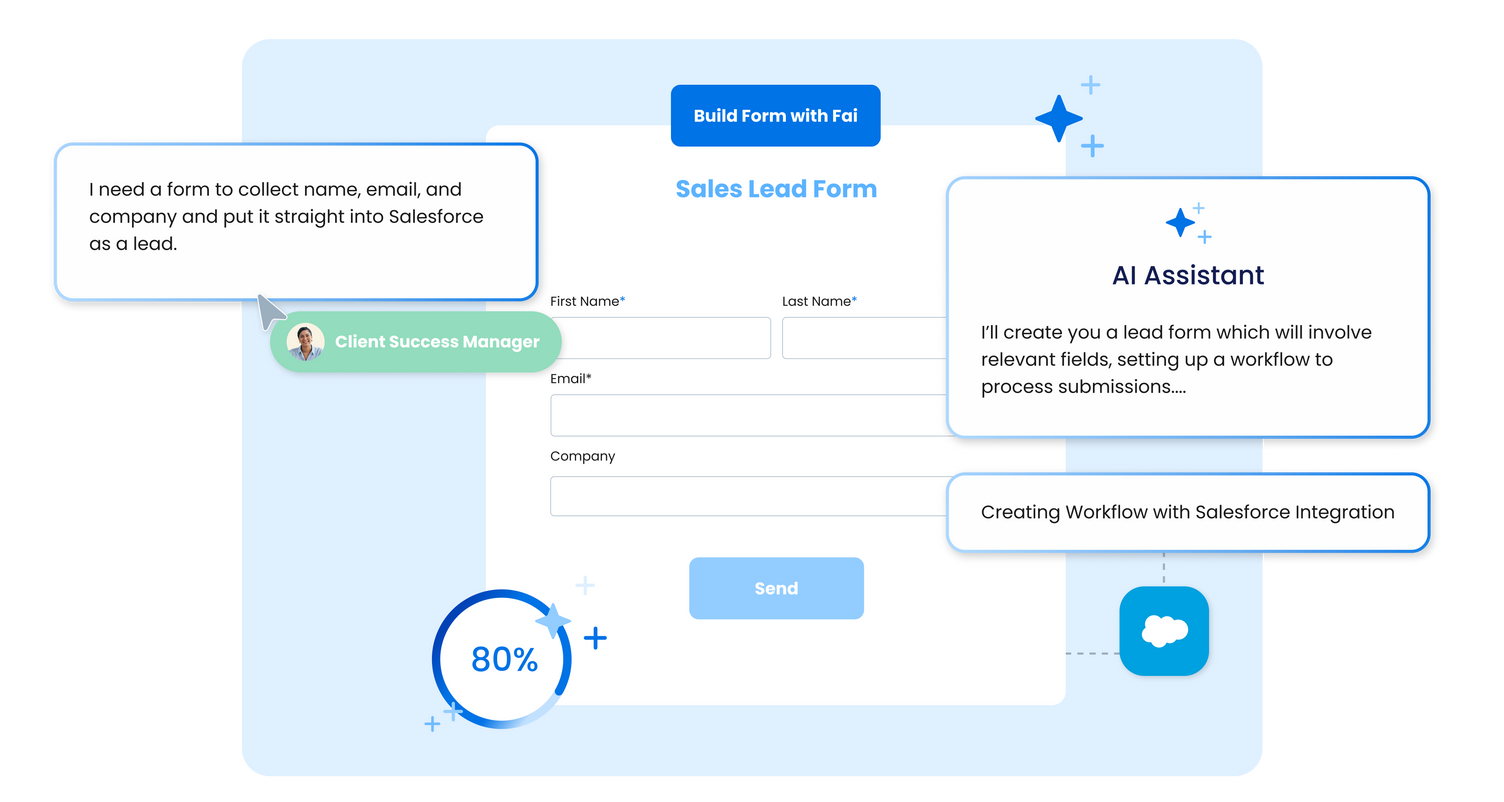
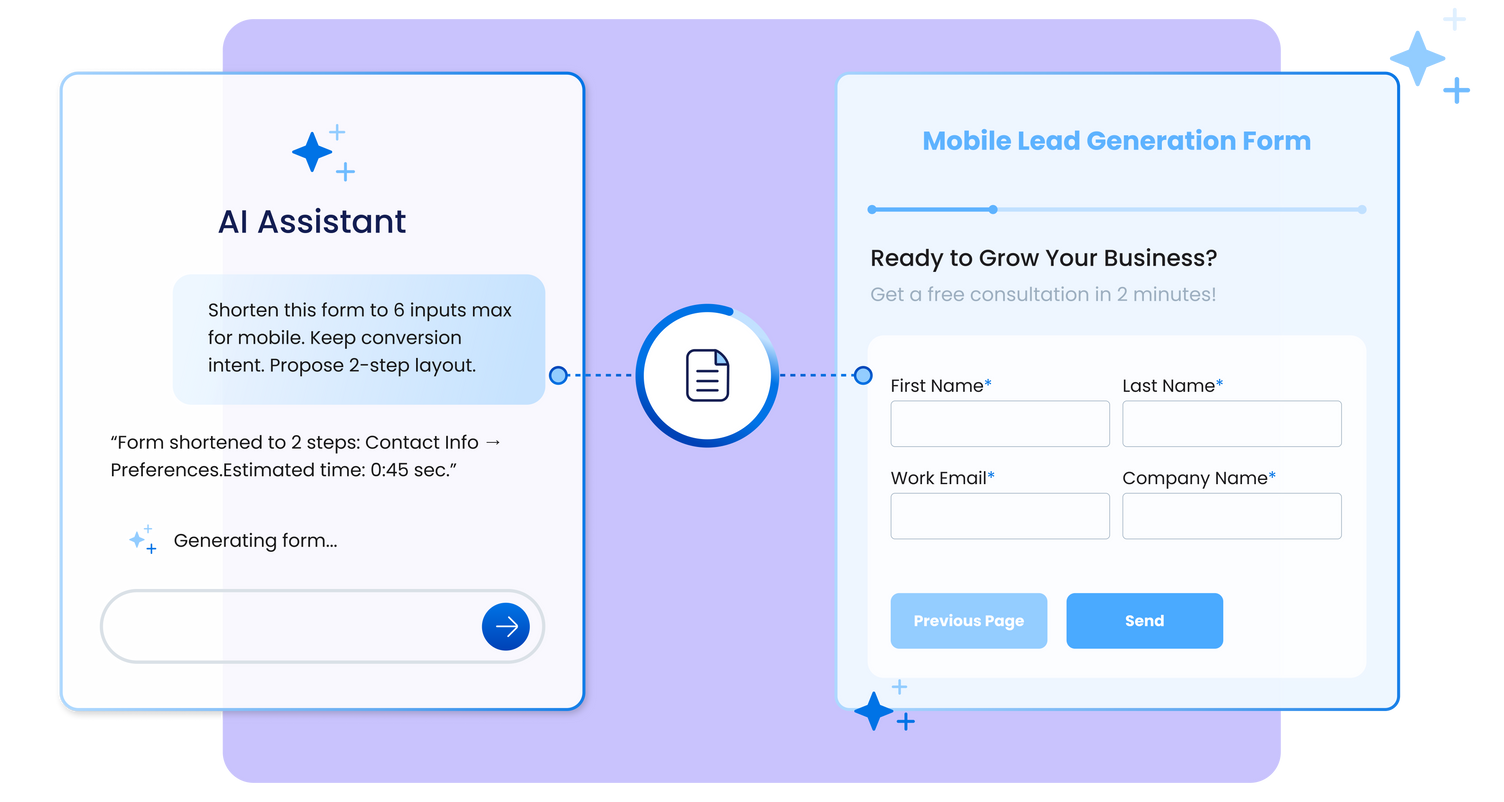
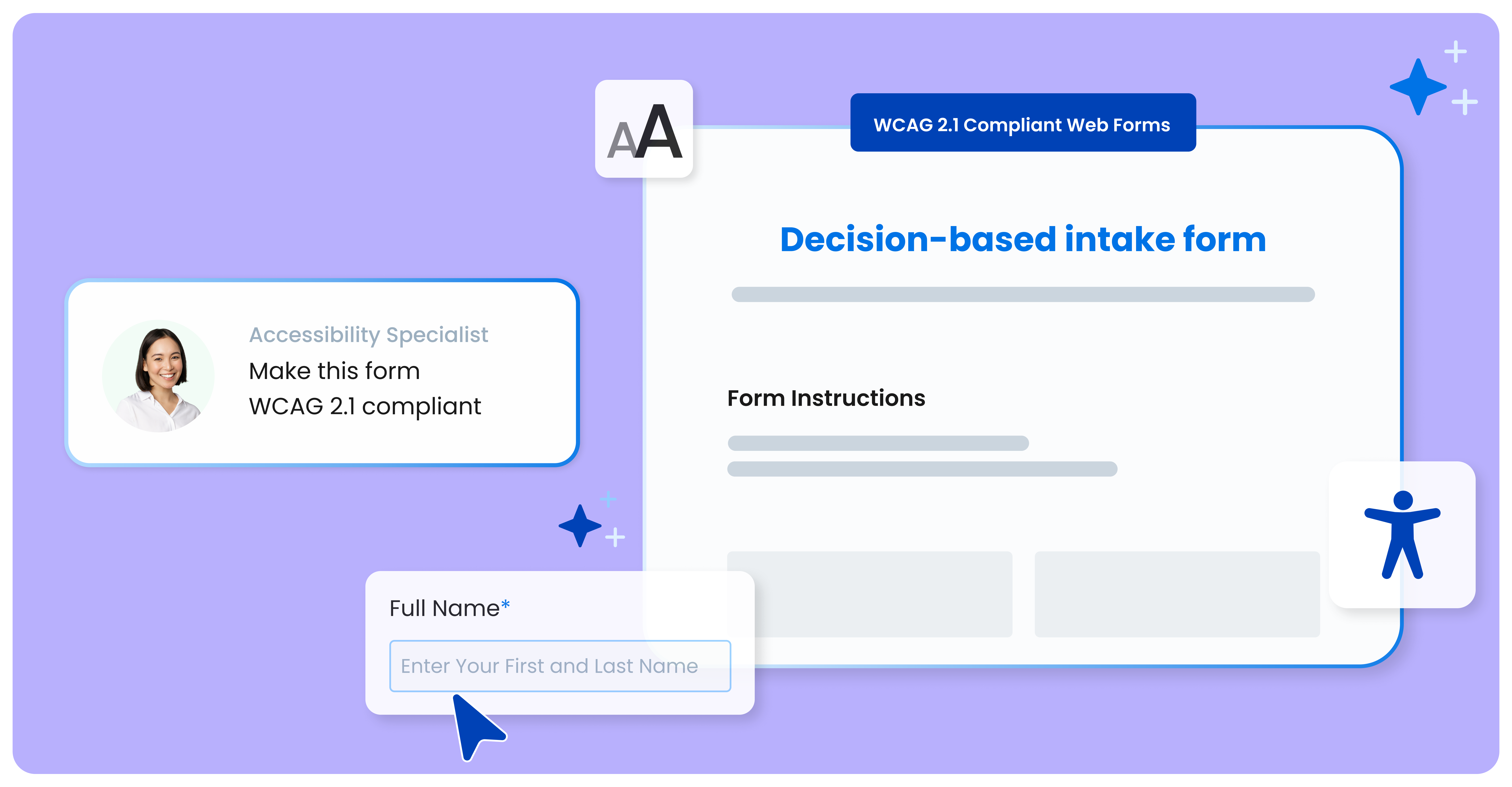
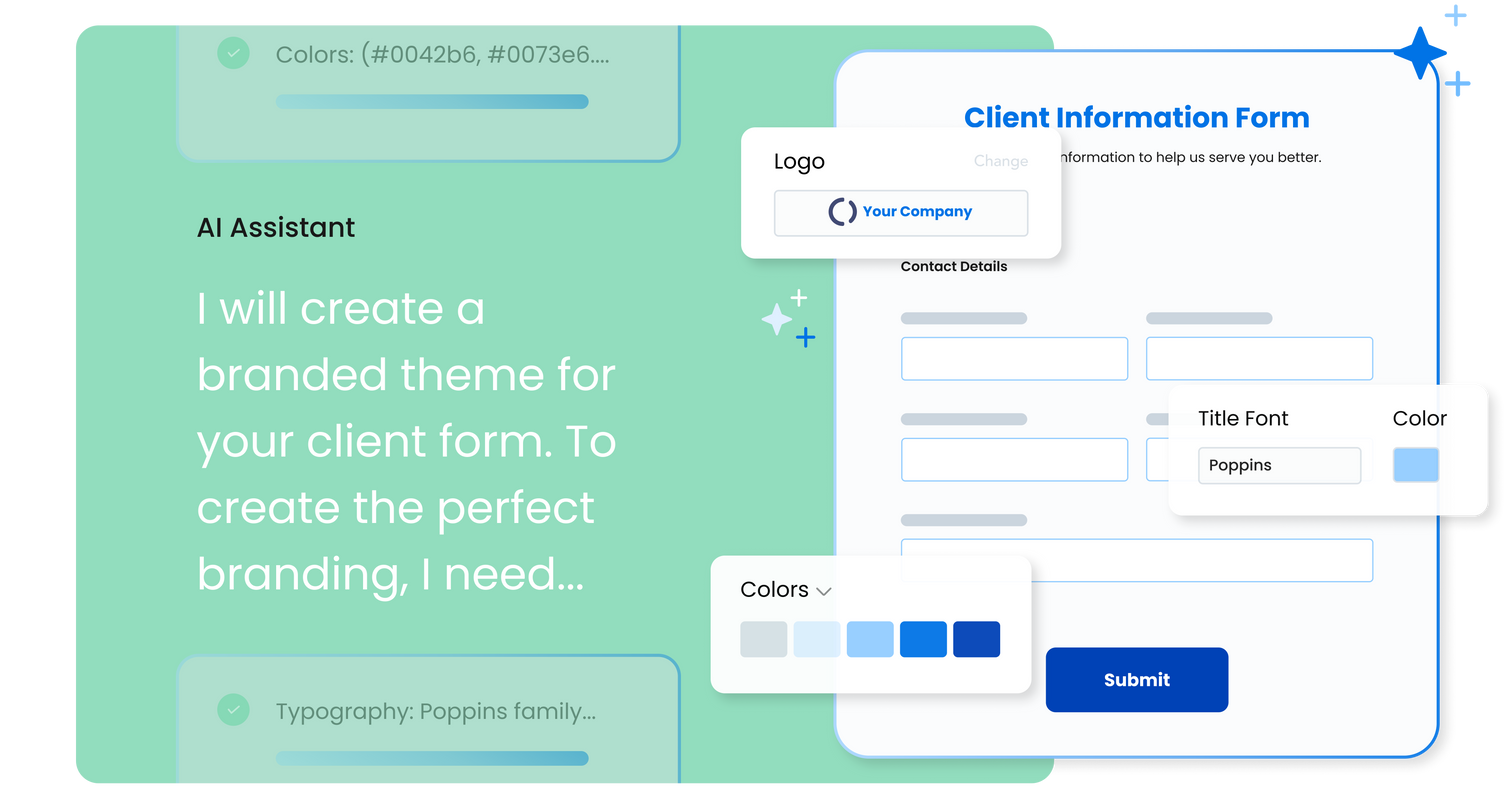
FormAssembly is an enterprise data collection and automation platform designed to enable organizations to capture clean, compliant data from the start. With the latest edition of the platform, FormAssembly Atlas, and its built-in AI assistant, Fai, forms and workflows build themselves, connect to Salesforce and other systems in just a few clicks, and ensure every record is structured, secure, and ready for automation or AI. In short, FormAssembly is designed to…
N/A
Intuit Mailchimp
Score 8.3 out of 10
N/A
Mailchimp is an email marketing and marketing automation platform. Beyond just tracking how campaigns perform, Mailchimp takes it a step further by analyzing data from over half a billion emails to show why campaigns perform, driving informed decisions.
$0
per month
Zapier
Score 8.8 out of 10
N/A
The Zapier Automation Platform designed to integrate data between web apps. It is scaled for small to mid-sized businesses, with a functional but limited free version of the program.
The big differentiator for me with FormAssembly has always been the Salesforce integration. I have yet to find an alternative form builder that makes building integrations with Salesforce any easier than FormAssembly. I like the look and feel of Typeform forms better than …
We considered a few others - Jot, conga, etc. We landed on FormAssembly mainly for the SalesForce integration. It's just so clean, and you get SO MANY options. The way that you can automatically create cases/leads (and do so conditionally) was huge for our support team. We've …
I would say that Mailchimp is good for beginner businesses trying to get started with their email marketing campaigns and customer list. But I would say it's temporary until they find a better solution that will fit their needs. I would do research into more robust and reliable …
HubSpot is great for a more advanced business and one that is also looking for more tech abilities in their processes. Also, HubSpot is modular while Mailchimp is all inclusive with their features.
I use Campaign Monitor for our software company. I did not get to make the buying decision on that, but we use a very advanced version of their software. I use a very basic level of MailChimp. But based on the features available to me in the basic MailChimp option, It stands up …
I now use SendinBlue alongside Mailchimp, however, Mailchimp advantage over SendinBlue is its clean and friendly dashboard, the notification report which SendinBlue lacks and the ability to fully customize the signup form, including adding an image header.
Constant Contact is nowhere near as simple to use and intuitive as Mailchimp. The processes for storing information are more difficult and there’s not as much customization functionality.
We never tried anything else, this was first and we were satisfied because of the great integration that it has with the software that we are using. It is cost-effective and worked immediately so we did not need to search for any other program. It is a great investment for us.
Law of Attraction, Meditation & Spiritual Life Coach | Public Speaker
Chose Zapier
I use both PieSync and Zapier. They are very complimentary, although you have to be careful about making sure they don't conflict with each other. I like that Zapier does have a free version, whereas PieSync only has a free trial. Zapier is particularly useful in moving data …
They are different in look and feel, I like IFTTT for social media sharing (as an alternative to Edgar) but for logistics, email marketing, and lead acquisition, I prefer Zapier. Actually, I do use both, because I'm a small business I like to take advantage of free help and …
Probably IFTTT comes closest to covering the features of Zapier. However, Zapier appears to have a lot more apps that can be connected and they provide a lot more educational support on their blog and emails.
I'd consider Zapier a "pro-sumer" solution. It's not as powerful as more expensive solutions out there. But it's definitely for the business minded user.
FormAssembly is awesome for certain situations. Website integration is particularly smooth, and integrations with platforms like FormAssembly are widely available. For us, this makes FormAssembly a vital tool for high-volume training with participants under high-workload conditions, because it reduces friction for participants as they complete the forms while saving time for our staff who handle data entry. Conversely, the process of setting up forms and their integrations feels heavy-handed for some of our smaller events with fewer participants.
It allows you to reach out to our customer base and discuss updates, sales, education, and much more. I am grateful to have reached out to them and to have gained brand loyalty in the process. It helps us truly connect, not just sell. I can segment my audiences and decide who I want to send communications to.
If you have processes that are now managed and controlled using a spreadsheet, Zapier will give you a lot more control over what is happening and will help you increase productivity by eliminating simple steps such as sending emails and sharing information with your colleagues. It frees time for very transactional activities.
Mailchimp allows you to manage your mailing list really well. You can subscribe people, unsubscribe people manage the mailing list directly into segments, and what not.
Mailchimp has features where you can create campaigns based on your mailing lists and send out newsletters to your subscribers based on a multitude of parameters that you can setup. Such as send email daily, weekly, monthly and they also have event based mails that you can send out.
Mailchimp also has a feature where you can design your emails. The look and aesthetics are very important when sending emails to your subscribers and all those needs are addressed here.
Ease of use - multiple people in the organization can set up and run Zaps per their specific use cases without much training.
Connectivity - Zapier is able to connect to multiple applications we use on a regular basis.
Functionality - Zapier provides embedded functionality within the app itself (email, data conversion), but also appropriate triggers and actions for apps it connects to.
Versatile - Zapier can execute complicated and simple tasks and thus has many use cases.
we could always use more styling options when it comes to the form builder
in our past use of the form builder when adding attachments to a form, there was an upload limit of 35MB. It would be great if this limit was increased.
FormAssembly continues to meet our needs, and the product functionality continues to grow, providing us with new opportunities to utilize the software. We've built many forms and associated processes on FormAssembly. It would require a large effort to migrate to another platform. We have invested a lot of time in learning FormAssembly.
We've had Mailchimp for about ten years, I want to say. I started with the company about four years ago, and I don't see us ever diverting to another source. It's easy for us to use, and we have all our clients already built into the database. I imagine we'll use them for as long as we have the company.
I've already explained in detail why this rating is so high. It's very user-friendly; a green Salesforce admin can get set up and start using it right away. And if they need support, the support page provides documentation and screenshots to describe any questions they may have. They like it a lot!
It's very easy to use - I could quickly explain how to use Mailchimp to someone not in marketing and feel confident they'd be able to use basic skills to figure it out. Plus, we use it beyond just email marketing now for subscriber welcomes, forms, and nurture sequences.
The interface is very user-friendly, and there are also many tools to help a brand-new user get started. For example, you can put your Zap idea into the AI bot, and it will basically build a shell of your Zap to get started on. The format for each step within a Zap is also very helpful (set up the connection/app, set up the fields/details, then test).
I have, in the 4+ years that I've used Mailchimp, never seen an issue that restricted the use of their software/tools. I don't know of a single time when they're system crashed or went down. I could be wrong, but I honestly haven't experienced any issues with outages, errors or unplanned downtime
I haven't noticed any slow speeds from Mailchimp or their tools. I think the landing pages load quickly and look nice. The email reports and editing operates smoothly and doesn't take time to load. Additionally, when I use Mailchimp in conjunction with Zapier + Hubspot I don't notice any drag between any of these tools
While it's not a true development package and misses some features like ingestion of external data for lists, etc... the product is fast, stable, easy to use, and will suit the needs of anyone needing online form functionality with SalesForce and other connectors available for your marketing needs.
Website tools were easy to use and understand so a novice can easily meet or exceed their client's expectations! Loved that we were able to totally customize so that the e-mail we created conveyed our client's overall messaging consistent with their branding! Client love that we can provide turnkey services to support their sales and marketing teams!
Before we purchased Zapier, I contacted support and asked them if Zapier could support my intended workflow (this is actually a selection on their support form - awesome). Within 2 hours, I was contacted by a support team member who seemed sure it would work, but granted me premium access for 2 weeks to try it out for myself. Sure enough, it did! Ever since then, support has replied rapidly to any problems I have experienced and answered my questions within a few sentences.
It's pretty easy to get up and running! There's a slight learning curve on a few things, but once you find where everything is located, you can import your list and send your first email. It really makes our clients feel great to see how quickly they can get that first email out.
Form Assembly allows for advanced data mapping, pre-filling forms with Salesforce data, and working with custom objects. FormAssembly excels in Salesforce Integration, as it is highly specialized and deeply integrated. Often considered the industry leader for Salesforce forms, Formstack has strong integration, but may not offer the same level of granular control as FormAssembly.
I used Intuit Mailchimp, and I would say other software I used is equally good and competes with Intuit Mailchimp. Well, Intuit Mailchimp's reporting is better, and ActiveCampaign has more affordable pricing, so in the end, it all comes to what you need. What we needed was available in cheaper price in other software as well. But I would definitely say Intuit Mailchimp has its own advantages too.
We actually utilize both Integromat and Zapier at our company, for all the reasons detailed in this review. Though Zapier is excellent for simple client integrations, we often run into internal use cases that require complexity that Zapier cannot provide. Specifically working with API calls (not just webhooks), complex multi-step integrations with Routing/parsing/etc, and large volume integrations. Integromat is perfect for these use cases, but doesn’t provide the simplicity and account scalability that Zapier offers.
Mailchimp over the years I've used it has grown in leaps and bounds. They have added so many additional features than were previously available. They are truly an all-in-one marketing platform now. If you're a small operation and just want to add email to your marketing efforts, they're there for you. If you're a larger operation and want to start sending postcard advertisements, they can do that. If you'd good with that and want to kick up your marketing by going social, you can do that on their platform. They are truly able to be as small as you need, but also get quite large in whatever it is you'd like to do through their system.
One of my retail web store clients was sending out email specials and notices about once a month. After clicking the send button, we would watch Google Analytics and the current site users would light up immediately. Often, the current site visitors would pop up to 20, 30 or more after the email was sent. On a normal day, seeing 1 or 2 online users would be OK.
Pretty much in all cases, we could see an uptick in positive activity after sending out a Intuit Mailchimp email to a list.