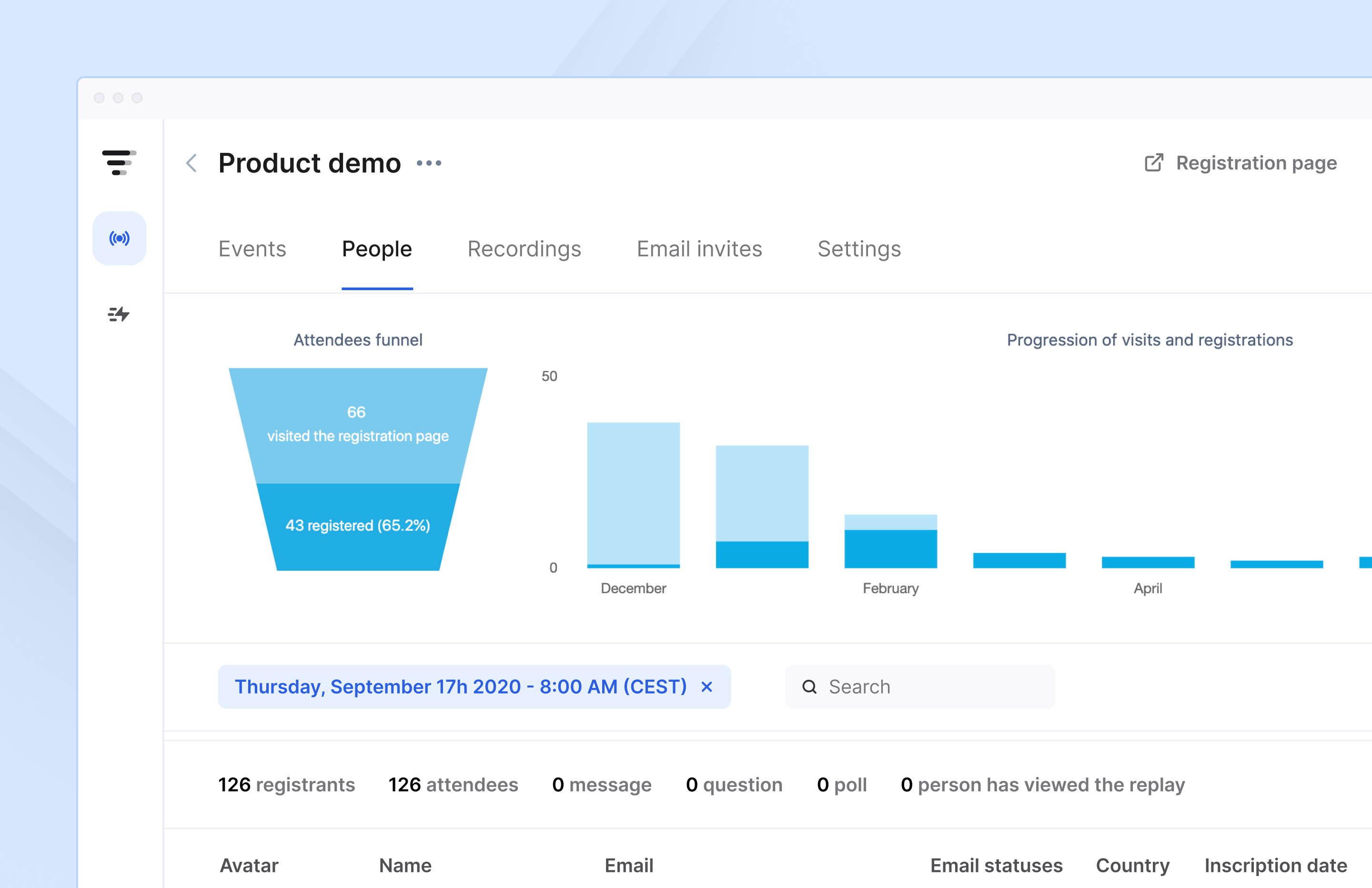
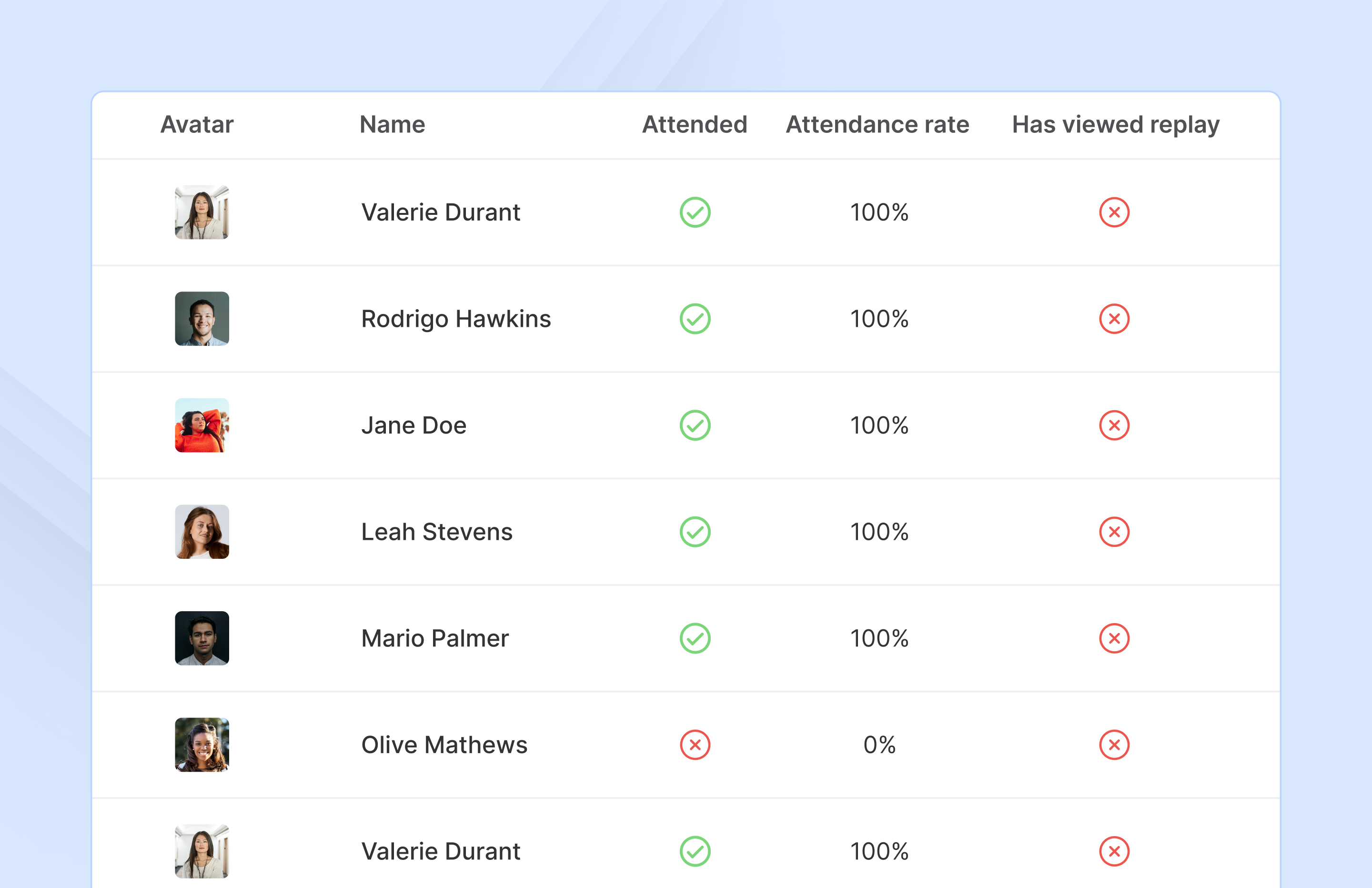
French company Livestorm offers their webinar platform which integrates with many other enterprise applications via Zapier and features polling, session recording and sharing, and webinar data collection and tracking.
$0
A free plan to discover Livestorm. All features included, such as unlimited webinars and instant meetings. Up to 20 minutes per webinar and up to 10 registrants per webinar.
ON24
Score 7.7 out of 10
N/A
ON24 is an intelligent engagement platform, that enables customers to continuously engage audiences with AI-powered, hyper-personalized webinar, virtual event and content experiences.
N/A
Zoom Workplace
Score 8.5 out of 10
N/A
Zoom Workplace, Zoom’s open collaboration platform with an AI Companion, empowers teams to be more productive, and strengthen customer relationships throughout the customer lifecycle with Zoom’s Business Services for sales, marketing, and customer experience teams, including Zoom Contact Center.
$16.99
per month per user
Pricing
Livestorm
ON24
Zoom Workplace
Editions & Modules
Webinar Basic
$0.00
A free plan to discover Livestorm. All features included, such as unlimited webinars and instant meetings. Up to 20 minutes per webinar and up to 10 registrants per webinar.
Meet Basic
$0.00
Limited Instant and Scheduled Meetings for up to four participants
Meet Premium
$31.00
Full features for Instant and Scheduled Meetings.
Webinar Premium
$99.00
A premium experience with removed limitations to get the full benefits of Livestorm for up to 100 seats. + $99 to add 250 seats, + $209 to add 1,000 seats.
Enterprise
Contact sales
An enterprise-grade experience with premium service.
ON24 blows away Zoom and GoToWebinar when it comes to customization and branding. Plus, ON24's overall event management is more flexible than these other platforms. The recording features of ON24 are a big plus. However, Zoom and GoToWebinar have a more solid interface for …
Zoom is great for meetings and smaller gatherings. But if you want to really showcase your business, you cannot get around ON24. I notice that ON24 also offers breakout rooms now which is helpful. On ON24 the user experience is so much better. The user can modify their own …
Zoom limitations that didn't meet our needs: No automated emails, no follow up with the recorded product, audience console was not customizable, audience console didn't contain all of the items we needed and was clunky for audience members to use
I think ON24 sacks up pretty well against most of these the only downfall I have is that last-minute changes or quick turnaround aren't usually a good fit. During a call, they are amazing its those last-minute issues or changes that would need to get to the tech and have them …
Easy to manage, no need for downloaded software, easy to navigate, easy to understand, and almost no buttons to click, no settings. When you go to the link it is as-is. No need to turn on videos no unmute button so it's safe on the background noise.
I can't really compare those products with ON24 since the use case for the other products is less complicated. After using ON24 for a few webinars it's really easy to use. To compare ON24 and GoToWebinar: the whole look and use case of ON24 is way better, GoToWebinar feels like …
Prior to ON24 we used Zoom for the majority of our webinars. We still use Zoom, however, this is for much smaller events and where we would like to encourage more interaction between attendees. Zoom does not have the same capabilities, it is not customisable and you cannot add …
I like how ON24 gives you more of a robust platform that you can easily manage as the producer. I like that the presenters platform is separate from the attendee/viewer side. Overall it's pretty user friendly and attendees have a good experience.
When i switched over from GTW for ON24 it was because GTW didn't allow videos and that was something we needed to bring our presentations to life and to hte next level. We do miss the ability to send a nicely formatted email and the ability for our clients to call into the …
ON24 blows Webex Meetings and GoToMeeting out of the water for reliability. Zoom is comparable for performance but can't match the branding and flexibility offered by ON24. If you only have small meetings, Zoom may meet your needs okay, but for any meeting over a couple dozen …
The quality of ON24 surpasses other similar software. I especially like the dashboard view for attendees. It is engaging and easy to use. Users can download materials, explore links, chat, and use Q&A without having to navigate to a different window allowing for a seamless …
Zoom is definitely more user-friendly, especially when it comes to video and screen share. It feels much more up to date and streamlined, however it does not support the same type of events as the webcasting platform.
I think ON24 is superior to both Webex and Adobe webinar products because, at its price point, it is very customizable, easy to use, and offers great reporting features.
The ON24 platform goes further in-depth than typical web-based applications. I find that the service is much more reliable, more of a "pro" platform. I've found the ease of sign-in, and user-friendliness to be unmatched.
I have not used any other products like this for live webinars. Unfortunately, I can not speak to how well this program stacks up against others as this is the only product of this type that we use currently. Soon, we will be adding an LMS to host our webinars.
Honestly, each has certain things that are more simplistic or granular than the other or annoying caveats the others may not have. ON24 having the ability to do the simu-live was what made us go with it.
ON24 is more reliable/stable than GoToWebinar and easier to switch between presenters, however GTW offers a much fuller list of local dial in numbers for speakers (most significant countries). Adobe Connect is more complex to learn from a admin console perspective but easier …
ON24 is used for conferences, presentation at a higher scale. Zoom is used as a cheap alternative to connect with individuals in small group for quick sessions.
The cost was just right for Zoom. Webex cost way too much and same with ON24. Teams just couldn't do webinars and external customers had trouble using it. Zoom seemed easier for the customer.
Zoom Workplace stacks up better than Microsoft Teams in terms of general meeting capabilities, webinar and live event capabilities, user experience, and how slick it is generally - it's a nicer environment where things feel more intuitive and professional. Teams is laggy and …
Livestorm is well suited to use when you need to reach a group of more than ten people. It wouldn't be a good solution if you wanted interaction from the audience in more than the form of chat.
I find that ON24 caters for all types of organisations, having it allows for more choice/options. The experience around virtual events if fantastic and the ON24 team is constantly improving the platform. If you want to run a virtual events programme where you want to generate leads and track engagement, then ON24 is the platform for you
In most cases, and I mean almost all, Zoom is vastly superior to Teams in terms of functionality and ease of use. Case in point: I recently tried to join a Teams meeting in the web browser, and it took me multiple attempts to access it. This NEVER happens with a Zoom link.
Audio quality of phone calls is spot on. Calls are clear and crisp.
Video quality of video meetings are clear and there aren't any pixelization artifacts that some systems can have.
Having AI summaries have been life changing for us. We no longer have to concentrate on note taking, like we did in the past. The summaries are accurate and enable us to put our efforts in the meeting or conversation. Plus, we can save them into our practice management system as required.
There was a recent update within the past year where the UX designer or developer thought it would be best to wide all titles from the audience view until they placed their mouse on top of the window. That was the worst mistake, as we have a moderator script where we tell the audience what each of the tool bars are and they can’t grasp what the tool is without putting their mouse there. From an accessibility standpoint point, it’s back to 1999 when there was no laws about accessibility.
Number one above is a major pain point.
ON24 needs to do a better job of introducing features and soliciting feedback from their customers vs making a high impactful change like #1 described above.
Allow a way to group individual people chats - not channels just individual peeps into groups for ease of finding - like how you can group shared calendars into sections in Outlook
ON24 is everything we expected and everything we needed. It's simple to use, extremely customizable, and scales very easily. The integration to our CRM makes ON24 major lead generator for our sales team from our established webinars series. We can automate lead delivery to our sales team as well. If anything, we will look to expand our partnership in the future.
We're sticking with Zoom for the foreseeable future--given its compelling feature set, ease of use, and advanced technology, there's just no other competition to be excited about. Plus it's a Gartner-recognized industry leader, so it's a rather easy choice.
Making sure the permission settings for your camera, microphone or browser can sometimes be tricky. If we have a guest, we always have to double-check these. It's also not super intuitive that you need to "Get on Stage" from the webinar page.
97% of our attendees say it is the best trainings they have every attended. But they other 3% have a horrible experience (while watching the event live) interesting fact. On24 uses two different encoders for live vs OnDemand. I have never had issues with the On-Demand experience. My only complaints come during live events
Zoom is made for the non tech office. It has features that can be made to do what you need to run things on a day to day basis. Immediately we we able to get meetings going with remote employees. The ability to be able to add smartphone connected people was a big plus. Zoom met our needs at the time.
ON24 is always available when I have a question about a new feature, if I'm having issues during a live webinar, or if I'm having issues with a webinar on the backend. Our client support specialist, Heather Haines, has always been incredibly consistent with getting me the answers I need when I need them.
There have been less than a handful of outages during our two years with Zoom, and whenever there was one, an email informing us of the outage went out immediately, and they had the issue resolved shortly thereafter.
Sometimes (it may be my computer) i cant login to ON24. I create a new PW and then i still cant get in. I clear cache/try new browser etc. and nothing works. I come back in a few hours and its like the problem never existed, its the strangest thing. Outside of that everything works pretty seamless. We've ran into a few bumps with Marketo talking to ON24 and passing reg through but have that figured out now. Not being able to be on a VPN when connecting to webcam on the presenter side does cause issues for our government speakers.
Zoom has among the best performance of any video conference platform, as I've mentioned several times. Besides that, their Chat platform works great, and their back end always runs smooth. It's unfortunate that reporting can now only be done by one month at a time, but nonetheless, it only takes a second to run any kind of Zoom report, whether it's an attendee report, Poll results, a user report, a list of meetings from the past month, etc.
The customer service representatives are extremely attentive. They do an excellent job of trying to understand the scope of the issue and follow it through until it has been resolved. When I have provided them with recommendations for improvement they have taken them to heart and many times implemented them. I trust that if I ever have a problem they will be there to help
ON24 support is really good with the 24/5 support chat line, where someone actually responds within 30 seconds. The customers success team is also really good and our rep is very helpful with all our questions. Whenever we have more technical questions, she will bring on a IT designer or a tech specialist on our calls for additional comments and help.
Because I got a response right away, and was assigned one specific individual to work with me from the beginning to the resolution. I had an actual email address and direct contact with this person without having to start over and over every time I contacted Zoom - this singular individual remained attentive and was well informed on the subject matter and quite able to resolve my needs.
On24 has amazing ON-Demand trainings that you can use at anytime and they walk you through step by step on different topics/ they are always updating and innovating and putting out new trainings. I would highly reccomend the trainings and reading the documents they have created. They also do live webinars on a rolling basis that are filled with so much knowledge and Information
We had a few training's, which were broken up, and focused on specific areas of how to use the platform. Mostly though, a lot of it is just dedicating your time to learning and exploring what the possibilities are for enhancing your webinars
If you receive any pushback from higher ups, point to any of the various positive reviews like this one. Or show Zoom's excellent Gartner report, or articles describing Zoom's partnership with Sequoia capital. It's not difficult to show how Zoom is a trustworthy industry leader with best-in-class technology.
From what I've seen, ON24 is built specifically to meet the needs of event marketing (or marketing generally), versus the other platforms which are more about simply providing a mechanism to hold virtual meetings. The integration with sales and marketing systems is really valuable. I don't know about pricing differences, but if the competitors were comparable, I would still select ON24.
Zoom Workplace is typically on the more expensive end against other options, but it's the industry leader for a reason. It has the most brand credibility by far, but that doesn't mean it's perfect. There are limitations when it comes to technical performance, customization and video/audio quality. I prefer Slack myself for communication apps, but Zoom Workplace is a good alternative.
The billing and price model is really fair for so many functions that they offer, our remote work requires each of the features that Zoom offers, so accepting payment for a tool like this is the least we can do. I like that billing arrives on time and that they offer opportunities and payment times.
The ON24 platform is straightforward to use and train clients on, which is a huge plus. Clients appreciate its features and simplicity. Internally, we receive valuable analytical data from webinar events, enabling the organization to make data-driven decisions. This helps us optimize strategies and drive success for B2B businesses effectively.
Because the Basic licenses are completely free, and because it's very easy to configure and install Zoom, and because anyone can join Zoom from a link without needing an account, scaling is a Breeze. There are absolutely no roadblocks. My company keeps adding more Zoom Pro license every week since it's so in demand. We were able to convert users from several different platforms onto Zoom with no trouble at all.
Zoom is perfect for our business. We use it to video chat with prospective clients. The name recognition alone gives us credibility and it is very easy to screen share and send content out.
We have not lost much productivity in our teamwork during the pandemic because of the ability to have Zoom video calls and keep everyone in touch. This is definitely a positive.
We are able to have more people participate in coaching sessions (described earlier) because we don't have room space limitations. This is a big positive.
Being able to start a meeting instantly is great when we are doing support and/or training with a client over the phone and need to be able to share a visible