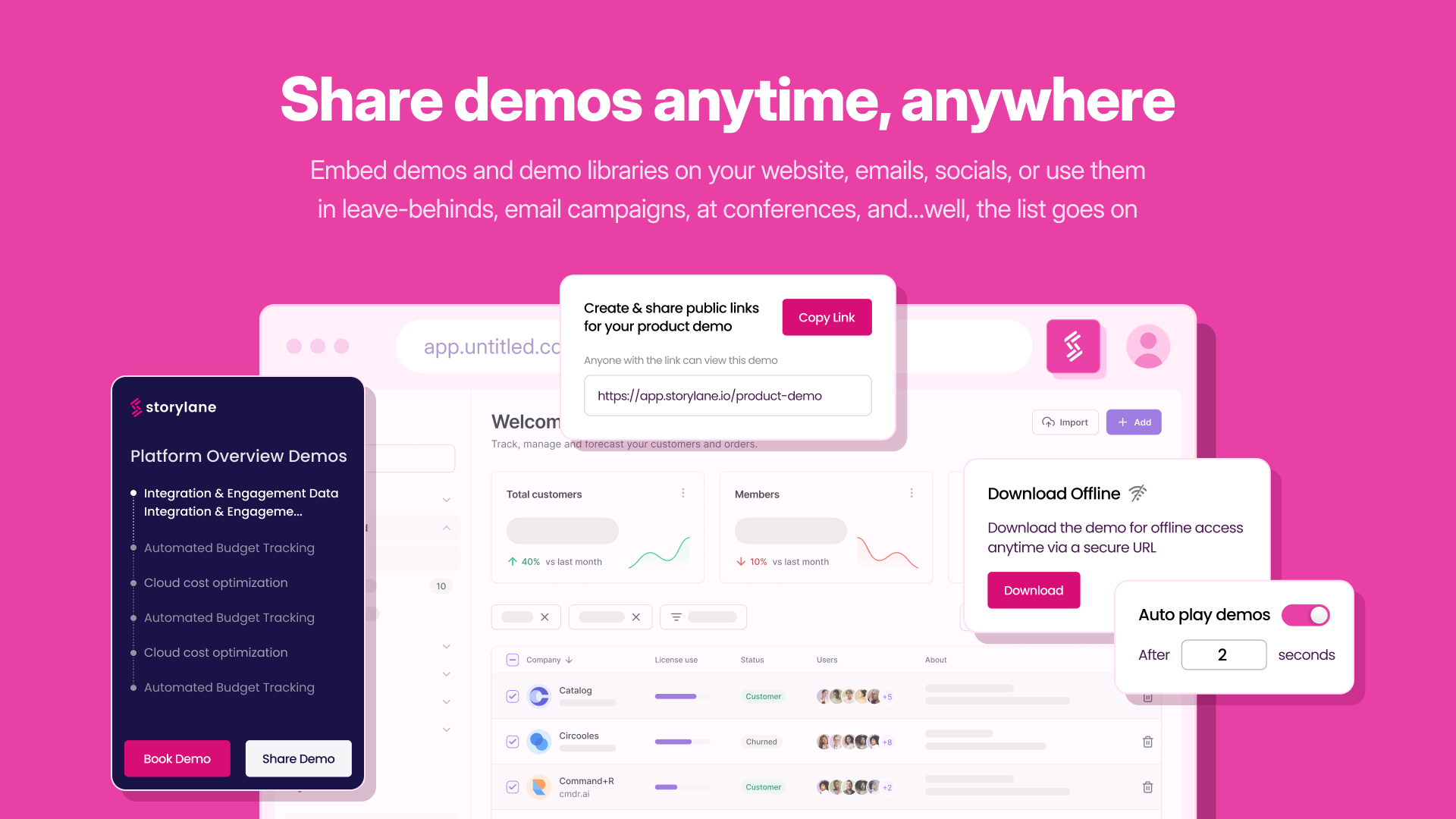
Storylane, headquartered in Santa Clara, helps companies build interactive product demos in minutes with their eponymous no-code tool. Marketing users can embed guided product tours on their websites, landing pages , blogs or share them in email campaigns. Sales users can replicate the product and build custom demos tailor made for conversation. Storylane's no code editor enables users to personalize anything in the demo.
$50
per month per seat
Walnut
Score10 out of 10
N/A
Walnut, headquartered in New York, offers a sales demo software platform, designed to enable users to create sales and product demos more easily, and to offer personalized, consistent, and successful demos every time.
N/A
Pricing
Storylane
Walnut
Editions & Modules
Starter
$50
per month per seat
Growth
$625
per month 5 seats included + $125 per additional seat
Premium
$1500
per month custom seats
Solo (1 Demo)
free forever
Enterprise
Custom
No answers on this topic
Offerings
Pricing Offerings
Storylane
Walnut
Free Trial
Yes
No
Free/Freemium Version
Yes
No
Premium Consulting/Integration Services
Yes
No
Entry-level Setup Fee
No setup fee
No setup fee
Additional Details
Discount available for annual pricing.
—
More Pricing Information
Community Pulse
Storylane
Walnut
Considered Both Products
Storylane
Verified User
Chose Storylane
Storylane seems very comparable to Walnut in terms of functionality and ease of navigation in the tool. I'm using a full sandbox experience in Walnut, so it's not quite apples to apples, but the basic functionality is similar. I used product tool tips, AI text-to-speech, and …
A de minimis incentive was given to thank the reviewer for their time. The incentive was not used to bias or drive a particular response, nor was the incentive contingent on a positive endorsement. More Info
Motion Designer in Marketing at Software Growth Partners (Venture Capital & Private Equity, 51-200 employees)
Chose Storylane
I felt Storylane was the easiest to learn and the most value for money among the other tools that I evaluated. Some of the tools are 10 times more expensive than Storylane and basically do the same thing. Storylane solved my purpose at a lower cost so I chose it.
A de minimis incentive was given to thank the reviewer for their time. The incentive was not used to bias or drive a particular response, nor was the incentive contingent on a positive endorsement. More Info
Verified User
Chose Storylane
More cost effective and seemed more intuitive. Never really used other product so can’t fully speak to this.
A de minimis incentive was given to thank the reviewer for their time. The incentive was not used to bias or drive a particular response, nor was the incentive contingent on a positive endorsement. More Info
If you are looking to make simple, guided demos to easily demonstrate product UI and workflows, Storylane is a great choice. You need to be ready to invest a lot more heavily if you'd like to provide a sandbox experience that will allow users to navigate around the whole UI with full linking and interactive onscreen elements.
A de minimis incentive was given to thank the reviewer for their time. The incentive was not used to bias or drive a particular response, nor was the incentive contingent on a positive endorsement. More Info
Great for SaaS companies looking to demo their products. We use it on sales calls and send it afterward. It can also be used before booking demos to show to potential customers, or by customer success to create a self-guided tour of a product. The customization options are great, as is the ease of creating demos.
A de minimis incentive was given to thank the reviewer for their time. The incentive was not used to bias or drive a particular response, nor was the incentive contingent on a positive endorsement. More Info
A de minimis incentive was given to thank the reviewer for their time. The incentive was not used to bias or drive a particular response, nor was the incentive contingent on a positive endorsement. More Info
A de minimis incentive was given to thank the reviewer for their time. The incentive was not used to bias or drive a particular response, nor was the incentive contingent on a positive endorsement. More Info
It's not intuitive when I want to modify some of the text in the boxes
It's difficult when I wanted to copy a slide from one demo and drop it into another demo. It's never worked properly and this seems like it should be a relatively easy technical lift to offer - also it doesn't say that it won't work, it just simply made a mess of my slides.
A de minimis incentive was given to thank the reviewer for their time. The incentive was not used to bias or drive a particular response, nor was the incentive contingent on a positive endorsement. More Info
Some of the UX around the demo creation is still a bit janky. For example, your work does not save automatically - you need to be constantly saving it or all your work will be lost.
The organization of all of the demos is improving, but things still get lost.
Ideally it would be easier to replace certain attributes in bulk.
A de minimis incentive was given to thank the reviewer for their time. The incentive was not used to bias or drive a particular response, nor was the incentive contingent on a positive endorsement. More Info
It is fairly easy to use the Product demo builder. There's nothing complex on the platform. I feel like there's so much room to add complexity to the product, as it's too easy to use at the moment. More functionalities bring more complexity. So, currently, I would say Storylane is pretty easy to use without any prior training.
A de minimis incentive was given to thank the reviewer for their time. The incentive was not used to bias or drive a particular response, nor was the incentive contingent on a positive endorsement. More Info
The demo done by the team was brilliant and they were able to get us trial access immediately. Their gtm team was also able to accommodate our request on pricing and contract terms which really made us incline heavily towards Storylane. The product also was very well built and we didn’t need to look actively at competitors.
A de minimis incentive was given to thank the reviewer for their time. The incentive was not used to bias or drive a particular response, nor was the incentive contingent on a positive endorsement. More Info
Previously we created clickable demos in InDesign and XD. While clickable, they were nowhere near as realistic as Walnut, they lacked analytics, couldn't be customized, and they needed a designer to keep them updated. With Walnut, we can also add or remove features in a demo depending on what the customers' needs are.
A de minimis incentive was given to thank the reviewer for their time. The incentive was not used to bias or drive a particular response, nor was the incentive contingent on a positive endorsement. More Info
I cannot attest to the ROI as I created Storylanes for my company shortly before making a career change. I anticipate that it will shorten the sales cycle as it will help champions convince decision makers who were not present during a live demo.
A de minimis incentive was given to thank the reviewer for their time. The incentive was not used to bias or drive a particular response, nor was the incentive contingent on a positive endorsement. More Info
Previously, our demos were often out of date. This led to less satisfied customers buying things that weren't quite what we had. Customers now have a better idea of what to expect.
A de minimis incentive was given to thank the reviewer for their time. The incentive was not used to bias or drive a particular response, nor was the incentive contingent on a positive endorsement. More Info