
TrustRadius: an HG Insights company

FormAssembly

Score9.3 out of 10

80 Reviews and Ratings

Get a Demo

Contact about FormAssembly

Please fill out the form below to get in touch.

FormAssembly

Connect with FormAssembly

What are you interested in?

Already have an account?

You hereby consent to have TrustRadius share the information supplied on this form with FormAssembly so that FormAssembly and TrustRadius may contact you in regard to the information requested.

What is FormAssembly?

FormAssembly is an enterprise data collection and automation platform that enables organizations to capture clean, compliant data from the start.

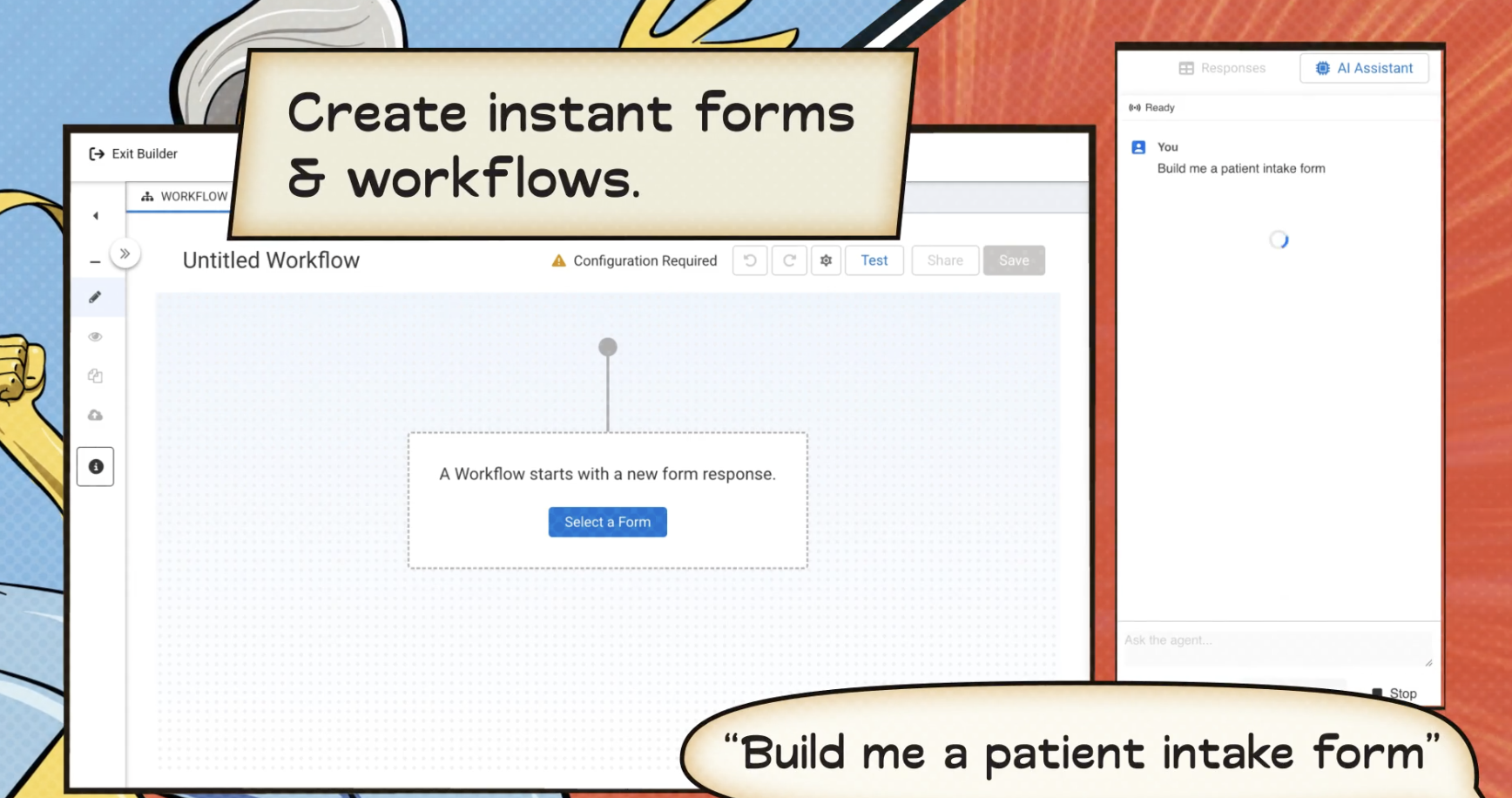
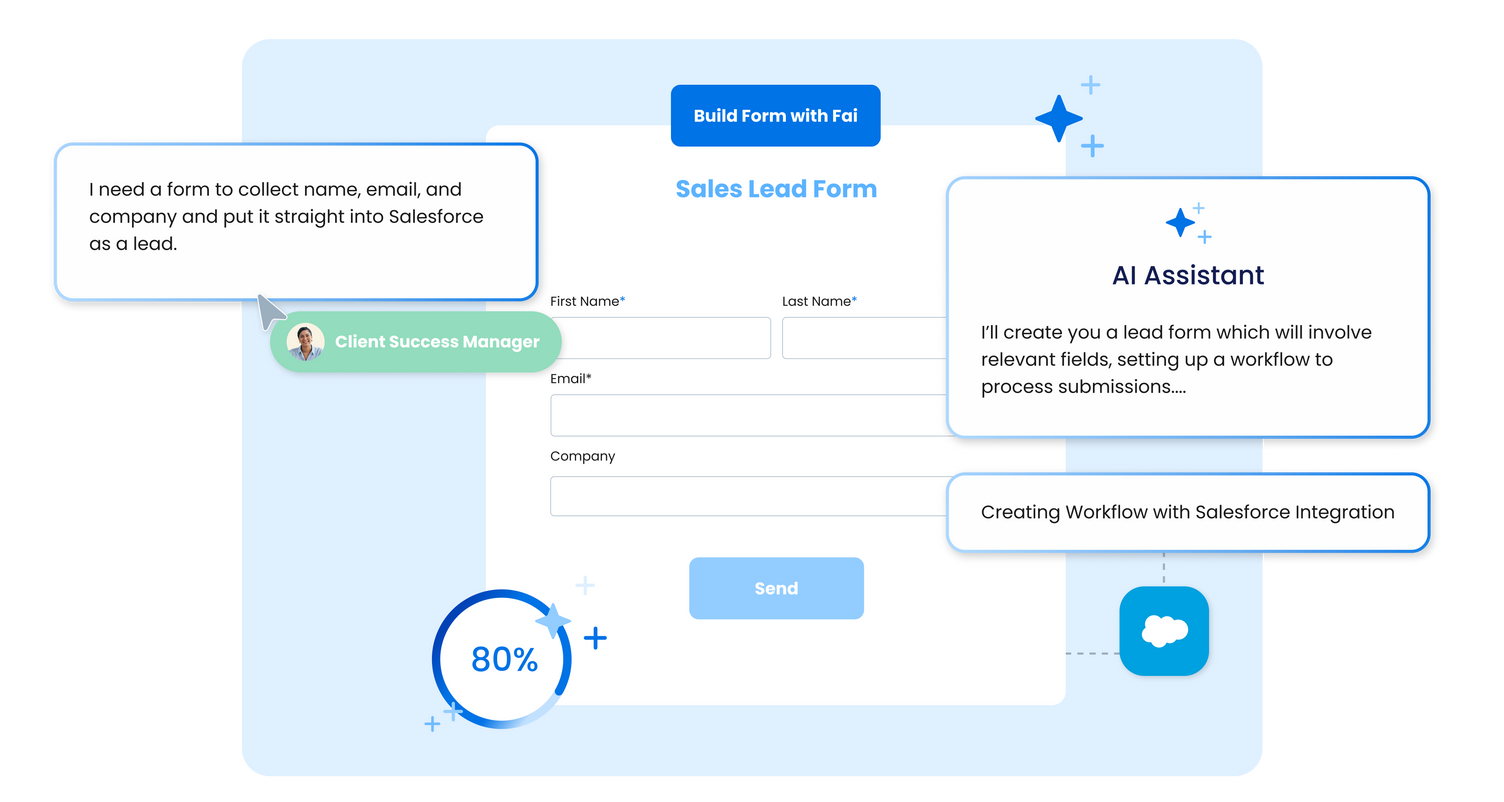
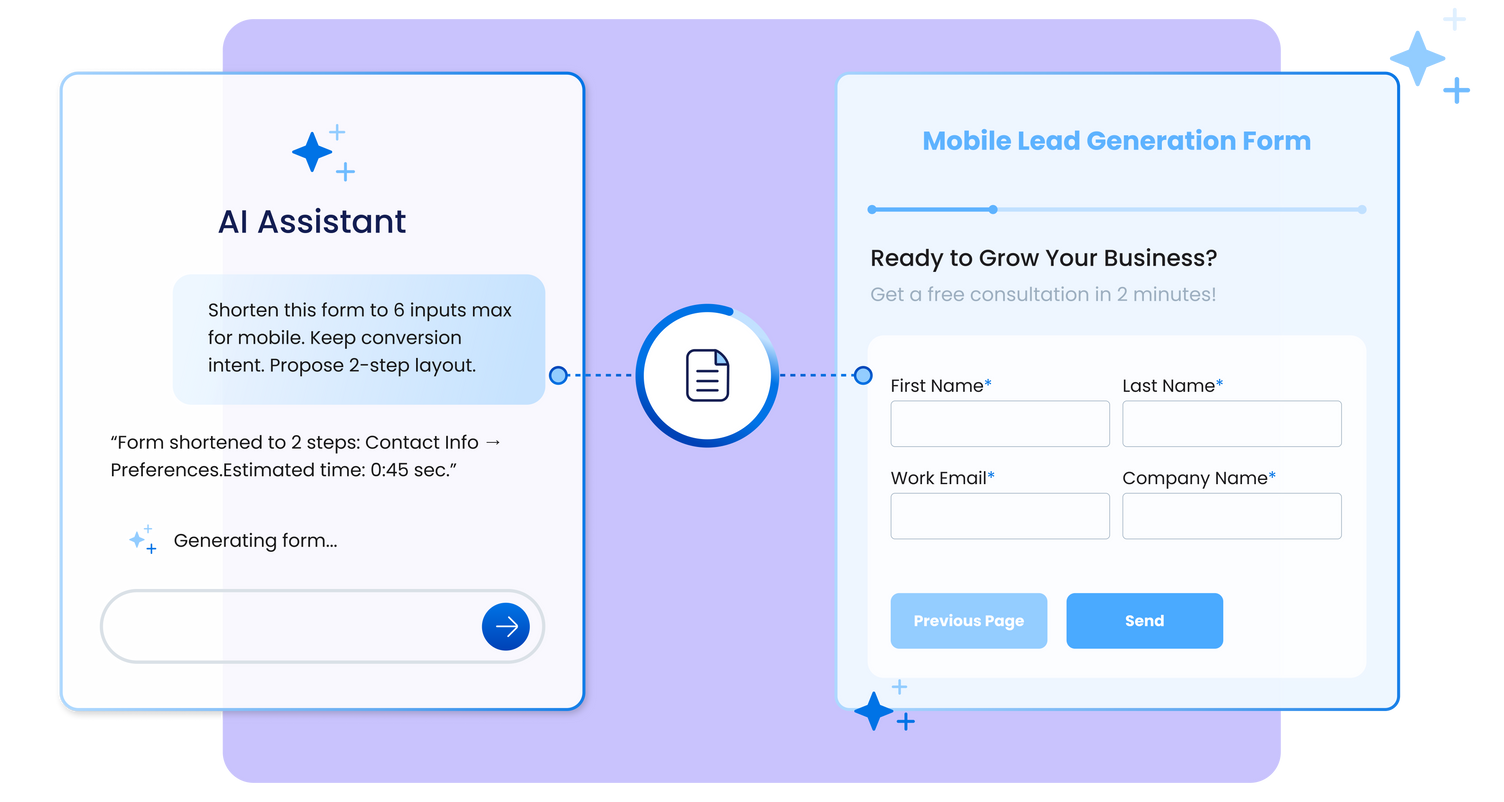
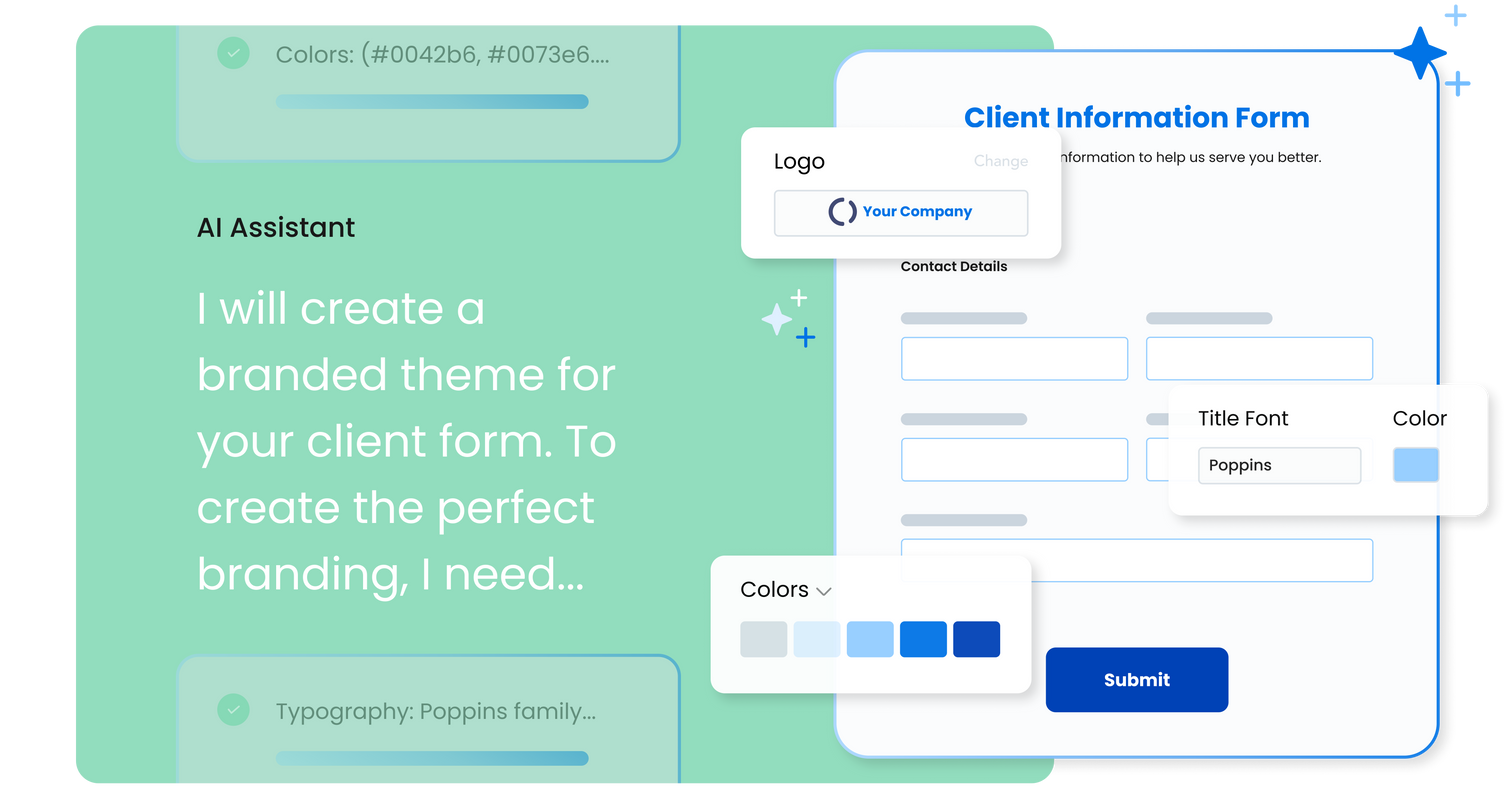
With the latest edition of the platform, FormAssembly Atlas, and its built-in AI assistant, Fai, forms and workflows build themselves, connect to Salesforce and other systems in just a few clicks, and ensure every record is structured, secure, and ready for automation or AI. In short, FormAssembly is designed to eliminate the manual work of form building and data cleanup.

KEY FEATURES

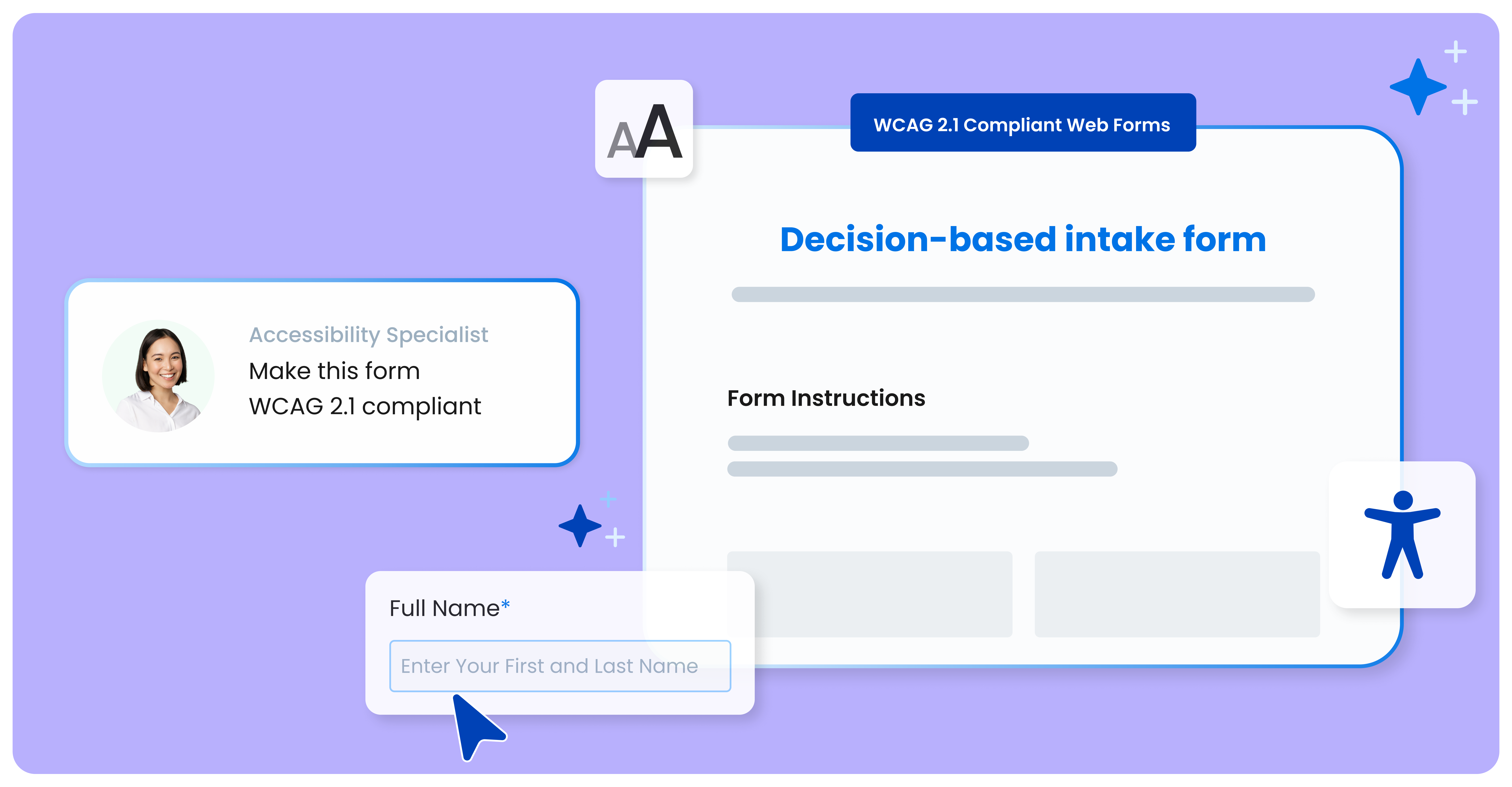
  • Fai – AI-assisted form and workflow creation: Build compliant, branded forms and automated workflows instantly using natural language prompts.
  • Salesforce integration: Create, update, or look up any standard or custom Salesforce object, and prefill forms with existing CRM data.
  • Extensive third-party integrations: Connect with over 30 solutions, including Microsoft, Google Workspace, HubSpot, and Dropbox.
  • Enterprise-grade security: Protects sensitive data with HIPAA, PCI DSS Level 1 certification, encryption at rest, and other advanced security controls.

Media

1 / 5

Top Performing Features

  • Survey logic flexibility

    Survey question flow can be customized with skip logic, conditional questions, question branching logic, piping logic, and/or randomization.

    Category average: 8.2

  • Data export

    Data collected within the tool can be exported to another program for additional reporting/analysis.

    Category average: 8.5

  • Multiple question types

    Supports a variety of question types, such as multiple choice, select all that apply, ratings, text responses, etc.

    Category average: 8.7

Areas for Improvement

  • Custom reports

    Allows users to report on custom metrics, choose which metrics to include in a report, run reports with advanced segmentation and/or customize the look and feel of a report.

    Category average: 7.8

  • Analytics

    Allows users to run different types of analysis, such as statistical analysis, cross tabs, sentiment analysis, etc. within the tool.

    Category average: 8.1

  • Vendor-offered crowdsourcing

    Vendor offers access to an audience or panel of respondents.

    Category average: 7.9

Security through Forms

Use Cases and Deployment Scope

Our organization uses FormAssembly as a tool to conduct member conferences. We use the secure forms to gather new business items and constitutional amendments. Since COVID. our organization has used this program to offer a secure format to gather important information in a more streamlined process than we previously had as paper and pencil. Not only are we more secure, but also environmentally friendly.

Pros

  • Security
  • User-friendly - make duplicates of forms
  • Workflow makes forms and connections easy to develop
  • Automated notifications make for a smooth process

Cons

  • Live amendments to forms

Return on Investment

  • Easier collection with automated forms
  • Ability to connect forms with multiple options in workflow
  • Less need for manual labor

Usability

Alternatives Considered

Wufoo

Other Software Used

Salesforce Agentforce 360 for Nonprofits, Clio, Google Workspace

FormAssembly Has Really Helped Speed Up Our Admissions

Use Cases and Deployment Scope

We use FormAssembly for our Admissions process. We use it to obtain supplemental information from applicants of certain programs. We also use it to request recommendations for our applicants. We also use it for applicants to sign up for tours and other events.

Pros

  • It is a reliable method to request information.
  • It allows for prefilling from Salesforce.
  • It is able to return data to Salesforce or through email.

Cons

  • I would like to see the option for a signature without the E-Signature process.
  • Copying and pasting into FormAssembly often causes trouble with PDF generation if the text had any formatting. I would rather it remove all formatting when pasting into it.

Return on Investment

  • FormAssembly has sped up our admissions process. Recommenders no longer have to mail their forms in, and instead, they can be completed within minutes online.
  • We considered using FormAssembly to accept payments, but we discovered the cost to add that feature was too expensive for our use case.

Usability

Alternatives Considered

TargetX and from Liaison

Other Software Used

Laserfiche, TargetX, from Liaison, Entrinsik Informer

FormAssembly solves our problems and offers great support

Use Cases and Deployment Scope

We use FormAssembly for everything from event registration and donations to collecting research data from farmers across the MidAtlantic region. We needed a solution that was simple enough to implement ourselves, but robust enough to grow with our organization. We connect some fields and forms to Salesforce, but not all.

Pros

  • Customer support
  • Value
  • Continuous improvement & upgrades

Cons

  • User interface for workflows is still really complicated and not super intuitive
  • Increased collaboration (e.g. adding notes on the form outline for future me)
  • Formula builder for in-form calculations (Java)

Return on Investment

  • With just one tool, we can do it all. We don't need multiple survey tools.
  • User interface means no coding, so we can create in house. No need to hire external consultants.

Usability

Alternatives Considered

SurveyMonkey, monday CRM, Jotform and Cvent Event Management

Excellent Tool for Forms and Workflows

Use Cases and Deployment Scope

Our main use of FormAssembly is for our lead form, which we put on our website landing pages and share with our lead vendor. This allows us to have one main front door into our Salesforce org. We also have an internal lead form that our staff use to fill out when speaking to leads on the phone. There are a few other forms and workflows in our organization that I'm excited to eventually move into FormAssembly. This will make the processes easier for both our staff and customers, and improve data integrity as we can connect the forms to Salesforce.

Pros

  • Easy basic form-building
  • Easy integration (Salesforce)
  • Helpful knowledge base

Cons

  • The option for an occasional call and screenshare would be nice.
  • Administration and setup (user management, granting access, etc.) could be simpler
  • While a basic form is easy to build, I wish customization (text, size, placement, etc.) were easier without knowing CSS.
  • It would be helpful to be able to subscribe to reports - that is, instead of manually downloading a CSV each week, receiving an email with the list of responses specified.

Return on Investment

  • Our lead form built with FormAssembly has had immeasurable impact on our business as this is our main front door to our CRM. The majority of our leads come through this way.

Usability

Other Software Used

Salesforce Service Cloud, Cirrus Insight

FormAssembly saves TIME!

Use Cases and Deployment Scope

We used FormAssembly for Event and Contact sign-up forms and training requests. FormAssembly is so easy to connect with Salesforce data and values can be pre-populated with existing values in Salesforce. It helps keep our data clean and integrated since everything connects back to Salesforce.

Pros

  • Performs look ups that connect to our Salesforce instance to avoid duplicate records
  • Connects data back to Salesforce and creates an error log in case the submissions need to be reviewed
  • Can perform multiple functions in one form such as, look up a contact or create a contact, connect him/her to a campaign, create an attachment for the contact record or connect to any other custom object using the Connectors
  • FormAssembly Support is reliable

Cons

  • When I using the Log to review any errors I wish there was an easier way to navigate it such as (1) more responses visible on the screen, and (2) when a response is resent, it appears again at the first page and the initial submission moves down one (you need to have done this in order to understand). If the submissions had date/times next to them for initial submission and each resend, that would be super helpful
  • I'm having a hard time locating which version of FormAssembly I'm on and determining the modules that we own. I wish that was more obvious.
  • FormAssembly Support is great but sometimes a customer service number can do wonders. I think that's something to consider.

Return on Investment

  • It saves TIME! We spend a lot of time on the creation and QA of each form so, my co-workers have a great end-product and our members have a great user experience.
  • The time that we save also increases employee efficiency because that time and attention can be devoted to other tasks.
  • We use FormAssembly for surveys/polls, so this gives us data to support any decisions that we make.

Usability

Other Software Used

Conga Composer