Adobe acquired Omniture in 2009 and re-branded the platform as SiteCatalyst. It is now part of Adobe Marketing Cloud along with other products such as social marketing, test and targeting, and tag management.
SiteCatalyst is one of the leading vendors in the web analytics category and is particularly strong in combining web analytics with other digital marketing capabilities like audience management and data management.
Adobe Analytics also includes predictive marketing capabilities that help…
N/A
Matomo Analytics
Score 8.6 out of 10
N/A
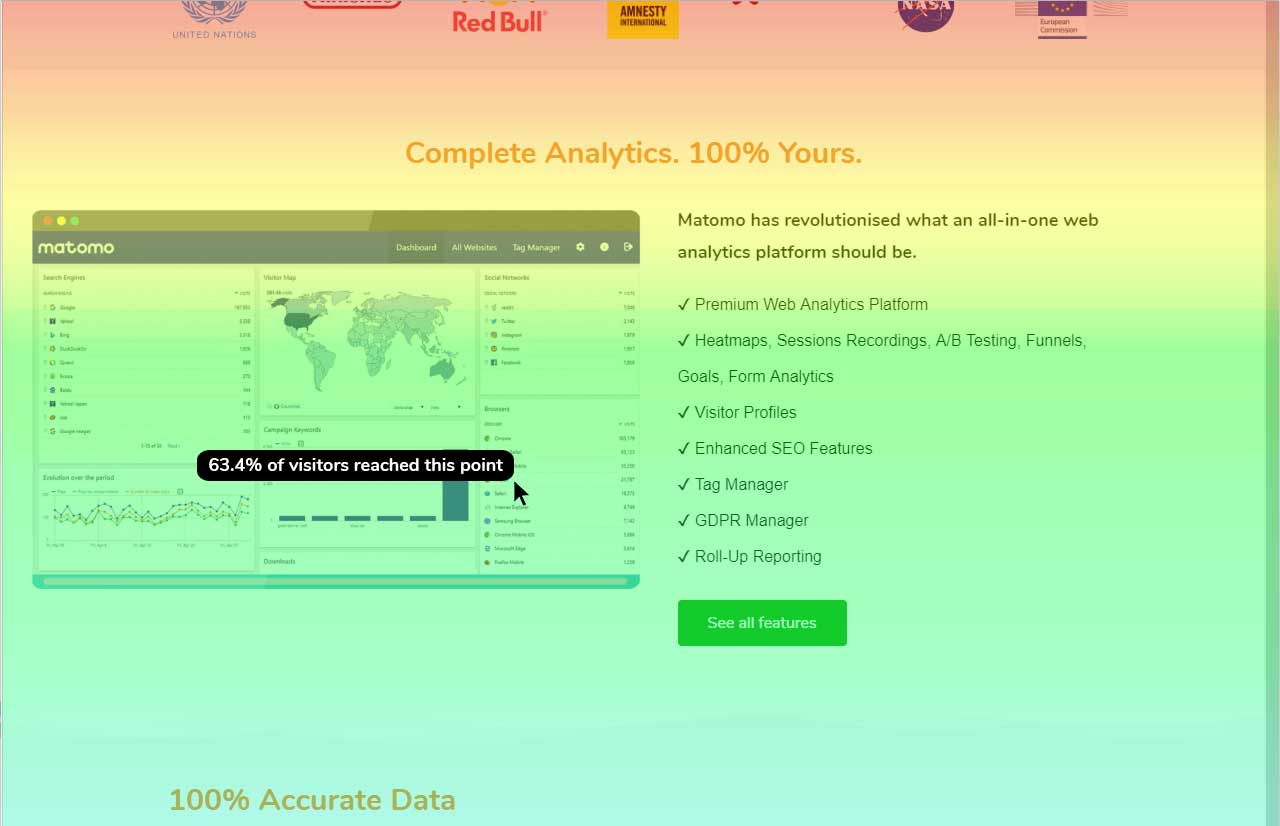
Piwik is an open source analytics platform that enables users to measure web and mobile apps as well as intranet portals. It protects the privacy of users through advanced privacy features and its approach to data ownership. Piwik offers On-premises and Cloud deployment options.
Available in over 50 languages, it is fully customisable and vendor-independent. Piwik offers over 70 integrations with Content Management Systems, Ecommerce solutions, Forums as well as other mobile and web platforms.…
$0
Webtrends Analytics
Score 4.4 out of 10
N/A
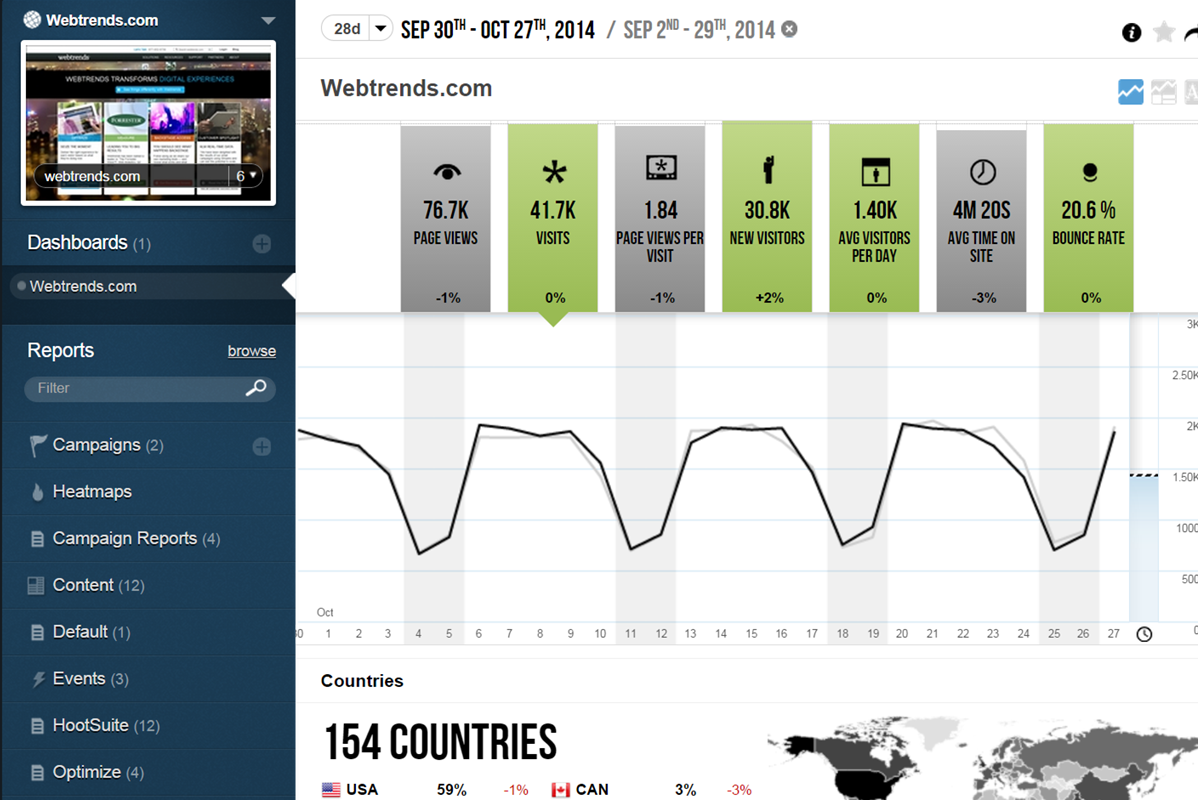
WebTrends provides an enterprise web analytics platform and, according to Forrester, has a strong focus on support for mobile and social channels and a very open platform. Webtrends competes directly with Adobe Site Catalyst, IBM Coremetrics. and comScore DigitalAnalytix.
N/A
Pricing
Adobe Analytics
Matomo Analytics
Webtrends Analytics
Editions & Modules
No answers on this topic
Free download (open source)
$0
Free 30 day trial
$0
limited to 30 days
Essential
$9
number of pageviews (monthly traffic)
Business
$29
number of pageviews (monthly traffic)
Enterprise
$199
your requirements and monthly traffic
Content Optimization Bundle
$579
per installation
Growth Bundle
$1,149
per installation
Premium Bundle
$1,499
per installation
Email Support Subscription
$2,090
per installation
No answers on this topic
Offerings
Pricing Offerings
Adobe Analytics
Matomo Analytics
Webtrends Analytics
Free Trial
No
Yes
No
Free/Freemium Version
No
Yes
No
Premium Consulting/Integration Services
Yes
Yes
No
Entry-level Setup Fee
Optional
Optional
No setup fee
Additional Details
—
On-premise Edition is free to download and install on one's own servers.
I have been both a power user and implementation engineer for Webtrends products, with varying degrees of success over the years. With the growing market for third-party analytics tools offering increasingly user-friendly interfaces and approaches to architecting …
Webtrends Analytics provides much the same service and toolset, but when I last used it (some years ago, admittedly) the management of variables and reports was a nightmare; the options were *too* flexible. By limiting the number of variables, and keeping a distinction between …
Adobe Analytics is a better option than Webtrends Analytics. It has introduced me to advanced kinds of analytic features and functions which helps me going effectively and faster.
I think one of the downsides for Adobe Analytics, when you compare to some of the other tools, is the support. It's not always the best. I think it has to do with the fact that there are so many people who use Adobe Analytics. They have so many clients, so many partners that …
Adobe Analytics is 100 times better than Webtrends Analytics, which was slow to load data and extremely basic. Adobe Analytics blows it out of the water. I was extremely frustrated with Webtrends 100% of the time I used it. Adobe Analytics can cause some issues here and there, …
I personally feel Adobe currently has the best offering, closely followed by Google Analytics.
Both have pros and cons but I feel Adobe has a little bit more in terms of custom dimensions and workspace that really help it shine; however, I feel Google Analytics is better when it …
When it comes to reporting on a website, Adobe Analytics is by far the most superior tool in my opinion. It is also very good when you have several platforms like web, mweb and app. Then you can see the customer data across all platforms in one tool.
Adobe and Google are the market leaders and way ahead in market share as compared to other providers in the market. Between Adobe and Google, there are few nuances that differentiate at the feature level. If an organization is using other products of Adobe experience cloud, …
Adobe Analytics has a more modern and friendlier user interface and it's easier to use for me. Google analytics has better compatibility with other Google products
Adobe Analytics is our least favorite of all of these platforms. We only use it when incoming clients exclusively use Adobe, this leaving us with no choice. Between the lack of control in implementation, usability issues and extra time for digging through complex reports, we …
Compared to its competitors, Adobe Analytics provides a scalable analytics tool for those interested in a deeper dive into their most actionable data. Some of its competition makes it difficult for users to find what they are looking for, where in Adobe Analytics things are …
I believe that Adobe Analytics really stands alone at the top of the reporting and analytics industry. They have a desire to be the best and are continually working to provide a more enhanced and real-time data analytics world that a lot of other reporting tools are lagging.
We are always evaluating our product choices so we recently looked at Google Analytics Premium (and Universal), IBM Coremetrics, Piwik and some home-grown variations. We stayed the course with Adobe SC to truly take advantage of the current functions that came with the upgrade. …
The main and the most important advantage of Matomo to its competitors is cost. Solutions like Adobe Analytics might have more options for analysts but in the end, you need to pay extra which is not necessary for all the businesses. I would recommend Matomo to all the users …
Matomo's analytics tools have functions like the free Google Analytics.
It is easy to learn and has a good implementation guide. So, it is good for learning web analytics.
I have used NewRelic in the past. Currently using Adobe Analytics. Overall, Piwik provides big volume of advanced data (just like its bigger competitors). Being easy to setup and maintain, as well as being free, is a huge plus. I liked the idea that I could access analytics data …
Using Omniture at my current place of employment and using Google Analytics as a backup at both, Webtrends is the clear superior product. I go back to how easy the UI is to navigate and how simple it is to get user level data that isn't duplicated or doesn't try to pigeon hold …
Webtrends was selected because of the price for Google Analytics Premium ($110k per year) and Adobe Omniture Analytics (twice the price). Clearly, it needed the Visitor Data Mart to get additional capability that you would expect as part of a Web Analytics suite. In our case, …
Verified User
Analyst
Chose Webtrends Analytics
We have moved away from Webtrends.
Verified User
Consultant
Chose Webtrends Analytics
Omniture and Google Analytics - the client chose Webtrends over due to data privacy.
I actually did not personally select Webtrends, but rather fell into an organization already using the tool. In general, the reasons for staying with Webtrends vs another tool involve the price point issue and the types of users and support needed. You may be able to get all …
Webtrends is just an option, depending on client budget. It's a simple analytics tool that does the job but we always recommend Omniture whenever possible.
Verified User
Manager
Chose Webtrends Analytics
Google Analytics Omniture Site Catalyst HitBox
Verified User
Manager
Chose Webtrends Analytics
Google Analytics. We had a free trial to test out the system.
Features
Adobe Analytics
Matomo Analytics
Webtrends Analytics
Web Analytics
Comparison of Web Analytics features of Product A and Product B
Maybe for a small company with small products for their thing, Adobe may be bit of an implementation too much for them, but when it comes to companies like us, like a life sciences or large enterprises and even small enterprises, but with more products, more analysis that they need to make their marketing experience better, maybe Adobe product is the best suitable.
If you want to balance data-driven marketing and a privacy-minded approach to analytics, Matomo Analytics is for you. It's easy to be compliant with GDPR and other regulations while still having detailed (anonymized) analytics that help inform what content is resonating vs what content is not resonating. And of course you also get all of the rich referral, campaign, and goal conversion data to help you optimize your marketing.
Scenarios 1. If you want to use web server log files as input to your web analytics, then Webtrends will provides a good product, with great ease of implementation. Don't even think about being cheap on hardware, and make sure Webtrends runs on real servers, not in a VM environment. 2. If you want to use Data Tagging, similar to Google Analytics or Site Catalyst, Webtrends has a powerful product, just be prepared to pay. 3. If you are new to Web Analytics, but it is the strategic direction, start with Webtrends on Premises. Questions to Ask 1. What are you trying to accomplish? 2. Can you place a dollar value on the benefit that you expect/need from Webtrends? 3.Can you live with Webtrends running SaaS?
It summarizes large complex data better than any other analytics solution I've dealt with without the need for sampling, gives the right level of detail, does the right level of breakdowns, aggregation. I consistently not only use Adobe Analytics, but I use other data sets and compare against Adobe Analytics. And as I go into Adobe Analytics and compare, as long as I've done the query right and the other systems, they're very, very close. And if anything, with a lot of Adobe's newer products, they've gotten more accurate over time. So that's basically, you asked me what I liked about it. I like that it's accurate. I like that I don't have to do a lot of explaining. There's enough explaining in the world of web analytics to have to go back and explain why data's problematic. And so like I said, provided that the implementation is correct, it's a very easy conversation. Even if people may not like the answer.
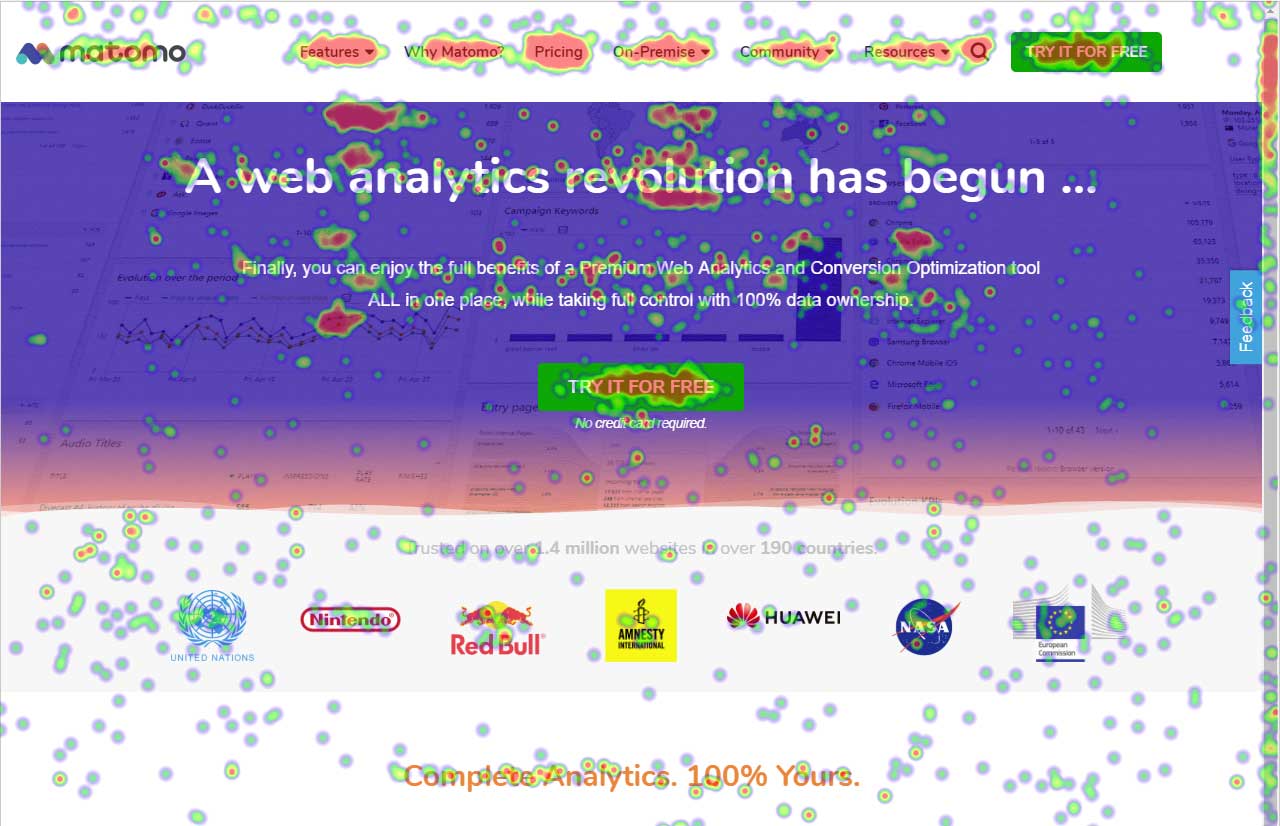
One of Piwik's strengths is the provision of customizable widgets for different bits of analytics data. The ability to add and remove them, change dates and more makes this a flexible way to visualize data.
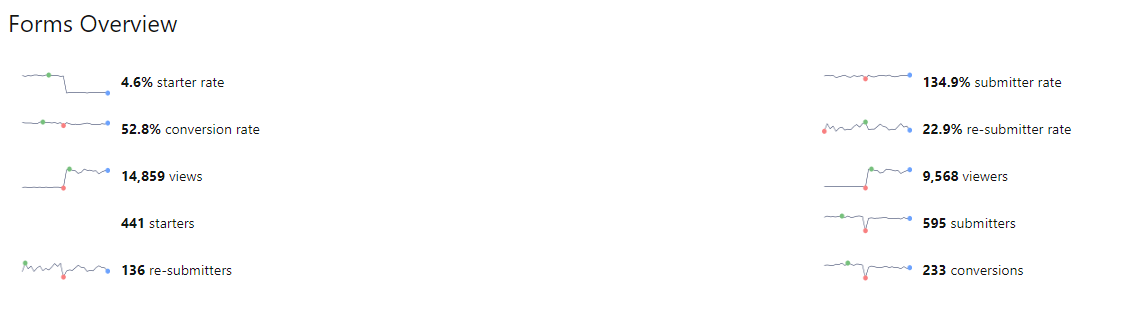
The visitor log section is also rich, providing date, keywords, actions and more in a single table, which makes it easy to identify your most effective content.
And the visitor actions table includes both bounce rate and time on site, so you can quickly tell which pages have the most engagement.
Data display is a strength for Piwik, as you have access to overview charts while simultaneously being able to drill deeper.
Control privacy, data sharing and competitive industrial knowledge using Webtrends on premises
Great control over custom reports, custom dimensions and metrics
Flexible tool which allows multiple methods of data capture. To my knowledge it was the first tool with a Tag Builder / Tag Management function built in via a supporting website.
Support. I mentioned this earlier and we don't know what we don't know. Researching the massive amounts of documentation isn't realistic with bandwidth constraints, and our rep getting frustrated with us when we go through what we are seeing is disappointing.
Education. More please, and designed more towards the "business side". I get with the many many many different implementations (every company is different!), that it's tough, but even a basic of the basics would be nice for situations that everyone is looking at, like the engagement with the merchandising on the home page (or any certain page).
From a user security standpoint it would be useful to provide users the ability to have two-factor authentication. While stats data is not necessarily sensitive in aggregate, some users may feel that certain portions need to be more secure.
It would be nice if there was a tighter integration with the Google search/referrer API so that "keyword not defined" would be replaced more often with the actual keyword that is being used to send a visitor to a site.
An easier branding method, maybe in the form of an API function set, that pulled branding URLs from a set of database fields would be great as well.
The big downside, the elephant in the room, is that it does not (as of right now) have on-demand segmenting, drilldowns, etc. You have to think of what you want in advance and create those reports then analyze some data. This is huge. You can, of course, re-analyze old data after creating new reports but you still have to wait. (This deficiency may become obsolete with the release of Webtrends Explore later this month (May 2014).)
It has fewer mature integrations with other products and databases than competitors do, although I'm told it works with SharePoint better than anything else does.
Its attribution modeling capability is behind Google Analytics'. In my humble opinion, this could be changed quickly if Webtrends would make some tweaks to its standard visitor history files (i.e. preserve the order in which past visits were sourced beyond the single most recent one, rather than storing all those past sources as a randomized list).
It doesn't incorporate statistical tests, confidence intervals, or statistical associations. However, this same criticism can be applied to its competitors (other than A/B Testing products). It's a tabulation program, as they all are. In this respect, web analytics tools as a group are relatively primitive. Sorry to bring this up as a criticism of Webtrends but it's my pet peeve about the whole industry and I just have to say it. (p.s. take advantage of the heavy-duty Webtrends Scheduled Export functionality to get really granular data that you can feed to a stats program to get significances.)
Although the documentation, help screens, phone support and the knowledge base have improved tremendously in recent years, there is still a pretty steep learning curve because it is different from the tools that entry-level users may have already been exposed to. This can be a shock and many users are alienated at first because they just don't get some of the fundamentals at first. I'd like to see much better help screens that are thoroughly interlinked with the KB and documentation. Having superb online support would make a world of difference with the adoption of this basically powerful tool.
We've found multiple uses for Adobe Analytics in our organization. Each department analyzes the data they need and creates actionables based off of that data. For E-Commerce, we're constantly using data to analyze user engagement, website performance and evaluate ROI.
At this point, there is not a single conceivable reason as to why we would not renew and continue to use Piwik Analytics. Especially since it is a free program and open source. The product will only get better over time as more people look into it and donate to cause so that development can continue.
I would be willing to try Webtrends again AFTER some research from other users. I would need to see that users mention better and faster customer support on questions and issues that arise while using the software. The software is capable of vast and incredible things, but if it isnt properly set up and supported during use, it is just a big hassel and waste of everyones time and money.
Sometimes the processing times are very long. I have had reports or dashboards time out multiple times during presentations. It could be improved. It is understandable since there is a huge data set that the tool is processing before showing anything, however for a company that large they should invest in optimizing processing times.
Piwik succeeds in presenting me (and my associates and my clients...) large amounts of data in a user friendly way. The interface and functionality can easily be customized. While some enhancements do need technical background (API calls by programming language from the webserver or javascript), others are easy to use (goal / event tracking)
If I could give it a 0, I would. Not having an intuitive user interface made it impossible to convince non-analytic business users to use the tool on their own. Even as a seasoned analyst, frequent calls were needed to get what should be simple tasks done. Account managers don't understand the tool either, and have to refer you to technical support
I do not ever recall a time when Adobe Analytics was unavailable to me to use in the 8 or so years I have been an end user of the product. My most-used day-to-day analytics tool Parse.ly however, generally has a multiple hours planned offline maintenance every two to four weeks, and sometimes has issues collecting realtime analytics that last anywhere between 15 minutes to an hour, and happen anywhere between 1 to 5 times a month.
Again, no issues here. Performance within the day updates hourly. other reports are updated overnight and available to access by the next morning. Pages load quickly, the site navigates easily and the UX is quite straightforward to get command over. On this front, I give Adobe kudos for building a great experience to work within
The v9 admin interface and v10 reporting interface work as well as expected, but have a tendency to be pokey, especially for bulky reports and whenever you're connected to wifi. I much prefer using the REST API for all reporting for this reason, which simply dumps out the data and doesn't bother with the user interface.
I barely see any communication from Adobe Analytics. The content on the web is also not that great or easy to read. I would recommend a better communication about the product and the new addons information to come to its user by a better mean.
The best thing about the Matomo support is that they have a forum which basically you can find the answer to almost all of your questions and most of the time you don't need to contact them regarding your questions and problems but if you need help they will answer in a reasonable time slots.
I once went on to Twitter to ask for help from my network of analytics people, and Webtrends themselves responded. They have been an excellent partner in making sure that their product is being used to the best of it's ability and I greatly appreciate that. Both Omniture and Google Analytics, do not have that level of support over social media
It was a one-day training several years ago that cost the organization several thousand dollars. There were only about 10 people in the training class. Adobe tried to cram so much information into that one-day class that none of our users felt like they really learned anything helpful from the experience. Follow-up training is too expensive
The in-person training was comprehensive enough to get you started, but I strongly recommend having a more experienced person when beginning with the tool.
The online training for Adobe SiteCatalyst consists of short product videos. These are ok, but only go so far. For a while Adobe charged a fee for this, but recently made these available for free. There are many great blog posts that help users learn how to apply the product as well.
Webtrends provides several free webinars over the course of the year, many of which I would expect to pay for. The people providing the webinars seem to have a good feel for real-world application of the product.
One of the benefits and obstacles to successfully using Adobe Analytics is a great / more accurate implementation, make sure your analytics group is intimate with the details of the implementation and that the requirements are driven by the business.
Careful planning and patience. Use a non-public test site to fine tune tags and reporting. Despite best laid plans, there will be surprises when you collect the data, run the analysis and begin generating reports using the tool. Perform a tag audit to ensure tags fire as desired.
Google Analytics comes across more of a reporting tool whereas Adobe Analytics is more of an Enterprise level analytics tool. Contentsquare provides some traffic and flow capabilities but not to the same level as Adobe Analytics. However, Contentsquare's major advantage is its Zoning (Heatmapping), Impact Quantification and Find 'n' Fix modules; none of which are knowingly available in Adobe Analytics.
It is much more robust out of the box, easier to set up and more intuitive to use. The reports are set up already and it requires little to no setup after installation to start gathering insights.
Webtrends has its work cut out for itself considering you have the behemoth Google Analytics and Google Analytics Premium having a strong offering and brand recognition for the price of free. After reviewing the paid service I'd suggest you start off with GA as a cheaper alternative that is just as robust, if not much more flexible in regards to the reporting and goal tracking needs for our company.
Adobe Analytics is relatively affordable compared to other tools, given it provides a range of flexible variables to use that I have not found in any other tools so far. It is worth investing in if your company is medium or large-sized and brings a steady flow of revenue. For small companies, it can be overpriced.
My organization uses Adobe Analytics across a multitude of brand portfolios. Each brand has multiple websites, mobile apps and some even have connected TV apps/channels on Roku and similar devices. Adobe can handle the multitude of properties that have simple, small(ish) websites and the larger brand properties that include web, mobile and connected TVs/OTT devices.
Each of those larger brands has multiple categories and channels to keep track of. We can see the data by channel/device or aggregate all the data together. This gives our executive teams the full picture and the departmental teams the view they need to see their own performance.
The professional services team is one of the best teams for complex adobe analytics implementations, especially for clients having multiple website and mobile applications. However, the cost of professional services is a bit high which makes few clients opt out of it, but for large scale implementations they are very helpful
Adobe Analytics impacts nearly every aspect of a billion plus dollar revenue eCommerce business. From measuring the impact of new build features to marketing campaigns.
We are saving substantial money and resource effort by consolidating all of our properties to Adobe Analytics from alternative solutions, at which point we will finally be able to report on Total Digital, rather than disparate reports.
We support experimentation on every platform and the performance is only known through Adobe Analytics tagging.
Webtrends has had a positive impact on site visitation because it allowed us to understand the sources by domain for site traffic and find out ways to increase visits from those domains.
Webtrends has also allowed us to understand areas of optimization on the site, which has had a positive impact on the overall user journey on the site, likely leading to longer site duration and engagement.