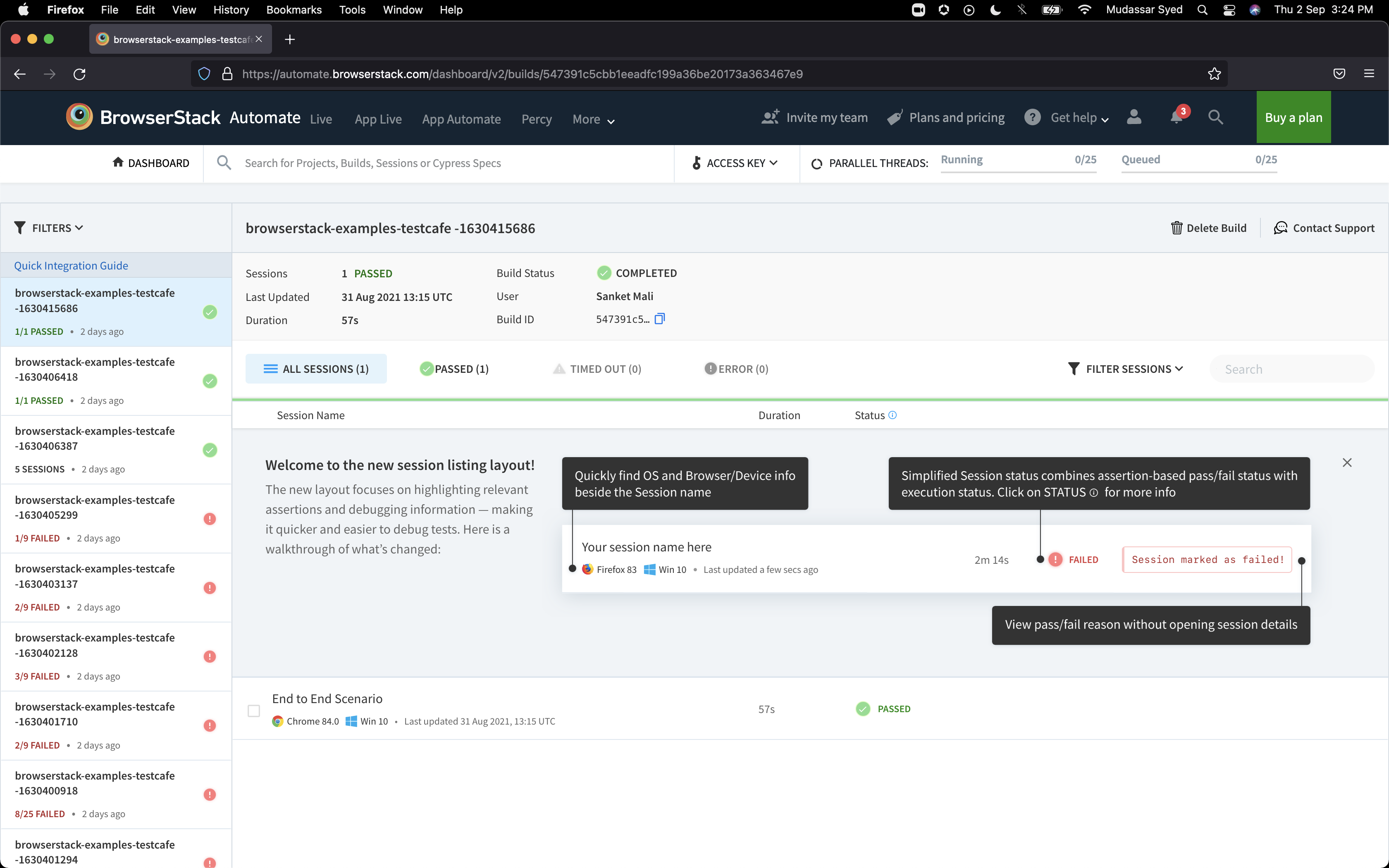
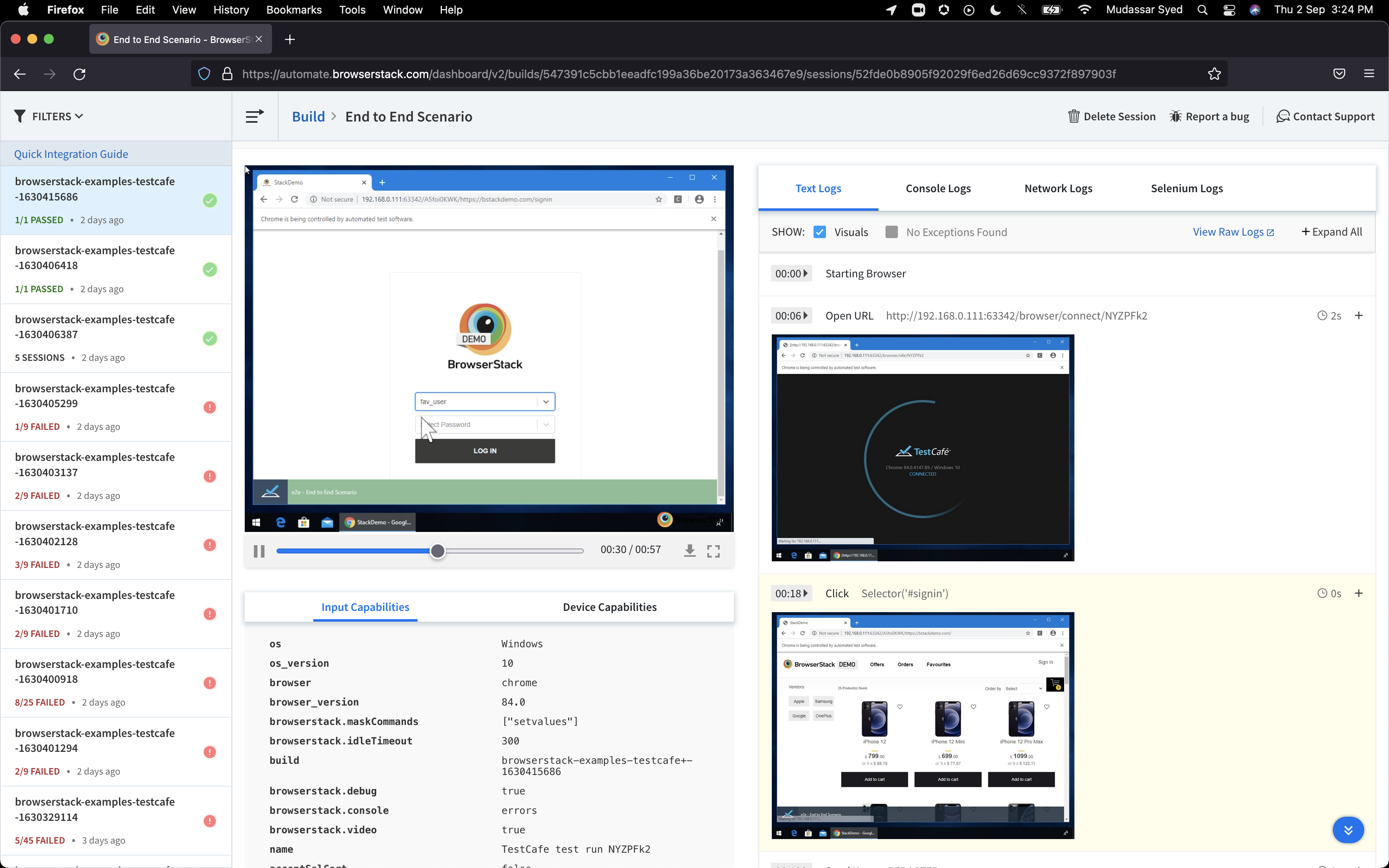
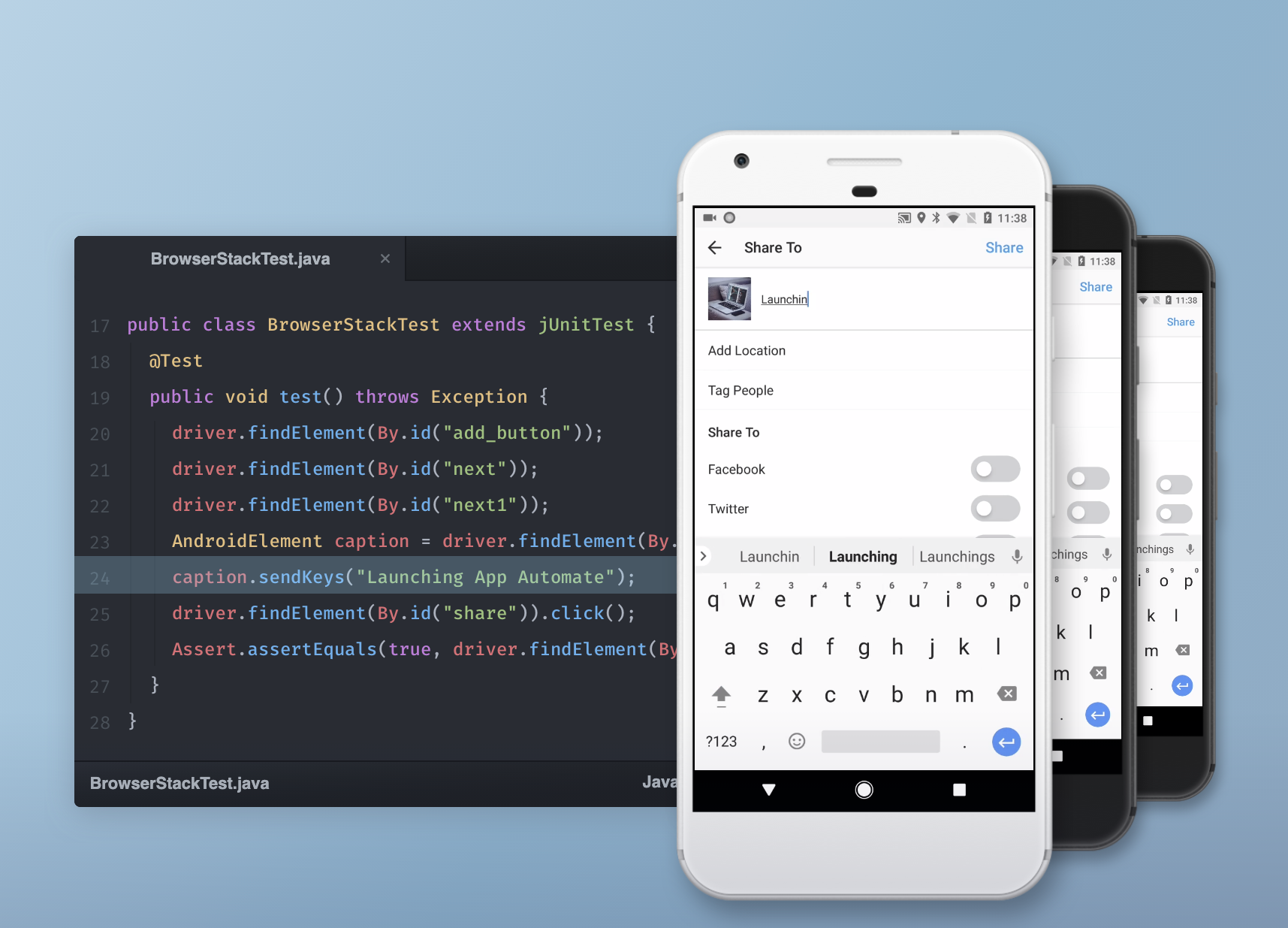
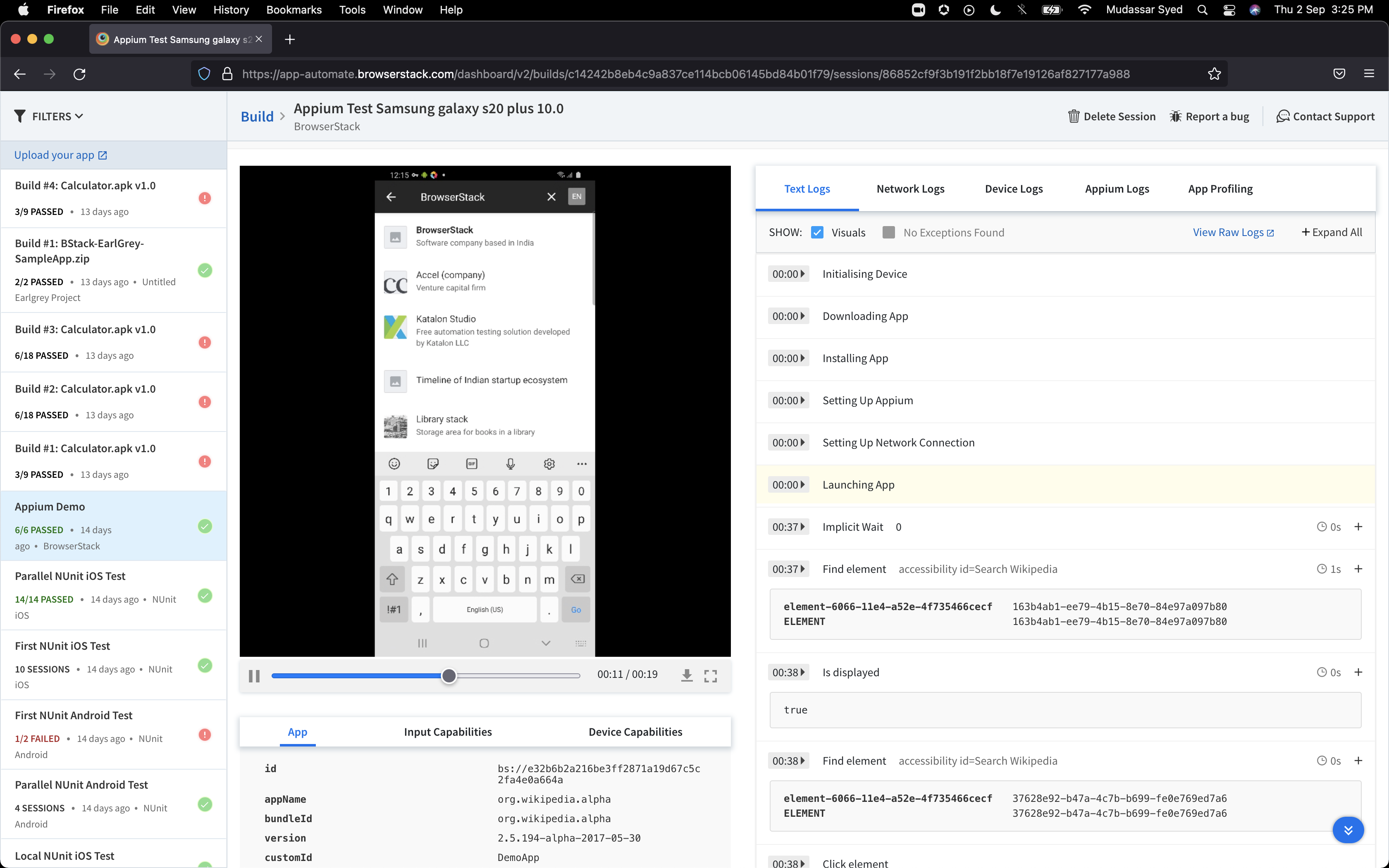
BrowserStack is a test platform built for developers and QAs to expand test coverage, scale and optimize testing with cross-browser, real device cloud, accessibility, visual testing, test management, and test observability. BrowserStack states it currently powers over a billion tests a year for customers who include Amazon, Paypal, Well Fargo Bank, Nvidia, MongoDB, Pfizer, GE, Discovery, React JS, Apache, JQuery and several others rely on BrowserStack to test their web and mobile apps.
$0
per month Unlimited users and 5000 free screenshots
Google Analytics
Score 8.2 out of 10
N/A
Google Analytics is perhaps the best-known web analytics product and, as a free product, it has massive adoption. Although it lacks some enterprise-level features compared to its competitors in the space, the launch of the paid Google Analytics Premium edition seems likely to close the gap.
$0
per month
Moz Pro
Score 7.7 out of 10
N/A
MozPro , from Moz in Seattle, Washington, is an SEO platforms for tracking the performance of all inbound marketing efforts comprehensively. It reveals how content is being shared through social channels and how that drives traffic to a website, and features a broad toolset for search engine optimization: rank tracking, link opportunites, site audit via Moz Analytics, prospective keyword analysis and content grading, as well as a crawl test to find broken or poorly designed site elements.
Moz…
$99
per month
Pricing
BrowserStack
Google Analytics
Moz Pro
Editions & Modules
Percy - Free
$0
per month Unlimited users and 5000 free screenshots
App Percy - Free
$0
per month 5000 free screenshots and 100 minutes of infrastructure
When it comes to cross-device testing, or what can be said as Live testing, BrowserStack is the best tool for testing with different devices with different OSs at a time. It gives users the liberty to test on iPhone, iPad, or Android devices and check the UI on all different …
Verified User
Team Lead
Chose BrowserStack
I looked into other software, but I did not find any of them to be as intuitive as BrowserStack. It was easy to use and had all of the devices we required for testing. The pricing structure also suited the needs of our team. Other team members had familiarity with BrowserStack …
GA will always have an advantage with data, because it's the source, but other companies do a better job of specializing in certain areas or providing better UX/UI. HubSpot is the king of the latter and Semrush is ideal for making organic improvements based on data. Ahrefs are …
All of these products are geared at tracking your website performance among many other things that Google Analytics does not do. But all of these products need to connect to Google Analytics to track the actual traffic and analytics to make their platforms work. When it comes …
I have used Moz and Google Analytics. They provide overlapping information, but they also provide unique information. I like that Moz shares broken images and links and points out problems on the site that are slowing down the site and effecting the site's performance and …
Coremetrics offered better support to the admins, but the data was unclear and often misleading. Site catalyst is difficult to use and has a high barrier to entry. Google analytics is a better data platform, with a better user interface, but they are lacking in the support like …
Other SEO and traffic products simply don't compare to Google Analytics. My take on website tracking is simple: Google is the behemoth of the world wide web, and the vast majority of our company's website traffic comes from Google desktop and mobile searches. Google Analytics …
To be totally honest, the user-interface with Google Analytics is so terrible that I could hardly ever figure out what it was communicating. Moz was easy to use from day one and I can feel like I understand SEO a bit after using the site for just a short time.
Moz Pro and Ahrefs each have their own strengths, and we use both. There is a lot of overlap between the two, but I find that there are certain things that each does better. For keyword research, backlink analysis, and site crawls, we generally gravitate toward Moz Pro because …
Moz tends to be more consistent with their data/metrics. Their crawler is also pretty powerful and able to pick up large sets of pages where some other tools may fall short.
Verified User
Consultant
Chose Moz Pro
Personally I think Moz is one of the top tools being used in the market for search engine optimization. It provides great insights, is easy to use and is easy to read and understand with their simple and comprehensive dashboard. I personally choose to use SEMRush above all …
Moz had all the features that I was looking for to help us scale our in-house SEO and content marketing strategy. We had previously reviewed several other vendors but the price point and the features offered did not match up to our needs. The ease of use and the time to …
I like that I don't need to download anything to use all of the features MOZ has to offer. It is all contained online, so I don't have to open separate applications. And the cost is extremely reasonable.
I've recently noticed we're using SEM Rush a whole lot more nowadays for rank tracking. In fact, it's the first time we've gone to the highest package across multiple client accounts due to the ability to plot rankings amongst competitors in a cool visual way, the ability to …
We do continue to use several of these tools alongside Moz, for various purposes (including validating findings with Moz's tools). But the Moz tool set is simply more comprehensive in its functionality. Moz also offers some basic pieces that these competitors have not been able …
Moz stacks up particularly well against SEM Rush because of how user-friendly and intuitive the software is. It also delivers the data I'm interested in in a way that's more useful.
SEM Rush's keyword research tool provides smart suggestions for semantically related keyword …
My favorite tool is SEMrush. I selected Moz to help with link-based research because SEMrush is more focused on keyword data. For the link-based data, Ahrefs is probably the biggest threat to Moz. It has an amazing amount of data, and from the chatter I hear the data is more …
Verified User
Executive
Chose Moz Pro
There are a lot of analytics tools in the SEO / Inbound space and I can say without hesitation that MOZ has a space in every technology stack. For example, at WSOL we use Google Analytics, MOZ, and Hubspot. While these three tools offer some similar features, they each offer …
Google AdWords, though not a direct competitor, and Google Analytics, used in combination and with expertise, can cover many of the SEOmoz features, for free.
RavenTools I've used and has a great approach to the same problems, the only major difference is SEOmoz's availability of incredible data. If you want more recommendations for improvements on site and SEOmoz is too expensive, try RavenTools – otherwise SEOmoz is a better bet. …
Features
BrowserStack
Google Analytics
Moz Pro
Web Analytics
Comparison of Web Analytics features of Product A and Product B
BrowserStack
-
Ratings
Google Analytics
8.4
11 Ratings
4% above category average
Moz Pro
-
Ratings
Lead Conversion Tracking
00 Ratings
8.110 Ratings
00 Ratings
Bounce Rate Measurement
00 Ratings
8.410 Ratings
00 Ratings
Device and Browser Reporting
00 Ratings
9.211 Ratings
00 Ratings
Pageview Tracking
00 Ratings
9.011 Ratings
00 Ratings
Event Tracking
00 Ratings
8.311 Ratings
00 Ratings
Reporting in real-time
00 Ratings
7.910 Ratings
00 Ratings
Referral Source Tracking
00 Ratings
8.510 Ratings
00 Ratings
Customizable Dashboards
00 Ratings
7.910 Ratings
00 Ratings
SEO
Comparison of SEO features of Product A and Product B
BrowserStack
-
Ratings
Google Analytics
-
Ratings
Moz Pro
7.3
41 Ratings
5% below category average
Keyword analysis
00 Ratings
00 Ratings
8.141 Ratings
Backlink management
00 Ratings
00 Ratings
7.036 Ratings
SERP ranking tracking
00 Ratings
00 Ratings
7.241 Ratings
Page grader
00 Ratings
00 Ratings
8.140 Ratings
Competitive analysis
00 Ratings
00 Ratings
8.040 Ratings
Site audit / diagnostics
00 Ratings
00 Ratings
7.139 Ratings
Site recommendations
00 Ratings
00 Ratings
7.137 Ratings
Task management
00 Ratings
00 Ratings
6.022 Ratings
SEO Channels
Comparison of SEO Channels features of Product A and Product B
BrowserStack
-
Ratings
Google Analytics
-
Ratings
Moz Pro
5.9
32 Ratings
24% below category average
Local SEO
00 Ratings
00 Ratings
5.327 Ratings
Social SEO
00 Ratings
00 Ratings
5.323 Ratings
Mobile SEO
00 Ratings
00 Ratings
6.225 Ratings
Global SEO
00 Ratings
00 Ratings
6.827 Ratings
SEO Platform & Account Management
Comparison of SEO Platform & Account Management features of Product A and Product B
If you need immediate testing (for example, from Azure pipelines agents), use BrowserStack instead of LambdaTest (which makes you wait in a "pool" until the device/platform combo you are querying is accessible). If you don't need your tests to be immediate and prefer a wider range of devices, then use Lambdatest.
Google Analytics is particularly well suited for tracking and analyzing customer behavior on a grocery e-commerce platform. It provides a wealth of information about customer behavior, including what products are most popular, what pages are visited the most, and where customers are coming from. This information can help the platform optimize its website for better customer engagement and conversion rates. However, Google Analytics may not be the best tool for more advanced, granular analysis of customer behavior, such as tracking individual customer journeys or understanding customer motivations. In these cases, it may be more appropriate to use additional tools or solutions that provide deeper insights into customer behavior.
Businesses looking to keep track of their web presence and utilize a tool to identify areas of opportunity. The trends tracking and competitor modeling allow businesses to be able to build an SEO strategy that they can track progress over time and fill in content gaps. This is used by our company in conjunction with our marketing automation tool and Google's web presence suite (eg. Google Analytics, Search Console, Tag Manager).
Some of the auto-gen visual tables aren't all that useful for smaller companies. For instance on the Search Visibility tab, many of my clients have a tiny % of keywords in the top-10, so the table shows basically 4 overlaid flat lines. I wish we had some options to customize this table or expand the range or something.
I wish there were some more tools relating to the technical aspects of the site/pages. The whole tool is very keyword-oriented, which is fine, but I feel like over time this has become and will continue to be less important than technical aspects, site speed, voice search, etc.
There's an Anchor Text tab, but it only looks at Inbound links—I wish this feature was for on-site anchor text—this could be a much better optimization tool. Because there's nothing you can do about inbound link text.
It's almost the 3rd year for us and it's renewal time for us. So yes, we are already discussing how many licenses we need to increase as users are increasing internally. So it's 100% sure that we are already planning renewal this year as well BrowserStack with live and app automate.
We will continue to use Google Analytics for several reasons. It is free, which is a huge selling point. It houses all of our ecommerce stores' data, and though it can't account for refunds or fraud orders, gives us and our clients directional, real time information on individual and group store performance.
We've been paying monthly for Moz for at least four years. We rely heavily on it for our daily work, and would need to re-engineer many of our processes if we were to cancel our subscription. I suspect we'll continue to use Moz as long as we are in business (assuming they maintain their quality).
So many options that it can be a little overwhelming, but the core functions are easy to find and use and it's usually not too hard to figure things out for the more complex tasks. Very easy to boot up a device and a specific browser from the dashboard to begin a manual website test.
Google Analytics provides a wealth of data, down to minute levels. That is it's greatest detriment: find the right information when you need it can be a cumbersome task. You are able to create shortcuts, however, so it can mitigate some of this problem. Google is continually refining Analytics, so I do not doubt there will be improvements
it's easy to use once you get the hang of it and most people with any sort of background in using online tools and analytics systems can figure it out. it's just not as intuitive as it could be like google webmaster tools or Adobe (Site Catalyst)
I rated BrowserStack's availability a 10 because it is consistently reliable, with minimal to no downtime or unplanned outages. The platform is accessible whenever needed, ensuring uninterrupted testing. Its robust infrastructure and proactive monitoring ensure a seamless experience, allowing us to meet deadlines without delays caused by availability issues and all
We all know Google is at top when it comes to availability. We have never faced any such instances where I can suggest otherwise. All you need is a Google account, a device and internet connection to use this super powerful tool for reporting and visualising your site data, traffic, events, etc. that too in real time.
The tests are fast considering the fact that they're Appium tests. I've seen tests reliably pass or fail when they're supposed to, with next to zero issues on the BrowserStack side of things. Tests launch only seconds after I kick off them off from my CLI.
This has been a catalyst for improving our site's traffic handling capabilities. We were able to identify exit% from our sites through it and we used recommendations to handle and implement the same in our sites. We have been increasing the usage of Google Analytics in our sites and never had any performance related issues if we used Analytics
I've not had much direct interaction with the BrowserStack support team. The help and community are great and we've not run into any issue that has really required us to reach out. I guess having a stable and easy to use system means you may never need to contact support.
The Google reps respond very quickly. However, sometimes they can overly call you to set up an apportionment. I'm very proficient and sometimes when I talk to reps, they give beginner tutorials and insights that are a waste of time. I wish Google would understand my level of expertise and assign me to a rep (long-term) that doesn't have to walk me through the basics.
As I have mentioned before, if you have enterprise subscription, the staff are super helpful. Moz also participated in the marketing tech conferences especially moz in seattle. These sessions are super useful in helping digital marketing analyst like me to investigate new marketing techniques, tracking leads and conversions and eventually monetize them. Their staff is not only knowledgeable in their own product but they have been around. For example Dr Peter from moz always publishes his insights and I have relied somewhat on his opinions.
Yes, it was online training on meet, and trainer looks like skilled and technical strong, he has covered end to end all the features and he has answers all the queries. because of this trainings we are able to implement it by our own in the organization, thank you for support and training.
It was a quick training from the support of browserstack, it was nice and easy to understand, thanks again for the support given by the team. and regularly I used to receive mails for training from support for any new feature they launch, I was able to spread same training to all my team and dev.
love the product and training they provide for businesses of all sizes. The following list of links will help you get started with Google Analytics from setup to understanding what data is being presented by Google Analytics.
I rated the implementation satisfaction an 8 because while it went smoothly overall, there were some challenges during the initial learning phase and integration with existing tools. Key insights include the importance of providing sufficient training upfront and ensuring seamless integration with other systems to minimize disruptions and improve adoption speed.
I think my biggest take away from the Google Analytics implementation was that there needs to be a clear understanding of what you want to achieve and how you want to achieve it before you start. Originally the analytics were added to track visitors, but as we became more savvy with the product, we began adding more and more functionality, and defining guidelines as we went along. While not detrimental to our success, this lack of an overarching goal resulted in some minor setbacks in implementation and the collection of some messy data that is unusable.
BrowserStack products has been found better for low code automations and visual regression techniques. We have been struggling to maintain the API endpoint sanity tests and writing a lot of code for them while releasing the builds, while we chose BrowserStack accessibility solutions, we found it a way easier than we thought and worked it up.
I have not used Adobe Analytics as much, but I know they offer something called customer journey analytics, which we are evaluating now. I have used Semrush, and I find them much better than Google Analytics. I feel a fairly nontechnical person could learn Semrush in about a month. They also offer features like competitive analysis (on content, keywords, traffic, etc.), which is very useful. If you have to choose one among Semrush and Google Analytics, I would say go for Semrush.
Moz emerged as an industry leader with a great reputation for driving optimal SEO performance and ROI for customers. Moz' thought leadership on all things SEO gave us a lot of confidence to invest and partner with them. The wide array of product features was also something that was important to us relative to Moz' competitors. In the end, we felt there wasn't anything we couldn't do with Moz. We were also impressed with the on demand platform training and tools provided from day 1. Lastly, Moz was one of the more expensive platforms, but it wasn't the most expensive, so we felt we received great value for the overall price.
I may not be the best person to answer this as I am only using it for 1 department and at 1 site but will still try my best As far as Scalability for Devices for Mobile Automation is concerned, it gets a Solid 10, as the users can run cases on upto 10 device parallel and also have the best choices of devices to choose
Google Analytics is currently handling the reporting and tracking of near about 80 sites in our project. And I am not talking about the sites from different projects. They may have way more accounts than that. Never ever felt a performance issue from Google's end while generating or customising reports or tracking custom events or creating custom dimensions
Here I can easily find competitor's ranking keywords and their backlinks. It also gives you another exciting feature where you can compare two domains at the same time.
The thing that I don't like about this software is, that sometimes your page can take too much time for crawling.