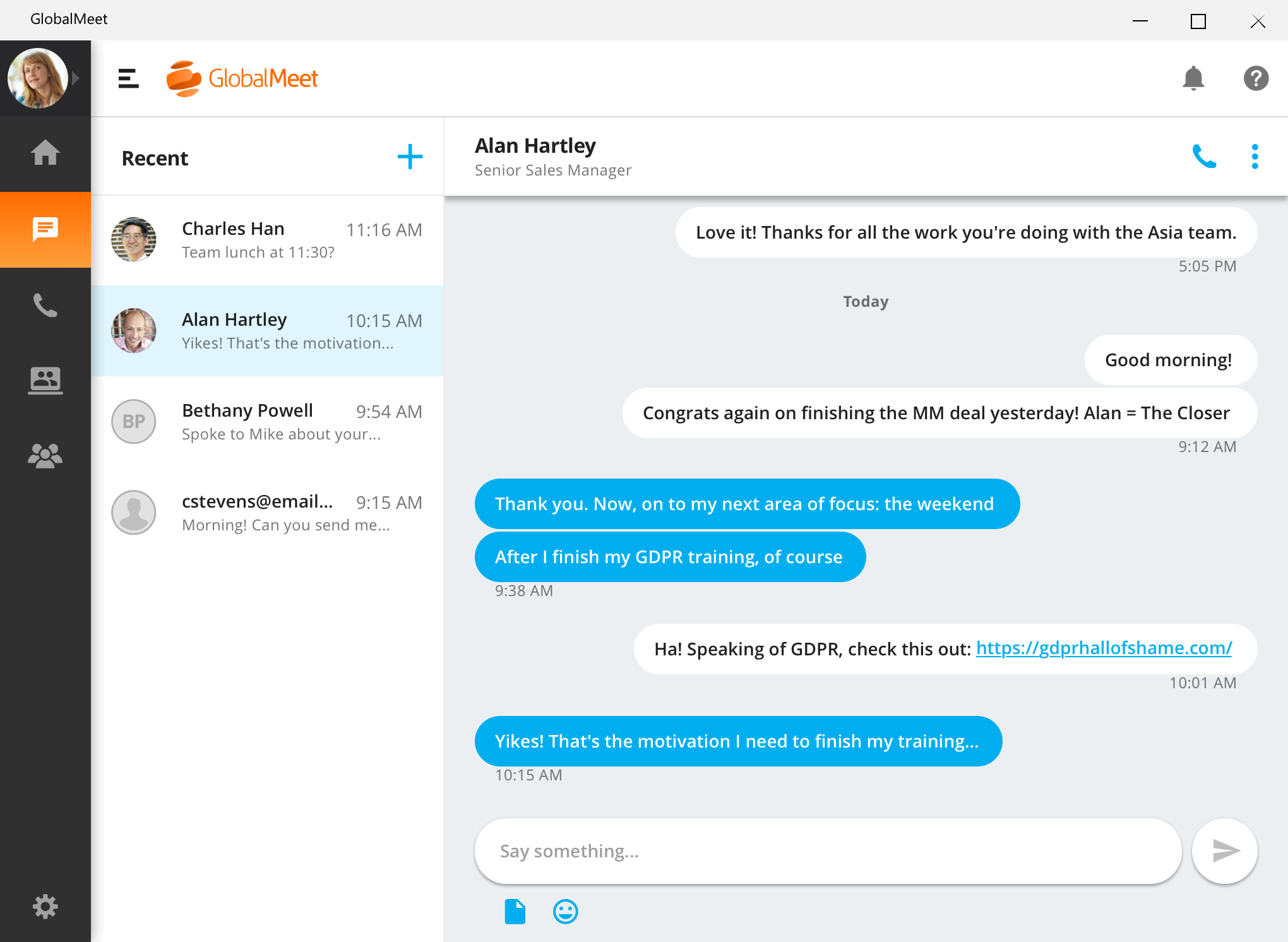
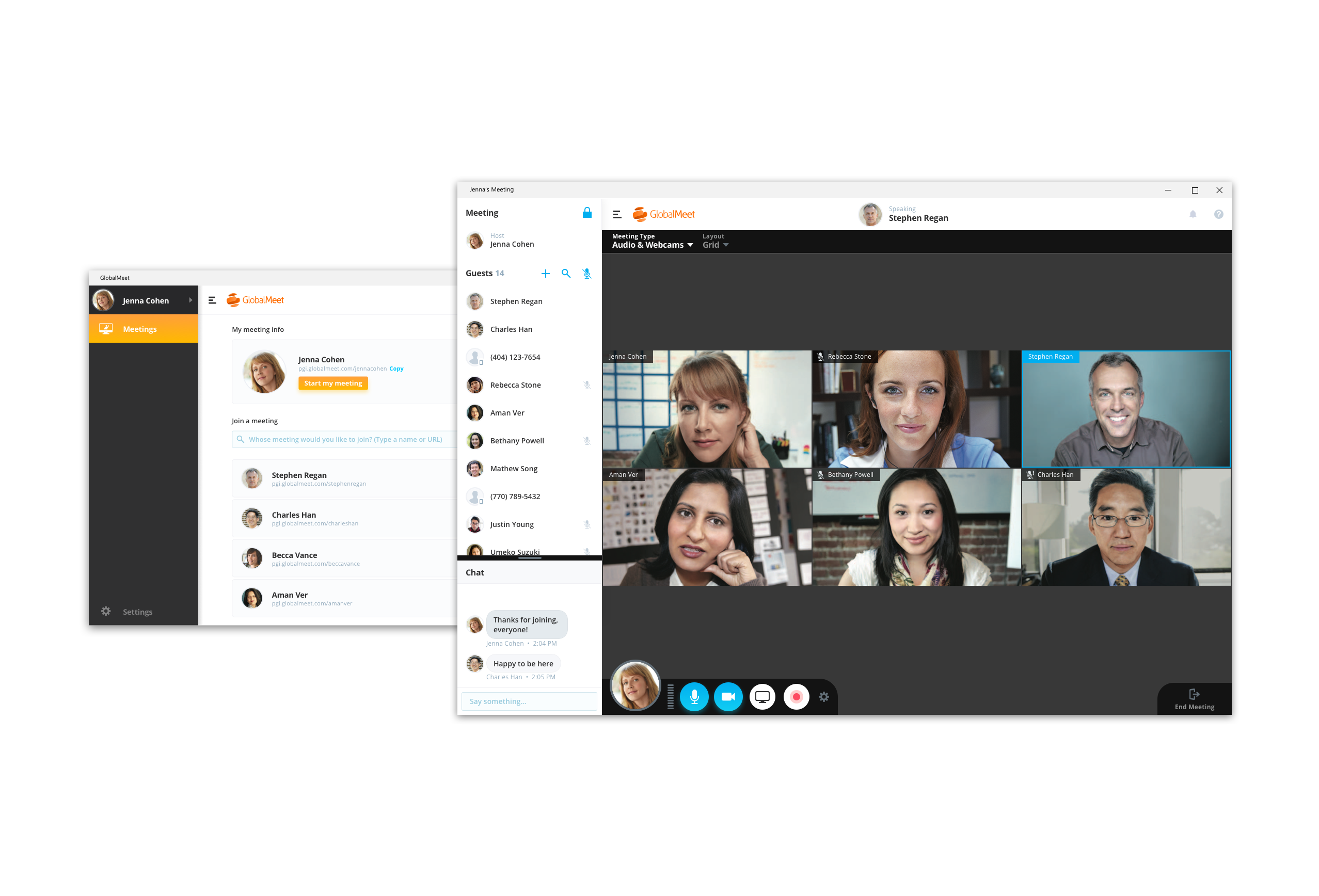
GlobalMeet Collaborationiwas an audio, web and video conferencing solution that is designed to make global communication easy from anywhere using any device. As of 2023 the product has reached EOL and will no longer be sold.
N/A
Lifesize Video Conferencing
Score 9.0 out of 10
N/A
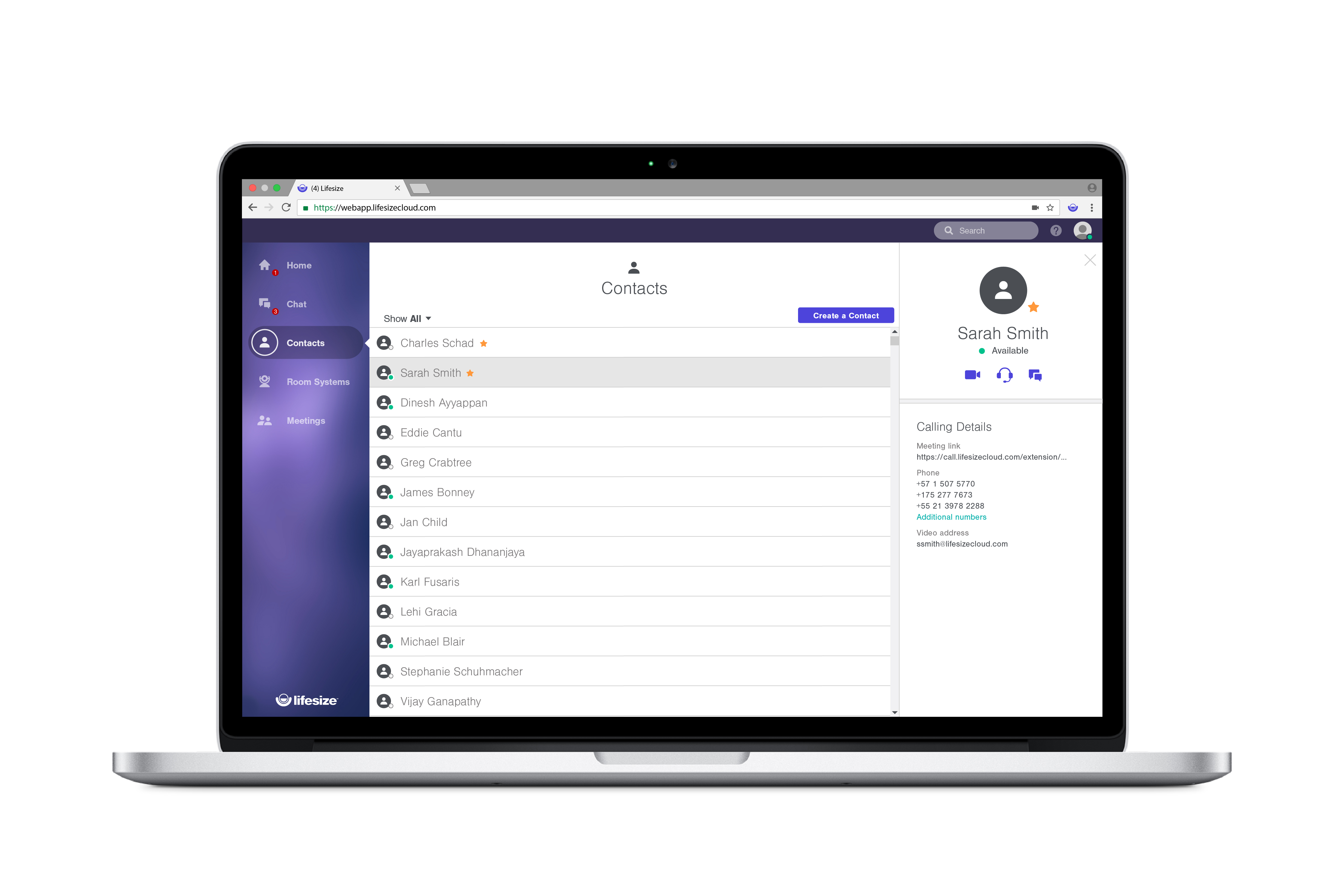
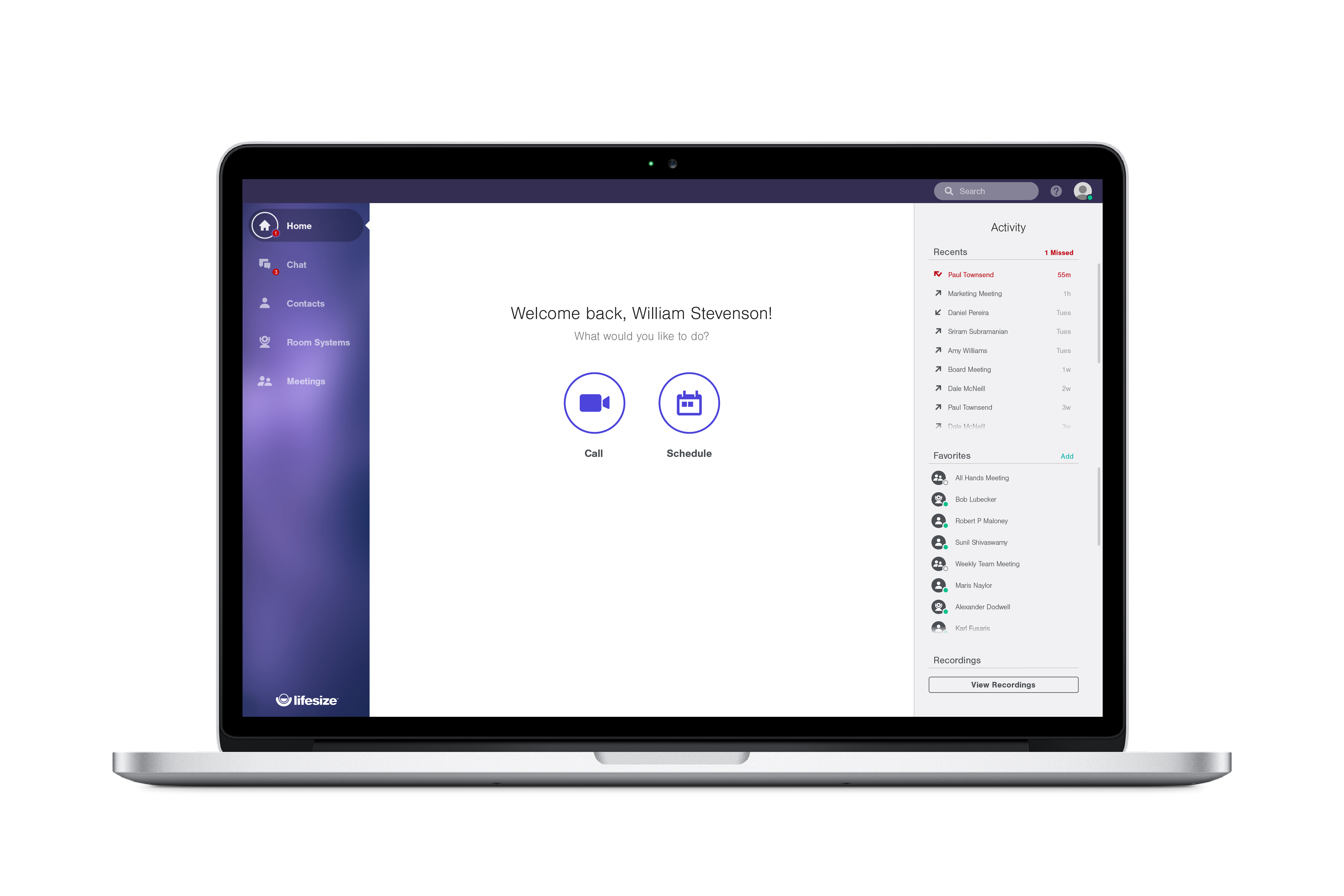
Lifesize is a web conferencing platform focused on making video conferencing systems and video conferencing apps work well together, while still being easy-to-use. Their platform incorporates web conferencing software with meeting room devices and wireless screen sharing.
$12.95
Call for pricing
Webex Meetings
Score 8.6 out of 10
N/A
Webex Meetings is a video conferencing solution powering hybrid work. It enables a seamless collaboration experience and better results with meetings that are designed to give everyone the ability to engage no matter their location, language, or communication style.
$14.50
per month per user
Pricing
GlobalMeet Collaboration (discontinued)
Lifesize Video Conferencing
Webex Meetings
Editions & Modules
No answers on this topic
Enterprise
$12.95 per user/month
Call for pricing
Plus
$14.95 per user/month
Call for pricing
Standard
$16.95 per user/month
Call for pricing
Webex Meet
$14.50
per month per user
Webex Suite: Meet + Call
$25
per month per user
Enterprise
Contact Sales
Offerings
Pricing Offerings
GlobalMeet Collaboration (discontinued)
Lifesize Video Conferencing
Webex Meetings
Free Trial
No
Yes
Yes
Free/Freemium Version
Yes
Yes
Yes
Premium Consulting/Integration Services
No
No
Yes
Entry-level Setup Fee
Optional
No setup fee
Optional
Additional Details
—
With every plan, you get the collaboration features you use everyday, at no additional cost:
• Unlimited video conferences
• Downloadable desktop and mobile apps
• Secure encryption set by default
• Unlimited meeting duration
• Free, browser-based web app
• Two-way and group chat with popular chat integrations
• Centralized, name-based directory
• Online reporting and account management
• Email and calendar scheduling
I was not involved in the purchasing decision, but choose GlobalMeet over Skype in some situations since not all organizations permit their colleagues to join other Skype environments. WebEx is not widely deployed in the organization. I have just started using Teams, and I am …
GlobalMeet far exceeds Webex given the ease of use and it does not seem to require the higher speed internet that Webex does which is important for my team given remote locations. I only utilize Skype or hangouts for interoffice meetings or for meetings where there are less …
We haven't transitioned fully to GlobalMeet for webinars yet, so we are continuing to use GoToMeeting for webinars. However, we use GlobalMeet on a limited basis for our larger conference calls.
We use WebEx when meeting with customers because it has better quality and more functionality. However, we use GlobalMeet internally more often when meeting with other team members or SMEs.
Lifesize Video Conferencing is providing all major features at a reasonable cost as compared to other competitors. The audio and video qualities on offer are also comparable and sometimes superior w. r. t. other players in market. There are no issues in hardware/software …
Cisco Webex required us to have webcams on all users, whereas Lifesize can utilize a single device (camera) that multiple employees can use at once. I also think that the video quality on the Lifesize camera is exceptional. The meeting software is relatively easy to use and is …
For the TOC, I would say Lifsize has been good. We do use a combination of Lifesize and Polycom endpoints. Polycom does have more capabilities but at a higher cost.
Lifesize seems more reliable for us than Skype for Business, since we had problems with Skype for 2 months in a row. Sococo is ok, but only for technical teams.
We've tried Skype for Business, Zoom, Google Hangouts, WebEx and Lifesize Video Conferencing. As a result we ended up using Skype for Business, Zoom and Lifesize Video Conferencing. Google Hangouts is not well suited for business communications, WebEx charges a lot of hidden …
IT Specialist, Legal Videographer, Marketing Specialist
Chose Lifesize Video Conferencing
Lifesize provides a great high-quality professional video conferencing solutions that, with accompanying software like Lifesize Cloud or Zoom, can connect to a multitude of different devices anywhere in the world. While Polycom certainly has more brand recognition in the …
Overall, I'd have to say that on the endpoint side Lifesize really competes well against Polycom and Cisco, and I think they have the best product. On the software front, Lifesize does very well overall and they are continuing to get better. To sum up, when we look at the total …
We evaluated BlueJeans, Google Hangouts (Chromebox for Hangouts), Biba, and Cisco. Lifesize had the absolute best in-room and out of box combined experience. I can literally ship a unit across the world and in 3 questions the unit is on Lifesize Cloud, in the directory, and …
Webex Meetings has one-in-all features as compared to Zoom, Microsoft Teams, and Lifesize Video Conferencing. Webex Meetings is a one-stop shop since it has the ability to call, send messages, organize events, and conduct training all in a centralized management hub making it …
The pricing point of Webex is far good than that of Zoom, moreover there are no additional license required to be purchased for any other integration unlike zoom, we get a more capacity of video participant in cisco webex with inbuilt feature of Audio dial in with larger …
Verified User
Employee
Chose Webex Meetings
Cisco Webex Meetings has better quality and integration with our on-prem.
I do like WebEx a lot but GlobalMeet really has some additional features that I do like. GlobalMeet has abilities to record and send out the recorded training and also has a higher attendees option. I do like the basic options available within WebEx and would like to see some …
GlobalMeet is well suited for an organization that wants a simple web conference platform with no added features. It seems like this is the way to go if you want to not spend a lot of money for a service. GlobalMeet is not well suited for large organizations, or someone who needs to host multiple meetings and needs robust features such as attendance tracking, presentation sharing, and ease of use.
Lifesize Video Conferencing is a real-time meeting and video conferencing solution that works simply and immediately with features that fit our needs. I recommend it because it is professional, easy to configure, with maximum security, and where collaboration and teamwork are essential. possible, increasing workflow and productivity, to increase communication and efficiency in projects, it offers positive results and a pleasant experience for all.
The first reason is the ease of use and availability, which makes WebEx work for all. The quality of audio and video is adorable. As a business development associate, I must make an impression on the other side, and WebEx helps me make first impressions. A few features are complex for new users but can be resolved.
Recording feature useful to playback information from the meeting
Accessibility of domestic and international call in numbers make it possible for participants to call in no matter where they are traveling or located.
There is a cost for the conferencing services unlike competitors like FreeConferenceCall.com or Skype which have free options. However, you pay for what you get and the audio/connection quality can and has been an issue for us with other vendors.
There are a lot of shortcuts that can be used on the line to mute/unmute lines, record the audio, request operator assistance, etc. However, these are difficult to memorize so we end up forgetting or relying on a print-out of the shortcuts that we keep near our desks. I wish there was an easier way to use these such as voice commands.
In the post-conference email recaps you get the phone numbers of those who dialed in. However, it can be difficult to know who these numbers belong to unless you remember the direct #s for the participants. I wish there was a way to save contact info for certain phone numbers within the system and let GlobalMeet add the names to the numbers for all future post-conference emails.
Only a few options are there for non-verbal feedback like hand raising or emoji reactions. They should work on it as expressing understanding or agreement would help collaborate with the cross-functional teams.
More options for creating custom workflows and integrations with internal tools would be helpful and the whiteboard also looks basic compared to other similar tools. I think, adding features like sticky notes and freehand drawing would be a great boost.
The mobile app is functional but I find it less intuitive and feature-rich compared to the desktop version. Should have parity in features and a more user-friendly interface will become more helpful for mobile users like me who sometimes conduct or attend meetings on the go.
GlobalMeet is not a very good tool. There are better web meeting platforms available in the marketplace. The system is clunky, not intuitive, and experiences often technical issues. They have made updates recently but it is too little too late. It may be a good platform for smaller organizations with tighter budgets.
Other than the HIPAA compliance, we have no compelling reason to retain LifeSize when we can already pay for similar services included with our UCaaS service. Our UCaaS vendor, Fuze, includes video conferencing with the VoIP services via single, integrated client software package. Additional limitations include minimal implementation assistance, training service, training materials and assistance driving internal adoption. Issues with slow speed for desktop sharing and audio quality make the technical aspects of Lifesize inferior to competitors.
Because Webex Meetings is known for its consistent performance, with high quality audio and video that works well even in low bandwidth situations. This makes it a dependable tool for both small and large meetings without worrying about technical glitches. Also, the platform is easy to navigate, both for meeting hosts and participants. Features like screen sharing, chat, and breakout rooms are intuitive
I have provided such a high rating because setting up the meeting only requires a few clicks. Within a couple minutes of telling my team that I will set up a meeting and send an invite, that invitation is already sitting in their inbox. I move at a fast pace and GlobalMeet is keeping up
Overall experience with Lifesize Video Conferencing has been great. While it serves it's basic purpose of allowing smooth video/audio meetings of people located at different places with option of screen sharing/chatting/ recording, what add to it's pros are it's accessibility from various platforms, flexibility to switch to a listen only mode in case of network issues and ease of operation.
Webex Meetings does not provide enough audio feedback for users with visual disabilities to properly navigate the tool. Students, faculty, and staff who are blind or have low vision may not be able to use Webex Meetings. Users with motor disabilities that navigate via keyboard, may not be able to navigate the web conferencing session enough to participate fully.
Since we are an educational institution we not only have scheduled classes which must be available, but we have staff members in a variety of areas ranging from recruiting and admissions to advancement and the President's office who need to connect with students, alumni and other interest groups, often at odd hours. I have not, since using Lifesize had anyone complain of not being able to connect
So personally I have never faced any kind of meeting unavailability issue while scandaling meeting with WebEx the bandwidth is really good and in terms of application performance the same is my opinion what I mentioned for availability it is good and the objective of communication is quite fruitfully achieved with a simple and effective product like WebEx which is often bundled with the purchase of course which is which we have at our company and great discount is being offered so it is easy on our pocket. I really don't have any specific errors which have faced I should mention over here the operation or application uses is quite smooth.
For the most part GlobalMeet loaded everything quickly. The only problem that we had was when the whole company was on a training at one time, we had a hard time with screen sharing and the pages loading in a timely manner. Everything seemed to slow down when lots of people were on the system at once
Lifesize is an amazing platform for VC. However, it is a costly solution for any scaling startup. However, implementation and user acceptability was fairly easy and worth the additional spend. Quality has always been on point and support has always taken care of us. Our account manager also ensured a seamless transition process for Google Hangouts. Will go with this solution again at any other organization.
We use browsers to join Webex Meetings and it is very good no issue also appears from Webex APP is very organized and does not consume more resources of PC so no issues appeared. We join audio and video in many ways, all of which are good. We integrated it with active Microsoft Exchange with easy deployment.
As previously mentioned, I was in charge of facilitating a weekly meeting with 60 attendees. I had major issues with the screenshare crashing repeatedly during the meeting. I got in contact with a GlobalMeet Technician immediately. He was extremely responsive and worked with my technician to resolve all of the issues quickly. After his intervention, I never had the same issue again.
Support has been decent throughout our use of Lifesize Video Conferencing. There were times we needed to make changes, customizations and additions to the application which took a little longer than expected. Overall the support team for Lifesize was very responsive to our requests. When we experienced issues with the application they were resolved to our expectations.
The support cases can be opened instantly. The support engineers can support you via Telephone, E-Mail, WebEx Meetings, and My favorite WebEx application.24X7 Availability of the engineers. Step-by-step guidance is available by an engineer. https://help.webex.com/ - Great Site for instant FAQ's. https://status.webex.com/ - Is helpful to identify the updated schedule of WebEx or to know the server status of WebEx services.
Sensus was really helpful in the initial setup and training of our technical Support Team. Sensus gave us training on site so that it would be our own equipment that was set up. Then the in house tech team took over to train other users who would be using the system. When needed the Sensus and Lifesize tech support were really helpful in trouble shooting or guiding us through any difficulty.
It was straight to the point and very informative. effective training often includes clear explanations, hands-on practice opportunities, time for questions and answers, real-world examples, and follow-up support. If you're trying to assess the quality of a specific training session, you might consider these factors. For organizations looking to assess the quality of their in-person training, it's best to solicit feedback directly from the participants. This can be done through anonymous surveys or feedback sessions, enabling the organization to gather firsthand information and improve future training sessions accordingly.
I gave this rating because Lifesize's website offers multiple quality videos that shows you exactly how the software works. The videos are divided into different categories which makes searching for a video fairly simple! If for some reason you have a question not answered in one of the how-tos you can always contact support. Excellent product, excellent service!
It was very interactive and well explained. The trainor is very much knowledgeable of the product. He was able to answer all of our inquiries in a timely and professional manner. There were lots of exercises done during the duration of the training to ensure that we have a better view on what to expect from the product.
Great for companies that need to accomplish multiple things at once while at different places. From our experience, broadcasting news is most favorable considering the level of excellence you get with the product plus the affordability. It can be used both privately amongst employees, or shared publicly through covering events
That we needed complex implementation that we didn't get tells me 2 things: 1) the product was not designed in a way that "just worked" like some of its peers (Zoom / BlueJeans) and 2) had our company defined actual user needs and validated / verified that they had bought something that matched those, we would have pursued features / designs more closely aligned with what the product actually does: screen share, sometimes video, definitely VOIP audio (always an option regardless of license), and easy recording and retrieval of meetings.
I was not involved in the purchasing decision, but choose GlobalMeet over Skype in some situations since not all organizations permit their colleagues to join other Skype environments. WebEx is not widely deployed in the organization. I have just started using Teams, and I am not as familiar with using it yet. However, I have had success with joining other organizations that use Teams on a call. It is disappointing that functionality such as the whiteboard is not mutually available in those situations (yet).
When compared to Zoom, one of the massive benefits that Lifesize brings is total peace of mind with security. Call encryption is part of the core in Lifesize and not an optional feature as in Zoom. I don't know about you, but every conversation can contain private and confidential information, so protecting me, my team, and my customers is totally covered with Lifesize! When compared with other providers, the quality of the video and lip sync on Lifesize is simply flawless. With the ability to deliver a call at 4k ultra high definition at 60 frames per second, the platform is simply awesome! Zoom is only 720p and the data share is only 5 frames per second. Zoom is simply substandard when compared to Lifesize. We often speak with clients who are using Teams or Skype for Business, but when you compare the video and audio quality with that achieved by Lifesize, they simply do not match up. If you want excellent quality video and ultra-sharp audio, then Lifesize is the only way to go!
The ability to transfer multimedia files directly into the platform and a very robust free plan helped me make the decision to try out Webex Meetings. Easy to set up in a company environment and accessible once the learning curve and sign up process are complete. In-platform web navigating is also a nice feature when onboarding new staff or doing market research.
With LifeSize Cloud, it's very easy to simply add another Icon to your system and join it to your cloud. You can easily and instantly create meetings and add users both in your organization and out without any difficulty. The cooperation between the Icons and cloud users running on their laptops makes it easy to scale this out to your entire company, including joint venture without difficulty.
I work for a Fortune 500 company with many employees so I can testify to its usability for large corporations. In addition, I use the software within my small team of sales reps so it is always usable on a small scale as well. In my eyes, this tool is scalable for businesses of all sizes without any hiccups or issues.
The price for webinar for GlobalMeet is quite pricey compared to other similar vendors.
GlobalMeet can be used for unlimited free calls and video conferencing, hence in our company with extensive global calls this platform is very cost-effective.
Unlike most conferencing software. Other users don't have to download GlobalMeet App and therefore it is easy to send meeting invite to clients.
Attentively support system that responds fast to queries and this saves time for us.
Training users on how to use the software is quick and easy.
Calling abroad saves a good chunk of money for both the end user and company.
Does save on travel as remote users are able to have a similar experience as the people attending the meetings and no need to travel to the other locations for meetings.
The costly nature of individual accounts across multiple schools made it difficult to maintain the budget when our student population grew exponentially.
Often communicated to clients and stakeholders that we were a trustworthy and elevated provider.
Limited engagement and interactive features with students often contributed to complaints around student engagement and buy-in.