Apache Kafka is an open-source stream processing platform developed by the Apache Software Foundation written in Scala and Java. The Kafka event streaming platform is used by thousands of companies for high-performance data pipelines, streaming analytics, data integration, and mission-critical applications.
N/A
SAP Integration Suite
Score 8.5 out of 10
N/A
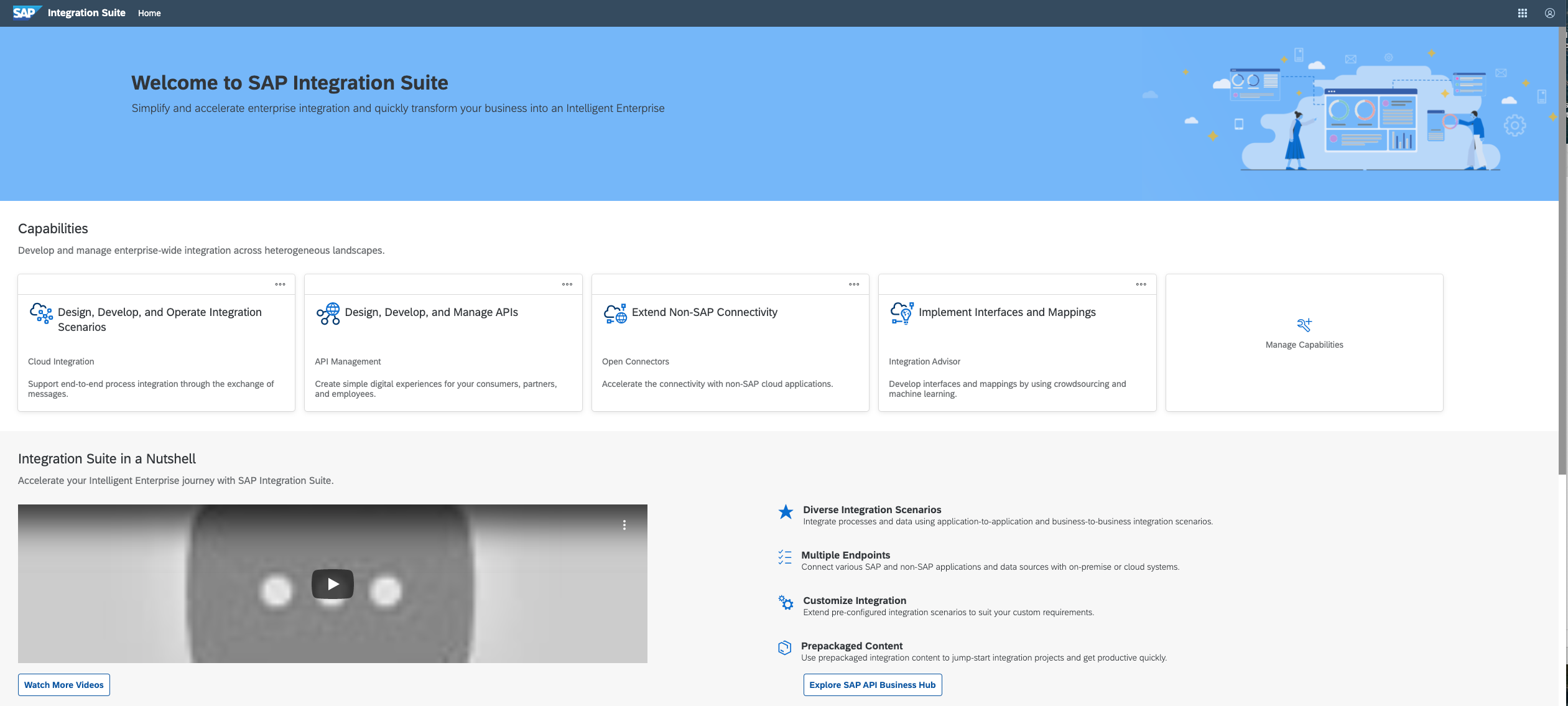
SAP Integration Suite is a modern, secure integration platform as a service (iPaaS) that connects applications, data, processes, and AI agents across SAP and non‑SAP environments.
$11,199
per year
Pricing
Apache Kafka
SAP Integration Suite
Editions & Modules
No answers on this topic
No answers on this topic
Offerings
Pricing Offerings
Apache Kafka
SAP Integration Suite
Free Trial
No
Yes
Free/Freemium Version
No
No
Premium Consulting/Integration Services
No
No
Entry-level Setup Fee
No setup fee
No setup fee
Additional Details
—
Access to free tier services does not expire while there is an active Pay-As-You-Go or CPEA account with SAP. Once a free tier service limit has been reached users have the option to update from a free to a paid service plan in the same account.
Apache Kafka is well-suited for most data-streaming use cases. Amazon Kinesis and Azure EventHubs, unless you have a specific use case where using those cloud PaAS for your data lakes, once set up well, Apache Kafka will take care of everything else in the background. Azure EventHubs, is good for cross-cloud use cases, and Amazon Kinesis - I have no real-world experience. But I believe it is the same.
Good at: 1. Integrations with in SAP applications, especially with event based triggers 2. Can be integrated very well with other BTP services to attain Batch processing and store credentials 3. Supports many authentication models Improvements: 1. No version history available compared to as it is available in S4HANA 2. Need a lot of improvement in git hub connections
Really easy to configure. I've used other message brokers such as RabbitMQ and compared to them, Kafka's configurations are very easy to understand and tweak.
Very scalable: easily configured to run on multiple nodes allowing for ease of parallelism (assuming your queues/topics don't have to be consumed in the exact same order the messages were delivered)
Not exactly a feature, but I trust Kafka will be around for at least another decade because active development has continued to be strong and there's a lot of financial backing from Confluent and LinkedIn, and probably many other companies who are using it (which, anecdotally, is many).
Sometimes it becomes difficult to monitor our Kafka deployments. We've been able to overcome it largely using AWS MSK, a managed service for Apache Kafka, but a separate monitoring dashboard would have been great.
Simplify the process for local deployment of Kafka and provide a user interface to get visibility into the different topics and the messages being processed.
Learning curve around creation of broker and topics could be simplified
Provide more pre-built integrations to use within SuccessFactors or other modules instead of everything having to be custom built
Support is unable to provide advice on custom builds so you often have to engage a 3rd party partner
Works best when you have the functional and technical teams working together. Otherwise, the system is too technical for a functional user to create integration and a technical user not always understand the functional perspective
It is in place, our system integrators are familiar with it, and it fits into the ecosystem. A better user interface, flow build and debugging experience would see it grow, many technical staff do not enjoy using it for this reason, however it is quite capable and powerful behind this one shortcoming.
Apache Kafka is highly recommended to develop loosely coupled, real-time processing applications. Also, Apache Kafka provides property based configuration. Producer, Consumer and broker contain their own separate property file
The user interface is messy and not intuitive. It has a steep learning curve, and flows developed around are easy to make a mess with layout and can be difficult to follow. The debugging is also quite difficult, it takes some time to figure out how to follow the flow and examine data. Error handling is also difficult and not intuitive, it is better to let some errors leak and monitor through ALM.
Support for Apache Kafka (if willing to pay) is available from Confluent that includes the same time that created Kafka at Linkedin so they know this software in and out. Moreover, Apache Kafka is well known and best practices documents and deployment scenarios are easily available for download. For example, from eBay, Linkedin, Uber, and NYTimes.
The support for SAP Integration Suite is satisfactory. We leverage SAP support through our manage services partner. So far, we have not had many major issues. One concern, to make our rating a ten, would be turnaround time on high priority incidents. SAP Integration Suite drives our key business functions forward. Without a reasonable service level agreement on turnaround, we sometimes find us running into issues running pay, etc.
I used other messaging/queue solutions that are a lot more basic than Confluent Kafka, as well as another solution that is no longer in the market called Xively, which was bought and "buried" by Google. In comparison, these solutions offer way fewer functionalities and respond to other needs.
Before deploying SAP Integration Suite, we assessed Oracle Financial Services Analytics and IBM Risk Analytics. While Oracle had proved its mettle in the exceptional database support and IBM in presenting risk model tools, SAP Integration Suite overwhelmed others by being effortlessly integrated with our existing banking framework.
Positive: Get a quick and reliable pub/sub model implemented - data across components flows easily.
Positive: it's scalable so we can develop small and scale for real-world scenarios
Negative: it's easy to get into a confusing situation if you are not experienced yet or something strange has happened (rare, but it does). Troubleshooting such situations can take time and effort.