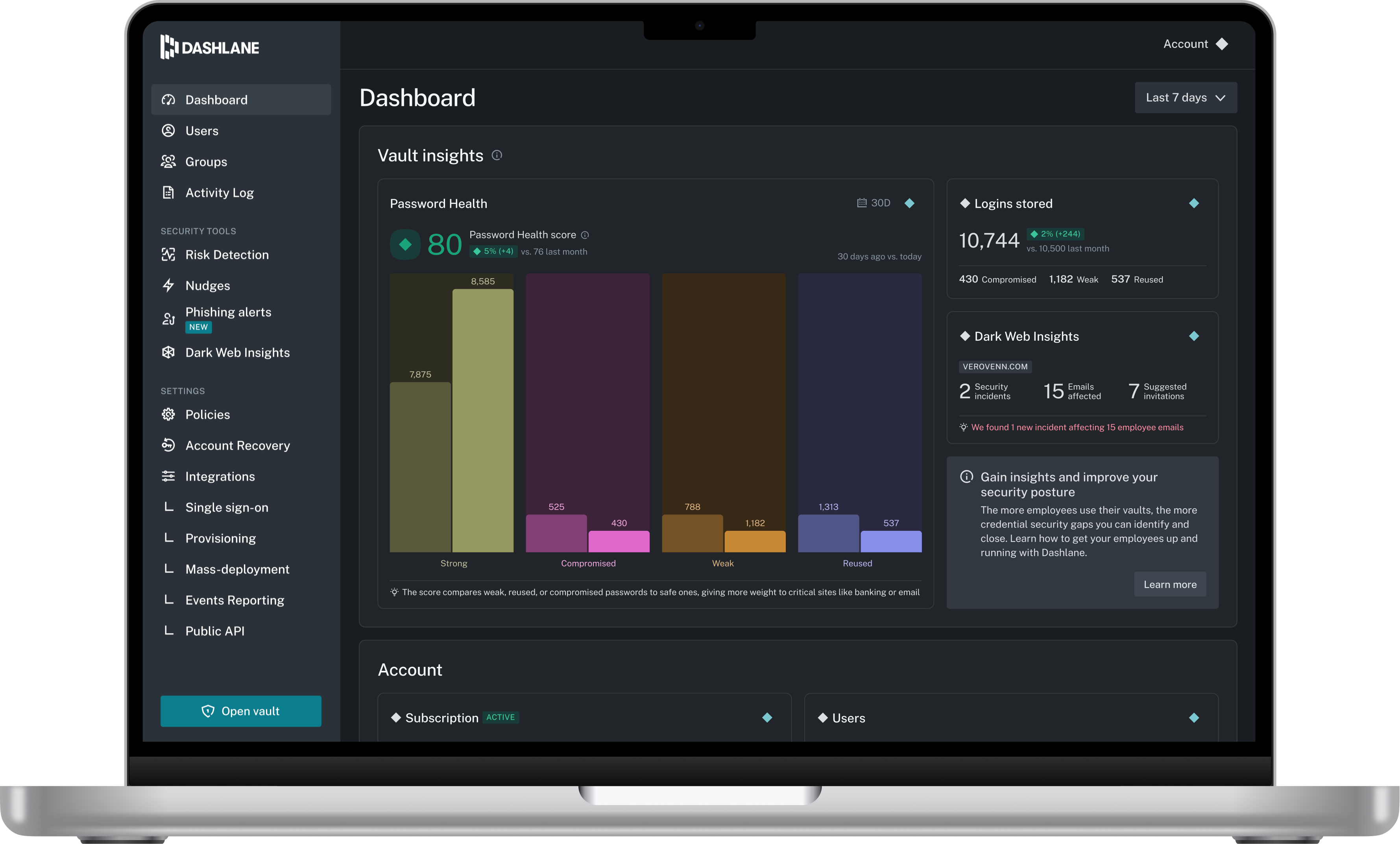
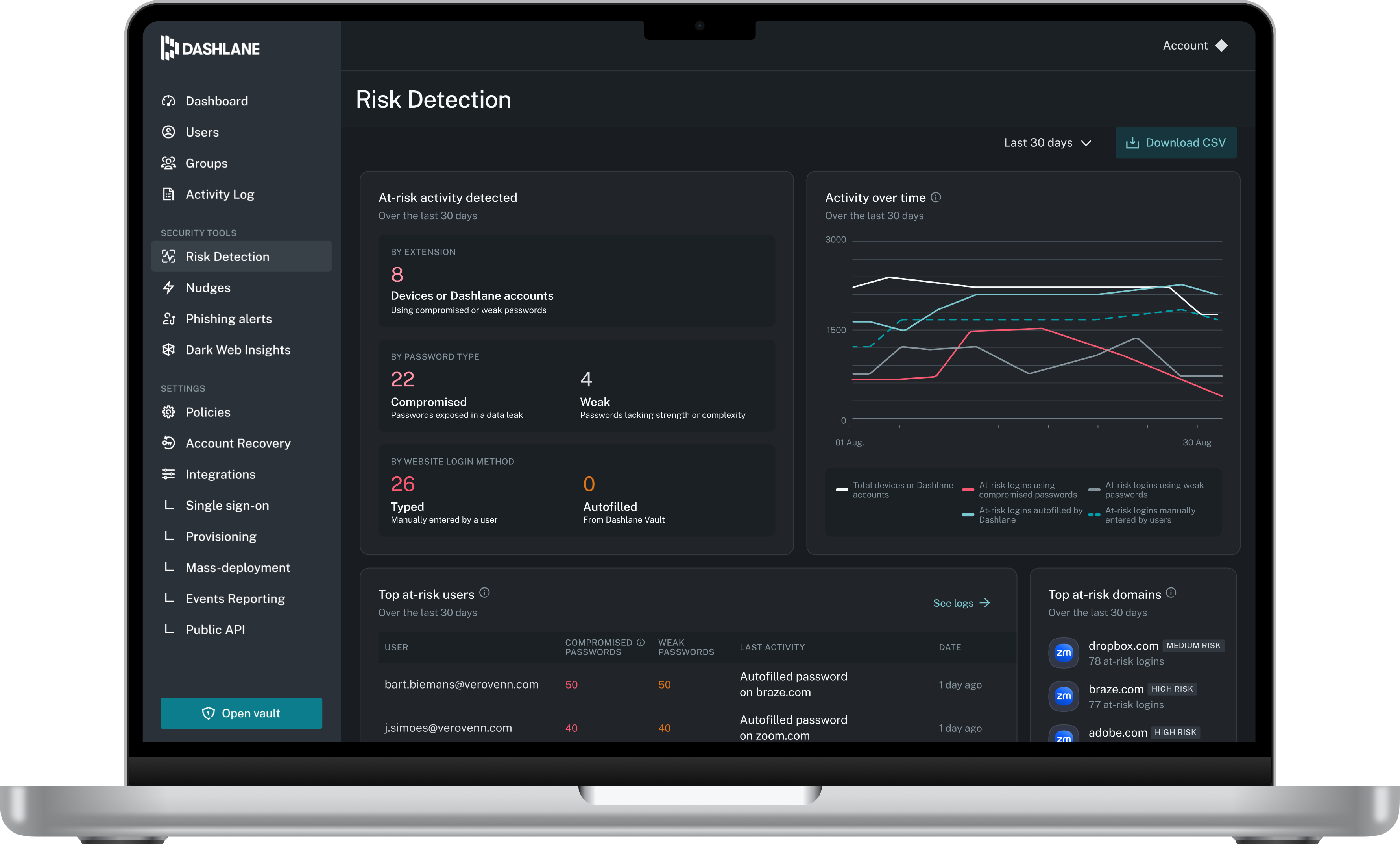
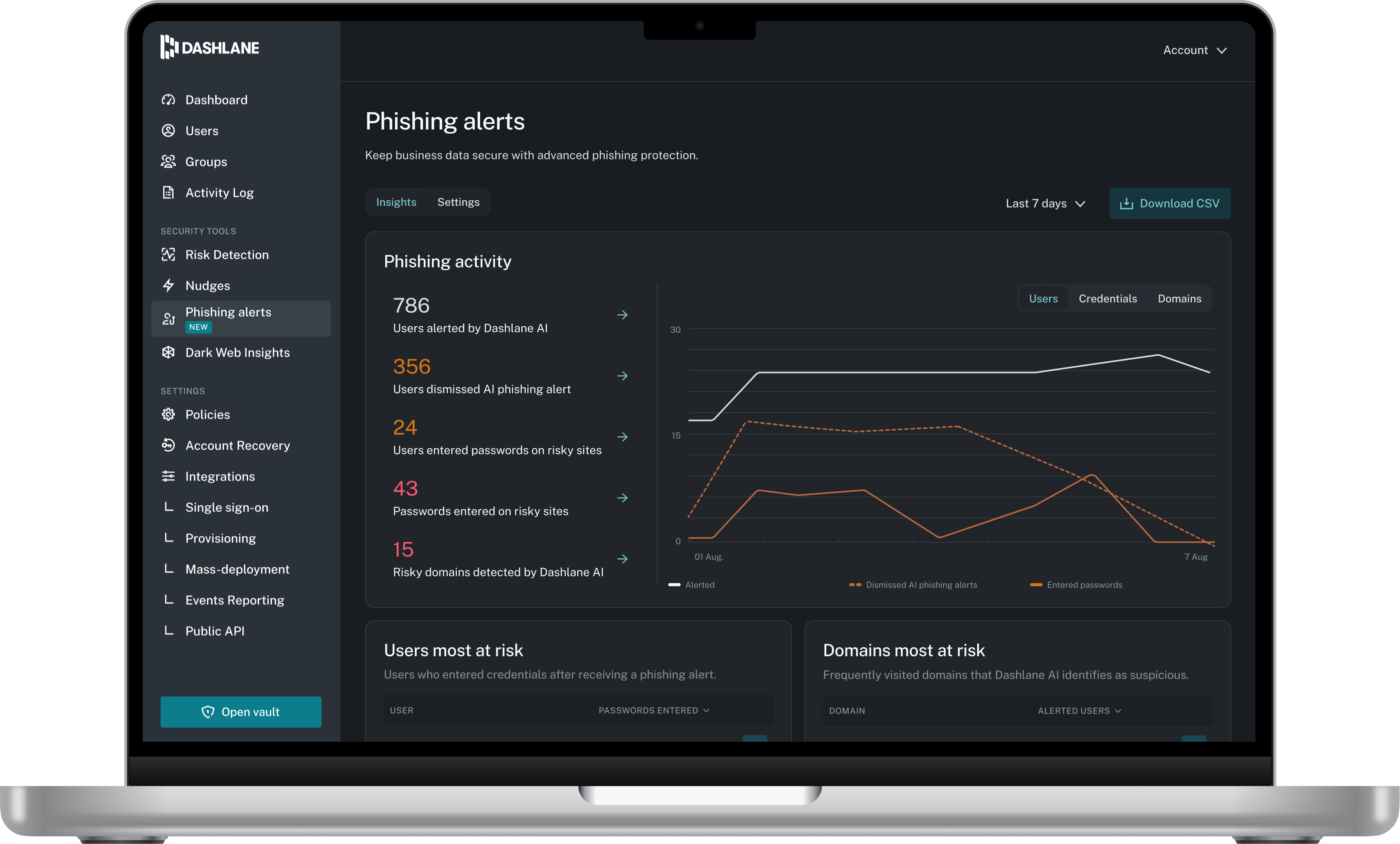
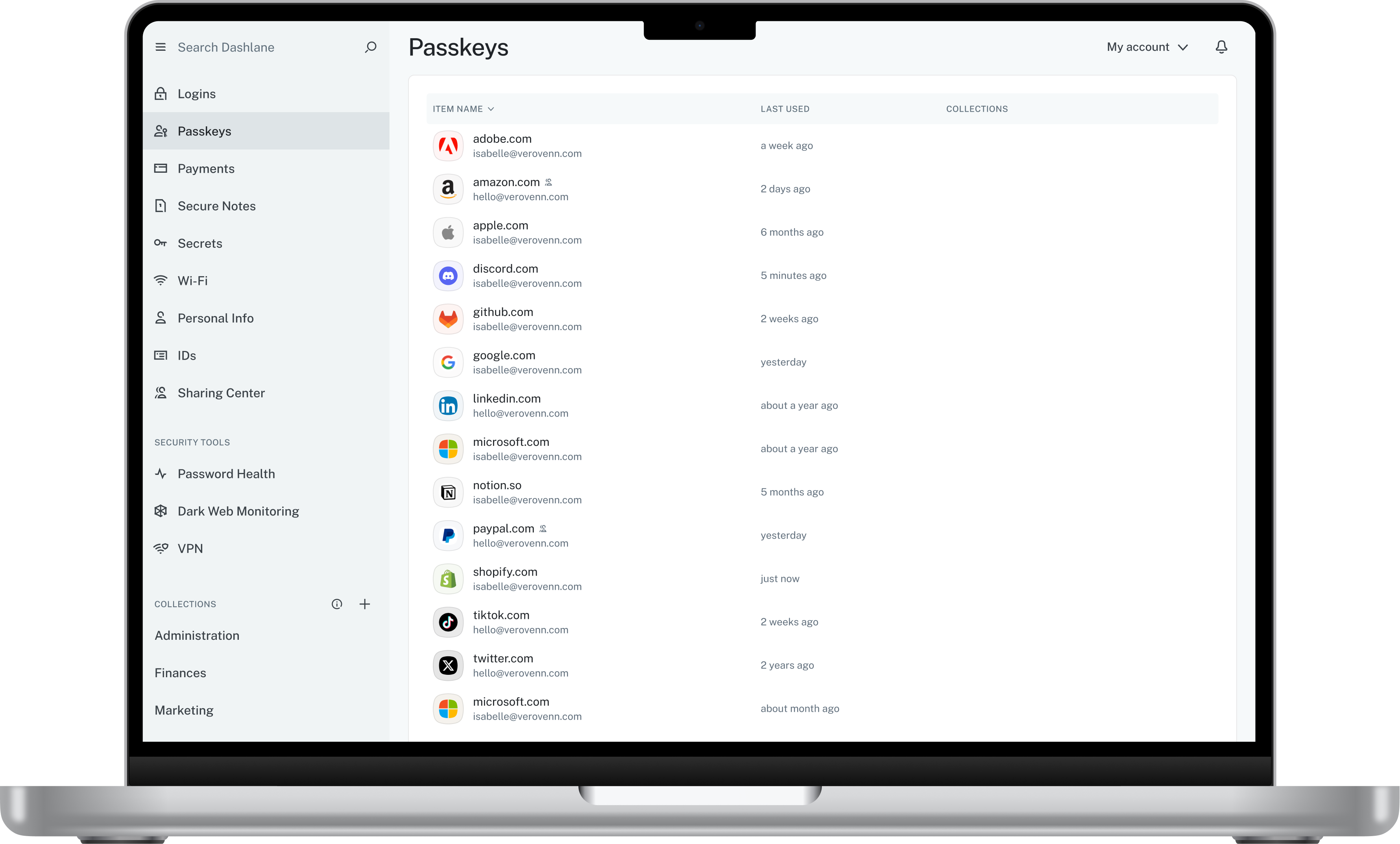
Dashlane is a credential manager that secures every credential, every user, and every employee device to proactively protect against breaches. Brands worldwide can use Dashlane to stay ahead of evolving threats.
$240
per year 10 employees
Fischer IaaS
Score 8.0 out of 10
N/A
Fischer Identity as a Service (IaaS) is an identity management solution from Fischer International.
Dashlane Password Manager works really well for situations where we need to share access to client portals or government filing sites, since multiple people can log in without ever seeing the actual password and we can cut off access right away when it’s no longer needed. It is also great for onboarding and offboarding since new hires or interns can get the logins they need quickly and we don’t have to pass around spreadsheets. Another strong use case is meeting compliance expectations because it shows clients we are serious about security and password hygiene. Where it’s less useful is in environments that already use single sign-on since that already centralizes access and makes Dashlane Password Manager feel redundant. It can also be a little frustrating if you rely heavily on mobile since the autofill doesn’t always work smoothly across different apps.
Fischer is well suited for the use case scenarios where an institution has not previously used any identity management and needs to quickly provide services to meet regulatory or other deadlines. It also works well when you can implement in smaller batches of user accounts and grow over time. We have found it less appropriate for cases where we have needed to set up on-off temporary or special access. Fischer has worked with us on out-of-band provisioning but we had to pay for extra Fischer professional services to make that work.
Search is lacking. The desktop app had better features
I can no longer find needed features. Such as the option to only use a password on a specific subdomain. this is important because I have hundreds of subdomains for testing client software builds before releasing to their domain.
The Mobile app and Browser Extension are not synced. I have several Secure Notes and Passwords that I cannot find anywhere in my mobile app, but can find without issues in the extension.
Reducing the frequency (twice a month) of scheduled outages. But I believe they are making progress toward developing a more robust cloud infrastructure that will eliminate the need for such frequent downtimes.
There are some less than intuitive administration tools, which could be improved. Fisher is always willing to help us when we don't understand the proper way to configure using the tools.
I would like a streamlined way to move changes from our test environment into our production (live) environment instead of having to duplicate the effort.
Dashlane Password Manager is great for the price. Some feature sets of competitors are lacking, but I'm happy with what we get for the spend. We are a small enough company that I can walk people through the steps, and it isn't something that comes up enough to complain about. Password generation, storage and use are all great.
We've had no issues with Dashlane. I can't speak to their customer service because I have not personally needed to contact them. I guess that speaks about their product if we've not had any issues to reach out about. Great for supporting data/information on multiple platforms that are shared among team members.
Dashlane’s customer support is often rated higher, providing more responsive and helpful assistance. LastPass has a slightly steeper learning curve than Dashlane, but it offers more flexibility with user permissions, which can benefit teams. Dashlane includes unlimited passkey support and a clean breach history, while LastPass is more accommodating for smaller teams.
It does deliver as advertised, provided you do your homework and understand the expected outcome before going live. Poor planning can turn the project into a nightmare. It can save the company a good deal of man hours and money by bringing about identity management automation, a self-service portal, and customizable email notifications for all of the identity owners and other stakeholders. For example, you can inform your HR team upon successful account creation and disablement. You can proactively reach out to users informing them about their account extirpation status, etc.
Fischer has had a positive impact by providing self-serve identity and password management tools that our constituents can use at their convience, not tied to our operational hours.
Fisher Identity as a Service has been a significant cost, but it is anticipated that it saves our students significant time and effort that they can better dedicate to their academic pursuits.
Negative initial reaction--as this was a new way of doing things, there was a period of confusion among our college constituent that required additional communication and instruction