Fantastical vs. Zoho Calendar

Overview
ProductRatingMost Used ByProduct SummaryStarting Price
Fantastical
Score 9.0 out of 10
N/A
N/A
$5.49
per month
Zoho Calendar
Score 8.6 out of 10
N/A
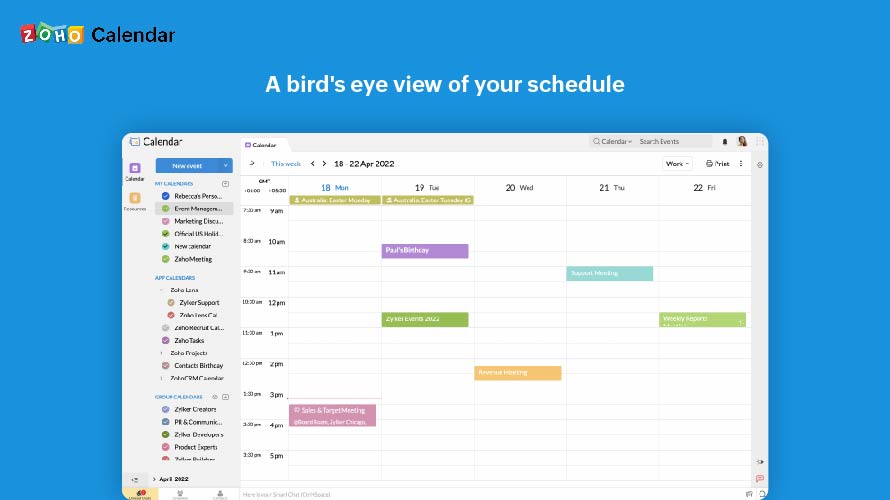
Zoho Calendar is an online business calendar designed to make scheduling easy. It can be used to stay on top of a schedule, or to share scheduled events with peers.N/A
Pricing
FantasticalZoho Calendar
Editions & Modules
Basic
$5.49
per month
No answers on this topic
Offerings
Pricing Offerings
FantasticalZoho Calendar
Free Trial
YesNo
Free/Freemium Version
NoYes
Premium Consulting/Integration Services
NoNo
Entry-level Setup FeeNo setup feeNo setup fee
Additional Details
More Pricing Information
Community Pulse
FantasticalZoho Calendar
Best Alternatives
FantasticalZoho Calendar
Small Businesses
CoSchedule Marketing Suite
Score 10.0 out of 10
CoSchedule Marketing Suite
Score 10.0 out of 10
Medium-sized Companies
CoSchedule Marketing Suite
Score 10.0 out of 10
CoSchedule Marketing Suite
Score 10.0 out of 10
Enterprises
Google Calendar
Google Calendar
Score 9.3 out of 10
Google Calendar
Google Calendar
Score 9.3 out of 10
All AlternativesView all alternativesView all alternatives
User Ratings
FantasticalZoho Calendar
Likelihood to Recommend
9.0
(1 ratings)
7.0
(16 ratings)
Likelihood to Renew
-
(0 ratings)
9.0
(1 ratings)
Usability
-
(0 ratings)
9.0
(1 ratings)
Support Rating
-
(0 ratings)
10.0
(1 ratings)
User Testimonials
FantasticalZoho Calendar
Likelihood to Recommend
Flexibits
Fantastical is excellent for someone who appreciates the ease of data entry without having to tick boxes and use drop-down menus. Fantastical also provides a number of different view options based on how the user prefers to see their calendar and tasks.
Read full review
Zoho
It is good for office use for keeping track of meetings and various important events. It is very nice to share a calendar with the whole team and the whole team has access to it, everyone can modify and update events. Furthermore, it is less appropriate when you use it on mobile, and it also cannot record the meetings.
Read full review
Pros
Flexibits
  • Manage multiple calendars.
  • Data entry for events and tasks.
  • Connection between all my devices.
Read full review
Zoho
  • I can see that Zoho Calendar allows for multiple tab use which seemed to be a rare and useful function to have.
  • I like how the search function is advanced and you can put specific info to find what you require.
  • I like the visual freedom the app gives in terms of the day, month, and workdays, 2-month views, and selecting colours as well, etc.
Read full review
Cons
Flexibits
  • Sometimes there are issues in syncing calendars between devices.
Read full review
Zoho
  • It needs better software integration for use with other services and programs
  • It needs a better source code so that it doesn't crash or lock up as often
  • It should incorporate better customer service for dealing with the issues it creates.
Read full review
Likelihood to Renew
Flexibits
No answers on this topic
Zoho
I subscribe to Zoho One so I use many of the modules that come with that single subscription. I've had intermittent issues with scheduled Zoho Meetings through Zoho CRM not appearing in my Zoho Calendar. Zoho has been working on the issue but it will be fixed for a while and then I'll miss a meeting because it wasn't appearing.
Read full review
Usability
Flexibits
No answers on this topic
Zoho
Since there are lots of preference options, it can be a little confusing when setting up. It does integrate with other calendars where you can choose one or two way syncing which is helpful if you keep separate personal and work calendars. You can set your start day of the week which for me I have it set to Monday. There are also time zone options which are great but still a bit confusing to me.
Read full review
Support Rating
Flexibits
No answers on this topic
Zoho
Support has been excellent. As always, they are quickly responsive, and I feel they genuinely wish to address and fix any issues. It's unfortunate that my issues with meetings created in Zoho CRM don't always appear in my Zoho Calendar. While they mostly appear, my confidence level on any given week that I can see what is on my schedule is decidedly lacking.
Read full review
Alternatives Considered
Flexibits
Fantastical provides a visual experience that I appreciate more than the simplified Apple iCal design. It also provides a lot of options that help with the more detailed events.
Read full review
Zoho
Zoho calendar allows us to schedule, manage and track your appointment, meetings, birthdays, and other important dates. And also collaborate, share and publish your daily activities. Zoho Calendar also provides you to make it more creative by changing the themes. Event reminders are also available on Zoho Calendar, so we can be reminded either via email or through a pop-up about appointments, dates, milestones, and events. Reminders can pop up as early as 30 days before an event.
Read full review
Return on Investment
Flexibits
  • Ability to quickly and easily enter events and tasks.
Read full review
Zoho
  • Once the meeting is created on the Zoho calendar, you don't need to remind invitees to join the meeting at a particular time or day. Zoho calendar does that for you.
  • If any invitees are unable to join the meeting, they can ask for a different time prior to that meeting.
  • Sometimes if many meetings are in the pipeline then there can be overlap.
Read full review
ScreenShots

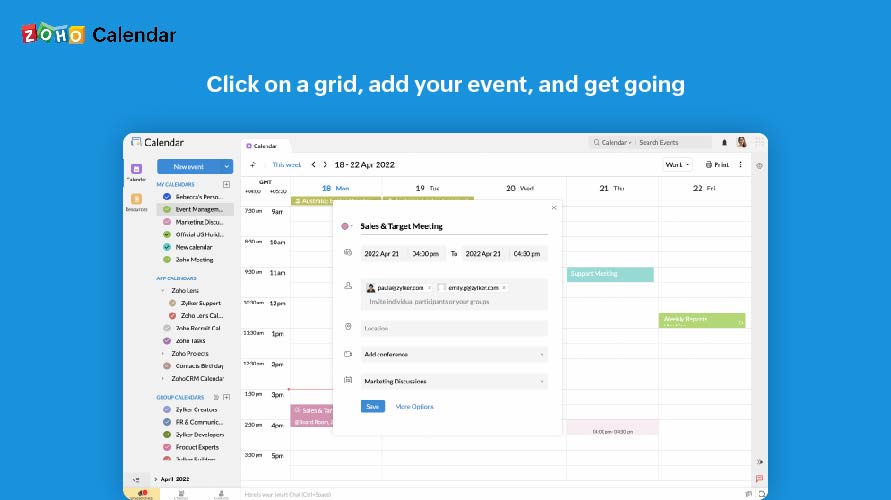
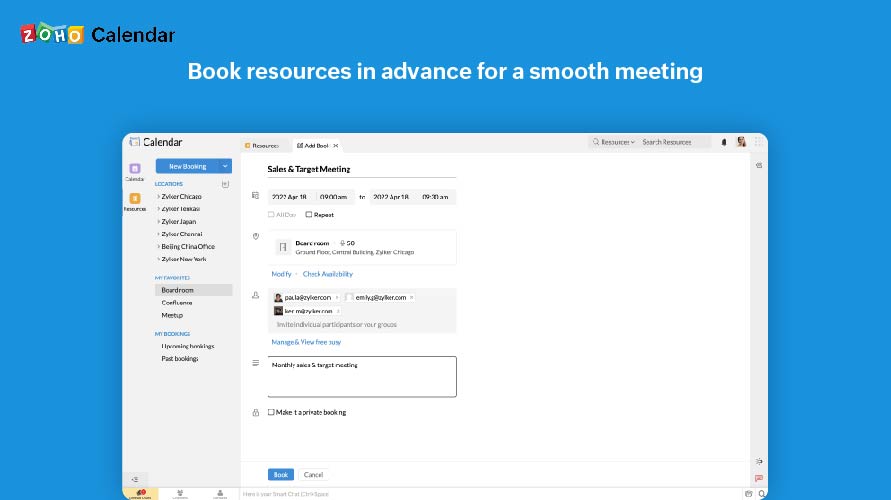
Zoho Calendar Screenshots

Screenshot of A bird's eye view of your scheduleScreenshot of Click on a grid, add your event, and get goingScreenshot of Skip the steps, one click is all it takesScreenshot of Book resources in advance for a smooth meetingScreenshot of Know what's available and what's not