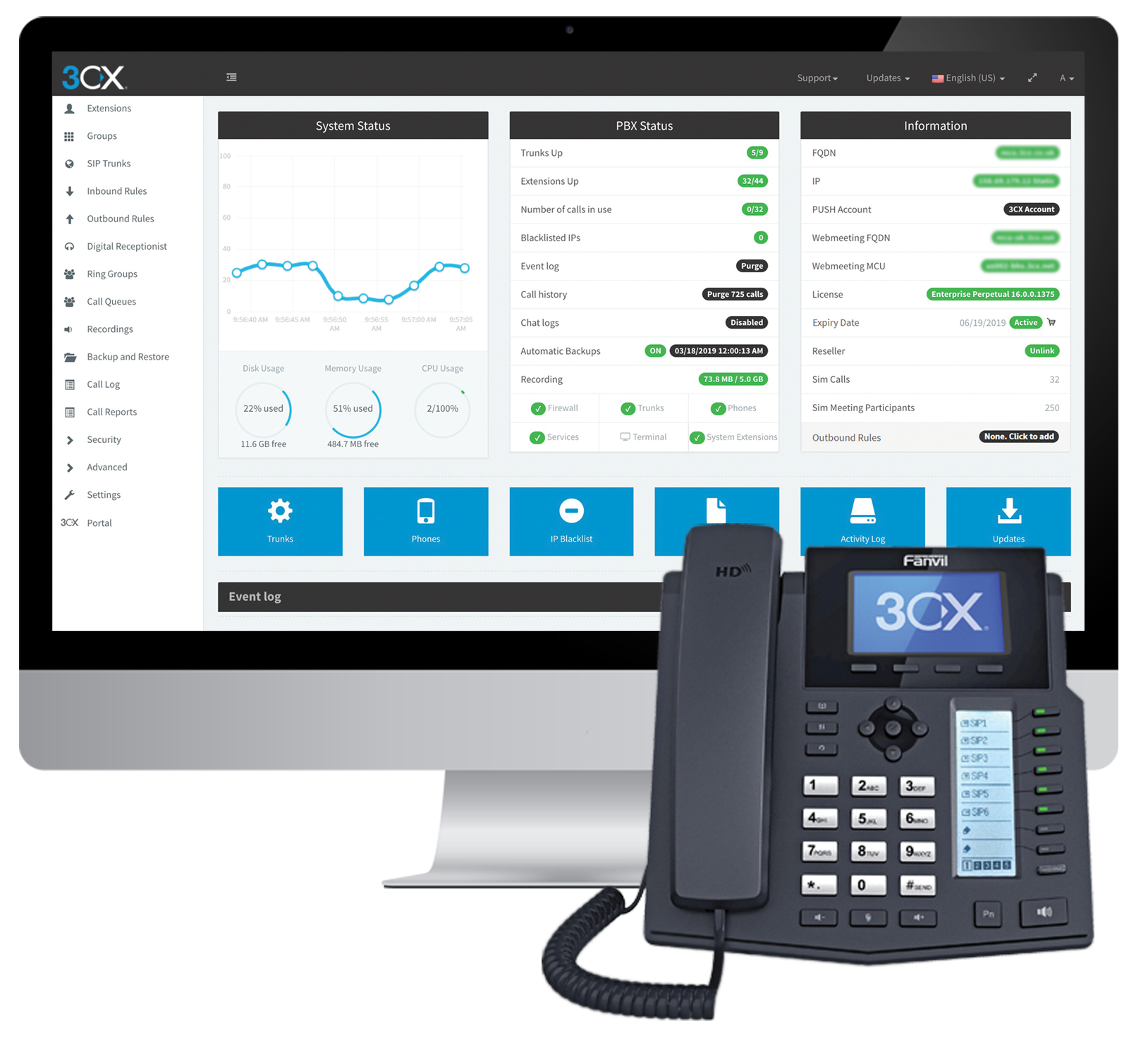
Cyprus based company 3CX offers an IP PBX phone system.
$1.08
per user/per month
Dialpad Connect
Score 8.2 out of 10
N/A
Dialpad Connect is a cloud communications UCaaS platform that provides users with integrated voice, video, and messaging capabilities from one unified interface.
$27
per month
Microsoft Teams
Score 8.1 out of 10
N/A
Microsoft Teams combines video conferencing software with team collaboration tools. The communications platform allows MS Office users to conduct conference calls and share files via SharePoint, and join or initiate a group chat.
$4.80
per month per user
Pricing
3CX
Dialpad Connect
Microsoft Teams
Editions & Modules
Pro
$1.08
per user/per month
Enterprise
$1.31
per user/per month
Standard
Free
Standard
$27
per month per user
Pro
$35
per month per user
Enterprise
Contact sales team
per user/per month
Microsoft Teams Essentials
$4.80
per month per user
Microsoft Teams Enterprise
$5.25
per month (paid yearly) per user
Microsoft Teams Enterprise
$5.25
per month per user
Microsoft 365 Business Basic
$7.20
per month per user
Microsoft 365 Business Standard
$15
per month per user
Offerings
Pricing Offerings
3CX
Dialpad Connect
Microsoft Teams
Free Trial
Yes
No
Yes
Free/Freemium Version
Yes
No
Yes
Premium Consulting/Integration Services
Yes
No
No
Entry-level Setup Fee
Optional
No setup fee
No setup fee
Additional Details
Price displayed is based on 25 users.
3CX pricing is based on the number of simultaneous calls your business requires or in other words, how many calls your system needs to support at once. Unlike other PBX vendors there is no per extension cost.
—
Discounts are available for non profit organizations.
More Pricing Information
Community Pulse
3CX
Dialpad Connect
Microsoft Teams
Considered Multiple Products
3CX
Verified User
Manager
Chose 3CX
3cx is better cause it also offers chat and call recordings. I don't think Podium does that.
Verified User
Technician
Chose 3CX
These are not dedicated IP phone systems but they are the close I've used. Our old legacy phone system wasn't cutting it anymore. I would say our biggest hurdle for out-groups has been able to get the old legacy fax services working for 3CX and I'm not sure if it even does. …
We didn't want Cisco Call Manager anymore. We used a very old version previously, but nonetheless it didn't have a very good name in the company. PureCloud was too call center focused so in the end, we like 3CX best. A small pilot was configured very fast, and after we went …
Similar but different system. Microsoft Teams is more of the messaging first, calls second. In my experience, did not have the same capabilities when dealing with voice calls.
3CX connection was always extremely poor and would often end incoming calls before you could get a chance to answer. The layout was also not as clear as Dialpad Talk.
Dialpad Connect was an all-inclusive, single-tech stack which was a major pain point for us previously. Having one platform that is not dependent on other systems is a huge bonus.
Verified User
Manager
Chose Dialpad Connect
Dialpad Connect stands out because the virtual phone is easier to use
Verified User
Director
Chose Dialpad Connect
We selected dialpad as we thought it was a stronger product for our business but now we are not sure if we made the right decision
I think Dialpad Connect is much better and effective. Dialpad Connect is more up-to-date with today's technology.
Verified User
Employee
Chose Dialpad Connect
Dialpad Connect and its competitors aim to provide accurate transcriptions. The choice may depend on the specific use case and the nuances of the content being transcribed. The effectiveness of AI and machine learning algorithms in understanding context, different accents, and …
Dialpad gives you everything you need in a single communications platform. This is one big difference between Dialpad and Zoiper—beyond voice calls, you also get video calling and team messaging along with essential contact center features like IVR routing and a sales dialer. …
We have not used other alternatives for this service. Dialpad works well for our needs and so far it is working for everyone now that we have figured out the synching issue mentioned earlier in this review. We do use Discord for internal calls and staff messages, but those …
Didn't get to select which service to use as it is the employer's choice. It tops RingCentral Contact Center as it is more simple to use but audio quality from RingCentral Contact Center is better in my opinion.
8x8 was fine after some initial bumps in the road. The deep CRM integration was the key factor in our decision to switch. We've made a major effort to streamline into a paperless/automated office as much as possible; the phone system needed to mesh with that. The ability to …
With [an]other company [I] used RingCentral. They offered more features but at a high cost per line whereas Dialpad offers the features that are used on a daily basis at a competitive price.
I used Google Voice free service. It helped me, however, I was getting tired of using their web interface. Sometimes, the call quality suffered a lot. Also, their SMS and MMS services were not convenient enough. I used RingCentral almost 10 years ago and was not too happy with …
Vonage did a great job with their integrations with Salesforce and routing abilities. But, it was very very very painful in trying to build/update call flows and even set up new users. It would take 6 weeks to build out a call center for one team and get their users/teams set …
At the time (over 3 years ago) Dialpad was the only cloud-based VOIP vendor that offered this wealth of features, modern design, and highly active change log. Now that other vendors have caught up there's less and less reason to use Dialpad so I can no longer recommend it to …
In many scenarios decision is driven by budget and compared to other solutions at the time of purchase [3CX] was simply the cheapest solution for what it has to offer. If you are looking for integrations, extensibility, and advanced functionalities, this might not be a solution for you. At the time of use (and this may have changed by now), there was a lack of APIs, CLI commands, and similar so nothing could be automated with the system. There are ways of importing data through CSV but automation would solve us so much time and support calls if we were able to connect with other systems.
It is well-suited for basic calling functionality, but has been a poor experience for us when used for texting, as it lacks some of the features of other platforms, such as Haymarket. It is also challenging to capture good analytics, as this is neither easy nor clear for users to find.
It is well-suited for an organization with many team members who are scattered throughout different locations. It offers organization and clarity to projects, files, and tasks in one centralized location. It would be a bit of an overkill for a small organization where everyone is in the same location 5 days a week
Simplicity: Using a single 3CX interface we can manage every phone and extension used throughout our company.
Flexibility: There are a wide variety of options to configure each extension and phone. Changing anything after the hardware is deployed is very easy.
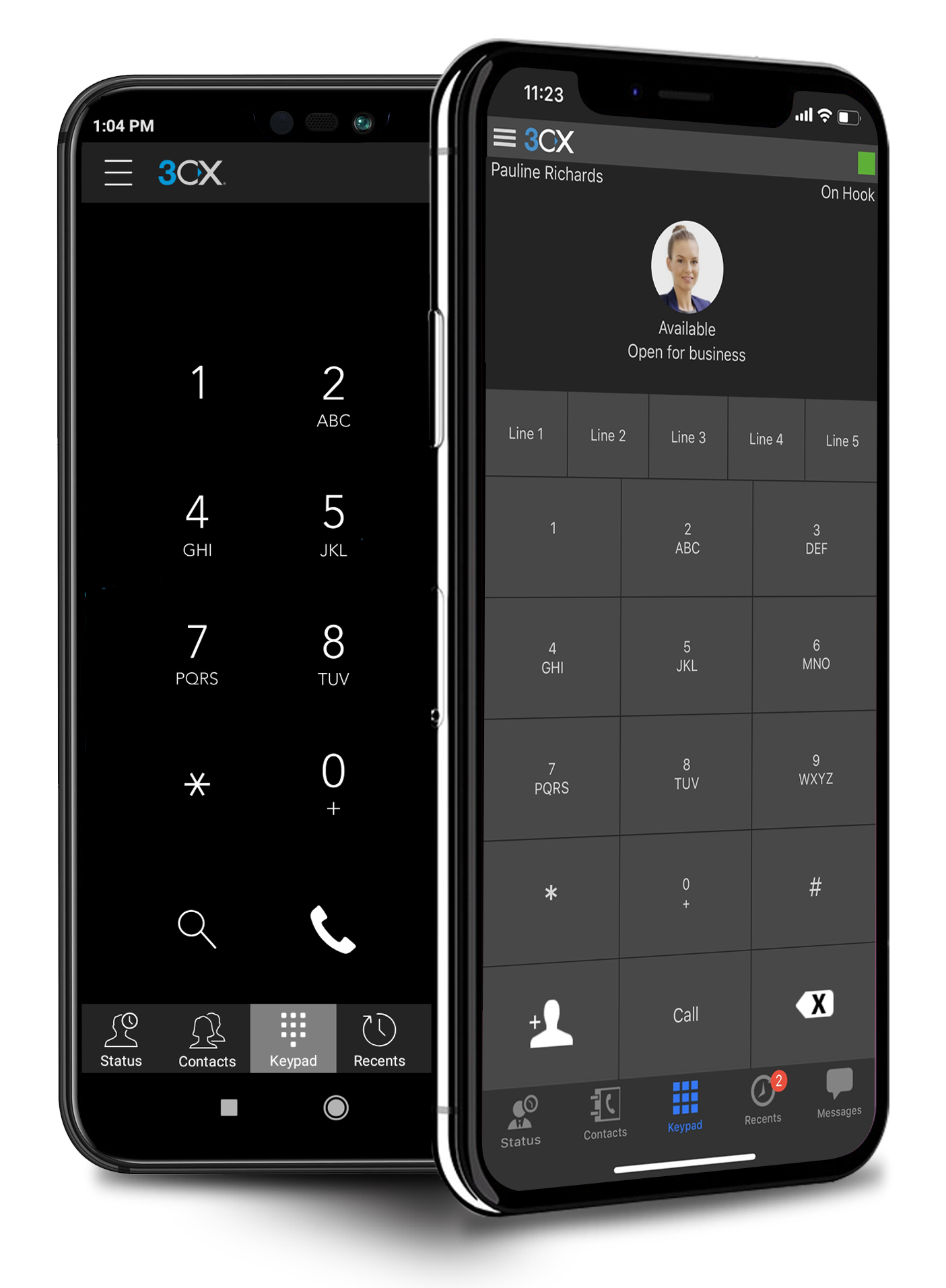
Portability: Phones with 3CX can be easily moved or repurposed within an office or at remote locations, including users' homes. The mobile app allows users to use their office extension anywhere without exposing their cell number.
The only example I can list for improvement is that occasionally the message has some mistranslation(s). But I can usually figure out the missing words. The 'southern USA' dialect may be partly to blame....
The functionality is really great. It is the best app I have used for messages in all of my customer service jobs.
Dialpad Talk is easy to use and no one has had a problem using it. Even when we have had questions/problems we have been able to fix it ourselves without having to go to Dialpad to ask for help, which saves everyone time. We don't have any reason to cancel our use of this product and we are very happy with how it performs for our team.
Microsoft Teams is included with our Office 365 subscription and we have no intention of migrating off of Office 365 and Microsoft products. Since Microsoft Teams is included for free with our Office 365 subscription, and since we enjoy all the features, benefits, and functionality, there is no question that our team will continue to use the product
Dialpad Connect is good and recommended for any organization. It is a good value. It can accomplish everything that your organization is looking for, and no one will say it is outside the budget for any 50+ person organization. The AI feature is very useful. The dashboard could be a bit easier to manage, and the integration with Salesforce could be a bit smoother.
If you have the full Microsoft Office suite, it works really well because it's integrated well within its ecosystem, but if not, it can be annoying because it tries to open a shared file in the web versions of the file equivalents. The web version is also a bit slow, and the login is very difficult to handle if you have multiple Microsoft or Outlook accounts.
There have not been any outages that I am aware of and we have had consistently good coverage since the start. There can be a slight lag from the office to the mobile app, but it is not terribly noticeable and it has not resulted in any calls being prematurely hung up
The emails of voice transcription come very quickly after a call has been completed and except for a few fairly difficult names are pretty accurate. The ability to quickly listen to the voicemail from email without having to open the app is also a bonus. I have not noticed or heard of any slowdowns
The 3CX Phone System is only a five because while they provide set-up/how-to/Q and A documents to help your district or company get started, they do not offer support for free. The documents provided, though, are good enough for you to get you up and running. We also found a good source of help through a sip trunk provider, which was a 3CX reseller provider.
The original date for roll-out, was unable to happen because there was an issue finding our existing phone lines to port them... The only reason I gave a 9 is [that] the original person we have been working with, Rolled out phones. Pro without telling anyone and then went on vacation, I only say this to explain that there is a gentleman that took over to help us named Brett and he was FANTASTIC! He allowed a ton of calls and answered all of them, walked us [through] settings, profile set up, and even emailed screen shares so we could help other members of our team! Thanks so much, Brett you ROCK~
The overall support provided by Microsoft for Microsoft Teams has been quite good but there is still some room for improvements. Microsoft needs to proactively work on fixing the open bugs in order to provide a seamless experience to the users. But over the service and experience provided by the Microsoft team have been quite satisfactory.
Simple and easy to follow, we had our branches around the country to be trained and the feedback was great. Only take if there was a desk phone training that would be great. The team provided us with video for the desk phone training
The main differences between 8x8, Inc. and 3CX is pricing and ease of use in my opinion. The 3CX system uses annual based pricing plans based on of simultaneous calls your company needs, not the number of extensions/users and offers a free plan. 8x8, Inc. charges per extension with different plans. We currently have 19 extensions so the 3CX system makes more sense for us, however, if your company only has a few extensions you may want to throughly consider both options. In my experience, it was difficult to add new extensions and phones with 8x8 because at least at that time we had 8x8 I could not add anything on the web admin. I had to call a sales rep which took a lot more time. Also, if you didn't purchase a phone and/or headset directly from 8x8 at a usually higher price than Amazon for example then you would have to spend anywhere from 30 minutes to hours on the phone with 8x8 tech support to program the phone to work with the 8x8 system so adding a new extension could turn into a long ordeal. I can easily add new extensions on 3CX directly in the web cpanel. Granted, if you are actually adding a new phone number you would need to purchase that number from a company like ATT first before adding it to 3CX. The difference between a phone number and an extension would be a phone number allows a customer to call in directly using that number. The extension would require the customer to call the main business number then be transferred to the extension. 3CX provides a list of supported phone models on their website
Panterra is dependable and has good support. Dialpad Connect has more features and an easier interface. AT&T has a lot of features, but Dialpad Connect's interface is easier. AT&T does not do call transcription that I know of. Comcast BVE and 8x8 services are lower quality and service is not great.
Microsoft Teams offers a much more integrated experience between their chat and video call function compared to Google Chat and Slack. Both other tools are much better for internal communications are they have simpler UI without other features. Whereas Microsoft Teams can be used for more critical conversations, particularly between external companies, and has been very useful in sales conversations which is what we chose it for when speaking to companies that work exclusively through Microsoft.
Overall program is of average cost. SInce I use it simply for its phone/text capabilities. I would hazard that company that needed more options, might see it differently
Honestly, this tool is worth every penny. Yes, it's not free and you pay for the quality of services and the license. But the ROI and the benefits are all there. Also, the renewal, negotiation, and contract terms are all very well explained by our Microsoft account manager, and she's a charm.
So far, Dialpad has been a great improvement for our organization. It allows everyone to be on the same service and the integration with the mobile app means everyone is still using the "office" numbers even when on the go which makes it easier not having to balance multiple phone numbers from people
I used Skype for Business to take calls, hold conferences, and provide remote assistance to users. Microsoft Teams, on the other hand, is superior to Skype for Business in my opinion. My job entails a lot of screen sharing.
3CX has a lot to offer for a very low cost as its business model is based on simultaneous calls and not per device. It's very cost effective and very affordable.
As the 3CX server does not require a high-performance server to run, with the Public Cloud option, it might allow even further savings.
Because our unit decided to go all in with Microsoft Products, the integration and flow of our communication and files are seamless.
Microsoft Teams is very secure. Only those who are logged in with their university credentials can access the files we share and the events we host. Therefore, we don't have to worry about privacy and security for the virtual events we host.
If our virtual events are open to the public, joiners outside the organization often struggle to join because Microsoft Teams is not the most familiar tool amongst the public.