isolved is a SaaS-based, cloud-resident Human Capital Management (HCM) solution that provides Payroll, HR, Benefits Administration, Time & Attendance, Talent Management and Compliance. Employers have the ability to schedule an upcoming shift, view overtime levels, run a customized report, preview payroll in real time, write a performance report for a peer or elect benefits.
N/A
LumApps
Score 8.3 out of 10
Enterprise companies (1,001+ employees)
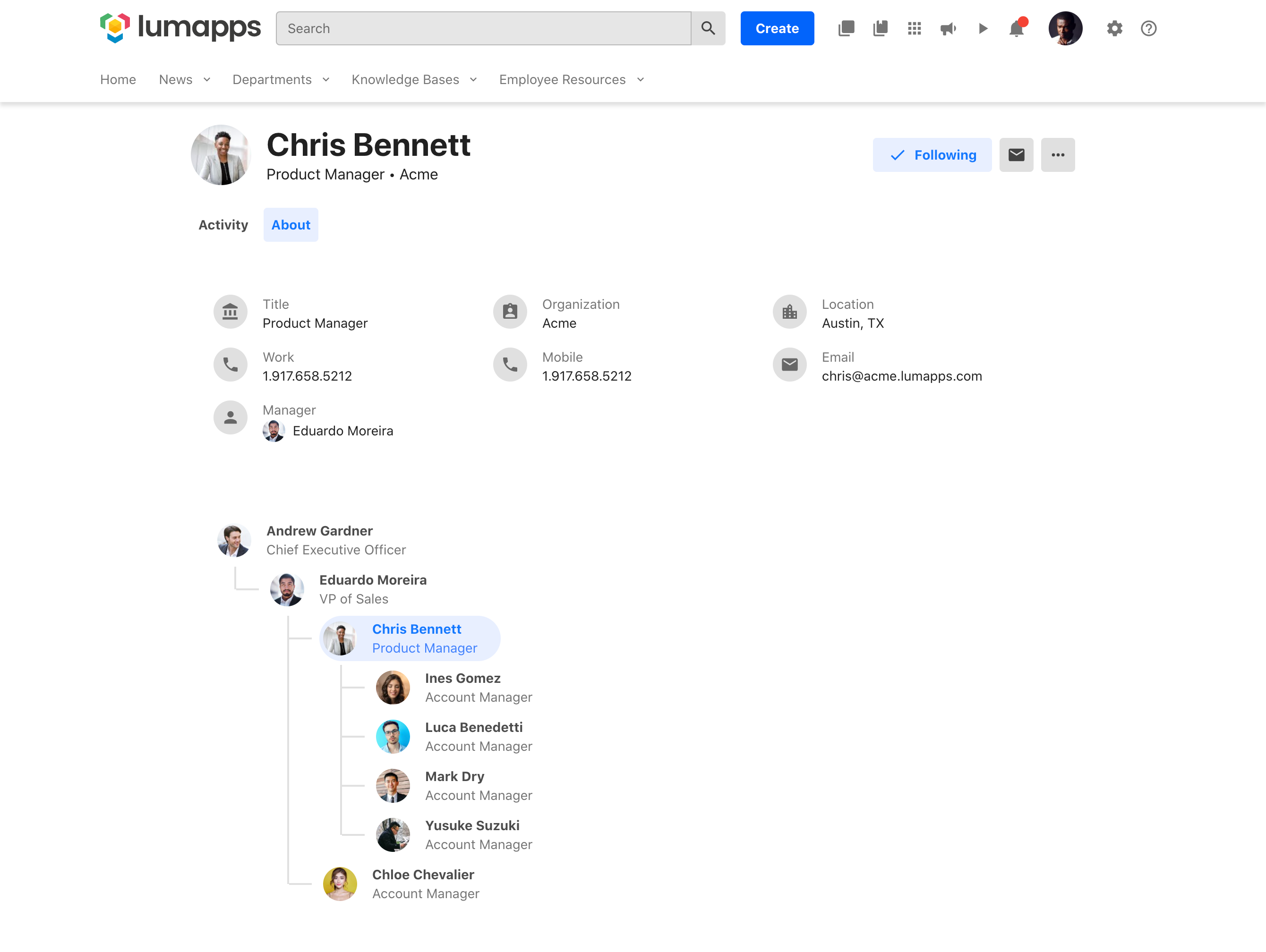
LumApps is an Employee Experience Platform that engages every employee with personalized communications, regardless of location, and empowers them to do their best work by connecting them with the tools, people, and information they need to get the job done. Integrations with both Microsoft and Google enables employees to share knowledge, resources, and connect with each other. The employee experience platform aligns and engages digital workplaces, and enables…
N/A
SharePoint
Score 7.6 out of 10
N/A
Microsoft's SharePoint is an Intranet solution that enables users to share and manage content, knowledge, and applications to empower teamwork, quickly find information, and collaborate across the organization.
$5
Per User Per Month
Pricing
isolved
LumApps
Microsoft SharePoint
Editions & Modules
No answers on this topic
No answers on this topic
Plan 1
$5.00
Per User Per Month
Plan 2
$10.00
Per User Per Month
Office 365 E3
$20.00
Per User Per Month
Offerings
Pricing Offerings
isolved
LumApps
SharePoint
Free Trial
No
No
Yes
Free/Freemium Version
No
No
No
Premium Consulting/Integration Services
No
Yes
No
Entry-level Setup Fee
No setup fee
Optional
No setup fee
Additional Details
—
Pricing is upon request.
—
More Pricing Information
Community Pulse
isolved
LumApps
Microsoft SharePoint
Considered Multiple Products
isolved
Verified User
Manager
Chose isolved
Having both payroll and timekeeping in one system is great. You just really have to watch the permissions. When it's separate, there is no chance of a Lead seeing something they shouldn't so when it's together you have to set things up correctly.
I have used adp before. It is a good product that has good uses but can less useful that isovled. I personally think isolved is incredibly configurable which can cause a bit of a learning curve but once you do you have the ability to do more than other places.
They are fairly equal in how they perform and how well they are organized. Each one has their pros and cons. I would be fine using either isolved or Workday.
When our organization started in late 2014, we shopped payroll services. One we looked at was ADP--they provide, and we would pay for, way more than we needed at that time. It was cost prohibitive. isolved allows us to add modules as our organization grows, thereby balancing …
LumApps is so much easier to use. With SharePoint, you probably need a developer due to its complexity. You don't need that at all with LumApps. Marketing and HR professionals can easily learn it. It is best to lean on LumApps or a partner to build out a few templates to get …
SharePoint is also fairly easy to use for content creators. SharePoint has been around for a very long time and is a powerful enterprise tool when it is well implemented, but implementation is critical to ensure that both the brand experience and usability for content owners …
I was not part of the selection process. We do have teams that are using SharePoint due to the fact that their teams use MS Teams heavily to share and collaborate. Some teams find it easier to simply build out SharePoint pages because their Teams content already lives on SharePo…
LumApps works with SharePoint and provides a much easier and more intuitive user interface. It is fairly simple to learn the basics, although plan to spend more time to really dive into all that it can offer and become an expert in the product. They seem very entuned to the …
Our organization selected LumApps for its customizability, integrations with the Google suite, Slack, etc., in addition to the customizable meta-data that would allow for a unique user experience for our global teams so that users in the Latin American region, for example, …
I have not yet run into a scenario that isolved is not appropriate. There have been a few specific functionalities that isolved couldn't accommodate, such as paid PTO plans. If employees frequently switch between different legal companies with different EINs, isolved really isn't built to handle that, and we've had to come up with creative solutions.
Suited for- It's a great one start shop for information. If you want your data all in one place and easy to access, you cannot beat LumApps for this. It's ease of placing pages across multiple sectors, menu navigation, and org chart integration are lovely. It showcases information and files very well with easy web page design that brings it all together. With only a little bit of training many people can use the product and create content. Less Appropriate- While great at what it does it is still a place to showcase information, not house it. It's not a replacement for Microsoft or Google regarding online file storage. It does not do the storage. It just makes files easy to access if your company houses them already. This same idea applies to Active Directory, it can do a lot of great customization of roles and allow/highlight information for people if they already have great data about people. It is a challenge if the backend data profiles of a person are not already syncing from other systems.
SharePoint Document Management excels as a central repository for storing, organising, and retrieving documents. It supports version control, metadata tagging, secure access, and integration with tools like Power Automate. At our organisation, it's used for managing contracts, policies, and supplier documents. SharePoint Workflow Automation integrates with Power Automate to streamline approvals, gather feedback, and automate recurring tasks. This reduces reliance on email chains and manual trackers.
The payroll processing has been a huge benefit in keeping our weekly payroll process on track and accurate.
The COBRA services are very beneficial and we do not have to do any tracking. I appreciate this process is no longer on my duty list.
I would say the third id probably the timekeeping. The system is effective for daily tracking and timecard review. The access to the time clock is exceptional with multiple access points. The adjustments for additional pay on holidays has been helpful.
The editing user interface is a bit wonky and occasionally glitchy.
The back-end options are not organized super well, which can make it confusing to find the right settings.
The customization options are somewhat limited without advanced CSS/dev skills, and the basic functions can be a bit challenging for some non-technical users.
Windows Explorer users have some difficulty having to constantly UPLOAD / DOWNLOAD files. Specifically on the DOWNLOAD when they are used to Drag & Drop in & out of LOCAL folders via Window's explorer.
Microsoft SharePoint supports multiple "library" types. When implementing our "image" library the search function is done via "tags" and boolean logic. This is challenging to most end users. I'd like our users to be able to search our Microsoft SharePoint image library without having to enter KEYWORD or other BOOLEAN logic.
Microsoft SharePoint can also be an internal website for each department or company wide communication tool but I believe these features are geared for much larger organizations. Since we are a SMB we really aren't using these features. So maybe something more useful to SMBs would be nice.
I believe Isolved has helped with allot of our previous payroll and HR issues but I am not the sole person responsible for making the decisions. If it were my responsibility to make the decision I would say yes, my input does weigh heavily on the choices but it's not guaranteed.
It's integral to our business. It's already included with most of the Office 365 licensing we buy, so the cost is effectively zero. It stores our files, it is the foundation for custom applications, and Microsoft only continues to enhance its functionality and its connections to other Microsoft tools. SharePoint just keeps getting better and better.
It is very intuitive and user friendly. iSolved is always updating and improving things before they even become a problem. I like how they inform us of the new updates and provide us with the details of what is changing and how it will improve the usuage.
If you are a content owner, you need to learn how to use the tools and this can be time-consuming and not simple. We rely on the support of our internal LumApps team to provide support and train us on the tools. But it is fairly convenient once you know how to use it correctly.
No usability issues reported. Individual teams also have allocated areas which replace legacy shared drives on local LANs. Access to Sharepoint resources is fully integrated with corporate Active Directory with additional two-factor authentication required for administrative users. Users have access to Microsoft Services Hub which allows you to create, manage, and track support requests while staying current on Microsoft technologies with access to select self-paced learning paths
Payroll due dates and send to us at the beginning of the year, with email reminders for holidays. The support email address is fairly fast, within 24-48 hours. But if something is needed immediately, I can just call and they help me out right then.
We do not use the integration, so we have a csv file that I upload manually for payroll. That is our decision based on the software at our restaurants. Pages loaded fairly quickly, but reports to pdf lag about 15-20 seconds
They are very responsive and they have support for the specific issues. Clients receive a dedicated Support Representative with a back up dedicated support team. They also receive an Account Manager who follows up quarterly to discuss the company and future needs. They do have a support ticket hub, but it still needs a little work to fine tune it.
Question and bug support are very helpful and quick. About the feature requests, we don’t have much visibility of the features that we suggested, or If they are going to implement some solutions or not.
The face to face training I received was on SharePoint Administration. It was rushed as there was a lot of information to cover and the application of the labs weren't that great either. I like to be able to relate what I am learning to what I am currently doing.
We loved taking the course, we went through most of them before we went live and I believe that was very helpful. The online training helped us learn to navigate in the program. We still refer to the training and assign our managers and supervisors to it as well. I highly recommend using it. We have also been able to attend the Connect Conferences with are extremely valuable and we learn tips and tricks to help us better utilize our system.
I like to learn at my own pace and online training allows for that. Additionally, you can skip through pieces of content that you already know or are already comfortable with. Microsoft actually offers great videos on their website for basic fundamental SharePoint Training. I have used these training videos in some of my own training sessions with end users.
The system was very cumbersome setting up as well as time consuming. There were times I just wanted to walk away and sometimes I did have to get up and walk away for a break and come back with a fresh perspective. The setup took me over a period of two to three months getting it to serve the purposes that we needed it two. I am very intuitive when it comes to computer software however getting all the right buttons checked in order for it to do what I needed didn't always work.
isolved provides a system and capabilities right at the sweet spot for our organizations. It is not overly complex and feature laden as to make it confusing and complex. On the other hand, it is fully functional and effective at the core requirements of HR and payroll without requiring additional work outside of the system. All of the systems we have previously considered or used were with limited on functionality or prohibitively expense and complex.
Our organization selected LumApps for its customizability, integrations with the Google suite, Slack, etc., in addition to the customizable meta-data that would allow for a unique user experience for our global teams so that users in the Latin American region, for example, would no longer be inundated with content that did not apply to their region or market.
The reasons for selecting MS SharePoint are: SharePoint provides ease of use and web design assistance and support SharePoint helps you schedule your content for publishing. enables users to share documents with external parties and offers a better internal structure of the content and better indexing and searching capabilities.
We are a company of about 135 people at 9 locations in 2 towns. We were able to set locations and departments, and also have each location seperate so only that manager can see their employees.
after migration, it has reduced time for Internal Comms to create and publish content (for some content that we can import as a chart, like anniversary celebrations, we've been able to reduce the time from 4-6 hours down to about 15 minutes)
we haven't used long it enough to see ROI on other facets, but not having divisions create their own websites unbeknownst to anyone else is invaluable