TrustRadius: an HG Insights company

Cornerstone Galaxy

Score8.1 out of 10

441 Reviews and Ratings

Top Performing Features

  • Performance tracking

    Performance tracking allows managers to track individual progress against goals as a component of overall performance.

    Category average: 8.1

  • Manager note taking

    Ability for managers to insert ad-hoc notes about performance or evaluation process; supports continuous feedback.

    Category average: 8.2

  • Performance improvement plans

    Supervisors can track disciplinary actions such as performance improvement plans.

    Category average: 7.3

Areas for Improvement

  • Notifications and Alerts

    Notifications and reminders inform you of tasks to be completed

    Category average: 6

  • Reporting

    Standard reports on key recruiting metrics such as time-to-fill

    Category average: 5.5

  • User Permissions

    User permissions allow you to decide which information is viewable or editable by others

    Category average: 5.4

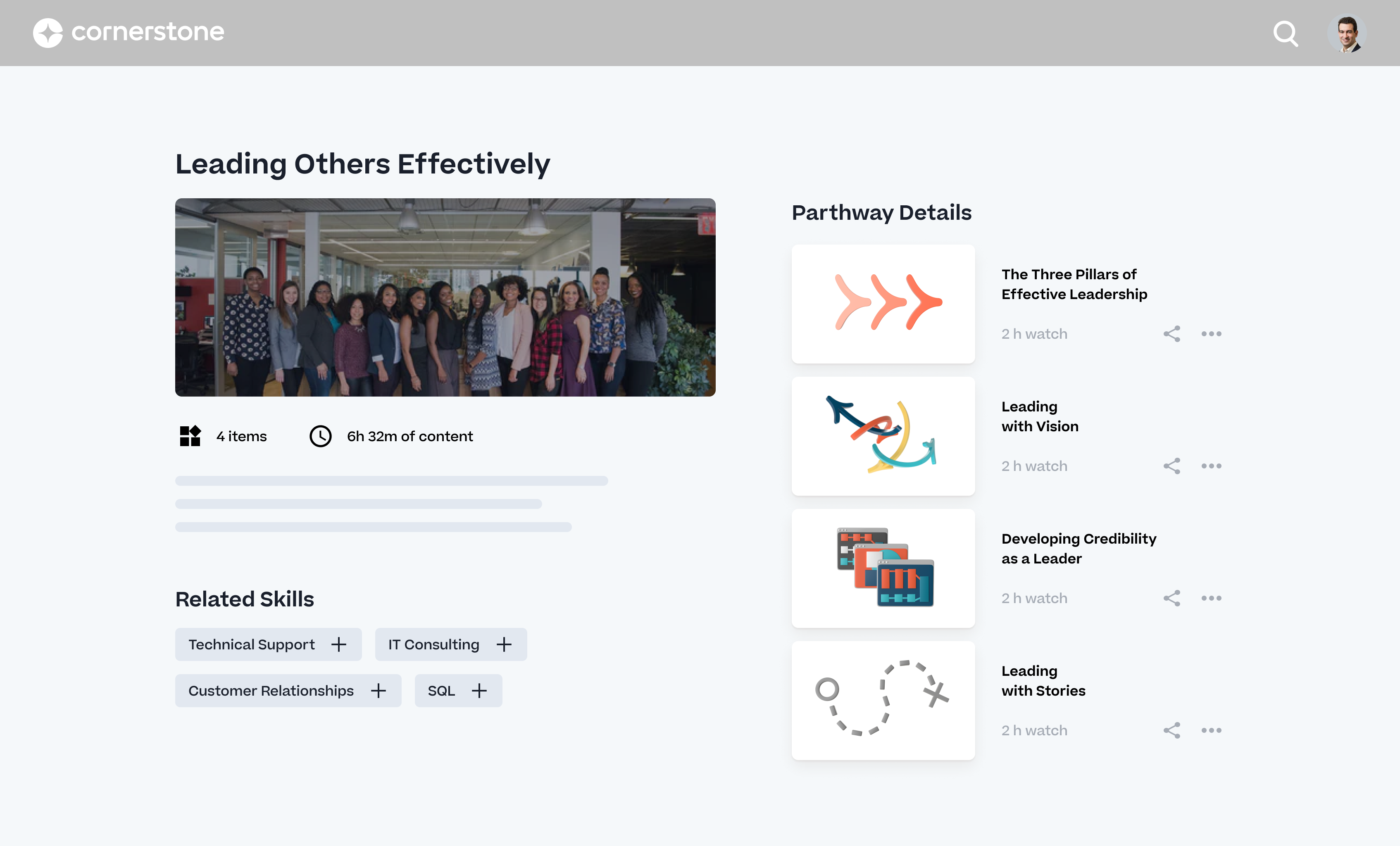
Guide employees through custom learning paths!

Use Cases and Deployment Scope

Cornerstone OnDemand (CSOD) has been a part of our company's success over the last three years and has allowed us to deliver training programs for employees, track employee progress and development, and help to identify high-potential employees. Through CSOD we have been able to create learning pathways for our employees based on their role, starting with the compliancy courses for ann employees and then branching off by each role into our custom-made courses to support them further through their onboarding. CSOD allows us to create curriculums that unlock when an employee has completed the prerequisite and to auto-assign our courses based on the hiring timeline; which are both very useful aspects to help our learning paths be a success.

Pros

  • Integrations with other software programs to save time.
  • Options to add on quality courses created by CornerStone directly to blend the training with your own.
  • Great reporting resources and the ability to send reports and pull dashboards to be on top of course relevance and completion.

Cons

  • Overall the system takes time to become an expert in.
  • Employees need training on how to use the platform as there are a lot of "clicks" to accomplish what they want in the interface (for example, withdrawing from a training).
  • When the platform is not working properly, it requires a lot of time to have support from CSOD.

Return on Investment

  • Time and cost savings when moving from print to digital.
  • Increased learning engagement through our live and virtual sessions.
  • Creating custom certificates that are automatically awarded when the employee meets the requirement.

Alternatives Considered

Adobe Learning Manager and 360Learning

Other Software Used

Microsoft 365, Adobe Acrobat

Best in class, but opportunities remain

Use Cases and Deployment Scope

As a medical device company, we are highly regulated. We must keep training records for all employee training that relates to their performing their job duties and tasks. Historically our company used different learning management systems in different product areas as these likely came with an acquisition of that area in the past. In 2018 our company set on a mission to steamline our organization to a single LMS. After a thorough analysis of the leading LMS vendors, Cornerstone OnDemand came out on top due to its ability to meet the compliance needs of a regulated company such as ours, in a way no other vendor could. Implementation has been challenging as we are not only learning a new system but also changing the way we operate by bringing onboard areas long left on their own. So some unique ways of working have been challenging to solve with the system as customization is not possible as some ancient 'on premise' solutions used to offer. However, we still feel Cornerstone OnDemand is the best tool on the market for us.

Pros

  • Keeping training records
  • Keeping audit trails
  • Maintaining quality validation documentation about the system
  • Robust reporting capabilities

Cons

  • Back end functions are complex and unforgiving; takes us 1 month to train a new administrator properly due to the complexity of the system.
  • The navigation and user experience are not modern or easy to use out of the box. It requires a significant investment with partner firms to configure the UX.
  • Certain modules (i.e. certifications) remain in an old UI that does not match the user experience on other parts of the platform.

Return on Investment

  • While we have saved the company overall, the costs for the many previous LMS were spread across the business. Now centralized it draws negative budget attention for the significant spend to have a single LMS against one departments budget.
  • The continued investment to improve usability has been nearly double the licensing costs themselves. You do not get everything you need from Cornerstone OnDemand, but need to enlist partner companies to deliver your configuration needs.

Usability

Alternatives Considered

SAP SuccessFactors HCM, FLOWSPARKS, LinkedIn Learning (Lynda.com) and Docebo Learning Platform

Other Software Used

LinkedIn Learning (Lynda.com)

Learn with Cornerstone Galaxy

Use Cases and Deployment Scope

We use Cornerstone Galaxy as our main LMS (learning management system) throughout all our businesses.

We did years ago use Cornerstone Galaxy for Performance as well for one of our business lines

Pros

  • Easy to navigate
  • Easy to setup
  • Easy to system administer

Cons

  • Continue expanding other areas other than the LMS (learning management system)
  • Continue giving more ability to system users so they can depend less on support

Return on Investment

  • Easy to report
  • One place for all learning & development needs

Usability

Other Software Used

Workday Talent Management, Kahuna

A solid LMS that can be customized with great customer support and community.

Use Cases and Deployment Scope

We use it primarily as our LMS. It helped us automate training assignments, better track completion rates, and easily distribute eLearning tailored to our needs. Having it sync with our HRIS means we are no longer missing employees who have started or left the company. Additionally, it has empowered our employees to learn on their own.

Pros

  • Solid support system and resources.
  • Regular updates.
  • Great community, and community engagement, including regional user groups and virtual user groups.
  • Certifications and training.

Cons

  • Some areas of the system aren't user-friendly (Certifications) and haven't been updated in far too long.
  • While new features are added, they always seem to come at an additional cost, which can be frustrating on a tight budget.
  • Security has a lot of layers and can be complex to set up.
  • The Mobile app is still lacking, for example employees cannot use it to register for ILT.

Return on Investment

  • Increase in completion of courses thanks to better tracking.
  • Ability to deliver eLearning courses and distribute videos.
  • Compliance training completion from 40% first year of LMS to 96% in 2025.

Usability

Alternatives Considered

Workday Learning

Other Software Used

Workday Workforce Management

If you need strong reporting, you need Cornerstone OnDemand!

Use Cases and Deployment Scope

We use the Cornerstone LMS and LXP learning products. We were looking to shift from a culture of "push" learning to a culture of "intelligent pull" learning. Using Cornerstone Galaxy allows a centralized location for employees to have access to thousands of courses tailored to their interests and goals, while still having their necessary compliance training easily accessible for timely completions.

Pros

  • Ability to provide multiple customizable access roles from general end user to full system admin and anything in between
  • Powerful reporting system in the LMS to track a plethora of data points within the platform (user data, training information, transcript information)
  • Great options to customize the look and feel of your "home page" to best meet your company's needs and goals.
  • Ability to customize the transcript view for learners (i.e. when Completed training will move to their Archived transcript, what to do with Inactive training on transcripts)

Cons

  • Versioning a course/curriculum in the LMS and then passing the new version from the LMS to the LXP has been confusing. We struggle to ensure that everyone who needs the new version receives it, while those who already completed it can still see their completion.
  • The Analytics Plus reporting feature in the LXP does not provide detailed information. For example, only content that has been interacted with will show on a report. We would like to get a report of ALL content - regardless of whether or not anyone has interacted with it. In fact, it would be helpful to report on content that nobody has looked at.
  • Although they have improved greatly in the last year, the notes provided for the product releases are sometimes missing vital information about functionality.

Return on Investment

  • Robust reporting allows managers to stay on top of training and lower the number of past due training assignments.
  • Customizable email notifications allow administrators to send targeted reminder emails for compliance training, ensuring on-time completions and lowering the number of access removals due to incomplete training.

Usability

Other Software Used

Microsoft Teams, EdCast (discontinued), Microsoft 365 Copilot