
Automate.io vs. Zoho Flow
Automate.io vs. Zoho Flow
| Product | Rating | Most Used By | Product Summary | Starting Price |
|---|---|---|---|---|
 Automate.io | N/A | Automate.io is an application integration platform with a codeless, drag-and-drop interface. Automate.io provides integrations for over 100 popular business apps. | $0 | |
 Zoho Flow | N/A | Zoho Flow allows the user to integrate business apps to automate a workflow. | $29 per month (for 5k tasks per month) |
| Automate.io | Zoho Flow | |||||||||||||||
|---|---|---|---|---|---|---|---|---|---|---|---|---|---|---|---|---|
| Editions & Modules |
|
| ||||||||||||||
| Offerings |
| |||||||||||||||
| Entry-level Setup Fee | No setup fee | Optional | ||||||||||||||
| Additional Details | — | Discount available for annual pricing. Higher monthly task volume available. | ||||||||||||||
| More Pricing Information | ||||||||||||||||
| Automate.io | Zoho Flow |
|---|
| Automate.io | Zoho Flow | |||||||||||||||||||||
|---|---|---|---|---|---|---|---|---|---|---|---|---|---|---|---|---|---|---|---|---|---|---|
| Cloud Data Integration |
|
| Automate.io | Zoho Flow | |
|---|---|---|
| Small Businesses |  Make Score 9.3 out of 10 | Make Score 9.3 out of 10 |
| Medium-sized Companies |  IBM App Connect Score 9.0 out of 10 | IBM App Connect Score 9.0 out of 10 |
| Enterprises | IBM App Connect Score 9.0 out of 10 | IBM App Connect Score 9.0 out of 10 |
| All Alternatives | View all alternatives | View all alternatives |
| Automate.io | Zoho Flow | |
|---|---|---|
| Likelihood to Recommend | 9.6 (8 ratings) | 10.0 (2 ratings) |
| Likelihood to Renew | 10.0 (1 ratings) | - (0 ratings) |
| Usability | 10.0 (1 ratings) | 9.0 (1 ratings) |
| Support Rating | 9.4 (6 ratings) | 10.0 (1 ratings) |
| Implementation Rating | 10.0 (1 ratings) | - (0 ratings) |
| Automate.io | Zoho Flow | |
|---|---|---|
| Likelihood to Recommend | Automate.io
| Zoho
|
| Pros | Automate.io
| Zoho
|
| Cons | Automate.io
| Zoho
|
| Likelihood to Renew | Automate.io
 Dutch Dekkers CEO (Chief Executive Officer) | Zoho No answers on this topic |
| Usability | Automate.io
Dutch Dekkers CEO (Chief Executive Officer) | Zoho
|
| Support Rating | Automate.io
| Zoho
|
| Implementation Rating | Automate.io
Dutch Dekkers CEO (Chief Executive Officer) | Zoho No answers on this topic |
| Alternatives Considered | Automate.io | Zoho |
| Return on Investment | Automate.io
| Zoho
|
| ScreenShots | Automate.io Screenshots 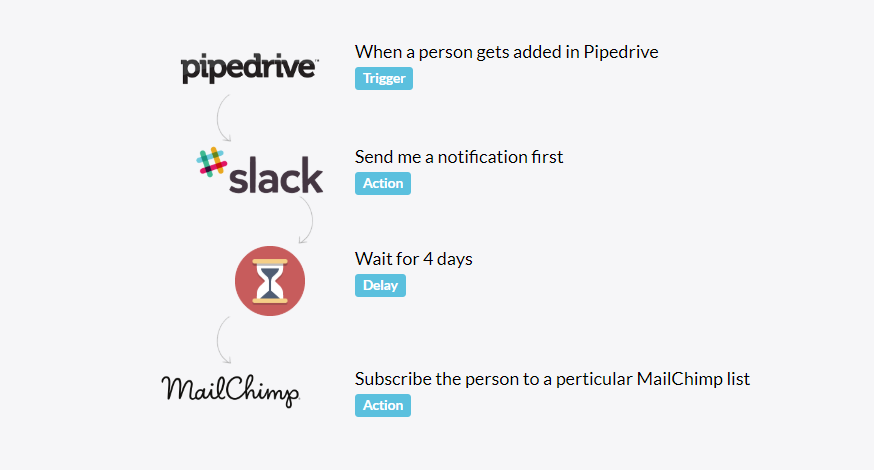 | Zoho Flow Screenshots 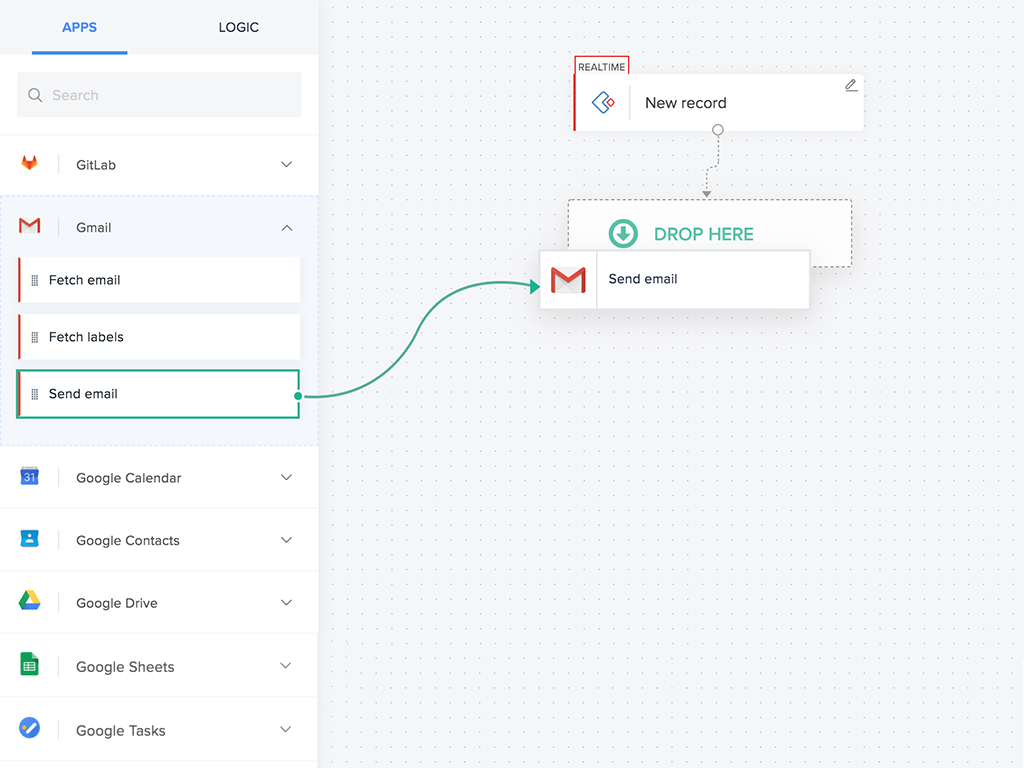  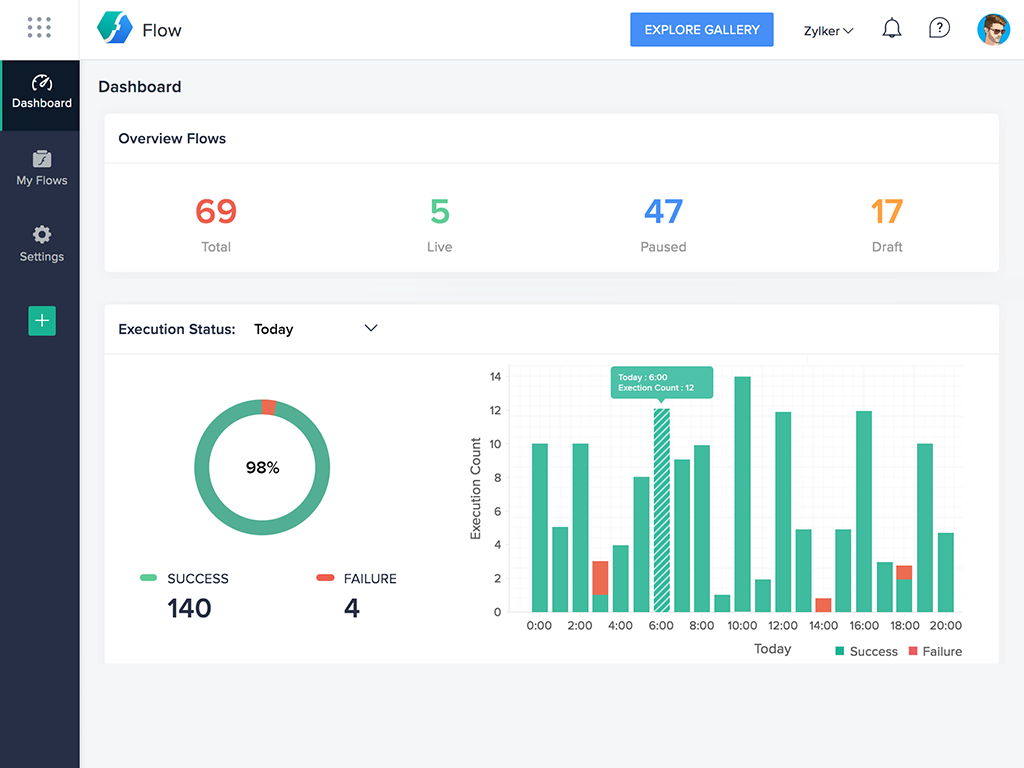 |